SendShort
The best tool for making quality short with incredible speed.
What is SendShort?
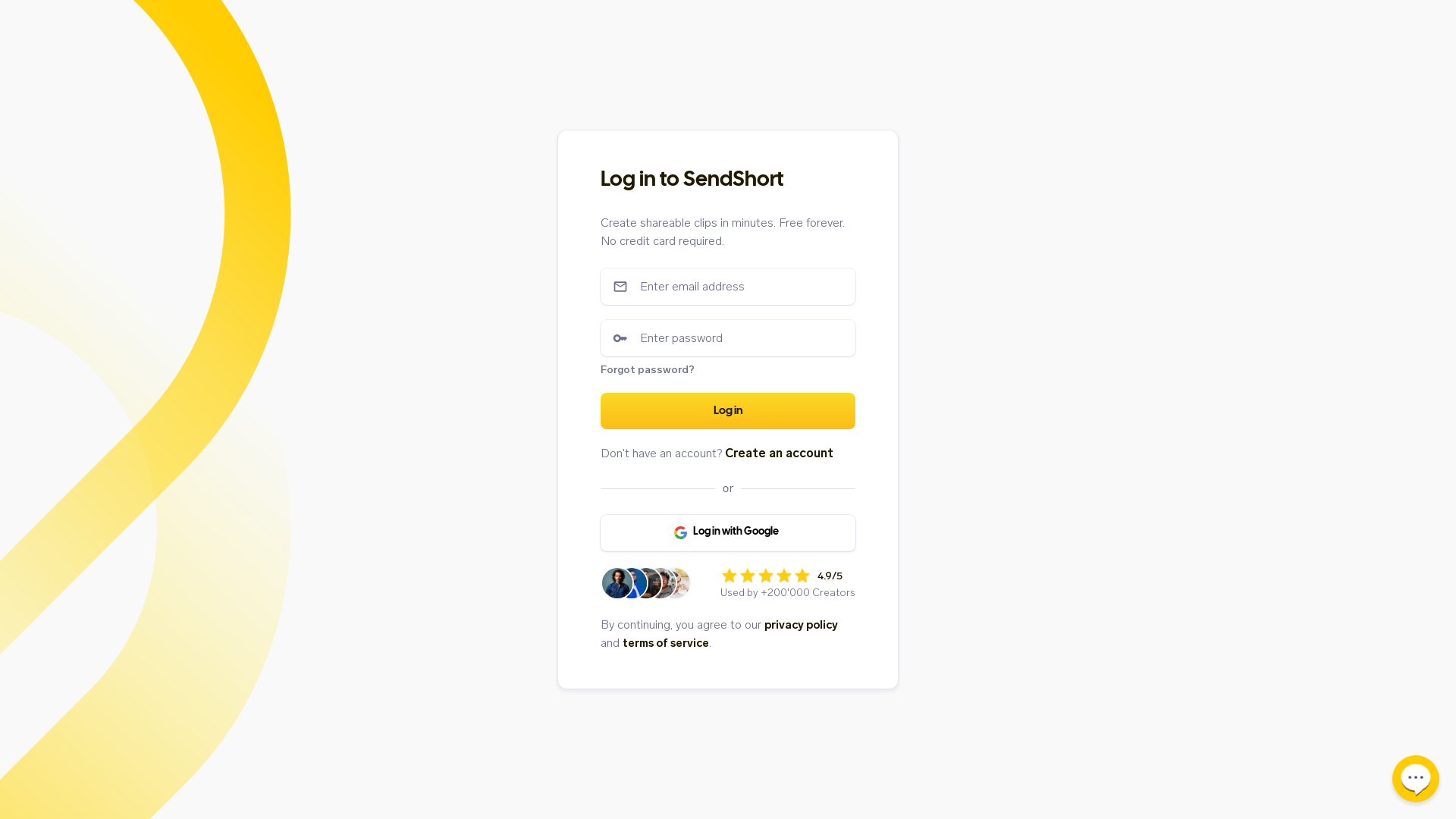
SendShort is a user-friendly platform designed for creators to craft shareable video clips in a matter of minutes. The service emphasizes simplicity and accessibility, making it free forever without requiring a credit card to start.
What are the main features of SendShort?
- Create Video Clips Quickly
- Users can easily produce engaging video clips within minutes.
- No Cost
- SendShort offers its services for free, ensuring creators don’t have to worry about additional expenses.
- User-Friendly Interface
- Designed for ease of use, making it accessible for creators of all skill levels.
- Privacy and Security
- Users can trust that their personal data is protected under robust privacy policies.
How to use SendShort?
Getting started with SendShort is straightforward. Users need to create an account to begin crafting video clips. Alternatively, users can log in using their Google account for quicker access. Once inside, the intuitive interface guides users through the process of clip creation, enhancing productivity and creativity.
What is the pricing structure for SendShort?
SendShort is completely free to use, offering all its features without any hidden fees or subscription costs. Users can create and share as many clips as needed without any financial commitment, making it an ideal tool for creators at all levels.
Helpful Tips
- Explore Templates
- Take advantage of pre-designed templates to save time when creating clips.
- Utilize Video Editing Tools
- Familiarize yourself with the editing features to enhance the quality of your clips.
- Share & Collaborate
- Use SendShort’s sharing capabilities to collaborate with fellow creators easily.
- Stay Updated
- Keep an eye on new features and updates that might make your creation process even easier.
Frequently Asked Questions
Can I use SendShort without creating an account?
No, users need to create an account or log in via Google to start making clips.
Is there a limit on how many clips I can create?
No, there is no limit; you can create as many video clips as you wish for free.
What if I forget my password?
If you forget your password, you can easily reset it by following the "Forgot password?" link during the login process.
Is my information safe with SendShort?
Absolutely, SendShort prioritizes user privacy and security, following strict policies to protect your information.
SendShort
The best tool for making quality short with incredible speed.
 Google Tag Manager
 Next.js
 Node.js
 React
React Vercel
 Webpack
Free AI anime and manga generator. Turn text into anime episodes, manga, comics, webtoons and comic shorts in any art style — no drawing or animation skills needed.
Translate image text across 70+ languages with our advanced AI Image Translator to help you better expand your products globally to various countries
Advertised Here
Reach thousands of visitors daily. Get your spot now!
Tools similar to SendShort
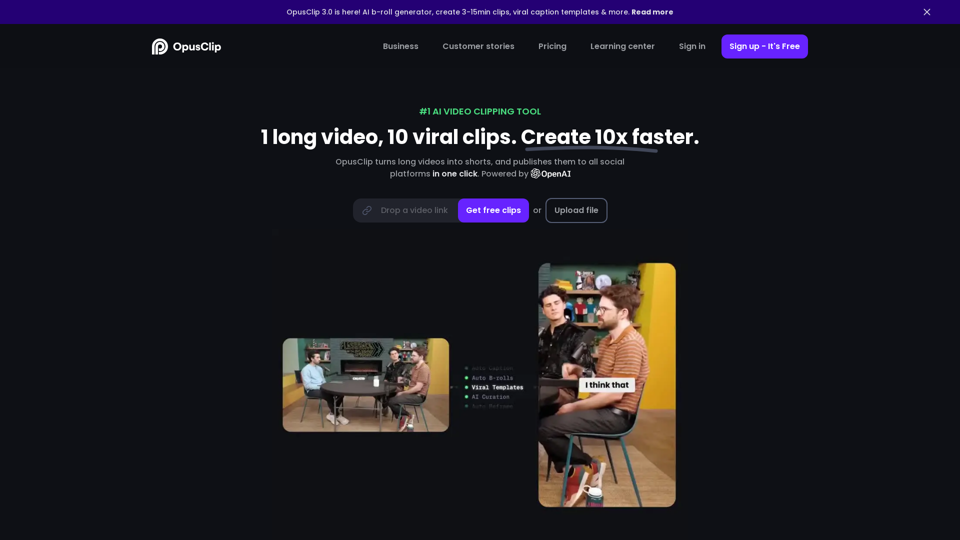
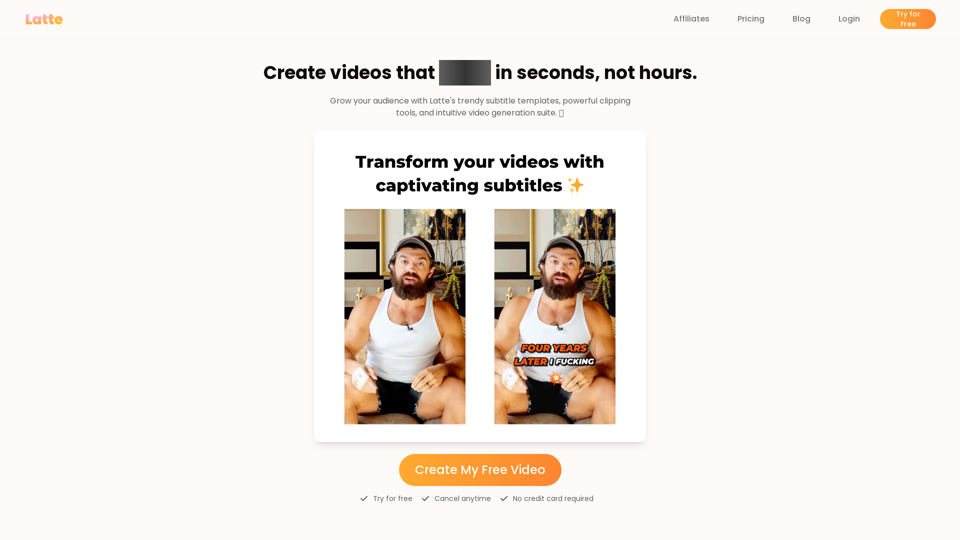
Latte Social is an AI video editor for creators and businesses to create engaging short form videos. Animated subtitles in over 20 styles, one-click viral clips, and text-to-video generation. Start your free trial.
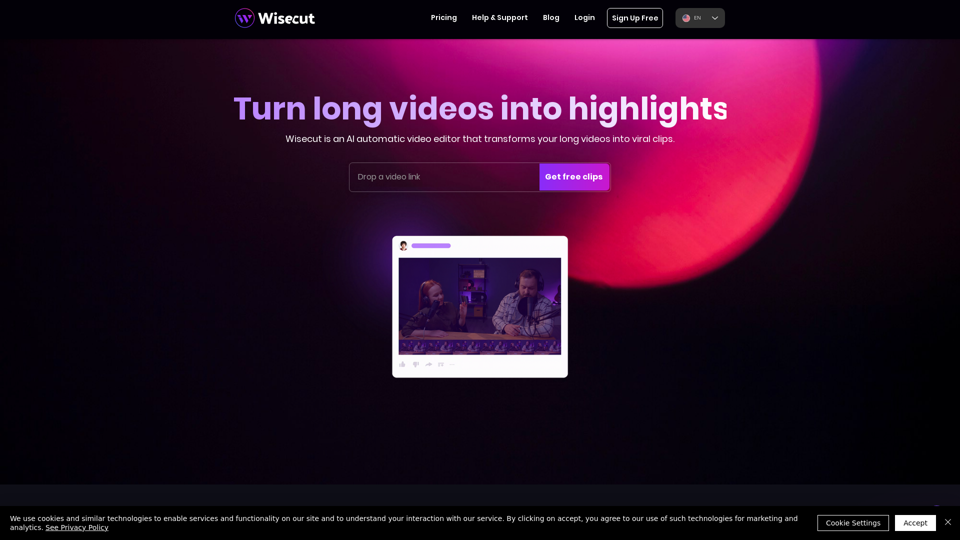
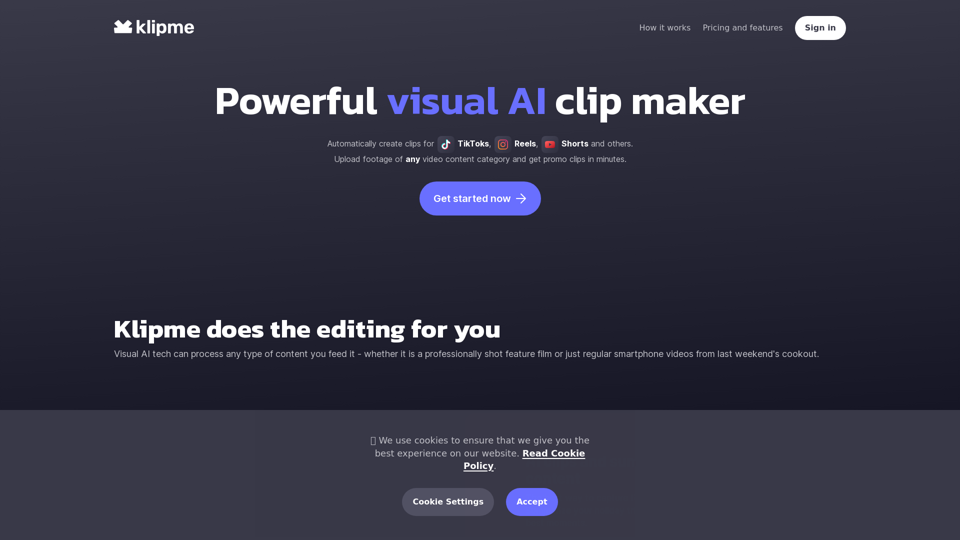
Leverage the power of Visual AI technology to create promotional clips and summary reels from your footage. Put all the content from your camera roll to good use.
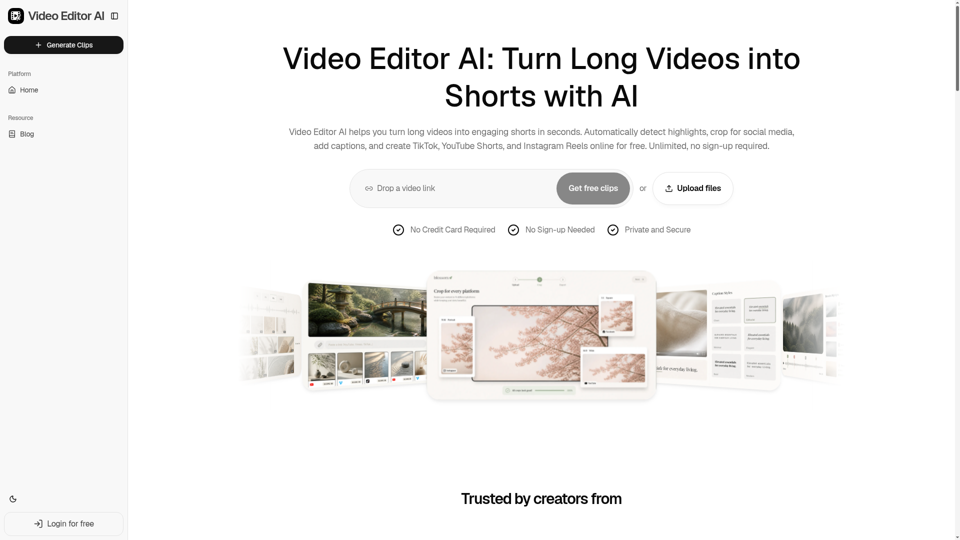
Video Editor AI helps you turn long videos into engaging shorts in seconds. Automatically detect highlights, crop for social media, add captions, and create TikTok, YouTube Shorts, and Instagram Reels online for free. Unlimited, no sign-up required.