Arrea is the AR App for your iPhone
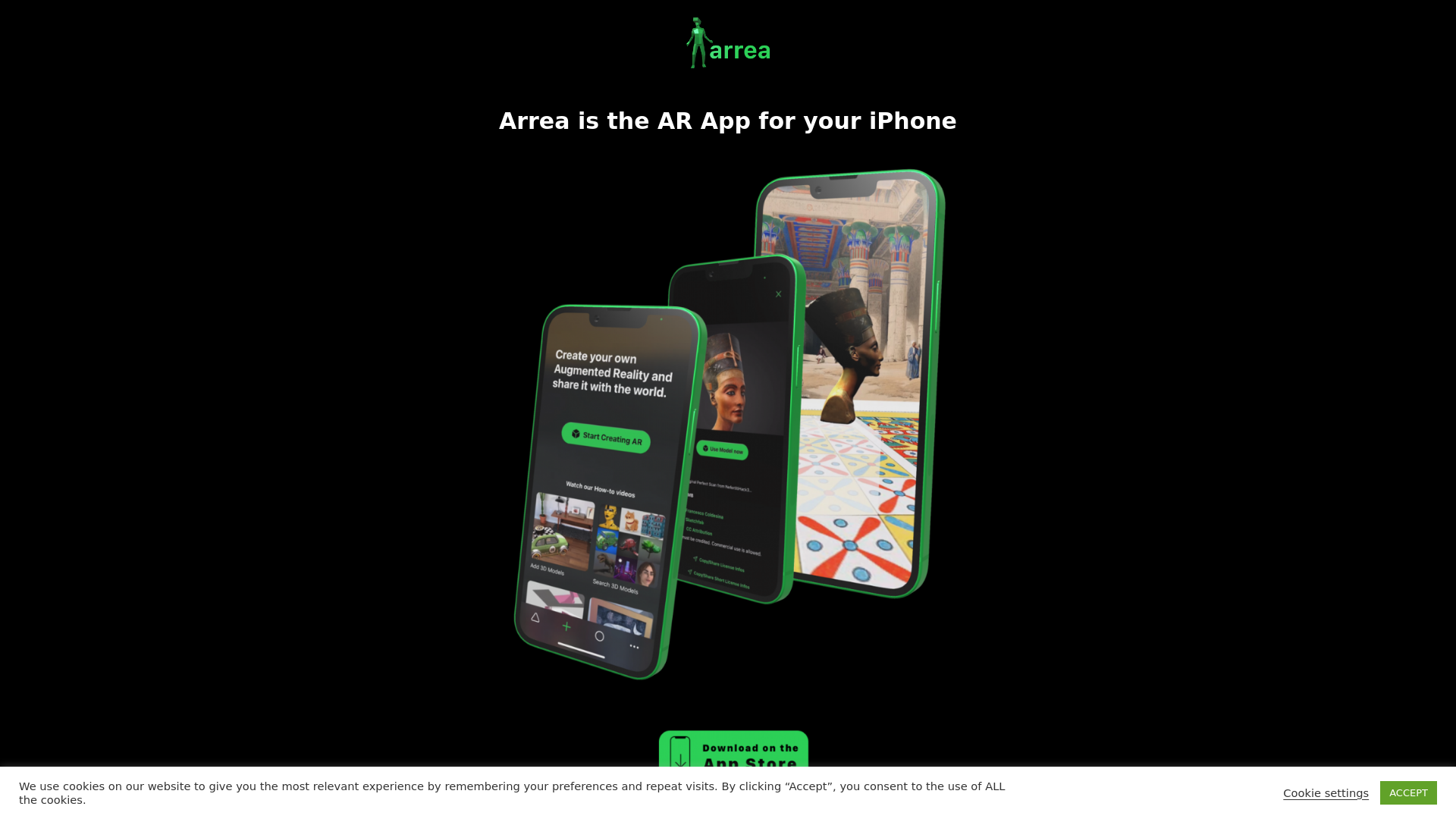
Arrea is the AR App for your iPhone Explore Explore Augmented Reality wherever you are and walk into worlds full of creativity. Join us building quality AR for art, science, education and fun. Create A simple but powerful AR Editor on your iPhone to create your own AR exhibitions, galleries, virtual video studios or any
What is Arrea?
Arrea is an innovative Augmented Reality (AR) app designed specifically for iPhone users. It allows you to immerse yourself in creative worlds, making AR accessible for art, education, science, and entertainment. With Arrea, you can explore, create, and publish your own AR experiences directly from your device.
What are the main features of Arrea?
- Real-time AR Editor
- Create and manipulate AR content effortlessly on your iPhone.
- Diverse 3D Models
- Access over 600,000 3D models through Sketchfab integration.
- Custom Arrangements
- Add and arrange 3D models to build your own AR exhibitions or fantasy worlds.
- Media Integration
- Import images and videos from your media library or tap into 1.9 million free stock materials.
- Recording AR Videos
- Capture your AR creations in video format.
- Bluescreen Functionality
- Utilize people occlusion for more realistic AR experiences.
- Light and Shadow Settings
- Customize lighting effects within your AR environments.
- Publishing Options
- Save your creations to the AR Cloud and share them with friends or the wider community.
How to use Arrea?
Using Arrea is straightforward:
- Download the App
- Get Arrea from the App Store.
- Explore AR Worlds
- Walk through curated AR environments such as historical exhibitions or interactive art displays.
- Create Your Own Content
- Use the real-time editor to design and build your AR projects.
- Publish and Share
- Save your work to the AR Cloud and share it easily with others, or export it to Sketchfab.
How much does Arrea cost?
Arrea is free to download, with in-app features that may require a subscription for enhanced functionality. Details about pricing or limitations can be typically found within the app or on the official website.
Helpful Tips
- Experiment with 3D Models
- Take your time to explore the extensive library of models to find the best fit for your projects.
- Utilize Tutorials
- Check the app for tutorials to optimize your use of features.
- Join AR Communities
- Participate in forums or social media groups related to AR for inspiration and support.
Frequently Asked Questions
Can I export my AR creations?
Yes, you can export your AR creations to Sketchfab for broader exposure or share them directly through the AR Cloud.
Is Arrea suitable for educational purposes?
Absolutely! Arrea is designed for various fields, including education, making it a fantastic tool for teachers and students alike.
Do I need prior experience to use Arrea?
No prior experience is necessary. The app is designed to be user-friendly, making it accessible to beginners and experienced users alike.
What devices are compatible with Arrea?
Arrea is optimized for iPhone, so ensure your device is compatible by checking the app requirements on the App Store.
Can I collaborate with others in Arrea?
Yes, you can create and share your AR worlds with friends and family, making it a collaborative experience!
Arrea is the AR App for your iPhone
Arrea is the AR App for your iPhone Explore Explore Augmented Reality wherever you are and walk into worlds full of creativity. Join us building quality AR for art, science, education and fun. Create A simple but powerful AR Editor on your iPhone to create your own AR exhibitions, galleries, virtual video studios or any
 All in One SEO:4.2.6.1
 Apache HTTP Server
 Contact Form 7:5.6.3
 CookieYes:3.0.3
 Infinite Scroll:6.0.11
 Lightbox
 MySQL
MySQL PHP:8.1.34
 Responsive Lightbox & Gallery:2.4.1
 Twenty Twenty-One
 Underscore.js:1.13.3
 jQuery
Free AI anime and manga generator. Turn text into anime episodes, manga, comics, webtoons and comic shorts in any art style — no drawing or animation skills needed.
Translate image text across 70+ languages with our advanced AI Image Translator to help you better expand your products globally to various countries
Advertised Here
Reach thousands of visitors daily. Get your spot now!
Tools similar to Arrea is the AR App for your iPhone
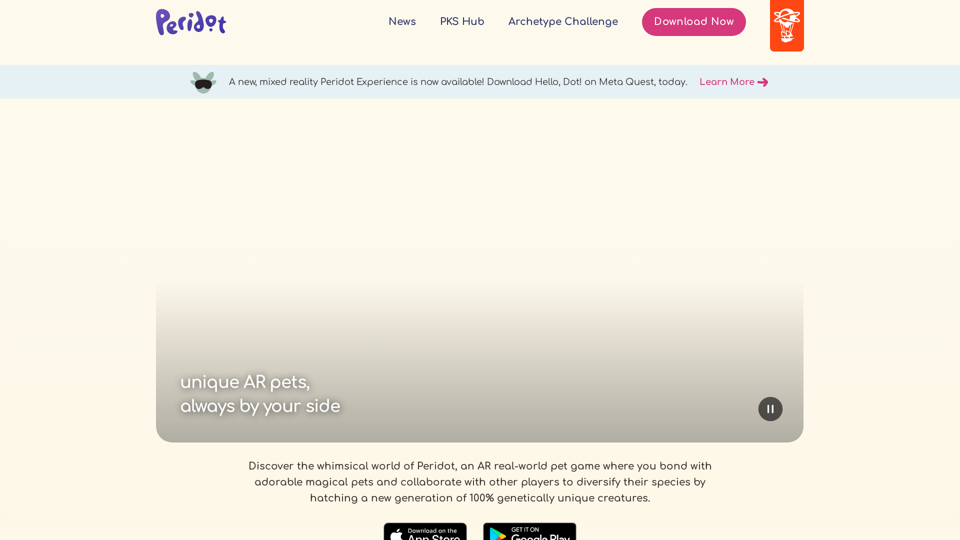
Peridot is an AR real-world mobile pet game where you bond with your magical pet and work with other players to hatch a new generation of 100% genetically unique creatures.
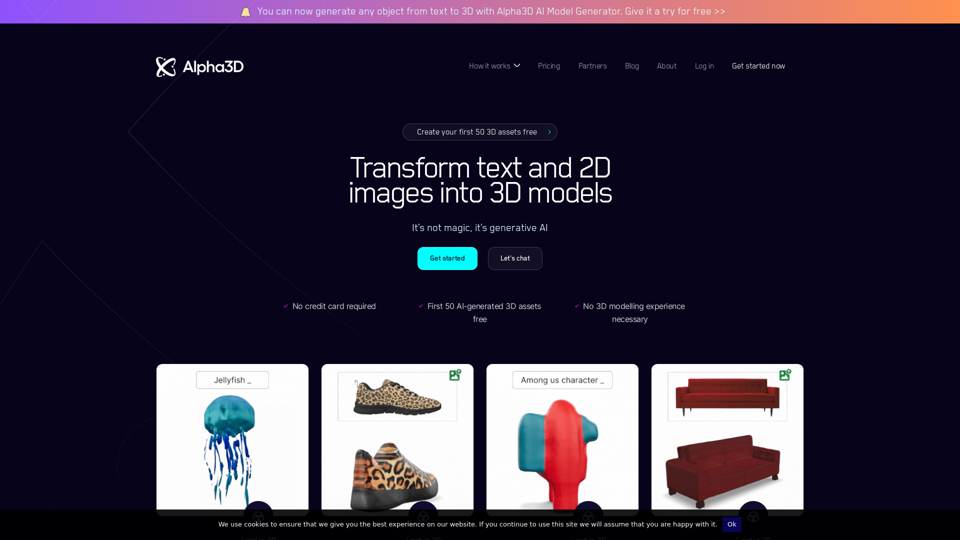
Alpha3D - AI-powered platform that helps you transform 2D images into 3D assets at scale.
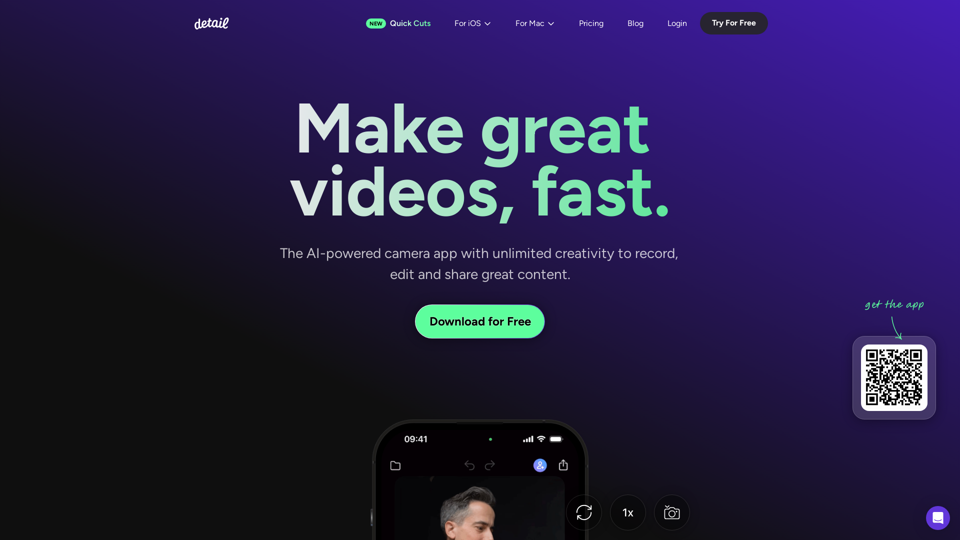
Record and edit videos with Detail for iOS and macOS. Everything you need to create videos and podcasts, fast. Download for free on the App Store.
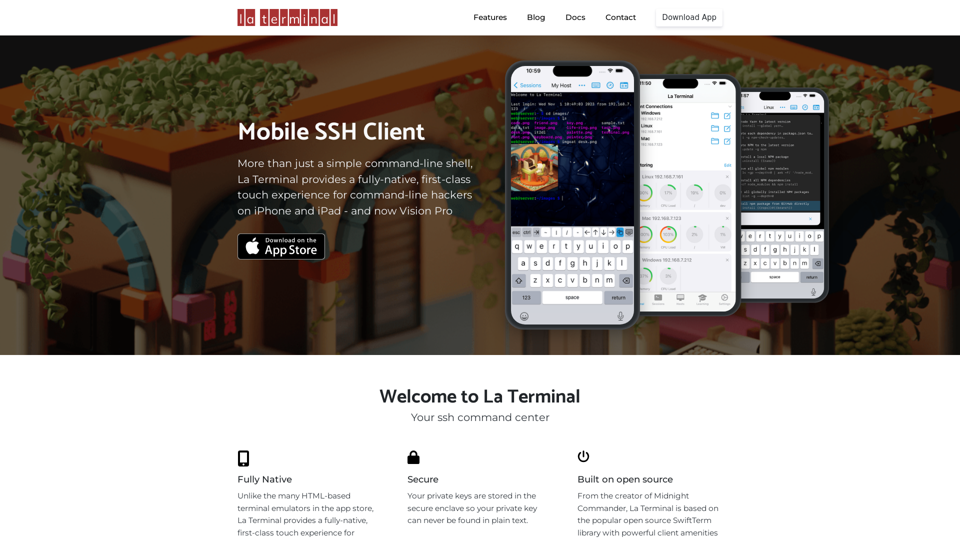
More than just a simple command-line shell, La Terminal provides a fully-native, first-class touch experience for command-line hackers on iPhone and iPad.

Design clothes, generate AI model photos, run virtual try-ons, and create fashion videos — all in one platform. Used by fashion brands and designers worldwide.