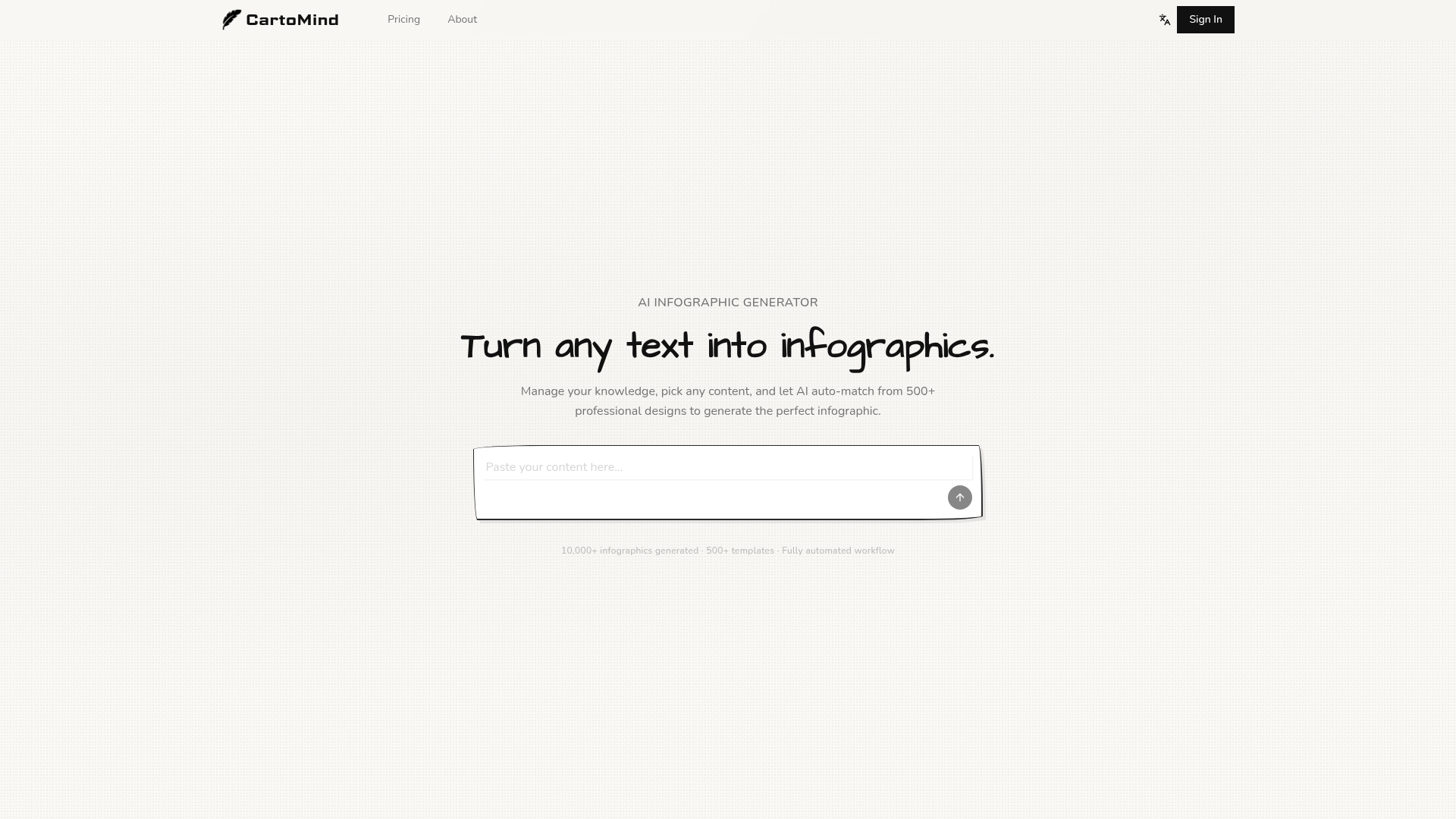
What is CartoMind and How Does it Work?
CartoMind is a sophisticated AI infographic generator designed to transform any text-based content into visually compelling, professional infographics instantly. It moves beyond simple prompt-based tools by allowing you to manage your knowledge, select specific content fragments, and leverage AI to auto-match from over 500 professional design templates. The platform is built for anyone needing to communicate complex ideas clearly—from marketers and educators to consultants and social media creators. By uploading documents, pasting articles, or typing ideas, CartoMind's AI analyzes the content structure, extracts key points, and automatically recommends the most suitable visual style and layout, handling everything from typography to color palettes. It essentially removes the design bottleneck, enabling you to generate a share-ready, high-resolution infographic in just four simple steps.
Key Features of the CartoMind AI Infographic Generator
CartoMind stands out with a suite of powerful features designed for efficiency and creative control.
- Smart Knowledge Management & Instant Visualization
- Unlike tools that require you to start from scratch each time, CartoMind lets you build a personal knowledge base. You can upload documents in multiple formats (PDFs, docs) or paste text. The AI auto-parses and structures this content, allowing you to organize notes and highlights over time. You can then select any fragment from your accumulated knowledge library and generate an infographic with a single click.
- AI-Powered, Content-Aware Design
- The core intelligence of CartoMind lies in its ability to understand your content, not just follow a prompt. The AI analyzes whether your text is a comparison, a process, a timeline, or a data summary, and automatically selects the appropriate visual structure from a library of 500+ professional design combinations. This includes layout, style, color schemes, and iconography, ensuring the design authentically matches the message.
- Infinite Creative Canvas & Advanced Editing
- Generation is just the beginning. CartoMind provides an infinite canvas where you can freely arrange, resize, and refine every element of your infographic after it's created. For social media, you can use the built-in shareable visual card editor to optimize any infographic for different platforms in one click.
- Global Language Support & High-Resolution Export
- The AI automatically detects and adapts to multiple languages, including English, Chinese, and Japanese, adjusting typography and layout accordingly. All infographics can be exported as high-resolution images, ready for professional presentations, blogs, reports, or social media sharing.
How to Use the CartoMind AI Infographic Generator
Creating a stunning infographic with CartoMind is a streamlined, four-step process.
- Add Your Content: Start by pasting an article, uploading a document (PDF, Word), or typing your ideas directly into the platform. Any form of text works as input.
- AI Organizes & Analyzes: CartoMind's AI automatically reads your content, extracts the key points, identifies the core structure (e.g., process, list, comparison), and recommends the best visual style and template for your specific topic.
- Generate & Refine: With one click, generate your initial infographic in seconds. Then, use the infinite canvas and editing tools to adjust layouts, change colors, modify text, or swap icons until the design looks exactly right.
- Share or Download: Once satisfied, export your infographic as a high-resolution PNG or JPG file. You can also instantly create a shareable social media card optimized for platforms like Instagram, LinkedIn, or Twitter.
CartoMind Pricing and Plans
CartoMind offers a free tier to get you started, allowing you to experience the core AI generation capabilities. For users who need more advanced features, higher volume, or commercial use, affordable subscription plans are available. These typically include benefits like increased generation limits, access to premium templates, priority support, and the ability to remove watermarks for professional use. Specific pricing details can be found on the CartoMind website.
Helpful Tips for Maximizing Your CartoMind Experience
- Leverage Your Knowledge Base
- Don't just use CartoMind for one-off projects. Regularly upload reports, articles, and notes to build a rich library. This allows you to quickly visualize different pieces of your expertise over time.
- Experiment with Templates
- Even though the AI auto-matches the best design, feel free to browse the vast template library (from Flat Design and Isometric to Hand-Drawn Sketch and Bento box grids) to inspire different visual approaches for your content.
- Utilize the Infinite Canvas
- After generation, take full advantage of the editing canvas. Rearrange sections, emphasize key data points with larger fonts, or add subtle annotations to enhance clarity and impact.
- Optimize for the Platform
- Use the "shareable visual card" feature when creating content for social media. It automatically formats your infographic to the ideal dimensions and style for each platform, increasing engagement.
Frequently Asked Questions (FAQs)
What types of infographics can the AI infographic generator create?
CartoMind's AI is trained to handle a wide variety of infographic types, including but not limited to process flows, timelines, comparative lists, data summaries, hierarchical charts, and informational explainers. The 500+ template categories cover styles like step-by-step whiteboards, flowcharts, bento grids, and vintage designs, ensuring a fit for almost any topic.
How is CartoMind different from other AI infographic or design tools?
CartoMind is uniquely built around ### knowledge management first. Instead of being a purely prompt-driven image generator, it allows you to store, organize, and select from your own content library. Its AI is ### content-aware, meaning it analyzes your actual text to determine structure and intent, rather than relying solely on your descriptive prompt. This leads to more accurate and contextually appropriate visualizations.
Do I need design skills to use CartoMind?
No design skills are required. The AI handles all complex design decisions—layout, color pairing, typography, and icon selection. The intuitive editing canvas then allows for easy customization without needing professional design software knowledge.
Is CartoMind free to use?
Yes, CartoMind offers a free plan that lets users explore the AI infographic generation functionality. For advanced features, higher usage limits, and commercial licensing, paid subscription plans are available.
Can I use the infographics I create commercially?
Infographics created on the free plan may include a CartoMind watermark. To use your infographics for commercial purposes (e.g., in client reports, marketed products, or paid advertising), you will typically need a paid subscription that grants a commercial license and allows for watermark-free exports. Always check the specific terms of your plan.
Free AI Infographic Generator Online
Turn any idea into a professional infographic in seconds. CartoMind's free AI infographic generator handles layout, typography, and design. Try free!
 Cloudflare
 HTTP/3
 Next.js
 Node.js
 React
React Webpack
Free AI anime and manga generator. Turn text into anime episodes, manga, comics, webtoons and comic shorts in any art style — no drawing or animation skills needed.
Translate image text across 70+ languages with our advanced AI Image Translator to help you better expand your products globally to various countries
Advertised Here
Reach thousands of visitors daily. Get your spot now!
Tools similar to Free AI Infographic Generator Online
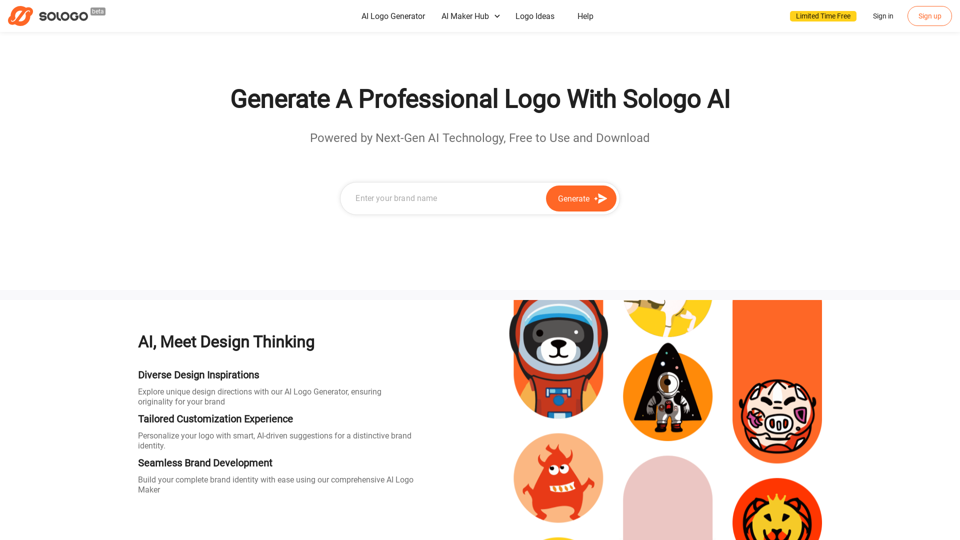
Make professional logos and brand kits design in seconds with SologoAI's free Native AI logo generator. 100% free to create and download without watermarks. Try it now!
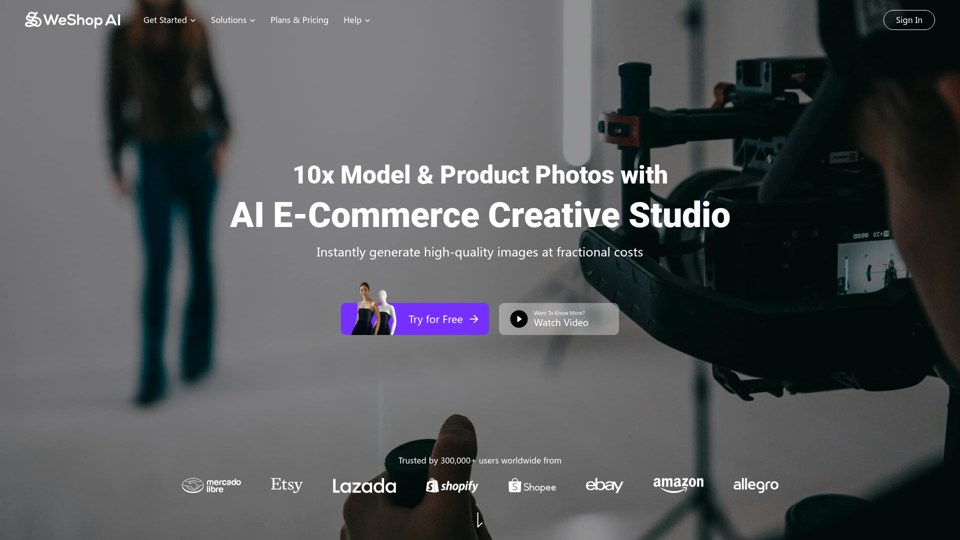
WeShop AI is your ultimate solution for AI-powered e-commerce image. AI models and photo shooting without constraints. Transform one image to multiple assets 10x faster at fractional costs.
Torch your site's flaws. Blaze a trail to triumph. AI-driven roasting of your site or landing page. Insights that skyrocket conversions and UX!
Logojoy is now Looka! Design a Logo, make a website, and create a Brand Identity you’ll love with the power of Artificial Intelligence. 100% free to use.