PhotoCraft
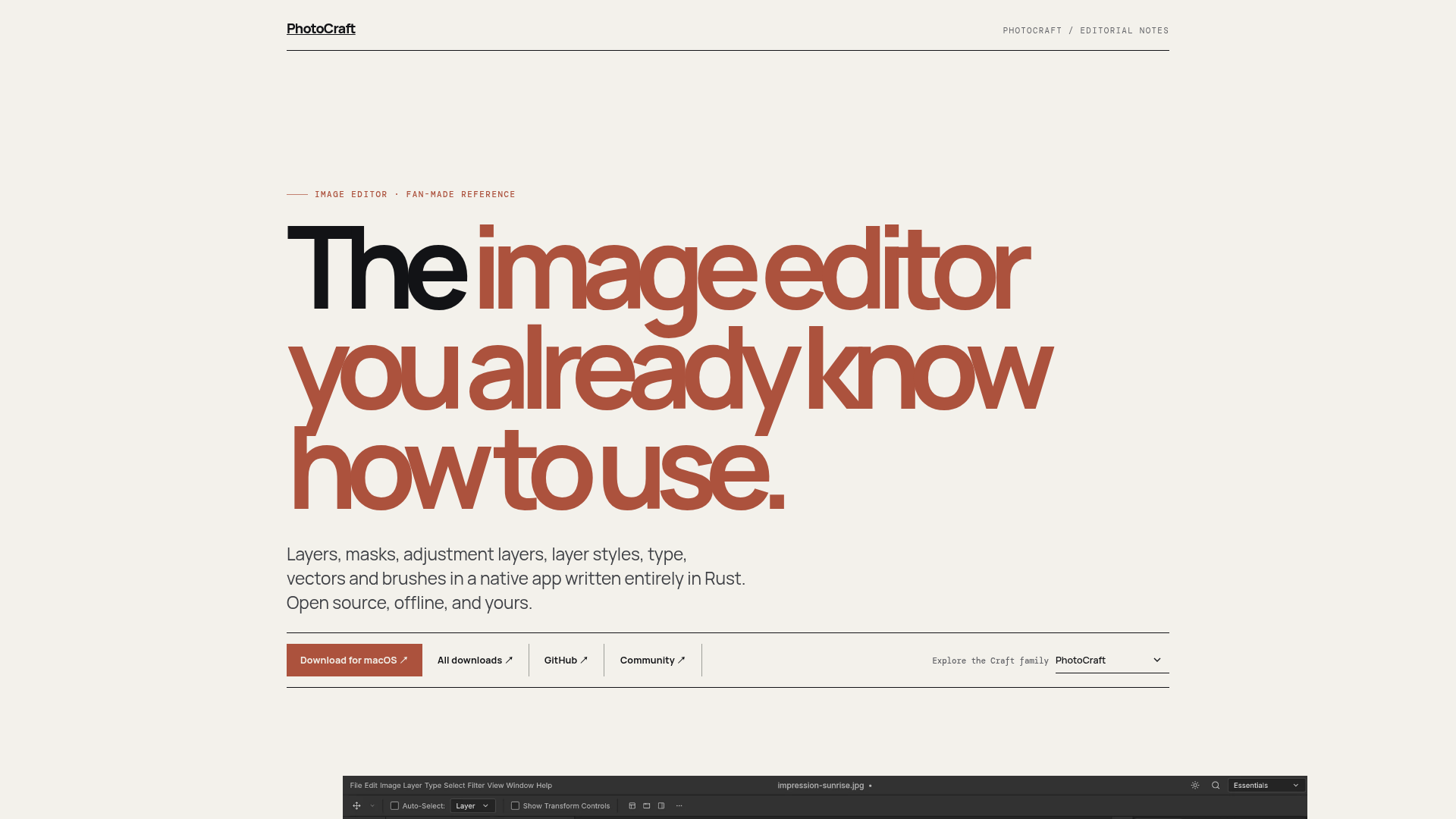
An independent, fan-made reference for PhotoCraft: Layers, masks, adjustment layers, layer styles, type, vectors and brushes in a native app written entirely in Rust. Open source, offline, and yours.
What is PhotoCraft?
PhotoCraft is an open-source, native, and offline image editor designed for professional and hobbyist photographers, graphic designers, and digital artists. Conceptualized and developed within the ArtCraft ecosystem, it presents itself as "the image editor you already know how to use," providing a familiar yet powerful toolkit. It is written entirely in Rust for performance and cross-platform compatibility, supporting macOS, Windows, and Linux. At its core, PhotoCraft enables non-destructive editing through layers, masks, and adjustment layers, challenging commercial alternatives by being freely available and community-driven.
What are the main features of PhotoCraft?
PhotoCraft is built around a comprehensive, professional-grade feature set focused on non-destructive workflows and user freedom. Its key features include:
- Professional Editing Tools
- It offers a full suite of features including layers, layer masks, adjustment layers, layer styles (like stroke, shadow, glow), and support for editable vector shapes and type.
- Native Performance & Cross-Platform
- Built from the ground up in Rust, PhotoCraft is a fast, native desktop application available for macOS, Windows, and Linux, ensuring a smooth, offline experience.
- Open Source & Transparent
- Being fully open-source means its code is publicly accessible on GitHub. Users can inspect, contribute, and build the software themselves, guaranteeing transparency and freedom from subscription models or vendor lock-in.
- PSD File Support
- PhotoCraft can open, edit, and save layered Adobe Photoshop (PSD and PSB) files, facilitating collaboration in multi-software workflows.
- Non-Destructive Workflow
- The emphasis on adjustment layers and masks allows users to make complex edits without permanently altering the original image data, offering immense flexibility.
- Part of the ArtCraft Family
- PhotoCraft is one app within a broader suite of creative tools from ArtCraft, including VectorCraft, FilmCraft, and DesignCraft, hinting at a future integrated creative ecosystem.
How to use PhotoCraft?
Using PhotoCraft involves a straightforward process of acquisition, verification, and integration into your workflow:
- Download & Install: Visit the official GitHub repository releases page, select the correct build for your operating system (macOS disk image, Windows installer, or Linux AppImage), download it, and follow the standard installation procedure.
- Read Release Notes: Before relying on it for critical work, always read the latest release notes on GitHub to understand the current feature set, known limitations, and bug fixes for the version you are installing.
- Start Editing: Launch PhotoCraft and begin your project. You can create a new document or open existing image files, including layered PSDs. Utilize the layer panel, masking tools, and adjustment layers to perform edits non-destructively.
- Save & Export: Work is saved in PhotoCraft's native format to preserve layers and edits. You can also export your final image to common formats like JPEG or PNG, or save back to PSD for compatibility.
- Engage with the Community: For help, to ask questions, or to report issues, join the ArtCraft Discord community or use the issue tracker on the project's GitHub repository.
What is the price of PhotoCraft?
PhotoCraft is completely free. As an open-source project, it does not have any purchase price, subscription fees, or in-app purchases. It is developed and maintained by the ArtCraft team and the open-source community. Users are free to download, use, modify, and distribute the software in accordance with its open-source license. This zero-cost model is central to its mission of providing a powerful, accessible alternative to expensive commercial image editing software.
Helpful tips for using PhotoCraft
To ensure a smooth and productive experience with PhotoCraft, follow these practical tips:
- Verify Before You Rely
- Always match the download to your exact OS version and architecture. Keep backups of important original files before editing them in any new software, including PhotoCraft.
- Understand the Scope
- PhotoCraft is a powerful editor focused on raster image manipulation with layers. Check the official documentation and release notes to confirm if specific niche features you need (e.g., advanced brush engines, 3D editing) are currently implemented.
- Leverage Non-Destructive Editing
- Maximize your flexibility by using Adjustment Layers for color corrections and filters, and Layer Masks for compositing and blending. This allows you to tweak or revert changes at any time.
- Use the Community
- The Discord server and GitHub issues are valuable resources. Searching or asking there can quickly provide solutions to common problems or workflow questions.
- Explore the ArtCraft Ecosystem
- If your work involves vector graphics, PDFs, or video, investigate other tools in the ArtCraft family like VectorCraft and FilmCraft for a potentially cohesive creative toolkit.
Frequently Asked Questions about PhotoCraft
Is PhotoCraft an official Adobe Photoshop replacement?
PhotoCraft is a capable, open-source image editor that supports key professional features like PSD files, layers, and masks. While it can handle many tasks associated with Photoshop, it is an independent project with its own development roadmap. It may not have parity with all of Photoshop's extensive features, but it presents a powerful and free alternative for many users.
Where can I get the official and latest information about PhotoCraft?
The only official sources are the ArtCraft PhotoCraft product page for high-level features and vision, and the PhotoCraft GitHub repository for source code, detailed documentation, current releases, and issue tracking.
Is this website the official PhotoCraft website?
No. This is a fan-made reference guide created by independent editors to summarize public information, provide helpful context, and link directly to primary sources. It is not affiliated with, endorsed by, or representing the official ArtCraft team.
Can I contribute to the development of PhotoCraft?
Yes. As an open-source project hosted on GitHub, developers, designers, and testers are encouraged to contribute. You can fork the repository, submit pull requests, report bugs, or suggest features via the official channels.
Is my data safe with PhotoCraft? Does it require an internet connection?
PhotoCraft is a 100% offline application. All your editing work happens locally on your computer, and no image data is ever sent to external servers. This ensures complete privacy and allows you to work without an internet connection.
PhotoCraft
An independent, fan-made reference for PhotoCraft: Layers, masks, adjustment layers, layer styles, type, vectors and brushes in a native app written entirely in Rust. Open source, offline, and yours.
 Cloudflare
 HTTP/3
Free AI anime and manga generator. Turn text into anime episodes, manga, comics, webtoons and comic shorts in any art style — no drawing or animation skills needed.
Translate image text across 70+ languages with our advanced AI Image Translator to help you better expand your products globally to various countries
Advertised Here
Reach thousands of visitors daily. Get your spot now!
Tools similar to PhotoCraft
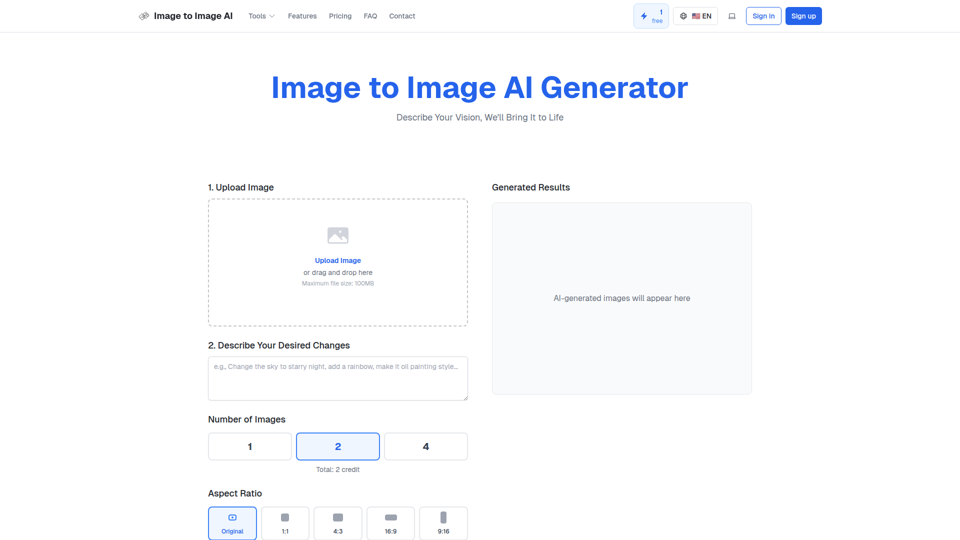
Convert image to image with AI. Transform, edit and generate images using our free image to image AI converter. Best AI image to image generator.
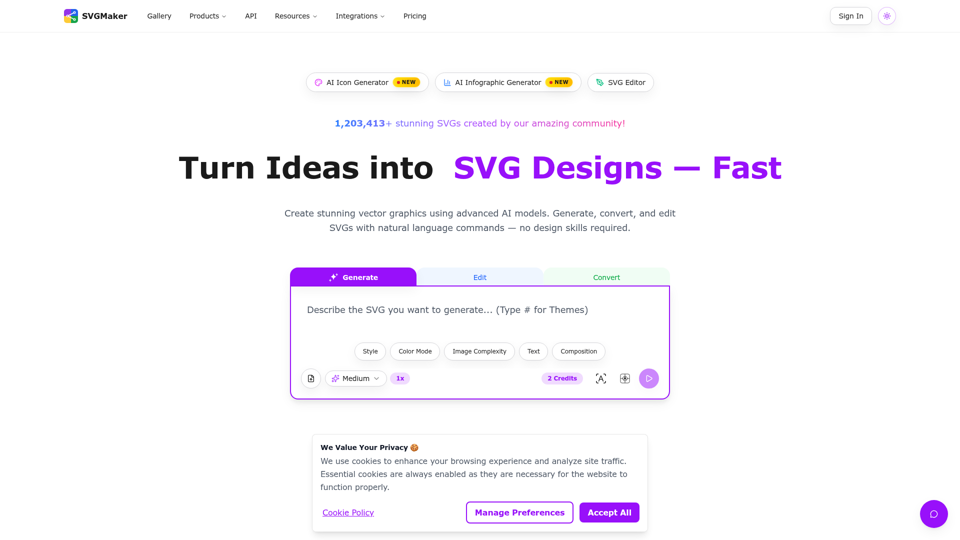
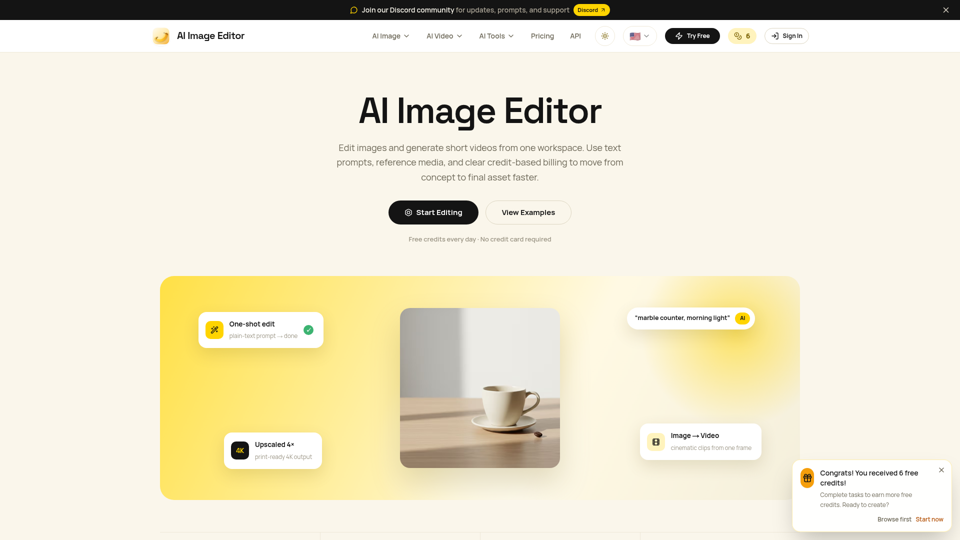
Edit photos with natural language using our free AI image editor. Transform, retouch, and enhance any photo with simple text prompts—fast and easy.
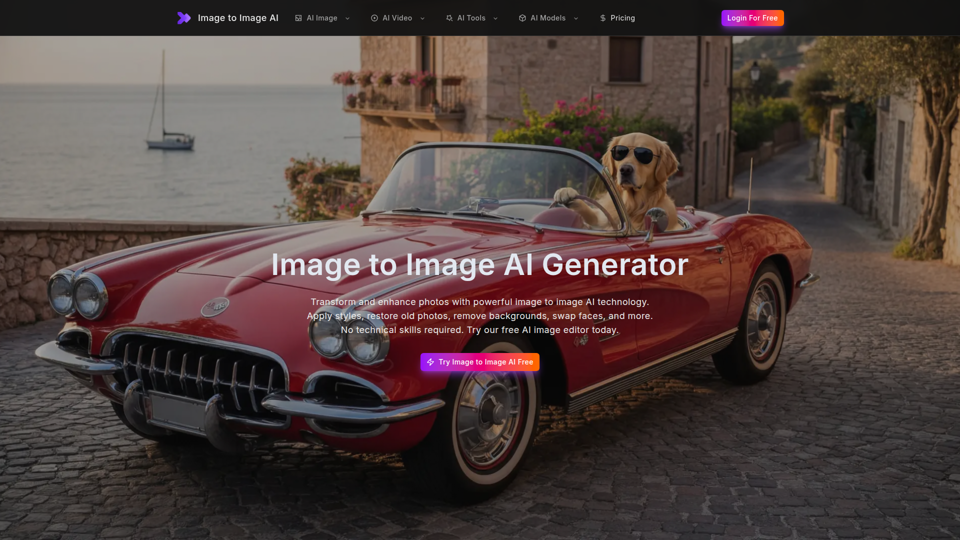
Free image to image AI generator and AI image editor online. Face swap, restore old photo, remove background, upscale, and transform photos with AI in seconds.
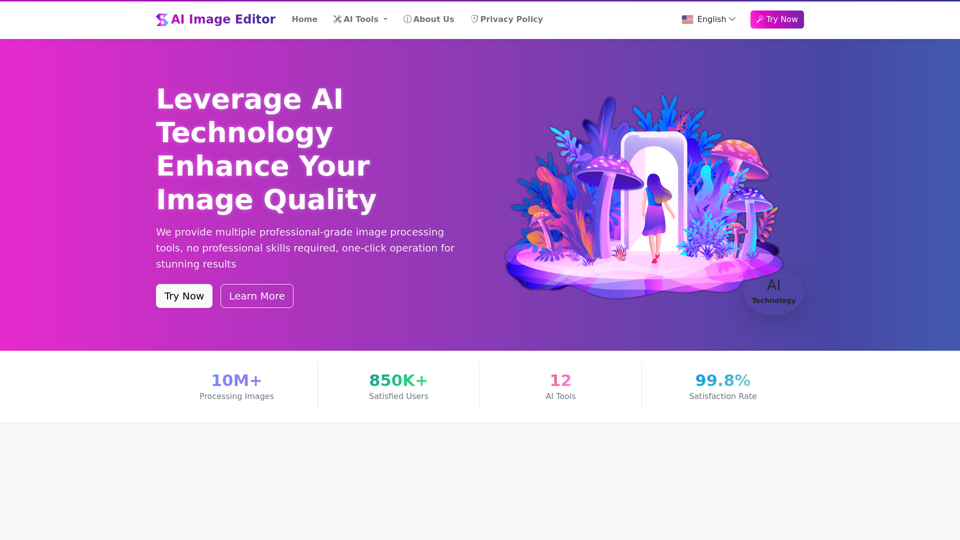
AIImageEditor.me offers 12 Free AI image tools—from image enhancement and watermark removal to style transfer and background editing—to simplify image editing.
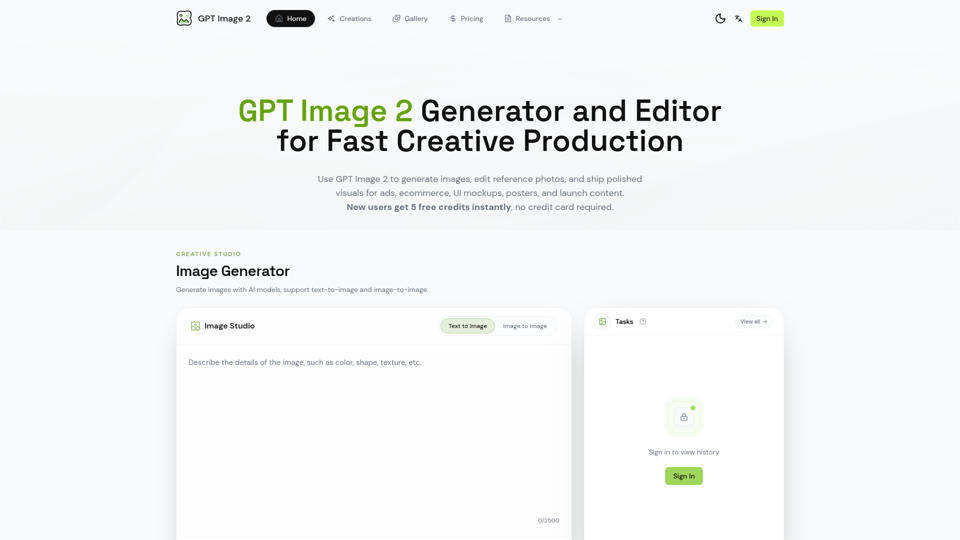

Generate and edit images with GPT Image 2 — AI image generation, reference-image editing, and asset creation for ads, ecommerce, UI mockups, posters, and production-ready visuals. Try free.
Transform your images with EditIMG AI, the most advanced ai image editor. Edit photos online with AI-powered tools for style transfer, background removal, object replacement, and more.