Hotel Lobby AI Filter
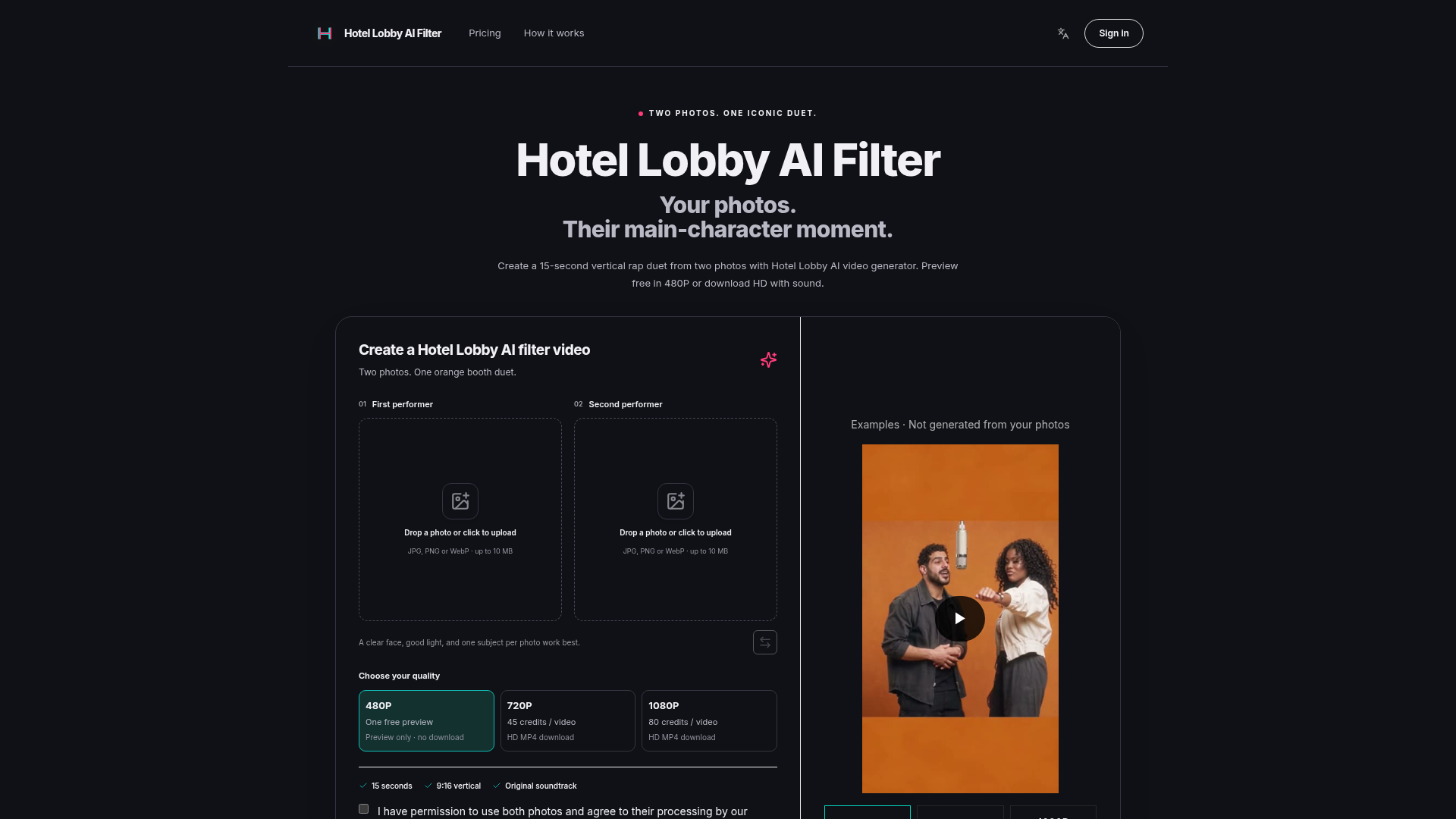
Create a 15-second vertical rap duet from two photos with Hotel Lobby AI video generator. Preview free in 480P or download HD with sound.
What is Hotel Lobby AI Filter?
Hotel Lobby AI Filter is an AI-powered video generator that specializes in creating vertical rap duet videos. Inspired by the iconic orange booth performance of Quavo and Takeoff on A COLORS SHOW from their song "Hotel Lobby," this platform transforms two separate photos into a 15-second music video clip. It places the subjects from the photos into a stylized, orange-background scene with a hanging microphone, generating a synchronized rap performance set to an original soundtrack excerpt. This tool is designed for creators looking to easily produce engaging, meme-style content for platforms like TikTok, Instagram Reels, and YouTube Shorts without any video editing skills.
How Does the Hotel Lobby AI Video Generator Work?
The Hotel Lobby AI generator uses advanced facial animation and AI video synthesis technology to analyze the facial features, expressions, and lighting in your two uploaded photos. It then maps these onto pre-designed performer models within the "orange booth" environment, syncing their movements and lip motions to the rhythm and lyrics of the included rap soundtrack. The result is a seamless, short-form video where both subjects appear to be performing a duet together, despite originating from completely separate images. The process is fully automated—you just provide the photos, and the AI handles character animation, scene composition, and audio integration.
Key Features of Hotel Lobby AI Filter
- Two-Photo Duet Creation
- Upload just two photos—each featuring one clear subject—to cast two performers in a collaborative rap video. You can swap their order before generation to control who appears as the "first" and "second" performer.
- Multiple Output Qualities
- Choose from three resolution options: 480P (free preview, no download), 720P (HD download for 45 credits), or 1080P (full HD download for 80 credits). All paid downloads include the original soundtrack.
- No Editing Required
- The AI automatically generates the full 15-second, 9:16 vertical video complete with scene, animation, and music—no timeline editing, prompts, or technical adjustments needed.
- Face Animation Optimization
- Works best with clear, well-lit photos showing one face per image, without obstructions (like hands covering mouths) or heavy blur. The AI focuses on animating visible facial features for realistic mouth and eye movement.
- Preview Before Purchase
- Test the effect with a free, watermarked 480P preview to see how your photos will look as a duet before spending credits on an HD version.
- Simple Credit System
- Purchase one-time credit packs that never expire and don't auto-renew. Credits are used per video generation, with balance shown clearly before you create.
- Direct Social Media Fit
- Output videos are formatted perfectly for vertical short-form platforms (TikTok, Reels, Shorts) and come with sound ready for immediate sharing after you review.
How to Use Hotel Lobby AI Filter to Create Your Rap Duet Video
- Prepare Your Photos: Select two photos (JPG, PNG, or WebP, up to 10 MB each). Each should feature one distinct subject with a clear, visible face under good lighting. Avoid group shots, blurry images, or faces covered by objects.
- Upload and Order: Go to the Hotel Lobby AI platform. Upload the first photo for "First performer" and the second for "Second performer." Use the "Swap" option if you want to reverse their roles in the video.
- Choose Video Quality: Select your desired output resolution. You can generate a free 480P preview to check the result, or proceed directly with 720P (45 credits) or 1080P (80 credits) for an HD, downloadable MP4.
- Confirm and Generate: Check the permission confirmation box (you must have rights to use both photos) and click "Generate free preview" or the respective button for paid quality. The AI will process the video, which takes several minutes.
- Review and Download: Watch the completed video with sound. For paid generations, download the HD MP4 from your account's "My videos" section. Review both performers' animation and timing before sharing.
Pricing: Hotel Lobby AI Filter Credit Packs Hotel Lobby AI operates on a credit system instead of subscriptions. Credits are purchased as one-time packs and do not expire or auto-renew. Here are the current credit pack options:
- Starter Pack (50 credits)
- $8.90 – Enough for one 720P video (45 credits) with some credits left over.
- Standard Pack (105 credits)
- $18.90 – Covers two 720P videos (90 credits) or one 1080P video (80 credits) with extra credits remaining.
- Pro Pack (160 credits)
- $28.90 – Allows for two 1080P videos (160 credits) or multiple 720P videos, offering the best value.
Note: The free 480P preview does not require credits or payment, but it is preview-only (no download) and may have browser/network limitations. All paid HD downloads include the soundtrack and are stored in your account for 7 days.
Helpful Tips for Best Results with Hotel Lobby AI Filter
- Photo Selection is Key
- Use high-quality, front-facing photos with even lighting and expressive faces. The AI animates best with clear facial landmarks (eyes, mouth, jawline). For pets or stylized subjects, expect more artistic rather than photorealistic movement.
- Understand the Output
- The generated video uses a fixed "orange booth" scene and soundtrack. You cannot customize the background, music, or video length (it's always 15 seconds). The focus is on quick, consistent duet creation.
- Check Your Preview
- Always use the free 480P preview to evaluate how your photos translate into animation, especially mouth sync and overall vibe, before committing credits to an HD version.
- Manage Your Credits
- Log in to see your balance. Credits are deducted only after you confirm a paid generation. If a video fails (e.g., due to unclear faces), reserved credits are typically returned.
- Sharing and Rights
- The generated videos are for personal or permitted commercial use, but you are responsible for having the rights to the photos used. The included soundtrack is an original excerpt; for commercial publishing, ensure you comply with platform rules on music and AI-generated content.
Frequently Asked Questions about Hotel Lobby AI Filter
Q: What exactly does Hotel Lobby AI Filter do? A: It turns two separate photos into a 15-second vertical rap duet video set in an orange booth with a hanging microphone, complete with a soundtrack, using AI face animation.
Q: Is there a free version? A: Yes, you can generate a 480P preview for free to see the result, but it's watermarked and cannot be downloaded. HD downloads (720P/1080P) require credits.
Q: What photo formats and specs are supported? A: Upload JPG, PNG, or WebP files, each up to 10 MB. For best AI animation, use clear, well-lit photos with one face per image.
Q: Do I need a subscription? A: No, there are no subscriptions. You purchase credit packs once, and they never expire. Use credits as needed for HD video generation.
Q: Can I use photos of celebrities or friends? A: Only use photos you have permission to process. Using images of others without consent, especially to imply endorsement or for deceptive purposes, is prohibited and may be rejected by the system.
Q: How long does generation take? A: It typically takes several minutes to process after you click generate. Keep the page open, especially for free previews, as closing it might interrupt anonymous generations.
Q: Can I change the music or background? A: No, the orange booth scene and original rap soundtrack are fixed. This tool is designed for quick, template-based creation rather than customizable video editing.
Q: What if my generated video fails or has issues? A: If the AI fails to process or the output is flawed, signed-in users can check "My videos" and contact support. Confirmed failures usually result in credits being returned to your account.
Q: Is this an official tool by Quavo, Takeoff, or COLORS? A: No, Hotel Lobby AI Filter is an independent creative tool inspired by their performance. It is not affiliated with, endorsed by, or connected to the artists, song, or A COLORS SHOW.
Q: Are my uploaded photos stored or used for AI training? A: According to the platform, your photos are processed to generate the video and are not used for training other AI models. You can typically delete your account/data if desired, but check the specific privacy policy for details.
Hotel Lobby AI Filter
Create a 15-second vertical rap duet from two photos with Hotel Lobby AI video generator. Preview free in 480P or download HD with sound.
 Cloudflare
 Google Analytics
 HTTP/3
Free AI anime and manga generator. Turn text into anime episodes, manga, comics, webtoons and comic shorts in any art style — no drawing or animation skills needed.
Translate image text across 70+ languages with our advanced AI Image Translator to help you better expand your products globally to various countries
Advertised Here
Reach thousands of visitors daily. Get your spot now!
Tools similar to Hotel Lobby AI Filter
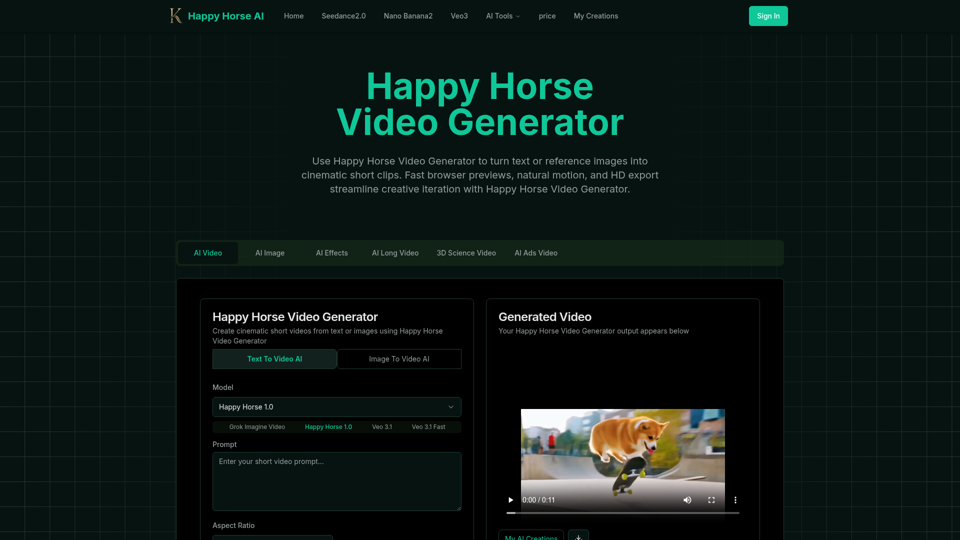
Happy Horse Video Generator transforms short prompts and reference images into cinematic short videos with reliable subject follow, natural camera motion, fast browser previews, and HD export options. Quickly produce marketing clips, social shorts, and product animations with in‑browser iteration and flexible download settings.
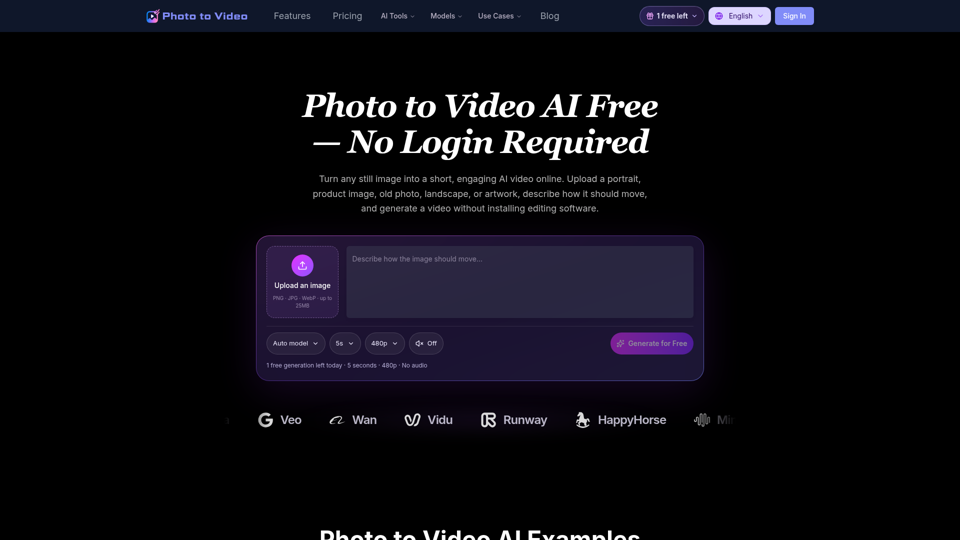
Use Photo to Video AI Free to animate images online. Upload a picture, describe the motion, and create an AI video for social media, ads, and more.
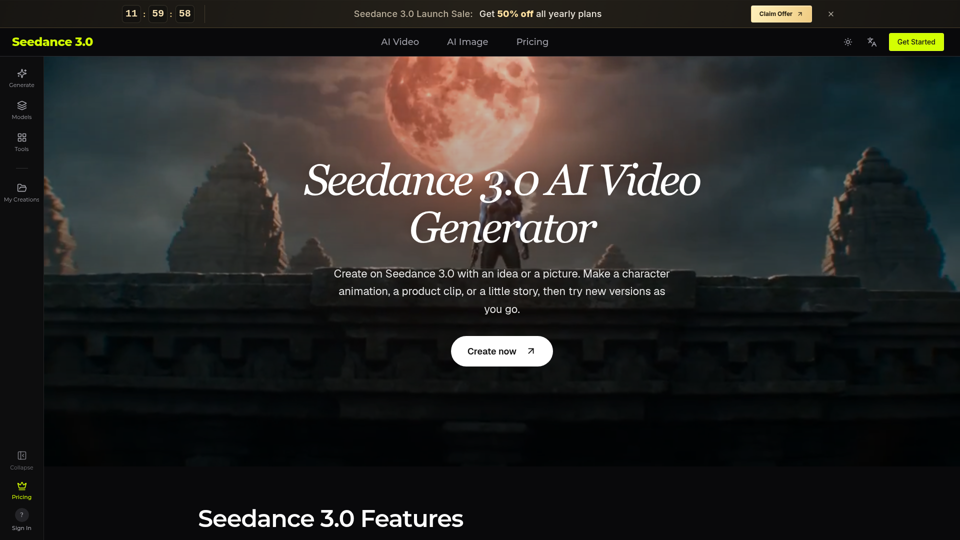
Try Seedance 3.0 free online. Turn text, images, video clips, and audio into videos with sound. Keep faces the same and edit any part without starting over.
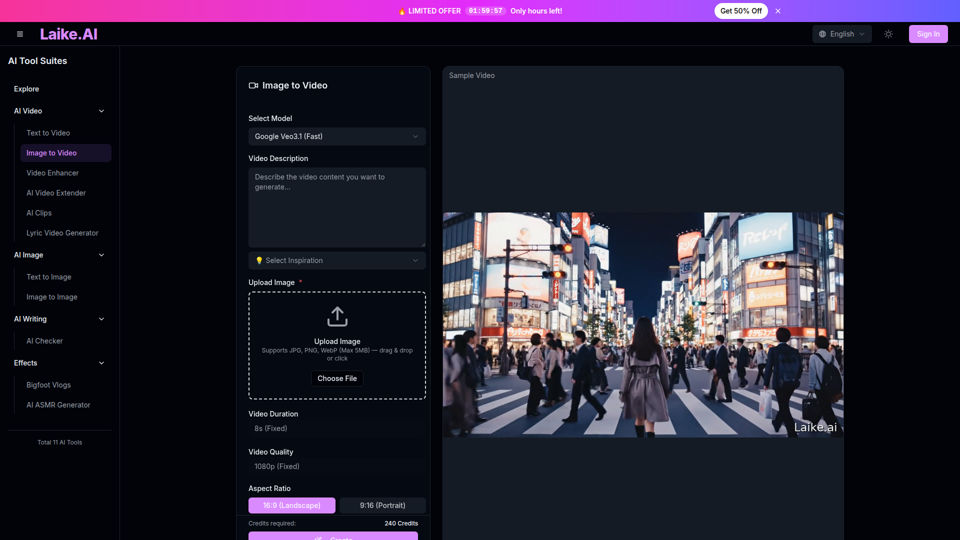
Transform static images into captivating videos. Add motion, camera effects and cinematic flair—perfect for social media and ads.
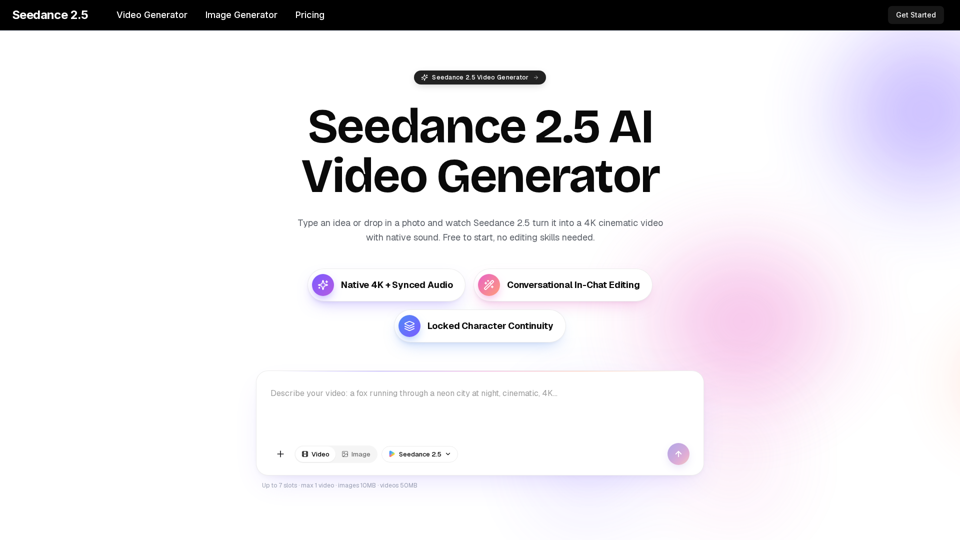
Turn any idea, photo, or clip into a stunning 4K video with Seedance 2.5. The AI video generator with native audio and 30fps motion. Free to try, no skills needed.
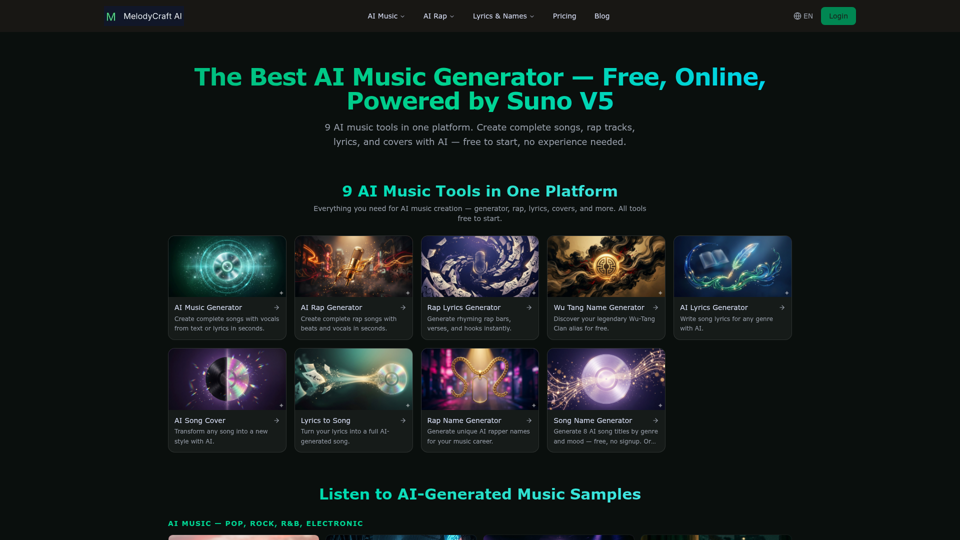
Discover the best AI music generator to create free AI songs online. Text to music, lyrics to song, AI rap and more — 9 AI music tools in one platform. Powered by Suno V5.
Create stunning AI videos from text or images with Seedance – the powerful AI video generator by ByteDance. Smooth, cinematic, and voice-ready results in minutes. Perfect for marketing, content creation, education, and more – no experience needed.