What is Seedance 2.0?
Seedance 2.0 is the advanced, multi-modal AI video generator developed by SeaMove AI that empowers users to create professional, cinematic videos. As a core feature of the SeaMove AI platform, Seedance 2.0 allows for the seamless combination of text prompts, images, videos, and audio references to generate high-quality video content. This Seedance AI tool is built for creators who demand precise control, enabling tasks like video extension, scene editing, and maintaining character consistency across multi-shot sequences, all through an intuitive, natural language interface. It represents a significant evolution in AI-driven video creation, moving beyond basic text-to-video to offer a comprehensive, director-level creative suite. Whether you're a marketer, filmmaker, or designer, Seedance 2.0 on SeaMove AI provides the technology to turn creative vision into polished visual stories.
What are the main features of Seedance 2.0?
Seedance 2.0 is packed with powerful features designed for professional video creation:
- True Multi-Modal Generation
- Combine text prompts with image, video, and audio references using a unique @tag system (e.g., @Image, @Video) to guide the AI with unparalleled precision.
- Director-Level Control
- Set first and last frames, guide camera movements, and define cinematic styles for a cleaner, more controlled creative workflow.
- Cinematic Continuity & Scene Extension
- Create consistent one-take tracking shots and multi-shot sequences. Seamlessly extend scenes or insert new shots while preserving motion, character identity, and environmental details.
- Flexible Input Formats
- Work fluidly across different modes including Text to Video, Image to Video, and Reference Video generation without restarting your workflow.
- Audio-Visual Synchronization
- Generate videos with sound and pacing that are synchronized with your visual direction, ensuring a cohesive final product.
- High-Quality Output
- Generate videos up to 1080p resolution with the ability to create multiple variations (batch generation) from a single prompt.
- Advanced Scene Editing
- Refine and edit generated footage while maintaining visual coherence throughout your Seedance 2.0 project.
How to use Seedance 2.0 Video Generator?
Using Seedance 2.0 on SeaMove AI is a streamlined process designed for efficiency and creativity:
- Open Seedance 2.0 Studio: Navigate to the SeaMove AI platform and access the dedicated Seedance 2.0 workspace to begin your project.
- Define Your Vision: Input your text prompt (up to 3000 characters). Enhance it by uploading and tagging reference images or video clips using the @ system to lock in character looks, styles, or motion.
- Configure Settings: Choose your desired output resolution (e.g., 480p, 720p, 1080p), aspect ratio (like 16:9), duration, and whether to use batch generation for multiple variations.
- Generate and Refine: Click "Generate Video." Seedance 2.0 will create your cinematic content. You can then use the scene extension and editing tools to refine, lengthen, or adjust the footage until it perfectly matches your creative direction.
- Export and Use: Once satisfied, download your final video for use in campaigns, social media, films, or any other professional application.
What are the prices for Seedance 2.0?
Seedance 2.0 operates on a credit-based system. Generating videos consumes credits, with the cost depending on settings like resolution and duration. For example, generating one video may cost around 130 credits. SeaMove AI offers various pricing plans where users can purchase packs of credits. They also provide free trials or initial credits for new users to experience Seedance 2.0's capabilities. For the most current and detailed pricing information, including subscription plans and credit bundles, visit the official SeaMove AI pricing page at https://seamove.ai/pricing. This is where you can find the best plan for your video creation volume with Seedance AI tools.
Helpful tips for using Seedance 2.0
- Leverage Reference @Tags
- Thoroughly use the @Image and @Video tagging system. This is the key to achieving precise control over characters, styles, and camera work in your Seedance 2.0 generations.
- Start with Clear Prompts
- Write detailed, descriptive text prompts. The more context you give the AI about the scene, mood, and action, the better Seedance 2.0 can execute your vision.
- Utilize Batch Generation
- When exploring ideas, use the batch generation feature to create up to 4 variations from one prompt. This allows you to choose the best result or combine elements from different outputs.
- Master Scene Extension
- Don't regenerate entire videos for small changes. Use the seamless scene extension feature to add time, insert new shots, or refine specific parts while maintaining consistency.
- Plan for Continuity
- When creating multi-shot sequences, use consistent reference images for characters and settings across different generation steps to ensure visual continuity.
- Check the Guidelines
- Always avoid prompts involving copyrighted material, logos, or sensitive/explicit content to prevent generation blocks by the SeaMove AI system.
Frequently Asked Questions about Seedance 2.0
What is Seedance 2.0?
Seedance 2.0 is a state-of-the-art, multi-modal AI video generator on the SeaMove AI platform that transforms text, images, and video references into cinematic-quality videos with advanced creative control.
How does Seedance 2.0 fit into our workflow?
Seedance 2.0 acts as a powerful ideation, pre-visualization, and content creation tool within professional workflows. It integrates into processes for marketing campaigns, film pre-production, social content creation, and product storytelling, dramatically speeding up iteration and production time.
Can I use images and videos as references?
Absolutely. A core strength of Seedance 2.0 is its reference system. You can upload your own images and video clips and reference them directly in your prompt using @tags to guide the AI's output precisely.
Is Seedance 2.0 suitable for commercial use?
Yes, videos created with Seedance 2.0 on SeaMove AI are suitable for commercial use, making it ideal for brand campaigns, marketing materials, product videos, and client projects.
What makes Seedance 2.0 different from other AI video tools?
Seedance 2.0 sets itself apart with its true multi-modal reference system (@tags), director-level controls for camera and style, and superior capabilities for scene continuity and extension, offering a level of precision and cinematic quality that goes beyond basic text-to-video generators.
How fast can we generate videos?
Generation speed depends on video length and complexity, but Seedance 2.0 is engineered for rapid iteration, allowing creators and teams to produce and refine video concepts in a matter of minutes rather than days.
How do I get started with Seedance 2.0?
You can begin creating immediately by visiting the SeaMove AI website, accessing the Seedance 2.0 generator, and starting a free trial or selecting a pricing plan that fits your needs.
SeaMove AI
Seedance 2.0 is the ultimate AI video generation platform. Create stunning videos with Seedance 2.0's text-to-video, image-to-video, and AI video effects tools.
 Cloudflare
 HTTP/3
 Vercel
Free AI anime and manga generator. Turn text into anime episodes, manga, comics, webtoons and comic shorts in any art style — no drawing or animation skills needed.
Translate image text across 70+ languages with our advanced AI Image Translator to help you better expand your products globally to various countries
Advertised Here
Reach thousands of visitors daily. Get your spot now!
Tools similar to SeaMove AI
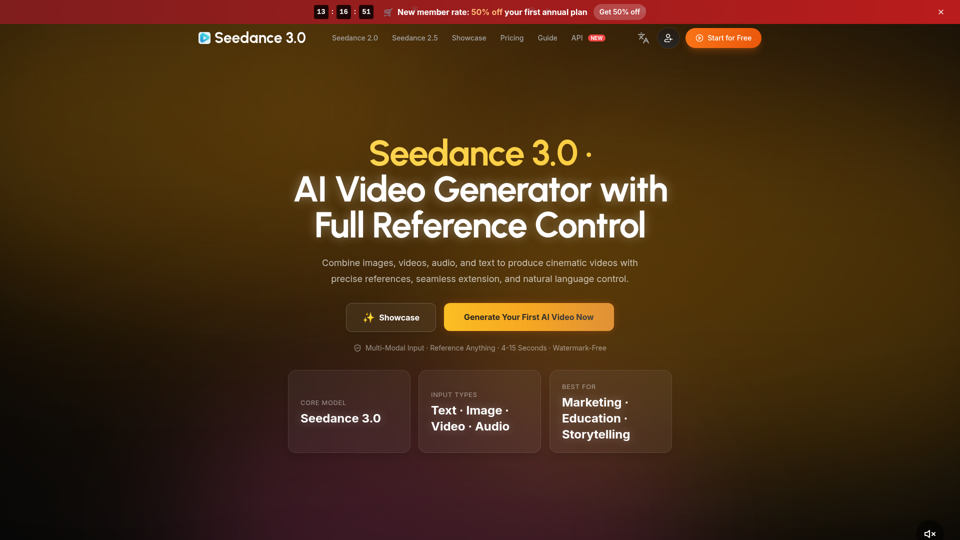
Create cinematic AI videos with Seedance 3.0. Combine image, video, audio, and text references into connected, production-ready scenes.
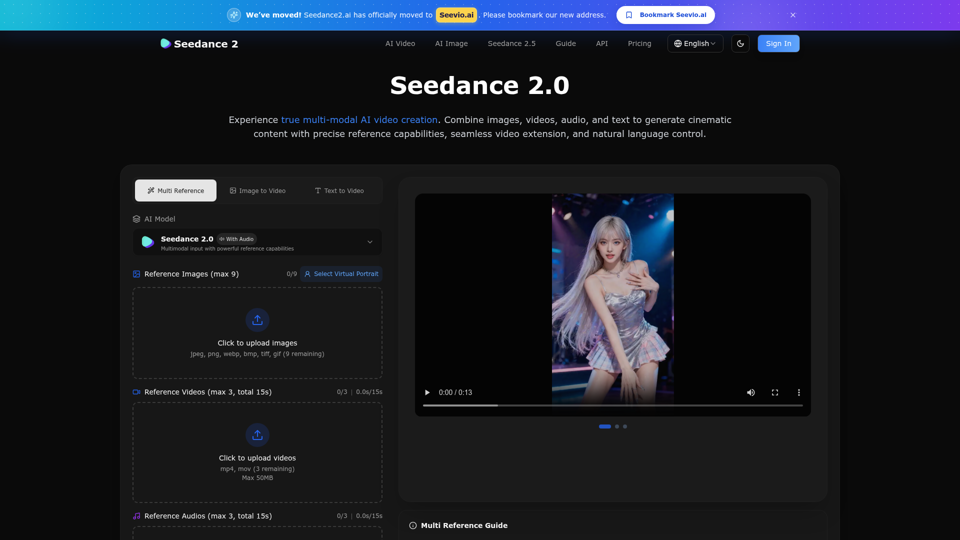
Create stunning AI videos with Seedance 2.0. Transform images and text into cinematic videos with advanced motion synthesis and professional quality.
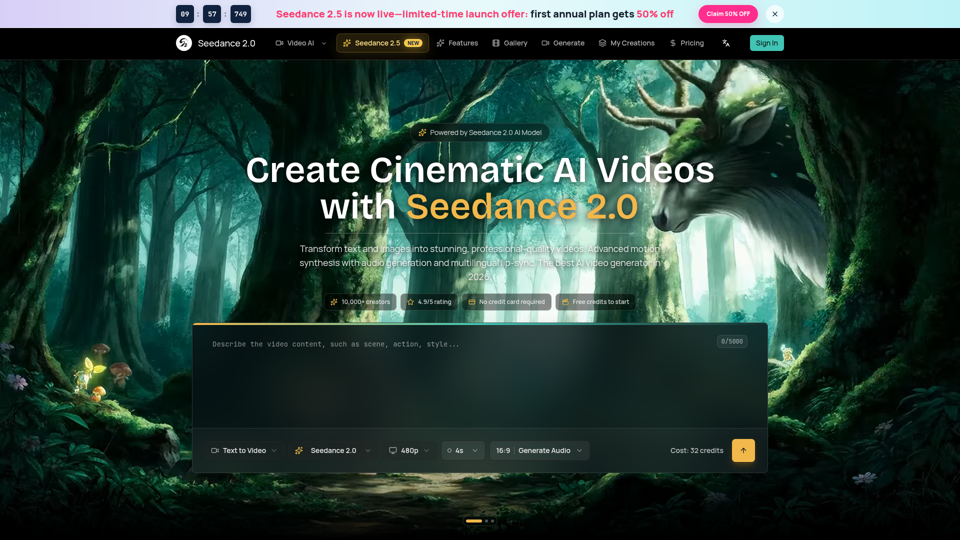
Seedance 2.0 AI video generator. Turn text and images into cinematic videos with motion synthesis, audio generation and lip-sync. Text-to-video & image-to-vi...
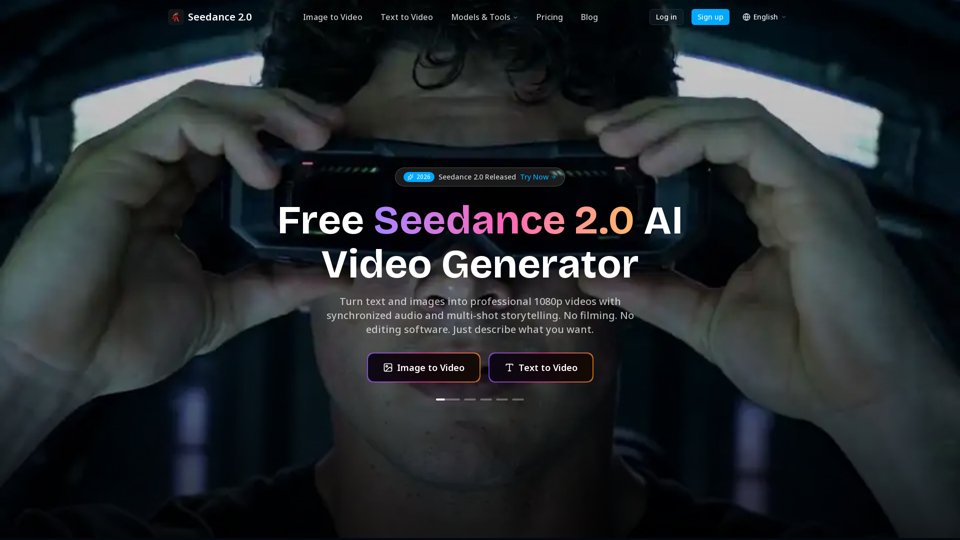
Create cinematic AI videos with Seedance 2.0. Text-to-video, image-to-video, native audio. The Seedance 2.0 AI video generator. Free to start.
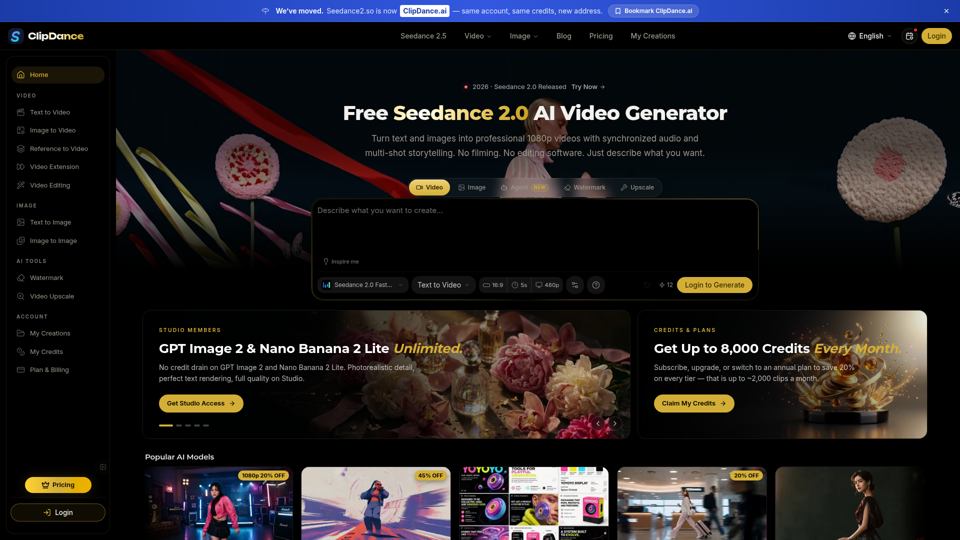
Create cinematic AI videos with Seedance 2.0. Text-to-video, image-to-video, native audio. The Seedance 2.0 AI video generator. Free to start.
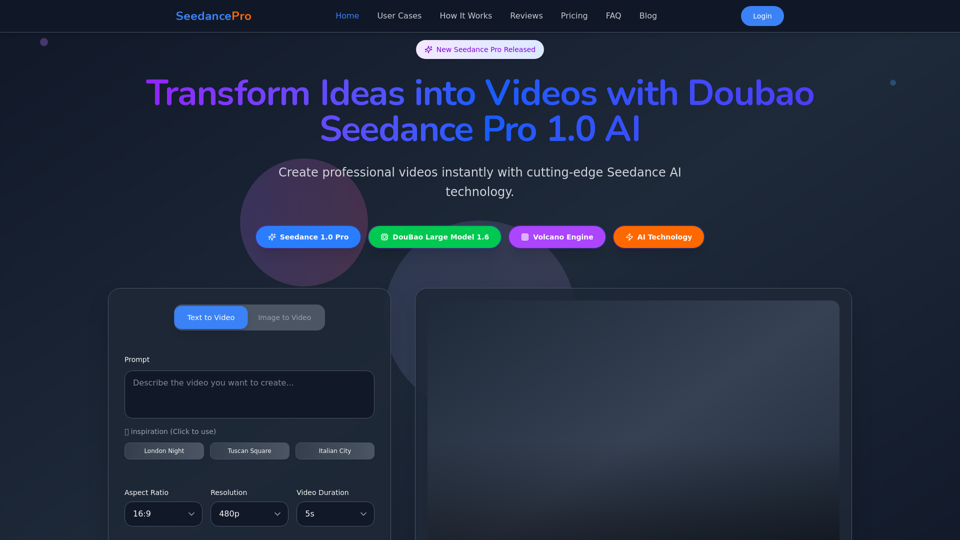
Create stunning videos with Seedance Pro AI video generator. Transform text and images into professional videos effortlessly.
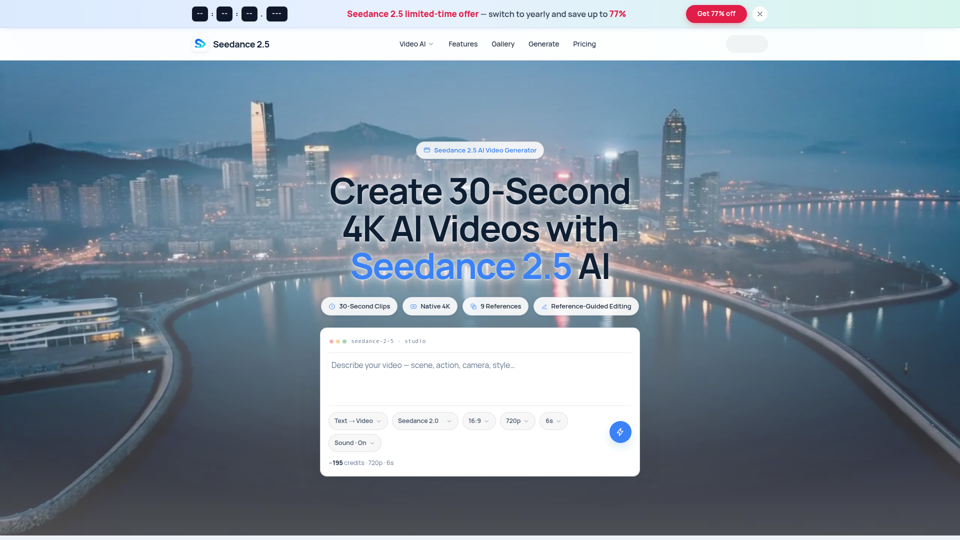
Seedance 2.5 AI turns any text prompt or photo into cinematic, watermark-free 4K video — text-to-video, image-to-video and reference-guided generation.
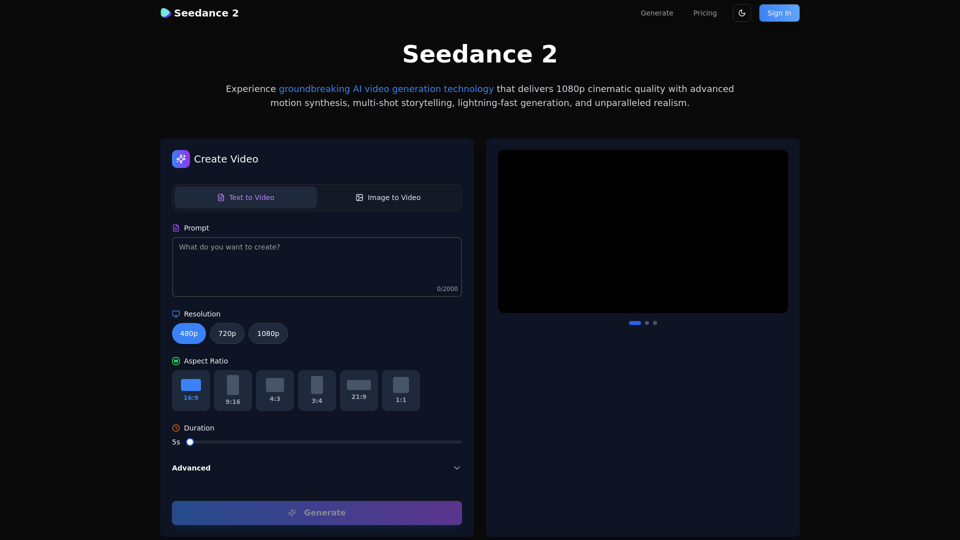
Create stunning AI videos with Seedance 2.0. Transform images and text into cinematic videos with advanced motion synthesis and professional quality.