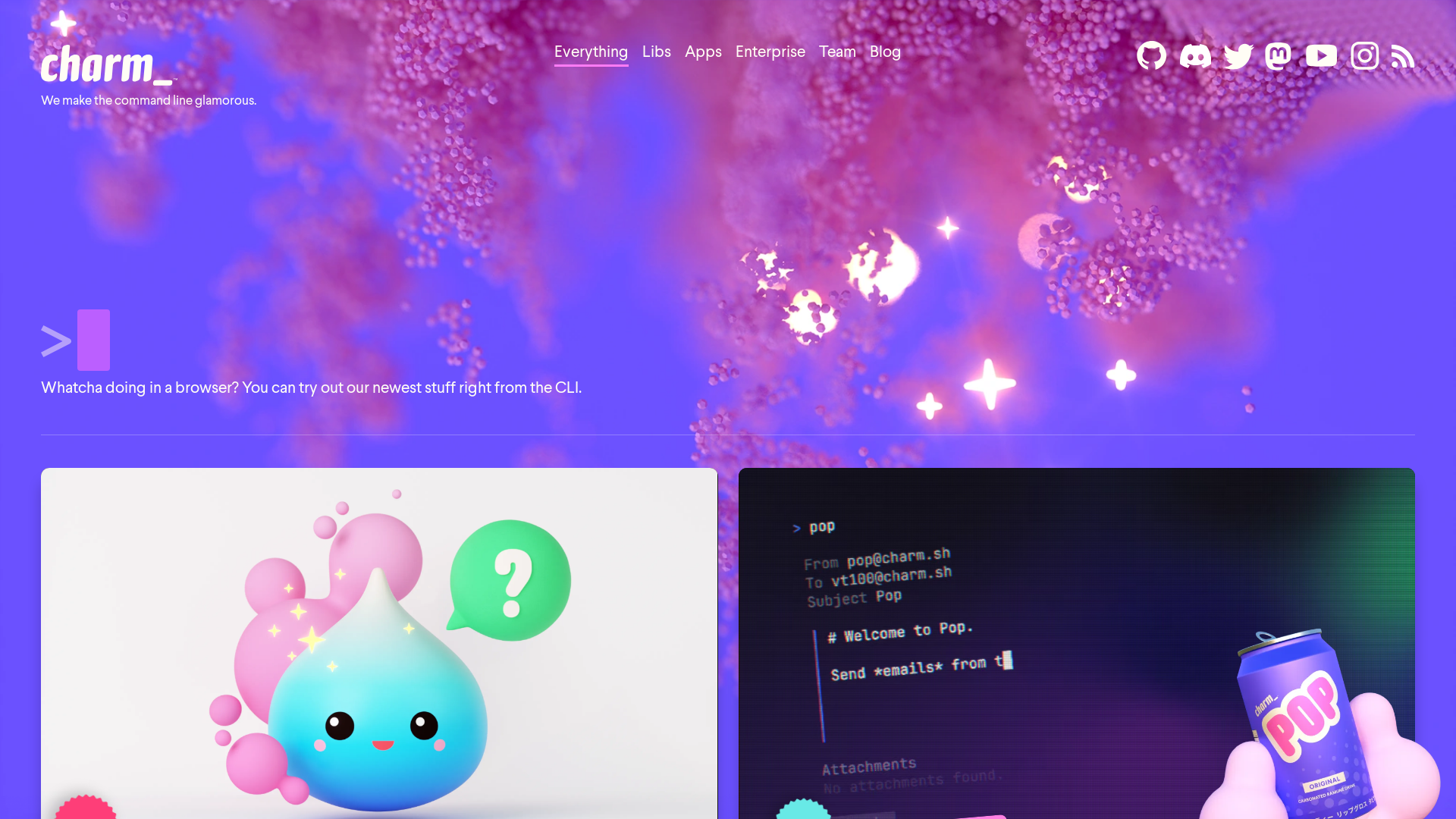
What is Charm?
Charm is a cutting-edge platform designed to make command line usage not only functional but also glamorous. With a variety of libraries, applications, and tools, Charm enhances your terminal experience by integrating interactive features, beautiful designs, and seamless workflows.
Main Features of Charm
- Interactive Command Line Forms
- The new feature "Huh" allows users to create interactive prompts and forms within the terminal using just a few lines of code.
- Terminal-Based Email Tool
- Send emails directly from the command line with our terminal-based email tool, built in collaboration with Resend.
- Open-Source Libraries
- Charm provides everything needed for terminal development via open-source libraries, ensuring transparency and community collaboration.
- Terminal UI Toolkit
- The Bubble Tea and Lip Gloss libraries enable the creation of modern terminal user interfaces and stylish layouts.
- Markdown Renderer
- "Glow" is an award-winning customizable markdown reader that enhances the readability of documents in the terminal.
How to Use Charm
To get started with Charm, simply download and install the appropriate libraries or applications for your operating system. You can explore the various commands and functionalities directly from your command line interface. For example, to send an email or create forms, use the designated commands, and watch as your terminal transforms into a powerful tool for productivity.
Pricing
Charm offers its libraries and tools as open-source, meaning they're free to use! You can download and integrate them into your projects at no cost. Any premium features or additional support options can be found on the Charm website.
Helpful Tips
- Experiment with Huh
- Dive into the forms module to enhance your workflows by creating custom interactive prompts.
- Utilize Glow
- If you frequently read markdown files, using Glow will greatly improve your reading experience.
- Engage with the Community
- Join the Charm Discord to connect with other users, share ideas, and get support for any command line queries you may have.
Frequently Asked Questions
Can I contribute to Charm's open-source projects?
Yes! Charm thrives on community contributions. Visit the GitHub repository to find projects you can help with.
Is there a way to sync my data across devices?
Absolutely. The personal key-value store can sync across all your machines, allowing you to access your data from anywhere.
Will my data be secure with Charm?
Yes, data security is a priority. Charm Cloud provides end-to-end encrypted storage, ensuring your information remains private and secure.
How can I stay updated with Charm’s latest features?
Follow Charm on social media or join the Discord community to receive the latest news, including access to alpha and beta builds.
Charm
We make the command line glamorous
 <model-viewer>
 Amazon CloudFront
 Amazon S3
 Amazon Web Services
 Unpkg
UnpkgFree AI anime and manga generator. Turn text into anime episodes, manga, comics, webtoons and comic shorts in any art style — no drawing or animation skills needed.
Translate image text across 70+ languages with our advanced AI Image Translator to help you better expand your products globally to various countries
Advertised Here
Reach thousands of visitors daily. Get your spot now!
Tools similar to Charm
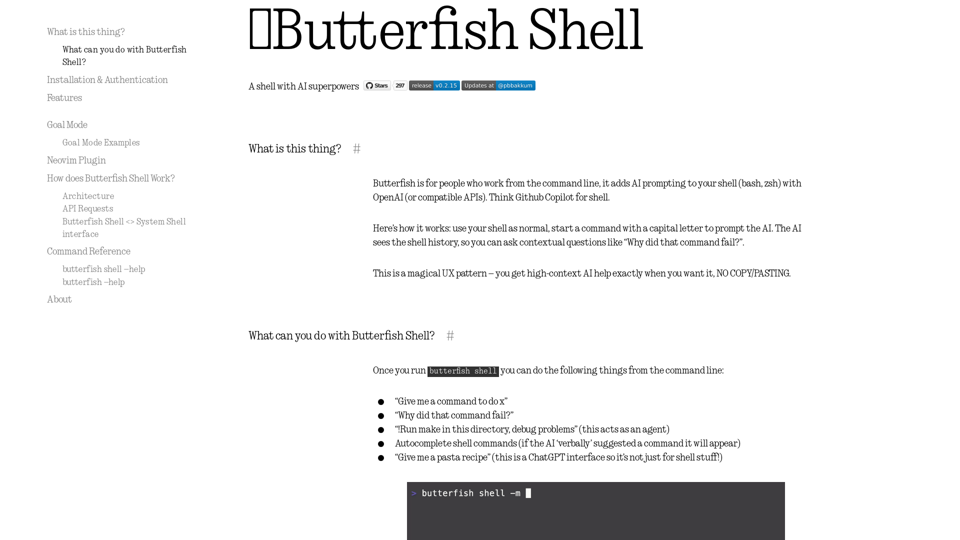
Let's do useful things with LLMs from the command line, with a bent towards software engineering.
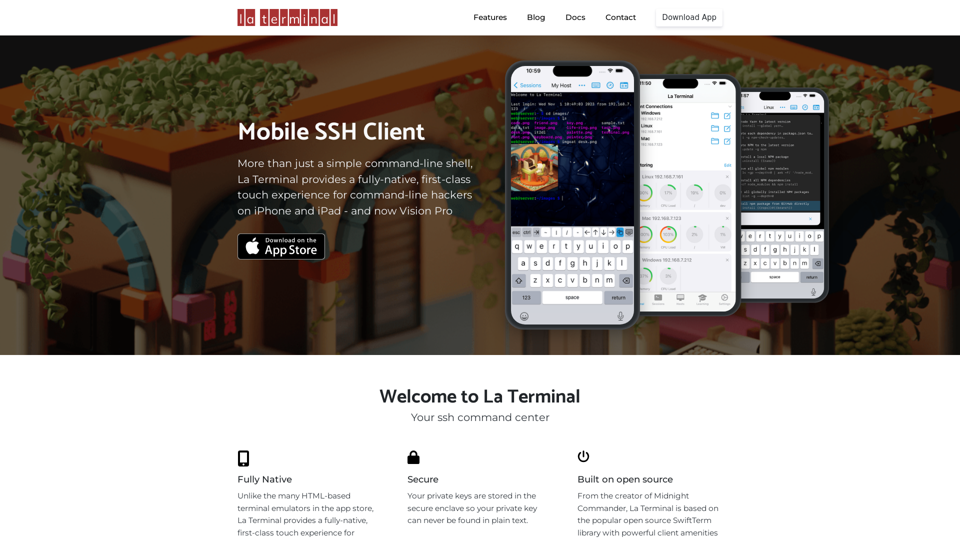
More than just a simple command-line shell, La Terminal provides a fully-native, first-class touch experience for command-line hackers on iPhone and iPad.
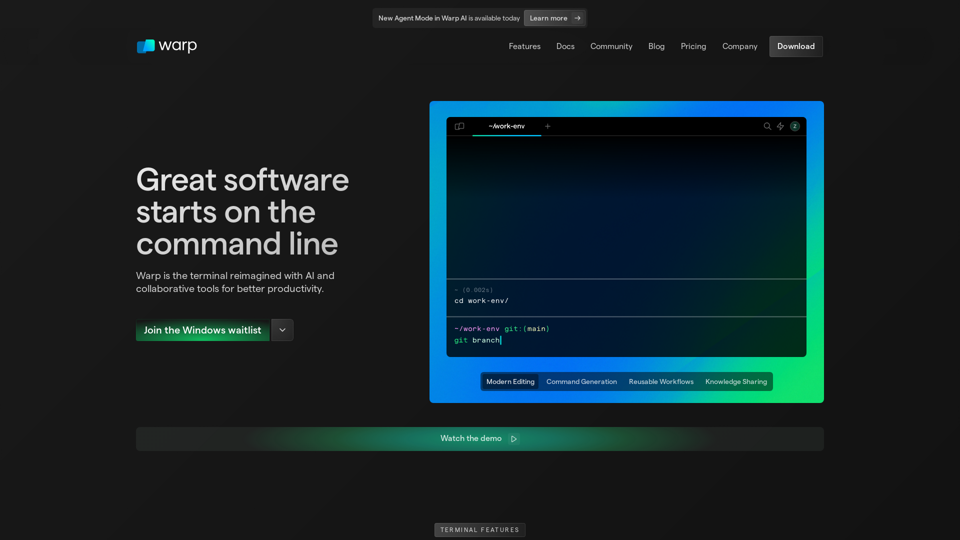
Warp is a modern, Rust-based terminal with AI built in so you and your team can build great software, faster. Now available on MacOS and Linux.

Charm Check offers personalized dating profile critiques to help you make the best first impression. Get advice on profile photos, bio text, and more for a knockout first impression.
Open Interpreter is a free, open-source code interpreter.
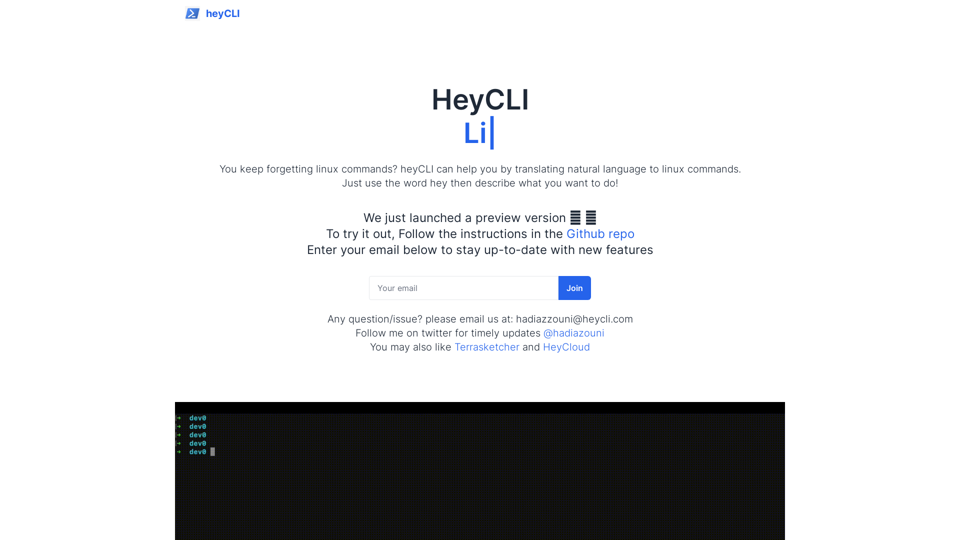
Linux commands in natural language. Work in terminal but using plain English!

Build reliable conversational AI. Evaluate your AI system. Observability and Analytics platform for LLM apps.