Warp
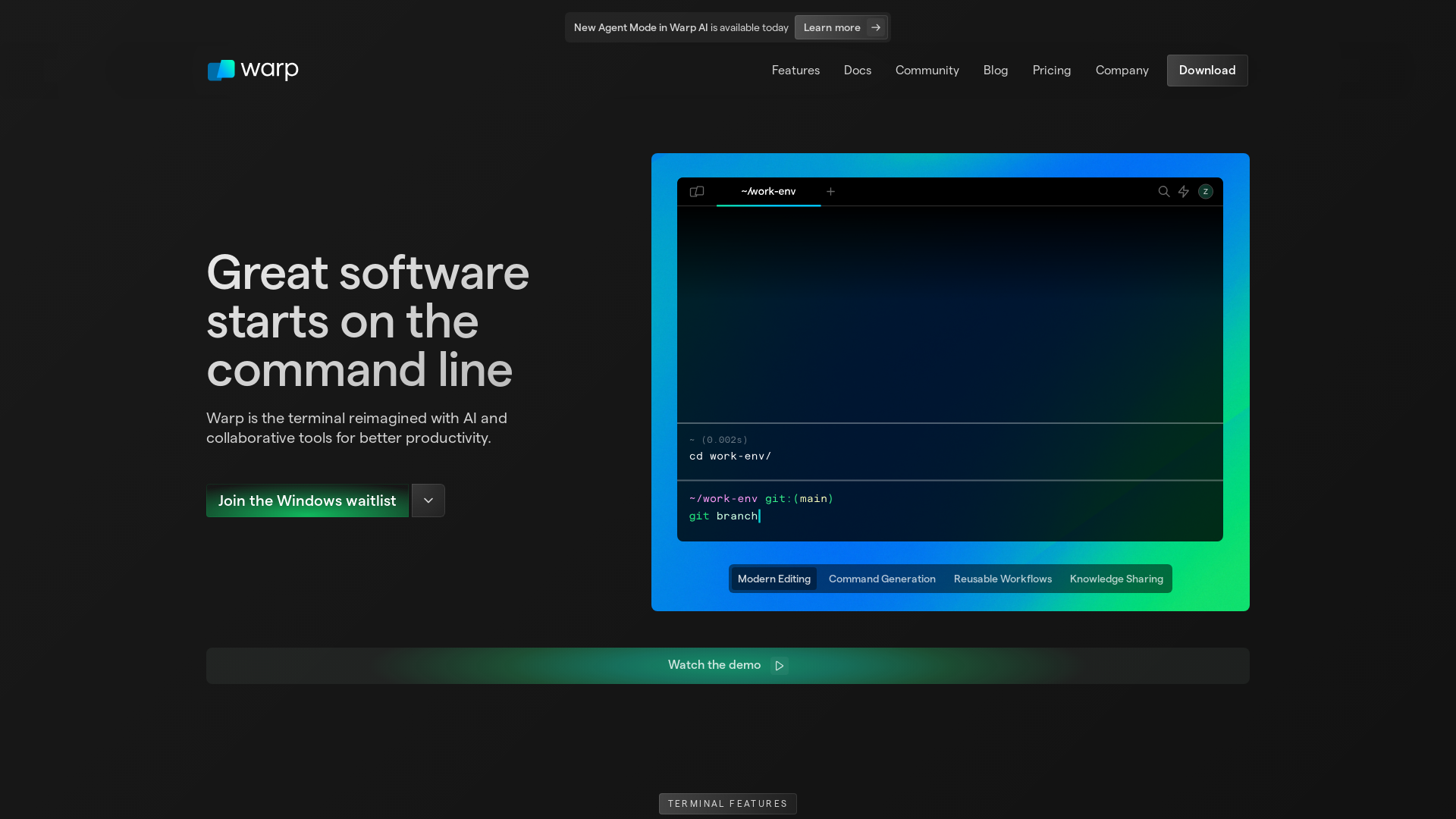
Warp is a modern, Rust-based terminal with AI built in so you and your team can build great software, faster. Now available on MacOS and Linux.
What is Warp?
Warp is a modern terminal reimagined with cutting-edge AI and collaborative tools designed to enhance productivity for developers and technical users. It offers a sleek user experience and powerful features that streamline command-line operations and boost efficiency in workflows.
What are the main features of Warp?
- Modern Editing
- Type and edit commands effortlessly, with advanced features like smart completions and IDE-like functionalities.
- Warp AI
- Use AI to enhance your command-line experience by suggesting commands, recalling previous commands, and offering solutions for debugging and complex setups.
- Warp Drive
- A dedicated space to keep your terminal workflows organized and accessible, saving you time and reducing context-switching.
- Custom Themes
- Personalize your terminal with beautiful themes for both dark and light modes, or create your own from scratch.
How to use Warp?
To start using Warp, download the installer for your operating system (available for Mac, Linux, and Windows) and follow the setup instructions. Once installed, you can begin utilizing its powerful features right away, including modern editing techniques and AI enhancements for command execution.
Is Warp secure?
Absolutely! Warp is designed with user privacy and security in mind. Your input and output data are never captured, and cloud features are completely optional. Additionally, your account data is encrypted at rest and in transit, stored securely on Google Cloud servers.
How much does Warp cost?
Warp is currently in early access and offers both free usage and premium features. For teams or users requiring more advanced capabilities, subscription options are available to meet increased needs without compromising on performance.
Helpful Tips
- Maximize Efficiency
- Use the CTRL+R shortcut to recall any saved reusable workflows quickly.
- Explore AI Suggestions
- Don’t hesitate to ask Warp AI for command suggestions, which can significantly save time and reduce the frustration of searching for commands online.
- Maintain Collaboration
- Share your Warp Drive with team members to foster collaborative workflows and knowledge sharing.
Frequently Asked Questions
Can I use Warp on Windows?
Warp is currently available for Mac and Linux, with a waitlist for Windows users as the team works on the release.
What programming languages and tools does Warp support?
Warp works seamlessly with a variety of languages and tools, providing prompt suggestions and assistance within many popular programming environments.
How often is Warp updated?
Warp is continuously being improved based on user feedback, with updates that introduce new features and enhance existing functionalities regularly.
Is my usage data shared?
No, Warp never shares your usage data, ensuring your commands and queries are kept private and secure.
Can I customize my command line experience?
Definitely! Warp allows for extensive customization, including themes and interface setup to fit your personal preferences.
Warp
Warp is a modern, Rust-based terminal with AI built in so you and your team can build great software, faster. Now available on MacOS and Linux.
 Cloudflare
 Framer Sites
 Google Analytics
 React
React UIKit
UIKitFree AI anime and manga generator. Turn text into anime episodes, manga, comics, webtoons and comic shorts in any art style — no drawing or animation skills needed.
Translate image text across 70+ languages with our advanced AI Image Translator to help you better expand your products globally to various countries
Advertised Here
Reach thousands of visitors daily. Get your spot now!
Tools similar to Warp
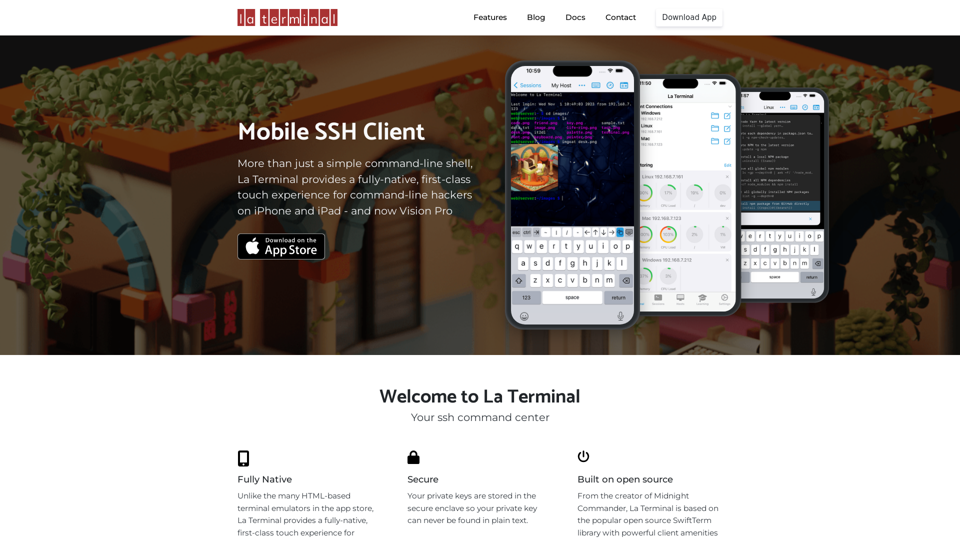
More than just a simple command-line shell, La Terminal provides a fully-native, first-class touch experience for command-line hackers on iPhone and iPad.
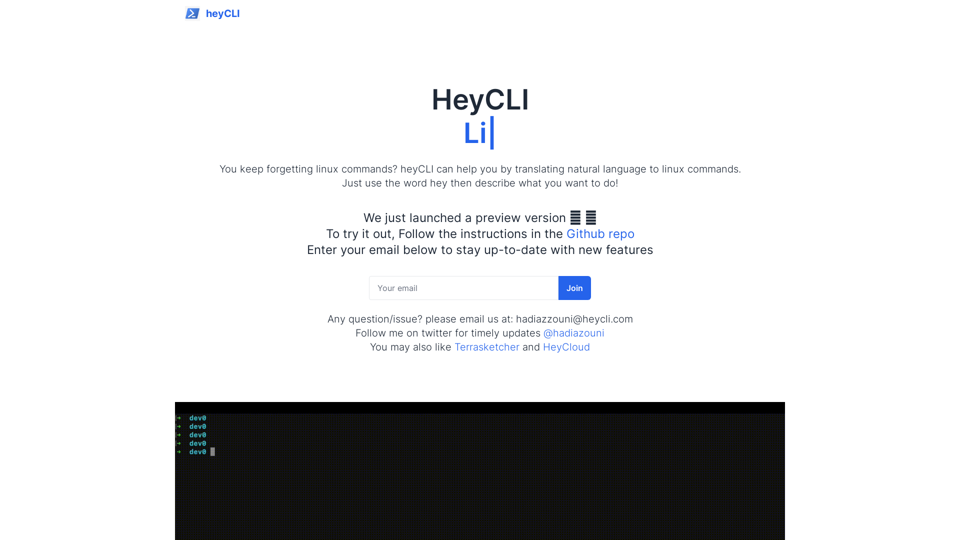
Linux commands in natural language. Work in terminal but using plain English!
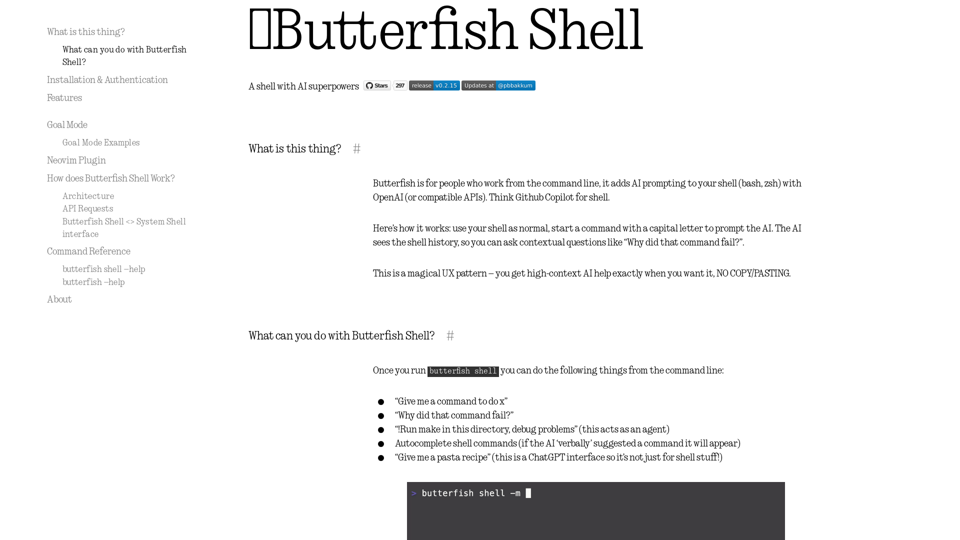
Let's do useful things with LLMs from the command line, with a bent towards software engineering.
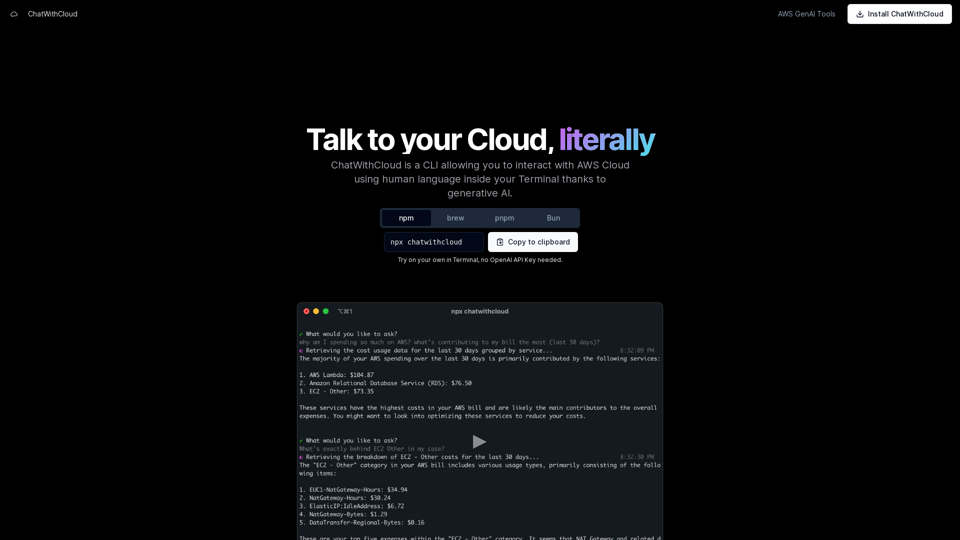
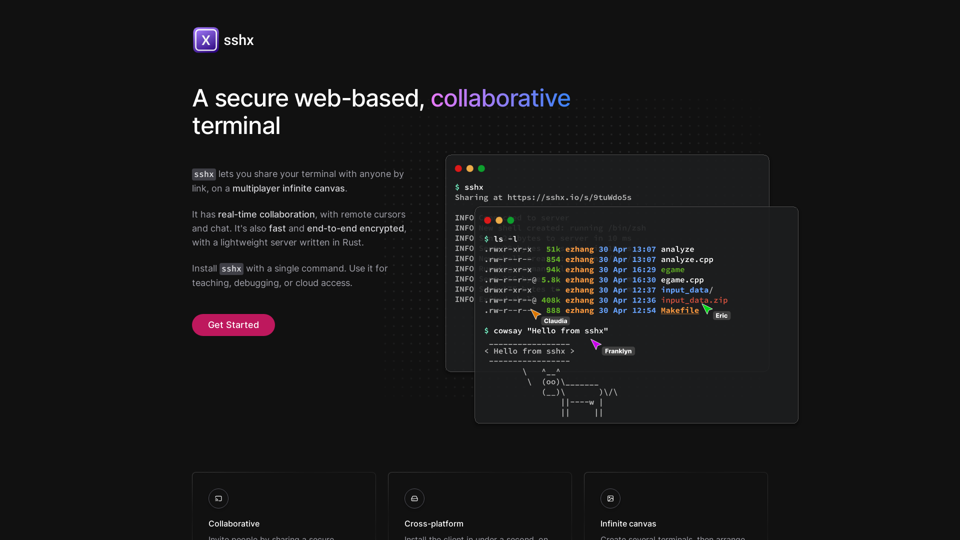
Fast, collaborative live terminals in the browser, with real-time chat, cursors, and activity tracking.
BeeVP offers an AI-powered software development assistant to streamline your coding tasks, automate software development, and enhance your software design.