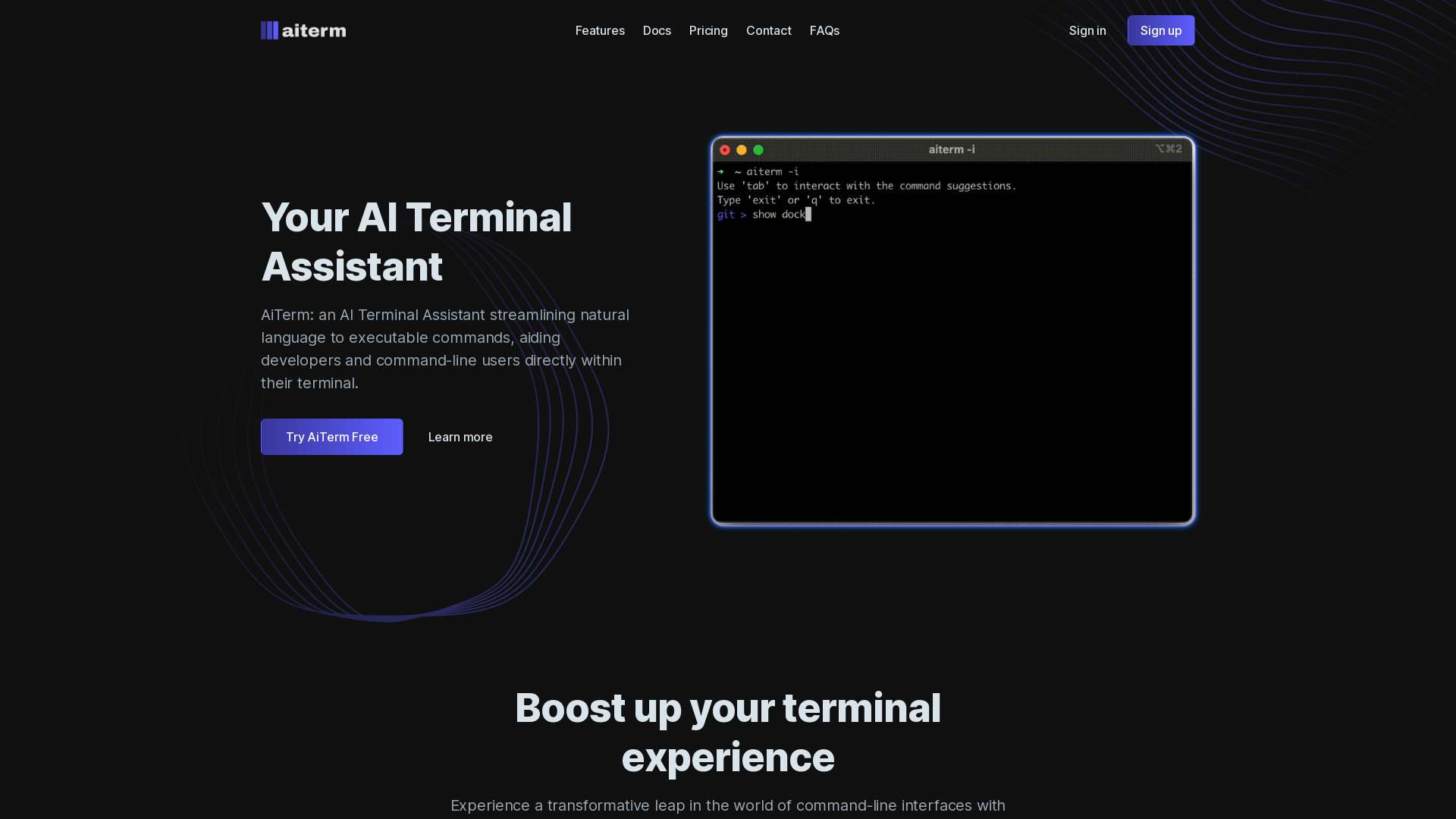
What is AiTerm?
AiTerm is an AI Terminal Assistant designed to streamline the process of converting natural language into executable commands. It aids developers and command-line users directly within their terminal, making the command-line interface more accessible and user-friendly.
What is the main feature of AiTerm?
- Natural Language Processing
- Users can articulate their command needs in plain language, and AiTerm transforms these into executable entries.
- On-Demand Documentation
- Instead of remembering complex commands and flags, AiTerm provides direct support within your terminal, making it easier to execute commands seamlessly.
- IDE-Style Autocompletion
- Enjoy autocompletion for frequently used commands, boosting efficiency and reducing typing errors.
- Organized Workflow
- Users can add, edit, delete, and execute commands easily, allowing for an organized approach to terminal activities.
How to use AiTerm?
To utilize AiTerm, simply install it on your preferred terminal, such as iTerm, VS Code Terminal, cmd, or PowerShell. Start interacting with the terminal using natural language commands, and let AiTerm handle the conversion into executable commands for you. With features like command suggestions and autocompletion, your terminal experience will be streamlined.
Price
AiTerm offers a free trial, allowing users to experience its features without any commitment. For continued use and advanced features, subscription details are available on the website, ensuring affordable options for all users.
Helpful Tips
- Familiarize Yourself
- Spend some time learning how to phrase your requests in natural language to maximize AiTerm's potential.
- Explore Configuration
- Customize AiTerm to suit your specific command needs and preferences, making it a tailored experience for your terminal activities.
- Practice Using Autocompletion
- Take advantage of IDE-style autocomplete features to enhance productivity and speed when working in the terminal.
Frequently Asked Questions
Can I install AiTerm on any terminal?
Yes, AiTerm is compatible with popular terminals like iTerm, VS Code Terminal, cmd, PowerShell, and more.
Does AiTerm store my terminal data?
No, AiTerm values user privacy and never stores any terminal contents on its servers. All your data remains secure on your device.
Is there a limit to how many commands I can execute?
While AiTerm allows you to execute commands freely, the assistant's efficiency improves as you utilize its features for frequent tasks, creating a more productive environment.
When would I need a subscription for AiTerm?
If you find the features beneficial and wish to unlock more advanced functionalities beyond the free trial, consider subscribing for enhanced access and additional features.
AI Terminal Assistant
Your AI Terminal Assistant
 PHP
PHP Vue.js
 bxSlider
 jQuery
Free AI anime and manga generator. Turn text into anime episodes, manga, comics, webtoons and comic shorts in any art style — no drawing or animation skills needed.
Translate image text across 70+ languages with our advanced AI Image Translator to help you better expand your products globally to various countries
Advertised Here
Reach thousands of visitors daily. Get your spot now!
Tools similar to AI Terminal Assistant
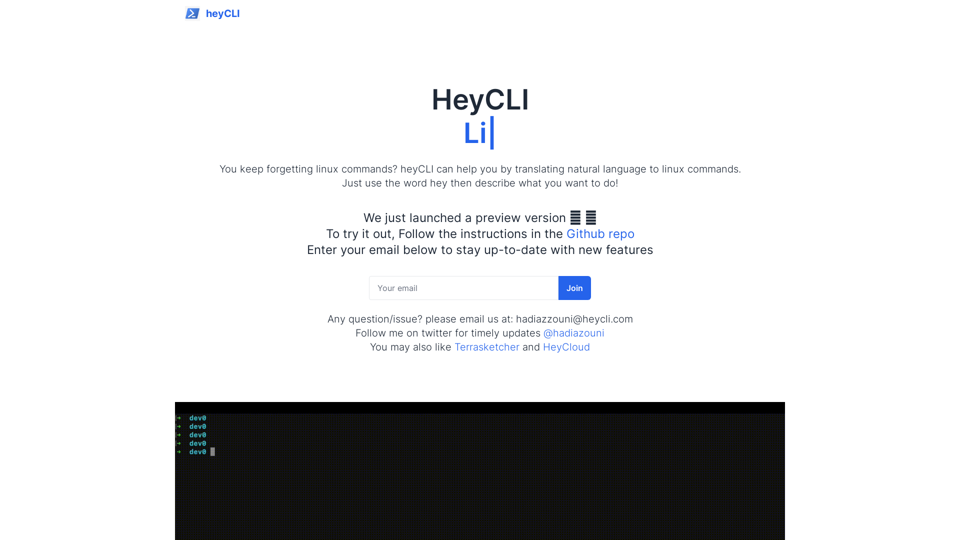
Linux commands in natural language. Work in terminal but using plain English!
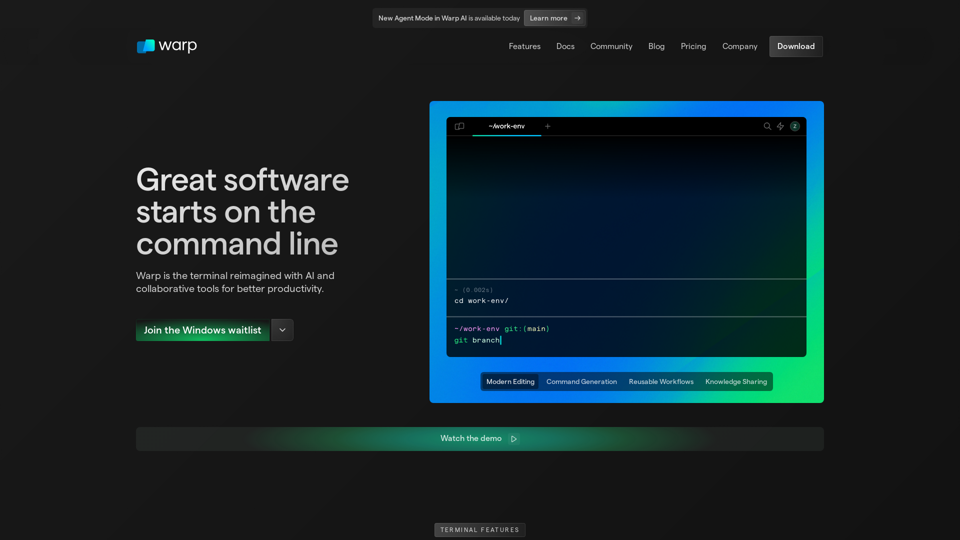
Warp is a modern, Rust-based terminal with AI built in so you and your team can build great software, faster. Now available on MacOS and Linux.
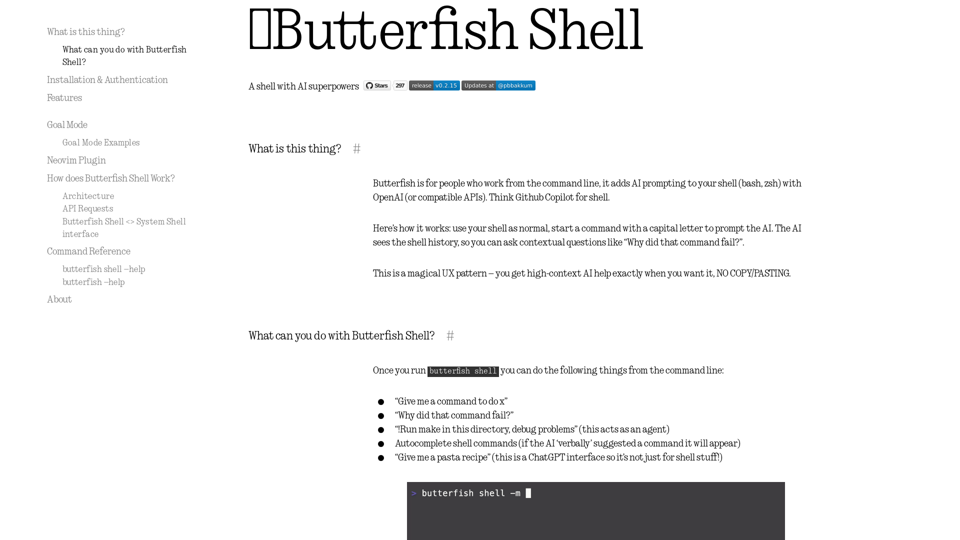
Let's do useful things with LLMs from the command line, with a bent towards software engineering.
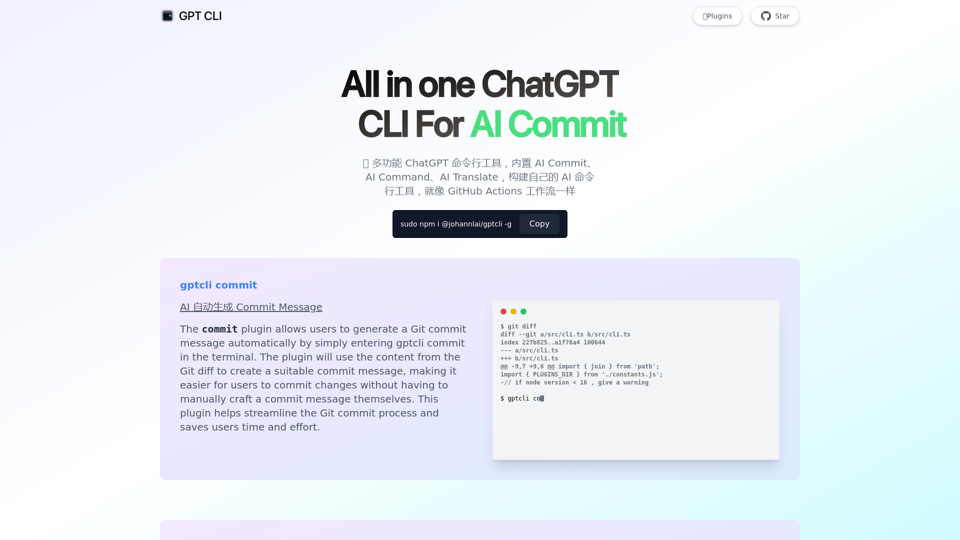
GPT CLI is a command-line interface tool that allows you to create your own ChatGPT CLI tools in seconds. With GPT CLI, you can customize your CLI tools to suit your needs and make your work more efficient. Convert NATURAL LANGUAGE PROCESSING (NLP) to into structured data.
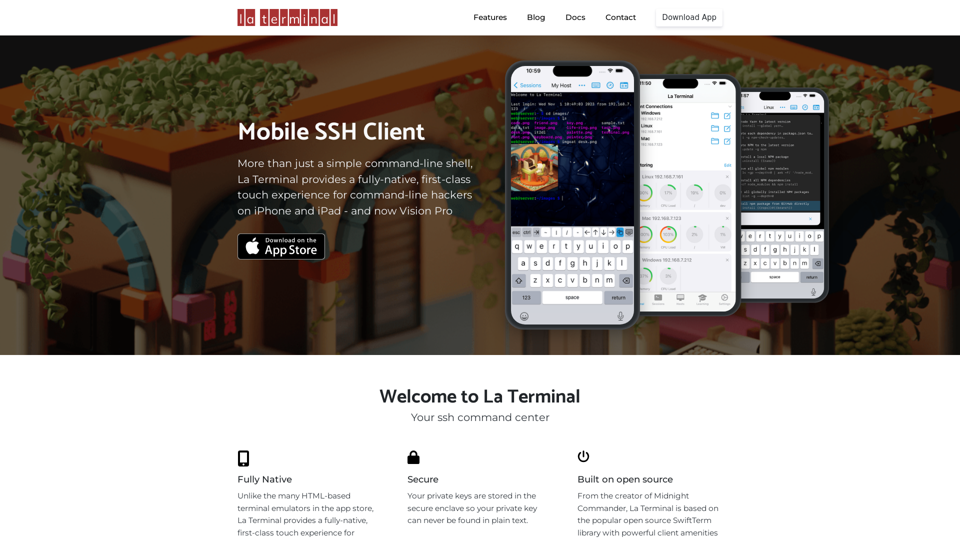
More than just a simple command-line shell, La Terminal provides a fully-native, first-class touch experience for command-line hackers on iPhone and iPad.
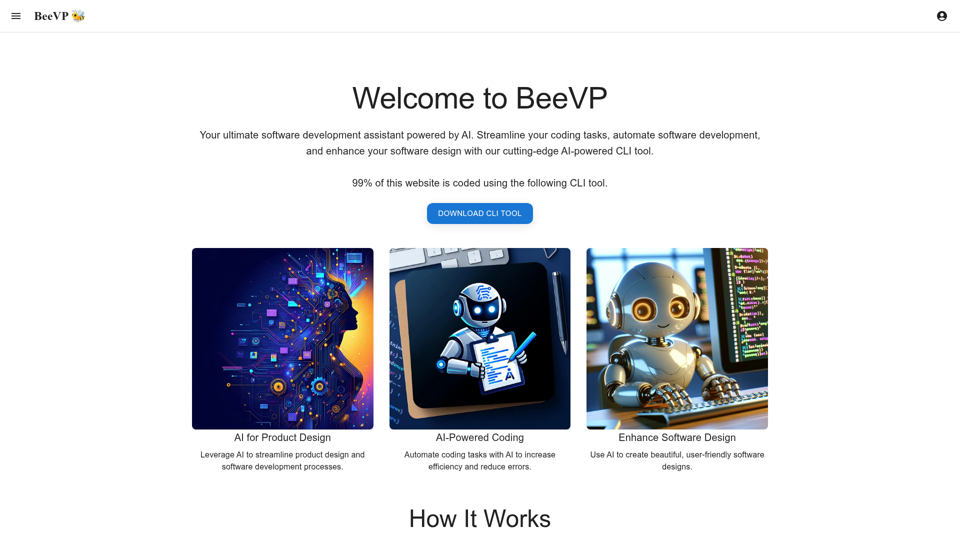
BeeVP offers an AI-powered software development assistant to streamline your coding tasks, automate software development, and enhance your software design.