Chat Gpt Notepad
Transform Your Text with Online Chat GPT Notepad: Say Goodbye to Bold Formatting! Effortlessly enhance your text,with our Free Online Notepad.
What is ChatGPT Notepad?
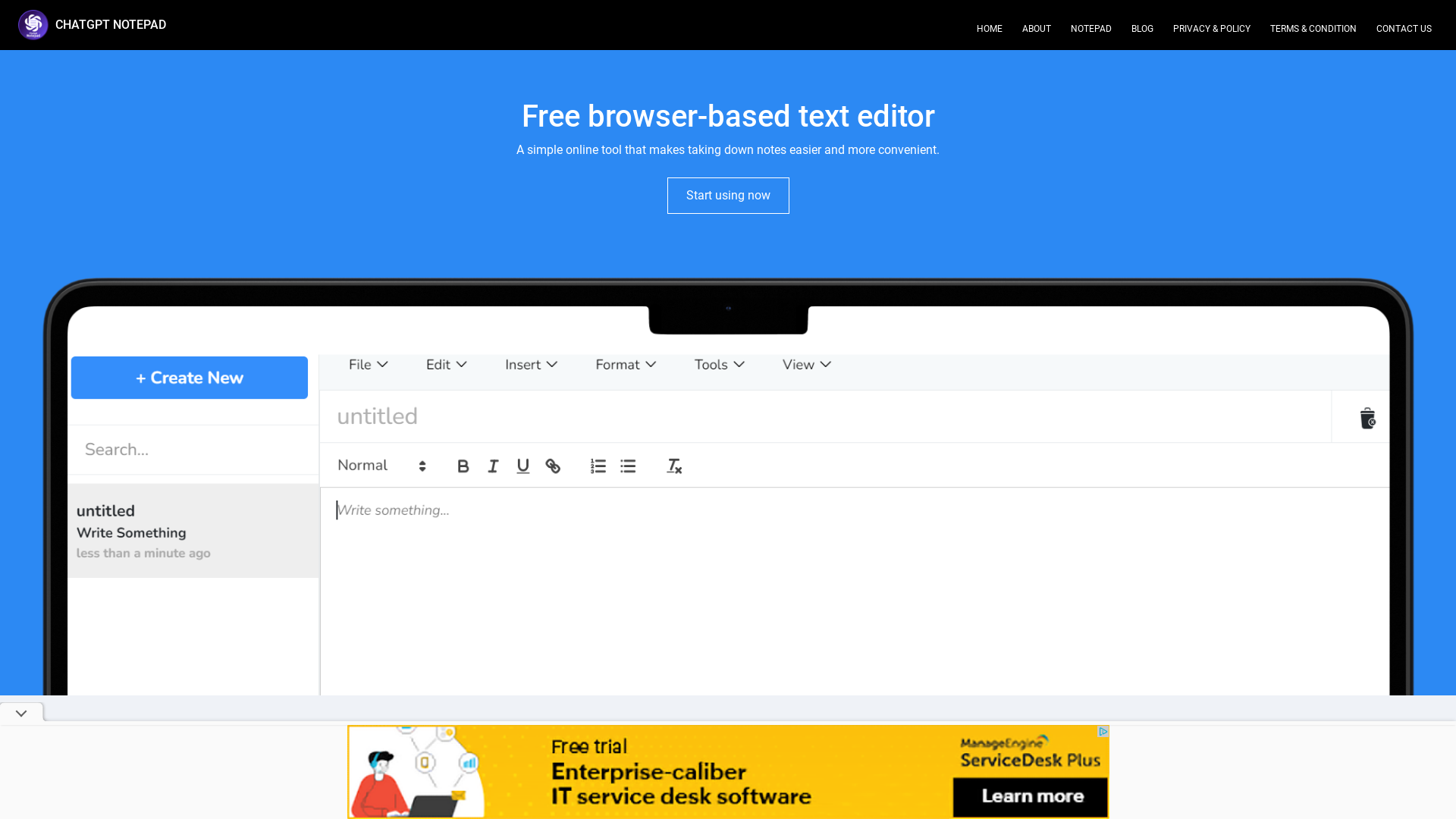
ChatGPT Notepad is a free browser-based text editor designed for ease of use, allowing you to create and edit multiple plain-text files right within your browser. No registration or login is required, making it an ideal tool for quick note-taking and document preparation.
Main Features of ChatGPT Notepad
- Simple Interface
- ChatGPT Notepad offers a minimalistic design that helps you focus solely on your writing.
- Autosave Functionality
- Never worry about losing your work again. The app automatically saves your content every second to prevent data loss.
- Real-time Word Count
- Keep track of your writing with an immediate word counter that updates as you type.
- Find & Replace
- Utilizes your browser's spellchecker to easily find and correct spelling mistakes.
- Print Option
- Effortlessly prepare your notes for printing or save as a PDF document with just a click.
How to Use ChatGPT Notepad
Using ChatGPT Notepad is straightforward—just open the website and start typing. Everything you write is saved automatically thanks to the HTML5 localStorage API, which retains your data even if you accidentally close the tab or refresh the page.
- To save documents directly to your computer, simply use the “Save” feature.
- You can access features such as undo, redo, copy, and paste easily via keyboard shortcuts.
Price of ChatGPT Notepad
ChatGPT Notepad is a completely free tool, making it accessible for anyone, whether for personal, academic, or professional purposes.
Helpful Tips
- Regularly check your browser settings to ensure cookies are enabled, as this is essential for the autosave feature to function correctly.
- Familiarize yourself with the keyboard shortcuts to streamline your editing process.
- If you're using the notepad for important notes, consider periodically saving your work to your local computer for added security.
Frequently Asked Questions
Is there a limit to how much I can write on ChatGPT Notepad?
No, there's no character limit. You can write as much as you want until your browser's local storage capacity is reached.
Can I access my notes from different devices?
Because the notes are saved locally in your browser, you won't be able to access them from different devices unless you save them to your computer and transfer the files manually.
Do I need to register or create an account to use ChatGPT Notepad?
No registration is required. You can start using ChatGPT Notepad right away without signing up.
How does the autosave feature work?
Autosave continuously stores your work in the background every second by utilizing the HTML5 localStorage API, preserving your notes locally on your device.
What happens to my notes if I clear my browser cookies?
Clearing your cookies can result in the loss of unsaved notes. Always ensure your work is saved to your local computer if you plan to clear your browser data.
Chat Gpt Notepad
Transform Your Text with Online Chat GPT Notepad: Say Goodbye to Bold Formatting! Effortlessly enhance your text,with our Free Online Notepad.
 Bootstrap:5.3.2
 BootstrapCDN:4.5.2
 Express
 Google Analytics
 Nginx
 Node.js
 jQuery CDN
 jsDelivr
Free AI anime and manga generator. Turn text into anime episodes, manga, comics, webtoons and comic shorts in any art style — no drawing or animation skills needed.
Translate image text across 70+ languages with our advanced AI Image Translator to help you better expand your products globally to various countries
Advertised Here
Reach thousands of visitors daily. Get your spot now!
Tools similar to Chat Gpt Notepad
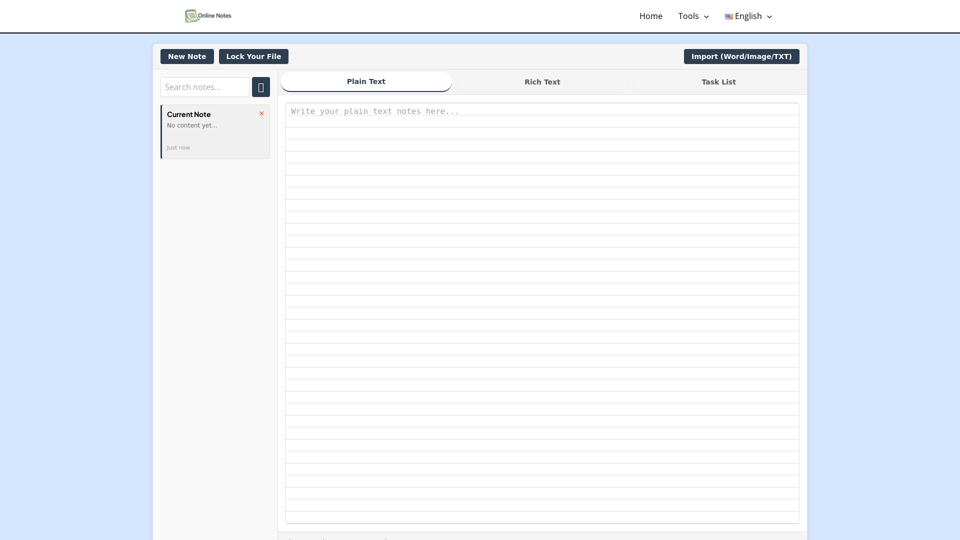
Take online notes instantly—free, secure, and no sign-up. Create, edit, and manage plain text right from your browser with our simple online notepad.
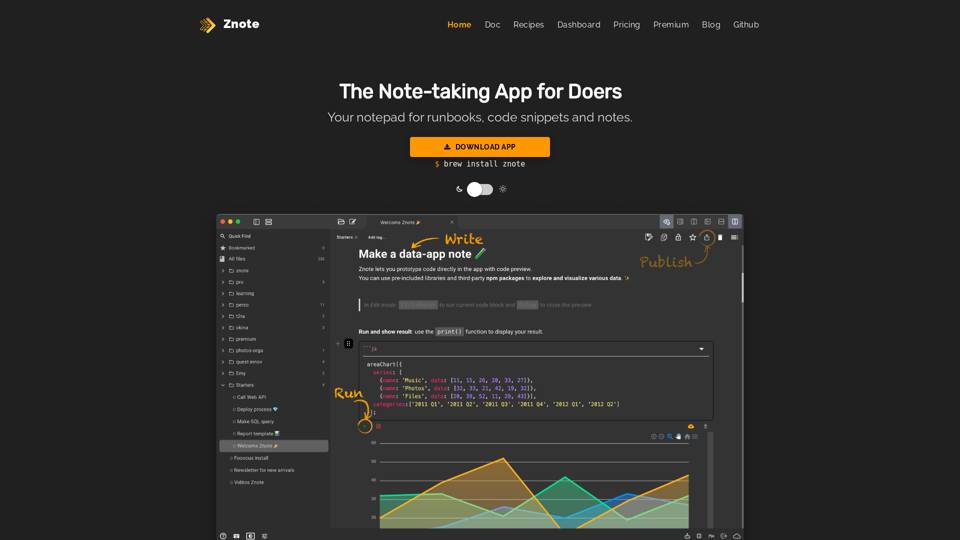
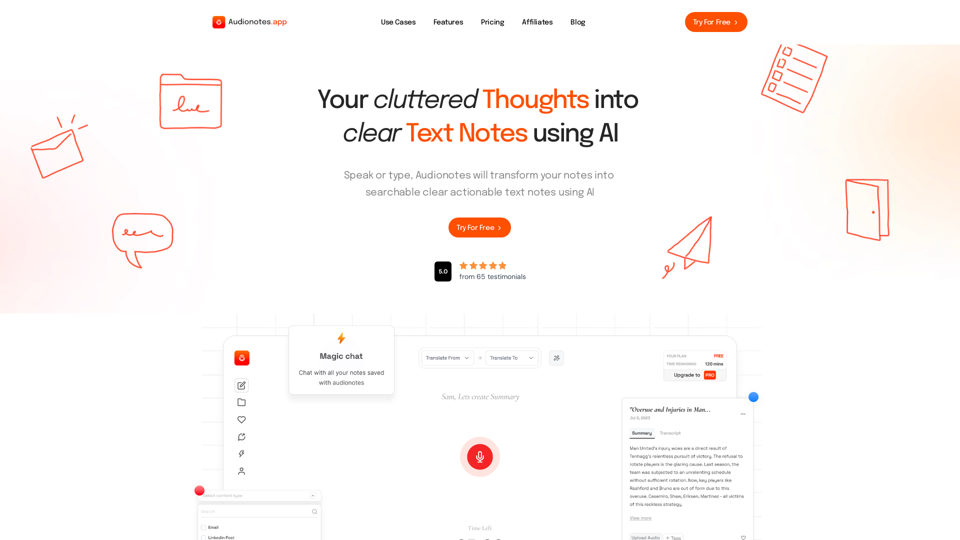
#1 AI-Based Note-Taking App. Summarize and Create Content & Chat with your unstructured voice and text notes using AI.
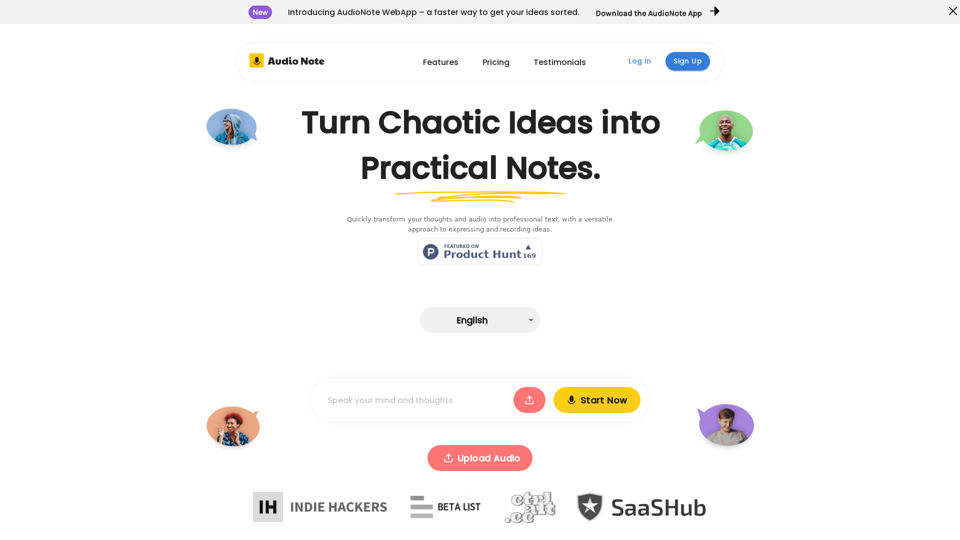
Speak and Write Like a Pro with Audio Note. Audio Note is the ultimate note taking app that lets you record your voice and turn it into text. But that's not all. Audio Note also uses AI to rewrite your text in various formats, such as todo list, tweet, LinkedIn post, email and more. Whether you need to organize your tasks, share your ideas, network with others or communicate effectively, Audio Note can help you do it with ease and style. Try Audio Note today and see the difference for yourself.
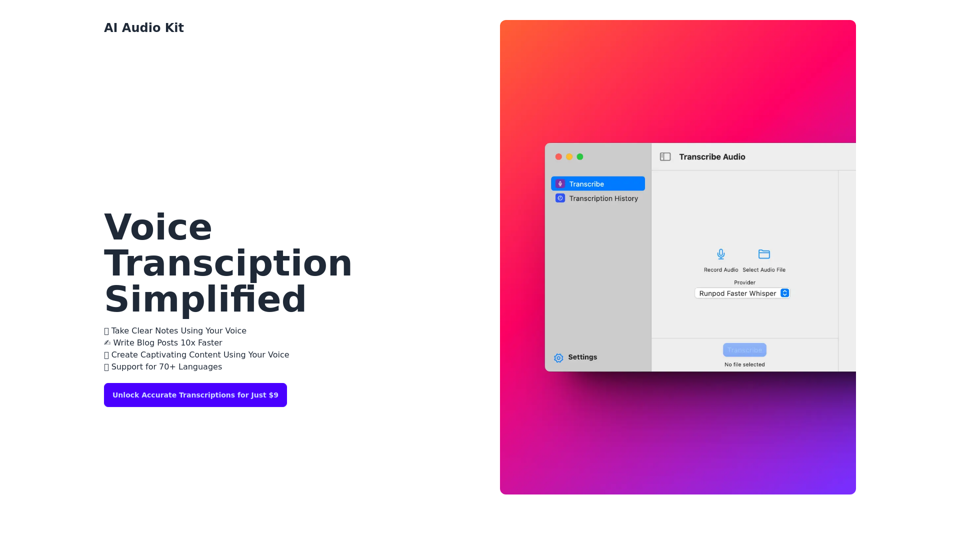
AI Audio Kit helps you to transcribe Audio using OpenAI's Official Whisper API right from macOS!
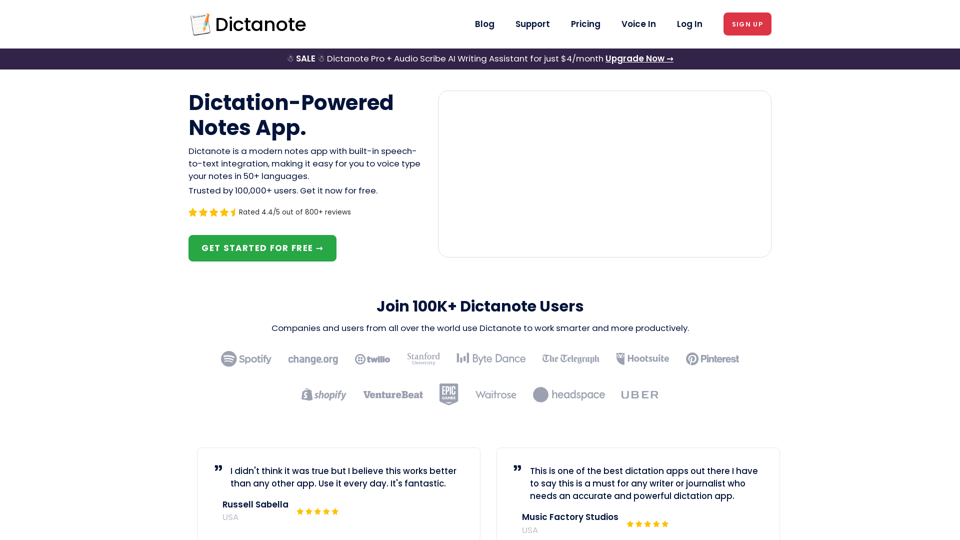
Switch effortlessly between using the keyboard and your voice to type out notes. Work smarter and more productively with fast, accurate dictation and transcription.
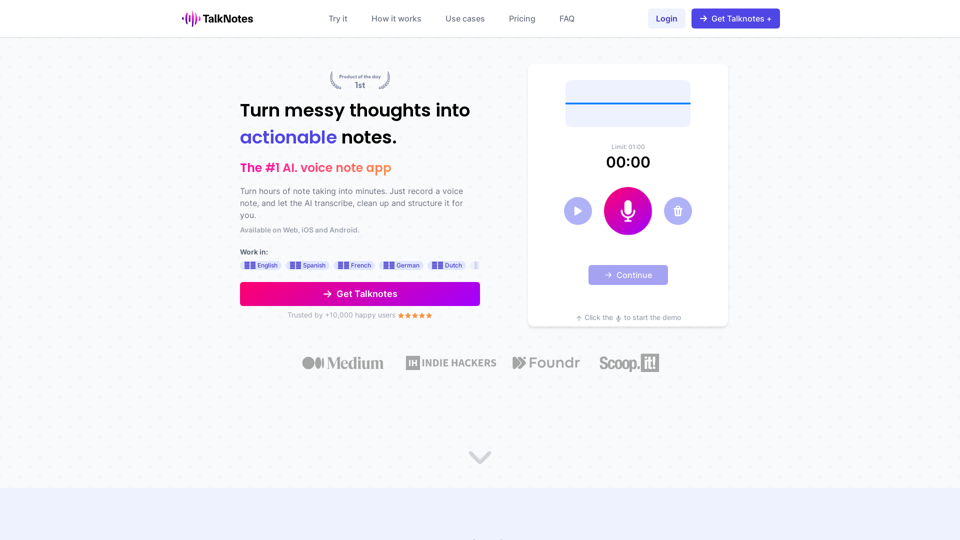
Turn hours of note taking into seconds. Record voice notes, and let the AI transcribe & structure them into actionable text. Create task lists, transcripts, blog posts, and more! Works in 50+ languages.