Online Notes
Take online notes instantly—free, secure, and no sign-up. Create, edit, and manage plain text right from your browser with our simple online notepad.
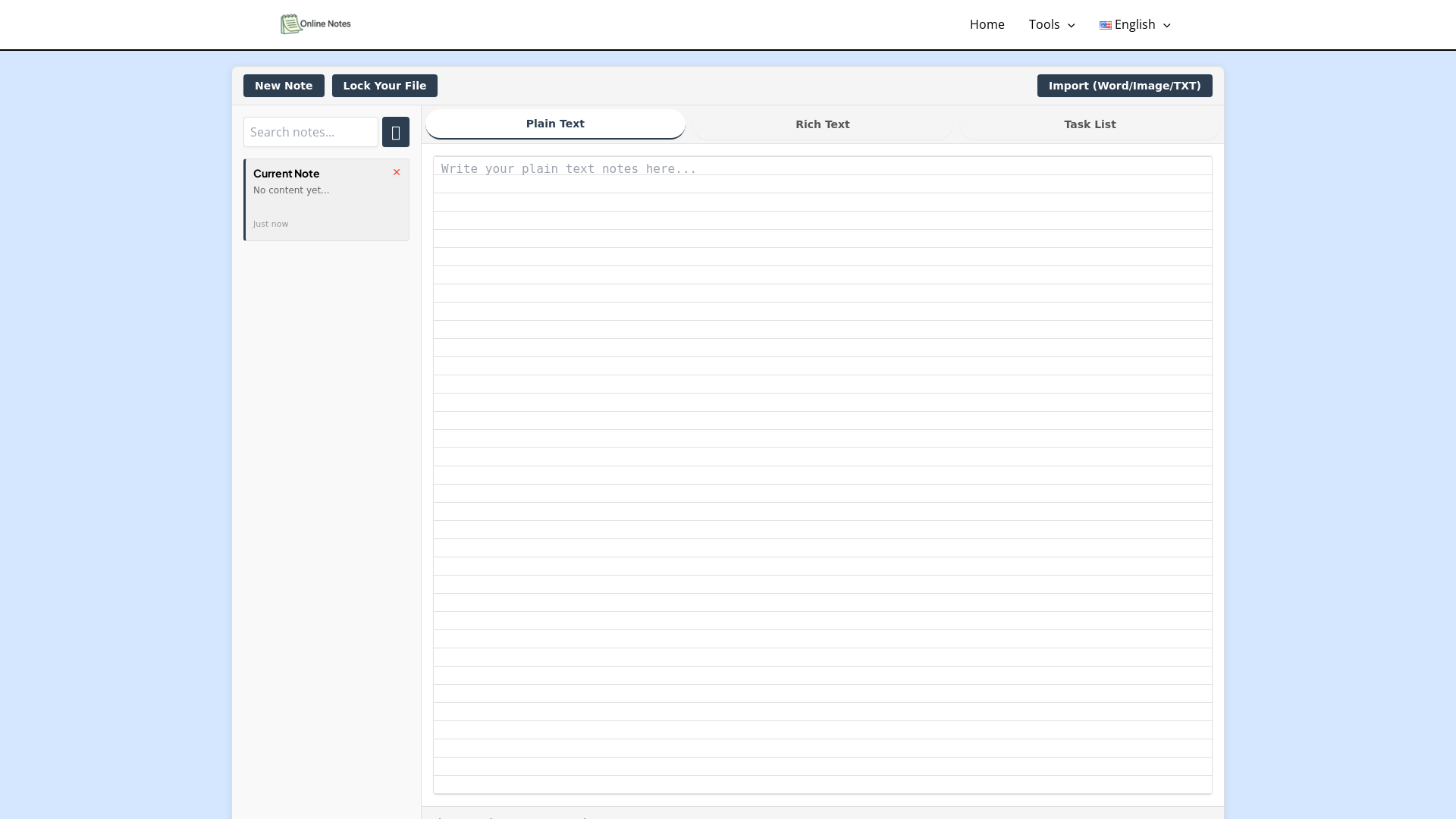
What is Online Notes?
Online Notes is a versatile and user-friendly tool designed for effortless notetaking, enabling users to write, edit, and securely manage their notes anytime from any device with internet access. It allows you to create simple to-do lists, jot down ideas, or craft blog posts, all while having the safety of password protection on your files.
Main Features of Online Notes
- Easy Notetaking
- Quick access to your notepad online without the need for installation.
- Protection Options
- Add password protection to ensure your notes remain confidential.
- Rich Text Editing
- Utilize advanced editing features for customizing text font, size, and style.
- Secure Cloud Storage
- Work without worry knowing your notes are not stored on our servers.
- Multiple File Handling
- Manage and edit multiple notes simultaneously.
How to Use Online Notes?
Using Online Notes is incredibly straightforward. Simply visit the website via any browser. You can start typing directly or import files in formats such as Word, Image, or TXT. After you have made your edits, you can download, save, or even lock your notes for added security.
Price of Online Notes
The Online Notes platform is completely free to use. Users can access all features such as writing, editing, sharing, encryption, and downloading without any hidden charges or restrictions.
Helpful Tips
- Utilize the Rich Text Features
- Experiment with different fonts and styles to enhance the presentation of your notes.
- Regularly Save Your Work
- Even though our platform is secure, it’s always a good practice to save your progress frequently.
- Use Password Protection
- If your notes contain sensitive information, always utilize the encryption feature for optimal security.
- Explore Multiple Files
- Take advantage of the capability to work on several notes at once to boost your productivity.
Frequently Asked Questions
Do I need to create an account to use Online Notes?
No! You can start writing or editing without needing to sign up or provide any personal information.
Is everything truly free?
Yes, all functionalities such as writing, editing, sharing, and downloading are entirely free with no limitations.
Are my notes safe?
Absolutely! All work is performed in the cloud, and we do not store or access your notes, ensuring your data remains private.
Can I manage multiple notes at the same time?
Yes, you can easily write, edit, and manage several notes simultaneously within the platform.
Online Notes
Take online notes instantly—free, secure, and no sign-up. Create, edit, and manage plain text right from your browser with our simple online notepad.
 PHP:8.2.28
 HTTP/3
 Hostinger
 LiteSpeed
 MySQL
MySQL WordPress Block Editor
Free AI anime and manga generator. Turn text into anime episodes, manga, comics, webtoons and comic shorts in any art style — no drawing or animation skills needed.
Translate image text across 70+ languages with our advanced AI Image Translator to help you better expand your products globally to various countries
Advertised Here
Reach thousands of visitors daily. Get your spot now!
Tools similar to Online Notes
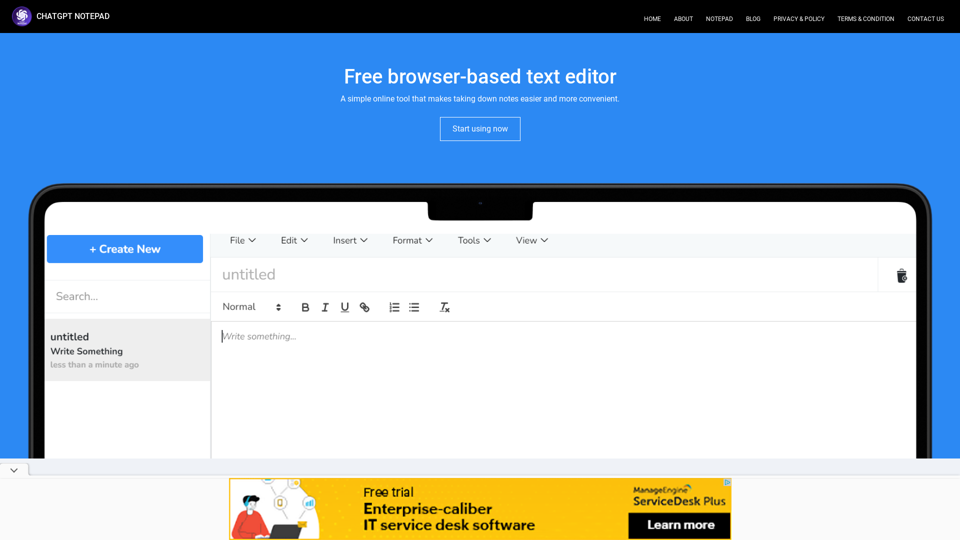
Transform Your Text with Online Chat GPT Notepad: Say Goodbye to Bold Formatting! Effortlessly enhance your text,with our Free Online Notepad.
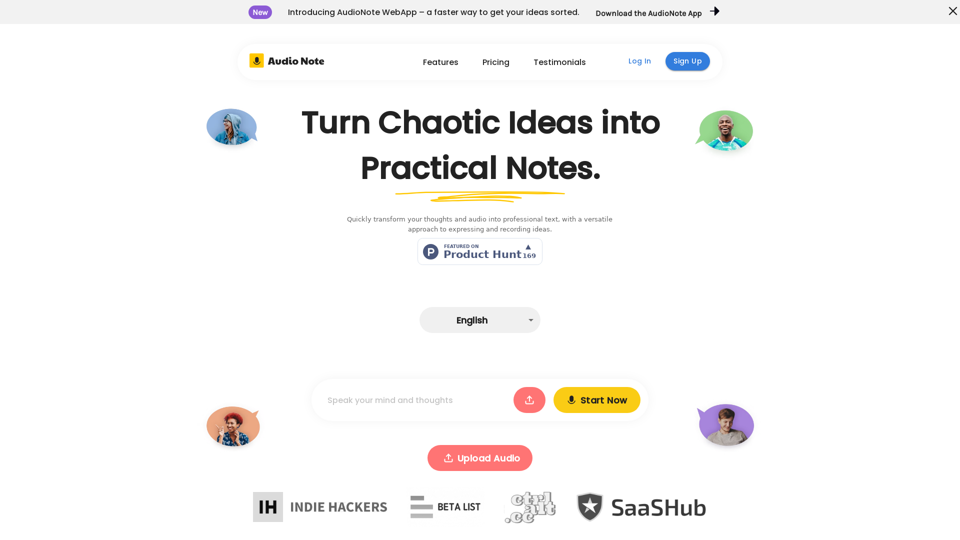
Speak and Write Like a Pro with Audio Note. Audio Note is the ultimate note taking app that lets you record your voice and turn it into text. But that's not all. Audio Note also uses AI to rewrite your text in various formats, such as todo list, tweet, LinkedIn post, email and more. Whether you need to organize your tasks, share your ideas, network with others or communicate effectively, Audio Note can help you do it with ease and style. Try Audio Note today and see the difference for yourself.
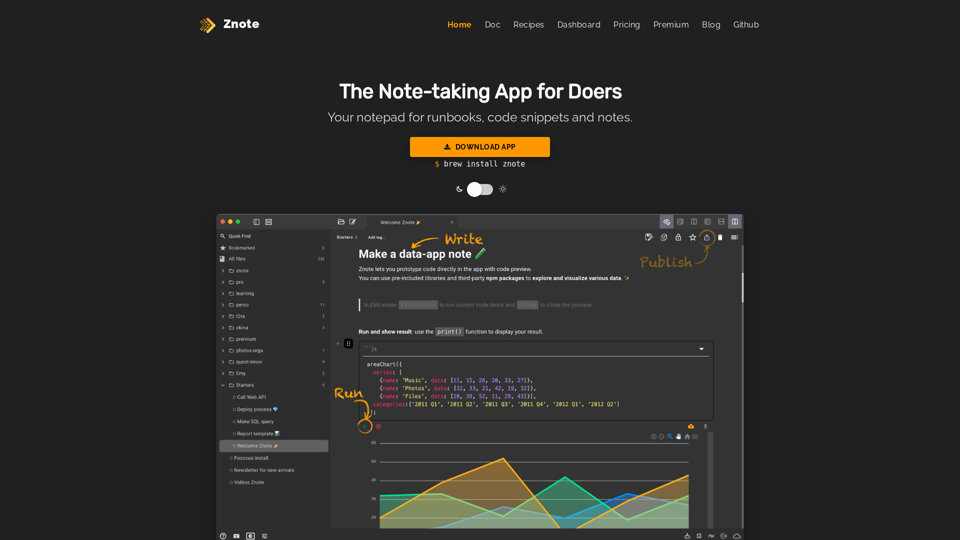
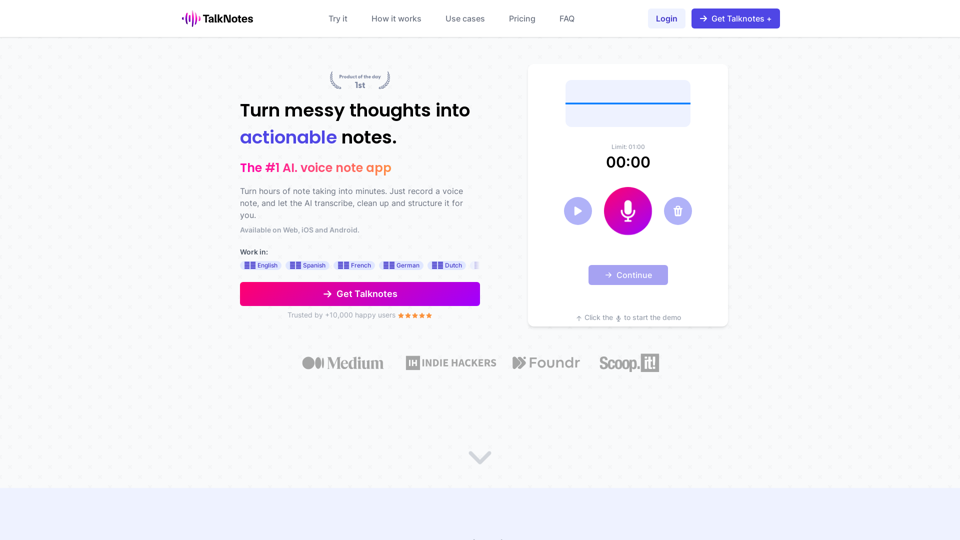
Turn hours of note taking into seconds. Record voice notes, and let the AI transcribe & structure them into actionable text. Create task lists, transcripts, blog posts, and more! Works in 50+ languages.
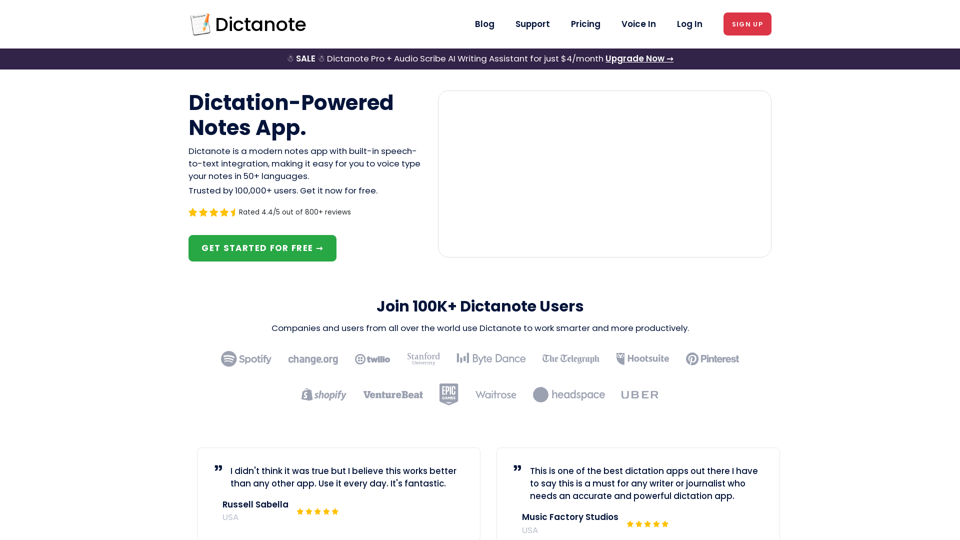
Switch effortlessly between using the keyboard and your voice to type out notes. Work smarter and more productively with fast, accurate dictation and transcription.
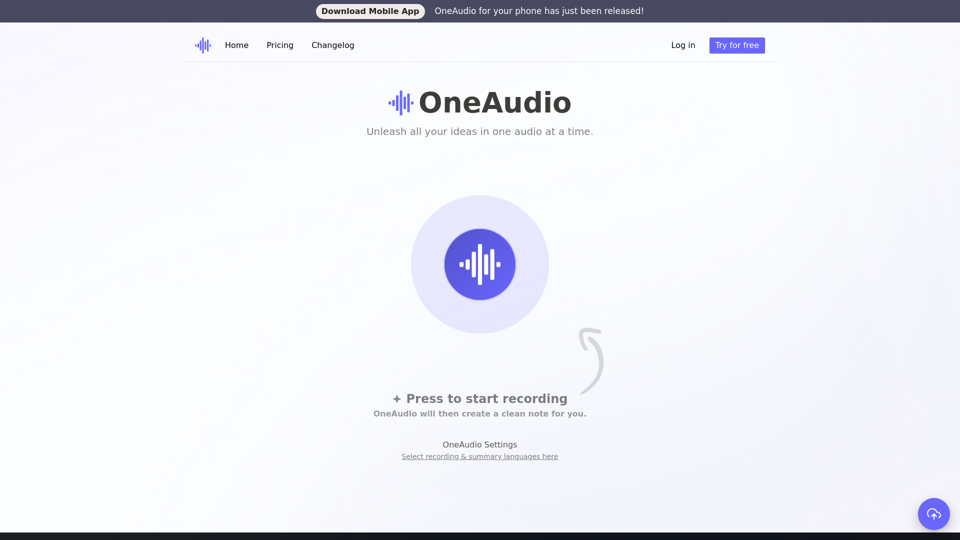
OneAudio converts your ideas into clean, easy to read & well-structured notes. You just have to think out loud, or upload a recording and we will assist you in creating a ready to share note.
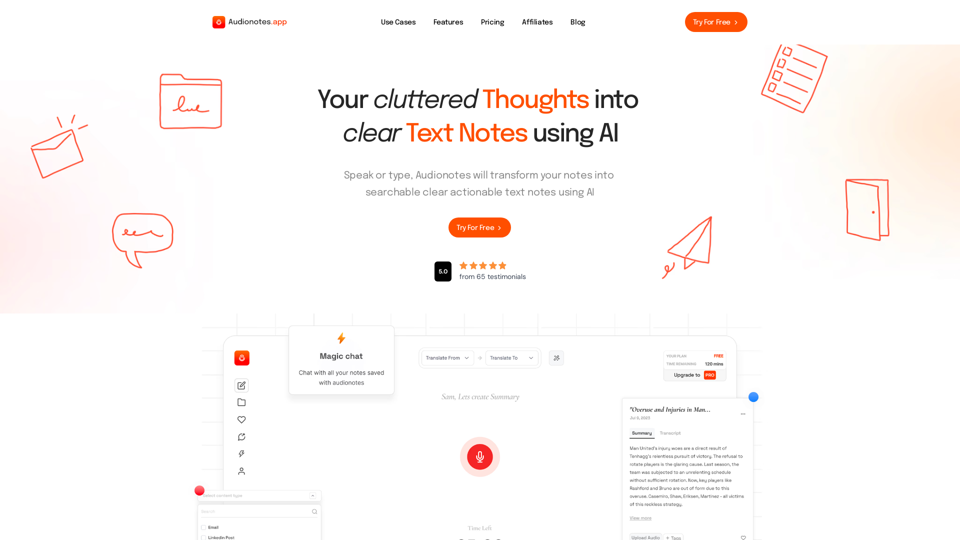
#1 AI-Based Note-Taking App. Summarize and Create Content & Chat with your unstructured voice and text notes using AI.
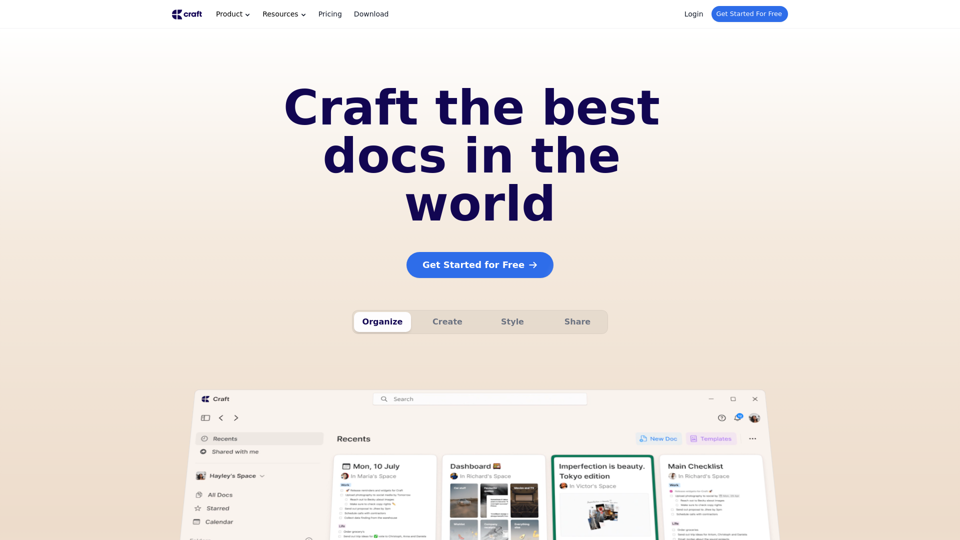
Create documents, which will make an impact. Try Craft for free both for personal and business/teams use cases.