Cleanvoice AI
Remove background noise, fillers, mouth sounds, silence & more from your podcast with Cleanvoice AI. Get studio-quality sound without hours of editing.
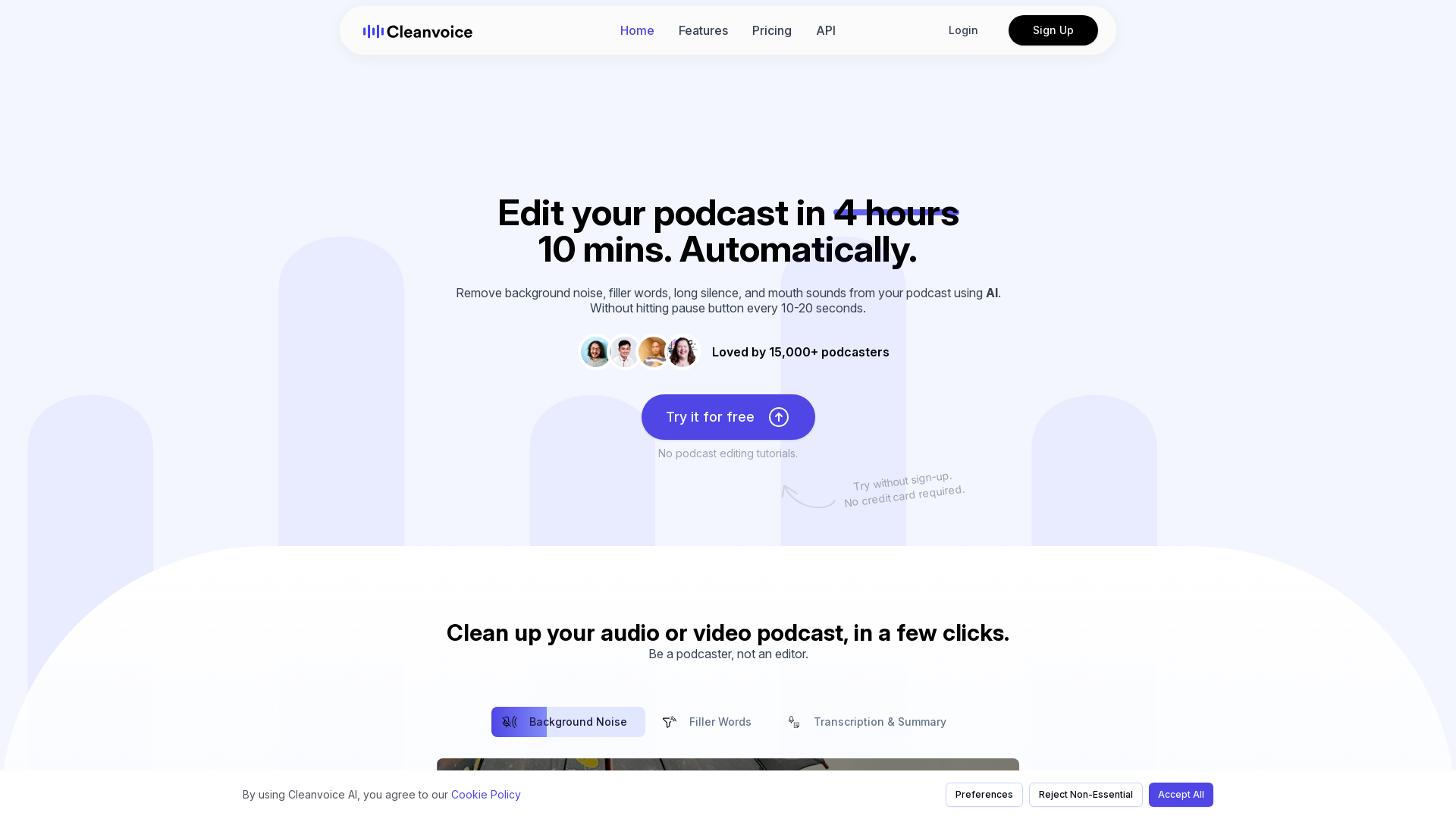
What is Cleanvoice AI?
Cleanvoice AI is an innovative podcast editing tool that uses advanced AI technology to streamline the audio and video editing process for podcasters. Whether you are dealing with background noise, filler words, or long silences, Cleanvoice allows you to enhance your podcast in just a few clicks and in a fraction of the time it normally takes. With Cleanvoice, you can edit your podcast in approximately 10 minutes, compared to typical 4-hour editing sessions.
What are the main features of Cleanvoice AI?
- Background Noise Removal
- Automatically reduces unwanted background noise such as vehicles, pets, or other disturbances.
- Filler Words Elimination
- Cleans up your audio by removing filler words in over 20 languages.
- Long Pause and Deadair Removal
- Efficiently cuts out unwanted long pauses or dead air in recordings.
- Mouth Sounds and Breath Removal
- Improves audio quality by filtering out mouth sounds and breathing noises.
- Transcription and Summary Generation
- Instantly generates a transcript and summary of your podcast, making it easier to create show notes and social media content.
- Multitrack Editing
- Allows for editing multiple audio tracks simultaneously.
- Timeline Export
- Lets you export timelines of removed segments for future reference or customized editing.
How to use Cleanvoice AI?
Using Cleanvoice is simple and user-friendly. Here’s how you can get started:
- Drag and Drop Your Files: Upload the audio or video files you want to edit.
- Sit Back and Let AI Do the Magic: Cleanvoice will automatically analyze and edit your podcast according to your desired settings.
- Download or Export Results: Once the editing process is complete, simply download your cleaned-up podcast.
You can begin with a free trial, which allows you to edit 30 minutes of audio without requiring a credit card.
What is the pricing structure for Cleanvoice AI?
Cleanvoice AI offers a variety of pricing options fitting different needs. The initial use allows for 30 minutes of audio cleaning for free. For extended use or editing beyond that, users will need to explore the various subscription plans that provide additional benefits and features to enhance editing capabilities.
Helpful Tips
- Make use of the free trial to understand how the platform works and determine if it meets your podcasting needs.
- Regularly check your podcast for filler words and unnecessary pauses to improve overall listener engagement.
- Utilize the transcription feature not only for podcast summaries but also for generating content for social media to promote your episodes.
- Stay updated with new features or changes on the platform for better efficiency in your editing process.
Frequently Asked Questions
Who can use Cleanvoice?
Cleanvoice is usable by anyone who wants to edit podcasts—whether you're a professional podcaster or a casual creator.
Can I try Cleanvoice for free?
Yes! Cleanvoice offers a free 30-minute trial for you to test its features without the need for a credit card.
What formats do you support?
Cleanvoice supports various audio and video formats to help accommodate all types of podcasts.
Can I choose what edits I want to apply?
Absolutely! You have the flexibility to select specific edits you want applied to your audio or video.
Do I need to transcribe my audio or video first?
No, Cleanvoice automates the transcription as part of the editing process.
With Cleanvoice AI, you can enhance your podcast efficiency, improve audio quality, and focus on what you do best—creating engaging content.
Cleanvoice AI
Remove background noise, fillers, mouth sounds, silence & more from your podcast with Cleanvoice AI. Get studio-quality sound without hours of editing.
 Vercel
Free AI anime and manga generator. Turn text into anime episodes, manga, comics, webtoons and comic shorts in any art style — no drawing or animation skills needed.
Translate image text across 70+ languages with our advanced AI Image Translator to help you better expand your products globally to various countries
Advertised Here
Reach thousands of visitors daily. Get your spot now!
Tools similar to Cleanvoice AI
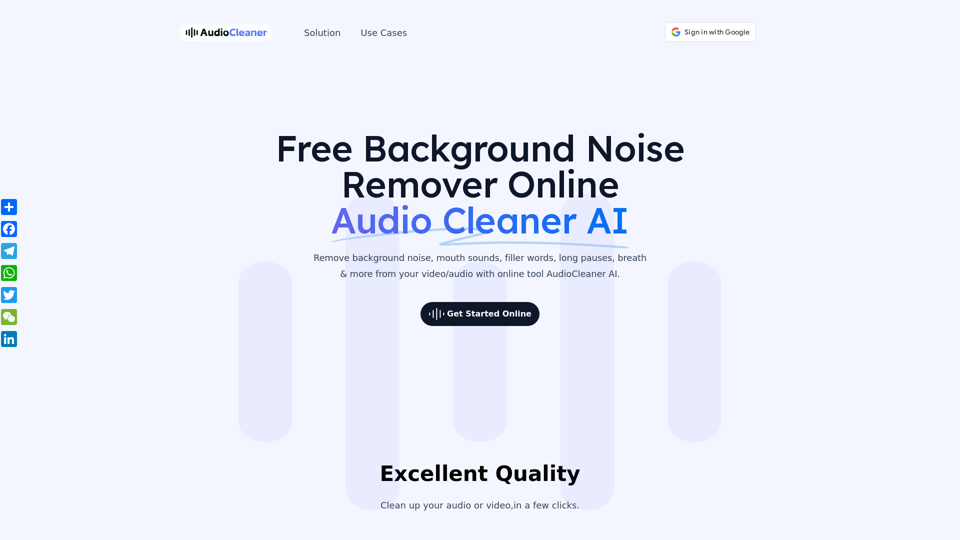
With our Audio Cleaner AI-powered online, you can removes background noise from audio and isolate vocals and instrumentals automatically in no time.
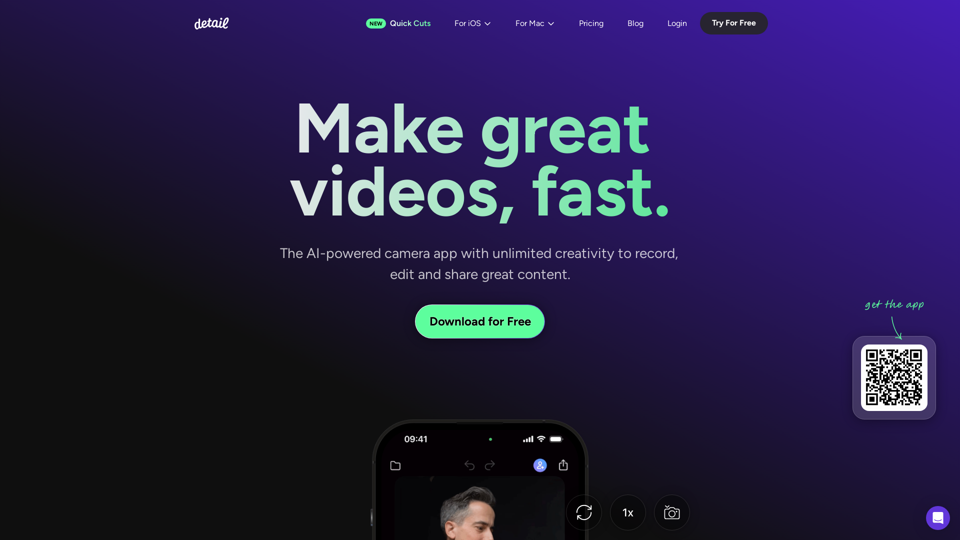
Record and edit videos with Detail for iOS and macOS. Everything you need to create videos and podcasts, fast. Download for free on the App Store.
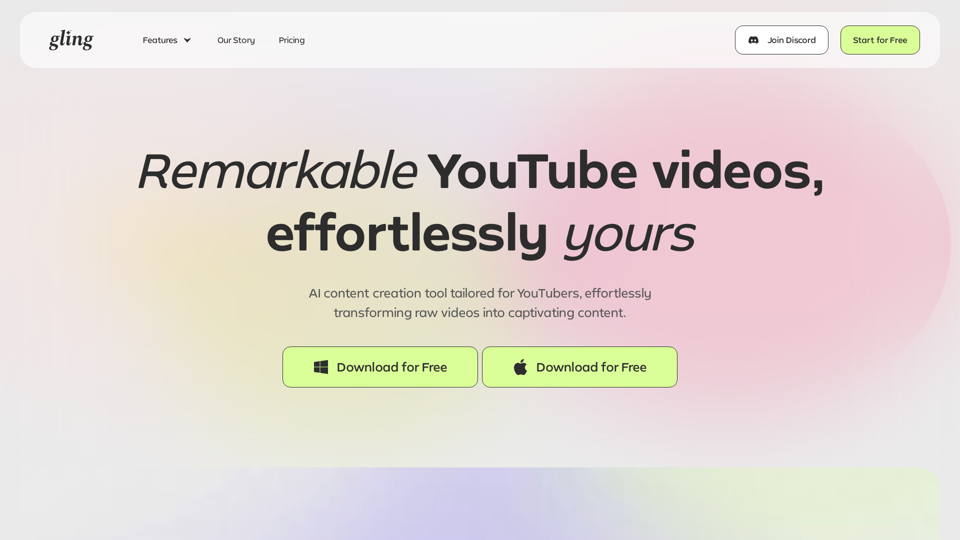
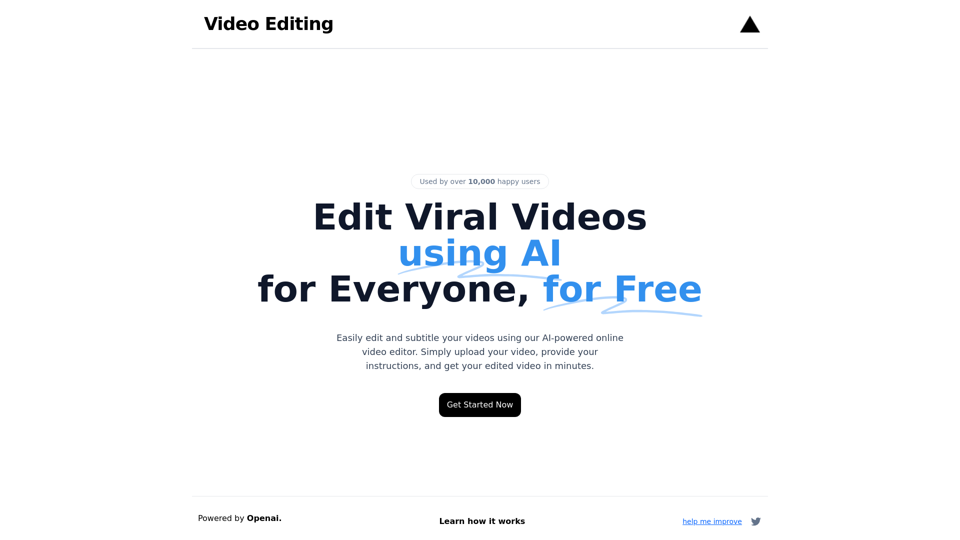
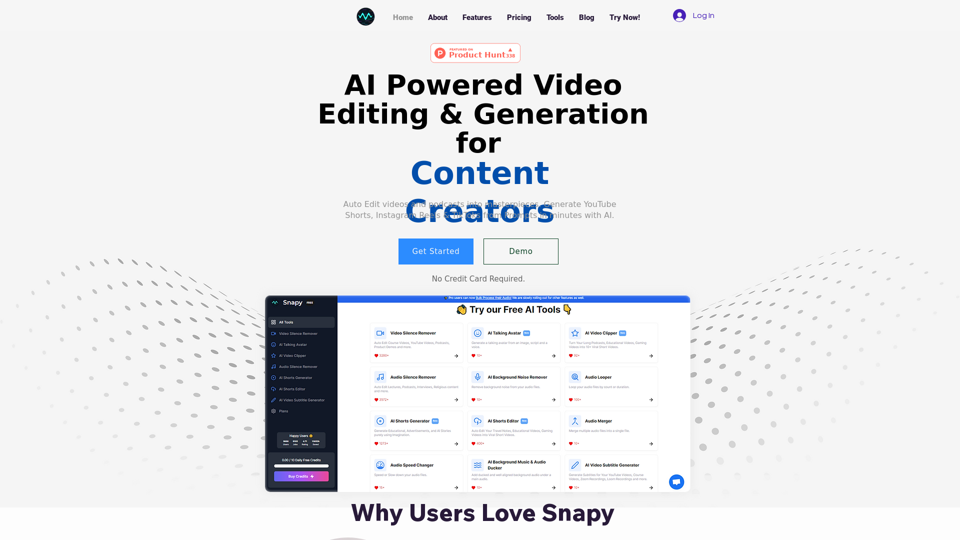
Edit and subtitle videos using AI for free. Our online video processing SaaS tool makes video editing easy and efficient. Join over 10,000 happy users.
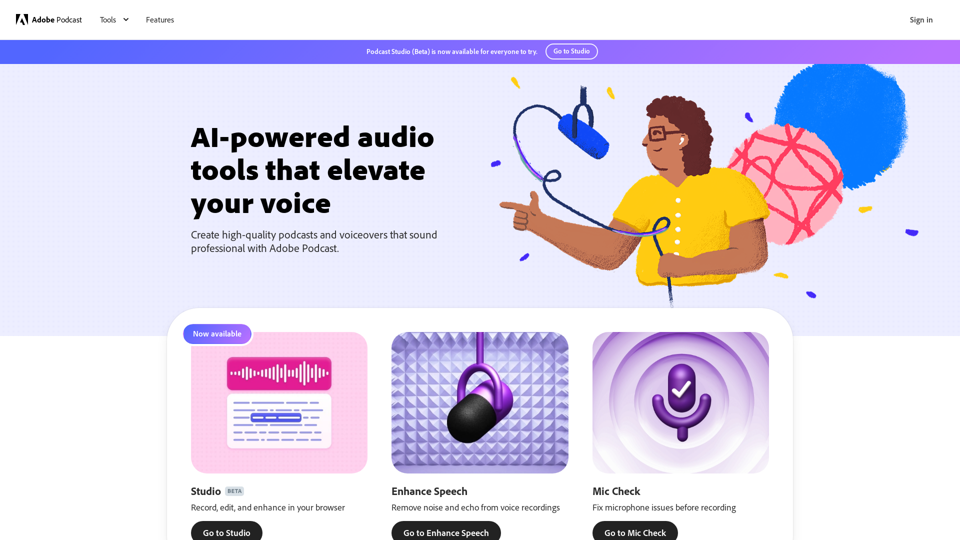
Next generation audio from Adobe is here. Record, transcribe, edit, share. Crisp and clear, every time.
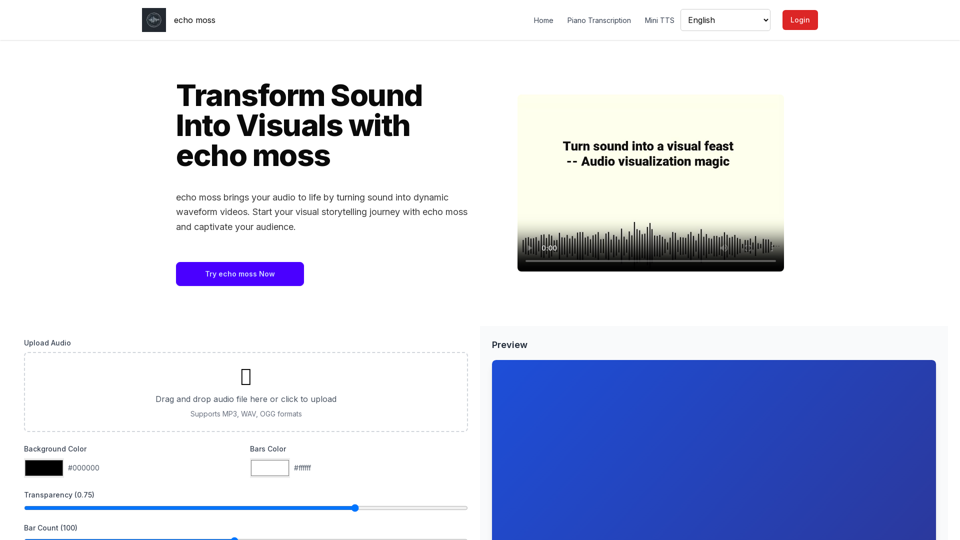
Transform audio into dynamic waveform videos with echo moss. Perfect for musicians, podcasters, and content creators to make your sound visually engaging.
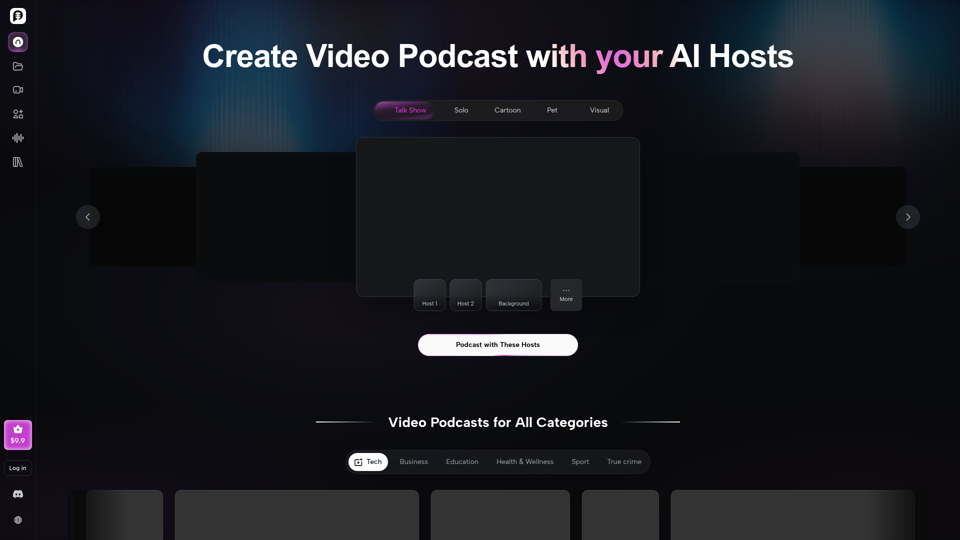
Your all-in-one AI podcast studio. Generate scripts, voices, and video podcasts for Spotify, YouTube & TikTok — in minutes. Try PodcastorAI for free.