echo moss
Transform audio into dynamic waveform videos with echo moss. Perfect for musicians, podcasters, and content creators to make your sound visually engaging.
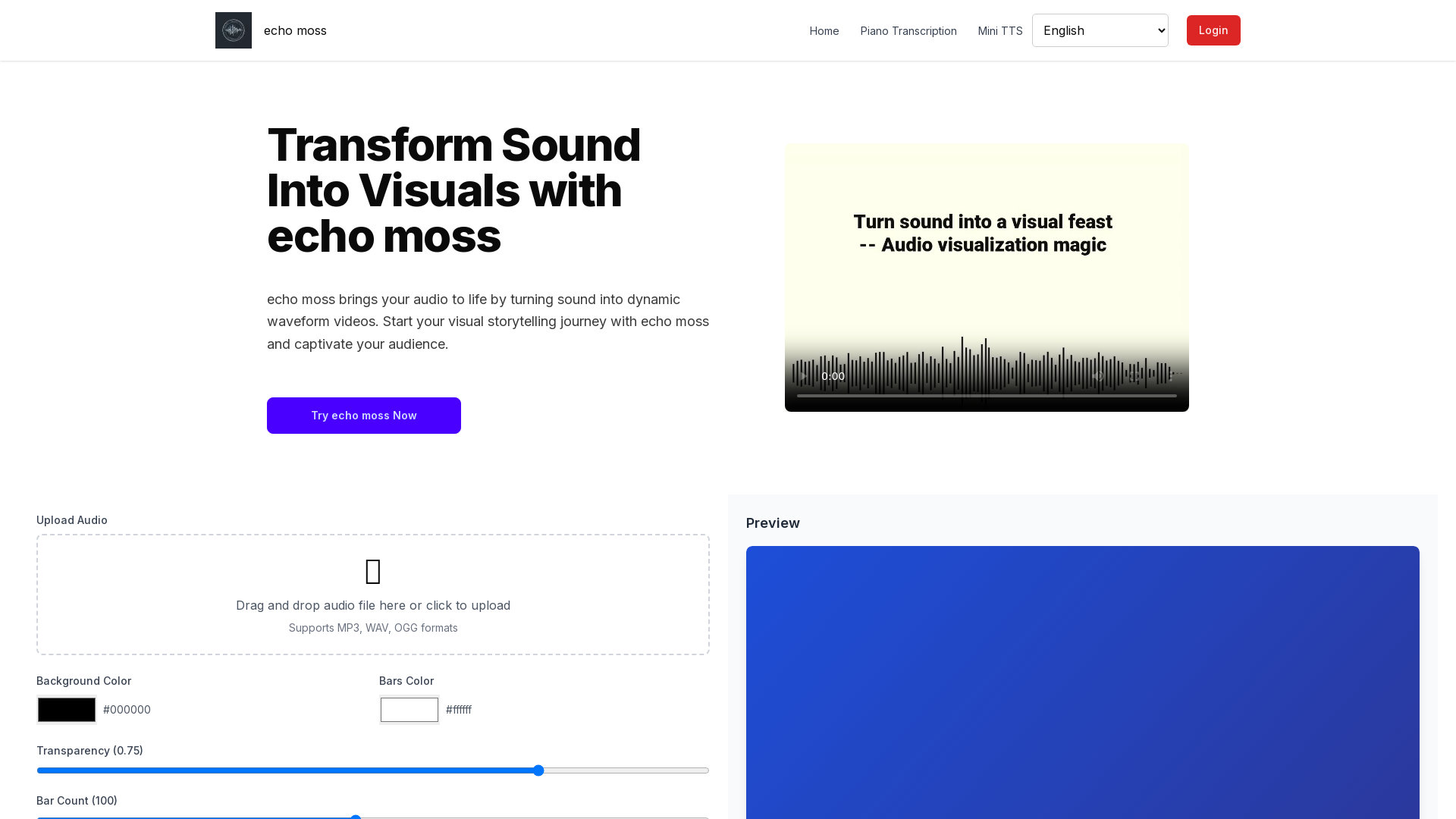
What is echo moss?
echo moss is an innovative AI-powered platform designed to transform audio into dynamic waveform videos. It enables users to breathe life into their sounds and create visually captivating representations, making it perfect for music producers, podcasters, and content creators looking to enhance their storytelling through visual art.
Features of echo moss
- Audio-to-Visual Converter
- Instantly turn your audio files into stylish waveform visuals.
- Creative Customization
- Add vibrant colors, text, and effects to personalize your waveform videos to match your content style.
- Fast Rendering
- Enjoy quick conversion with a smooth and efficient processing experience.
- Easy Sharing
- Download and distribute your echo moss visuals across various platforms seamlessly.
- Paid and Flexible Plans
- Explore the tool with pay-as-you-go options and choose a plan that fits your needs.
How to use echo moss?
Using echo moss is straightforward and perfect for anyone, regardless of their editing skills. Follow these three simple steps to create stunning visuals from your audio:
- Upload Your Audio: Choose any audio file (supports MP3, WAV, OGG formats) and set it to transform your sound.
- Customize Your Waveform: Select background colors, bar styles, captions, and other attributes to align with your creative vision.
- Download & Share Your Video: Preview your beautiful creation, download it, and share your masterpiece with your audience.
Pricing
echo moss offers flexible pricing options that allow users to explore its features without a commitment. Flexible plans include pay-as-you-go options, ensuring you can create and visualize your sounds without breaking the bank. Start with a free trial to experience the service before opting for a subscription.
Helpful Tips
- Experiment with Different Styles
- Don't hesitate to try various color combinations and effects to find the perfect match for your audio.
- Use High-Quality Audio Files
- The quality of your output visuals can depend on the quality of the audio you upload, so use high-definition files if possible.
- Integrate with Other Content
- Use the visuals created with echo moss in your videos, podcasts, or social media posts to elevate your content.
- Take Advantage of the Community
- Join the echo moss community for tips, tricks, and inspiration from fellow creators.
Frequently Asked Questions
What is echo moss?
echo moss is an AI-powered tool that transforms audio into visually captivating waveform videos, perfect for music, podcasts, and creative storytelling.
Who should use echo moss?
echo moss is ideal for content creators, musicians, podcasters, and anyone looking to visualize their audio with style and impact.
Is echo moss easy to use?
Yes! echo moss is designed for simplicity. You can upload your audio, customize the look, and export your video—all within minutes.
Can I use echo moss for commercial projects?
Absolutely! Many professionals use echo moss for client projects, music marketing, and branded content.
Is echo moss free to try?
Yes, echo moss allows you to try its features with flexible plans and pay-as-you-go options. Create your first visual today!
echo moss
Transform audio into dynamic waveform videos with echo moss. Perfect for musicians, podcasters, and content creators to make your sound visually engaging.
 Google AdSense
 Next.js
 Node.js
 React
 Vercel
 Webpack
Free AI anime and manga generator. Turn text into anime episodes, manga, comics, webtoons and comic shorts in any art style — no drawing or animation skills needed.
Translate image text across 70+ languages with our advanced AI Image Translator to help you better expand your products globally to various countries
Advertised Here
Reach thousands of visitors daily. Get your spot now!
Tools similar to echo moss
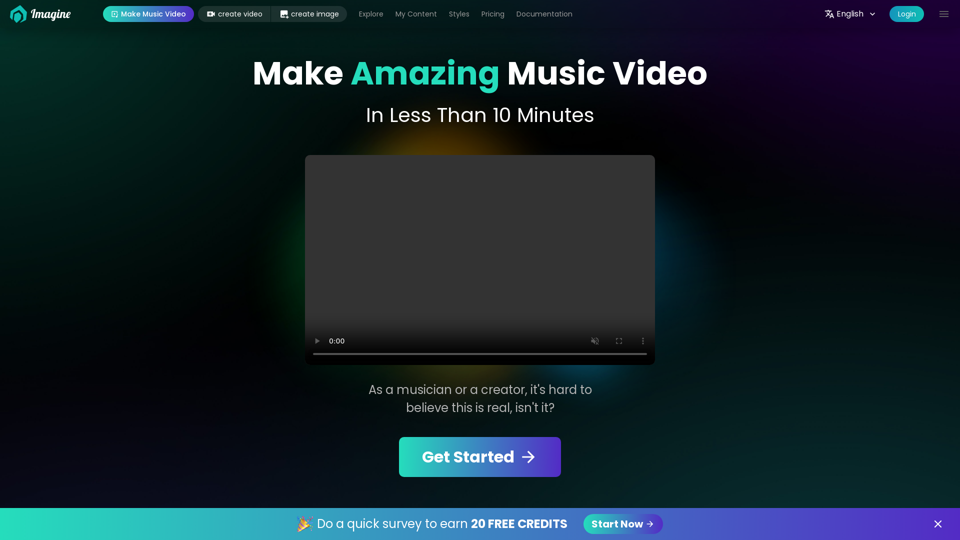
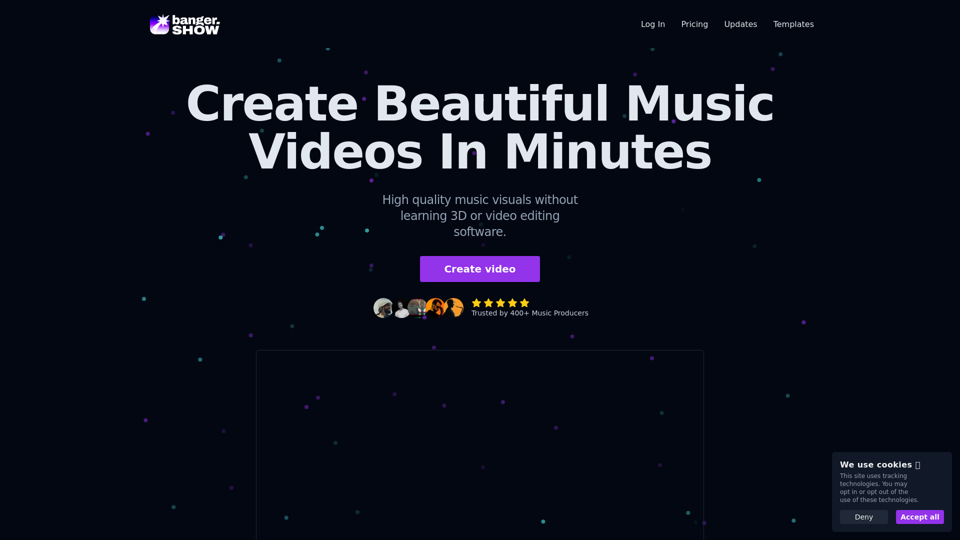
Video maker app designed for musicians, DJs, and music producers. Create high-quality visual content for your music in minutes. No video editing skills required. Use variety of visualizers and templates to create music videos online.
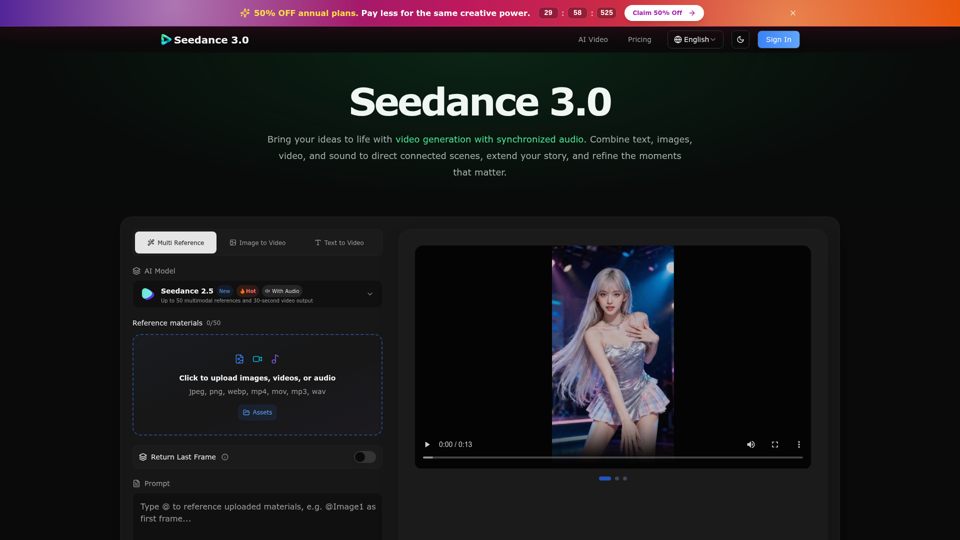
Create cinematic stories with Seedance 3.0. Turn text, images, video, and audio references into videos with synchronized sound and precise creative control.
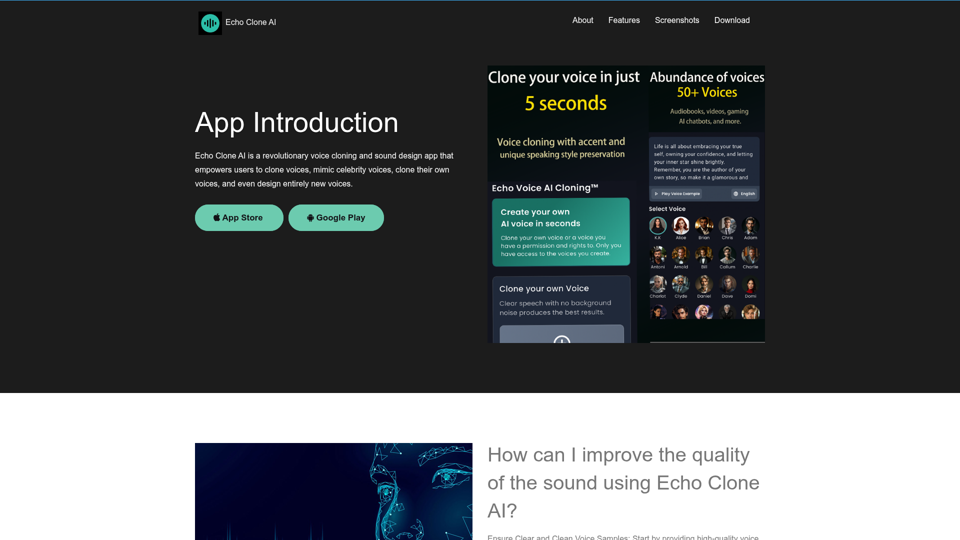
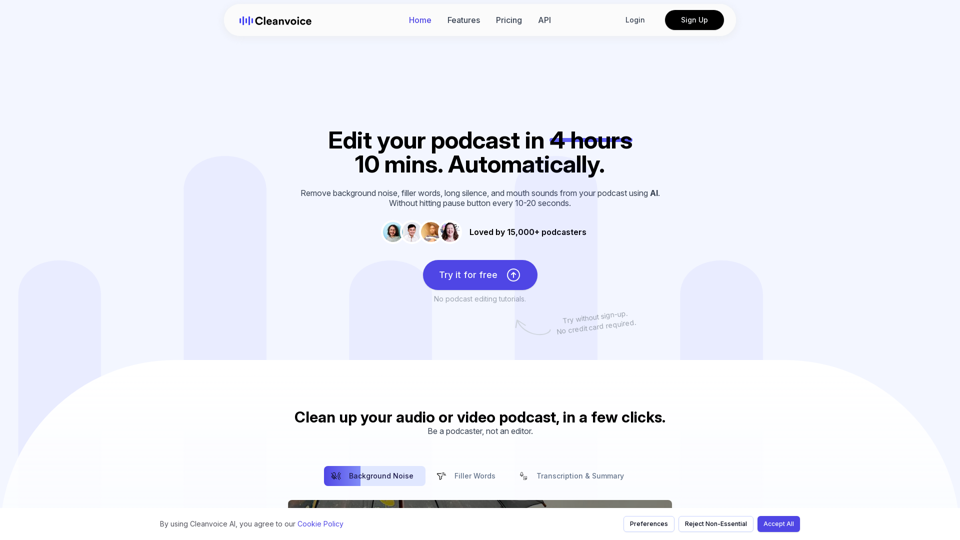
Remove background noise, fillers, mouth sounds, silence & more from your podcast with Cleanvoice AI. Get studio-quality sound without hours of editing.
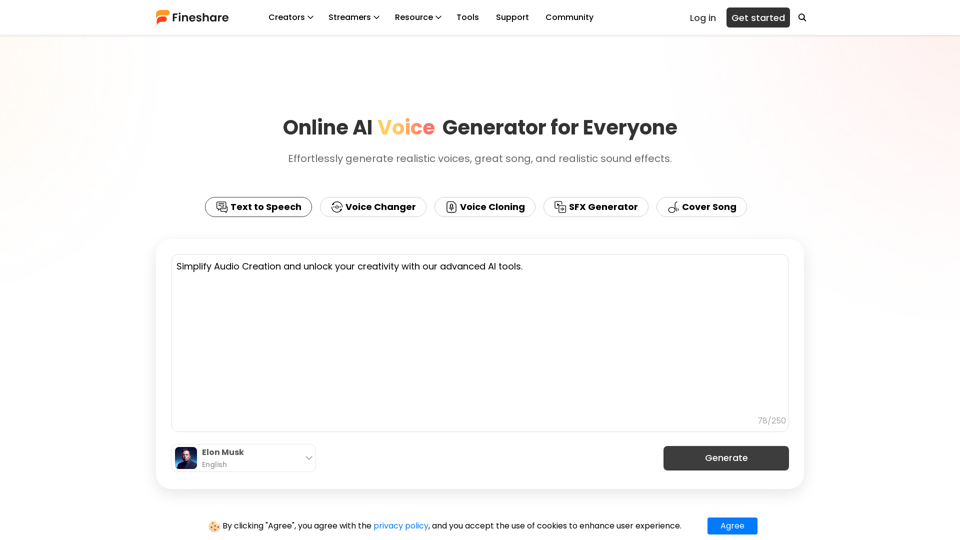
Use our AI audio generator to effortlessly generate realistic voices, great music, and realistic sound effects.
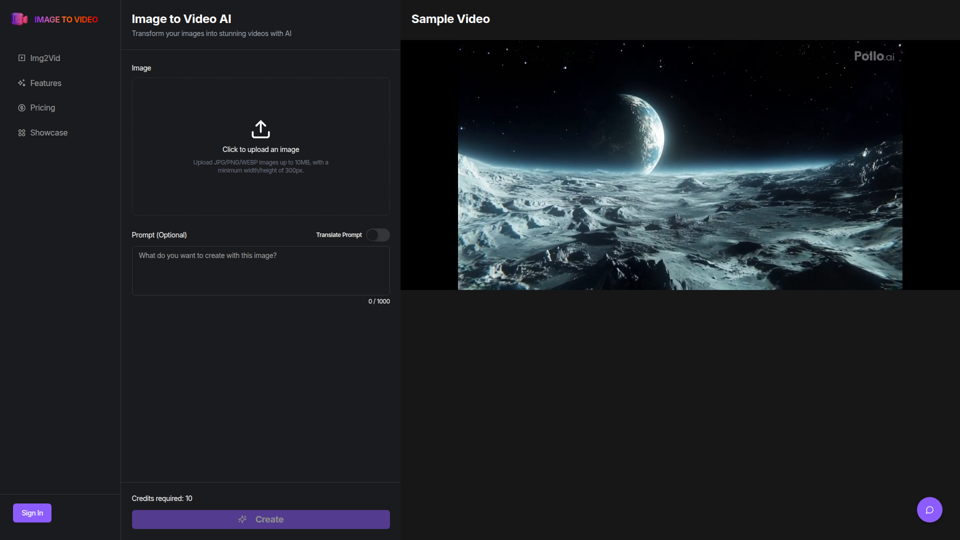
Use the image to video AI generator. Convert photo to video ai with high-quality and captivating results. Try our image to video AI now!