Submagic
Submagic is an AI for content creators that generates amazing captions with emojis for short-form content in under 2 minutes. Create your captions and skyrocket your video engagement.
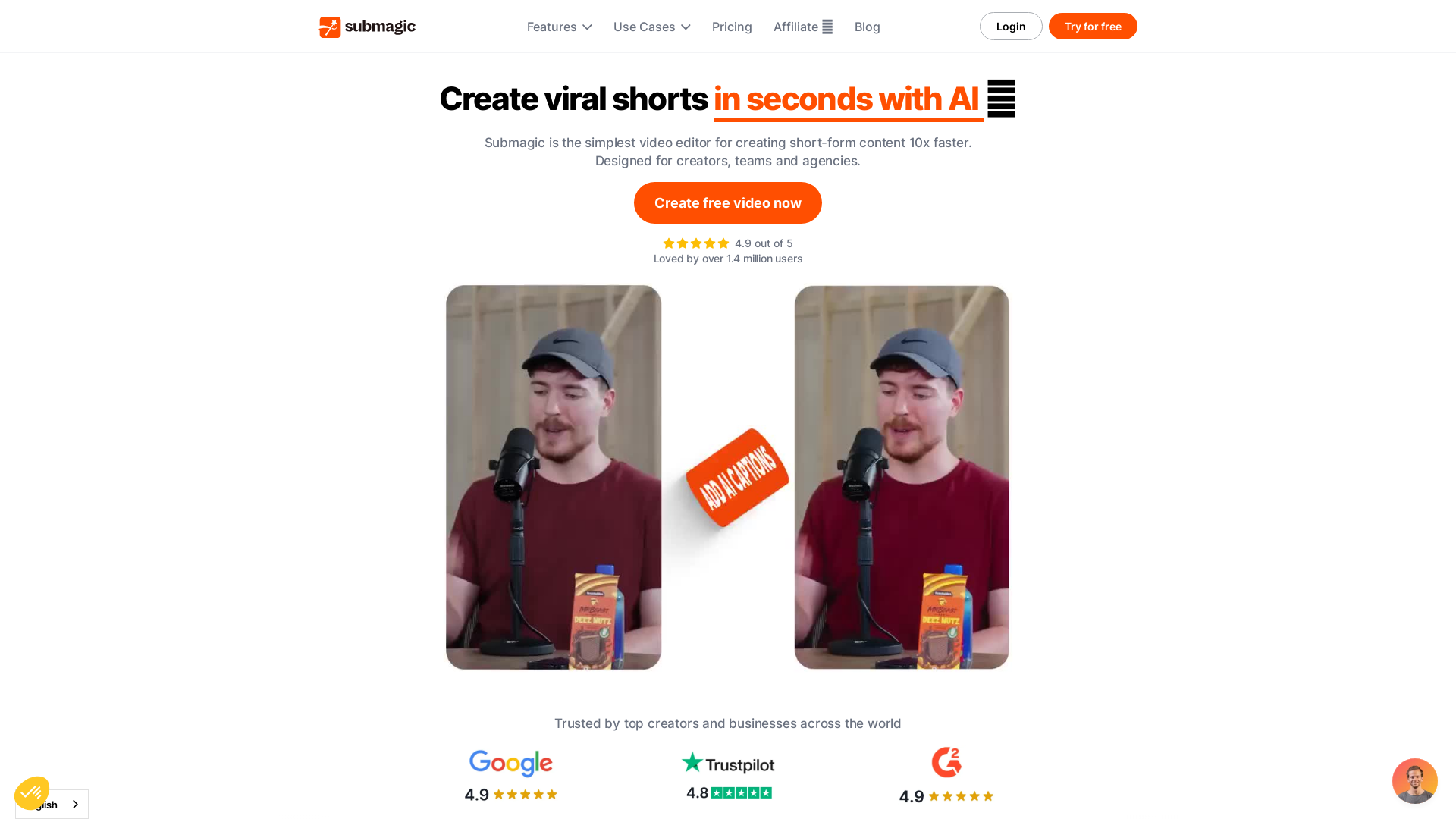
What is Submagic?
Submagic is an innovative AI-powered video editing tool designed to help users create captivating short-form video content quickly and efficiently. Leveraging advanced features such as dynamic captions, AI-driven trimming, and a collaboration platform, Submagic empowers creators and businesses to enhance their video production quality.
What are the main features of Submagic?
- Dynamic Captions - Create engaging captions in seconds in 48 languages.
- Trimming - Use an AI-based tool to trim videos quickly and efficiently.
- B-Roll Integration - Access premium stock footage from Storyblocks to elevate video quality.
- Auto-Zoom - Automatically add strategic zooms to enhance viewer engagement.
- Images & GIFs - Insert images and GIFs automatically to enrich video content.
- Transitions - Apply fancy transitions effortlessly for a polished look.
- Sound Effects & Background Music - Add soundscapes and music to amplify scenes with one click.
- Auto Description - Boost your video's reach with AI-generated descriptions.
- Clip Maker - Transform long-form videos into viral shorts with ease.
How to use Submagic?
Using Submagic is simple! Just upload your video, select the features you want to use, such as captions or trimming, and let the AI handle the rest. You can create free videos to test out the features before committing to a subscription. Submagic caters to both content creators and businesses, making it ideal for anyone looking to improve their video marketing strategy.
What is the pricing for Submagic?
Submagic offers a free trial to help you explore its capabilities. For businesses looking for additional features and enhanced volume usage, various pricing tiers are available. Customized plans may also be offered based on specific user needs.
Helpful Tips
- Explore Templates
- Leverage different templates and styles available within the platform to diversify your short-form content.
- Regular Updates
- Check for updates or new features frequently added to enhance your editing experience.
- Utilize Feedback Tools
- Share video links with team members to gather constructive feedback.
- Batch Processing
- For agencies or marketers, consider batch processing videos to save time and increase productivity.
Frequently Asked Questions
Can I create captions in different languages with Submagic?
Yes, Submagic supports dynamic captions in 48 languages, making your videos more accessible.
Is there support for collaboration in the platform?
Absolutely! Submagic offers streamlined collaboration tools, allowing you to work with team members and gather feedback seamlessly.
Do I need a subscription to use Submagic?
While you can create videos for free, a subscription provides access to additional features, higher usage limits, and advanced tools.
How can I enhance my videos with stock footage?
Submagic partners with Storyblocks to provide premium B-Roll options, allowing you to integrate high-quality footage into your videos effortlessly.
What type of content can I create with Submagic?
You can create a variety of content, including TikTok videos, YouTube shorts, and other social media clips designed to engage your audience effectively.
Submagic
Submagic is an AI for content creators that generates amazing captions with emojis for short-form content in under 2 minutes. Create your captions and skyrocket your video engagement.
 Bootstrap:5
 Cloudflare
 FirstPromoter
 Google Analytics
 Google Font API
 Google Hosted Libraries
 Google Tag Manager
 Optibase
 Trustpilot
 Weglot
 cdnjs
cdnjs jQuery:3.7.1
 jsDelivr
Free AI anime and manga generator. Turn text into anime episodes, manga, comics, webtoons and comic shorts in any art style — no drawing or animation skills needed.
Translate image text across 70+ languages with our advanced AI Image Translator to help you better expand your products globally to various countries
Advertised Here
Reach thousands of visitors daily. Get your spot now!
Tools similar to Submagic
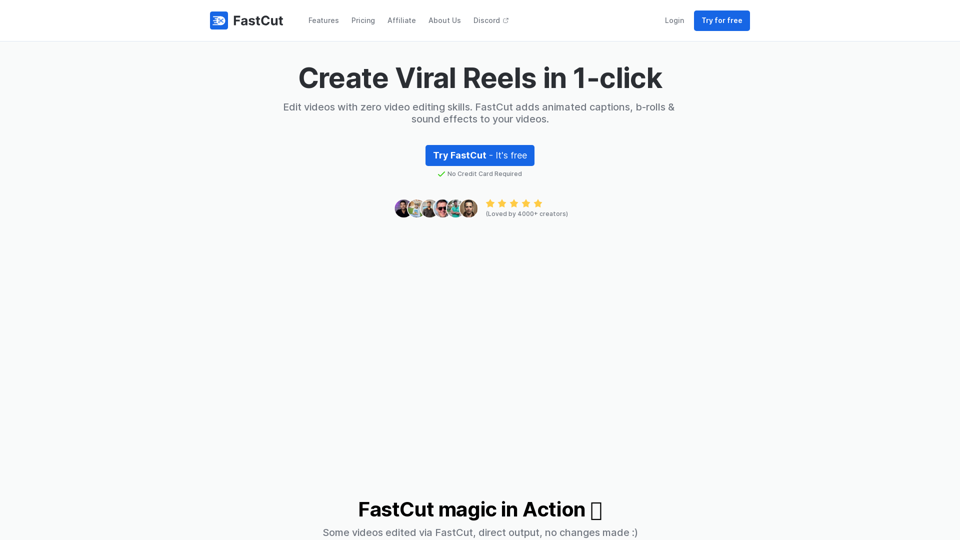
FastCut helps create engaging short-form videos with features like auto-brolls, animated captions, transitions, emoji animations, and more in the style of top content creators like Ali Abdaal, Alex Hormozi, MrBeast, etc. in just one click.
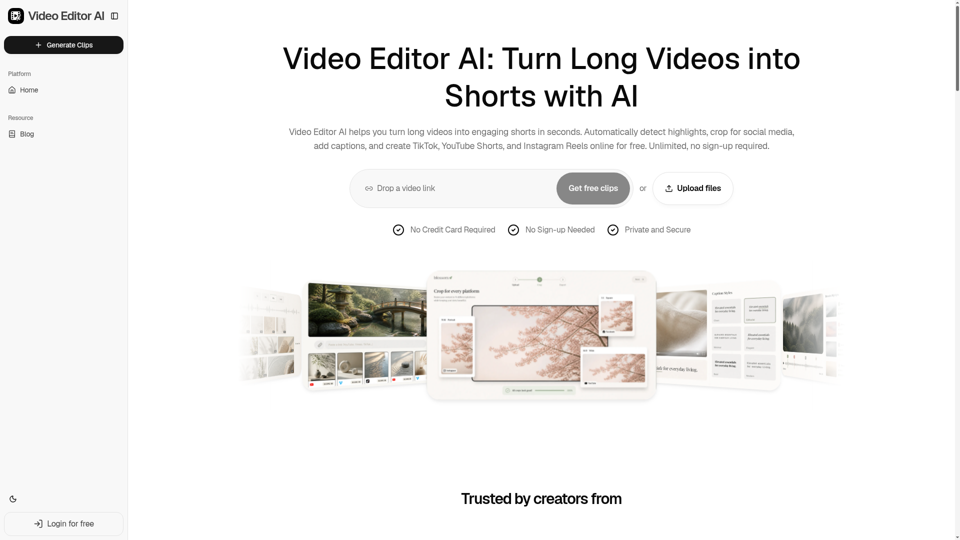
Video Editor AI helps you turn long videos into engaging shorts in seconds. Automatically detect highlights, crop for social media, add captions, and create TikTok, YouTube Shorts, and Instagram Reels online for free. Unlimited, no sign-up required.
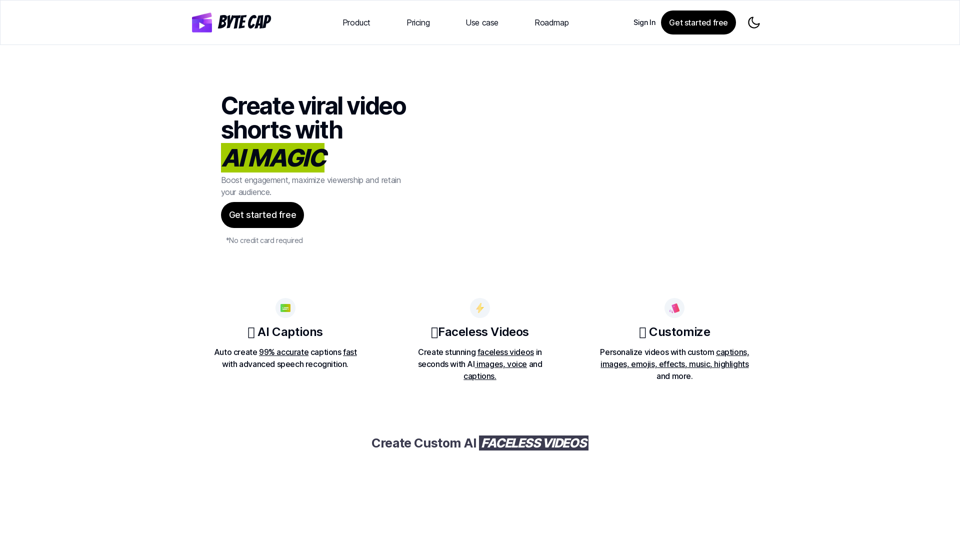
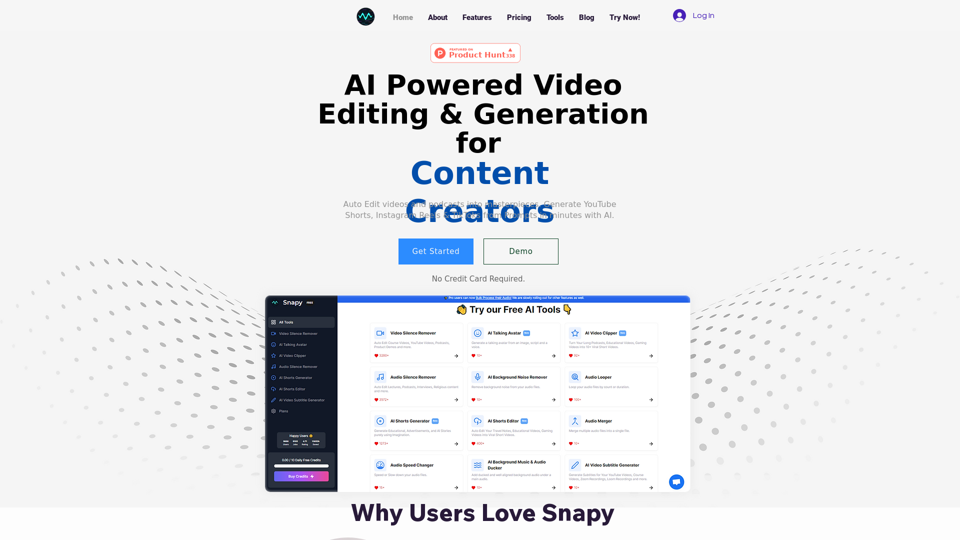
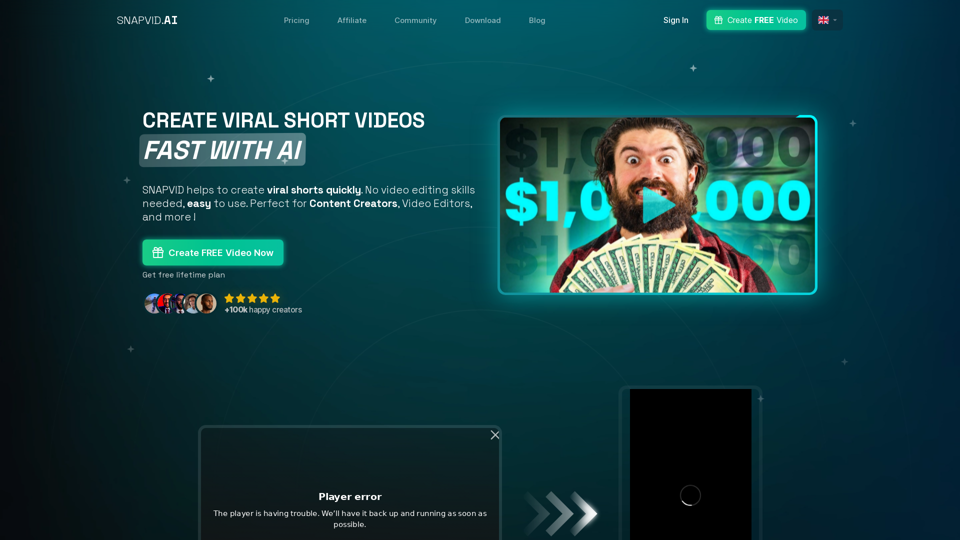
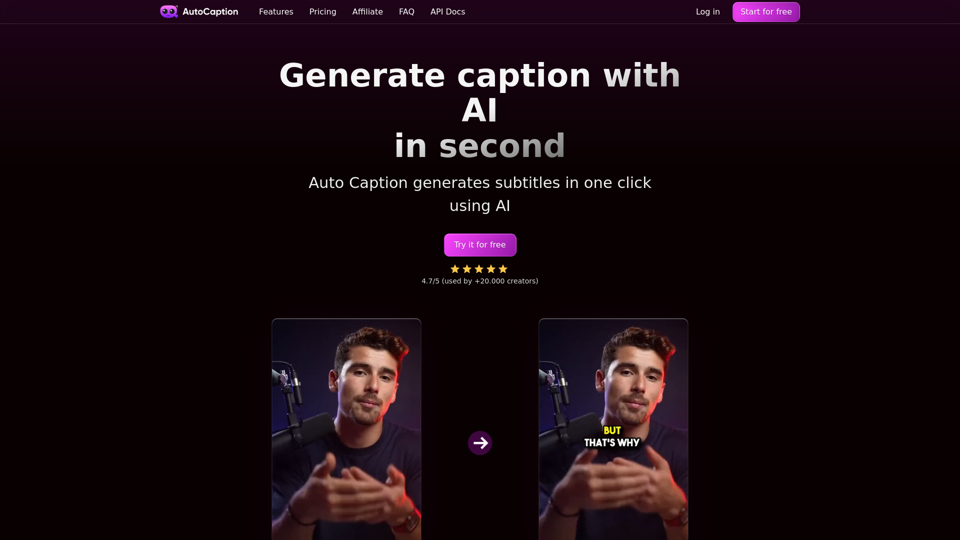
Automatic AI caption generator with animated emojis, auto subtitle ai generator for videos on Instagram, TikTok and Youtube. 100 languages supported.