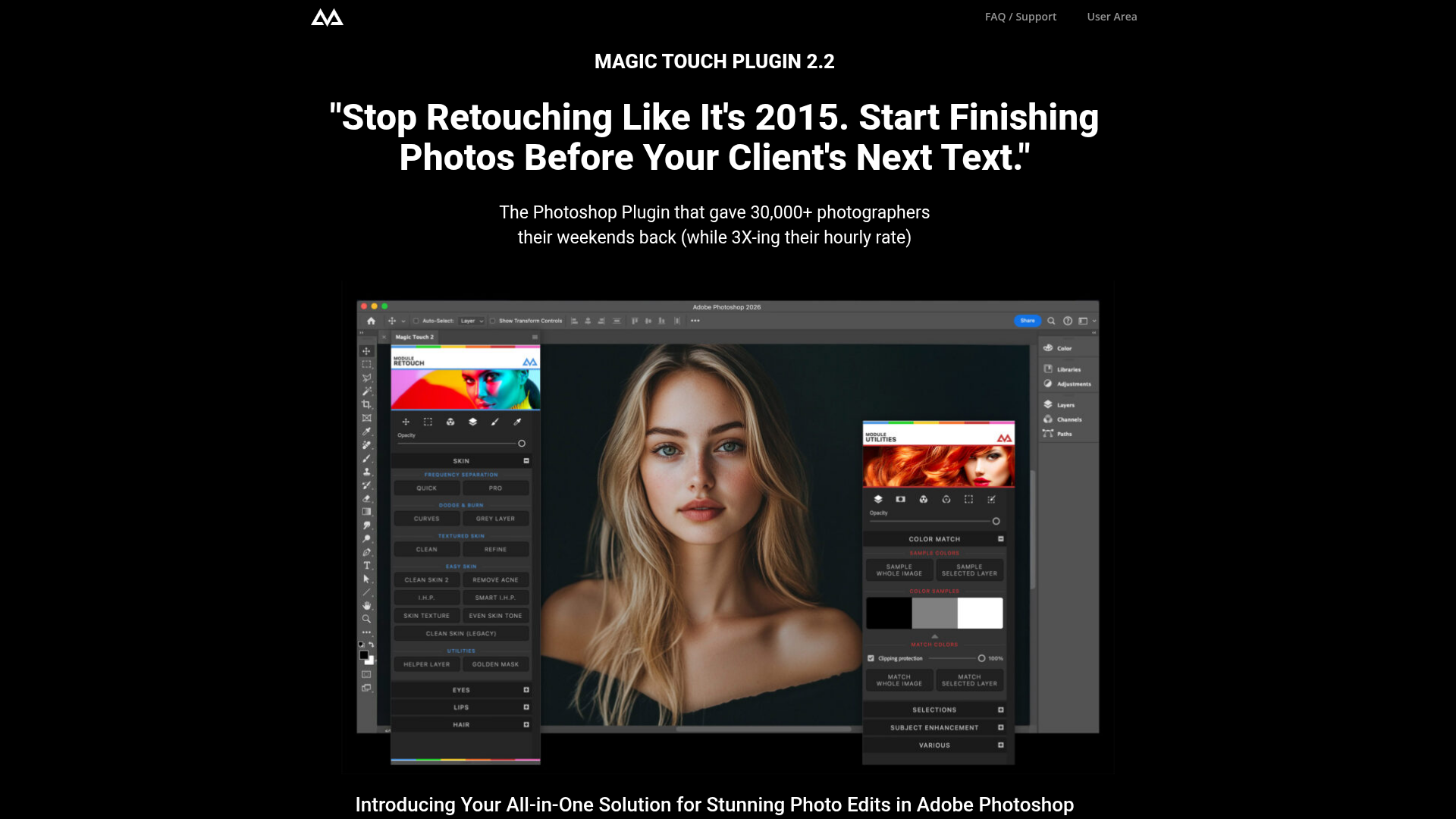
What is Magic Touch Panel?
Magic Touch Panel is an advanced, AI-driven Photoshop plugin designed for photographers and retouchers. It integrates seamlessly with Adobe Photoshop to provide over 289 powerful tools that streamline complex editing tasks—from frequency separation and skin retouching to color grading and creative overlays. The plugin is trusted by over 30,000 creatives and is used by professionals who have worked with major brands like Nike, Ferrari, and Renault. Unlike subscription-based AI tools, Magic Touch Panel requires only a one-time payment, offering lifetime access with unlimited photo edits across as many devices as you want.
Main Features of Magic Touch Panel
- AI Face & Body Recognition
- Leverages advanced artificial intelligence to instantly identify and edit facial features—eyes, nose, lips, mouth, and face shape—with a single click, delivering professional results in seconds.
- Perfect Skin Enhancement
- Simplifies skin retouching by eliminating the need for manual frequency separation. Achieve flawless, high-resolution skin textures quickly and effortlessly.
- Over 289 Tools Across 6 Pro Sections
- Includes dedicated modules for Quick Actions, Color Tools, Corrections, Color Match, AI-Driven Features, Overlays, Selections, and Retouching, covering every aspect of photo editing.
- One-Click Magic Looks
- Access a library of trendy, customizable looks and overlays that can be applied instantly, allowing you to maintain your unique artistic signature while speeding up workflow.
- Cross-Platform Compatibility
- Works on both Windows and Mac, fully optimized for Apple Silicon chips (M series) in native mode, with legacy support for older Photoshop versions via Rosetta.
- Lifetime Access & No Recurring Fees
- Pay once and enjoy unlimited edits forever—no subscriptions, no monthly charges, and no limits on the number of photos you can process.
How to Use Magic Touch Panel
Using Magic Touch Panel is designed to be intuitive and efficient:
- Installation: Download and install the plugin in Adobe Photoshop (CC 2023 or above for Magic Touch 2; CC 2020 or above for the classic version). On Macs with Apple Silicon, ensure Photoshop runs in Rosetta mode if using the classic version.
- Workflow Integration: Open the panel within Photoshop to access all tools. The interface is organized into six sections—Retouching, Color Tools, Quick Actions, etc.—making it easy to navigate.
- AI-Powered Editing: For retouching, use the AI Face Recognition to select and adjust facial features automatically. Apply skin enhancements, color grades, or overlays with single clicks.
- Customization & Creativity: Adjust settings as needed, layer effects, and combine tools to achieve your desired look. The plugin’s intelligent defaults handle complex tasks, but you retain full creative control.
- Batch Processing: Utilize quick actions and presets to edit multiple photos consistently, saving hours on client projects.
Pricing for Magic Touch Panel
Magic Touch Panel is available for a one-time purchase price, currently offered at a discount. There are no recurring fees or subscriptions—just a single payment for lifetime access. This includes:
- Full Plugin Access
- All 289+ features, AI tools, and future updates.
- Multi-Device License
- Install on as many computers as you own.
- Free Upgrades
- Receive updates and new features at no extra cost.
Compared to monthly AI tool subscriptions (which can cost $30/month indefinitely), Magic Touch Panel pays for itself in fewer than two client shoots, making it a cost-effective investment for serious photographers.
Helpful Tips for Maximizing Magic Touch Panel
- Start with Presets
- Explore the one-click “Magic Looks” and overlays to quickly style photos, then tweak settings to match your personal style.
- Master AI Selections
- Use the AI Face & Body Recognition for precise edits—ideal for portrait retouching, beauty shots, and commercial work.
- Combine Tools for Advanced Effects
- Layer color grading with overlays and skin enhancements to create unique, professional-grade images.
- Optimize for Speed
- Set up custom quick actions for repetitive tasks (e.g., skin cleaning, color correction) to streamline your workflow further.
- Stay Updated
- Check for new features and tutorials from CreativeMagicPanel to keep learning and improve your efficiency.
Frequently Asked Questions
Can Magic Touch Panel be used on both Mac and Windows?
Yes, it’s fully compatible with both operating systems. Magic Touch 2 runs natively on Apple Silicon Macs, while the classic version supports older Photoshop versions via Rosetta mode.
Does Magic Touch Panel require a subscription?
No. It’s a one-time purchase with lifetime access—no recurring fees, ever. You get unlimited edits and free updates.
How does the AI Face Recognition work?
The plugin uses integrated AI algorithms to detect facial features automatically within Photoshop. You can adjust sliders for eyes, lips, skin texture, and more with instant previews.
Is it suitable for beginners?
Absolutely. The intuitive design and one-click tools make professional editing accessible, while advanced users can dive deep into customizable options.
What Photoshop versions are supported?
Magic Touch 2 requires Adobe Photoshop CC 2023 (24.0) or above. The classic version works with CC 2020 and above.
Will my data or images be used for training?
No. Magic Touch Panel operates locally within Photoshop; your files and edits remain private and are not shared or used for AI training.
What if I need help or support?
Reach out via email at [email protected]. The website also offers video tutorials and a community for tips.
CreativeMagicPanel
Retouching Panel for Photoshop. Start to Create Beauty.
Free AI anime and manga generator. Turn text into anime episodes, manga, comics, webtoons and comic shorts in any art style — no drawing or animation skills needed.
Translate image text across 70+ languages with our advanced AI Image Translator to help you better expand your products globally to various countries
Advertised Here
Reach thousands of visitors daily. Get your spot now!
Tools similar to CreativeMagicPanel
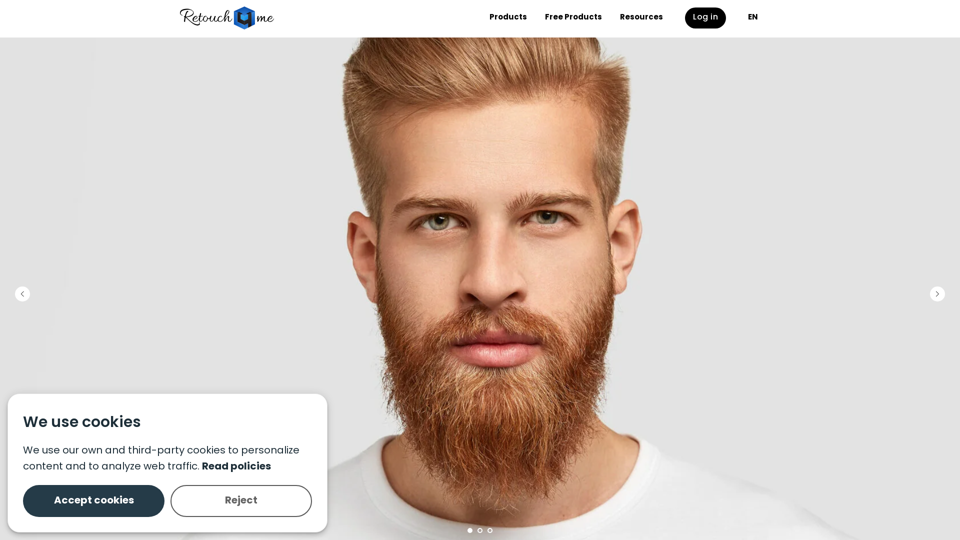
Our Plugins Are Designed to Work the Same Way a Professional Retoucher Would. Retouch4me Preserve Original Skin Texture and Photos Look Natural. You Just Need to Upload Your Photos to the Plug-In, Click a Button and Wait for AI to Get the Job Done.

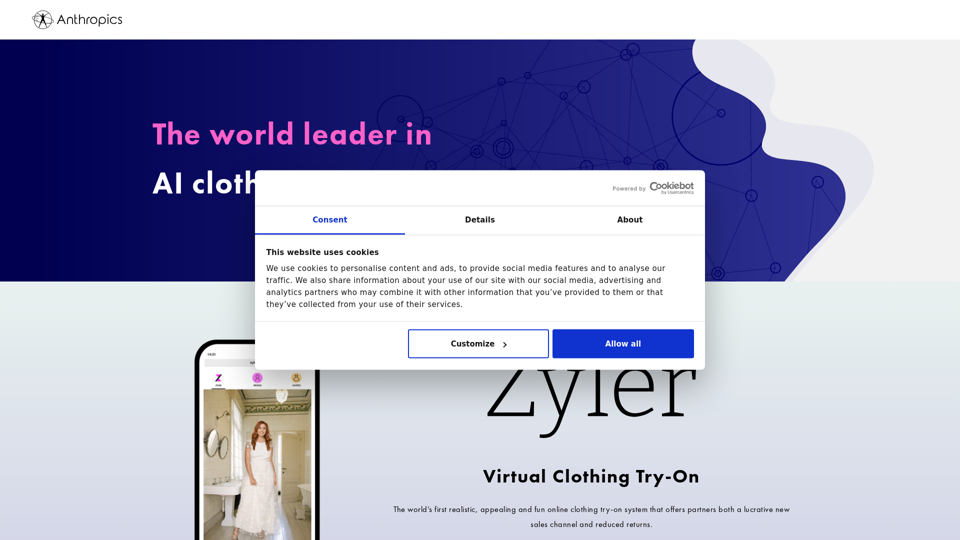
Anthropics Technology offers state-of-the-art image processing tools for businesses and photographers.
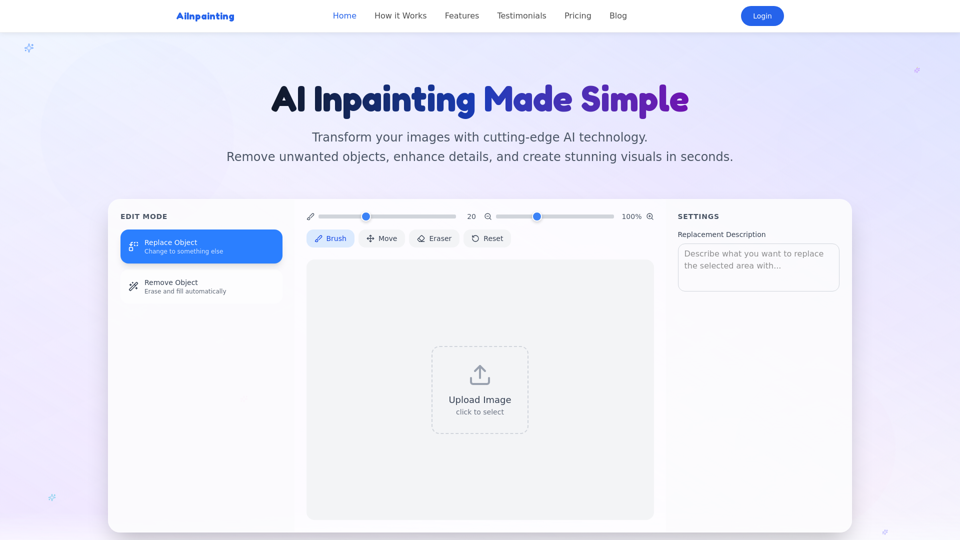
Professional AI image inpainting tool. Smart object removal, content replacement, photo restoration, background extension. No Photoshop skills needed.

Discover how attractive you are with our free AI-powered Beauty Test. Get real-time ratings, detailed insights, and custom beauty advice.
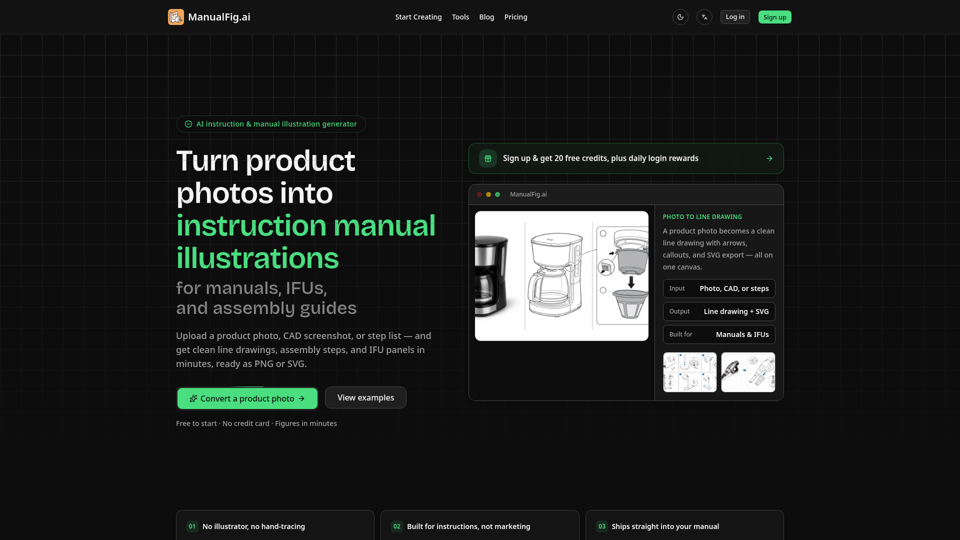
Turn product photos into clean line drawings, numbered assembly instructions, IFU panels, work instructions, and quick-start figures for manuals, inserts, and support pages. Export PNG or SVG. Free to start, no credit card.

Boring product photos? Pebblely helps you create beautiful photos in seconds with AI