Seedance 3.0
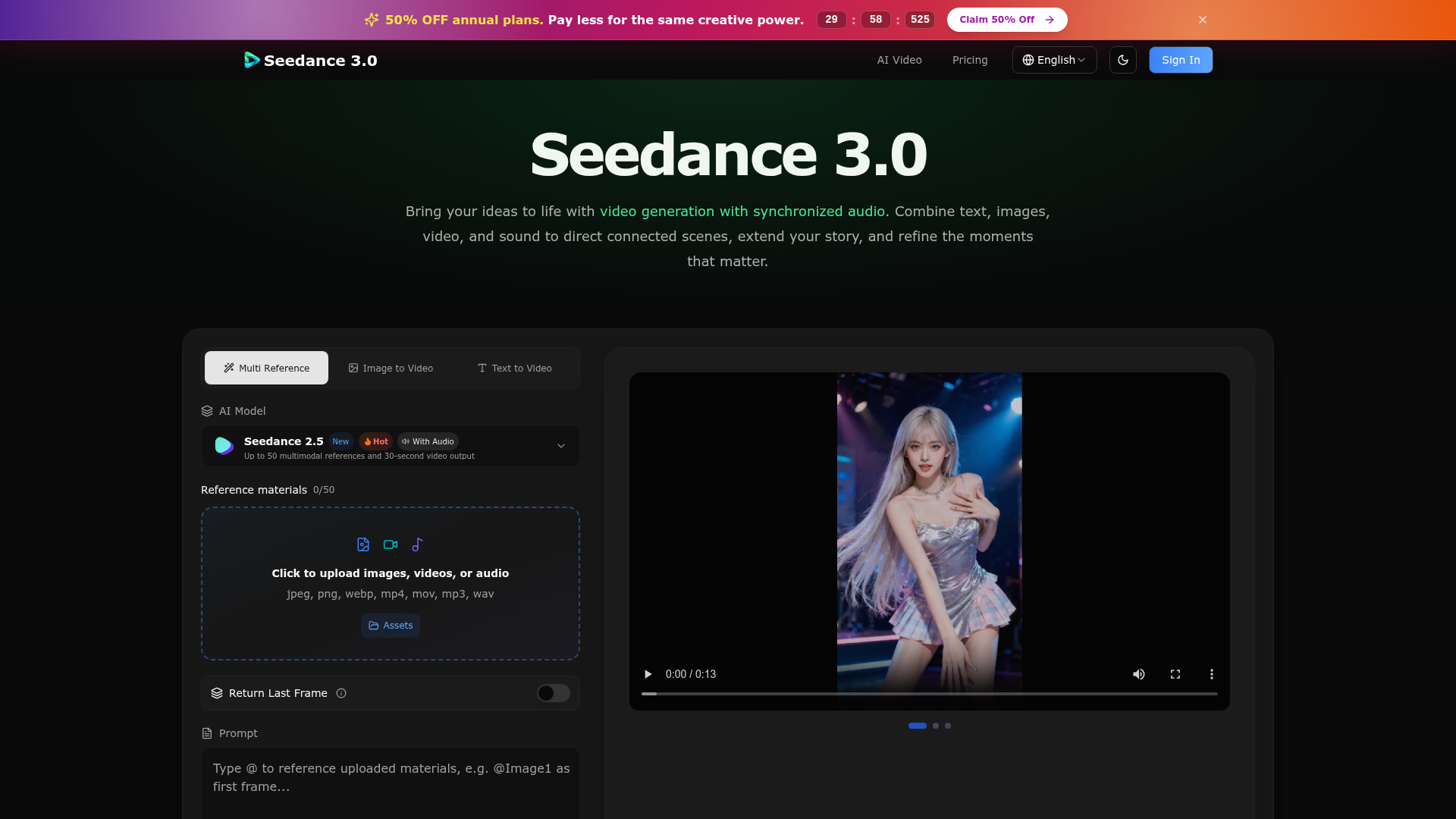
Create cinematic stories with Seedance 3.0. Turn text, images, video, and audio references into videos with synchronized sound and precise creative control.
What is Seedance 3.0?
Seedance 3.0 is an advanced AI-powered video generation platform designed to bring creative ideas to life with synchronized audio. It allows users to combine text prompts, images, videos, and sound files to direct connected scenes, extend narratives, and refine visual moments. Leveraging the cutting-edge "Seedance 2.5" model, it supports multimodal inputs for generating up to 30-second videos, making it a versatile tool for creators in marketing, education, filmmaking, social media, and more.
What are the main features of Seedance 3.0?
- Multimodal Reference Support
- Upload and combine up to 50 images, videos, or audio files to guide character appearance, scene setting, motion, and sound. Use everyday language to describe how each reference should influence the final video.
- Extended Narrative Control
- Generate cohesive video sequences up to 30 seconds long, allowing for richer storytelling with connected shots, scene transitions, and controlled pacing.
- Video Editing and Extension
- Seamlessly edit existing videos or extend them with new actions and scenes. The platform automatically adapts duration and aspect ratio for continuity.
- Cinematic Motion Direction
- Guide character choreography, actions, and camera movements (like tracking shots or push-ins) using video references, enabling precise cinematic intent beyond simple motion transfer.
- Synchronized Audio Generation
- Produce voices, ambient sound, and sound effects that align perfectly with the visual content. Audio references can shape vocal character, mood, and rhythm.
- Consistency Across Scenes
- Maintain visual and auditory consistency for characters, props, color palettes, lighting, and style across multiple shots or scenes, ensuring a unified creative world.
- Flexible Output Settings
- Customize resolution (up to 1080p), aspect ratio (16:9, 9:16, 1:1, etc.), duration, and batch generation for multiple variations.
How to use Seedance 3.0?
The platform offers a streamlined three-step workflow:
- Input Ideas and References: Start by writing a text prompt describing your scene. Then, upload relevant images, video clips, or audio files as references to define characters, settings, motion, or sound.
- Direct the Story: In the prompt, use plain language to describe the action, camera direction, and how each reference should be used (e.g., "@Image1 as first frame"). Toggle between "Video Edit" or "Video Extend" modes if working with an existing video.
- Generate and Refine: Set your preferred resolution, duration, and aspect ratio. Click "Generate" to create your video. Review the output, then use the extension or editing features to continue the story or make adjustments based on new prompts and references.
Price and Subscription for Seedance 3.0
Specific pricing details for Seedance 3.0 are not explicitly listed in the provided content. Typically, such AI video generation platforms operate on a credit-based or subscription model. Users likely start with a limited number of free generations or credits. For high-volume usage, extended video lengths, or access to premium features like higher resolutions or batch generation, a paid subscription plan would be required. It is recommended to visit the official Seedance 3.0 website for the most current pricing, free tier allowances, and subscription packages.
Helpful Tips for Using Seedance 3.0
- Be Specific in Prompts
- Clearly describe character actions, camera movements (e.g., "slow zoom," "pan left"), and scene transitions. The more descriptive your text, the better the AI can interpret your vision.
- Leverage Multimodal References
- Combine different reference types. Use an image for character design, a short video clip for motion style, and an audio file for mood. Referencing them in your prompt (e.g., "Make the movement like @Video1") yields more targeted results.
- Use the Right Mode
- For standard video creation from text or images, leave both "Video Edit" and "Video Extend" switches off. Only turn on "Video Edit" to modify an existing video's content or "Video Extend" to continue a video's storyline.
- Iterate and Refine
- Treat your first generation as a draft. Use the output as a new reference or extend the video to further develop the narrative. Small adjustments to prompts or references can significantly improve results.
- Explore the Gallery
- Draw inspiration from the provided "Find Your Next Video Idea" gallery to understand the platform's capabilities and spark your own creative concepts for product stories, character scenes, or cinematic shots.
Frequently Asked Questions about Seedance 3.0
What AI model does Seedance 3.0 use?
Seedance 3.0 utilizes its proprietary "Seedance 2.5" AI model, which is highlighted as "New" and "Hot." This model specializes in generating videos with synchronized audio from multimodal inputs.
What file formats are supported for references?
You can upload images (JPEG, PNG, WebP), videos (MP4, MOV), and audio files (MP3, WAV) as reference materials.
Can I generate videos longer than 30 seconds?
The Seedance 2.5 model currently generates videos up to 30 seconds in a single generation. However, you can use the "Video Extend" feature to continue a generated video, thereby creating longer, connected narratives.
Is the audio generated along with the video?
Yes, one of the key features is synchronized audio generation. The platform produces matching voices, sound effects, and ambiance as part of the video creation process, which can also be guided by uploaded audio references.
How many videos can I generate at once?
The "Batch generation" feature allows you to create multiple videos (up to 10) in one batch using the same settings and prompt, which is useful for exploring variations.
Do I need video editing experience to use Seedance 3.0?
No, the platform is designed to be accessible. You guide the creation through natural language prompts and reference uploads. The complex AI handles the rendering of motion, consistency, and audio synchronization.
Seedance 3.0
Create cinematic stories with Seedance 3.0. Turn text, images, video, and audio references into videos with synchronized sound and precise creative control.
 C3.js
C3.js Cloudflare
 HTTP/3
 Next.js
 Node.js
 React
React Vercel
 Webpack
 dc.js
dc.jsFree AI anime and manga generator. Turn text into anime episodes, manga, comics, webtoons and comic shorts in any art style — no drawing or animation skills needed.
Translate image text across 70+ languages with our advanced AI Image Translator to help you better expand your products globally to various countries
Advertised Here
Reach thousands of visitors daily. Get your spot now!
Tools similar to Seedance 3.0
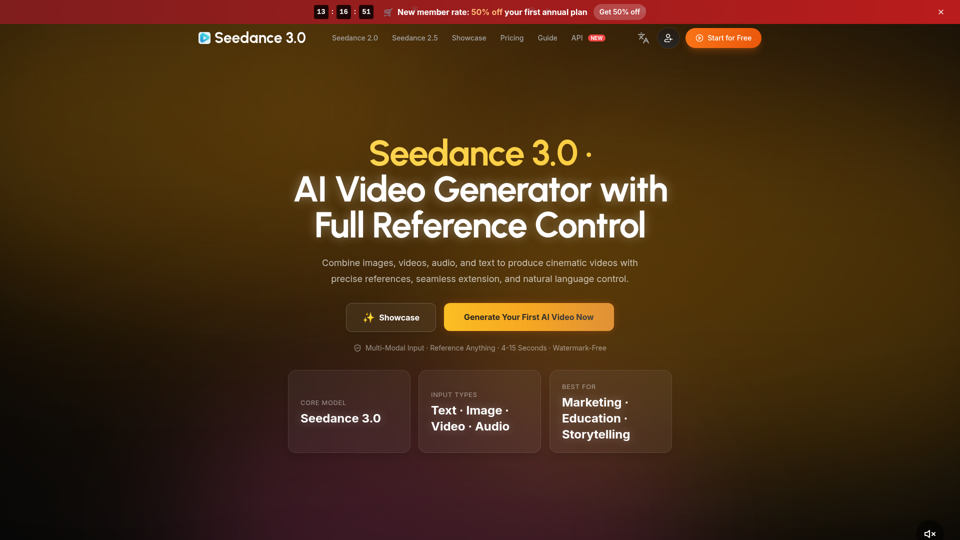
Create cinematic AI videos with Seedance 3.0. Combine image, video, audio, and text references into connected, production-ready scenes.
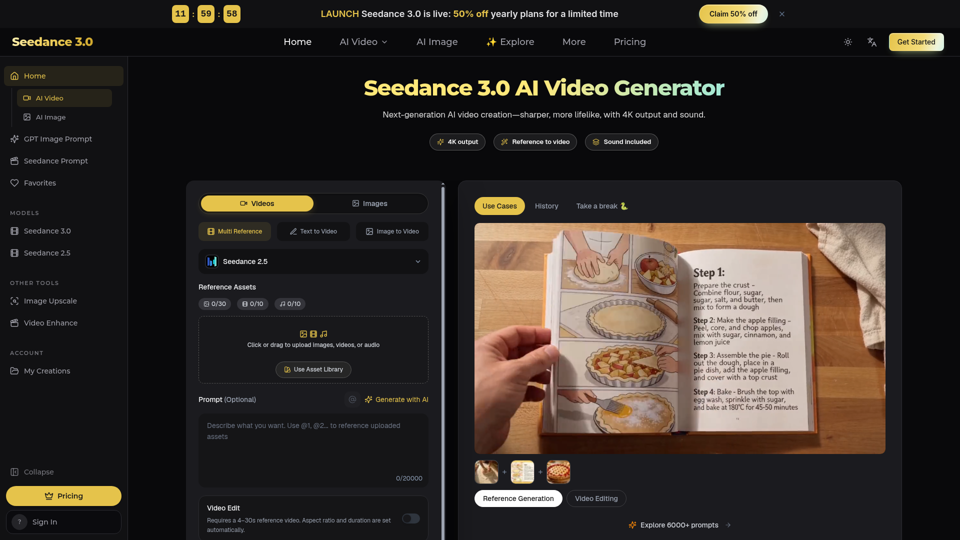
Seedance 3.0 is a free AI video generator. Type an idea or add references, get a 4K video with sound, then change only the part you want.
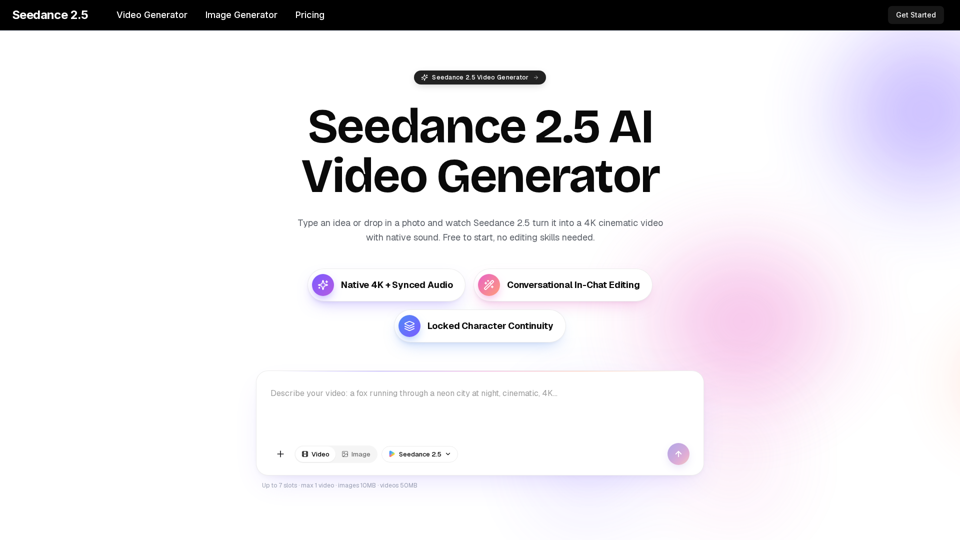
Turn any idea, photo, or clip into a stunning 4K video with Seedance 2.5. The AI video generator with native audio and 30fps motion. Free to try, no skills needed.
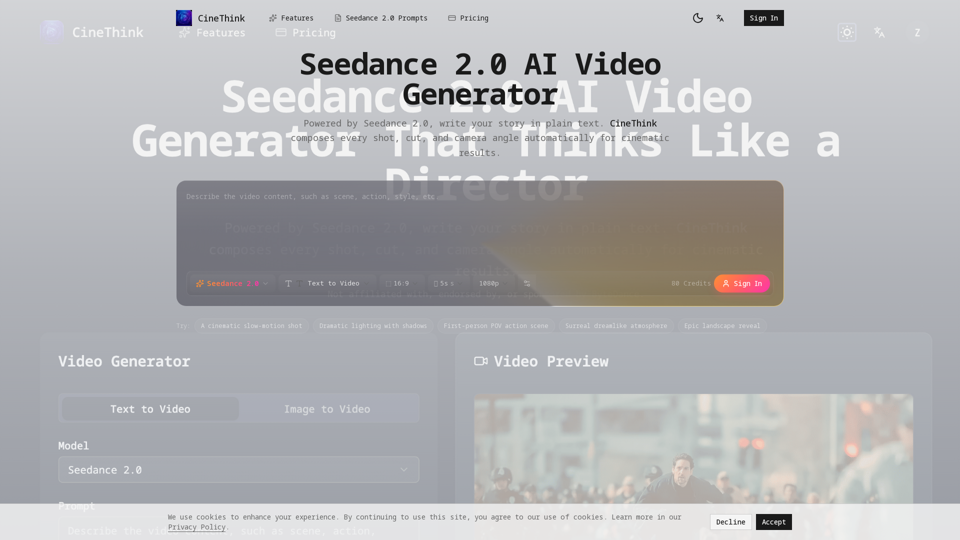
Create director-style multi-shot videos with Seedance 2.0. Turn text, images, audio, and references into 2K videos with synchronized sound in minutes.
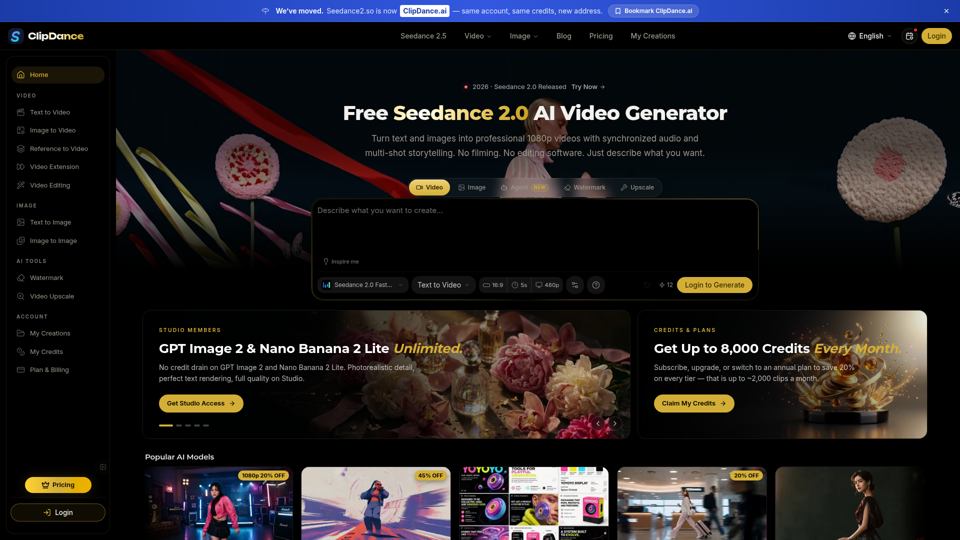
Create cinematic AI videos with Seedance 2.0. Text-to-video, image-to-video, native audio. The Seedance 2.0 AI video generator. Free to start.
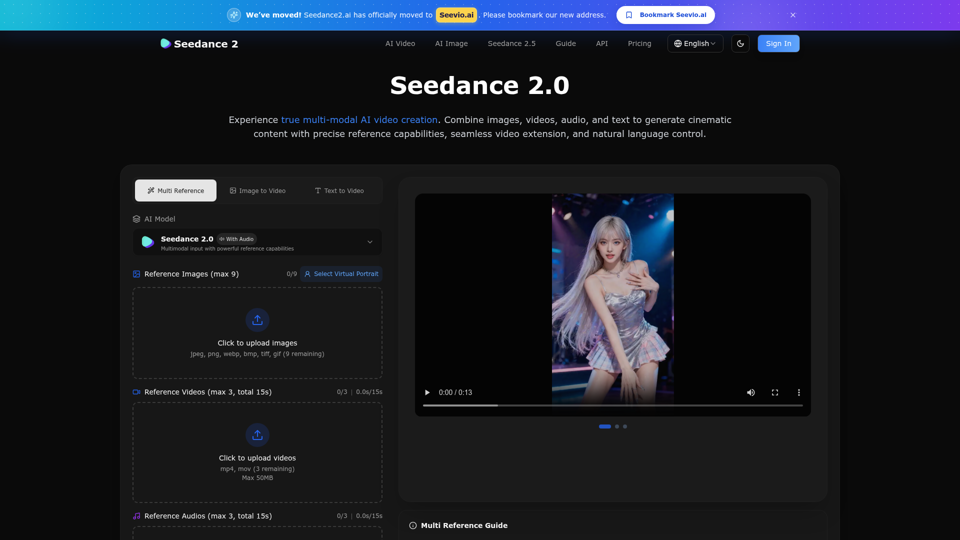
Create stunning AI videos with Seedance 2.0. Transform images and text into cinematic videos with advanced motion synthesis and professional quality.
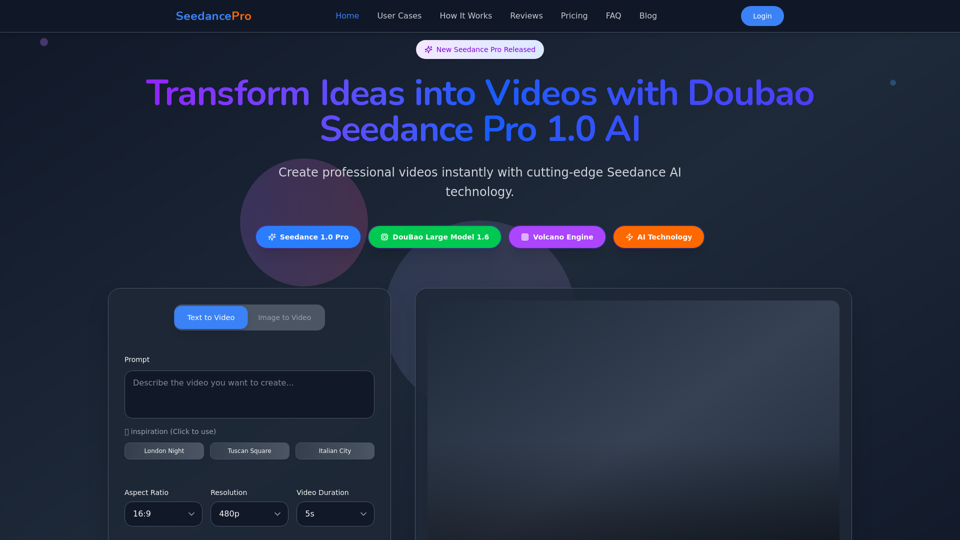
Create stunning videos with Seedance Pro AI video generator. Transform text and images into professional videos effortlessly.
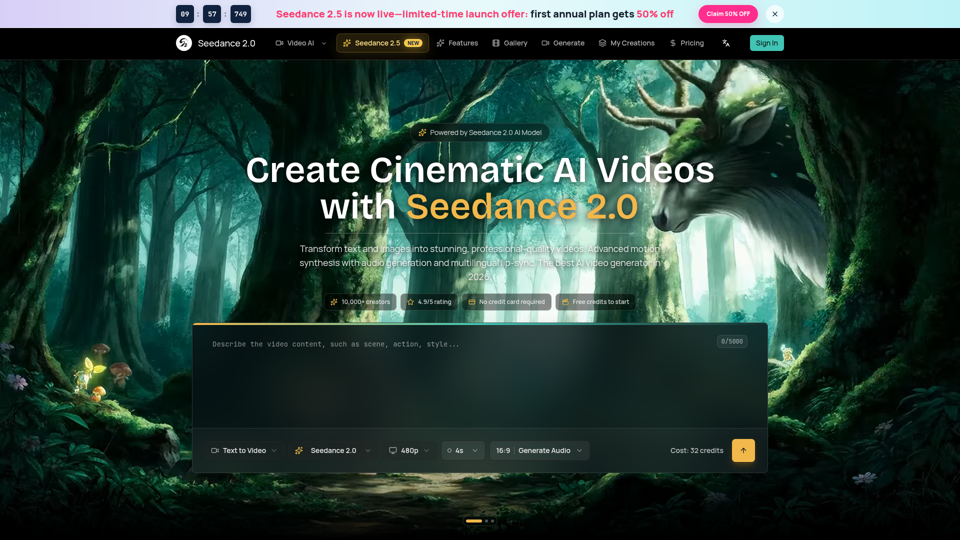
Seedance 2.0 AI video generator. Turn text and images into cinematic videos with motion synthesis, audio generation and lip-sync. Text-to-video & image-to-vi...