AI reels editor
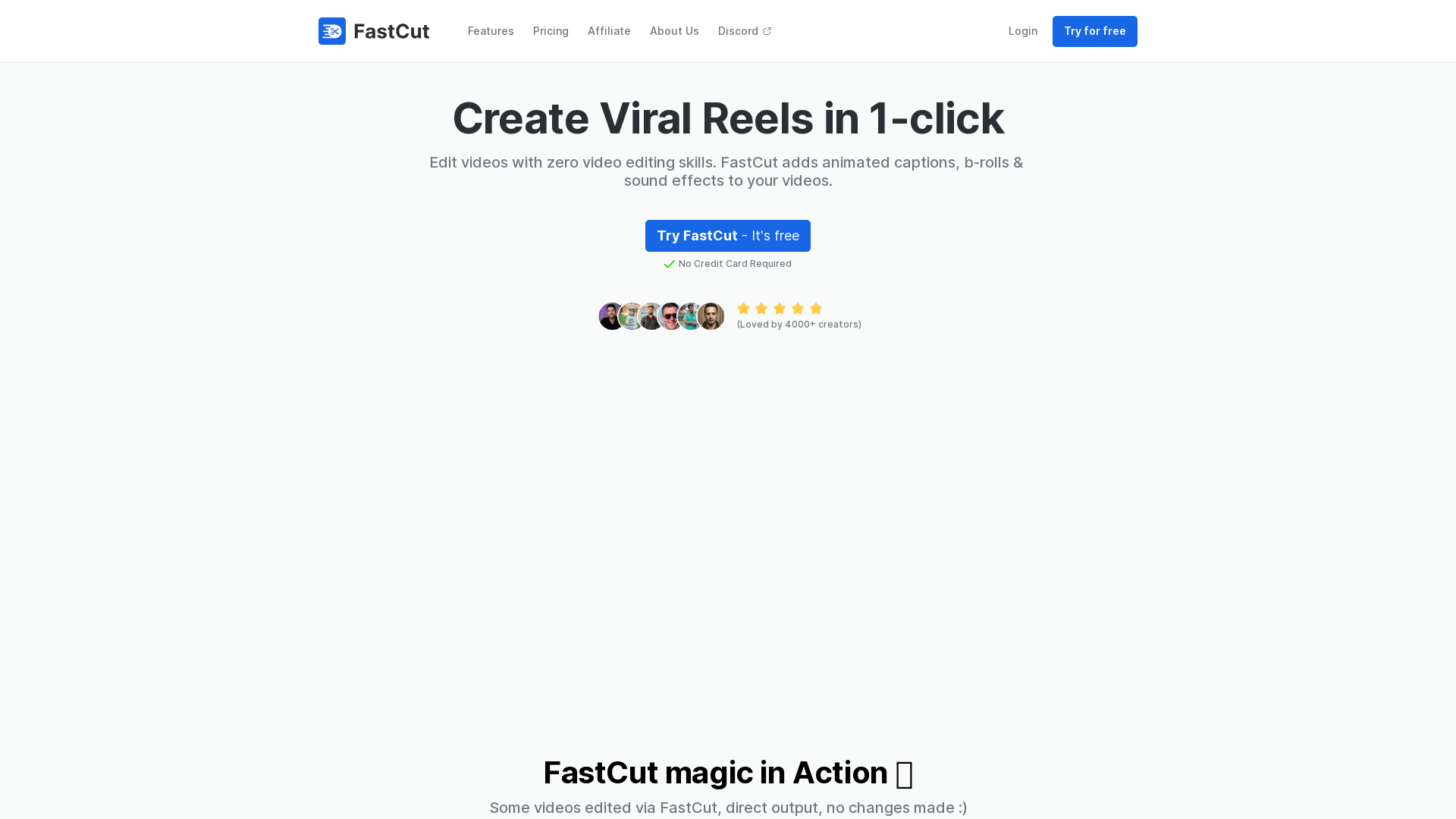
FastCut helps create engaging short-form videos with features like auto-brolls, animated captions, transitions, emoji animations, and more in the style of top content creators like Ali Abdaal, Alex Hormozi, MrBeast, etc. in just one click.
What is FastCut?
FastCut is an innovative AI-driven video editing platform designed to help creators edit their short videos or reels effortlessly. By leveraging advanced technology, FastCut allows users to create high-quality videos in just one click, even without any prior video editing skills.
What are the main features of FastCut?
- Auto Captions
- FastCut provides accurate captions automatically transcribed from your video to enhance accessibility and viewer engagement.
- Trending Templates
- Users can create videos in the style of popular creators like Hormozi and Ali, maximizing the chances of virality.
- Auto-Brolls
- The platform automatically adds b-roll footage to your videos, enriching the visual storytelling aspect.
- Catchy Transitions
- FastCut includes seamless zooms and transitions to maintain viewer retention throughout the video.
- Keyword Highlighting
- Important words and phrases in your video are animated and highlighted for increased viewer attention.
- Animated Emojis
- Relevant emojis are integrated automatically to keep the content exciting and engaging.
How to use FastCut?
Using FastCut is incredibly straightforward. Simply upload your video, and with just one click, let the AI handle the editing process. The platform allows you to create viral reels quickly with captivating animations, sound effects, b-rolls, and more, all customized to improve engagement and storytelling without the need for extensive editing skills.
Price
FastCut offers a free trial, allowing users to explore its features without any credit card details required. After the trial period, affordable subscription options are available to access more advanced features and benefits tailored to your editing needs.
Helpful Tips
- Experiment with Templates
- Try different trending templates to see which style resonates best with your audience.
- Utilize Auto Captions
- Always enable auto captions for a more engaging and accessible viewer experience.
- Leverage Catchy Transitions
- Make use of the catchy transitions to keep your viewers glued to the screen.
- Use Keywords Wisely
- Highlight keywords that you want to emphasize for better viewer retention.
Frequently Asked Questions
Who is FastCut for?
FastCut is designed for a variety of users, including creators, editors, and marketers looking to enhance their video content with minimal effort.
How does FastCut save time?
The platform automates repetitive tasks such as captioning and adding b-rolls, allowing users to focus more on creativity rather than manual editing.
Can I try FastCut for free?
Yes, FastCut offers a free trial for you to explore its features without any credit card requirement.
Is FastCut suitable for beginners?
Absolutely! FastCut is specifically built for individuals without prior video editing experience, making it an ideal choice for beginners.
How can I create engaging content quickly on FastCut?
By utilizing the automated features such as captions, b-rolls, and catchy transitions, you can expedite your content creation and enhance viewer engagement effectively.
AI reels editor
FastCut helps create engaging short-form videos with features like auto-brolls, animated captions, transitions, emoji animations, and more in the style of top content creators like Ali Abdaal, Alex Hormozi, MrBeast, etc. in just one click.
 Next.js
 Node.js
 React
React Vercel
 Webpack
 YouTube
 dc.js
dc.jsFree AI anime and manga generator. Turn text into anime episodes, manga, comics, webtoons and comic shorts in any art style — no drawing or animation skills needed.
Translate image text across 70+ languages with our advanced AI Image Translator to help you better expand your products globally to various countries
Advertised Here
Reach thousands of visitors daily. Get your spot now!
Tools similar to AI reels editor
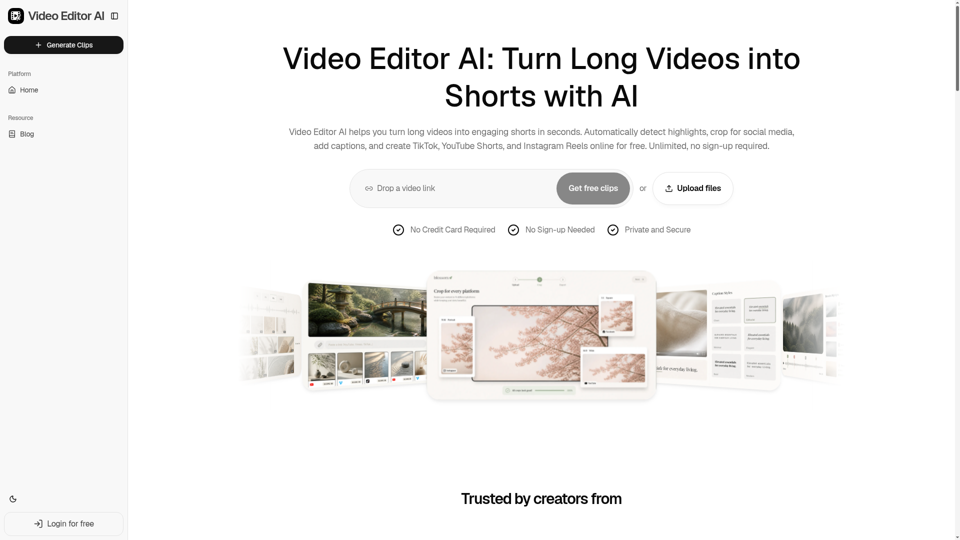
Video Editor AI helps you turn long videos into engaging shorts in seconds. Automatically detect highlights, crop for social media, add captions, and create TikTok, YouTube Shorts, and Instagram Reels online for free. Unlimited, no sign-up required.
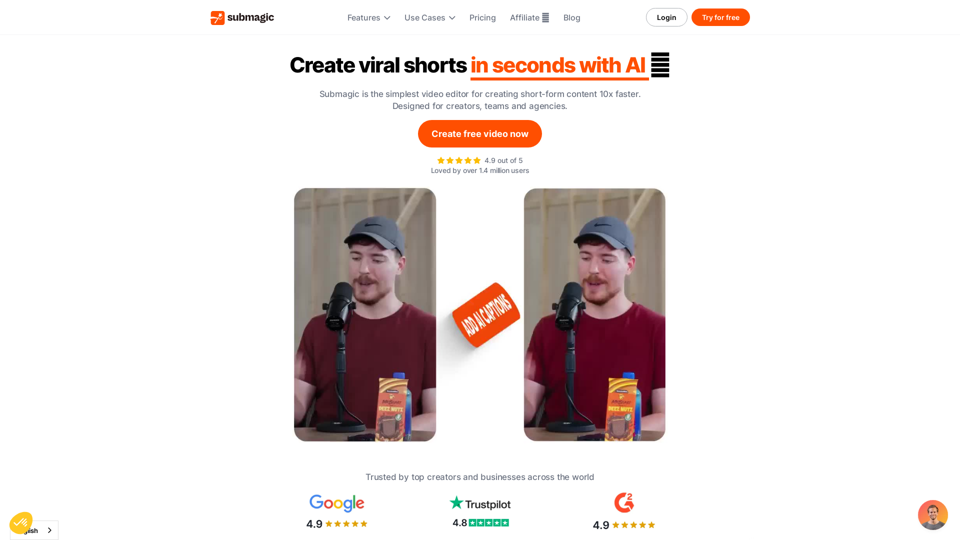
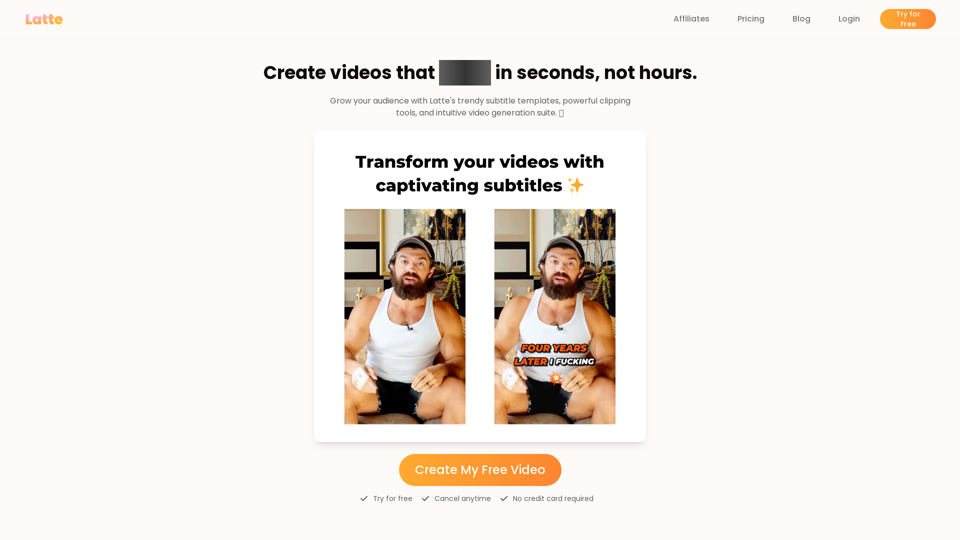
Latte Social is an AI video editor for creators and businesses to create engaging short form videos. Animated subtitles in over 20 styles, one-click viral clips, and text-to-video generation. Start your free trial.
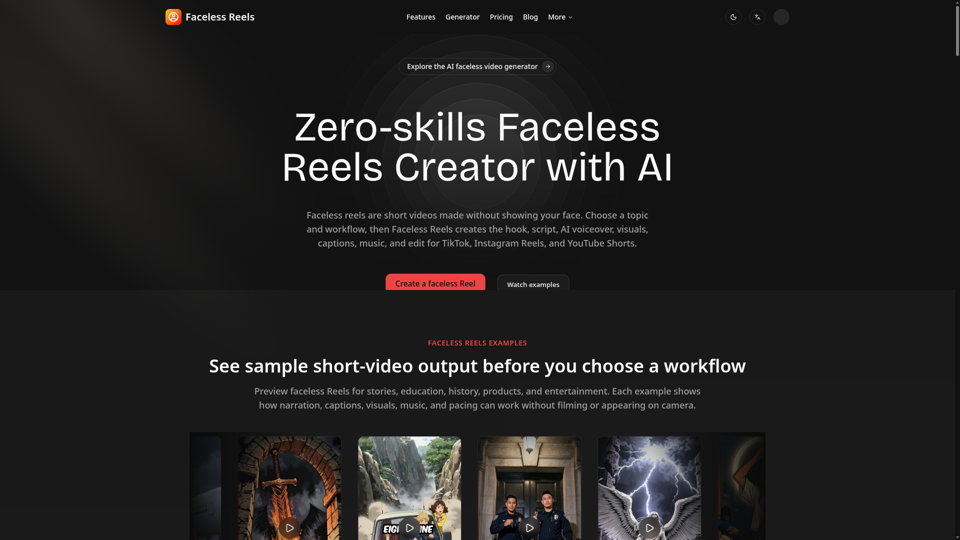
Faceless Reels is an AI faceless Reels maker that automatically creates scripts, voiceovers, visuals, captions, music, and videos for TikTok, Instagram, and YouTube Shorts.