Flowla
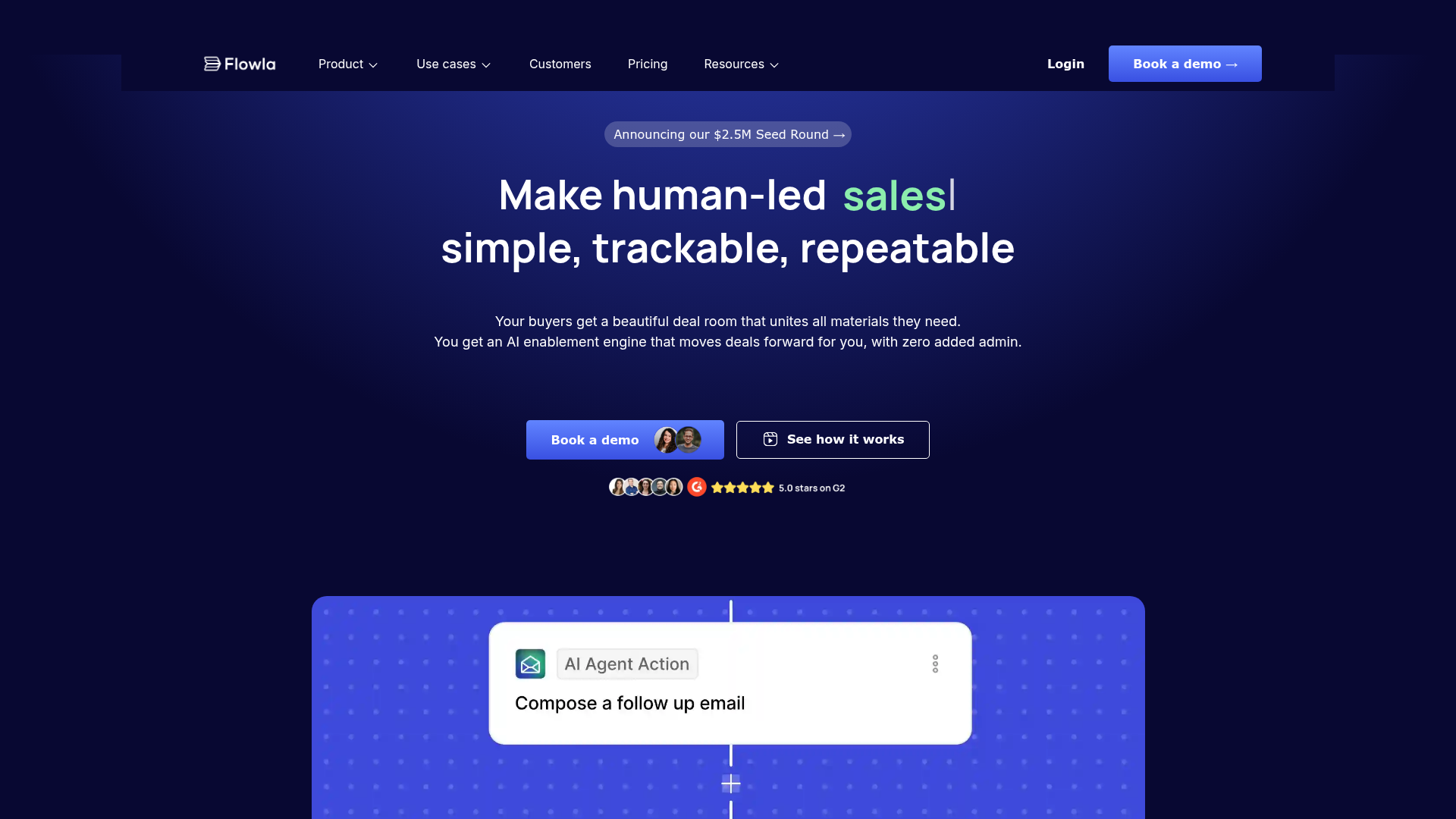
Make human-led sales, onboarding, and implementation simple, trackable, repeatable. Your buyers get a beautiful deal room that unites all materials they need. You get an AI enablement engine that moves deals forward for you, with zero added admin.
What is Flowla?
Flowla is a next-generation, AI-driven platform designed to revolutionize the sales and customer success process. It acts as a comprehensive ### AI Digital Sales Room, unifying customer-facing materials, engagement tracking, and workflow automation into a single, intelligent system. The core purpose of Flowla is to make human-led sales interactions ### simple, trackable, and repeatable by providing buyers with a beautiful, centralized deal room and empowering sales teams with an AI engine that proactively moves deals forward, eliminating administrative overhead.
What is the Main Feature of Flowla?
Flowla's standout feature is its integration of ### AI-powered workflows with ### granular buyer intelligence. This creates a closed-loop system where insights automatically trigger actions.
- Beautiful, Unified Deal Rooms
- Creates a single, branded space for buyers containing all necessary materials like decks, videos, and calendars, replacing fragmented email threads.
- Granular Buyer Tracking & Analytics
- Provides deep insights into buyer engagement, such as which stakeholders viewed specific content and for how long, offering signals on deal momentum.
- AI-Driven Workflow Automation
- Automatically turns buyer signals into actionable next steps. For example, it can draft personalized emails when a new decision-maker enters a room or create handoff notes upon a deal closure.
- Built-in Project Management Tools
- Offers features like Mutual Action Plans, Forms for data collection, E-Signature, and a Content Library to manage complex client processes collaboratively within the platform.
- Seamless Toolstack Integration
- Deeply integrates with existing CRMs, email platforms, and other tools (like Slack) to sync data and actions, preventing silos.
- Enterprise-Grade Security
- Compliant with SOC 2 Type II and GDPR, offering features like custom domains, white-labeling, and password protection.
How to Use Flowla?
Using Flowla involves setting up intelligent deal rooms and configuring automated workflows to streamline your sales and customer success pipeline.
- Create a Deal Room: Start by building a personalized deal room for your client using ready-made templates or AI-assisted creation. Upload all relevant sales collateral (presentations, videos, links) into this centralized space.
- Share and Track Engagement: Share the room link with your buyers and stakeholders. Flowla then tracks their engagement in detail—who accessed what, when, and for how long—providing real-time analytics.
- Configure AI Workflows: Set up automated workflows based on engagement signals. For instance, configure a rule to generate a follow-up email draft in Gmail when a key document is viewed, or to notify the CS team in Slack when a deal is marked "Closed Won" in your CRM.
- Collaborate on Processes: Utilize the built-in tools like Mutual Action Plans to align on steps with the client, or Forms to collect information directly within the room, keeping the entire process contained.
- Integrate with Your Stack: Connect Flowla to your existing CRM (like Salesforce), communication tools, and other systems to ensure data flows automatically, keeping everything synchronized without manual entry.
Price
The provided landing page content does not explicitly list specific pricing tiers or plans. It focuses on the value proposition and encourages users to ### "Book a demo" or ### "Get started for free." This suggests that Flowla likely operates on a freemium or tiered subscription model, with detailed pricing information available upon consultation. The platform is positioned as an enterprise-grade solution, so pricing would typically be based on the number of users, rooms, or the scale of usage and required features.
Helpful Tips
To maximize the value of Flowla for your sales and CS teams:
- Leverage Ready-Made Templates
- Use the platform's best-practice templates to accelerate the creation of effective deal rooms and workflows, especially during initial setup.
- Define Clear Workflow Triggers
- Thoughtfully configure your AI workflows. Identify the key buyer signals (e.g., a new stakeholder joining, a key proposal page being viewed) that should trigger specific automated actions to maintain deal momentum.
- Centralize Your Content
- Build and maintain a robust ### Content Library within Flowla. This ensures all teams use up-to-date, branded assets, making room creation faster and more consistent.
- Utilize Mutual Action Plans
- For complex deals or onboarding processes, use the Mutual Action Plan feature to create a shared, trackable task list with clients, fostering transparency and alignment.
- Enable Deep Integrations
- Connect Flowla to as many core tools in your stack as possible (CRM, email, Slack). This minimizes manual data transfer and ensures the AI has context to automate actions effectively.
- Focus on Security Settings
- For enterprise clients, take advantage of security features like custom domains and white-labeling to make the deal rooms a seamless extension of your company's brand and security protocols.
Frequently Asked Questions
What exactly is an "AI Digital Sales Room"?
An AI Digital Sales Room is a secure, branded online space where all buyer-facing materials are hosted. Unlike static portals, it's enhanced with AI that analyzes buyer activity within the room and automatically triggers workflows (like drafting emails or updating CRM) to advance the deal, making the sales process intelligent and proactive.
Can Flowla replace my CRM?
No, Flowla is designed to ### integrate with and enhance your existing CRM, not replace it. It acts as the intelligent "customer layer" that feeds rich engagement data into your CRM and automates actions based on CRM status changes, creating a symbiotic relationship between the two systems.
How does the AI workflow automation actually work?
You define rules based on events (e.g., "When a deal status changes to 'Closed Won' in Salesforce"). When Flowla detects such an event, its AI engine executes predefined actions, such as generating handoff notes and sending them to a Slack channel for the CS team, all without manual intervention.
Is my buyer's data safe and private?
Yes. Flowla emphasizes enterprise-grade security. It is SOC 2 Type II and GDPR compliant. You can also implement additional security measures like password protection for rooms and email verification for guests.
How long does it take to set up and get started?
Flowla boasts a quick implementation. With ready-made templates and hands-on onboarding support, teams can often go live with functional deal rooms and initial workflows within ### approximately two weeks.
Who typically uses Flowla?
Flowla is loved by AI-native ### Sales, Customer Success (CS), and Revenue Operations (RevOps) teams at modern companies. It helps them close more deals (34% more closed won), accelerate client onboarding (35% faster), and improve team productivity (2X CS team productivity).
Flowla
Make human-led sales, onboarding, and implementation simple, trackable, repeatable. Your buyers get a beautiful deal room that unites all materials they need. You get an AI enablement engine that moves deals forward for you, with zero added admin.
 Cloudflare
 Google Font API
 Google Hosted Libraries
 Google Tag Manager
 HTTP/3
 Linkedin Ads
 cdnjs
cdnjs jQuery:3.5.1
Free AI anime and manga generator. Turn text into anime episodes, manga, comics, webtoons and comic shorts in any art style — no drawing or animation skills needed.
Translate image text across 70+ languages with our advanced AI Image Translator to help you better expand your products globally to various countries
Advertised Here
Reach thousands of visitors daily. Get your spot now!
Tools similar to Flowla
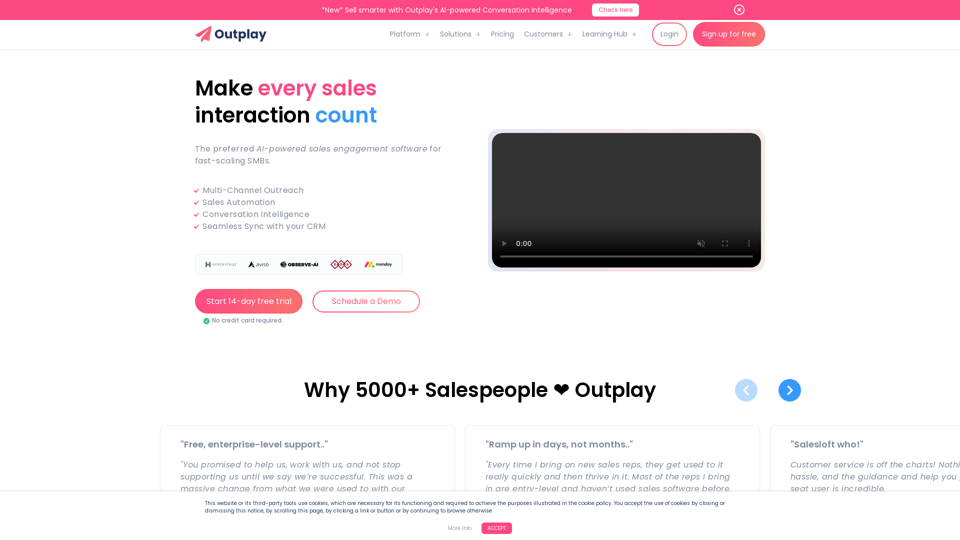
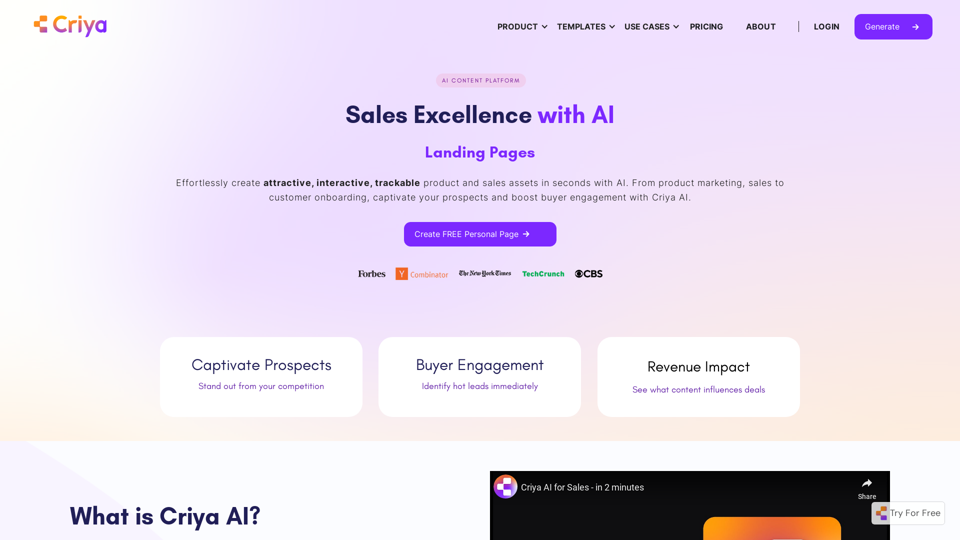
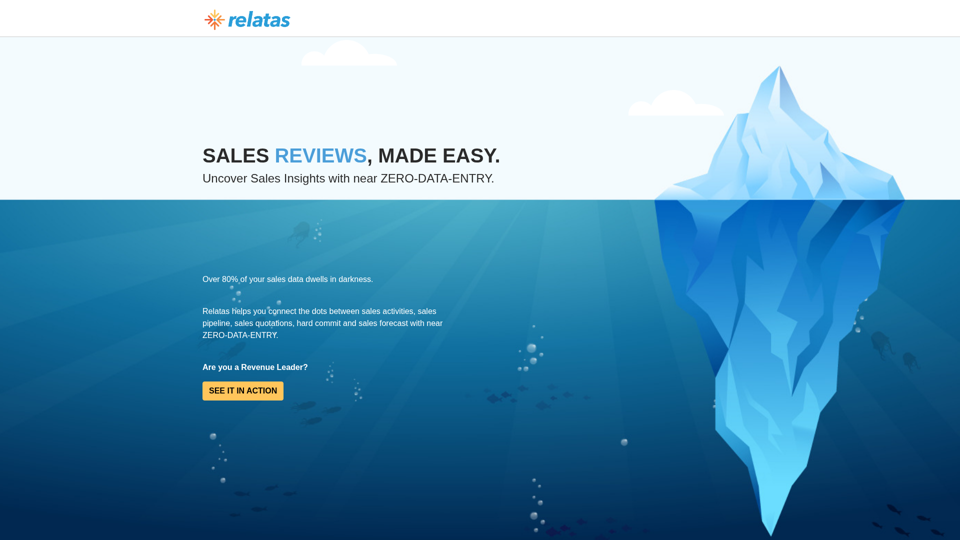
The only Sales Review platform to uncover Sales Insights with Zero-Data-Entry | Sales Forecast | Relatas
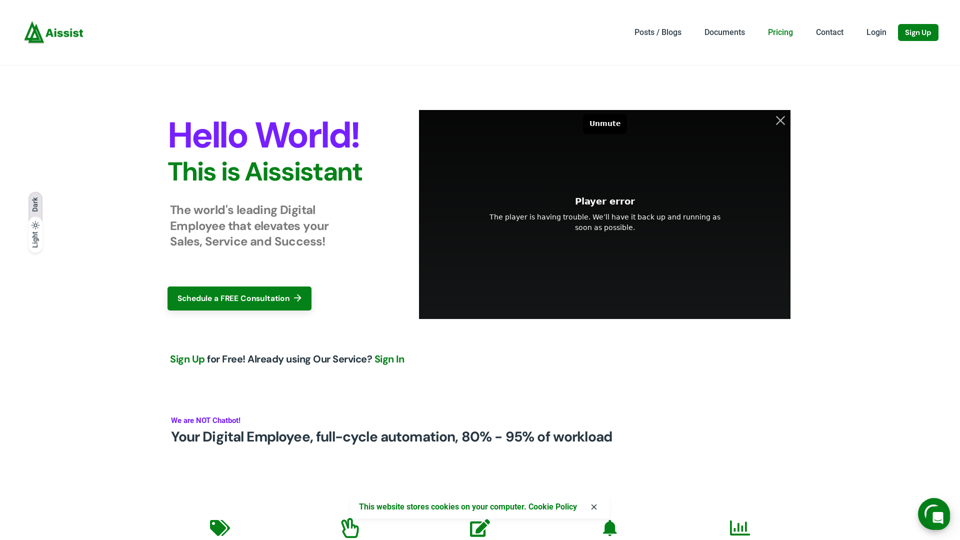
Sales/Service automation, with Generative AI, integrates seamlessly with FrontApp, Gorgias, Hubspot, Sapesforce, Intercom, Zendesk, Kustomer
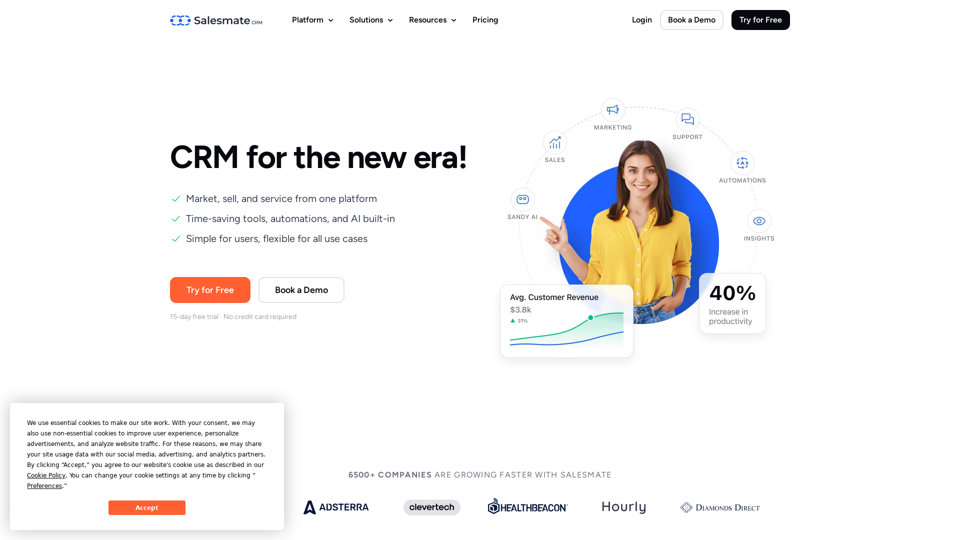
A Sales CRM Software with advanced automation capabilities to help your team be more productive and close more deals. **Try Now**

SOME1 is the first fully configurable AI worker that can integrate in real world teams and workflows.
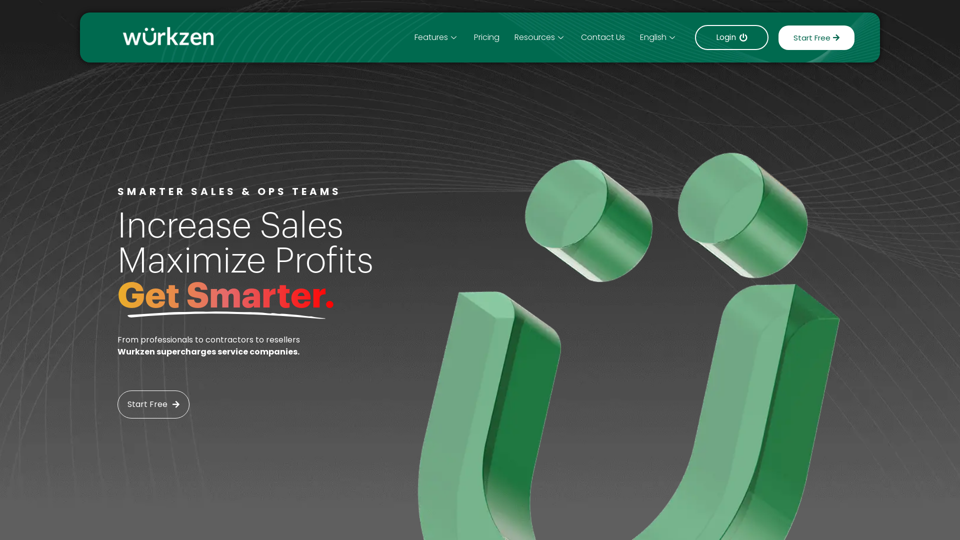
Improve sales, maximize profits and get smarter with AI-powered Revenue Performance CRM & Project Software. Experience the difference today.