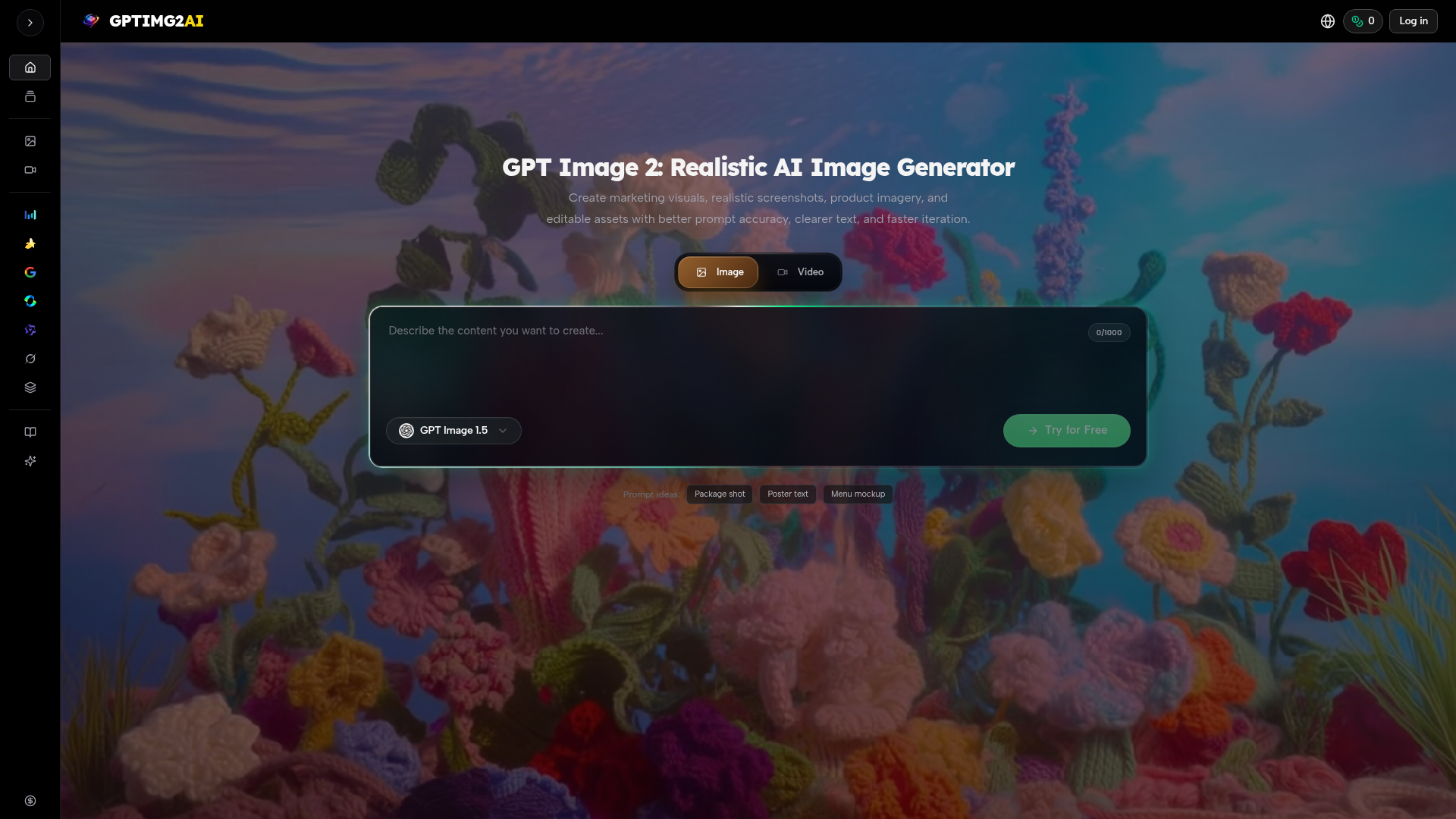
What is GPT Image 2: Realistic AI Image Generator? GPT Image 2: Realistic AI Image Generator is a cutting-edge AI-powered platform designed for professional-grade image creation. It is engineered to transform text prompts into highly accurate, realistic, and editable visual assets. Built for production workflows, it specializes in generating marketing visuals, product photography, posters, mockups, and key visual frames with superior prompt fidelity, clearer on-image text rendering, and faster iteration cycles. As part of a broader ecosystem, it connects seamlessly to video generation tools, allowing teams to start with a strong still image and build entire campaigns or motion projects from it. This tool is ideal for designers, marketers, e-commerce professionals, and content creators who need reliable, review-ready imagery without extensive manual design work.
What are the Main Features of GPT Image 2?
The platform stands out with several core features tailored for professional use:
- Exceptional Prompt Accuracy & Brief Fidelity
- GPT Image 2 excels at understanding and adhering to complex, detailed instructions. You can use longer, more specific prompts without losing the core subject, layout, or message, ensuring the generated image closely matches the creative brief.
- Superior On-Image Text Rendering
- Unlike many AI image generators, GPT Image 2 can render clear, legible text directly within the image. This is crucial for creating posters, marketing graphics, product labels, and social media assets that require integrated typography.
- Advanced Edit Control & Consistency
- The platform offers targeted editing capabilities. Instead of rewriting entire prompts for revisions, you can refine specific details like layout, styling, or subject positioning. This allows for maintaining consistency across multiple image variations, which is vital for branding and campaign work.
- Seamless Workflow Integration
- GPT Image 2 is built as a starting point for broader creative workflows. The approved still images can be directly used in campaigns or serve as the foundational frame for video generation using connected tools like Veo 3.1 or Kling 3.0, bridging the gap between static and motion design.
- Extensive Generator Library
- Users have access to a suite of AI models beyond GPT Image 2, including its predecessor GPT Image 1.5, various "Nano Banana" image generators, and state-of-the-art video models. This allows for choosing the right tool for the specific task, whether it's realism, motion, or a particular art style.
- Production-Ready Output
- The tool is designed to create assets that are usable in real-world scenarios—from e-commerce product shots and ad key visuals to storyboard frames and educational diagrams—reducing the time from concept to final asset.
How to Use GPT Image 2?
Using GPT Image 2 follows a streamlined, iterative process designed for professional results:
- Describe the Image: Start by writing a detailed prompt. Specify the subject, composition, materials, lighting, mood, brand colors, and any text that must appear within the image. The more detailed your brief, the better the initial result.
- Generate the First Pass: Input your prompt. You can also upload a reference image to guide the style or composition, helping the first output land closer to your vision.
- Refine the Details: Use the platform's editing tools to make targeted adjustments. Instead of starting over, tweak specific elements like the subject's position, color palette, or text alignment based on the initial generation.
- Finalize and Export: Once the image meets all requirements, download the high-quality asset. It is now ready for immediate use in marketing materials, websites, or presentations, or can be used as a key frame to guide subsequent video generation in connected tools.
What is the Price of GPT Image 2?
GPT Image 2 offers a "Try for Free" tier, allowing users to test its core capabilities and generate initial images without cost. For extensive, ongoing professional use—which includes higher generation limits, access to advanced features, priority processing, and commercial usage rights—users will need to subscribe to a paid plan. Specific pricing tiers (e.g., Pro, Team, Enterprise) are available on the GPTIMG2 website, tailored to different usage volumes and team sizes.
Helpful Tips for Using GPT Image 2
- Be Specific in Your Prompts
- Treat your prompt like a creative brief. Include details about angle, lighting (e.g., "studio lighting," "golden hour"), materials, and desired emotion.
- Leverage Reference Images
- When you have a specific style in mind, use the reference image upload feature to guide the AI more effectively.
- Iterate with Edits, Not Rewrites
- Use the refinement tools for small adjustments. This preserves the core of your approved direction and saves time.
- Utilize Prompt Starters
- Explore the provided prompt ideas (like "package shot," "menu mockup") as templates to kickstart your own creations.
- Plan for the Workflow
- Think of GPT Image 2 as the first step. Generate your key visual here, then use it to maintain visual consistency across other assets or when moving into video production with linked tools like Veo or Kling.
- Explore the Generator Library
- Don't limit yourself. If your task requires motion or a different aesthetic, explore the other AI image and video models available in the platform's library.
Frequently Asked Questions about GPT Image 2
What is GPT Image 2?
GPT Image 2 is a professional AI image generator focused on high prompt accuracy, clear text rendering, and detailed editing control, designed to create production-ready marketing and commercial visuals.
What can I make with GPTIMG2?
You can create a wide range of assets, including marketing campaign key visuals, realistic product shots and screenshots, posters and book covers, social media thumbnails, educational diagrams, storyboard frames, concept art for characters/environments, and editable mockups for commerce.
Is GPTIMG2 only for images, or does it connect to video work too?
While GPT Image 2 itself is for still image generation, it is part of a platform that includes leading video AI models (like Veo 3.1, Kling 3.0). The workflow is designed so you can create the perfect still frame with GPT Image 2 and then use it as a basis for generating consistent video content.
What makes GPT Image 2 different from a basic AI image generator?
Key differentiators are its superior fidelity to complex prompts, the ability to generate readable text within images, refined control for editing specific details, and its integration into a professional content production pipeline that bridges images and video.
Can GPTIMG2 render readable text inside the image?
Yes, this is one of its standout features. It can generate images with clear, integrated text, making it highly useful for creating graphics that require titles, slogans, labels, or instructional text.
Can I edit an existing image instead of starting from scratch?
Yes, you can upload a reference image to guide the generation process. Furthermore, the platform provides tools to refine and edit the details of a generated image without having to completely redo the prompt.
How do I keep results more consistent across variations?
Use detailed and structured prompts, employ reference images, and utilize the targeted edit features. These tools allow you to make adjustments while keeping the core composition and style consistent across multiple outputs.
Can I use GPTIMG2 outputs for commercial work?
Outputs from the free tier may have usage limitations. For full commercial rights (using generated images in products, advertising, or for sale), a paid subscription is typically required. Always check the specific license terms for your subscription plan.
Who is GPTIMG2 built for?
It is built for professionals and teams who need efficient, high-quality visual production. This includes brand designers, marketing managers, e-commerce operators, social media managers, content creators, educators, motion designers, and creative agencies.
GPT Image 2 for product visuals and image edits
Create product shots, posters, brand assets, and prompt-led image edits with clearer text and reference-aware refinement.
 Vercel
Free AI anime and manga generator. Turn text into anime episodes, manga, comics, webtoons and comic shorts in any art style — no drawing or animation skills needed.
Translate image text across 70+ languages with our advanced AI Image Translator to help you better expand your products globally to various countries
Advertised Here
Reach thousands of visitors daily. Get your spot now!
Tools similar to GPT Image 2 for product visuals and image edits
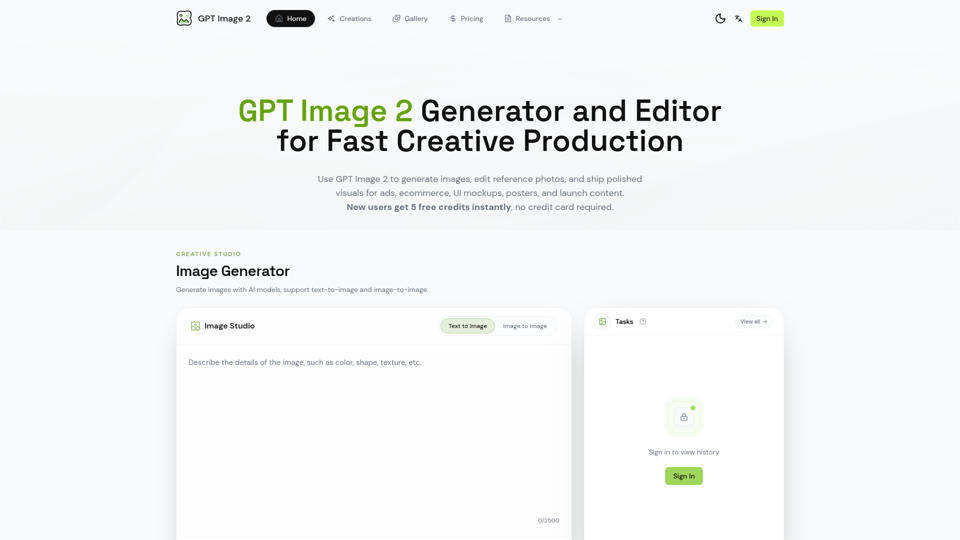
Generate and edit images with GPT Image 2 — AI image generation, reference-image editing, and asset creation for ads, ecommerce, UI mockups, posters, and production-ready visuals. Try free.
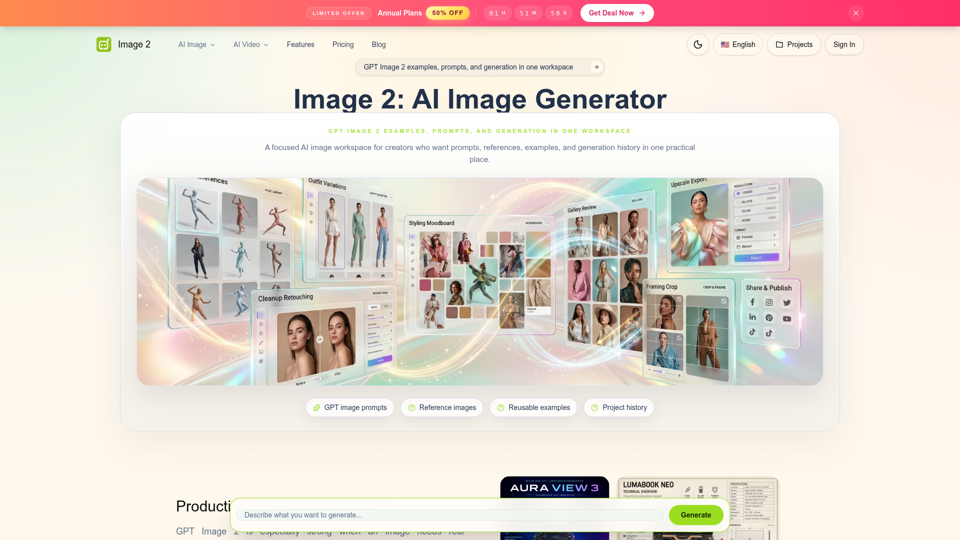
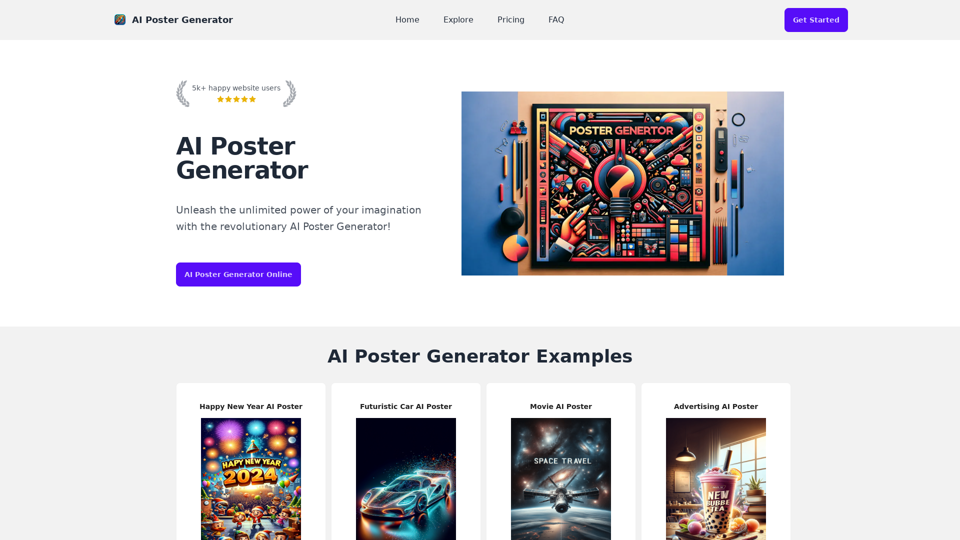
AI Poster Generator!Free AI Poster Generator, It generate poster from prompt words using AI.
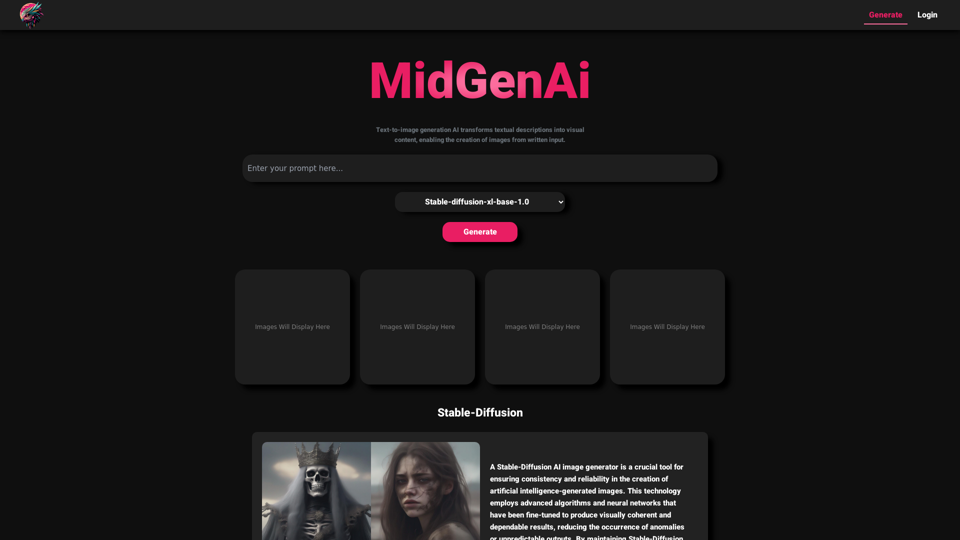
MidGen AI - Text-To-Image Best AI Image Generator 100% Free to use, with best 5 trained Models.
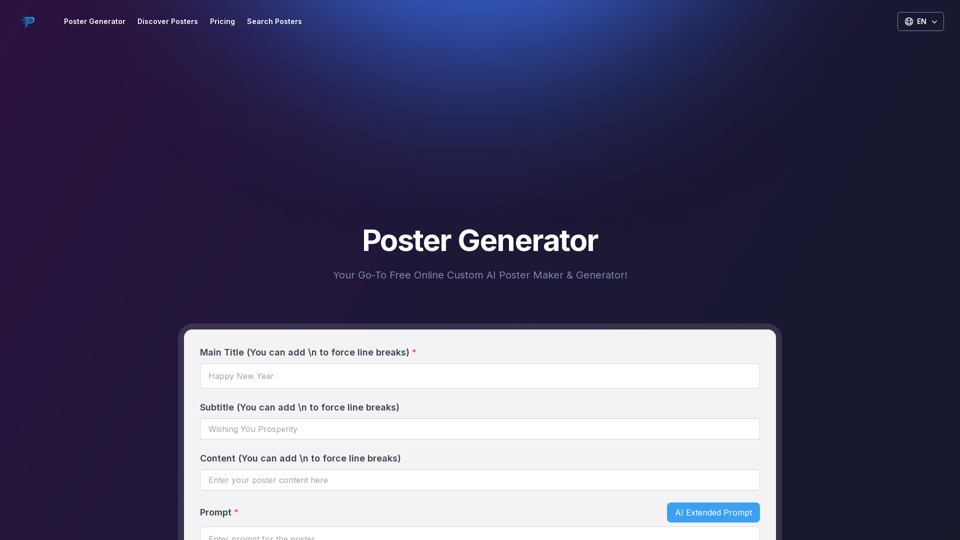
Your go-to online poster maker & generator! Create stunning custom posters effortlessly with Poster Generator – free for personal and business use. Start now!
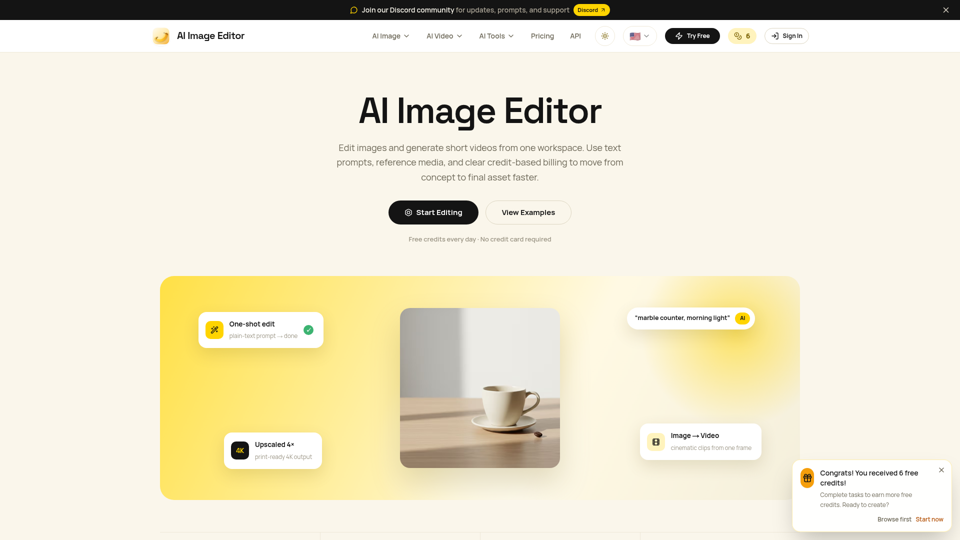
Edit photos with natural language using our free AI image editor. Transform, retouch, and enhance any photo with simple text prompts—fast and easy.
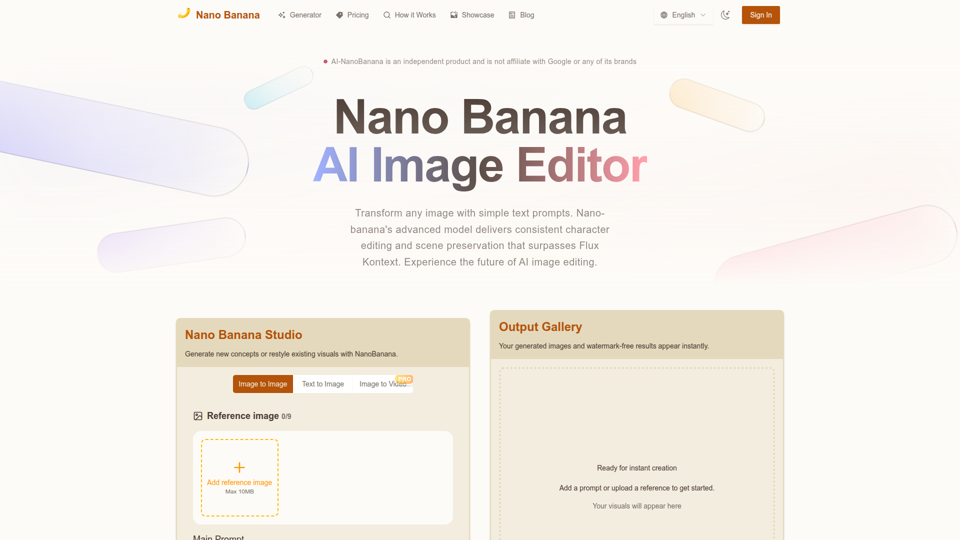
Nano Banana combines image-to-image and text-to-image so teams can ship polished visuals in seconds. Generate, edit, and clean assets in one intuitive workspace.
Just upload your image, and our AI background generator will create beautiful, realistic backgrounds for you. Get studio-quality product images in just minutes!