
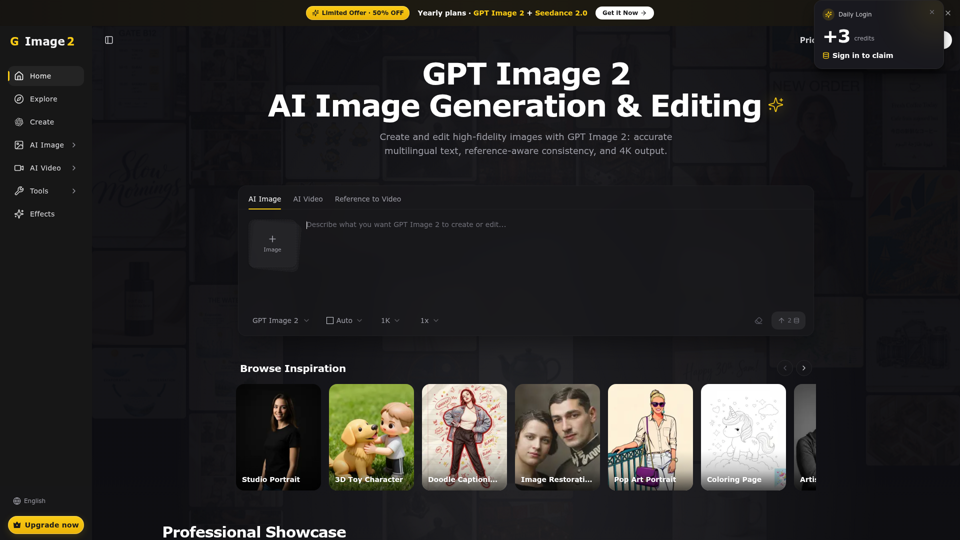
GPT Image 2 Generator & Editor for Creative Production
Generate and edit images with GPT Image 2 — AI image generation, reference-image editing, and asset creation for ads, ecommerce, UI mockups, posters, and production-ready visuals. Try free.
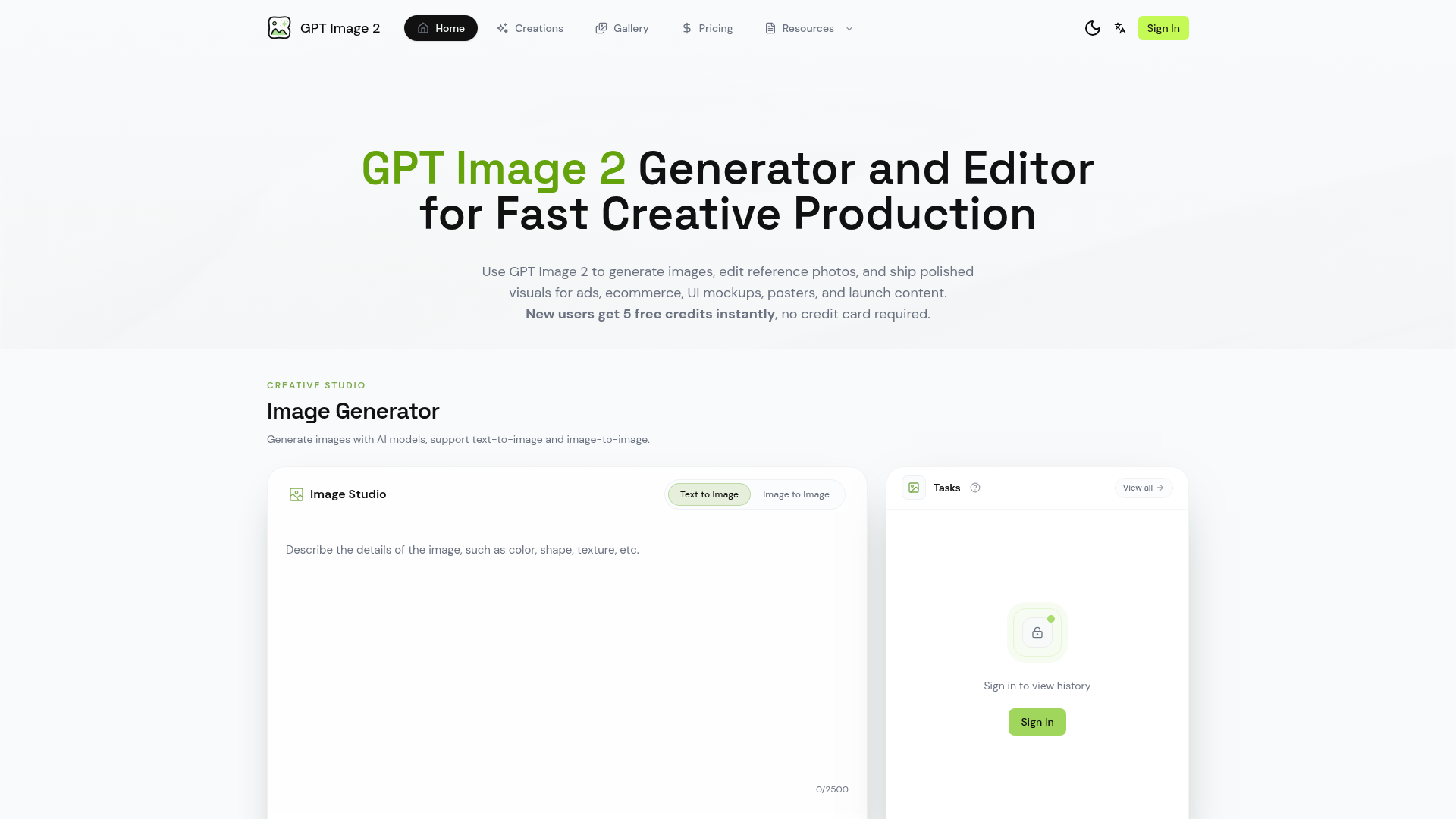
What is GPT Image 2 Generator & Editor?
GPT Image 2 Generator & Editor is a powerful, AI-driven creative platform designed for fast and professional visual production. It leverages advanced AI models to generate and edit images, enabling users to create polished, production-ready visuals for a wide range of applications such as advertising, ecommerce, UI/UX design, posters, and launch content. It transforms creative briefs into efficient workflows, from initial concept to final export, streamlining the entire creative process.
What are the Main Features of GPT Image 2?
1. Advanced AI Image Generation: Supports both text-to-image and image-to-image generation, allowing for the creation of visuals from descriptive prompts or by using existing images as a creative reference.
2. Comprehensive Creative Studio: Offers a centralized workspace for generating, editing, comparing, and iterating on images. Features include adjustable parameters like aspect ratio and quality for fine-tuned control.
3. High-Fidelity Text Rendering: Excels at generating visuals with clear, readable text and typographic hierarchy, making it ideal for creating posters, menus, labels, UI mockups, and screenshots.
4. Reference Image Editing Workflow: Enables users to upload existing photos or drafts and refine elements like style, background, props, and copy space, transforming a basic image into a polished final asset.
5. Character & Style Consistency: Allows for locking in a specific character, subject, or art direction across multiple image generations, ensuring visual coherence for campaigns and series.
6. Production-Ready Output: Provides high-resolution export capabilities, delivering assets that are immediately suitable for print, web, and social media campaigns.
7. Free Trial Credits: New users instantly receive free credits to test the platform's capabilities without requiring a credit card, making it easy to evaluate its fit for specific projects.
How to Use GPT Image 2 Generator & Editor?
The workflow is designed to be intuitive and efficient for both individuals and teams:
- Set the Creative Brief: Start by describing the desired image in detail (subject, composition, lighting, text, format) or upload a reference image to guide the AI.
- Generate and Iterate: Create an initial batch of images. Use the platform's tools to adjust prompts, swap references, and generate variations until the output perfectly matches your vision.
- Edit and Refine: Utilize the editing features to make precise adjustments to any generated image or uploaded reference, tweaking colors, elements, and layouts.
- Export Final Assets: Select the best-performing visuals and download them in high resolution. Save successful prompt patterns for reuse in future projects.
What is the Pricing for GPT Image 2?
The platform operates on a credit-based system. ### New users receive 5 free credits instantly upon sign-up, with no credit card required, to explore and test the service. After exhausting the free credits, users can purchase credit packages or subscription plans to continue using the platform. Specific pricing tiers and credit costs are available on the official website, catering to different usage levels from casual creators to professional teams.
Helpful Tips for Maximizing GPT Image 2
- Start with Clear Prompts
- Be specific about details like subject, action, environment, lighting, style, and desired mood for more accurate initial results.
- Leverage Reference Images
- When you have a specific style or composition in mind, use the image-to-image feature by uploading a reference photo to steer the generation.
- Use Batch Exploration
- Generate multiple variations in one go to quickly compare different creative directions and select the most promising options.
- Master the Editing Tools
- Don't treat the first generation as final. Use the editing workflow to fine-tune colors, correct minor issues, and perfect the composition.
- Save Successful Formulas
- When you create a prompt that yields excellent results, save it. This allows you to replicate a successful style or theme for future projects, maintaining brand consistency.
Frequently Asked Questions
What can I create with GPT Image 2?
You can create a vast array of professional visuals, including product advertisements, ecommerce hero images, UI/UX mockups, social media content, posters, album covers, magazine layouts, book illustrations, marketing banners, and launch event visuals.
How do I write better prompts for image generation?
Focus on clarity and detail. Structure your prompt with the main subject, its action, the surrounding environment, specific lighting conditions (e.g., studio lighting, golden hour), artistic style (e.g., photorealistic, minimalist illustration), and any critical text that must appear. The more descriptive you are, the better the AI can visualize your concept.
Can GPT Image 2 edit an existing photo?
Yes, absolutely. You can upload any reference image (like a product photo or a draft design) and use the platform's editing workflow to alter its style, change the background, add or remove props, adjust colors, and modify the copy space without starting from scratch.
Who is the typical user of this platform?
It is used by marketing professionals, graphic designers, content creators, ecommerce managers, UI/UX designers, social media managers, advertising agencies, and startups who need to produce high-quality visual content quickly and efficiently.
Is there a free trial available?
Yes. New users are granted ### 5 free credits instantly upon sign-up, with no credit card required. This allows you to fully test the image generation and editing capabilities.
How does GPT Image 2 handle text within images?
It uses specialized models trained to render text with high accuracy and clarity. This makes it exceptionally useful for generating visuals where text legibility and layout are crucial, such as posters, interface screenshots, and branded graphics.
Is this an official OpenAI product or page?
No. GPT Image 2 Generator & Editor is a third-party SaaS platform that utilizes advanced AI models (like GPT-4o and DALL-E 3) to provide its services. It is not an official website or product of OpenAI.
Why use a dedicated SaaS platform instead of various free tools?
A unified platform like this offers a streamlined, production-oriented workflow, ensures consistent output quality, provides advanced editing controls, saves time by keeping all assets and iterations in one place, and delivers reliably high-resolution, ready-to-use exports—benefits that scattered, often limited free tools cannot match.
GPT Image 2 Generator & Editor for Creative Production
Generate and edit images with GPT Image 2 — AI image generation, reference-image editing, and asset creation for ads, ecommerce, UI mockups, posters, and production-ready visuals. Try free.
 Cloudflare
 HTTP/3
 Next.js
 Node.js
 React
React Webpack
Free AI anime and manga generator. Turn text into anime episodes, manga, comics, webtoons and comic shorts in any art style — no drawing or animation skills needed.
Translate image text across 70+ languages with our advanced AI Image Translator to help you better expand your products globally to various countries
Advertised Here
Reach thousands of visitors daily. Get your spot now!
Tools similar to GPT Image 2 Generator & Editor for Creative Production
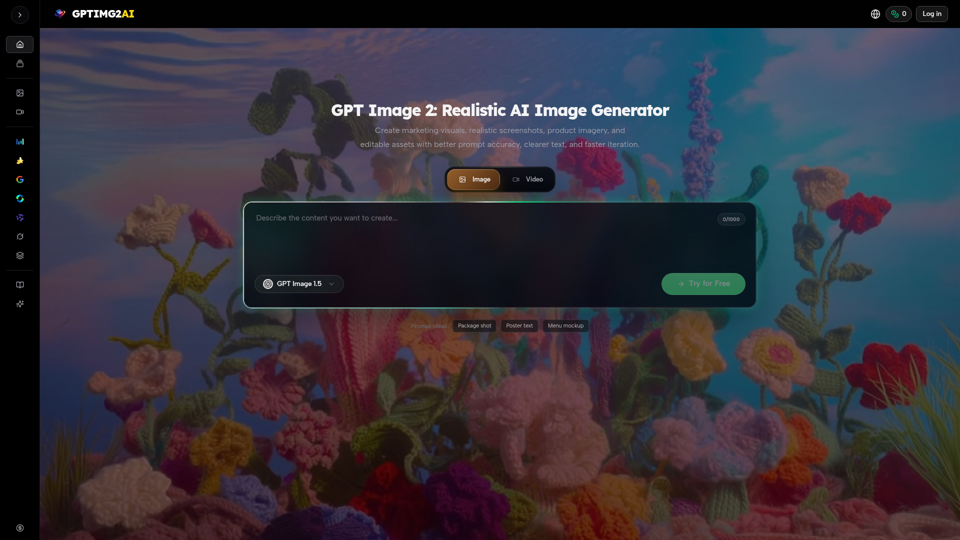
Create product shots, posters, brand assets, and prompt-led image edits with clearer text and reference-aware refinement.
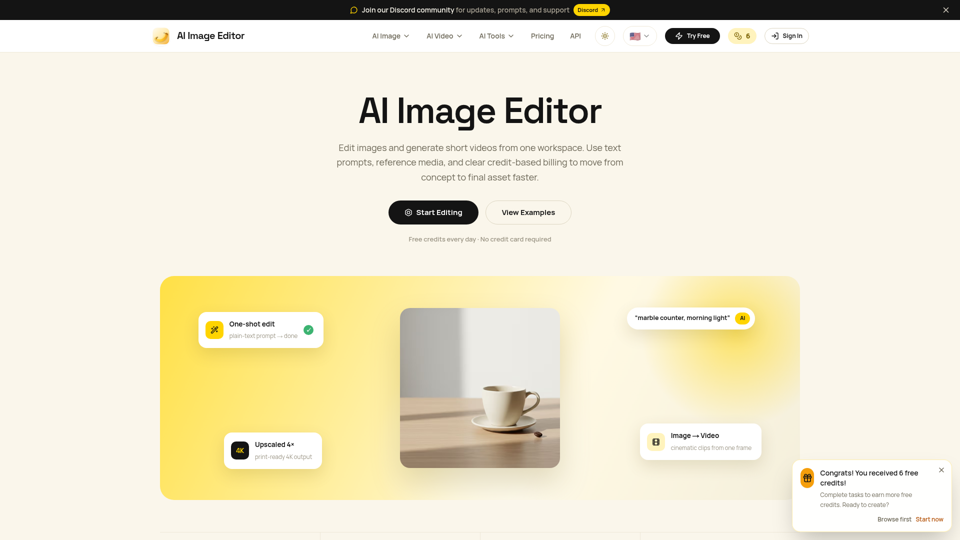
Edit photos with natural language using our free AI image editor. Transform, retouch, and enhance any photo with simple text prompts—fast and easy.
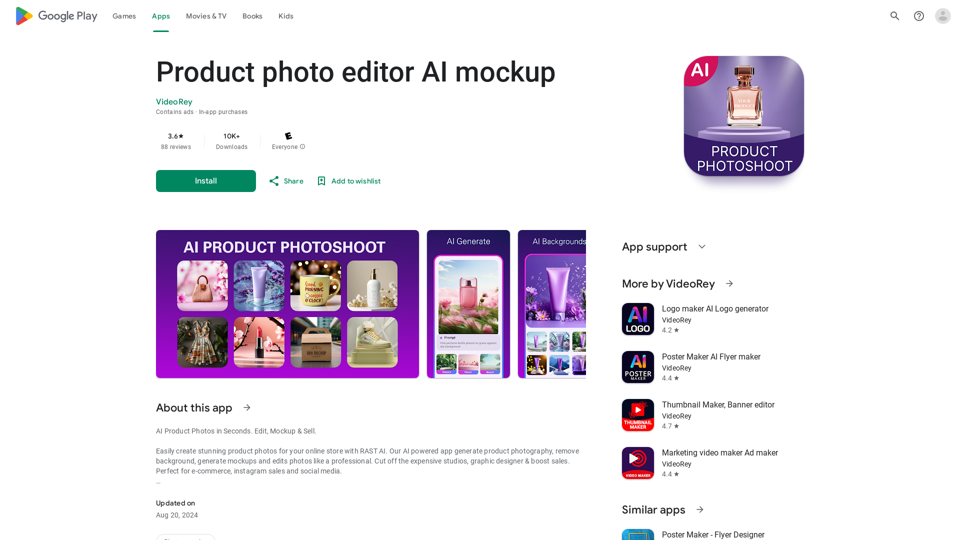
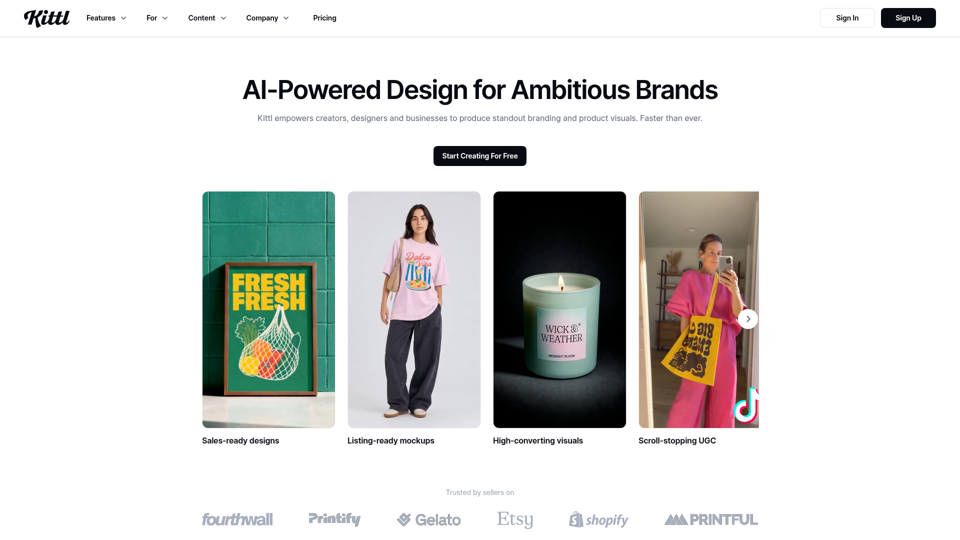
AI Product Photoshoot, ecommerce photo editor, background remover, mockup maker

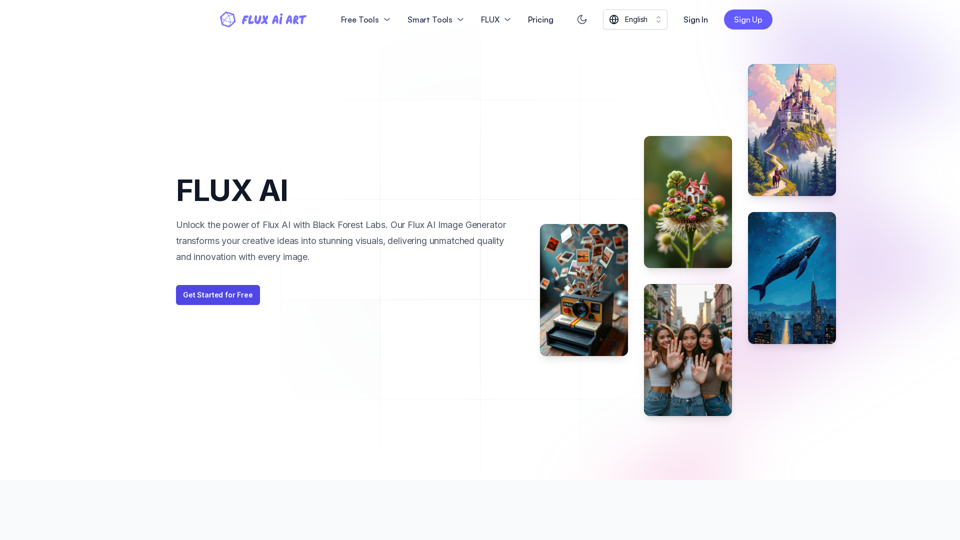
FLUX AI offers professional AI-powered image generation and editing services. Our image generator includes all FLUX models, such as FLUX.1 schnell, FLUX.1 dev, FLUX.1 pro, FLUX1.1 pro, and FLUX1.1 pro ultra. We also provide a comprehensive suite of image editing tools, including Image to Prompt, Background Remover, Image Enhancer, Image Restore, etc., covering a wide range of creative and enhancement needs.
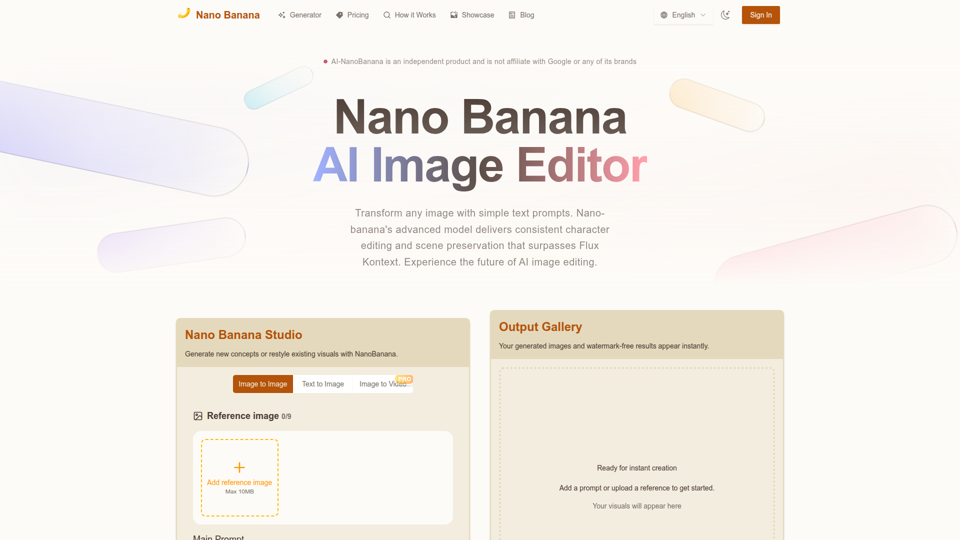
Nano Banana combines image-to-image and text-to-image so teams can ship polished visuals in seconds. Generate, edit, and clean assets in one intuitive workspace.
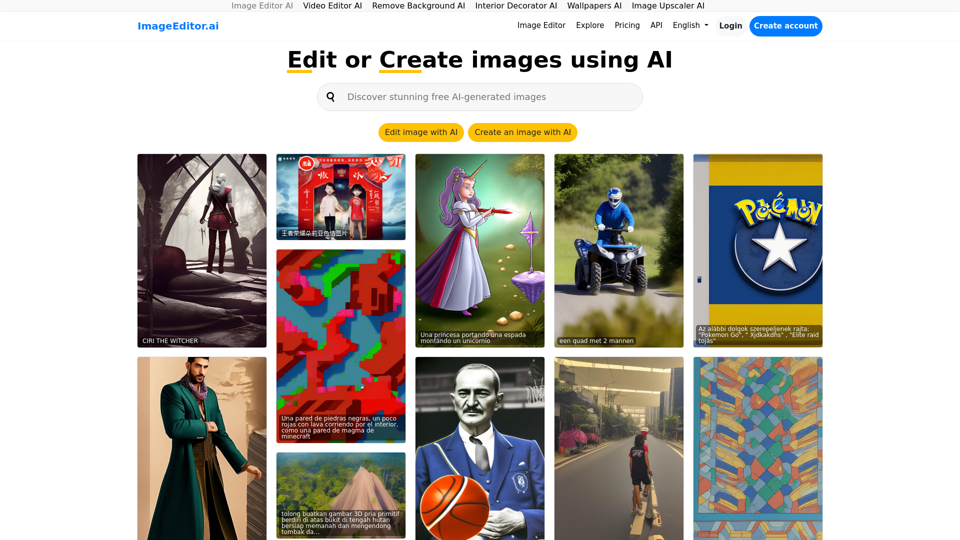
Image Editor AI: Edit image using AI or make images using AI, just tell the AI what to do.