What is Imgoe AI Design Engine?
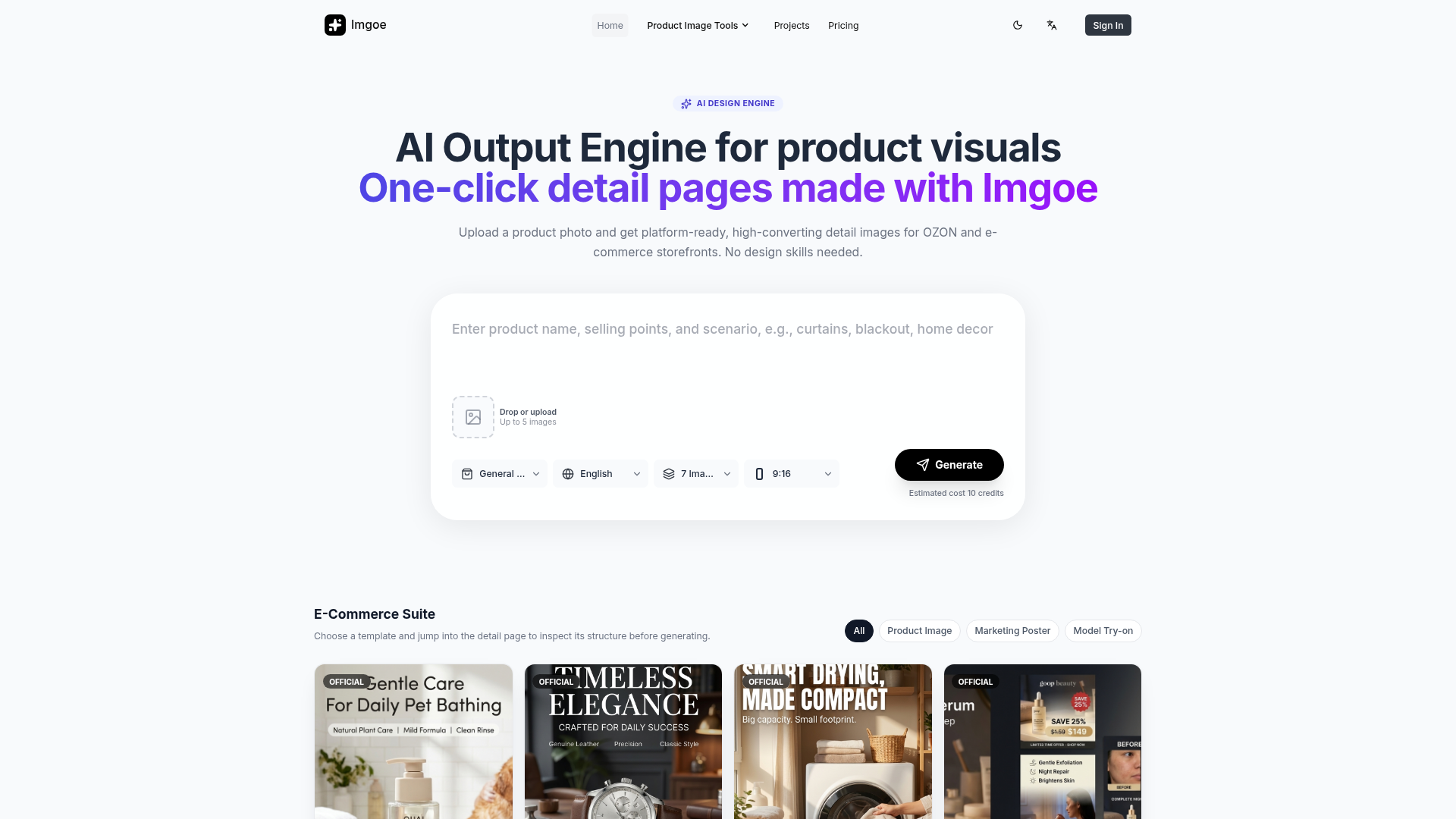
Imgoe AI Design Engine is a sophisticated, AI-powered platform designed specifically for e-commerce and digital marketing professionals. It transforms a single product photograph into a complete set of high-converting, platform-ready visual assets. By leveraging advanced AI image generation and understanding, it automates the creation of detail pages, marketing posters, model try-on visuals, and other product imagery. The engine removes the need for manual design skills, enabling users to generate professional, on-brand content with a single click, dramatically speeding up visual production for marketplaces like OZON and online stores.
What are the Main Features of Imgoe AI Design Engine?
1. One-Click Multi-Image Generation: Upload a product photo and instantly receive a full suite of generated images (e.g., 7 images in a 9:16 ratio) formatted for e-commerce detail pages. 2. Template-Driven Workflow: Access a curated library of professional templates (e.g., Pet Supplies, Watches, Cosmetics, Sunglasses) that provide reusable structures, style directions, and selling-point compositions, ensuring industry-specific best practices. 3. AI-Powered Visual Consistency: The engine uses AI to maintain a coherent visual style, typography, and layout across all generated images in a set, creating uniform and professional-looking product pages. 4. Multi-Format and Multi-Platform Readiness: Outputs are optimized for various e-commerce platforms and marketing channels, supporting different image ratios and specifications directly. 5. Credit-Based Flexible Usage: Operates on a transparent credit system (e.g., generating a set of images may cost an estimated 10 credits), allowing users to pay for what they generate.
How to Use Imgoe AI Design Engine?
The process is streamlined for efficiency:
- Select or Upload: Start by choosing a pre-built template that matches your product category (e.g., "Watch Product Template" or "Cosmetics Marketing Poster Template") or directly upload your product photo into the engine.
- Configure Settings: Specify your needs, such as the target platform (e.g., OZON), content type (Product Image, Marketing Poster, Model Try-on), language (e.g., English), and desired number of images.
- Generate: Click the "Generate" button. The AI engine will process your input and template choice to create a cohesive set of visual assets.
- Review and Iterate: Inspect the generated detail page structure and images. The platform allows for iterative edits and refinements based on the initial AI output to perfect the final assets.
What is the Price/Credit Model for Imgoe?
Imgoe operates on a credit-based system. Each generation task consumes a certain number of credits. For example, generating a set of up to 7 images for a general e-commerce detail page might have an estimated cost of 10 credits. Users typically purchase credit packs upfront. The template library is accessible as part of the platform, and using a template structures the generation process but does not incur separate costs beyond the generation credits. This model provides flexibility, allowing users to scale their visual production according to their needs.
Helpful Tips for Maximizing Imgoe AI Design Engine
- Leverage Templates Strategically
- Don't start from scratch. Browsing and selecting the closest template for your product category (like "Curtain Product Image Template" for home goods) provides the AI with a strong stylistic and structural foundation, leading to more relevant and higher-quality outputs.
- Use High-Quality Input Images
- For the best generation results, upload clear, well-lit, high-resolution product photos. The AI uses this reference to understand product details, colors, and textures.
- Think in Workflows
- Use Imgoe as a visual production line. Generate a hero image first, then use the same template/style to create selling-point breakdowns and scene images. This ensures perfect cross-asset consistency.
- Iterate Based on Outputs
- Treat the first generation as a powerful first draft. Use the platform's editing features to make adjustments, ensuring the final assets perfectly match your brand voice and campaign goals.
- Standardize for Team Use
- For teams, establish a library of approved templates for different product lines. This ensures all visual output, even from different team members, maintains brand cohesion and quality.
Frequently Asked Questions About Imgoe AI Design Engine
What does Imgoe do now?
Imgoe is an AI Design Engine that automates the creation of e-commerce visual content. It generates complete sets of product detail page images, marketing posters, and model try-on visuals from a single product photo, using AI to ensure professional quality and stylistic consistency.
Who is it built for?
It is built for e-commerce professionals, including brand founders, cross-border e-commerce leads, visual designers, category operators, and DTC growth consultants. It's designed for teams and individuals who need to produce high volumes of consistent, converting product visuals rapidly without extensive design resources.
What can I generate in one workflow?
In a single workflow, you can generate a coordinated suite of assets. This typically includes a main product hero shot, multiple detail images highlighting features, usage scenarios, and marketing-ready posters—all formatted correctly for your chosen e-commerce platform.
What inputs lead to better results?
High-quality, well-lit product photographs and the selection of a relevant, high-quality template are the most critical inputs. Providing clear context (like "OZON platform, English") also guides the AI to produce more targeted and effective assets.
Can the page style stay consistent across multiple images?
Yes, this is a core strength of Imgoe. By using a defined template and AI engine, the style, color palette, typography, and layout remain coherent across all images generated in a set, creating a unified and professional product page.
How do templates and credits work together?
Templates are the style and structure blueprints available within the platform. Credits are the currency used to execute the AI generation process. You select a free template to define the look, then spend credits to generate the actual images based on that template and your product photo.
Can I use the generated assets commercially?
Yes, the visual assets generated by the Imgoe AI Design Engine are intended for commercial use. You can use them directly on your e-commerce product pages, marketing campaigns, social media, and other promotional materials to sell your products.
Imgoe
Imgoe (Output Engine / One-click Experience) is an AI e-commerce product image generator that creates high-converting product detail visuals in minutes.
 Cloudflare
 HTTP/3
 Next.js
 Node.js
 React
React Webpack
Free AI anime and manga generator. Turn text into anime episodes, manga, comics, webtoons and comic shorts in any art style — no drawing or animation skills needed.
Translate image text across 70+ languages with our advanced AI Image Translator to help you better expand your products globally to various countries
Advertised Here
Reach thousands of visitors daily. Get your spot now!
Tools similar to Imgoe
WeShop AI is your ultimate solution for AI-powered e-commerce image. AI models and photo shooting without constraints. Transform one image to multiple assets 10x faster at fractional costs.
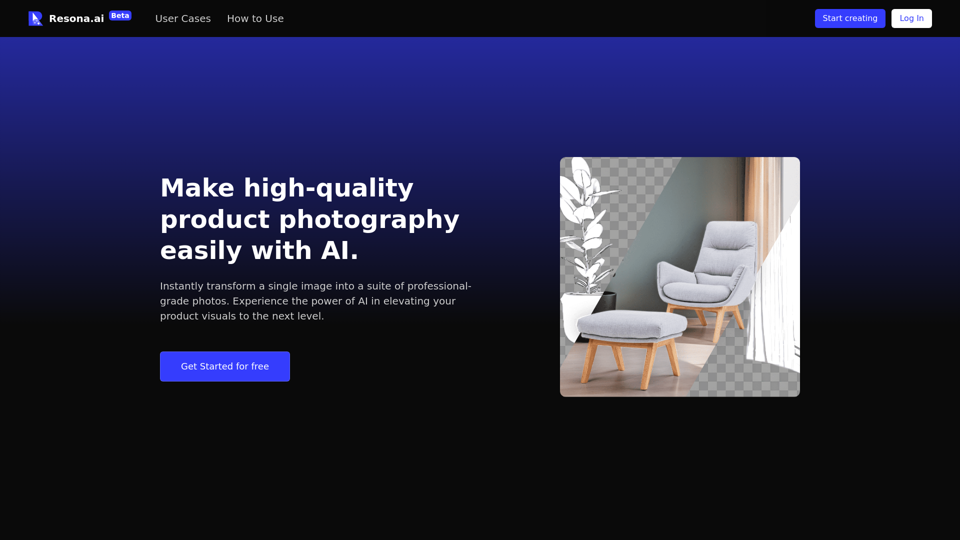
AI Background Generator and Replacer: Elevate your product photography with ease. Create stunning product images through simple drag and drop. Achieve high-quality results fast. Try it for free and transform your visuals effortlessly.
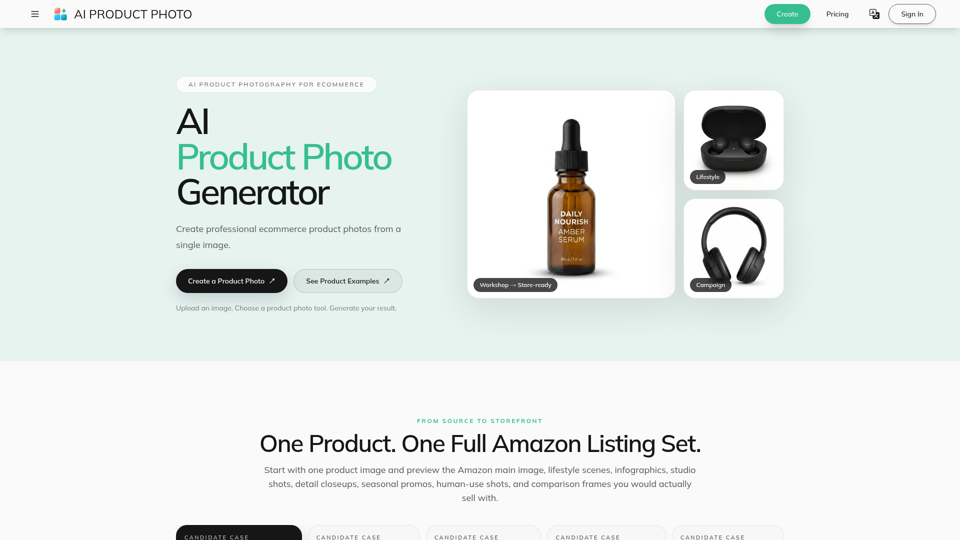
Create AI product photos for ecommerce. Remove backgrounds, generate white backdrops and scenes, improve lighting, add shadows, and run batch workflows.
Create product shots, posters, brand assets, and prompt-led image edits with clearer text and reference-aware refinement.
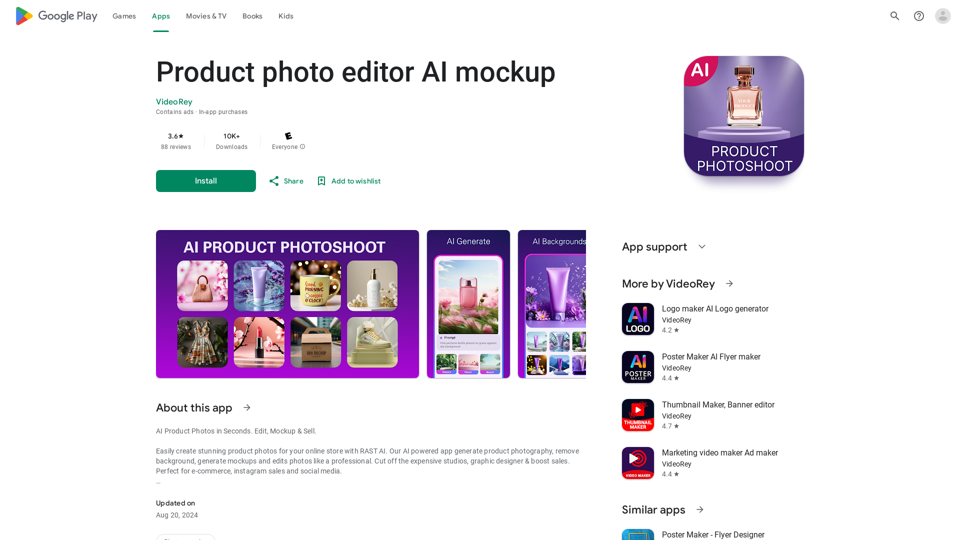
AI Product Photoshoot, ecommerce photo editor, background remover, mockup maker