What is QuickVideo?
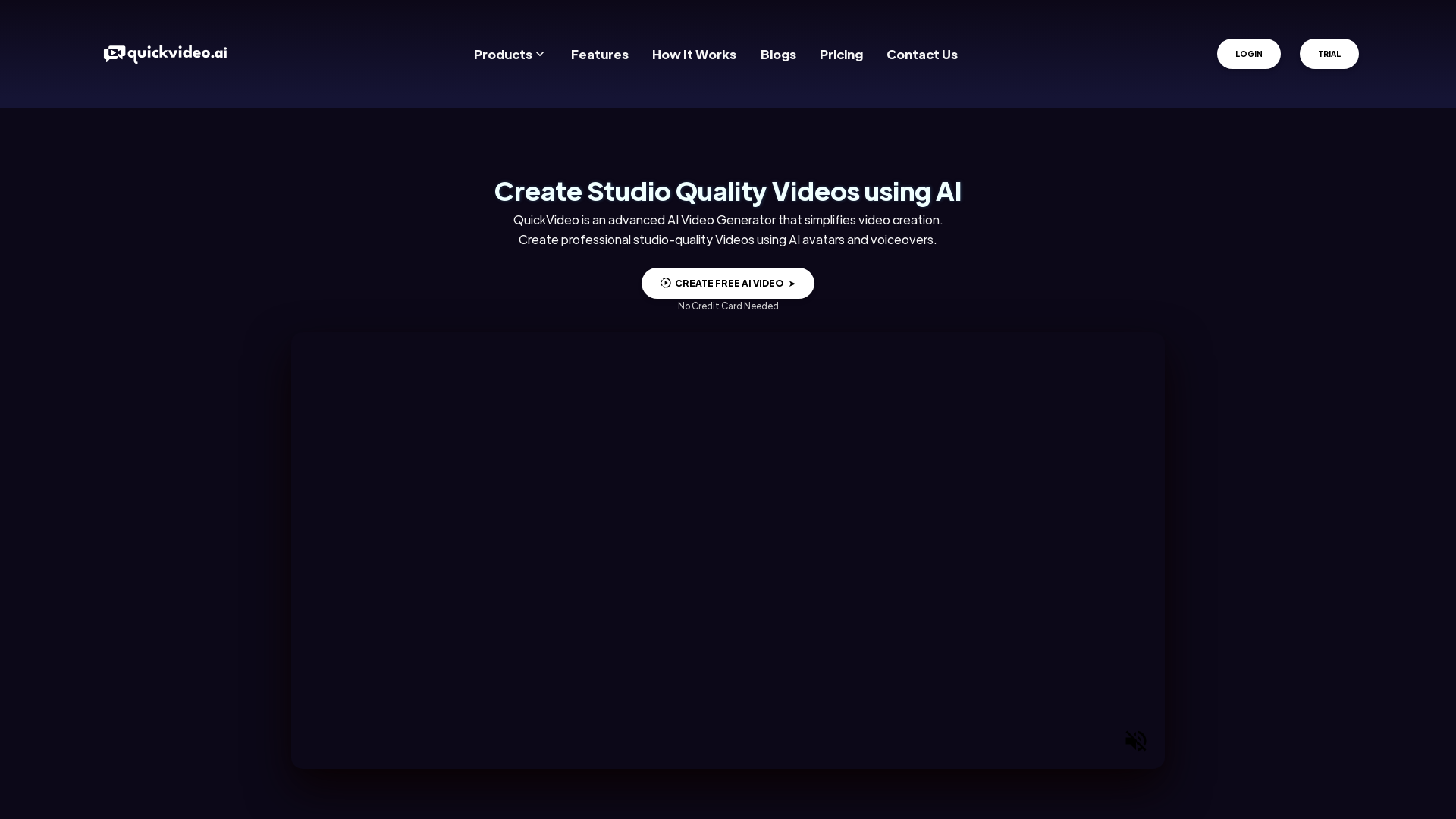
QuickVideo is an advanced AI-powered video generator that revolutionizes the way videos are created. It allows users to generate professional studio-quality videos using AI avatars and voiceovers. Whether you need a marketing video, tutorial, or personalized message, QuickVideo simplifies the entire process, enabling anyone to create stunning videos without prior experience or expensive equipment.
Main Features of QuickVideo
- Text-to-Video Generator
- No camera is needed! Just add a video script, choose from a presenter or create an AI avatar to narrate your video, and you're set.
- Video Personalization
- Personalize your videos effortlessly. Create tailored onboarding messages, guide leads through sales, or respond to customer queries – the possibilities are endless.
- Conversational Video Bot
- Build bots capable of holding human-like conversations with customers, enhancing engagement and retention without the need for human oversight.
- Voice Cloning
- Easily replicate voices for voiceovers and personalize avatars. Save and reuse cloned voices as needed.
- Custom Knowledge Training
- Train the AI with your unique datasets to create a model perfectly suited to your brand's needs.
- Built-in Video Editor
- Revise, redo, and refine videos all in one place to achieve the look you desire.
- Plug and Play Widgets
- Add chatbots to your website to simplify the customer journey.
- Instant Real-Time Responses
- Serve your customers in real-time with humanlike video chatbots.
- Cross-Platform Compatibility
- Communicate with customers on websites, mobile apps, or kiosks effortlessly.
How to Use QuickVideo?
Using QuickVideo is a straightforward process:
- Sign Up and Connect: Create a QuickVideo account or log into your existing account.
- Select Avatar and Video Format: Choose an AI avatar and voice to start building your video. Explore various tools and features available for video creation.
- Evaluate and Extract: Review your video and prepare it for publishing on various platforms.
Pricing
QuickVideo offers flexible pricing plans to cater to different user needs. There are free trial options available, allowing users to explore features without any credit card requirement. To unlock additional capabilities, users can opt for the subscription service, which offers greater efficiency and performance enhancements.
Helpful Tips for QuickVideo Users
- Experiment with different avatars and voices to find the perfect combination for your video needs.
- Utilize the video personalization tool to connect with your audience on a more personal level.
- Regularly review the built-in video editor to refine your videos and maintain a high standard of quality.
- Take advantage of the AI bot features to provide 24/7 customer service and support without human intervention.
Frequently Asked Questions
Can I create videos without a camera?
Yes! QuickVideo's Text-to-Video Generator allows you to create videos without the need for a camera.
How customizable are the AI avatars?
QuickVideo offers a variety of presenters and the tools to create your own AI avatar tailored to your brand’s identity.
Is it possible to clone my own voice for videos?
Absolutely! QuickVideo enables voice cloning, allowing you to replicate your voice for use in voiceovers.
Can I personalize videos for different audiences?
Yes, the Video Personalization feature lets you tailor videos for various customer segments seamlessly.
What languages does QuickVideo support?
QuickVideo supports over 150+ premium global languages with native-like accents, making it easy to reach multilingual audiences.
By leveraging QuickVideo's capabilities, you can transform your video production process, making it more efficient, personalized, and engaging!
QuickVideo
QuickVideo is an advanced AI Video Generator that simplifies video creation. Create professional studio-quality Videos using AI avatars and voiceovers.
 Apache HTTP Server
 SmtpJS:3
Free AI anime and manga generator. Turn text into anime episodes, manga, comics, webtoons and comic shorts in any art style — no drawing or animation skills needed.
Translate image text across 70+ languages with our advanced AI Image Translator to help you better expand your products globally to various countries
Advertised Here
Reach thousands of visitors daily. Get your spot now!
Tools similar to QuickVideo
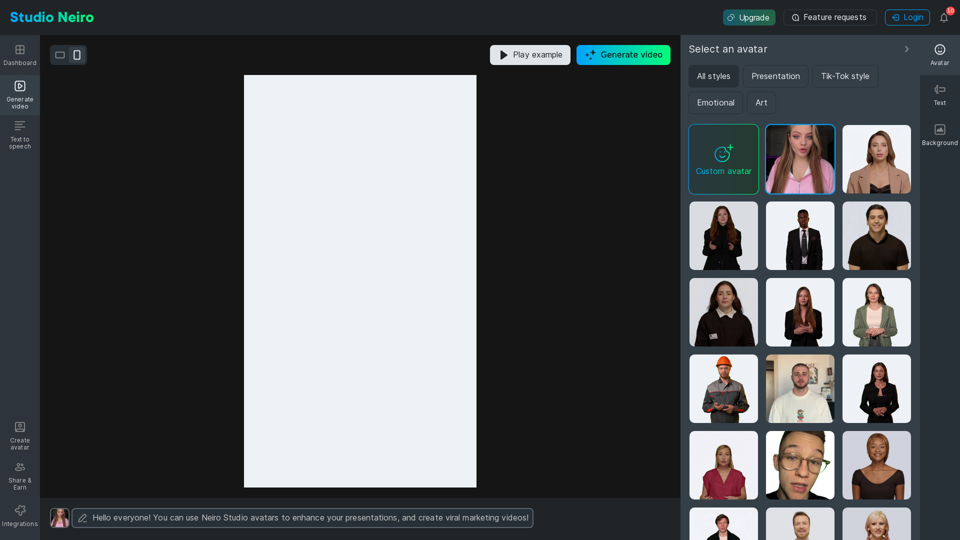
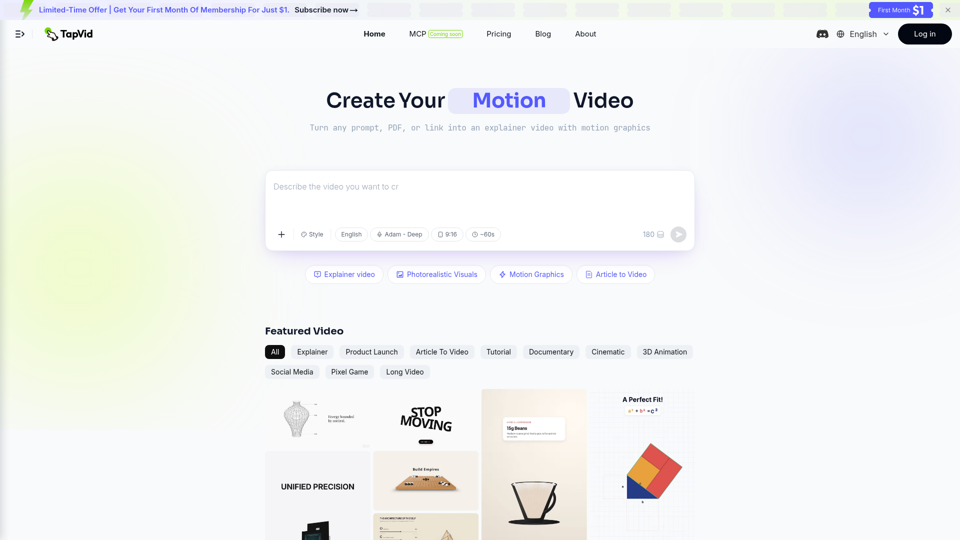
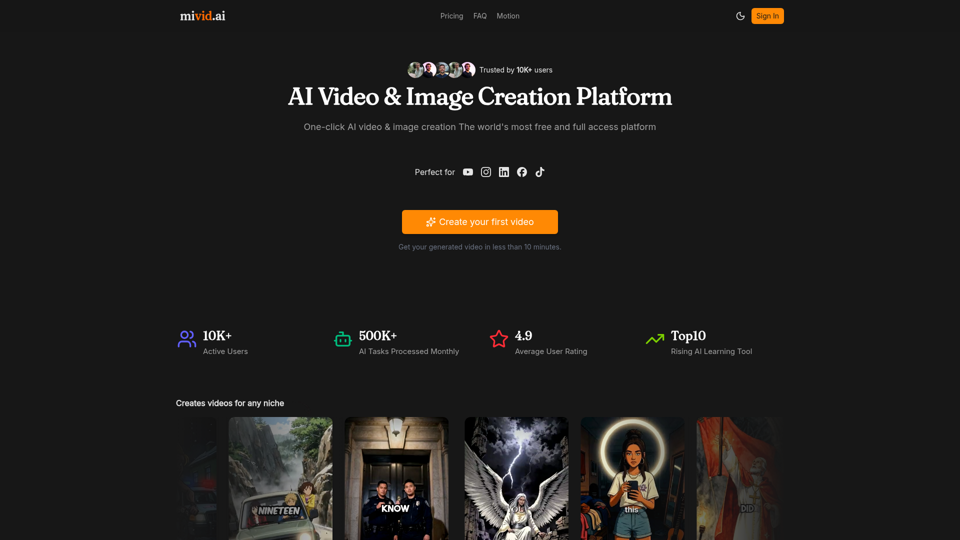
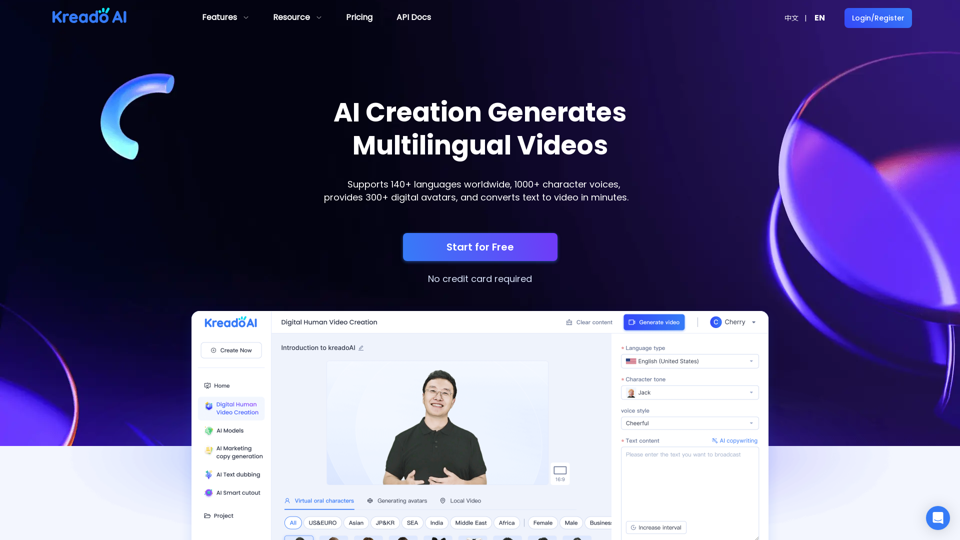
Convert scripts, blog posts, prompts, and ideas into professional AI videos. Generate videos with AI avatars, voiceovers, subtitles, and music in minutes.
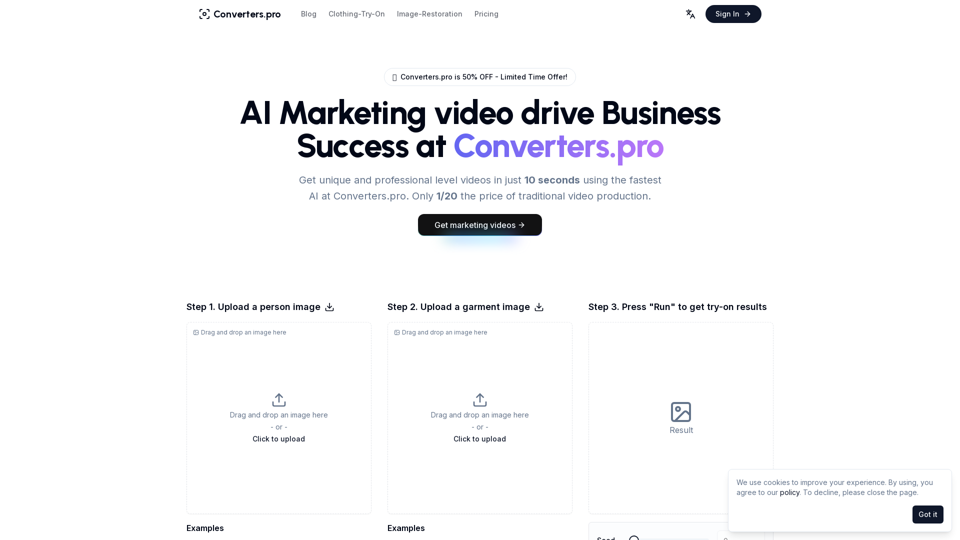
Create stunning marketing videos with Converters.pro. Our AI-powered video generator helps you craft engaging social media content, product demos, and brand videos in minutes. Transform your marketing with professional, customizable video content.
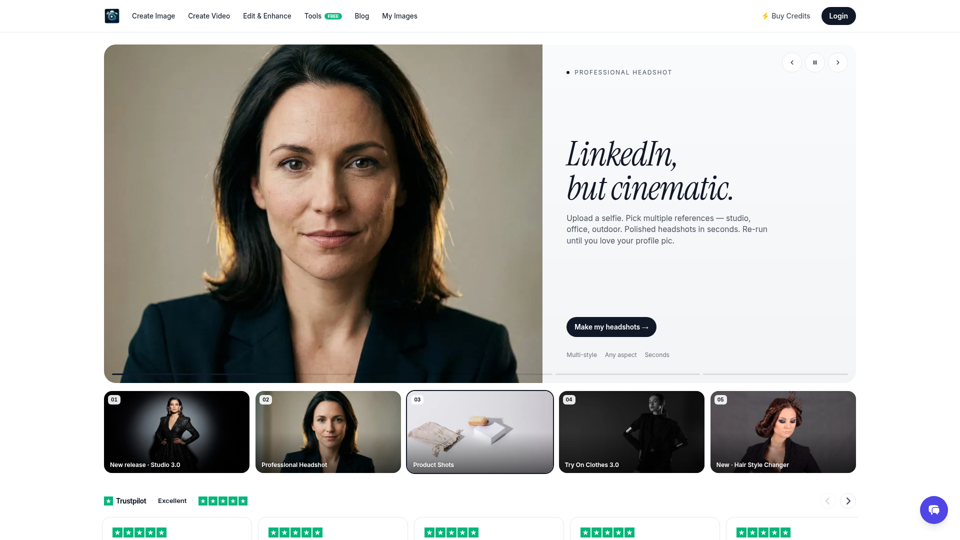
Create stunning AI photos and videos in seconds. Professional headshots, studio portraits, product images, and AI video with 150+ styles. Free AI photo studio — no camera needed.