
What is Wizstar?
Wizstar is a cutting-edge AI-powered video creation platform designed to transform various inputs—such as text prompts, images, product links, and audio scripts—into professional, ready-to-publish videos in minutes. It eliminates the need for traditional filming, complex editing, and manual localization work. Powered by advanced models like Seedance 2.5 and Kling 3.0 Omni, Wizstar serves business teams, global brands, marketers, e-commerce sellers, educators, and content creators by providing a suite of tools for AI video generation, image creation, avatar production, and video translation. Its core mission is to democratize high-quality video content creation, making it accessible, fast, and scalable for users worldwide without requiring technical expertise.
What is the Main Feature of Wizstar?
Wizstar's primary feature is its comprehensive, multi-model AI ecosystem for end-to-end video and content creation. Key functionalities include:
- All-in-One AI Creation Hub
- It consolidates over a thousand AI capabilities across more than 200 categories into a single platform. Users can seamlessly jump between an AI Video Generator, AI Image Generator, AI Avatar tools, Video Translation, and specialized AI Agents.
- Advanced AI Video Generation
- The platform leverages state-of-the-art models like Seedance 2.5 to turn simple prompts or images into cinematic videos with realistic motion, lighting, and camera effects.
- Intelligent AI Agents
- Wizstar features autonomous AI Agents (Creative and E-commerce) that can take a simple idea or product link and autonomously plan the entire video production process—from scripting and scene generation to adding voiceovers and captions—delivering a polished final product.
- Specialized E-commerce Tools
- It offers dedicated solutions for online businesses, including AI Product Video generators, product image creation, viral video recreation, and multi-language video translation to create shoppable content for global campaigns.
- Scalable Avatar & Lip-Sync Technology
- Users can create realistic talking avatar videos from photos or existing footage, with natural lip synchronization and expression matching, perfect for marketing, training, and educational content at scale.
How to Use Wizstar?
Using Wizstar is designed to be intuitive and user-friendly:
- Get Started: New users can sign up for a free account and receive initial credits to test the platform's core features.
- Choose Your Tool: Navigate to the tool that fits your need—whether it's the general AI Video Generator for cinematic clips, the AI Product Video tool for e-commerce, or the AI Avatar studio for creating spokesperson videos.
- Provide Your Input: Depending on the tool, you can start with a text description, upload an image or product photo, paste a product link, provide a script, or even use a reference video.
- Let AI Work: Configure your preferences (like style, duration, or target language) and let Wizstar's AI handle the heavy lifting of generating visuals, writing scripts, syncing audio, and editing.
- Review and Publish: The platform quickly generates a draft video. You can make minor edits or regenerations if needed, then directly download or publish your AI-generated content to social media, websites, or ad platforms.
Can I Generate Images and Avatar Videos Using Wizstar?
Absolutely. Wizstar is a multi-faceted platform:
- AI Image Generation
- Yes, alongside videos, Wizstar features a powerful AI Image Generator. You can create high-quality product images, marketing posters, and creative visuals from text prompts or reference photos, complete with rich details and clear visual styles.
- AI Avatar & Lip-Sync Videos
- Yes, Wizstar excels in this area. You can upload a photo or a short video clip, provide a script or audio file, and the platform will generate a video where the avatar speaks with naturally synced lip movements, facial expressions, and voice timing. This is ideal for creating training videos, digital spokespersons, and scalable social media content.
How Much Does Wizstar Cost? / Price
Wizstar operates on a freemium model:
- Free Tier
- New users receive free credits to experiment with the AI Video Generator and several other core creation tools. This allows you to experience the platform's basic capabilities and generate initial content at no cost.
- Paid Subscription Plans
- For users requiring higher volume, faster processing, and access to advanced features (such as high-fidelity AI Avatar generation, commercial voice synthesis, priority rendering, and advanced AI Agent workflows), Wizstar offers affordable subscription plans. These plans provide expanded credit packages and professional features tailored for businesses and power creators.
- Enterprise Solutions
- For global brands and teams with specific needs, custom enterprise plans with dedicated support, API access, and enhanced security features are available. You can contact their sales team for a tailored quote.
Helpful Tips for Maximizing Wizstar
- Leverage AI Agents
- For complex projects, start with the Creative or E-commerce Agent. Describe your goal in detail, and let the AI handle the entire workflow from concept to final edit, saving you significant time.
- Use High-Quality Reference Inputs
- When using product photos or reference images/videos for generation, provide clear, well-lit source material. This helps the AI produce more accurate and higher-quality outputs.
- Experiment with Prompts
- Be specific and descriptive in your text prompts. Instead of "a product video," try "a 15-second, upbeat TikTok-style ad showing a person happily using [Product Name] outdoors, highlighting its durability and sleek design."
- Utilize Batch Creation
- For tasks like generating multiple avatar videos for a training series or creating product images for a catalog, use the batch processing features to produce consistent content at scale efficiently.
- Explore Localization Early
- If targeting international markets, use the AI Video Translation tool early in your process. It can translate voiceovers, sync lips, and add subtitles in over 75 languages, making content creation for global campaigns seamless.
Frequently Asked Questions
What kind of videos can I create with Wizstar?
You can create a wide variety of content, including promotional ads, product demos, social media shorts, educational explainer videos, training modules with AI avatars, translated versions of existing videos, and even short drama scripts from novels.
Is the content created with Wizstar copyright-free for commercial use?
Yes, content generated using Wizstar's tools and models is typically provided with commercial rights, allowing you to use it for business, marketing, and sales purposes. It's always good practice to review the specific terms of service for the latest policies.
Do I need video editing skills to use Wizstar?
No, that's the core advantage. Wizstar is built for users with no filming or editing experience. The AI handles scripting, scene generation, editing, and effects. You simply provide the input and guidance.
Can I customize the AI-generated videos?
Yes. While Wizstar outputs a complete video, you have options to regenerate specific scenes, adjust the script, swap voiceovers, or make minor edits within the platform before finalizing your project.
How does Wizstar handle different languages and accents for voiceovers?
Wizstar's video translation and AI avatar tools support a vast library of languages and regional accents. You can choose from a variety of AI voices or, in some advanced plans, even clone or synthesize custom voices to match your brand's tone.
AI Video Generator
Create AI videos, product ads, and avatars from text, images and product links. WizStar helps creators, marketers, and business teams produce high-quality localized video content faster with AI.
Free AI anime and manga generator. Turn text into anime episodes, manga, comics, webtoons and comic shorts in any art style — no drawing or animation skills needed.
Translate image text across 70+ languages with our advanced AI Image Translator to help you better expand your products globally to various countries
Advertised Here
Reach thousands of visitors daily. Get your spot now!
Tools similar to AI Video Generator
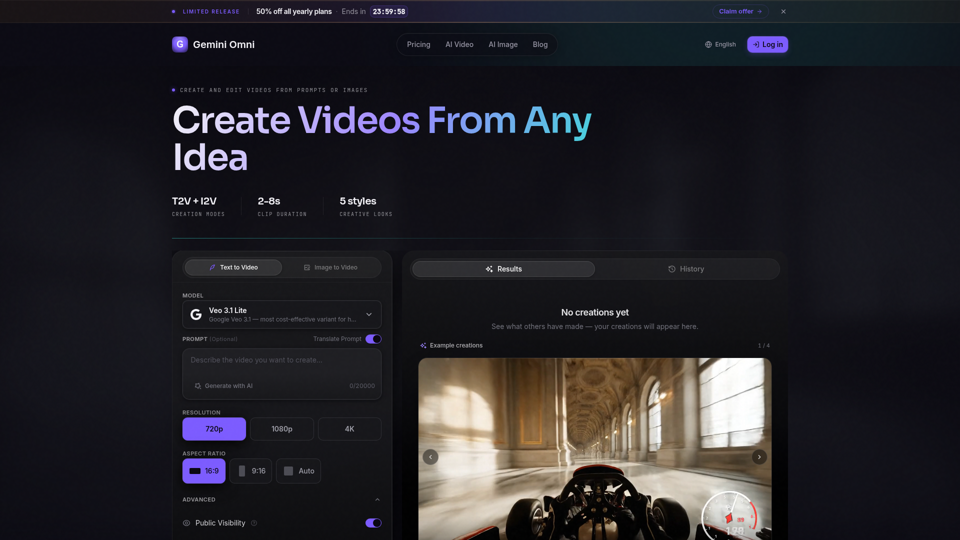
Create AI videos with Gemini Omni from text prompts, images, and reference frames. Generate short clips for social content, ads, product stories, explainers, and visual concepts.
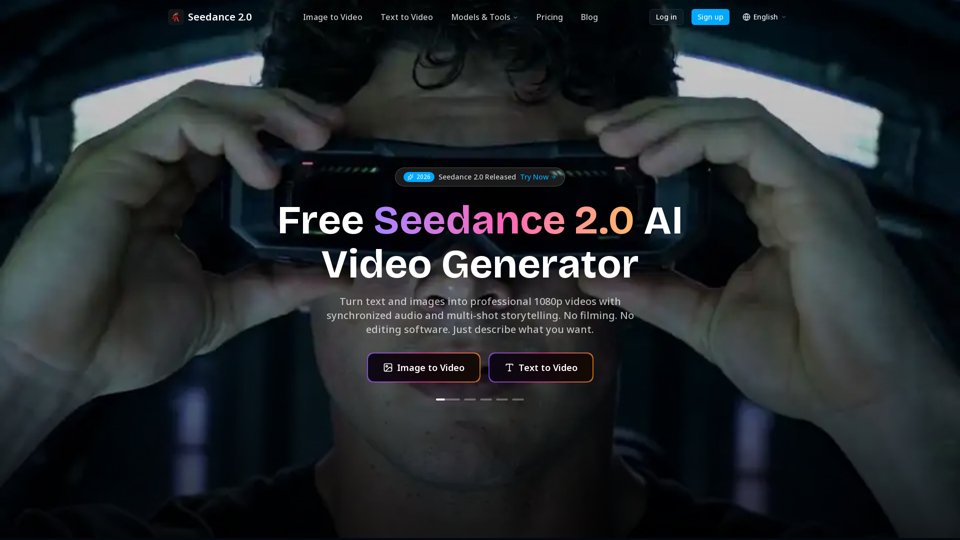
Create cinematic AI videos with Seedance 2.0. Text-to-video, image-to-video, native audio. The Seedance 2.0 AI video generator. Free to start.
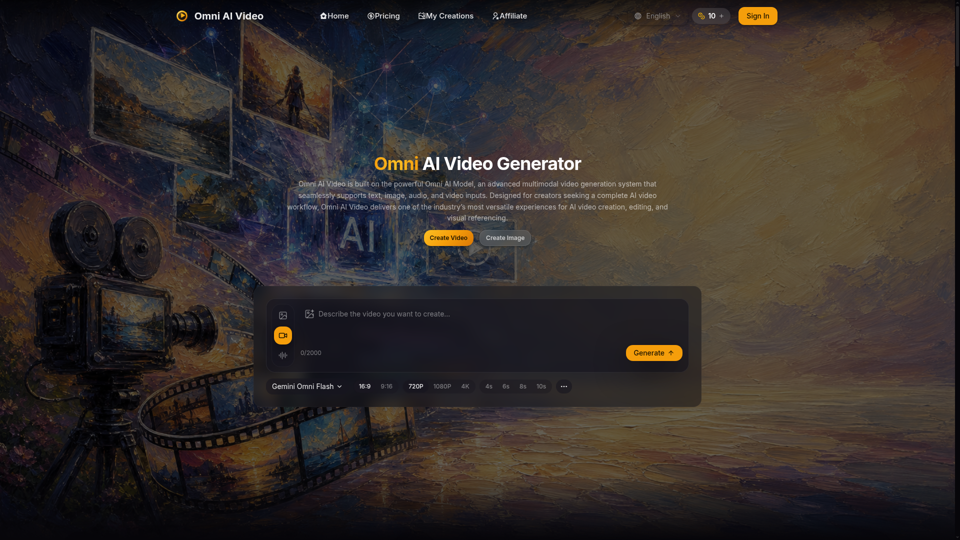
Omni AI Video: multimodal AI video generator powered by Omni AI Model. Supports text, image, audio, and video creation, editing, and reference generation.
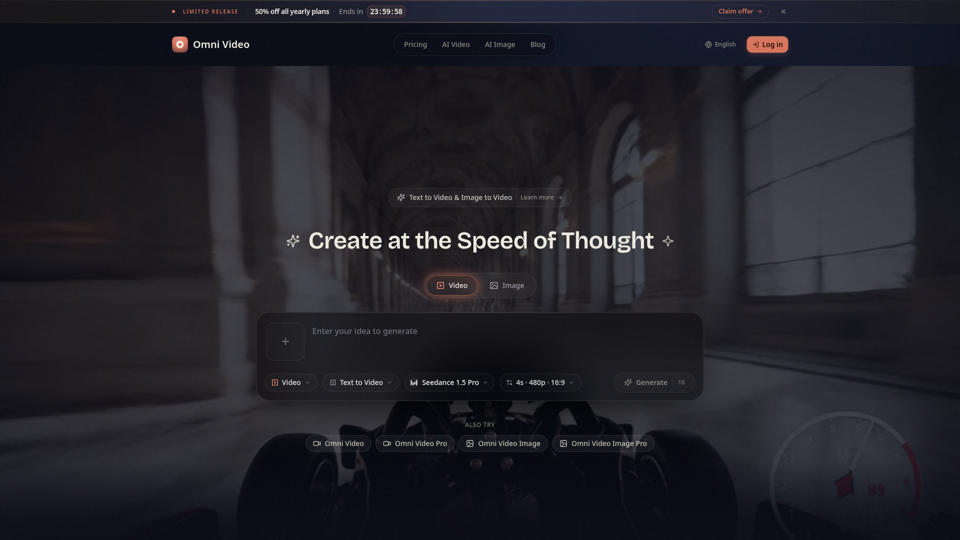
Create cinematic AI videos with Omni Video from text prompts or reference images. Use text-to-video and image-to-video workflows for social clips, ads, education, product stories, and visual ideas.
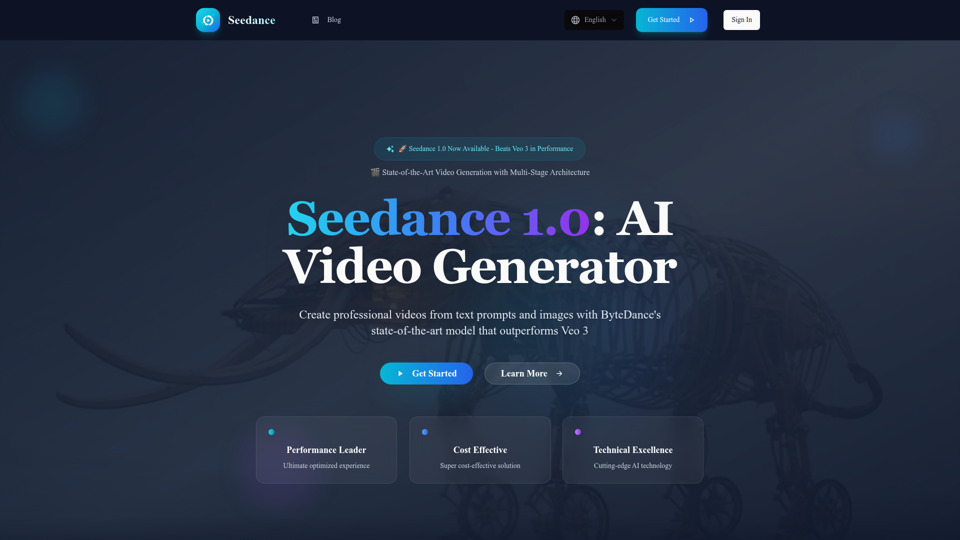
Experience Seedance 1.0, ByteDance's groundbreaking AI video generation model that outperforms Veo 3 and Kling 2.1. Create professional videos from text prompts and images with multi-stage architecture, superior quality, and exceptional cost efficiency at $0.48 per 5 seconds.
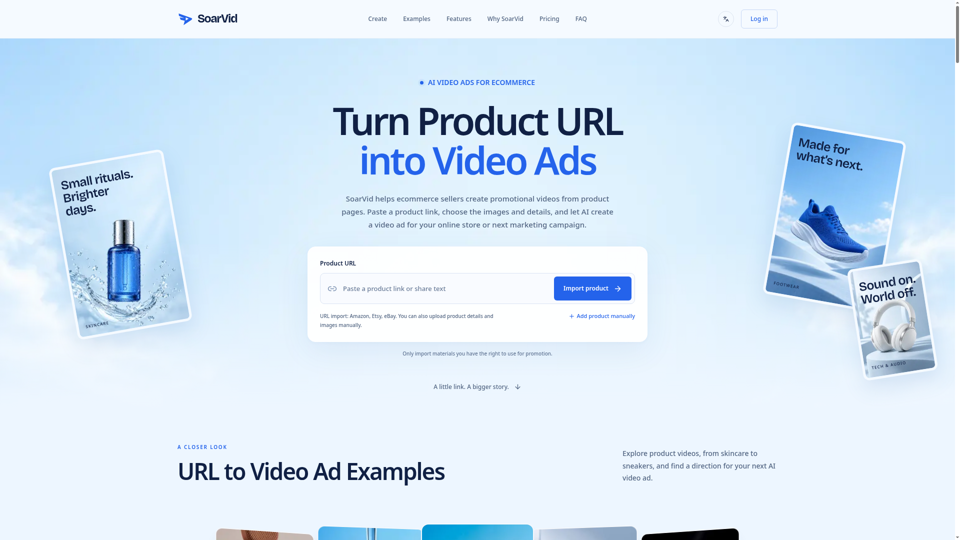
Convert any product URL into video ads with Soarvid. Paste a product link to create scroll-stopping video ads for your online store or next marketing campaign.
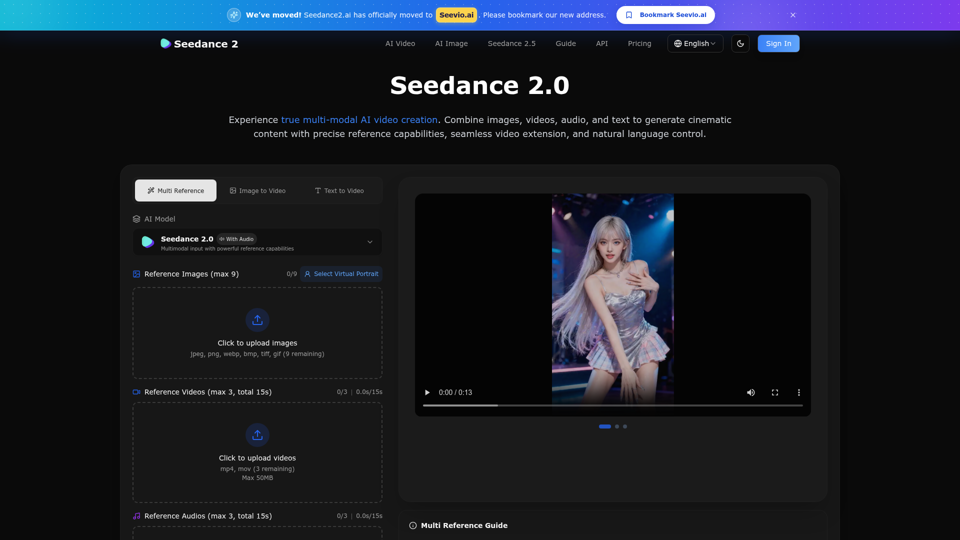
Create stunning AI videos with Seedance 2.0. Transform images and text into cinematic videos with advanced motion synthesis and professional quality.
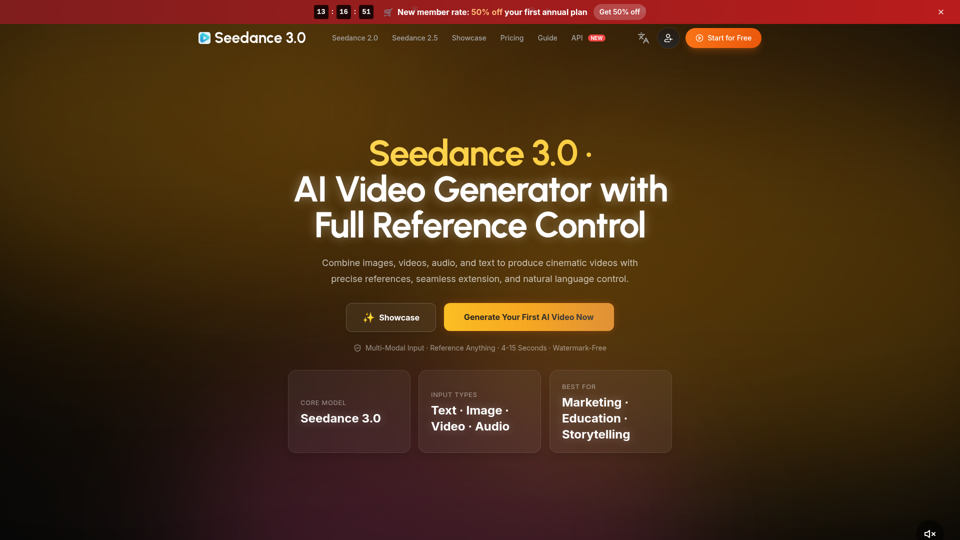
Create cinematic AI videos with Seedance 3.0. Combine image, video, audio, and text references into connected, production-ready scenes.