MeetAssist
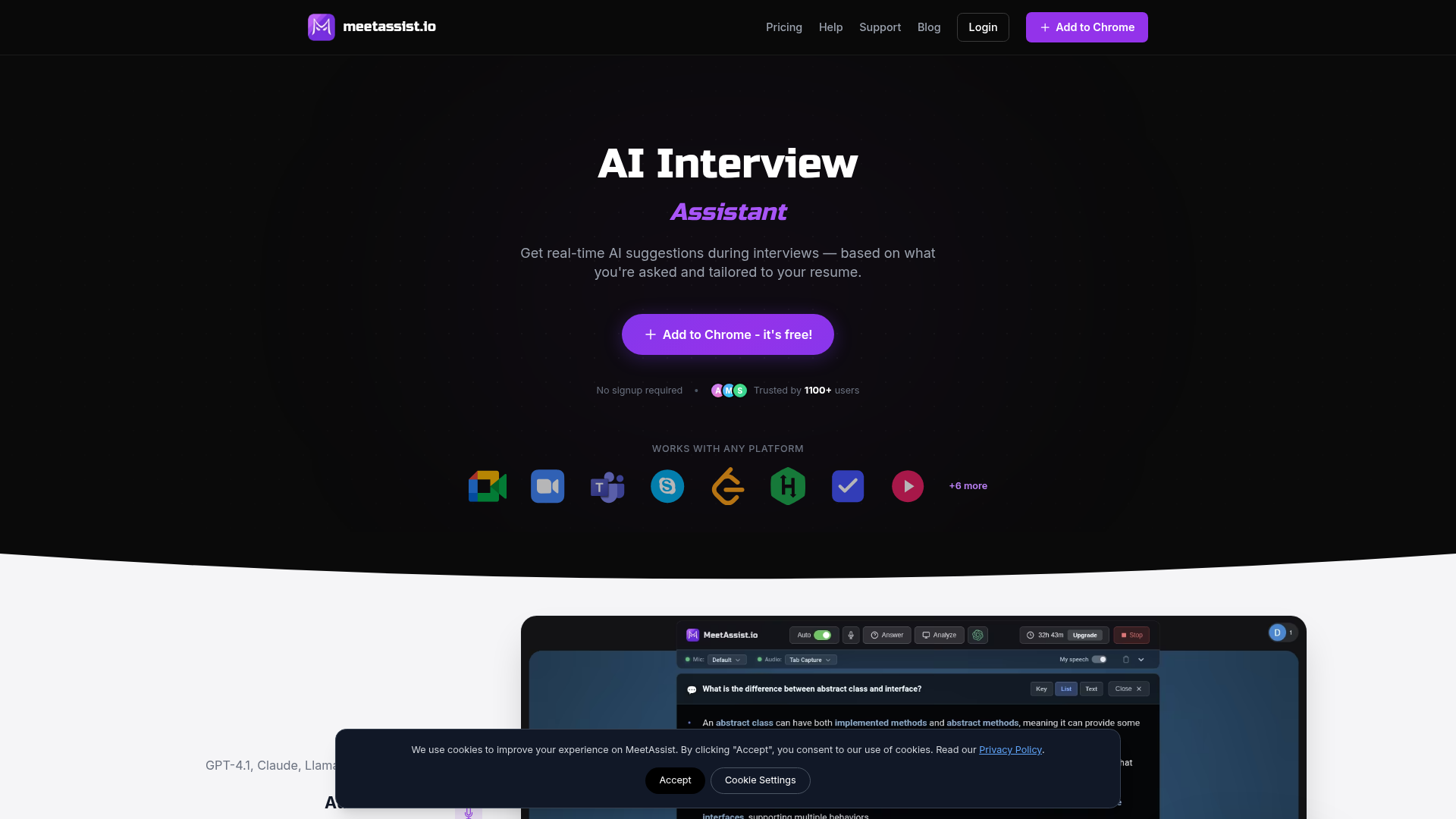
Real-time AI interview assistant for Google Meet, Zoom & Teams. Phone Mode syncs answers to your phone. Analyze any tab for coding problems. Free trial.
What is MeetAssist?
MeetAssist is a revolutionary AI-powered Chrome extension designed to be your ultimate interview copilot. It provides real-time, AI-generated suggestions and answers during live video interviews, tailored to the specific questions you're asked and the details of your uploaded resume. It functions as an intelligent, on-screen assistant that listens to the conversation and discreetly offers contextual guidance to help you formulate stronger, more confident responses.
Key Features of MeetAssist
- Real-Time AI Suggestions
- The core AI listens to the interview dialogue, automatically detects questions (both behavioral and technical), and instantly generates relevant answer suggestions, hints, or talking points directly on your screen or phone.
- Phone Mode for a Clean Screen
- A standout feature that syncs the live transcript and AI suggestions to your mobile device via QR code. This keeps your primary meeting screen completely free of overlays and distractions, presenting a professional, focused appearance to the interviewer.
- Multi-Platform & Language Support
- Works seamlessly with any web-based meeting platform like Google Meet, Microsoft Teams, and Zoom (support coming). It supports transcription and AI responses in 41 different languages.
- Technical Interview Mastery
- Excels in coding interviews by analyzing problems heard in real-time or captured from your screen (e.g., LeetCode, HackerRank tabs). It provides step-by-step solution suggestions, code explanations, and complexity analysis.
- Customization & Choice
- Allows you to upload your resume for personalized answers and write custom prompts to shape the AI's response style. You can also choose from leading AI models like GPT-4.1, Claude, Llama, and Cerebras.
- Flexible Suggestion Formats
- Tailor how suggestions are displayed—from quick Keywords for glancing, Detailed explanations for context, to Full Sentences you can read naturally.
How to Use MeetAssist
Using MeetAssist is designed to be simple and quick, taking less than a minute to set up.
- Install the Extension: Visit the Chrome Web Store and click "Add to Chrome." No sign-up or account is required for the initial installation.
- Join Your Interview: Open your video interview (Google Meet, Teams, etc.) in the Chrome browser.
- Activate & Connect: Click the MeetAssist extension icon in your browser. For the cleanest experience, use "Phone Mode" by scanning the displayed QR code with your smartphone to sync it as your suggestion display.
- Start the Interview: Click "Start" in the extension. The AI will begin listening to the captions and providing real-time suggestions on your synced phone or directly in the extension pop-up.
Pricing Plans
MeetAssist offers straightforward, one-time payment plans with no subscriptions or hidden fees.
- Free Trial
- $0. Includes 20 minutes of real interview assistance, AI practice interviews, and screen analysis. Full functionality to test the tool.
- Pro Pass
- $9 (one-time payment). Provides 180 minutes of real interview assistance, perfect for several interviews or extended practice sessions.
- Unlimited Month
- $29 (one-time payment for 30 days). Offers unlimited usage for a full month, ideal for active job seekers with multiple interviews lined up.
Helpful Tips for Maximizing MeetAssist
- Leverage Phone Mode
- For the most professional and distraction-free experience, always use Phone Mode. It prevents any chance of the interviewer seeing on-screen prompts.
- Prepare Your Resume
- Upload your resume beforehand. This allows the AI to tailor its suggestions to your specific experience, making your answers more authentic and impactful.
- Practice with AI Bots
- Use the free trial to conduct mock interviews with the AI bot feature. It's excellent for rehearsing common questions and getting comfortable with the flow of AI-assisted responses.
- Customize Your Prompts
- If you have a preferred speaking style or specific frameworks you like to use (e.g., STAR method), input custom instructions to align the AI's output with your natural delivery.
- Use the Hotkey
- Remember you can instantly toggle the suggestions on or off during the interview by pressing the 'H' key, giving you full control.
Frequently Asked Questions (FAQ)
Can the interviewer tell I'm using MeetAssist?
No. MeetAssist operates locally in your browser and does not join the meeting call, transmit audio/video, or create any on-screen notifications for other participants. When using Phone Mode, there is zero visual trace on your meeting screen.
Does it work with Zoom?
Support for Zoom is actively being developed and is scheduled for release. Currently, it fully supports Google Meet and Microsoft Teams.
Is my audio or video recorded?
No. MeetAssist does not record or store any audio or video data. It works by capturing and processing the real-time captions/subtitles generated by the meeting platform itself within your browser.
Can I use it for non-English interviews?
Yes. You can manually set the transcription and AI response language to any of the 41 supported languages within the extension settings.
What happens after my purchased minutes or month ends?
Your access to the premium real-time interview assistance features will expire. You can always purchase a new plan. The extension itself and its basic interface will remain installed.
MeetAssist
Real-time AI interview assistant for Google Meet, Zoom & Teams. Phone Mode syncs answers to your phone. Analyze any tab for coding problems. Free trial.
 Cloudflare
 HTTP/3
 Next.js
 Node.js
 React
React Webpack
 YouTube
Free AI anime and manga generator. Turn text into anime episodes, manga, comics, webtoons and comic shorts in any art style — no drawing or animation skills needed.
Translate image text across 70+ languages with our advanced AI Image Translator to help you better expand your products globally to various countries
Advertised Here
Reach thousands of visitors daily. Get your spot now!
Tools similar to MeetAssist
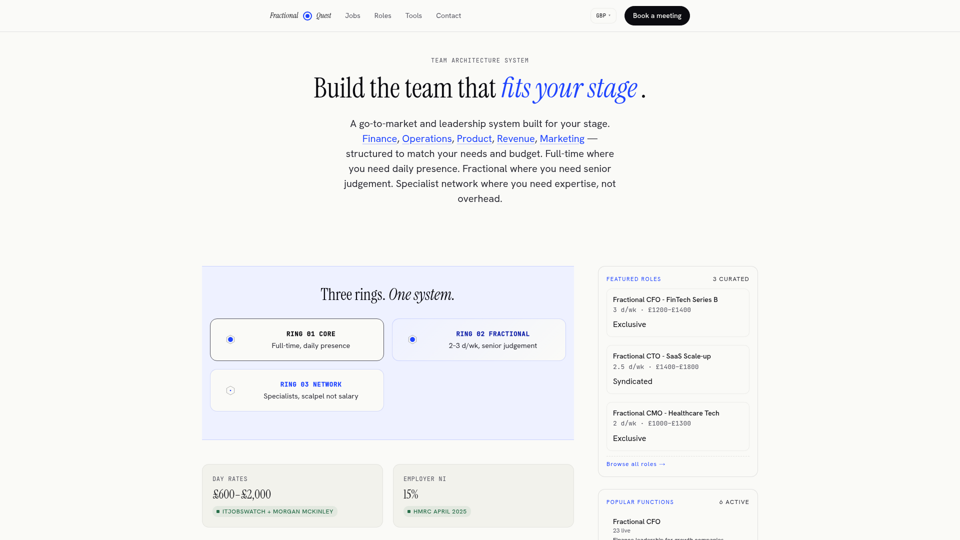
Senior fractional leadership at the right intensity. Fractional Quest builds delivery systems of talent shaped to your stage.
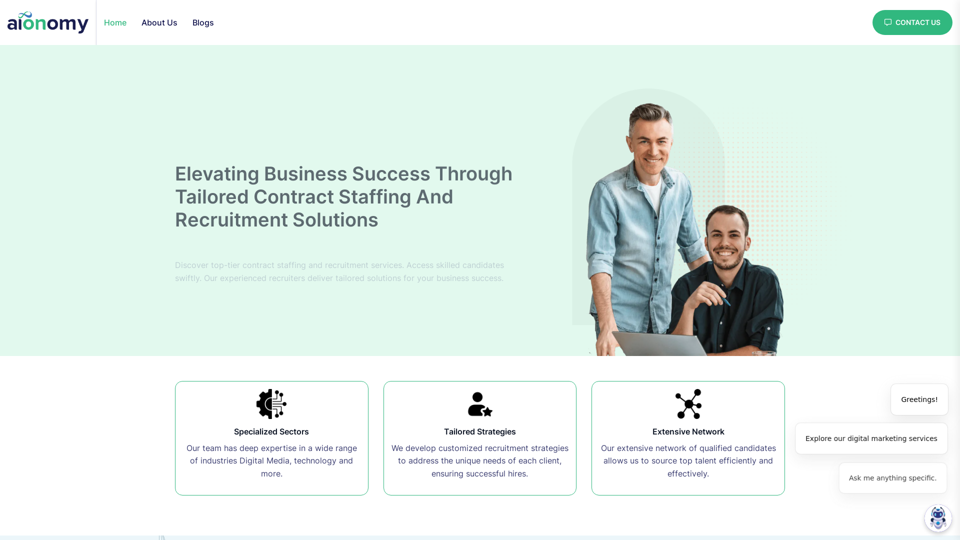
Find Top Talent with Aionomy's Contract Recruitment & staffing solutions across industries. Experienced recruiters, extensive network, 5-star reviews.
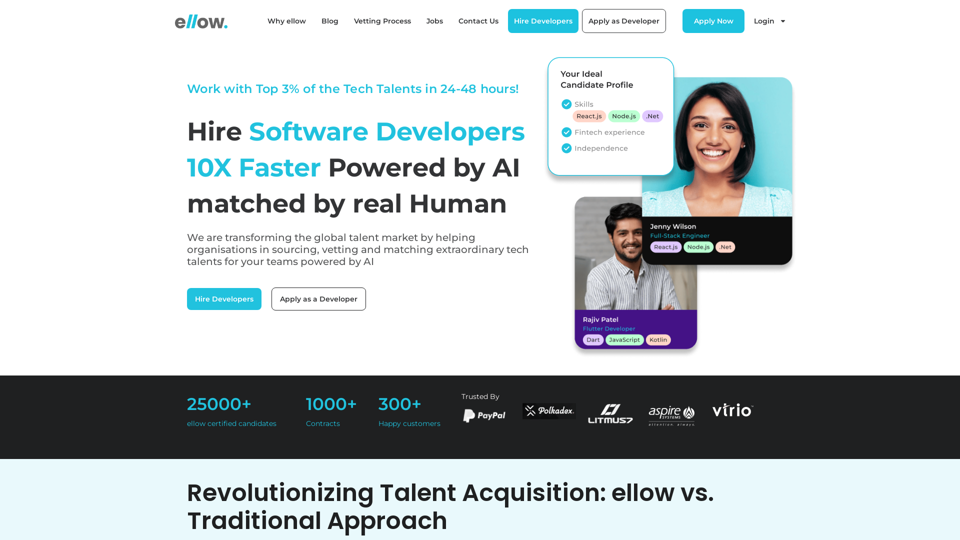
Ellow.io is a global talent cloud marketplace that helps companies and startups to hire, track and manage the vetted tech talents remotely.
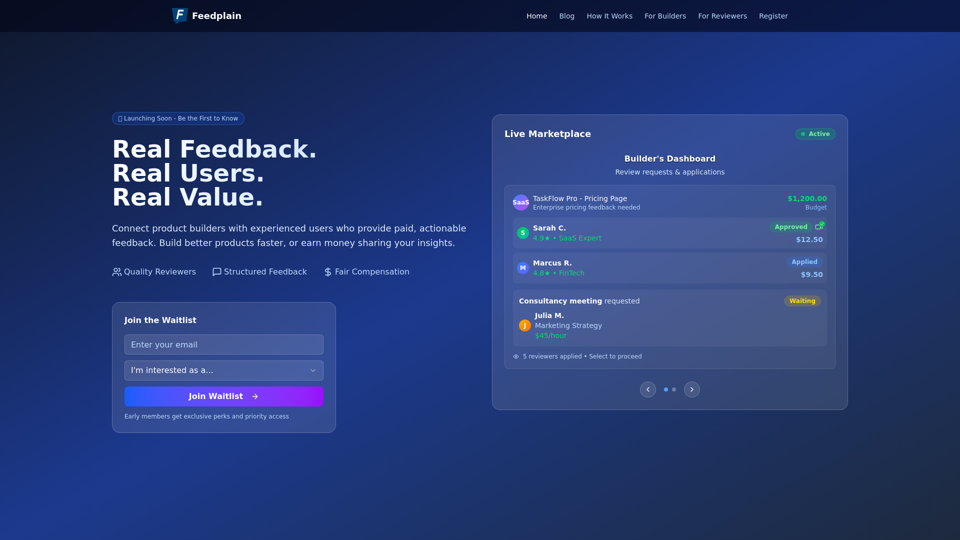
Feedplain connects product builders with real users who provide structured, paid feedback to help improve your product.
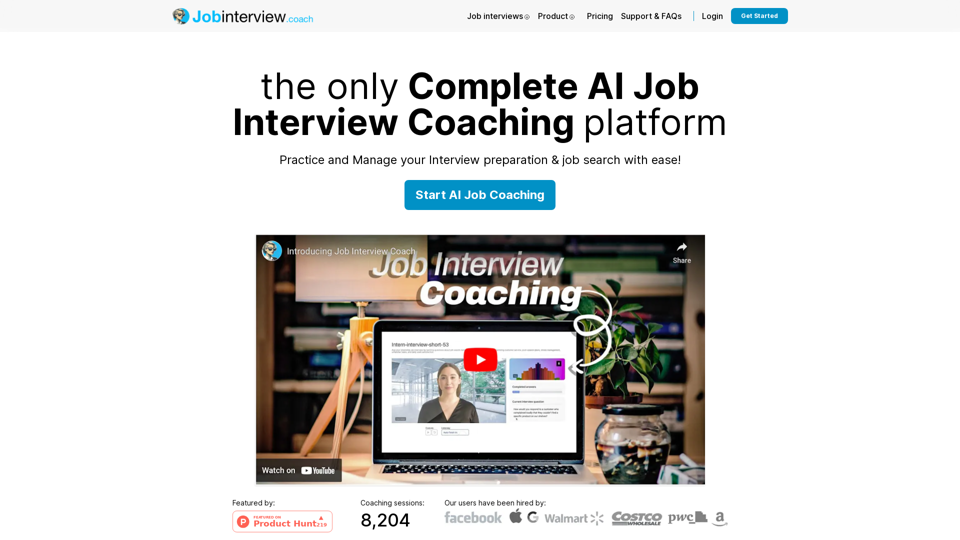
We will give you all the tools, training and confidence, so when next job interview will come, you will ACE it on the first try.
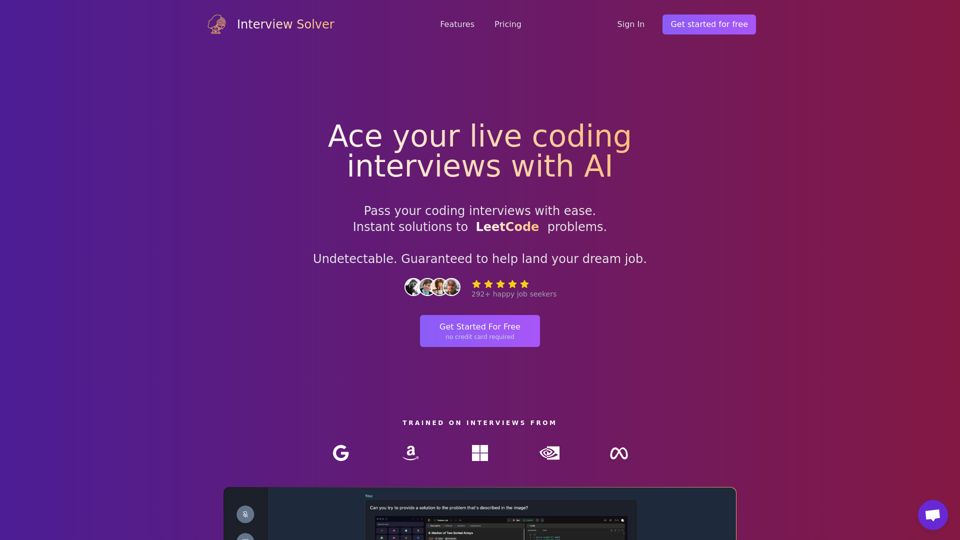
Interview AI Copilot for solving live coding and system design interviews. Leetcode trivialized. Pass your FAANG interviews with our Interview Copilot.
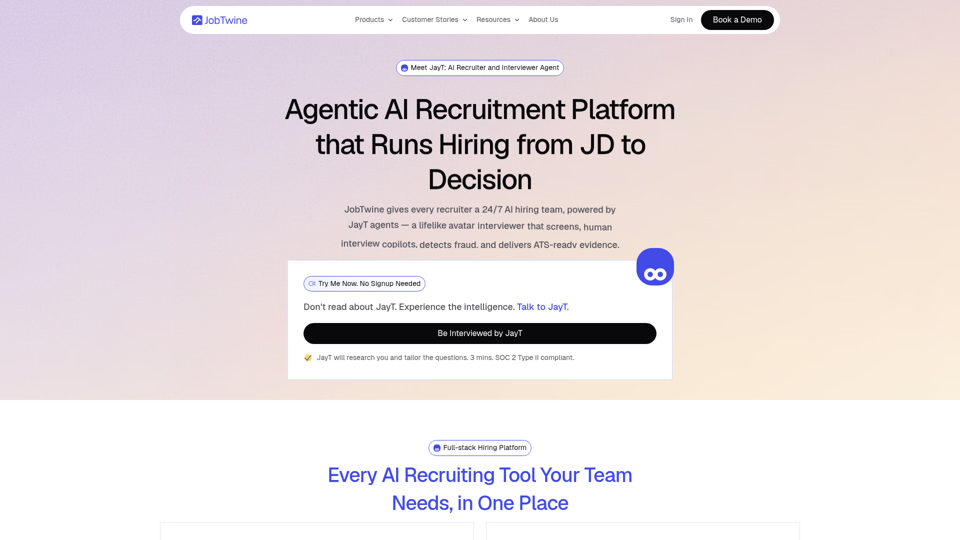
JobTwine helps recruiters screen resumes, conduct AI interviews, detect fraud, generate scorecards, and hire faster with one end-to-end AI recruitment platform.
All-in-one candidate assessment tool for technical and non-technical skill assessments, psychometric tests, pre-employment testing and video interviews