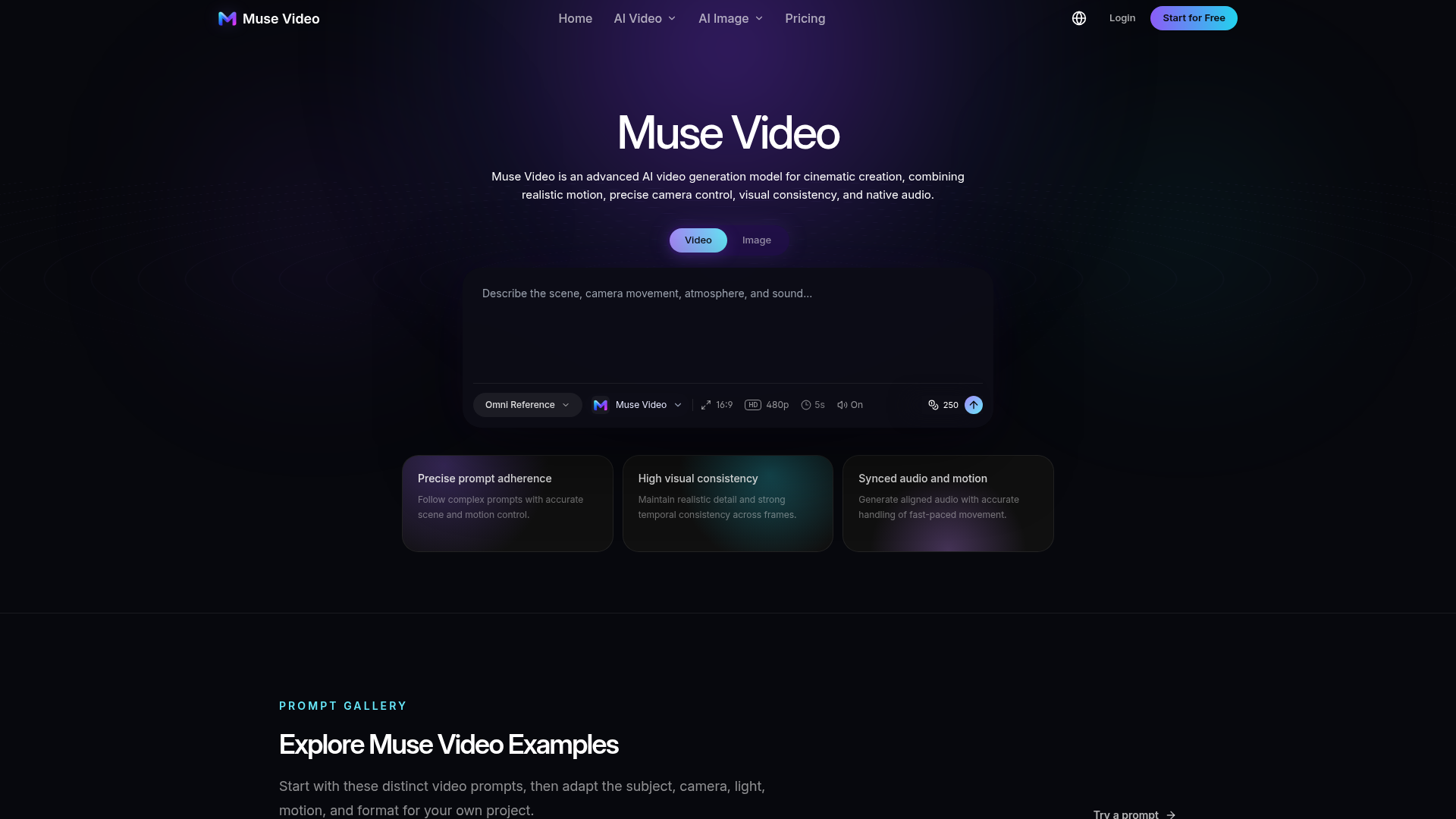
What is Muse Video?
Muse Video is an advanced AI video generation model from Meta's Superintelligence Labs, designed to transform detailed text prompts or reference images into high-quality, dynamic videos. It excels in creating cinematic visuals with realistic motion, precise camera control, strong temporal consistency, and integrated audio. The platform supports both text-to-video and image-to-video workflows, making it a powerful tool for filmmakers, content creators, marketers, and designers to bring creative concepts to life without extensive traditional production.
Key Features of Muse Video
Muse Video stands out for its focus on prompt fidelity and cinematic quality, combining announced Meta capabilities with a practical creative workspace.
Core Model Capabilities:
- Text-to-Video Generation
- Describe your scene, subject, action, camera movement, and atmosphere in natural language to generate a video from scratch.
- Image-to-Video Workflow
- Use a reference image to guide the composition, style, and opening frame, which the model then animates.
- Temporal Consistency
- A key focus of the model is maintaining visual coherence and realistic detail across all frames as the scene unfolds.
- Native Audio Generation
- Unlike many AI video tools, Muse Video is designed to generate synchronized audio directly from the text prompt, including dialogue, ambience, and sound effects.
- Precise Cinematic Control
- Use prompt language to specify camera techniques (tracking shots, handheld movement), lighting, pacing, and visual style for professional-looking results.
Workspace Features:
- Flexible Generation Settings
- Choose from supported aspect ratios (like 16:9, 9:16, 1:1), durations, and resolutions based on the selected model.
- Reusable Creation Library
- Save and organize your prompts and generated videos to build repeatable workflows and iterate on successful concepts.
- Prompt Gallery & Examples
- Kickstart your creativity with a library of example prompts spanning cinematic scenes, product videos, portraits, and animations.
How to Use Muse Video
The process is designed to be intuitive, turning a creative idea into a finished video in three main steps.
- Enter a Detailed Prompt: Start by describing your video idea comprehensively. Include the subject, action, setting, visual style, camera direction (e.g., "slow tracking shot," "aerial glide"), and any desired audio elements. The more descriptive your prompt, the better the output.
- Configure and Generate: Select your desired model (Muse Video or other available models in the workspace), adjust settings like aspect ratio and duration, and optionally upload a reference image. Then, initiate the generation process.
- Review, Refine, and Export: Preview the generated video, assessing its motion, adherence to your prompt, and visual consistency. The workspace allows for iteration. Once satisfied, export the video for use in advertisements, social media content, storyboards, or other creative projects.
Who is Muse Video For?
Muse Video is an ideal tool for professionals and creators who need to prototype, visualize, or produce video content efficiently.
- Content Creators & Social Media Managers
- Quickly produce engaging short-form videos for platforms like Reels, Shorts, and TikTok without the need for filming.
- Marketers & Advertisers
- Generate multiple creative variations for A/B testing, product launches, and promotional campaigns from a single brief.
- Filmmakers & Storytellers
- Use it for pre-visualization, exploring shot compositions, camera movements, and story beats during the early creative development phase.
- Designers & Animators
- Animate static concepts, create motion studies, and prototype stylized worlds (e.g., claymation, paper-style) that are difficult to produce traditionally.
- Brands & Creative Teams
- Develop product videos, branded content, and campaign assets. It serves as a powerful tool for aligning teams with a visual reference before committing to full-scale production.
Pricing and Availability
Meta's official Muse Video model is currently in preview, and its final pricing, public availability, and detailed specifications (like maximum resolution and duration) have not been formally announced. It is described as "coming soon to creators and Meta AI."
Independent platforms like MuseVideo.io provide early access to AI video generation, including models with Muse-like capabilities. These workspaces typically operate on a credit-based system or subscription plans, offering a practical way to generate videos now. Users should check the specific platform for its current pricing, credit packages, and generation limits.
Helpful Tips for Using Muse Video
- Be Specific and Cinematic
- Treat your prompt like a director's shot list. Detail the subject's action, the camera's movement (e.g., "dolly in," "panning shot"), the lighting ("soft morning light," "neon glow"), and the mood ("suspenseful," "joyful").
- Leverage the Audio Prompt
- Don't neglect the sound. Describe ambient noise ("rain pattering," "crowd murmur"), sound effects ("door creaking"), or even snippets of dialogue to guide the native audio generation.
- Use Reference Images Wisely
- For image-to-video, use a high-quality, well-composed reference image that clearly represents your desired starting frame and aesthetic.
- Start with the Examples
- Use the provided prompt gallery as a template. Modify the subject, setting, and camera movement while keeping the effective prompt structure.
- Iterate and Refine
- Treat the first generation as a prototype. Refine your prompt based on the results to improve motion, consistency, or adherence to your vision.
Frequently Asked Questions (FAQs)
Can I generate videos for free?
Meta has not announced free access for the official Muse Video model. Independent platforms offering AI video generation may provide limited free trials or credits, but sustained use generally requires a paid plan or credit purchase.
What video lengths and resolutions can I create?
Final specs for the official Meta model are not yet public. On current platforms, the available duration (e.g., 5 seconds) and resolution (e.g., up to HD) are determined by the specific AI model you select within the workspace.
Can I use the videos I generate commercially?
Commercial usage rights depend entirely on the terms of service of the platform you are using to generate the video. Always review the licensing terms of the AI model provider. Ensure any uploaded reference images or described content do not infringe on third-party copyrights.
How is Muse Video different from other AI video tools?
Its key differentiators, as previewed by Meta, are its ### native audio generation from the prompt and a strong emphasis on ### prompt adherence and temporal consistency. Many existing tools focus primarily on the visual aspect or require separate audio addition.
Is the MuseVideo.io website affiliated with Meta?
No. MuseVideo.io is an independent creative workspace and is not affiliated with, endorsed by, or operated by Meta Platforms, Inc. "Meta" and "Muse" are trademarks of their respective owners.
Does Muse Video only work with text prompts?
While the core model announced by Meta is a text-to-video generator, platforms like MuseVideo.io often integrate multiple models, offering both text-to-video and image-to-video functionalities in a single workspace.
Muse Video AI Video Generator
Create cinematic AI videos with Muse Video from text or images. Explore realistic motion, native audio, flexible models, and start generating online.
 Cloudflare
 HTTP/3
 Next.js
 Node.js
 React
React Webpack
 dc.js
dc.jsFree AI anime and manga generator. Turn text into anime episodes, manga, comics, webtoons and comic shorts in any art style — no drawing or animation skills needed.
Translate image text across 70+ languages with our advanced AI Image Translator to help you better expand your products globally to various countries
Advertised Here
Reach thousands of visitors daily. Get your spot now!
Tools similar to Muse Video AI Video Generator
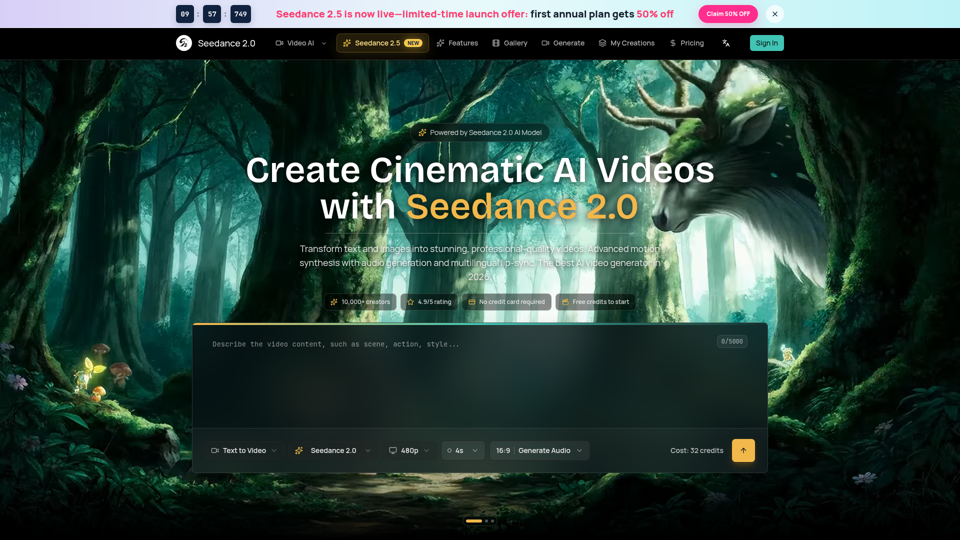
Seedance 2.0 AI video generator. Turn text and images into cinematic videos with motion synthesis, audio generation and lip-sync. Text-to-video & image-to-vi...
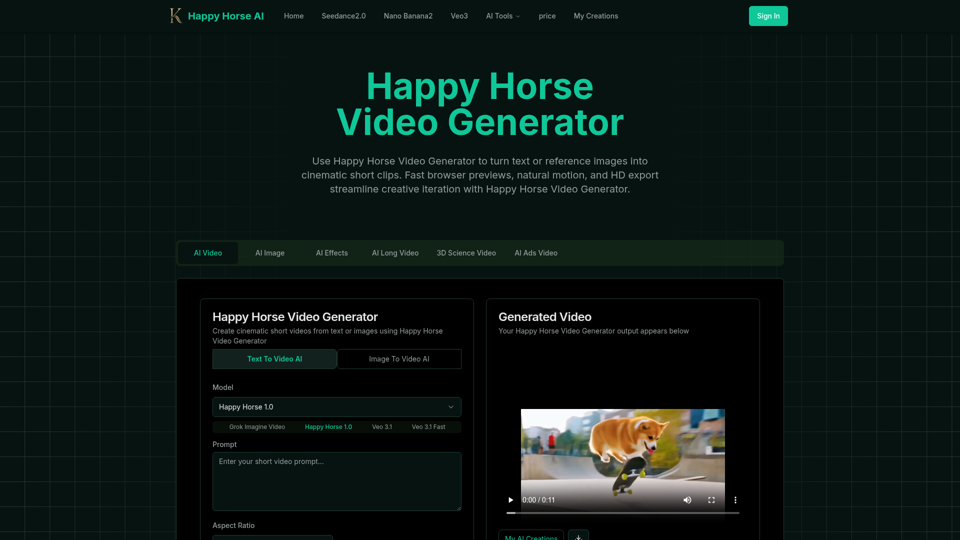
Happy Horse Video Generator transforms short prompts and reference images into cinematic short videos with reliable subject follow, natural camera motion, fast browser previews, and HD export options. Quickly produce marketing clips, social shorts, and product animations with in‑browser iteration and flexible download settings.
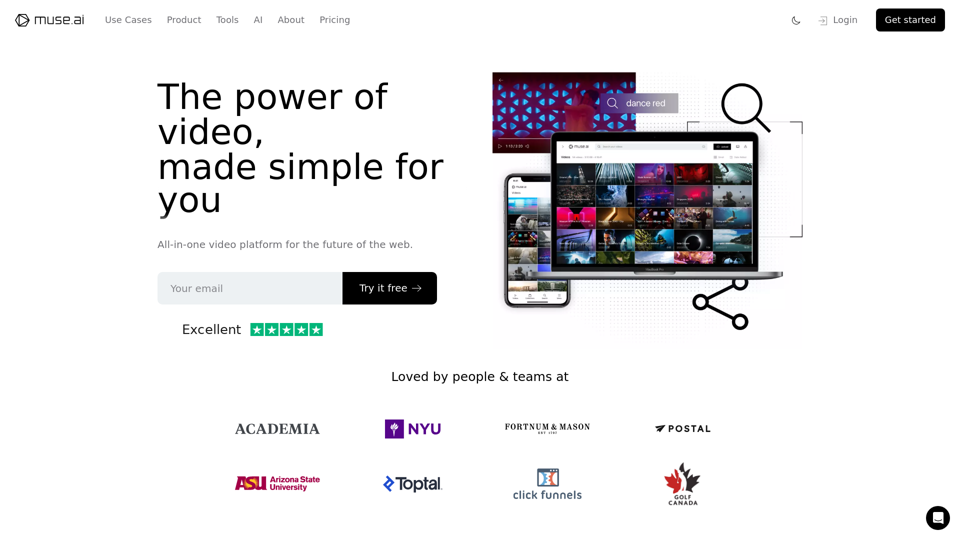
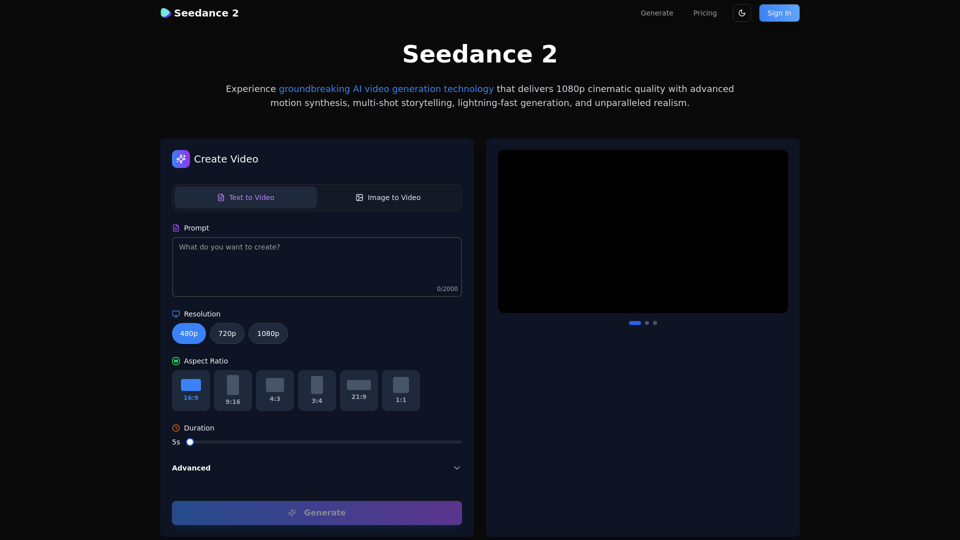
Create stunning AI videos with Seedance 2.0. Transform images and text into cinematic videos with advanced motion synthesis and professional quality.
Transform your ideas into stunning professional videos using BestVeo3's AI-powered platform. Featuring Google Veo3 technology for realistic motion, native audio generation, and cinematic quality. Start creating today!
Luma Dream Machine AI is a free AI Video generator. Start to use AI videos for free
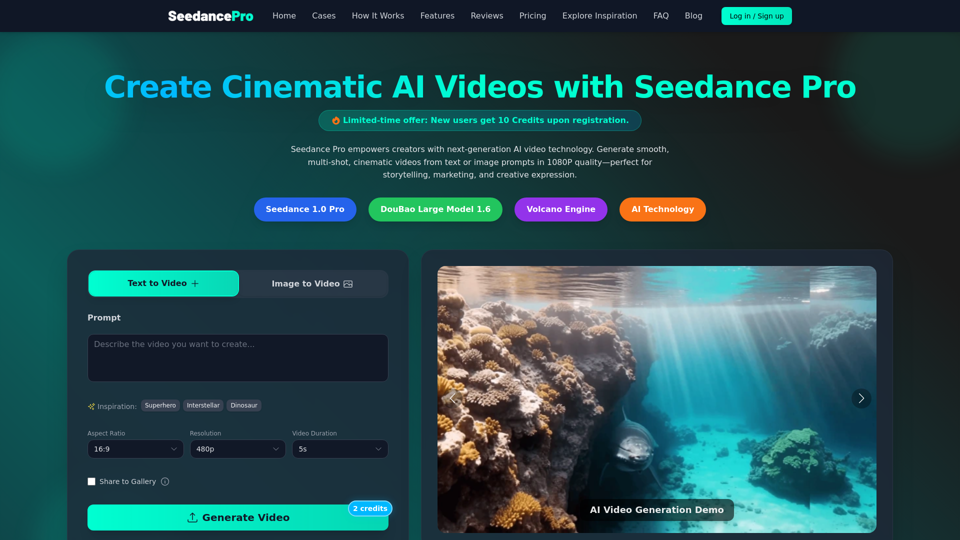
Create cinematic 1080P videos from text or images with Seedance Pro. Experience multi-shot narratives, smooth camera motions, and precise prompt control.
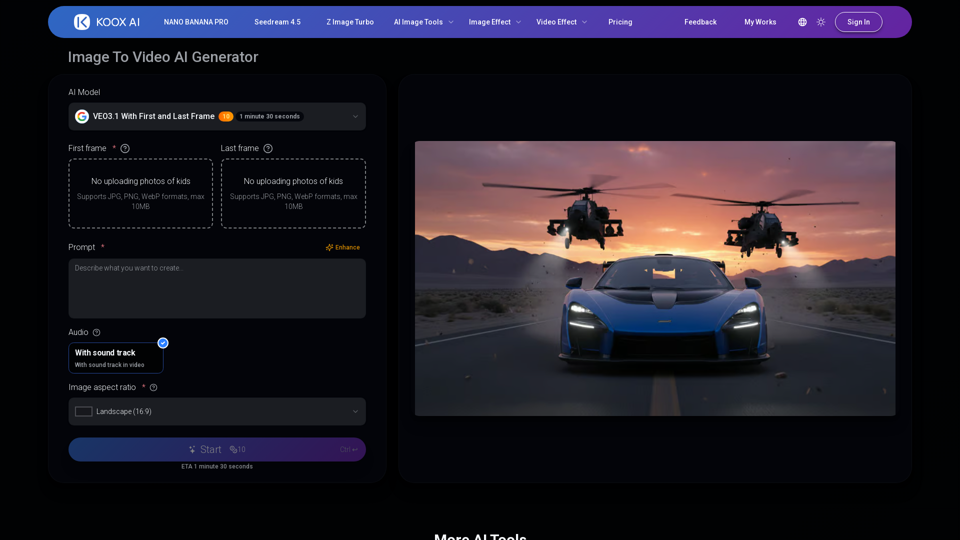
Transform any image to video with our free IMAGE TO VIDEO AI generator. Convert photos to videos with realistic motion and cinematic effects.