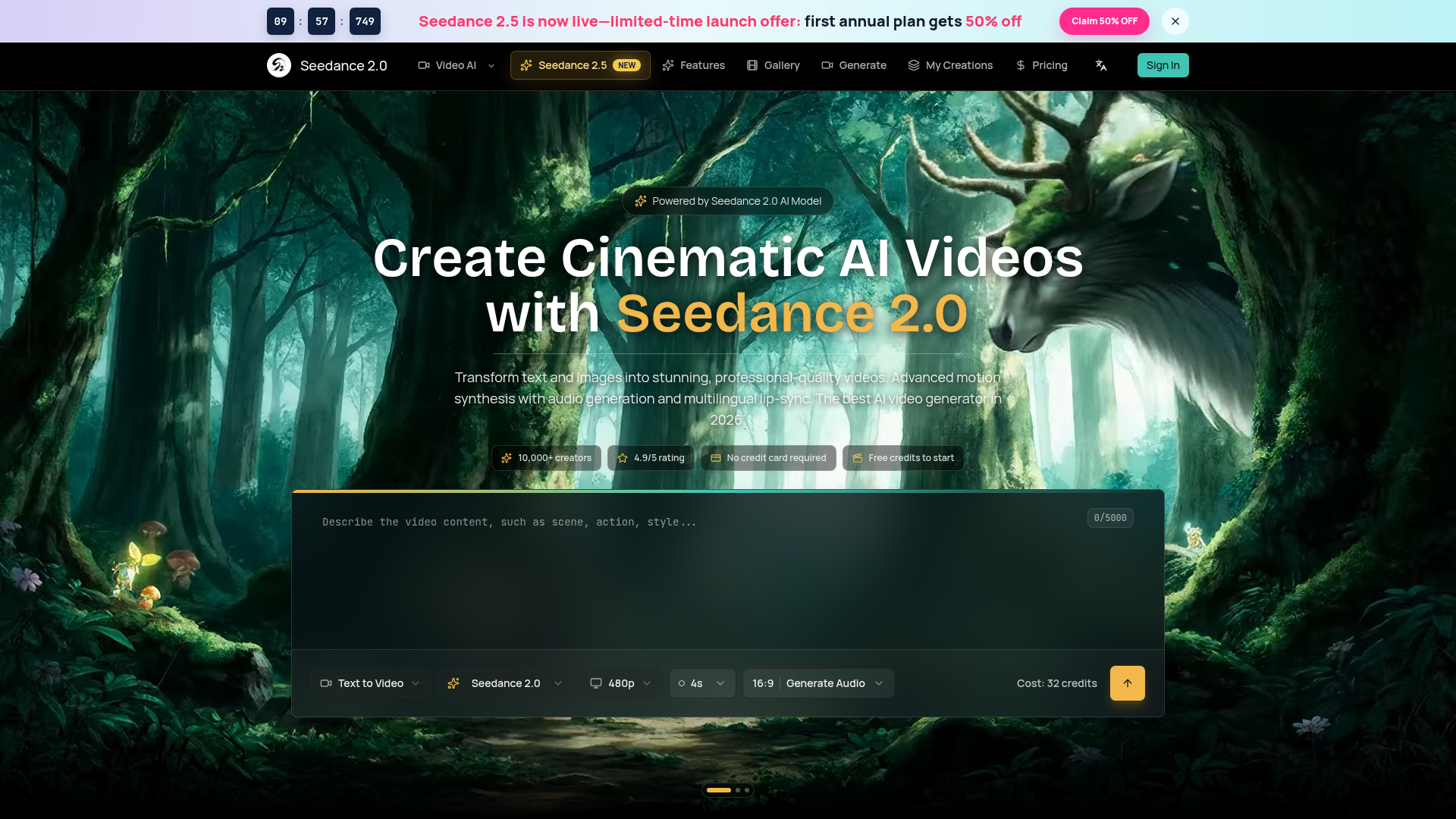
What is Seedance 2.0 Video Generator?
Seedance 2.0 is an advanced AI video generator that transforms text descriptions and images into high-quality, cinematic videos. Powered by a state-of-the-art AI model, it enables users to create professional-grade video content effortlessly. It supports multiple generation modes, including text-to-video, image-to-video, and integrated audio-video synthesis, making it a versatile tool for filmmakers, marketers, content creators, and artists seeking to produce stunning visual content quickly and affordably.
What are the main features of Seedance 2.0?
Seedance 2.0 stands out with its comprehensive and powerful feature set designed for professional video creation:
- Multiple AI Generation Modes
- It offers Text-to-Video, Image-to-Video, and joint Audio-Video generation, providing flexibility for different creative workflows.
- Cinematic Quality Output
- Generates videos up to 1080p resolution with realistic motion, lighting, and physics simulation (e.g., fabric dynamics, fluid motion).
- Integrated Audio Synthesis
- The Pro model uniquely generates synchronized sound effects, background music, and multilingual voice-over with accurate lip-sync in a single pass.
- Advanced Motion Control
- Understands cinematic terminology for precise camera movements (dolly shots, crane movements) and maintains exceptional character consistency across frames.
- Rapid Generation Speed
- Delivers finished videos in under 2 minutes with its optimized inference pipeline, significantly faster than many competitors.
- Flexible Aspect Ratios
- Supports outputs in 16:9 (landscape), 9:16 (portrait), and 1:1 (square) formats, optimized for all platforms from YouTube to TikTok.
- Commercial Licensing
- Users retain full rights to videos generated on the platform for use in commercial projects, marketing, and client work.
How to use Seedance 2.0 to create AI videos?
Creating a cinematic AI video with Seedance 2.0 is a simple three-step process:
- Describe Your Vision: Input a detailed text prompt describing the scene, characters, and style you want. For best results, use cinematic terms like "aerial drone shot" or "slow-motion close-up." Alternatively, upload an image to animate using the Image-to-Video mode.
- Configure Your Settings: Choose between the Seedance 2.0 Standard model for fast generation or the Pro model for videos with integrated audio. Select your desired video duration, aspect ratio, and enable audio synthesis if needed.
- Generate & Download: Click the generate button. The AI will create your video in under 2 minutes. Preview the result, then download it in high-quality MP4 format, ready to share on social media, embed in presentations, or use in your projects.
What is the price of using Seedance 2.0?
Seedance 2.0 operates on a credit-based pricing system designed for flexibility:
- Free Tier
- New users receive free credits to try the platform without requiring a credit card, allowing them to experience the core features.
- Credit Packs
- Users can purchase additional credits as needed. Generation costs vary by model (Standard vs. Pro) and video specifications (duration, resolution). Volume discounts are available for high-volume creators and teams.
- Subscription Plans
- For regular users, subscription plans offer a recurring monthly or yearly credit allowance, often at a better value than one-off credit purchases.
For the most accurate and current pricing, including specific credit costs and subscription details, users should visit the official Seedance 2.0 pricing page.
Helpful tips for maximizing Seedance 2.0
- Craft Detailed Prompts
- The more descriptive your text prompt, the better. Include details about setting, action, lighting (e.g., "golden hour"), camera angle, and desired mood.
- Leverage Image-to-Video
- Use this mode to animate product photos, digital artwork, or concept sketches. It preserves your original visual style while adding professional motion.
- Use Pro for Complete Videos
- If your project requires sound, opt for the Seedance 2.0 Pro model. Its joint audio-video generation creates perfectly synced soundscapes and dialogue, eliminating post-production work.
- Experiment with Aspect Ratios
- Tailor your output for the target platform—use 9:16 for TikTok/Reels and 16:9 for YouTube or presentations.
- Extend Video Length
- Need longer clips? Use the video extension feature to seamlessly continue your generated video while maintaining consistency.
Frequently Asked Questions
Can I use the videos I create for commercial purposes like ads?
Yes. Videos generated on Seedance 2.0 come with a full commercial license. You can use them for marketing, social media ads, client projects, and other commercial applications, provided you own the rights to any branded elements or references in your prompt.
How does Seedance 2.0 compare to other AI video tools like Sora or Runway?
Seedance 2.0 differentiates itself with ### integrated audio generation (which most competitors lack), superior ### multilingual lip-sync capabilities, best-in-class ### motion synthesis and physics simulation, and faster generation times (under 2 minutes). It also offers a free tier and is competitively priced.
What is the maximum video length I can generate?
A single generation typically produces 5-10 seconds of video. However, you can use the video extension feature to seamlessly continue the clip, allowing you to create videos of any desired length while preserving visual and narrative coherence.
Does it keep characters looking the same throughout the video?
Yes. Advanced character consistency is a key strength of Seedance 2.0. The AI ensures that subjects maintain their appearance, proportions, and clothing consistently across all frames, which is crucial for storytelling and professional animations.
What languages does the lip-sync feature support?
The multilingual lip-sync feature supports over 10 languages, including English, Chinese, Japanese, Korean, French, and Spanish, making it ideal for creating global content without reshooting.
Seedance 2.0 Video Generator
Seedance 2.0 AI video generator. Turn text and images into cinematic videos with motion synthesis, audio generation and lip-sync. Text-to-video & image-to-vi...
 Next.js
 Node.js
 React
React Vercel
 Webpack
Free AI anime and manga generator. Turn text into anime episodes, manga, comics, webtoons and comic shorts in any art style — no drawing or animation skills needed.
Translate image text across 70+ languages with our advanced AI Image Translator to help you better expand your products globally to various countries
Advertised Here
Reach thousands of visitors daily. Get your spot now!
Tools similar to Seedance 2.0 Video Generator
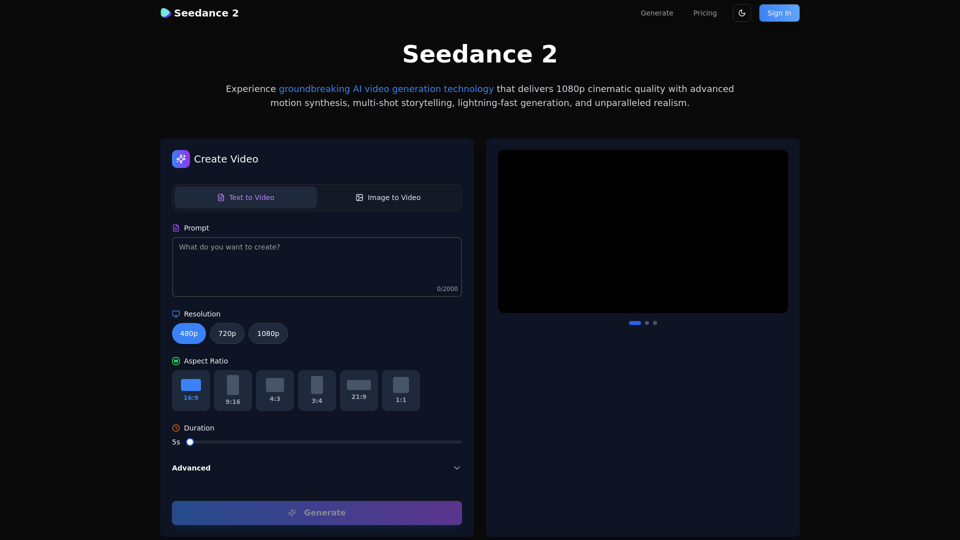
Create stunning AI videos with Seedance 2.0. Transform images and text into cinematic videos with advanced motion synthesis and professional quality.
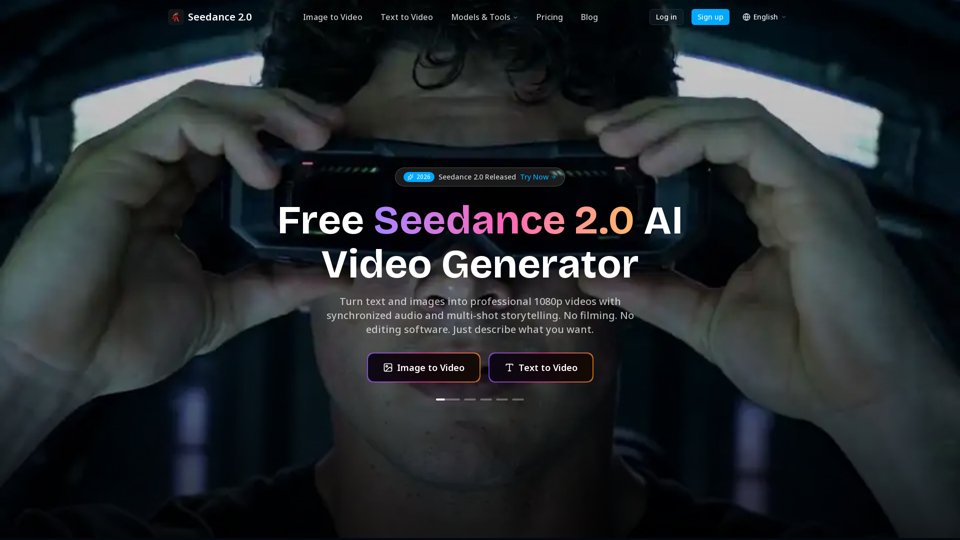
Create cinematic AI videos with Seedance 2.0. Text-to-video, image-to-video, native audio. The Seedance 2.0 AI video generator. Free to start.
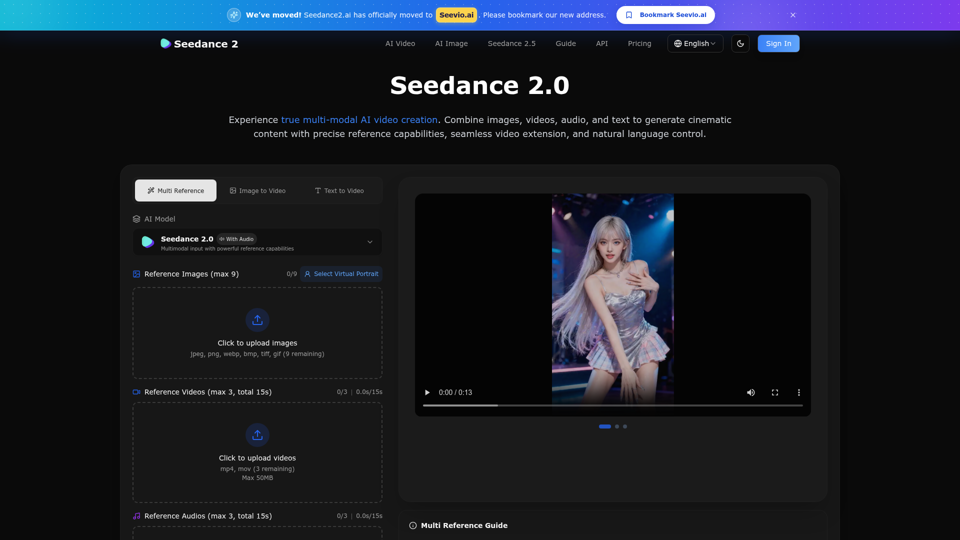
Create stunning AI videos with Seedance 2.0. Transform images and text into cinematic videos with advanced motion synthesis and professional quality.
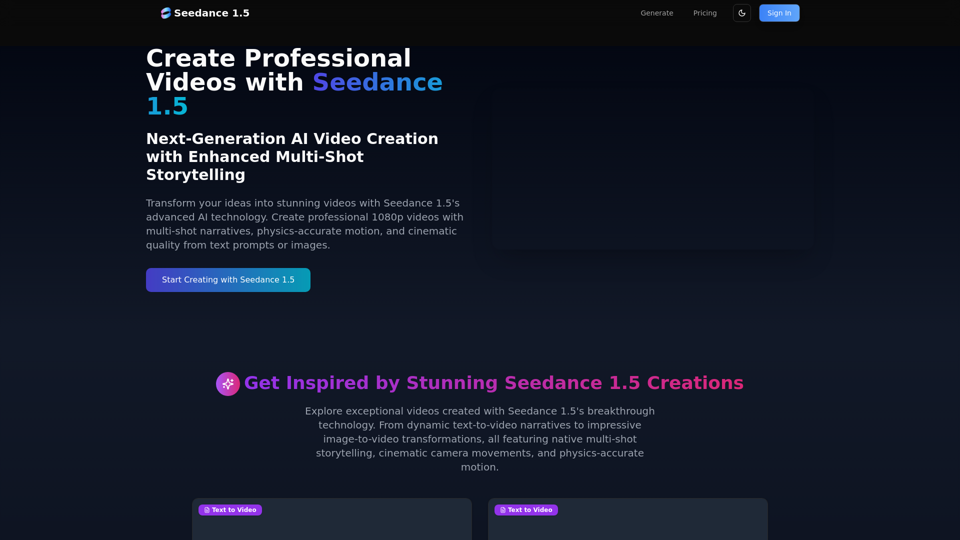
Create stunning AI videos with Seedance 1.5. Transform images and text into cinematic videos with advanced motion synthesis and professional quality.
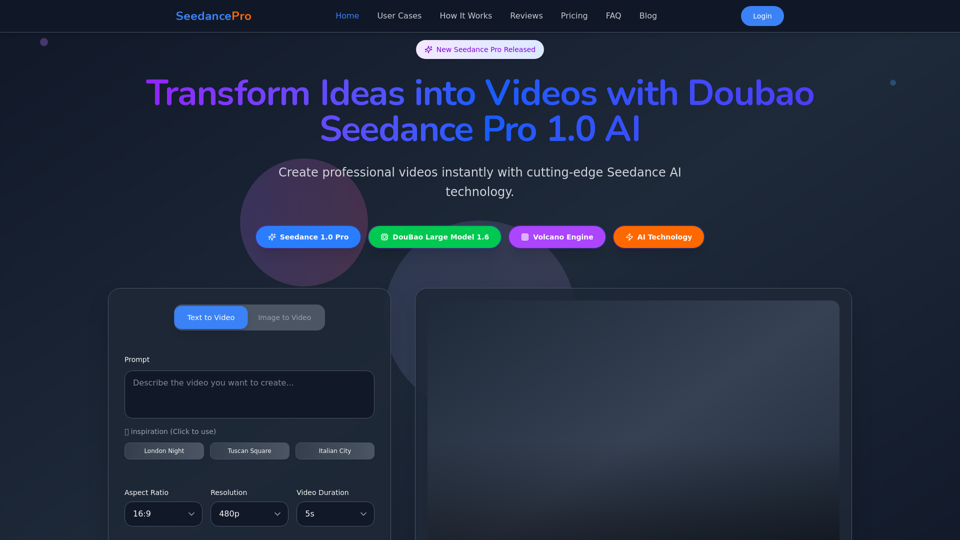
Create stunning videos with Seedance Pro AI video generator. Transform text and images into professional videos effortlessly.
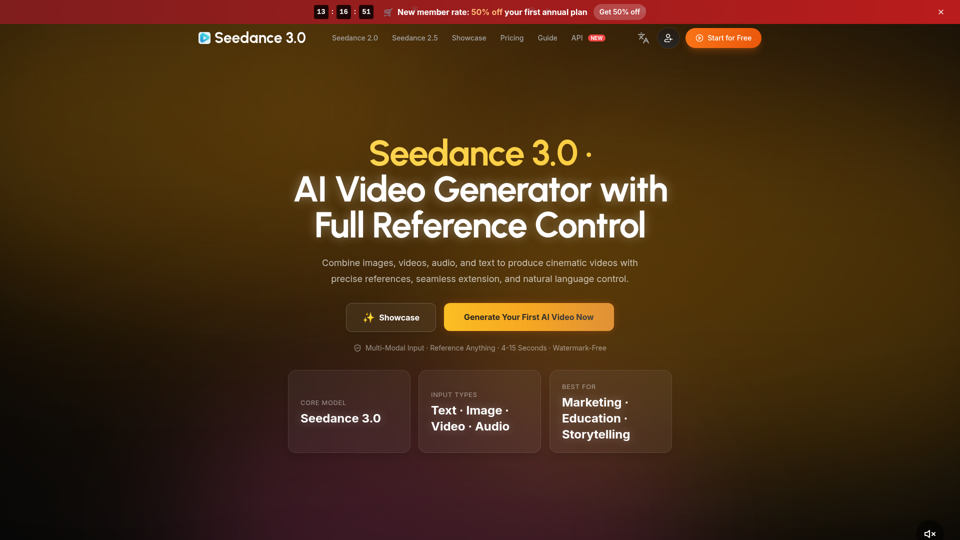
Create cinematic AI videos with Seedance 3.0. Combine image, video, audio, and text references into connected, production-ready scenes.
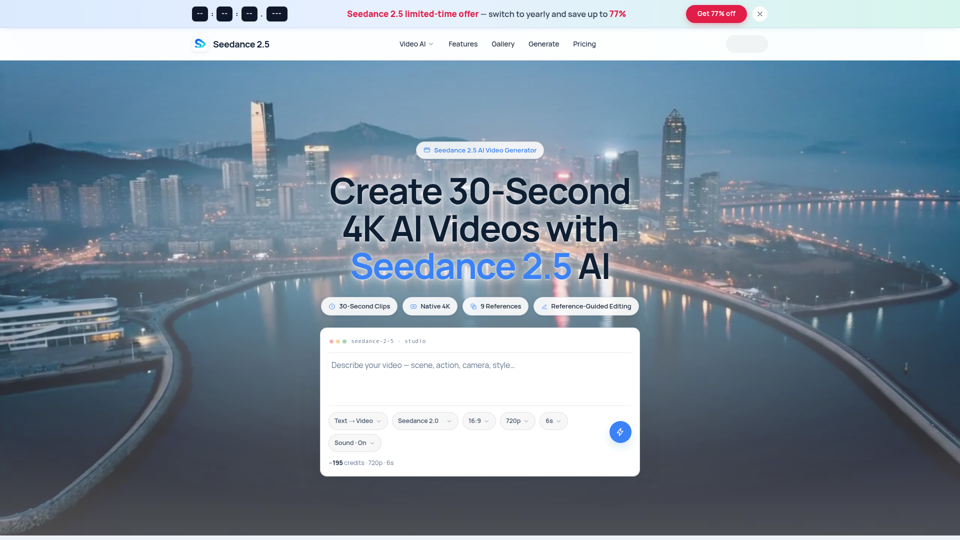
Seedance 2.5 AI turns any text prompt or photo into cinematic, watermark-free 4K video — text-to-video, image-to-video and reference-guided generation.
Seedance 2.0 is the ultimate AI video generation platform. Create stunning videos with Seedance 2.0's text-to-video, image-to-video, and AI video effects tools.