Happy Horse Video Generator
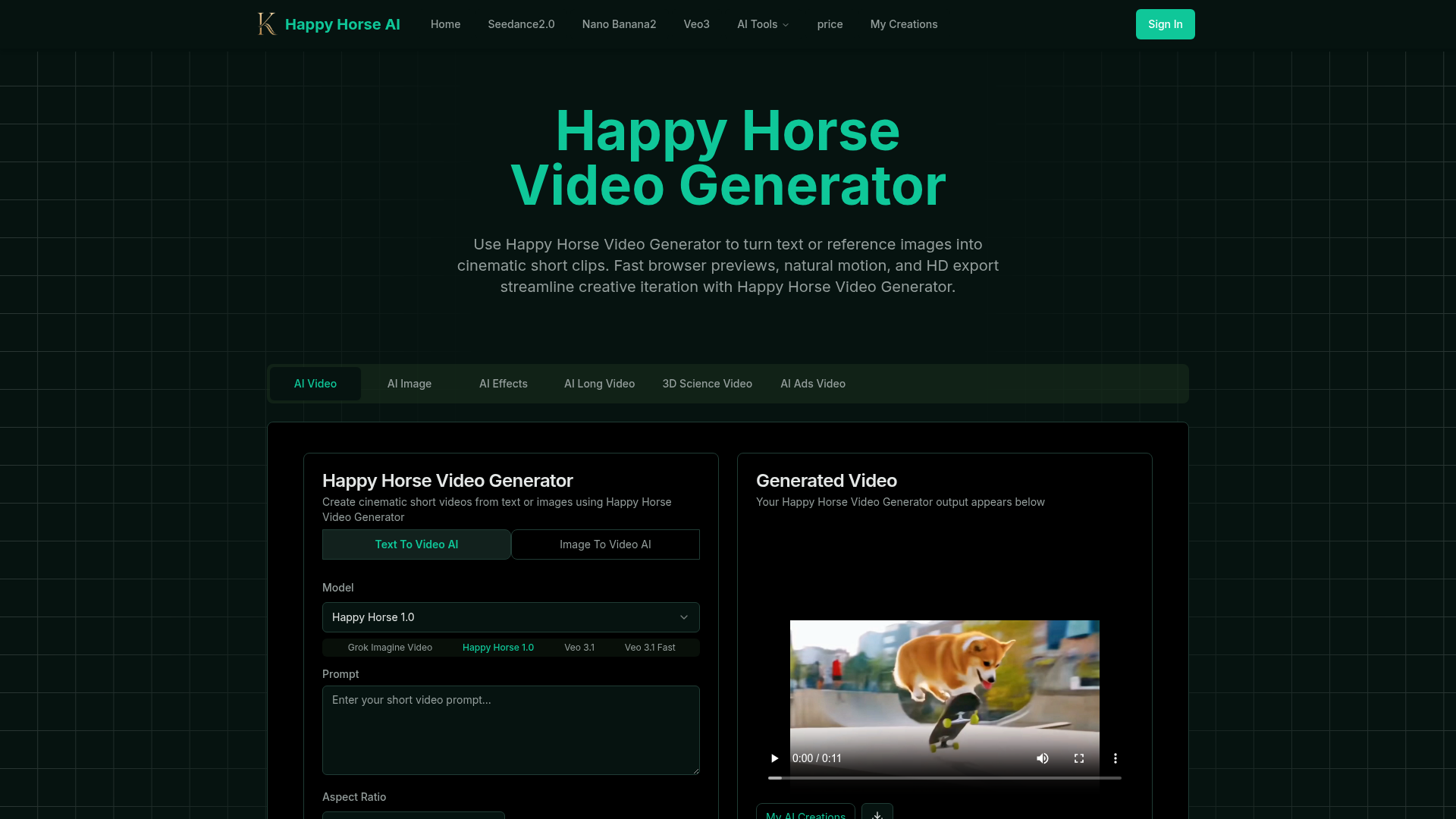
Happy Horse Video Generator transforms short prompts and reference images into cinematic short videos with reliable subject follow, natural camera motion, fast browser previews, and HD export options. Quickly produce marketing clips, social shorts, and product animations with in‑browser iteration and flexible download settings.
What is Happy Horse Video Generator?
Happy Horse Video Generator is an advanced AI-powered video creation platform that transforms simple text prompts or reference images into high-quality, cinematic short videos. It leverages state-of-the-art AI models to automate complex video production tasks like scene composition, motion generation, and visual rendering. Designed for creators, marketers, and businesses, it streamlines the entire video creation workflow—from initial idea to final HD export—directly within your browser. By integrating technologies like motion-aware pipelines and reliable subject tracking, Happy Horse Video Generator makes professional-grade video content accessible and fast to produce.
Key Features of Happy Horse Video Generator
Happy Horse Video Generator stands out with its comprehensive suite of features tailored for efficient and creative video production. Here are its main capabilities:
- Text-to-Video Conversion
- Input a short text description, and the AI generates a cohesive, cinematic video clip. The system understands context and applies appropriate scene framing, motion, and visual style to match your prompt.
- Image-to-Video Animation
- Upload a reference image or short clip to animate still subjects. The AI provides reliable composition follow-through and generates natural, believable motion, perfect for bringing product shots or portraits to life.
- Multiple AI Model Support
- Choose from a variety of cutting-edge AI video models like Happy Horse 1.0, Veo 3.1, Kling 3.0 Motion Control, and Grok Imagine Video to match different creative needs and quality preferences.
- Advanced Camera Motion Control
- Select from a wide range of cinematic camera movements—such as handheld push-ins, drone flybys, slow-motion twirls, dolly shots, and point-of-view sequences—to add dynamic professionalism to your videos.
- Fast Browser-Based Workflow
- Generate quick previews directly in your web browser, allowing for rapid iteration, prompt tuning, and immediate feedback without lengthy rendering times.
- Flexible Style & Aspect Ratio Controls
- Customize the look of your videos with presets for photorealistic, stylized, or editorial aesthetics. Set the aspect ratio (e.g., 16:9) and duration (e.g., 5 seconds) to fit platform-specific requirements.
- HD Export & Collaboration
- Download your final videos in high-definition resolutions suitable for social media, presentations, or promotional use. Easily share projects for team review or client presentations.
- Integrated Creative Suite
- Access a full ecosystem of AI tools within the platform, including AI image generators (Nano Banana 2), music creators (Suno AI), and advanced effects, providing a one-stop shop for multimedia content creation.
How to Use Happy Horse Video Generator
Using Happy Horse Video Generator is a straightforward, four-step process designed for users of all skill levels:
- Define Your Input: Start by either typing a text prompt into the "AI Video Prompt Generator" box or uploading a reference image. Describe your video scene in detail for best results.
- Customize Your Settings: Select your preferred AI model (e.g., Happy Horse 1.0, Veo 3.1). Then, fine-tune the video by choosing a ### Camera Motion Type (like "slow push-in" or "handheld sidestep"), setting the ### Aspect Ratio (like 16:9), and defining the ### Duration (like 5 seconds).
- Generate and Preview: Click the "Create with Happy Horse Video Generator" button. The AI will process your request and generate a video preview within minutes, displayed in the "Generated Video" section.
- Iterate and Export: Review the preview. If needed, adjust your prompt or settings and generate again. Once satisfied, download the final HD video clip for use. You can manage all your creations via the "My AI Creations" section.
Pricing and Access for Happy Horse Video Generator
Happy Horse Video Generator operates on a freemium model. Users can access basic features and generate a limited number of video previews for free, which is ideal for testing and small projects. For extensive use, higher-quality exports, commercial licensing, and increased generation limits, subscription-based paid plans are available. These plans offer additional benefits like access to more advanced AI models (e.g., Veo 3.1 Fast, Kling Motion Control), priority processing, and higher resolution downloads (up to 1080p). Specific pricing tiers and credit packages can be found on the Happy Horse AI website.
Helpful Tips for Maximizing Happy Horse Video Generator
- Be Specific with Prompts
- Detailed descriptions yield better videos. Instead of "a dog," try "a golden retriever running through a sunlit autumn park, slow-motion, cinematic."
- Leverage Reference Images
- For image-to-video, use high-quality, well-composed reference images to give the AI a strong starting point for animation and subject consistency.
- Experiment with Camera Motion
- The "Camera Motion Type" is a powerful tool. Experiment with different movements like "Drone Flyby" for epic shots or "Slow Handheld" for intimate, documentary-style feels.
- Use the Fast Preview
- Utilize the quick in-browser previews to iterate rapidly. Make small adjustments to your prompt or motion settings between generations to hone in on the perfect result.
- Explore the Full Toolset
- Don't limit yourself to just video. Use the integrated tools like ### Nano Banana 2 for generating custom images to use as references, or ### Suno AI Music Generator to create a matching soundtrack for your video.
- Check the "All Tools" Section
- Browse the All Tools page to discover other specialized AI apps like Seedance 2.0 or Kling Motion Control for specific video generation needs.
Frequently Asked Questions about Happy Horse Video Generator
What is the Happy Horse Video Generator and how does it function?
Happy Horse Video Generator is an AI platform that automates video creation. You provide text or an image, and its AI models handle scene layout, motion generation, and rendering to produce short, cinematic video clips quickly.
What types of videos can I create with it?
You can create a wide variety of content, including marketing and advertisement clips, social media shorts, product explainer videos, conceptual trailers, and animated sequences from still images.
How long does it take to process a video?
Short previews are typically generated within a few minutes. The final processing time for downloadable HD videos depends on factors like video length, chosen resolution, and the complexity of applied effects.
Can I download the videos I create?
Yes, you can download the video clips you generate. Free plans typically offer standard definition downloads, while paid subscriptions provide access to higher-resolution HD exports and commercial use rights.
Do I own the content I create?
Ownership and licensing terms depend on your subscription plan. It's important to review the platform's terms of service to understand the rights for personal versus commercial use and distribution of the generated content.
What video quality and resolutions are available?
Happy Horse Video Generator supports common video resolutions, including 480p, 720p, and 1080p (HD). The available quality depends on your account tier, with presets designed to balance generation speed and output fidelity.
Happy Horse Video Generator
Happy Horse Video Generator transforms short prompts and reference images into cinematic short videos with reliable subject follow, natural camera motion, fast browser previews, and HD export options. Quickly produce marketing clips, social shorts, and product animations with in‑browser iteration and flexible download settings.
 Next.js
 Node.js
 React
React Vercel
 Webpack
Free AI anime and manga generator. Turn text into anime episodes, manga, comics, webtoons and comic shorts in any art style — no drawing or animation skills needed.
Translate image text across 70+ languages with our advanced AI Image Translator to help you better expand your products globally to various countries
Advertised Here
Reach thousands of visitors daily. Get your spot now!
Tools similar to Happy Horse Video Generator
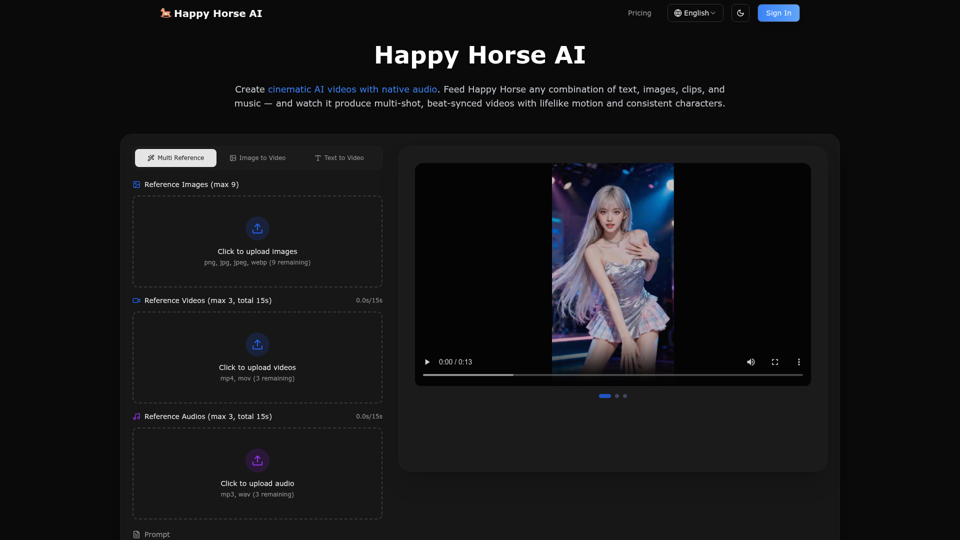
Create Stunning Videos with Happy Horse AI. Turn text, images, and audio into cinematic videos with native sound and lifelike motion.
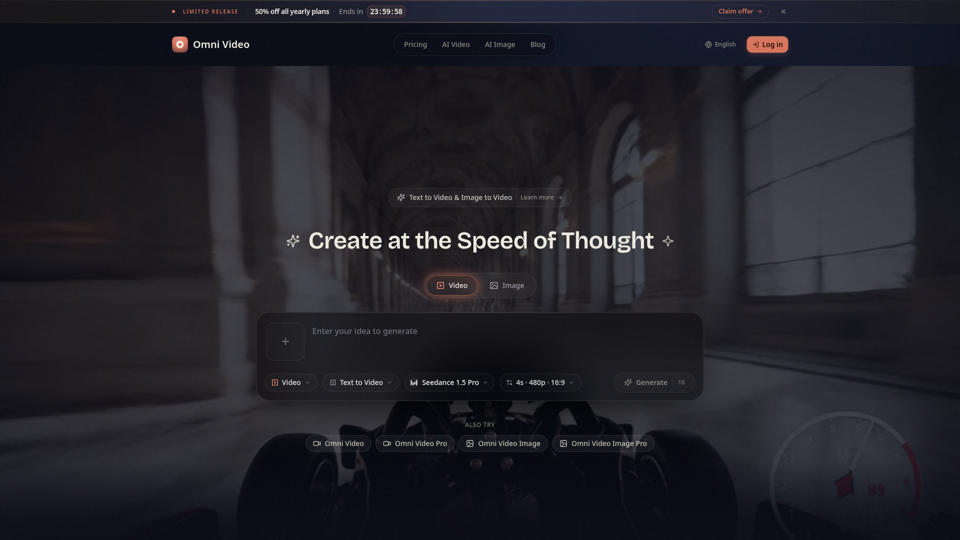
Create cinematic AI videos with Omni Video from text prompts or reference images. Use text-to-video and image-to-video workflows for social clips, ads, education, product stories, and visual ideas.
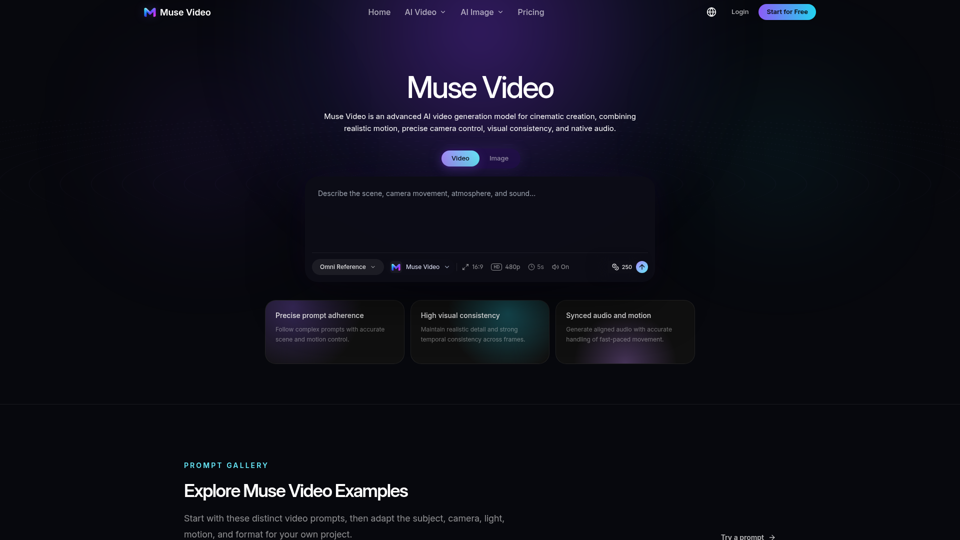
Create cinematic AI videos with Muse Video from text or images. Explore realistic motion, native audio, flexible models, and start generating online.
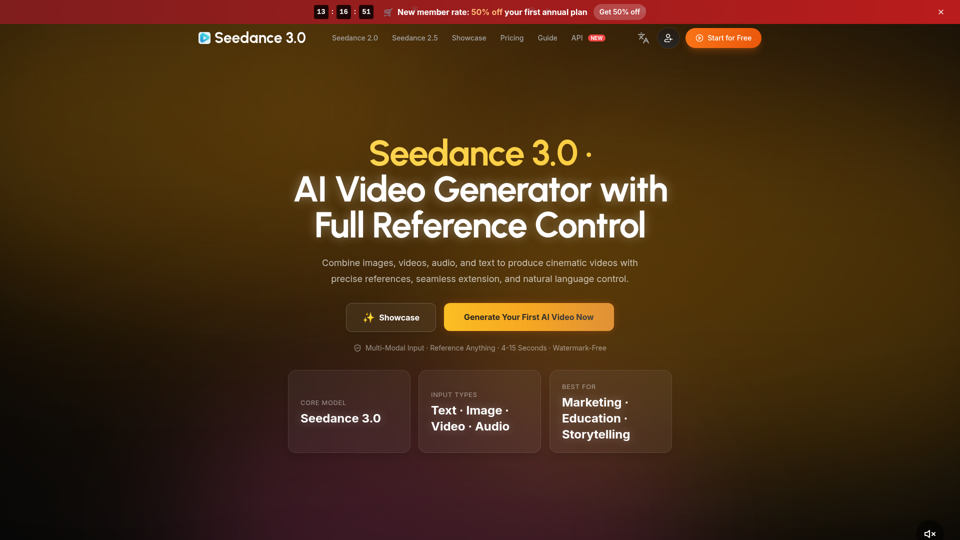
Create cinematic AI videos with Seedance 3.0. Combine image, video, audio, and text references into connected, production-ready scenes.
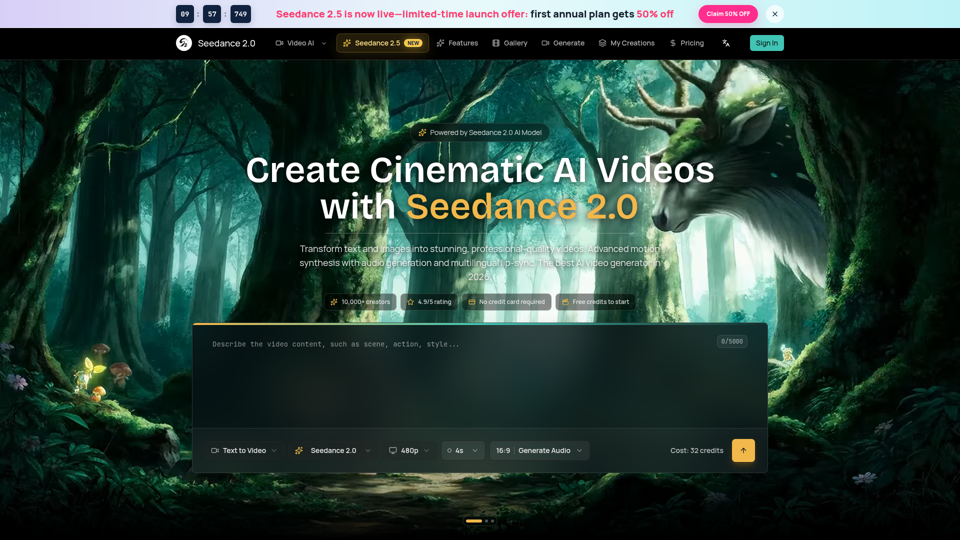
Seedance 2.0 AI video generator. Turn text and images into cinematic videos with motion synthesis, audio generation and lip-sync. Text-to-video & image-to-vi...
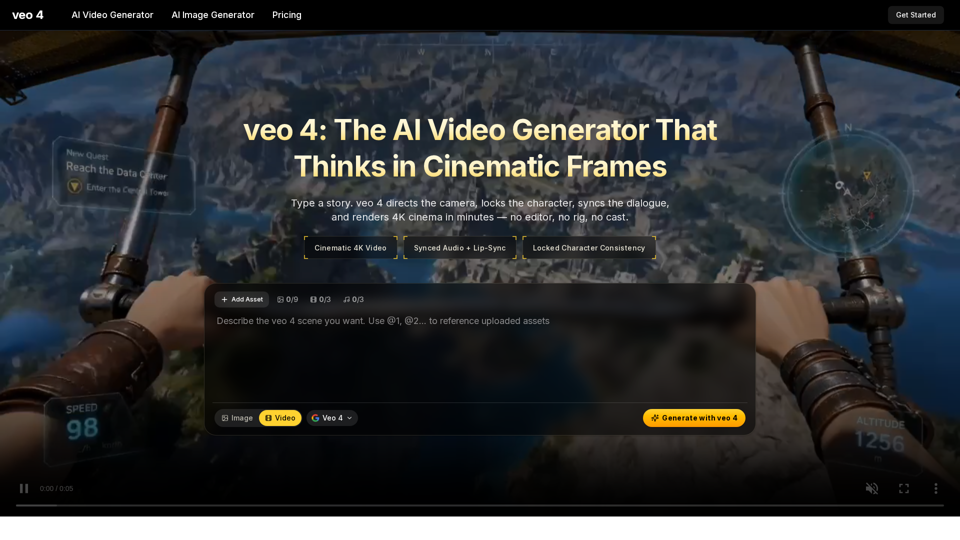
Create 4K cinematic videos with veo 4 for free. Turn text or a single image into synced-audio clips in seconds — no editing skills needed.
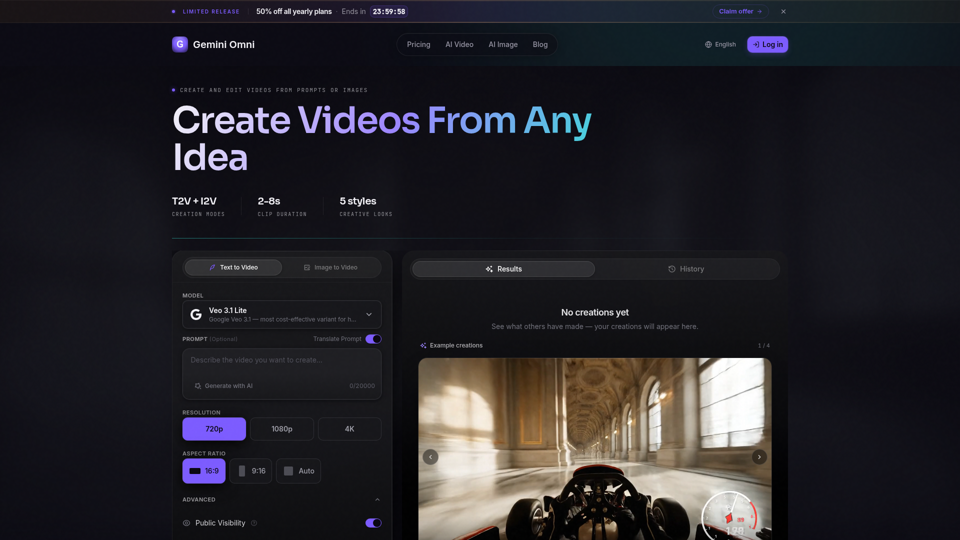
Create AI videos with Gemini Omni from text prompts, images, and reference frames. Generate short clips for social content, ads, product stories, explainers, and visual concepts.
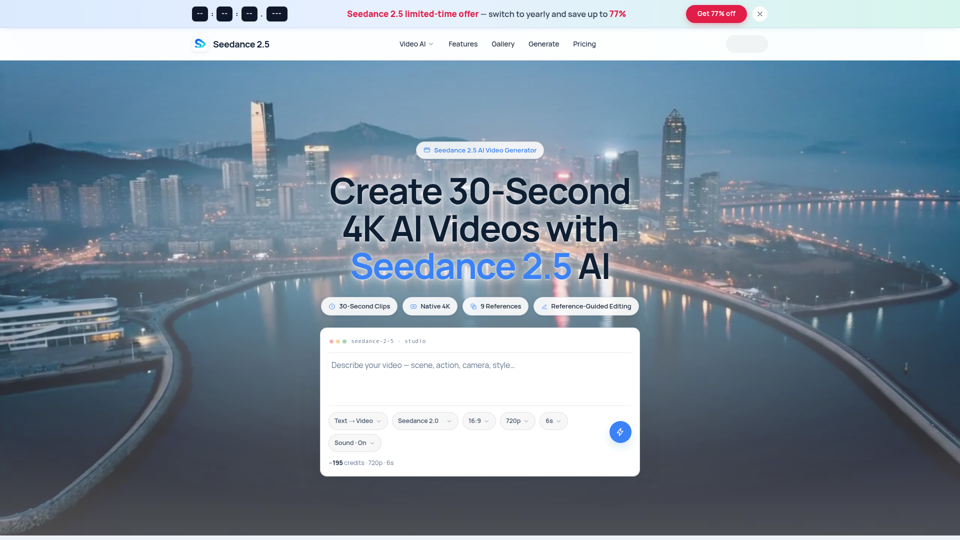
Seedance 2.5 AI turns any text prompt or photo into cinematic, watermark-free 4K video — text-to-video, image-to-video and reference-guided generation.