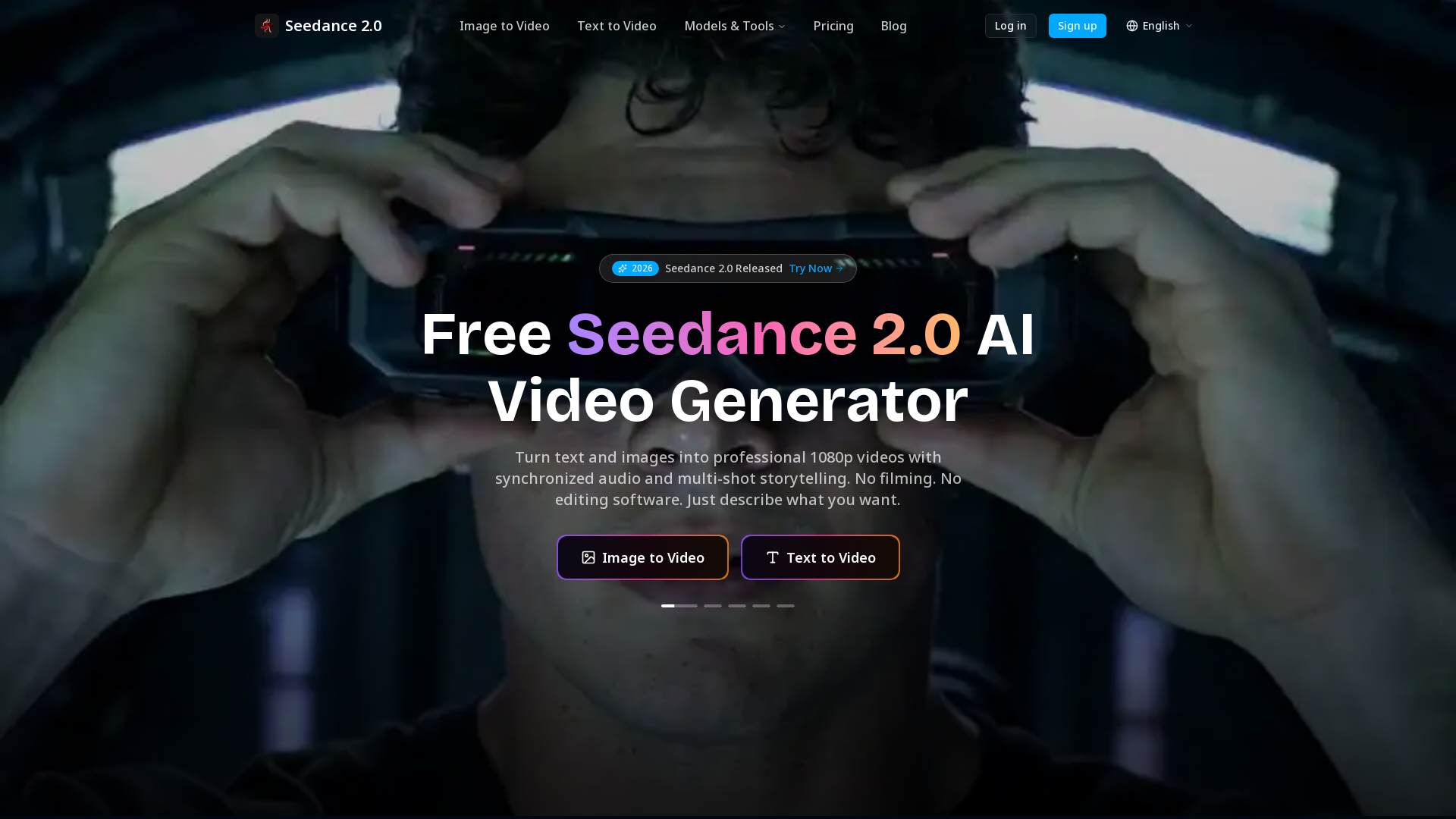
What is Seedance 2.0?
Seedance 2.0 is a cutting-edge AI video generator that transforms your text and images into high-quality 1080p videos seamlessly. By leveraging advanced deep learning technologies, Seedance 2.0 enables users to create professional videos without the need for traditional filming or complex editing software. Just describe what you imagine, and let the AI do the rest.
What are the main features of Seedance 2.0?
- All-in-One AI Video Generation: Access a wide range of AI video models, including Seedance, Sora, and Veo, all in one convenient platform.
- Text to Video: Simply input your scene description, and Seedance 2.0 crafts a cinematic video with synchronized audio.
- Image to Video Animation: Upload a still image and watch it come to life with natural motion and sound.
- Video Editing Capabilities: Modify existing footage by swapping characters, rewriting plots, and adding new elements mid-scene.
- Beat-Sync Feature: Integrate music or rhythmic soundtracks, allowing the video transitions to match the beat.
- Longer Clips and Extensions: Easily extend your footage while maintaining a consistent look.
How to use Seedance 2.0?
Using Seedance 2.0 is straightforward:
- Describe Your Scene: Write a descriptive prompt of what you want to see in your video. You can also include reference images for enhanced clarity.
- Generate Your Video: The AI processes your instructions and crafts the video with audio and transitions, often in under 60 seconds.
- Download and Share: Once your video is ready, you can download it in full 1080p resolution, or directly share it to social media platforms.
What is the price of Seedance 2.0?
Seedance 2.0 offers a ### free version for new users, allowing you to start creating videos without a credit card. For advanced features and additional needs, users can explore premium subscription options that enhance video generation capabilities.
Helpful Tips for Using Seedance 2.0
- Be Descriptive
- The more detailed and vivid your prompts are, the better the generated video will align with your vision.
- Utilize Reference Material
- Incorporate images and previous video clips as references to guide the AI's creative process.
- Experiment with Prompts
- Don’t hesitate to tweak your descriptions and prompts for different styles and outputs.
- Use Beat-Sync for Music Videos
- This feature optimally aligns video transitions with your chosen soundtracks for a professional touch.
Frequently Asked Questions
What makes Seedance 2.0 different from other AI video generators?
Seedance 2.0 uniquely combines multiple video generation styles into one platform, offering powerful features that cater to various creative needs without requiring extensive equipment or editing skills.
How long does Seedance 2.0 take to generate a video?
Most videos are generated in under 60 seconds, allowing for quick iterations and immediate feedback.
What resolution does Seedance 2.0 output?
Seedance 2.0 outputs videos in high-definition 1080p, ensuring excellent quality for professional use.
Can I use images as input for Seedance 2.0?
Yes, you can input images for animation or video creation, enhancing the visual storytelling experience.
Is Seedance 2.0 free to use?
Absolutely! Seedance 2.0 offers a free tier, enabling users to start creating videos without any upfront costs.
Do characters stay consistent in Seedance 2.0 videos?
Yes, characters are designed to maintain visual consistency across various scenes, enhancing the storytelling experience.
What output formats does Seedance 2.0 support?
Seedance 2.0 primarily supports HD video formats suitable for various platforms, including social media.
Who owns the videos I create with Seedance 2.0?
Users maintain ownership of the videos they create using Seedance 2.0, providing full rights for personal or commercial use.
Start creating professional, engaging videos today with Seedance 2.0! No credit card is needed to begin, and you can join thousands of creators leveraging this innovative technology.
Seedance 2.0
Create cinematic AI videos with Seedance 2.0. Text-to-video, image-to-video, native audio. The Seedance 2.0 AI video generator. Free to start.
 Cloudflare
 HTTP/3
 Next.js
 Node.js
 React
React Webpack
Free AI anime and manga generator. Turn text into anime episodes, manga, comics, webtoons and comic shorts in any art style — no drawing or animation skills needed.
Translate image text across 70+ languages with our advanced AI Image Translator to help you better expand your products globally to various countries
Advertised Here
Reach thousands of visitors daily. Get your spot now!
Tools similar to Seedance 2.0
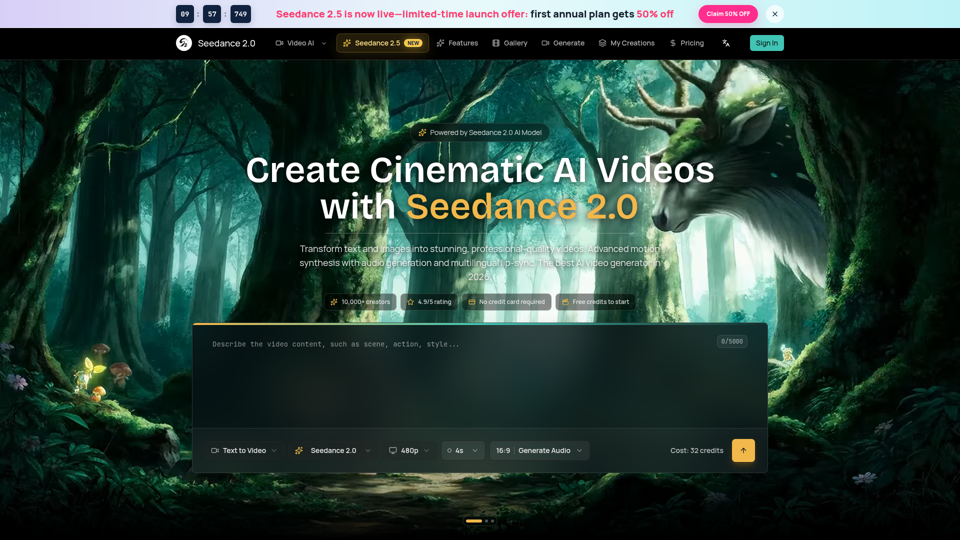
Seedance 2.0 AI video generator. Turn text and images into cinematic videos with motion synthesis, audio generation and lip-sync. Text-to-video & image-to-vi...
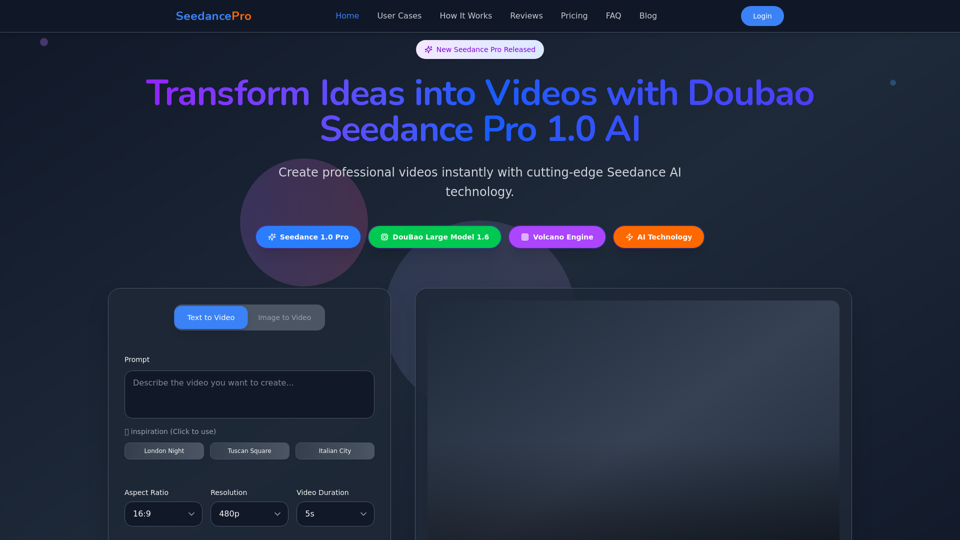
Create stunning videos with Seedance Pro AI video generator. Transform text and images into professional videos effortlessly.
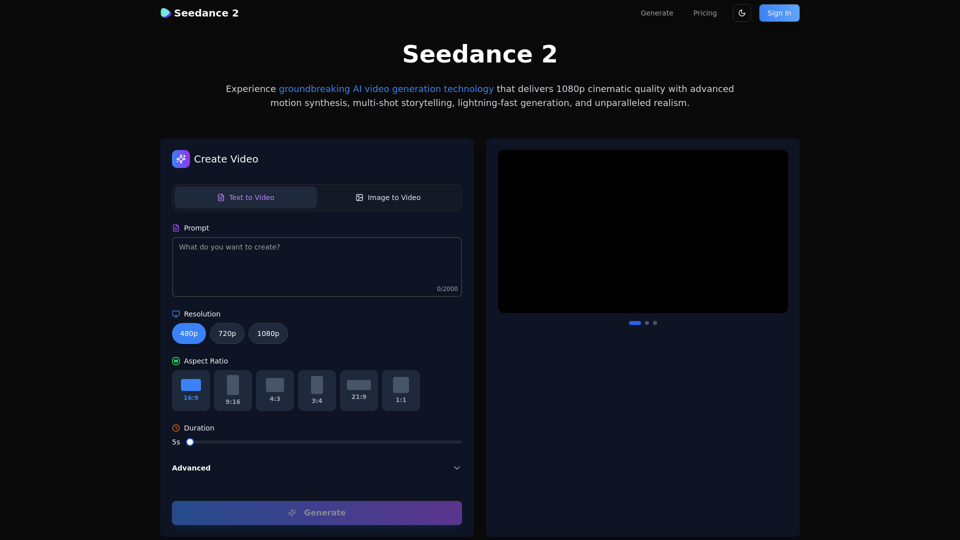
Create stunning AI videos with Seedance 2.0. Transform images and text into cinematic videos with advanced motion synthesis and professional quality.
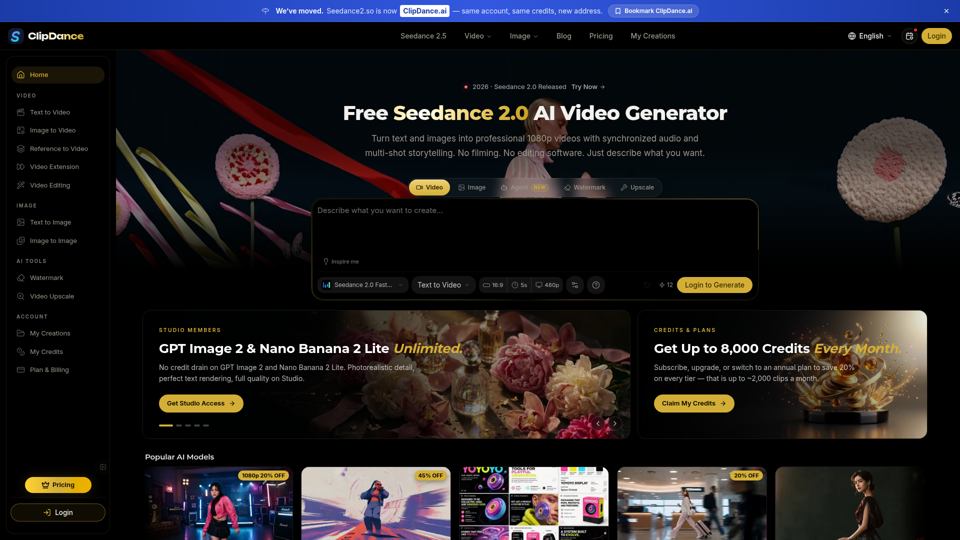
Create cinematic AI videos with Seedance 2.0. Text-to-video, image-to-video, native audio. The Seedance 2.0 AI video generator. Free to start.
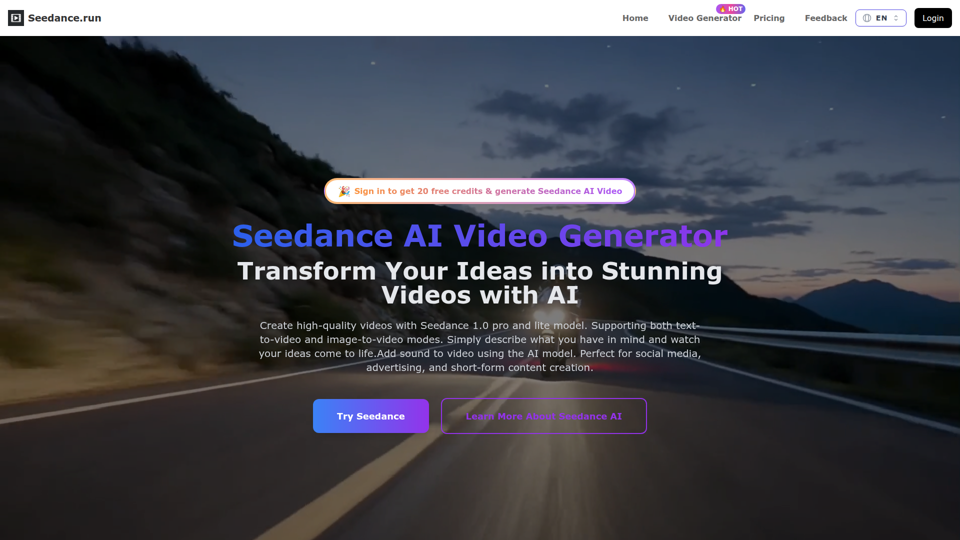
Create stunning AI videos from text or images with Seedance – the powerful AI video generator by ByteDance. Smooth, cinematic, and voice-ready results in minutes. Perfect for marketing, content creation, education, and more – no experience needed.
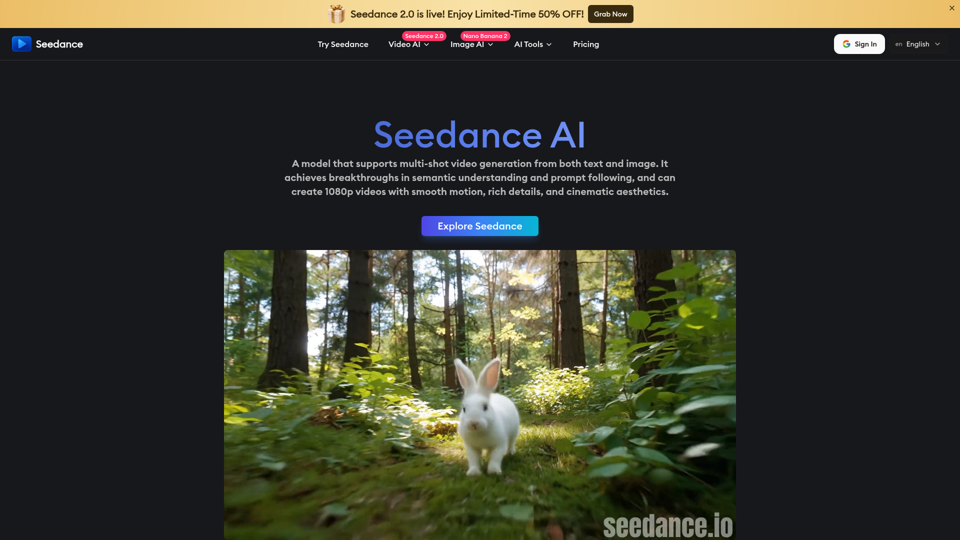
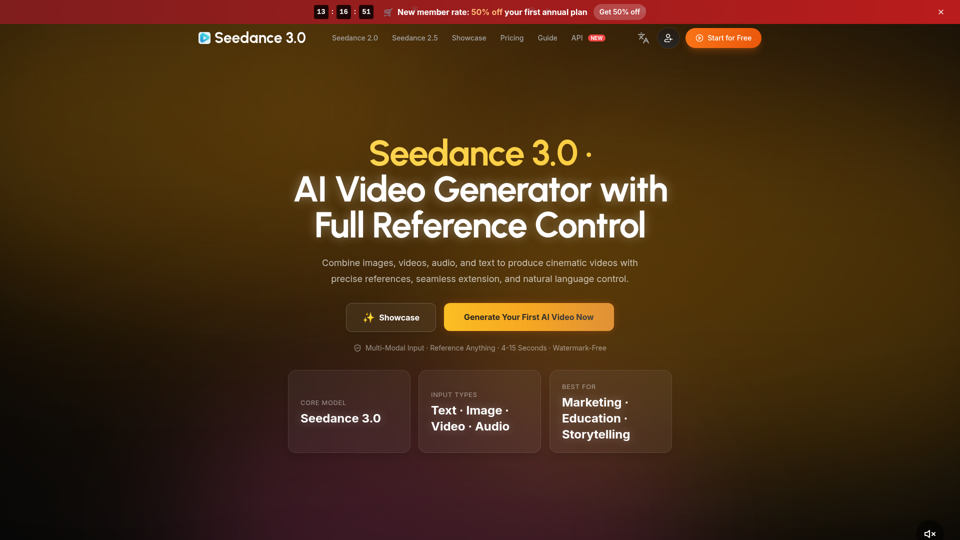
Create cinematic AI videos with Seedance 3.0. Combine image, video, audio, and text references into connected, production-ready scenes.
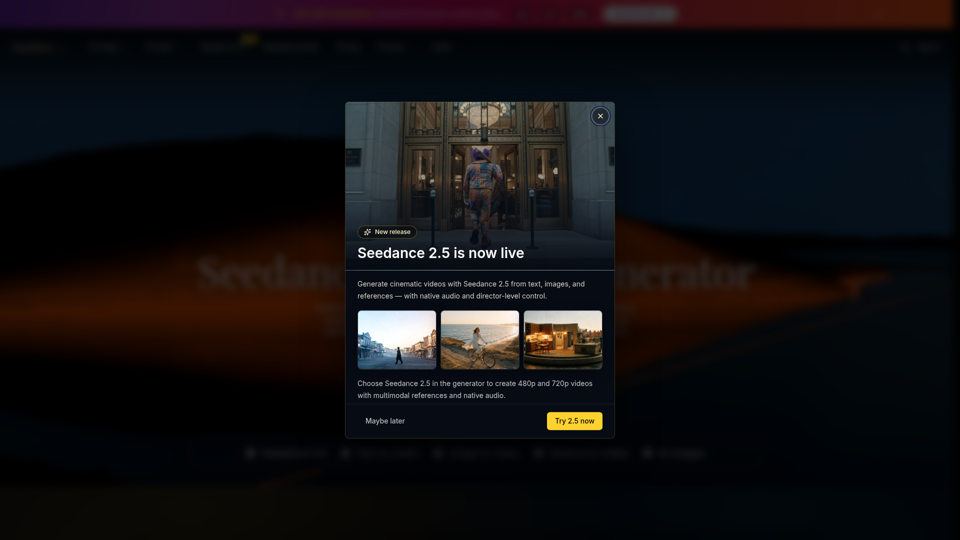
Seedance 2.0 is the ultimate AI video generation platform. Create stunning videos with Seedance 2.0's text-to-video, image-to-video, and AI video effects tools.