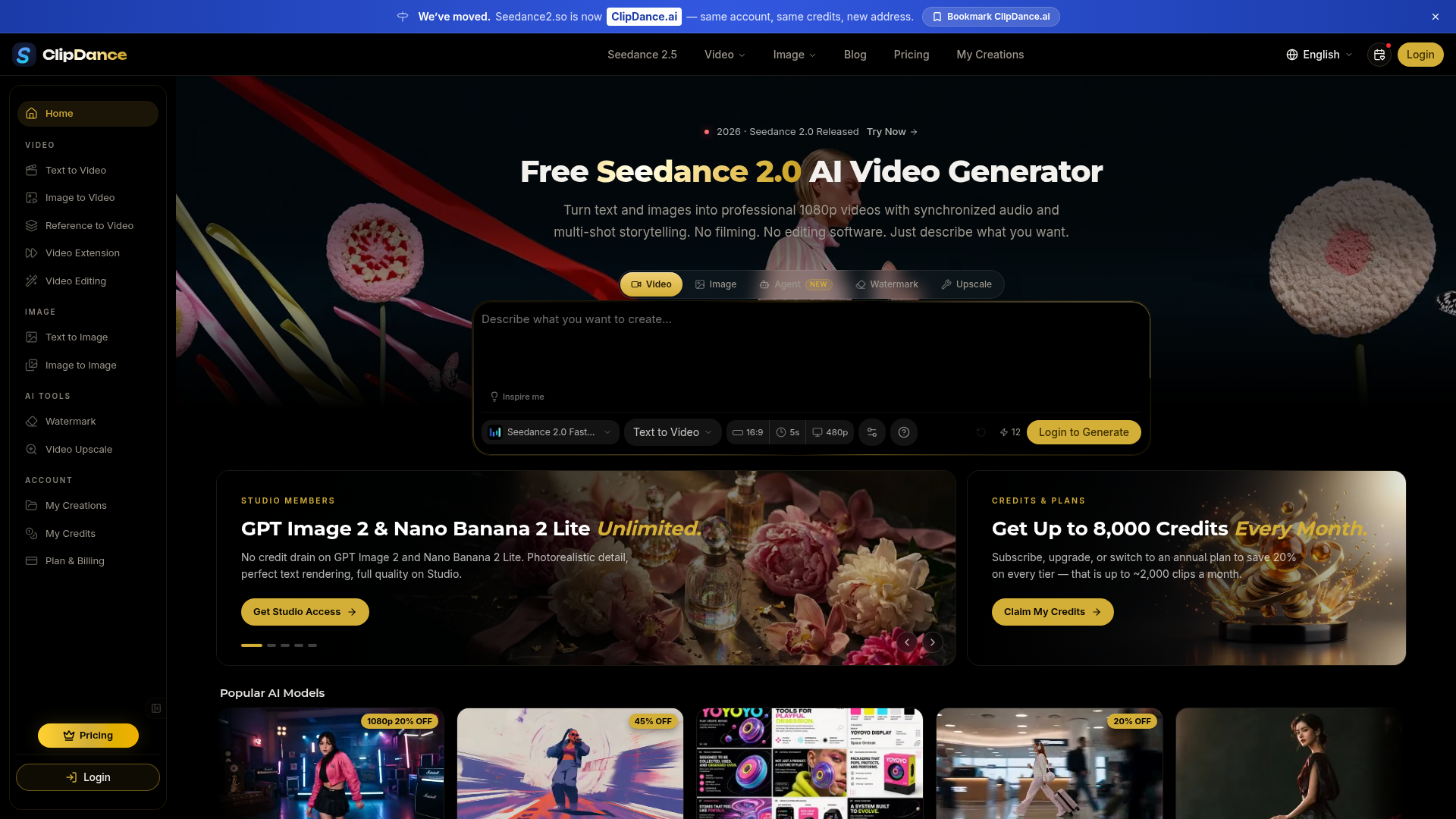
What is ClipDance.ai?
ClipDance.ai, formerly known as Seedance2.so, is a comprehensive AI video generation platform. At its core, it provides direct access to Seedance 2.0, a top-tier multimodal AI video model developed by ByteDance. The platform enables users to transform text descriptions and images into professional-quality 1080p videos complete with synchronized audio, multi-shot storytelling, and character consistency—all without the need for filming or complex editing software. Beyond Seedance 2.0, ClipDance.ai also serves as a hub for a wide variety of other leading AI models for video and image generation, including Seedance 2.5, MiniMax H3, Grok Imagine 2.0, Midjourney V8, and GPT Image 2.
What are the main features of ClipDance.ai?
The platform is distinguished by its powerful, all-in-one video generation capabilities and extensive model library.
1. Professional AI Video Generation with Seedance 2.0: This flagship feature allows users to generate videos with native audio, including dialogue, sound effects, and ambient music, all in a single step. It supports multi-shot storytelling, ensuring characters remain visually consistent across different scenes, which is ideal for creating short films, cartoons, or serialized content.
2. Multimodal Input and Advanced Control: Users are not limited to text. ClipDance.ai supports image-to-video animation, allows uploading up to 12 reference files (images, video clips, audio) to guide style and motion, and offers in-browser video editing. Specialized features like beat-sync for music videos and automatic lip-sync in 8+ languages cater to professional creators.
3. Vast Library of AI Models: The platform aggregates popular models from various developers. This includes the latest video models like ByteDance's Seedance 2.5 and Alibaba's Wan 3.0, as well as state-of-the-art image generators like OpenAI's GPT Image 2 and Google's Nano Banana 2, providing tools for nearly any creative task.
4. Pre-Built Creative Templates and Pipelines: To streamline creation, ClipDance.ai offers "two-prompt" templates. These guide users through chaining tasks, such as first generating a reference image and then turning it into a video. Templates for travel vlogs, cinematic dances, commercials, and motion transfer make producing viral-style clips fast and accessible.
5. Flexible Access and Generous Free Tier: Users can start creating for free without a credit card. Paid "Studio" memberships offer unlimited access to certain models (like GPT Image 2), higher quality output (1080p), priority generation, and substantial monthly credit allowances for heavy usage.
How to use ClipDance.ai?
The process is designed to be intuitive and accessible for users of all skill levels.
1. Sign Up and Choose Your Model: Create a free account on ClipDance.ai. Browse the platform's model library—you can start with Seedance 2.0 for video generation or select another AI for images or specialized tasks.
2. Describe and Generate: For video creation, you have multiple options:
- Text-to-Video
- Enter a detailed text prompt describing your scene, characters, actions, and desired audio.
- Image-to-Video
- Upload a still image for the AI to animate.
- Use a Template
- Select a pre-built template (e.g., "AI Travel Vlog"), follow the two-step process to customize it, and generate.
- Advanced Controls
- Add reference images, videos, or audio files to precisely control the output's style and motion.
3. Download and Share: Once generated (typically within 30-60 seconds), you can preview your 1080p video. If satisfied, download it in MP4 or WebM format for use on social media, in presentations, or for further editing. If not, simply adjust your prompt and regenerate.
What is the pricing for ClipDance.ai?
ClipDance.ai operates on a freemium model with subscription plans for power users.
- Free Tier
- Offers a generous starting point with standard-quality video generation. It's perfect for testing, learning, and light projects.
- Studio Membership (Paid Plans)
- Unlocks professional features. Benefits include:
- 1080p Output: High-definition video quality.
- Unlimited Access to Select Models: Specifically, GPT Image 2 and Nano Banana 2 Lite for image generation without consuming credits.
- High Credit Allowances: Paid plans provide up to 8,000 credits per month, which can translate to thousands of video clips, depending on the model used.
- Priority Generation: Faster processing times.
- Cost Savings: Annual subscriptions save 20% compared to monthly billing.
Detailed pricing for individual tiers and credit packs is available on the ClipDance.ai Pricing page.
Helpful tips for using ClipDance.ai
- Leverage Reference Images
- For the most consistent and high-quality results, especially with character-driven videos, always provide a clear reference image of your subject.
- Explore Templates First
- If you're new to AI video, start with the pre-built templates. They demonstrate effective prompt structures and workflows you can later customize.
- Be Specific in Your Prompts
- Detail is key. Instead of "a person dancing," try "a young woman in a red dress performing a contemporary dance on a neon-lit rooftop at night, with cinematic lighting and an epic synthwave soundtrack."
- Utilize the Model Library
- Don't just stick to one tool. Use GPT Image 2 or Midjourney to create perfect reference images first, then feed them into Seedance 2.0 for animation.
- Check the Blog
- The platform's blog contains up-to-date tutorials, model comparisons, and prompt engineering tips that can significantly improve your output quality.
Frequently Asked Questions about ClipDance.ai
Is Seedance 2.0 free to use?
Yes, you can start using Seedance 2.0 on ClipDance.ai for free without a credit card. The free tier provides standard quality output. For 1080p resolution, longer videos, and priority access, a paid Studio membership is required.
What makes Seedance 2.0 different from other AI video tools?
Its key differentiator is generating video with synchronized, native audio (dialogue, SFX, music) in one step. Unlike many competitors that create silent video, Seedance 2.0 handles audio natively. It also excels at multi-shot storytelling with strong character consistency.
Who owns the videos I create?
You retain full ownership and commercial rights to all videos you generate on ClipDance.ai. There is no requirement to attribute the platform.
How long does it take to generate a video?
Most videos are ready in 30 to 60 seconds, as the video and audio are processed simultaneously.
Can I create consistent characters for a series?
Absolutely. By using the same reference image for a character across multiple generations, Seedance 2.0 maintains consistency in face, clothing, and style, making it perfect for cartoon episodes, manga series, or branded content.
What input formats are supported?
You can input text prompts, and upload images (JPG, PNG), video clips (MP4, MOV), and audio files (MP3, WAV) as references.
What output formats are available?
Videos are exported in widely compatible MP4 and WebM formats at 1080p resolution.
Seedance 2.0
Create cinematic AI videos with Seedance 2.0. Text-to-video, image-to-video, native audio. The Seedance 2.0 AI video generator. Free to start.
 Cloudflare
 HTTP/3
 Next.js
 Node.js
 React
React Webpack
 dc.js
dc.jsFree AI anime and manga generator. Turn text into anime episodes, manga, comics, webtoons and comic shorts in any art style — no drawing or animation skills needed.
Translate image text across 70+ languages with our advanced AI Image Translator to help you better expand your products globally to various countries
Advertised Here
Reach thousands of visitors daily. Get your spot now!
Tools similar to Seedance 2.0
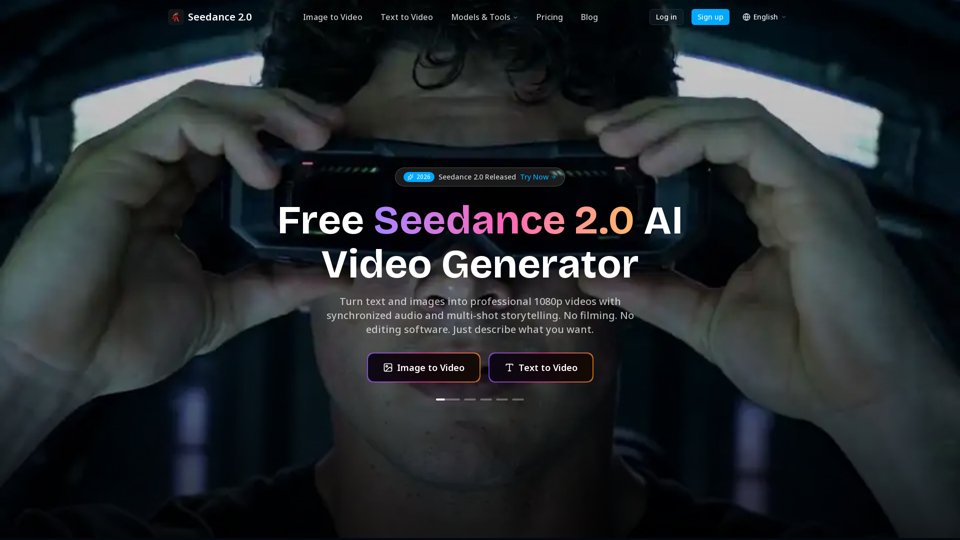
Create cinematic AI videos with Seedance 2.0. Text-to-video, image-to-video, native audio. The Seedance 2.0 AI video generator. Free to start.
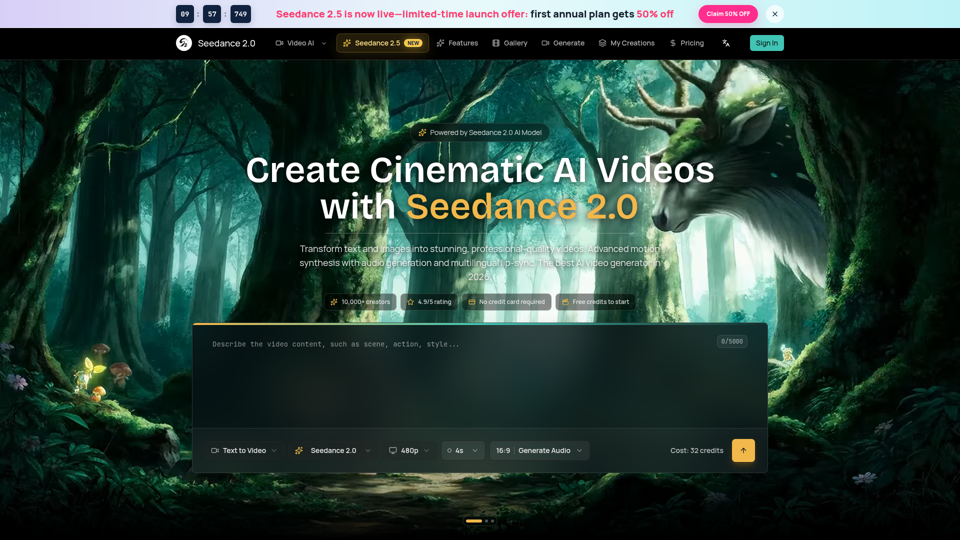
Seedance 2.0 AI video generator. Turn text and images into cinematic videos with motion synthesis, audio generation and lip-sync. Text-to-video & image-to-vi...
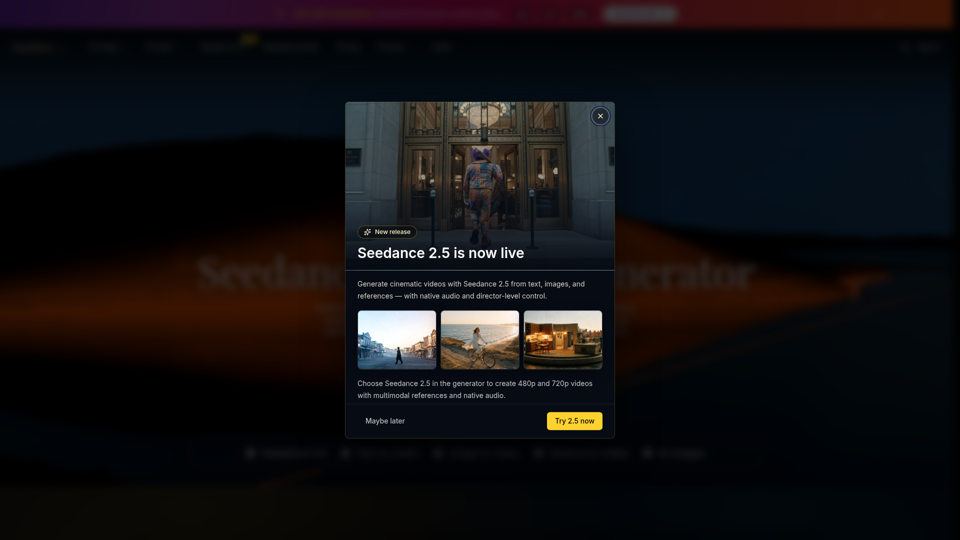
Seedance 2.0 is the ultimate AI video generation platform. Create stunning videos with Seedance 2.0's text-to-video, image-to-video, and AI video effects tools.
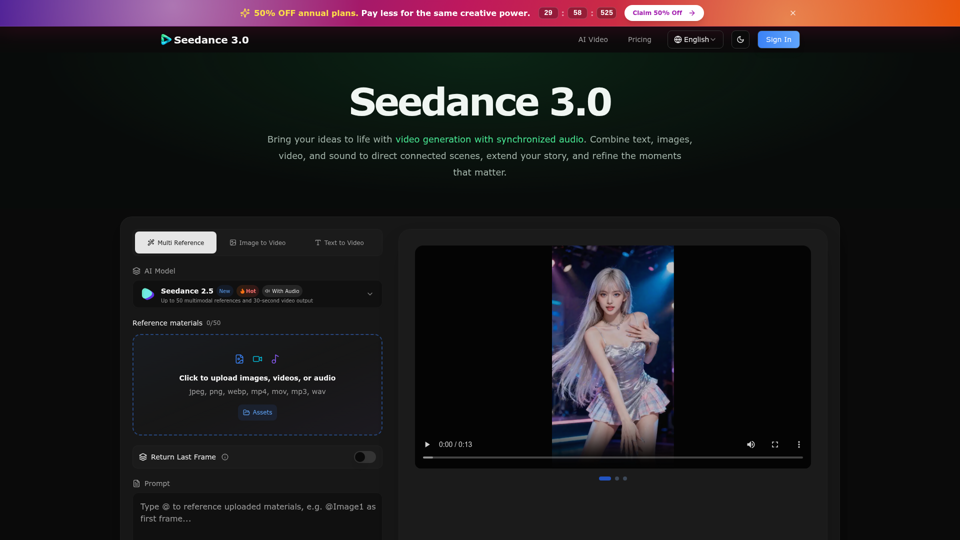
Create cinematic stories with Seedance 3.0. Turn text, images, video, and audio references into videos with synchronized sound and precise creative control.
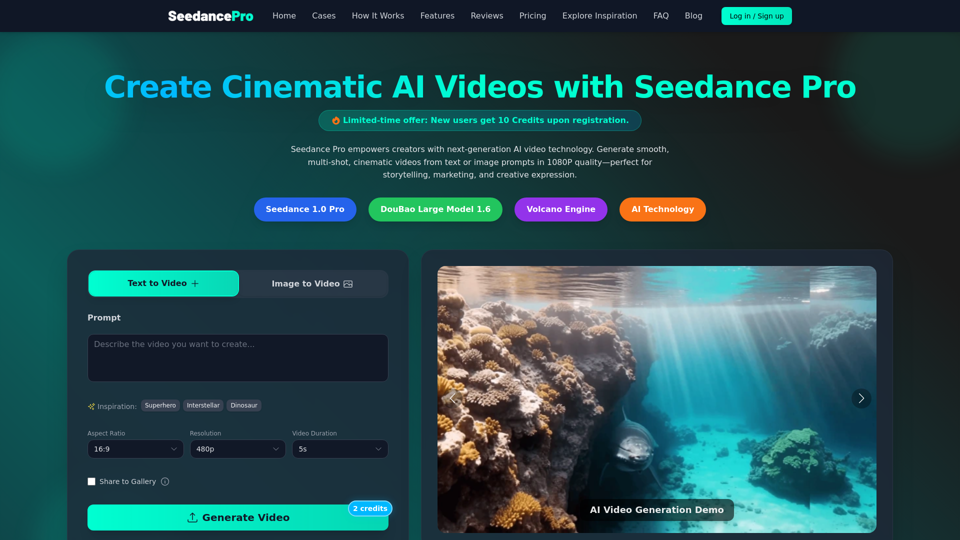
Create cinematic 1080P videos from text or images with Seedance Pro. Experience multi-shot narratives, smooth camera motions, and precise prompt control.
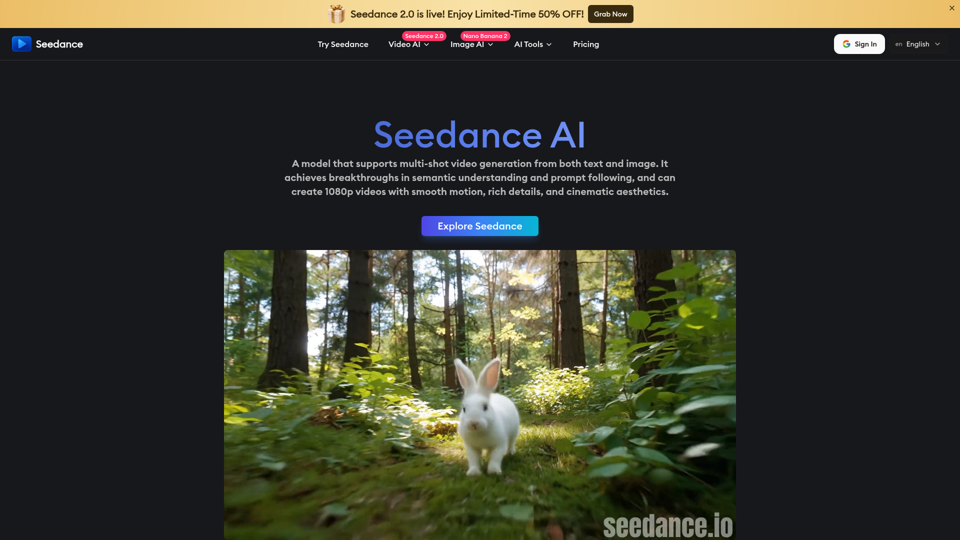
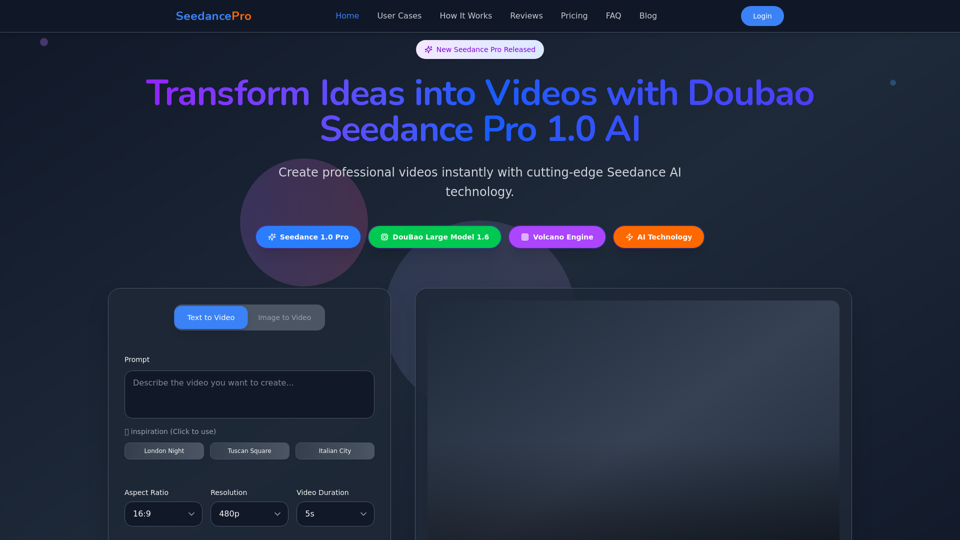
Create stunning videos with Seedance Pro AI video generator. Transform text and images into professional videos effortlessly.
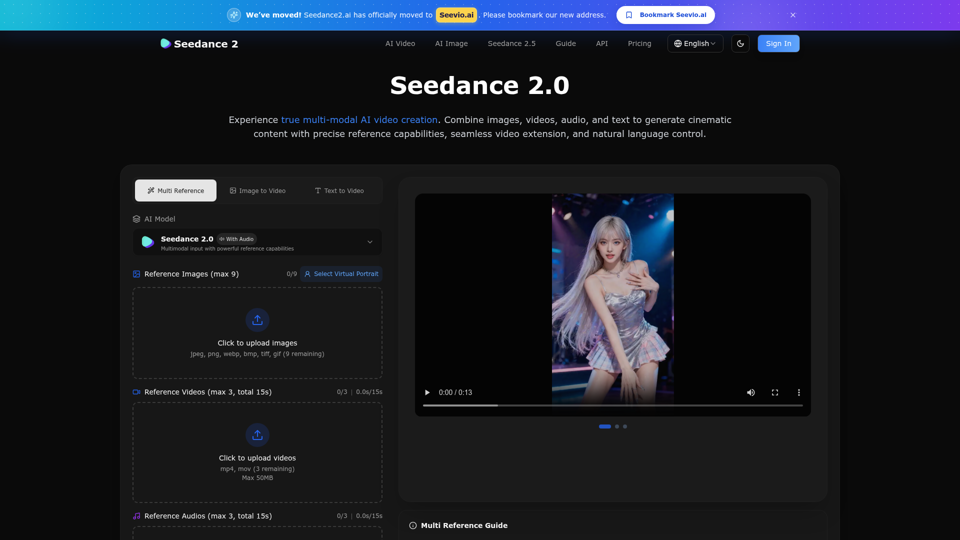
Create stunning AI videos with Seedance 2.0. Transform images and text into cinematic videos with advanced motion synthesis and professional quality.