Seedance 2.5 API
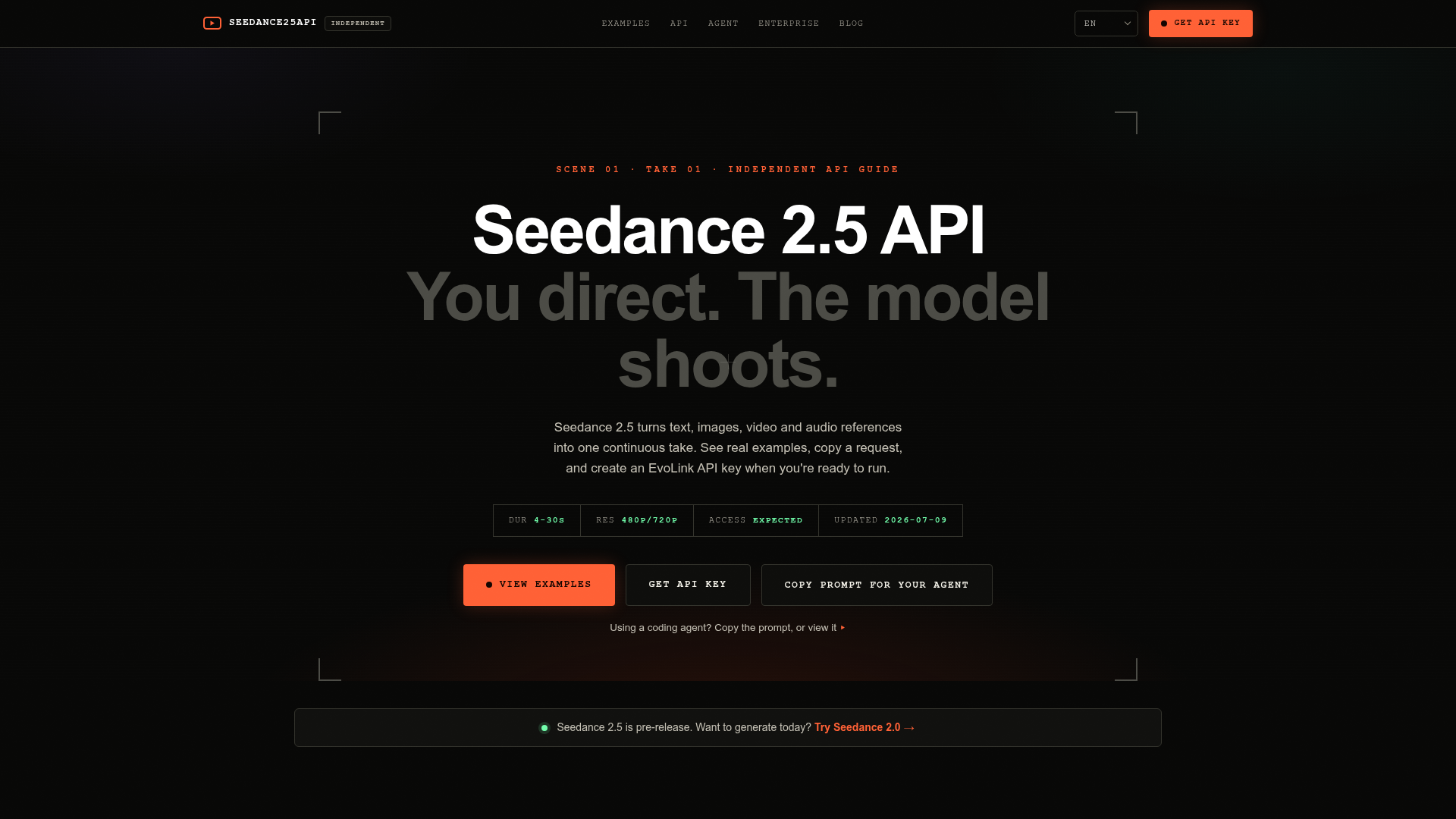
Use Seedance 2.5 API with a practical guide for developers and agents: current access status, billing model, request builder, real code examples, and API key handoff.
What is the Seedance 2.5 API?
The Seedance 2.5 API is a cutting-edge generative video model that transforms a variety of inputs—including text prompts, images, video clips, and audio references—into a single, coherent video sequence, or "continuous take." It is designed for developers and creators seeking to programmatically produce high-quality video content for applications ranging from marketing and filmmaking to game development and creative exploration. This API is accessed through third-party providers like EvoLink and represents the next evolution in AI-driven video synthesis.
What are the main features of the Seedance 2.5 API?
The Seedance 2.5 API offers a powerful suite of features for AI video generation:
- Multi-Modal Input
- Generate videos from text prompts and optionally condition the output using image, video, and audio references for precise style and content control.
- Extended Duration & Resolution
- Create video clips ranging from 4 to 30 seconds in length at expected launch resolutions of 480p and 720p.
- Cinematic Quality
- The model is engineered to produce content with a strong cinematic feel, supporting advanced visual effects like volumetric lighting, motion blur, realistic material textures (e.g., glass, water, metal), and complex camera movements.
- Developer-First Tools
- Provides comprehensive resources for integration, including a detailed OpenAPI schema (
openapi.json), machine-readable context files (llms-full.txt), and pre-built request examples to accelerate development. - Asynchronous Processing
- Video generation jobs are handled asynchronously. You submit a request, receive a job ID, and poll for completion or use a callback URL, making it suitable for production workflows.
How to use the Seedance 2.5 API?
Using the Seedance 2.5 API involves a clear, step-by-step integration process:
- Review Documentation: Start by examining the provided resources on the official guide site, including the example prompts, request schema (
openapi.json), and agent context files. - Shape Your Request: Use the interactive request builder or manually craft a JSON payload specifying the
model("seedance-2.5-reference-to-video"), your textprompt, desiredduration(4-30 seconds),quality(480p/720p), and any reference file URLs. - Get an API Key: You must obtain an
EVOLINK_API_KEYfrom a provider like EvoLink. ### Important: Do not hardcode this key; it should be securely stored as an environment variable. - Make the API Call: Send a POST request to the Seedance 2.5 endpoint with your payload and API key in the authorization header.
- Retrieve Your Video: The API returns a job ID. Poll this endpoint until the job status is complete, then download the generated video from the provided URL.
What is the price of the Seedance 2.5 API?
Public pricing rates for the Seedance 2.5 API have not been officially published as the service is in a pre-release phase. Costs are expected to be structured around usage, potentially based on factors like video duration, resolution, and the number of generation requests. The official guidance is to treat any cost estimates as preliminary and to verify the final pricing with the API provider (e.g., EvoLink) once the service launches fully. Always check the provider's dashboard and documentation for the most current and accurate pricing information.
Helpful tips for using the Seedance 2.5 API
- Leverage Detailed Prompts
- For the best results, craft highly descriptive, cinematic prompts. Break down the desired scene into a storyboard with timing (e.g.,
[0-10 seconds]: ...). The provided examples are excellent templates. - Validate Before Sending
- Always validate your request parameters—especially duration, resolution, and the number of reference files—against the expected launch limits before making a live API call.
- Build for Flexibility
- Structure your integration code with a configurable model parameter. This allows you to easily switch between different video generation models (like Seedance 2.0) or adapt when Seedance 2.5 becomes generally available.
- Start with Examples
- Use the "Copy prompt" feature from the showcased examples to understand the level of detail and structure the API responds to effectively.
- Prepare for Async Workflow
- Design your application to handle the asynchronous nature of video generation using polling or webhook callbacks to avoid blocking processes.
Frequently Asked Questions about the Seedance 2.5 API
Is the Seedance 2.5 API available for production use?
No, the Seedance 2.5 API is currently in a pre-release state. Access is "expected," and you should verify support with your chosen provider before planning any production integration. Build your code to be ready, but do not rely on it for live services until official launch confirmation.
Can I generate audio along with the video?
Yes, the API supports generating native audio for the video. In your request, you can set "generate_audio": true. You can also provide audio references to influence the soundscape of the generated clip.
What types of reference files are supported?
The model supports image, video, and audio references. You can provide URLs to these files in your request to guide the style, composition, color grading, and mood of the generated video. Check the provider's documentation for limits on the number of references allowed per request.
How do I integrate this with an AI coding agent?
Provide your AI agent with the primary context URL (https://seedance25api.io/llms-full.txt) and the OpenAPI schema (https://seedance25api.io/openapi.json). The agent can then generate the necessary integration code. Crucially, instruct the agent to ask you for the EVOLINK_API_KEY and not to invent one.
What happens if I need to generate video immediately instead of waiting for Seedance 2.5?
The guide suggests using ### Seedance 2.0 as a currently available alternative. If you need to generate video today, you can explore Seedance 2.0 through the EvoLink platform while preparing your integration for the 2.5 upgrade.
Seedance 2.5 API
Use Seedance 2.5 API with a practical guide for developers and agents: current access status, billing model, request builder, real code examples, and API key handoff.
 Cloudflare
 Google Analytics
 HTTP/3
Free AI anime and manga generator. Turn text into anime episodes, manga, comics, webtoons and comic shorts in any art style — no drawing or animation skills needed.
Translate image text across 70+ languages with our advanced AI Image Translator to help you better expand your products globally to various countries
Advertised Here
Reach thousands of visitors daily. Get your spot now!
Tools similar to Seedance 2.5 API
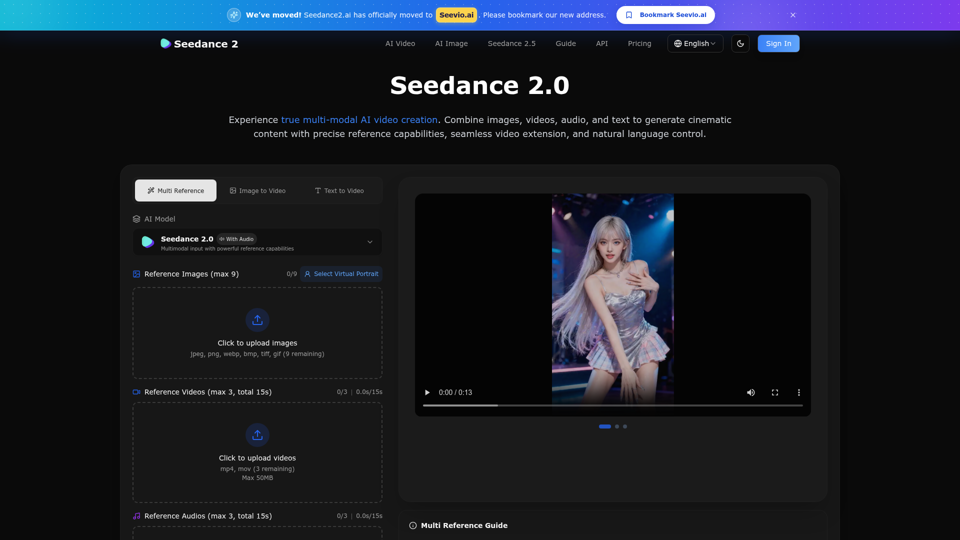
Create stunning AI videos with Seedance 2.0. Transform images and text into cinematic videos with advanced motion synthesis and professional quality.
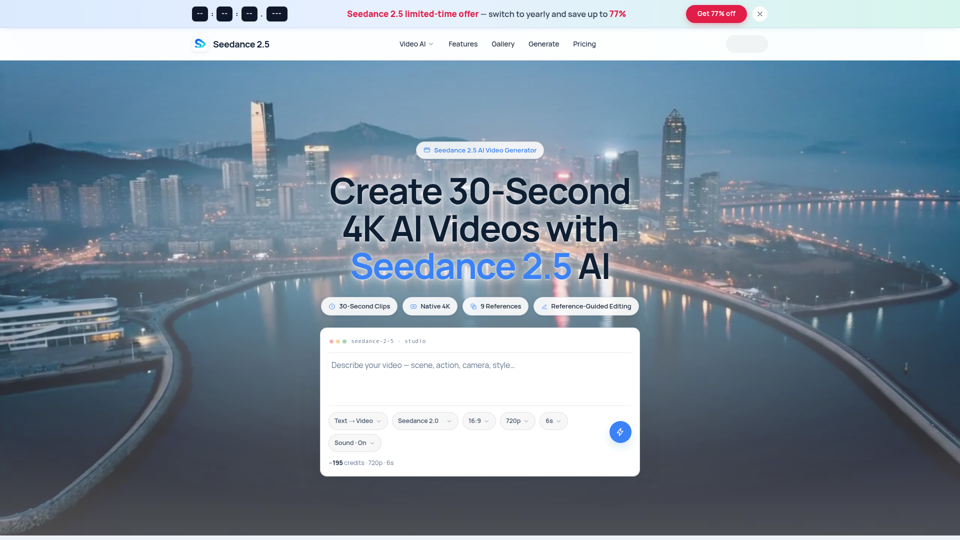
Seedance 2.5 AI turns any text prompt or photo into cinematic, watermark-free 4K video — text-to-video, image-to-video and reference-guided generation.
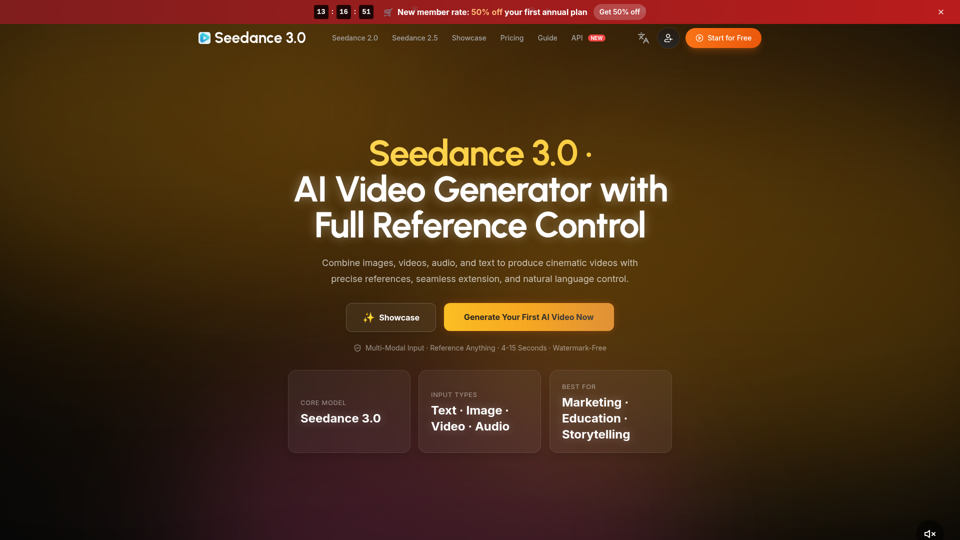
Create cinematic AI videos with Seedance 3.0. Combine image, video, audio, and text references into connected, production-ready scenes.
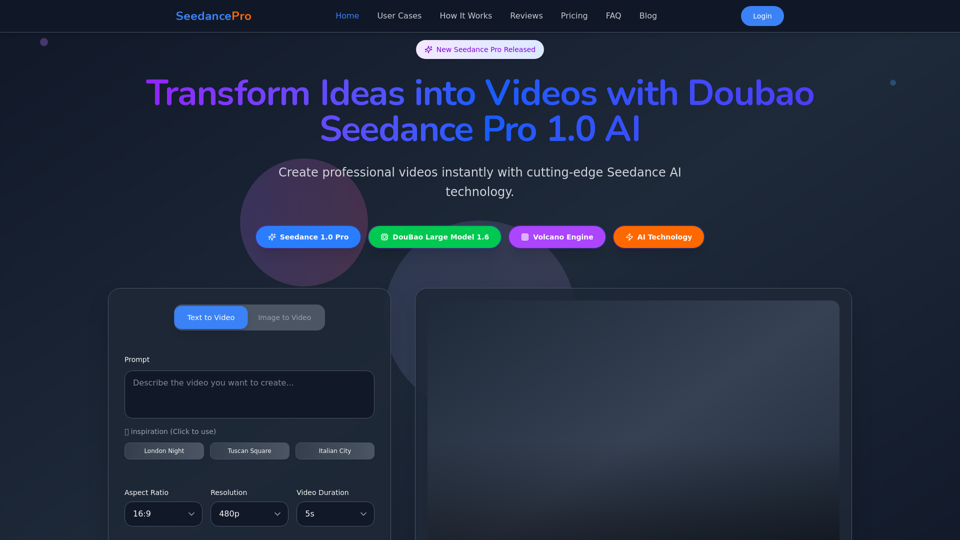
Create stunning videos with Seedance Pro AI video generator. Transform text and images into professional videos effortlessly.
Seedance 3.0 is the ultimate AI video generation platform. Create stunning videos with Seedance 3.0's text-to-video, image-to-video, and AI video effects tools.
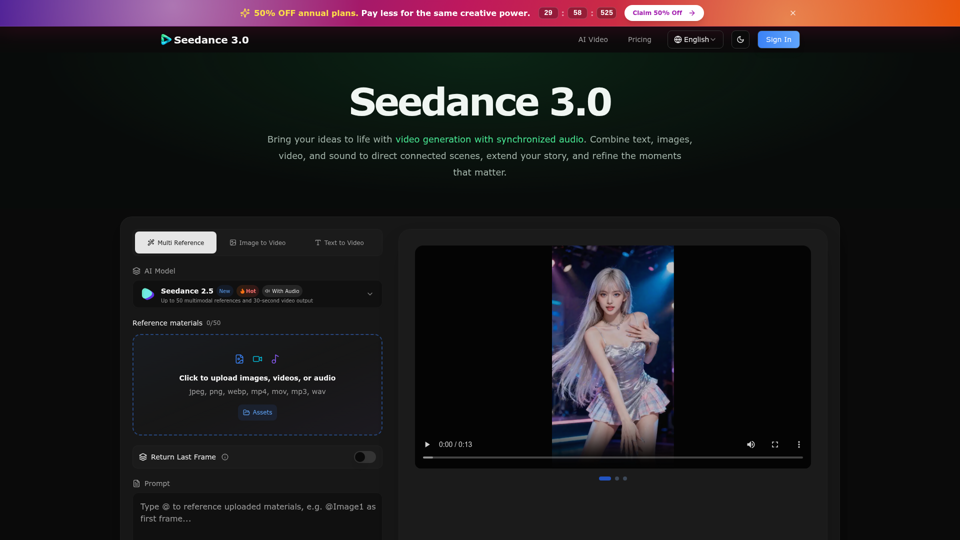
Create cinematic stories with Seedance 3.0. Turn text, images, video, and audio references into videos with synchronized sound and precise creative control.
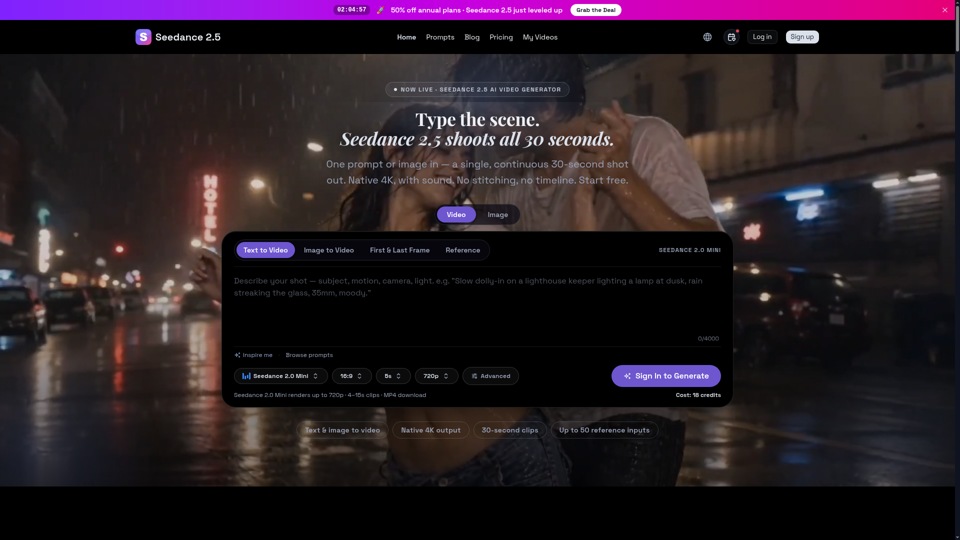
Seedance 2.5 is ByteDance’s next-gen AI video generator — turn one prompt into a single 30-second clip at native 4K, with up to 50 reference inputs. Start free.
Create cinematic AI videos with Seedance 2.0. Text-to-video, image-to-video, native audio. The Seedance 2.0 AI video generator. Free to start.