TabSherpa
Automatic Email Summaries of Tabs when you close your Browser.
What is TabSherpa?
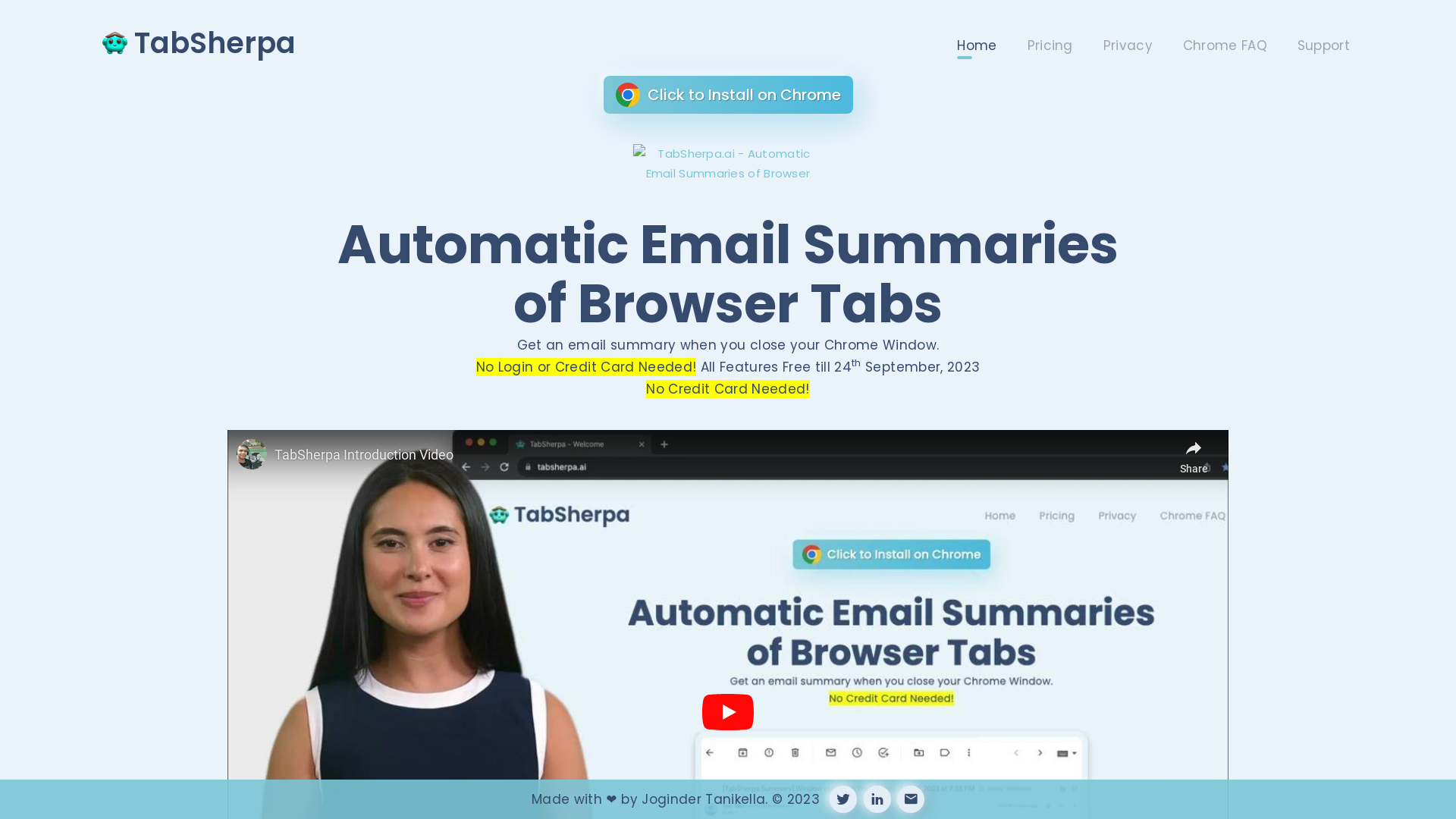
TabSherpa is an innovative tool designed to enhance your browsing experience by providing automatic email summaries of your open browser tabs. Whenever you close your Chrome window, TabSherpa compiles the information from your tabs and sends you a convenient email summary, helping you stay organized and informed without any manual effort.
What is the main feature of TabSherpa?
- Automatic Email Summaries
- Keeps you updated by emailing summaries of your browsing activity.
- No Login Required
- Easy to set up and start using without the need for an account.
- Free Features
- All features are available for free until September 24, 2023, ensuring a risk-free experience.
How to use TabSherpa?
Using TabSherpa is incredibly simple. Just install the TabSherpa extension from the Chrome Web Store, and it will automatically start compiling summaries of your tabs as you browse. There is no need for any login or credit card information to use the basic features, making it accessible to everyone.
Price
TabSherpa is completely free to use until September 24, 2023. After this date, users will be notified about any potential pricing plans, but for now, you can enjoy all features without spending a dime.
Helpful Tips
- Make the Most of TabSherpa
- To get the best experience, try to keep track of your browsing habits and utilize the email summaries to stay organized.
- Feedback
- If you encounter any issues or have suggestions for improvements, feel free to reach out to their support team.
Frequently Asked Questions
Do I need to sign up to use TabSherpa?
No, TabSherpa does not require any sign-up or login to start using its features. Just install the extension and you're good to go!
Will my email information be shared?
TabSherpa prioritizes your privacy and does not share your email information. Your data is used solely for the purpose of sending you the summaries.
Can I use TabSherpa after the free period?
Details regarding post-free period pricing will be provided before the end date. Currently, all features are free to encourage users to experience the tool's full capabilities.
What happens if I close my Chrome window?
When you close your Chrome window, TabSherpa will automatically generate a summary of all your open tabs and send it to your email, ensuring you never lose track of important information.
How can I provide feedback on TabSherpa?
You can reach out to the support team through the TabSherpa website for any feedback, suggestions, or technical support inquiries. Your input is valuable for improving their offerings.
TabSherpa
Automatic Email Summaries of Tabs when you close your Browser.
Free AI anime and manga generator. Turn text into anime episodes, manga, comics, webtoons and comic shorts in any art style — no drawing or animation skills needed.
Translate image text across 70+ languages with our advanced AI Image Translator to help you better expand your products globally to various countries
Advertised Here
Reach thousands of visitors daily. Get your spot now!
Tools similar to TabSherpa
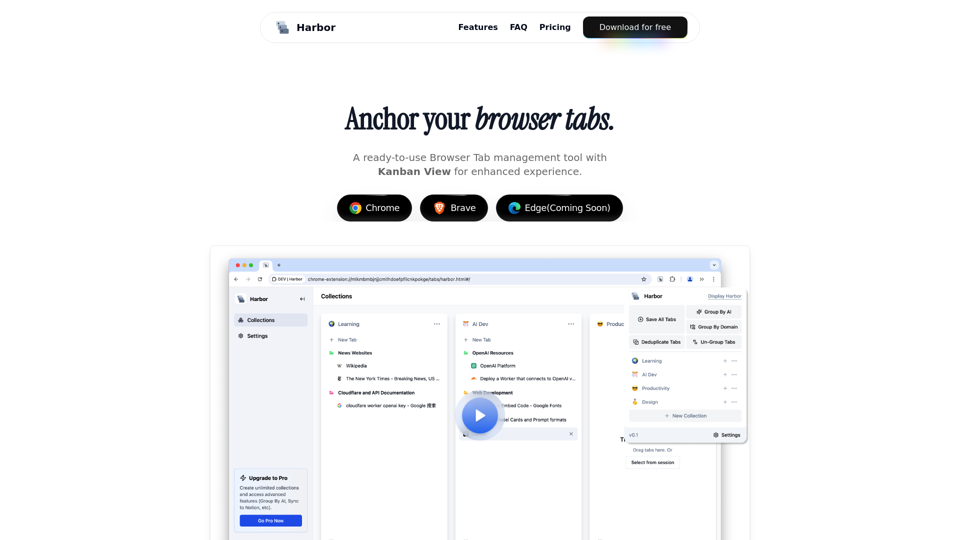
Harbor is a browser extension that helps you organize tabs, navigate seamlessly, and pick up right where you left off.

Upgrade your YouTube experience! Save time and get to the point by summarizing YouTube videos as you browse.

Your AI buddy to have conversation with, and to help you with your daily tasks.