Talecast
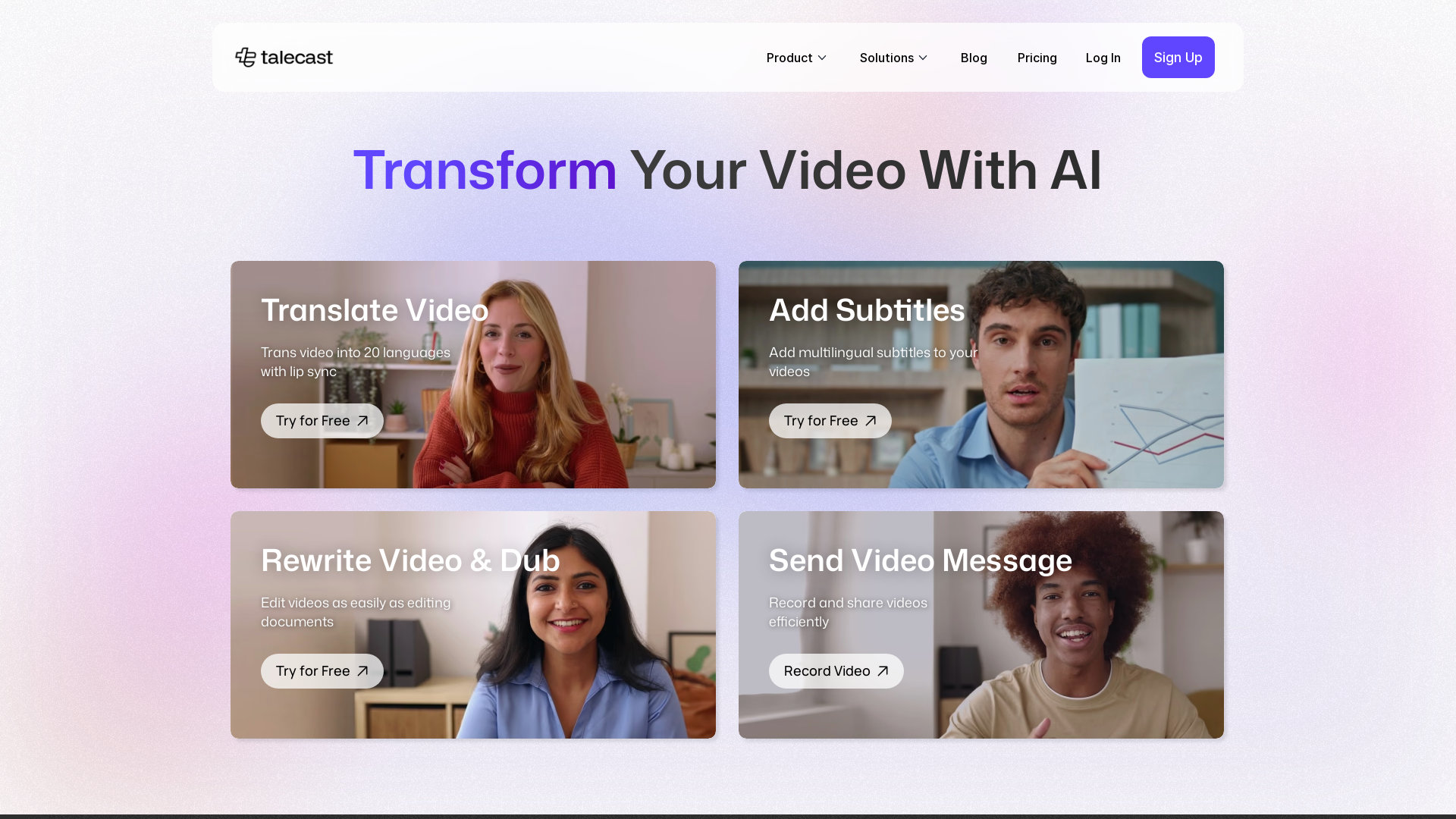
Quickly record screen and webcam. Edit your speeches by typing text + voiceover, just like writing documents. Easily turn your video clips into professional explainer projects.
What is Talecast?
Talecast is an innovative all-in-one platform designed for screen recording and video editing. With features powered by AI, it allows users to transform their videos seamlessly, making the process easy and efficient for creators, educators, and businesses. Whether you want to record tutorials, presentations, or video messages, Talecast provides the tools needed to captivate your audience.
What is the main feature of Talecast?
- Screen Recording
- Effortlessly capture your screen for tutorials, demos, or meetings.
- One-Click Editing
- Edit videos as simply as if you're editing a document.
- AI-Powered Automatic Transcripts
- Instant generation of text transcripts for all your videos.
- Multi-Language Subtitles
- Add accurate subtitles in over 20 languages to make your content accessible to a wider audience.
- Easy Exporting
- Export videos in various formats to suit your needs.
How to use Talecast?
Using Talecast is quick and easy. Follow these three simple steps:
- Record: Start recording your screen or presentation effortlessly with a user-friendly interface.
- Edit: Utilize powerful editing features to refine your video and add elements like subtitles and transcripts.
- Export & Share: Export your video in multiple formats and share it with your audience.
Pricing
Talecast offers a range of pricing options to accommodate different user needs, including a free trial for new users. Plans can scale based on usage and additional features, ensuring there's a suitable option for creators, students, and businesses alike.
Helpful Tips
- Utilize the Free Trial
- Make the most of the free trial to explore all features without commitment.
- Leverage Subtitles
- Adding multilingual subtitles can expand your audience significantly.
- Engage with Feedback
- Share videos with peers and gather feedback for continuous improvement.
Frequently Asked Questions
What is the maximum recording duration?
Talecast allows you to record videos of varying lengths, but check the specific plan for any restrictions.
What file formats can I export my videos in?
Videos can be exported in popular formats like MP4, MOV, and more, making them compatible with most platforms.
Can I edit the subtitles or transcripts after they are generated?
Yes, Talecast provides the option to edit subtitles and transcripts to ensure accuracy and clarity.
Do I need to download any software to use Talecast?
No, Talecast is a web-based platform, and you can access it directly through your browser.
Which languages are supported for subtitles?
Talecast supports subtitles in over 20 languages, allowing for extensive multilingual reach.
Is Talecast free to use?
Talecast offers a free trial, but additional features and higher usage limits may require a paid subscription.
Can I add multi-language subtitles to a single video?
Absolutely! You can add multiple languages to a single video, enhancing viewer engagement and accessibility.
How secure are my videos and data on Talecast?
Talecast takes user privacy and data security seriously, employing strong measures to safeguard your information.
Talecast
Quickly record screen and webcam. Edit your speeches by typing text + voiceover, just like writing documents. Easily turn your video clips into professional explainer projects.
 Framer Sites
 Google Tag Manager
 HTTP/3
 React
ReactFree AI anime and manga generator. Turn text into anime episodes, manga, comics, webtoons and comic shorts in any art style — no drawing or animation skills needed.
Translate image text across 70+ languages with our advanced AI Image Translator to help you better expand your products globally to various countries
Advertised Here
Reach thousands of visitors daily. Get your spot now!
Tools similar to Talecast
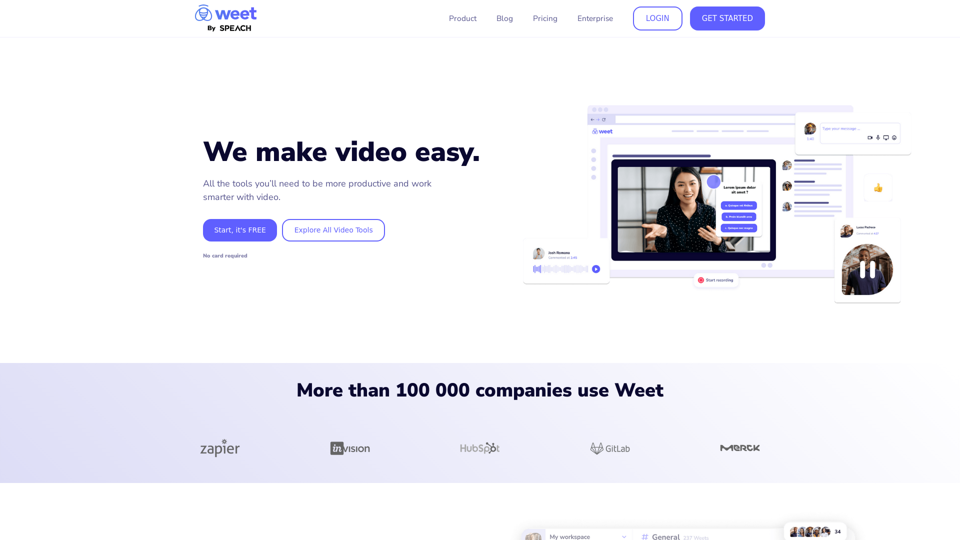
Use Weet to instantly record, create and edit interactive training videos. Build your organization’s knowledge videos library for clients & employees!
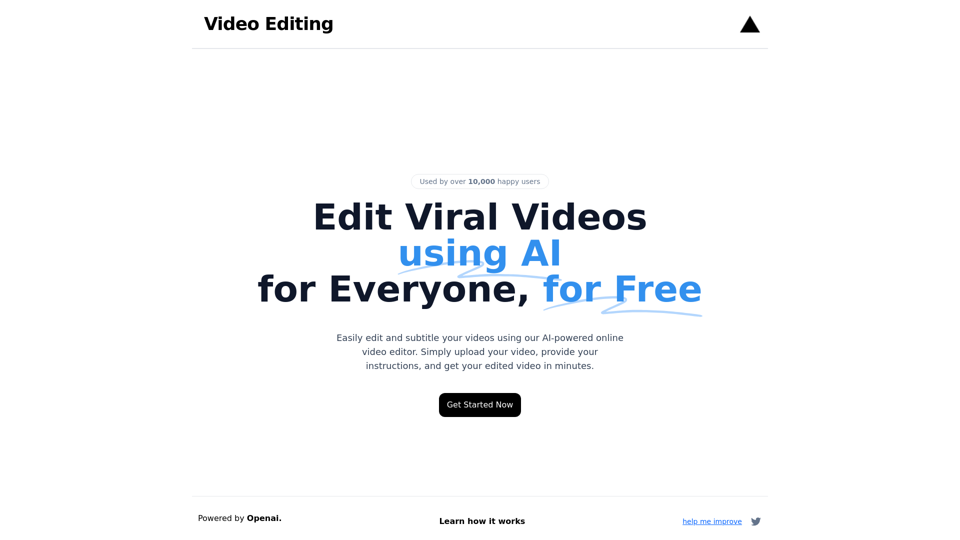
Edit and subtitle videos using AI for free. Our online video processing SaaS tool makes video editing easy and efficient. Join over 10,000 happy users.
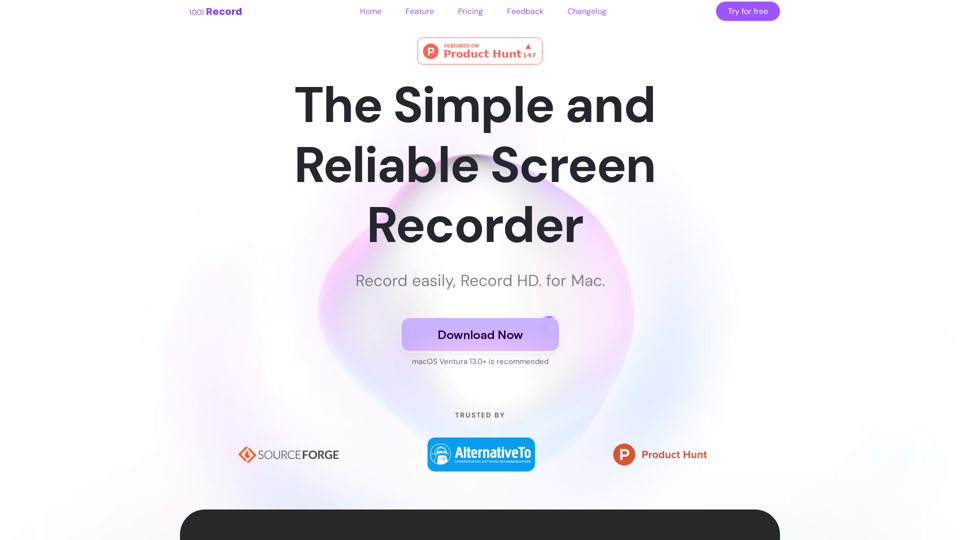
1001 Record is the best screen recording app for Mac with a built-in annotation tool and more. Built by 1001 TVs. Free to record with audio now.
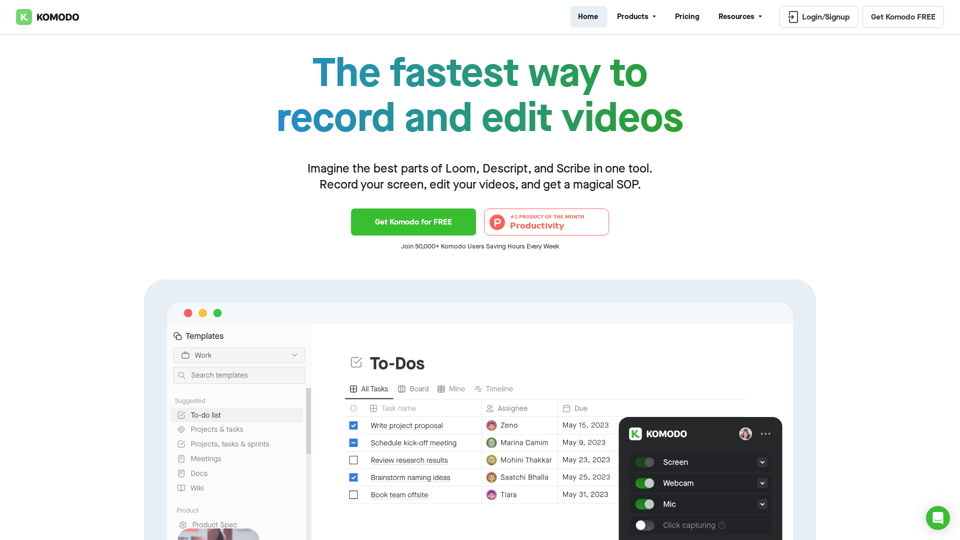
Komodo is a screencasting solution that helps you collaborate faster and share your ideas with people without the need to type lots of text, and scheduling online meetings.
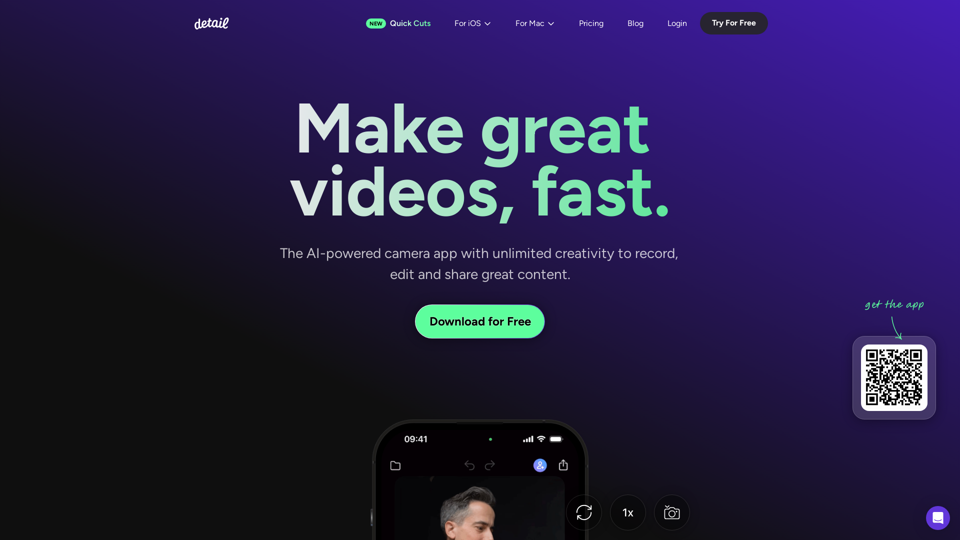
Record and edit videos with Detail for iOS and macOS. Everything you need to create videos and podcasts, fast. Download for free on the App Store.
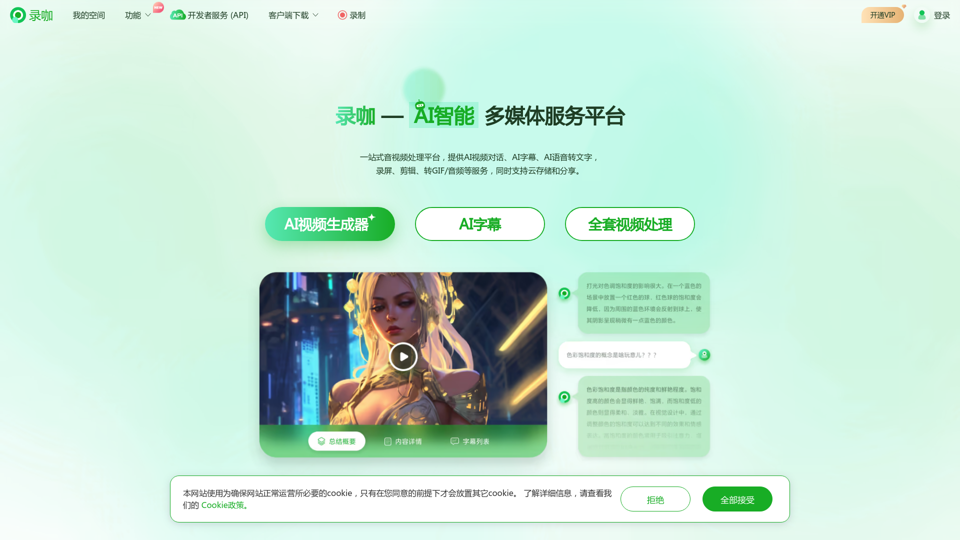
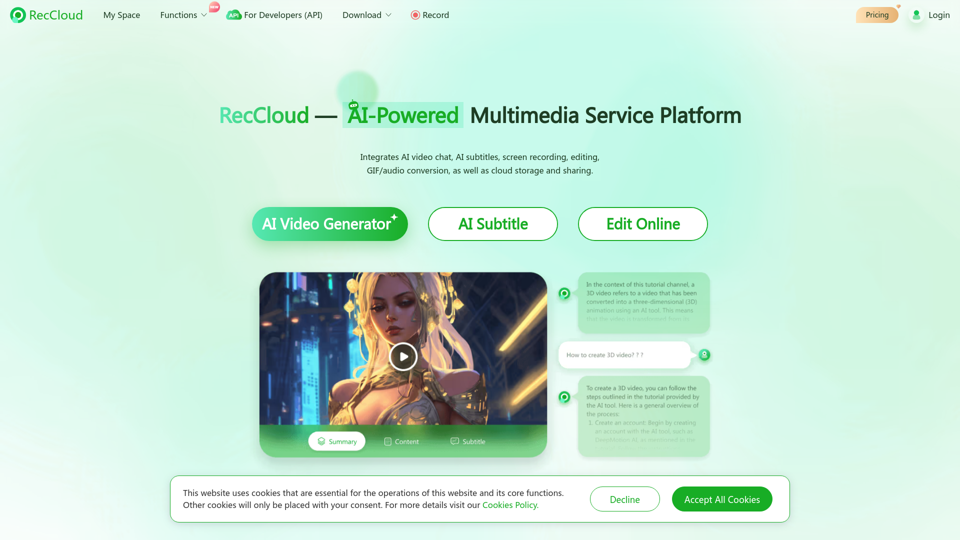
录咖,一个AI驱动的音视频处理平台,提供免费的音视频解决方案。我们的服务包括AI视频对话、AI字幕、AI语音转文字、在线录屏、视频剪辑、存储和分享,旨在提高您的视频创作效率和便利性。