Create interactive training videos
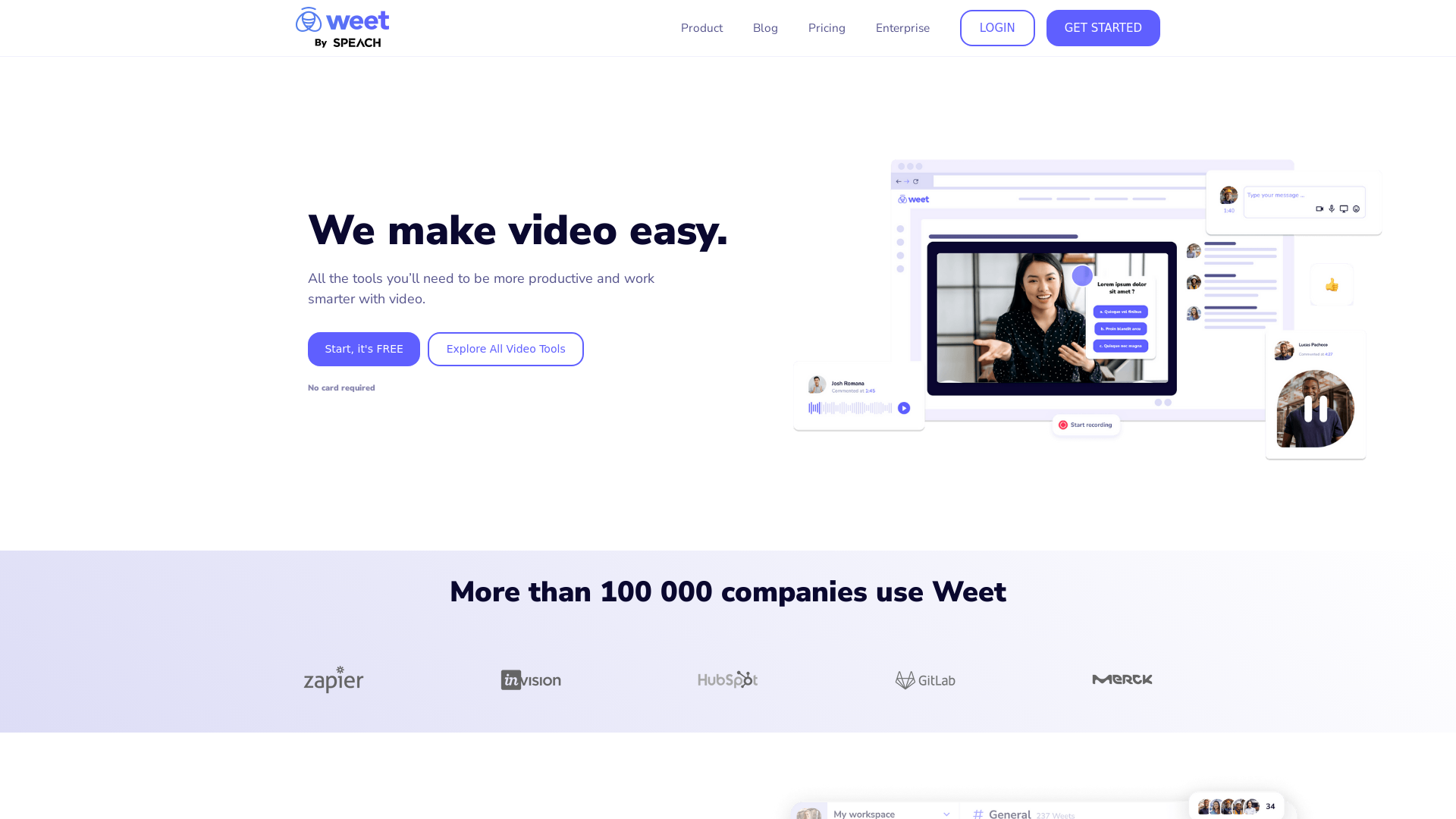
Use Weet to instantly record, create and edit interactive training videos. Build your organization’s knowledge videos library for clients & employees!
What is Weet?
Weet is an innovative platform designed to simplify video creation, editing, and sharing. It allows users to record their screens and webcams, generate interactive videos, and manage video content seamlessly. Whether you're a trainer, manager, or creator, Weet provides all the necessary tools to enhance productivity with video.
Features of Weet
- Screen Recording
- Record your screen and webcam or upload existing videos quickly.
- AI Video Creation
- Select an avatar and type your text in any language to create a professional-looking video in minutes.
- Automatic Subtitles & Translation
- Generate subtitles instantly, edit them, and translate into over 30 languages.
- Editing Tools
- Automatically trim videos, remove background noise, and enhance audio quality with just one click.
- Video Interactivity
- Add links, spotlight features, images, text buttons, and chapters to make your video more engaging.
- Analytics & Tracking
- Measure viewer engagement and effectiveness of your video content with detailed analytics.
- Real-time Collaboration
- Work with your team on video projects, with built-in comments and designated workspaces.
- Enterprise Solutions
- Discover advanced video training capabilities with SPEACH for comprehensive needs.
How to Use Weet
Getting started with Weet is simple. Create an account for free, and you can start recording, editing, and sharing your videos right away. The platform offers user-friendly guides to help you navigate the features. By utilizing the screen recorder, subtitle generator, and editing tools, users can produce high-quality interactive videos effortlessly.
Price
Weet offers a free tier to get started with no credit card required. For those needing more advanced features or enterprise solutions, competitive pricing options are available. Pricing details can be obtained by contacting their sales team for tailored solutions.
Helpful Tips
- Take advantage of the free tier to explore all the functionalities Weet offers.
- Use the automatic subtitle generator to enhance accessibility and engagement with your videos.
- Keep your videos interactive to maintain viewer interest; utilize links and buttons effectively.
- Regularly check the analytics dashboard to understand your audience and improve your content strategy.
Frequently Asked Questions
Can I create interactive videos using Weet?
Absolutely! Weet allows you to add interactive elements such as links, buttons, and chapters to enhance viewer engagement.
What languages does Weet support for subtitles?
Weet supports translation and subtitles in over 30 languages, making it accessible to a diverse audience.
How does Weet help with team collaboration?
Weet provides real-time collaboration features, allowing team members to edit and comment on videos simultaneously, which streamlines the creative process.
Is my data secure with Weet?
Weet prioritizes user privacy and data security, following strict guidelines to protect user information. You can review their privacy policy for more details.
Do I need technical skills to use Weet?
No, Weet is designed with user-friendliness in mind, meaning you do not need advanced technical skills to create and edit videos.
Getting started on Weet makes video production and collaboration easier than ever!
Create interactive training videos
Use Weet to instantly record, create and edit interactive training videos. Build your organization’s knowledge videos library for clients & employees!
 Linkedin Ads
 YouTube
Free AI anime and manga generator. Turn text into anime episodes, manga, comics, webtoons and comic shorts in any art style — no drawing or animation skills needed.
Translate image text across 70+ languages with our advanced AI Image Translator to help you better expand your products globally to various countries
Advertised Here
Reach thousands of visitors daily. Get your spot now!
Tools similar to Create interactive training videos
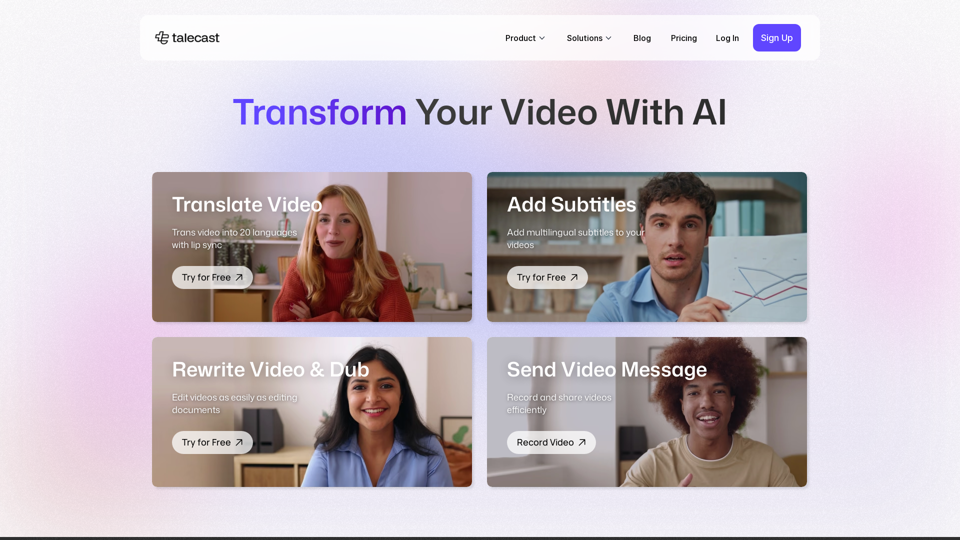
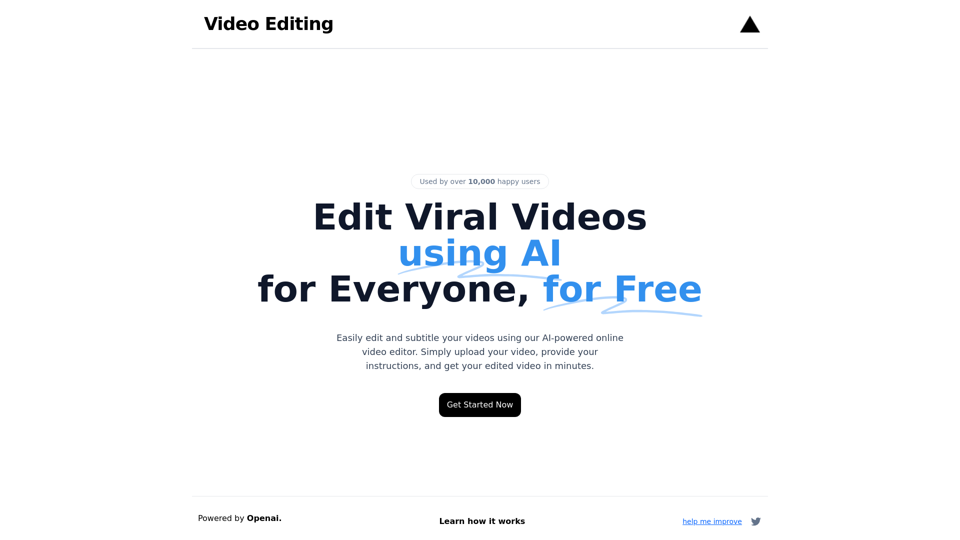
Edit and subtitle videos using AI for free. Our online video processing SaaS tool makes video editing easy and efficient. Join over 10,000 happy users.
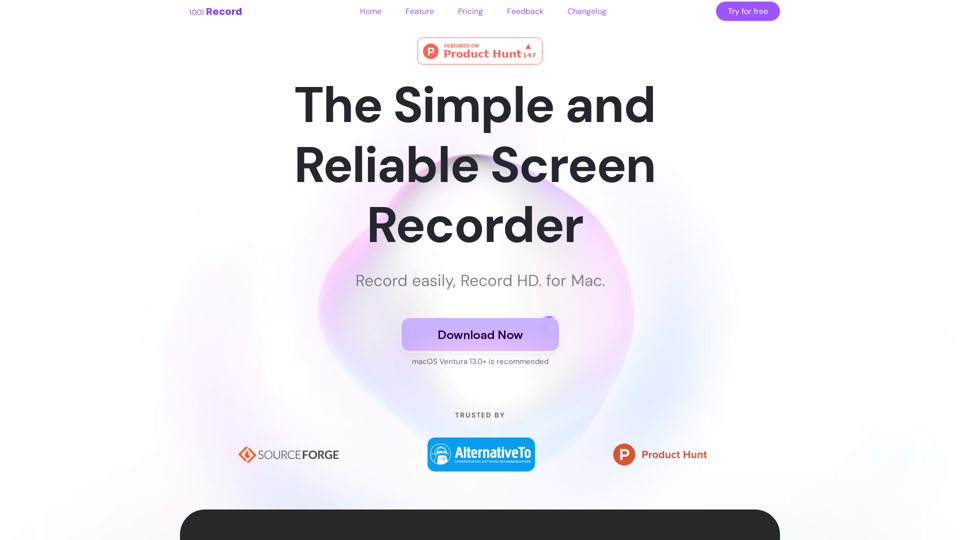
1001 Record is the best screen recording app for Mac with a built-in annotation tool and more. Built by 1001 TVs. Free to record with audio now.
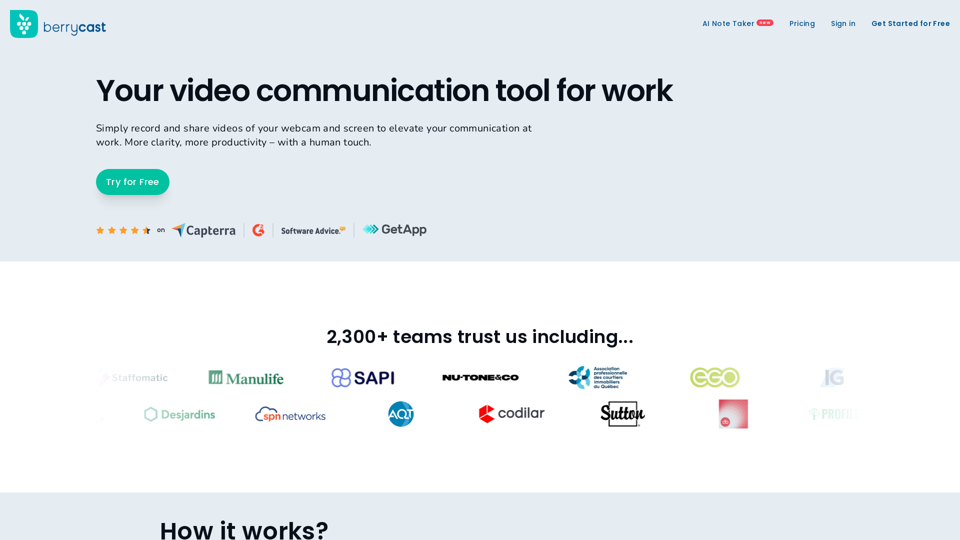
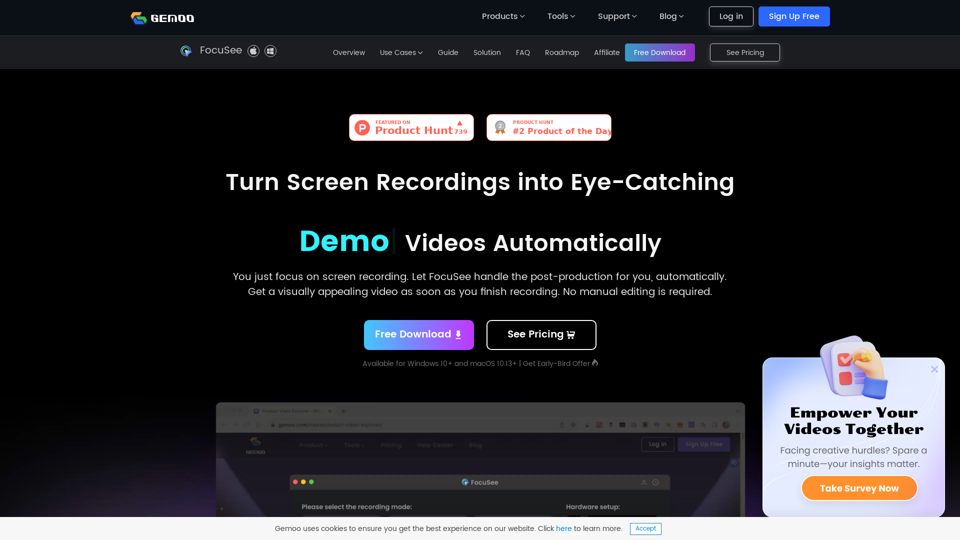
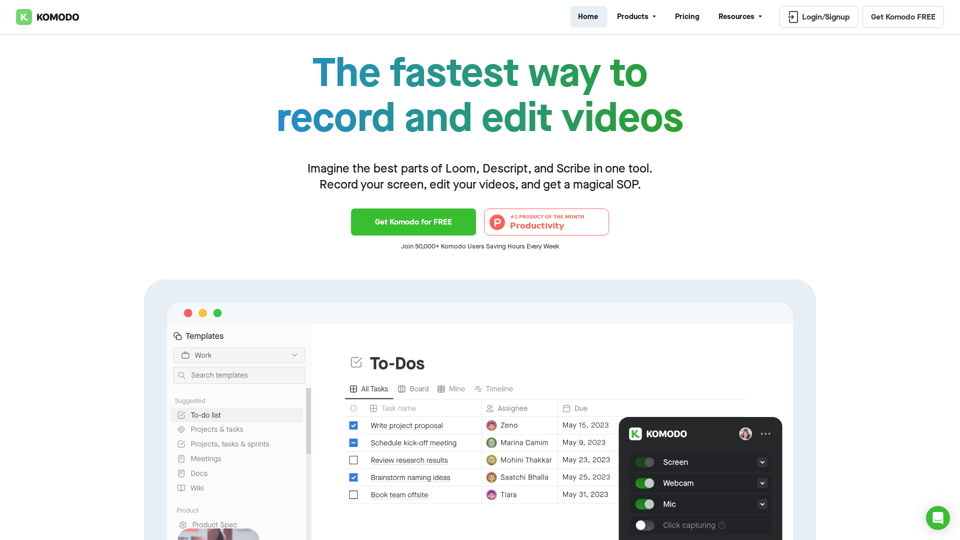
Komodo is a screencasting solution that helps you collaborate faster and share your ideas with people without the need to type lots of text, and scheduling online meetings.
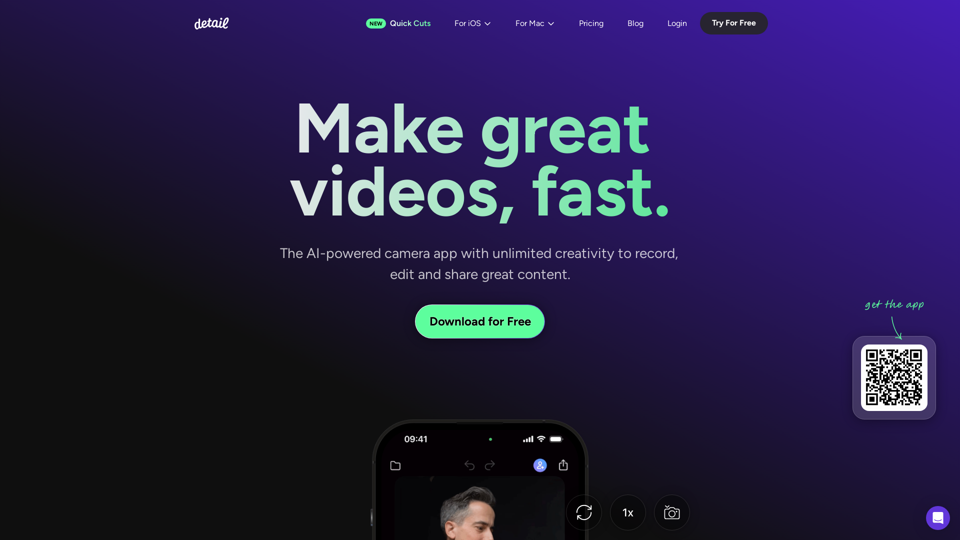
Record and edit videos with Detail for iOS and macOS. Everything you need to create videos and podcasts, fast. Download for free on the App Store.