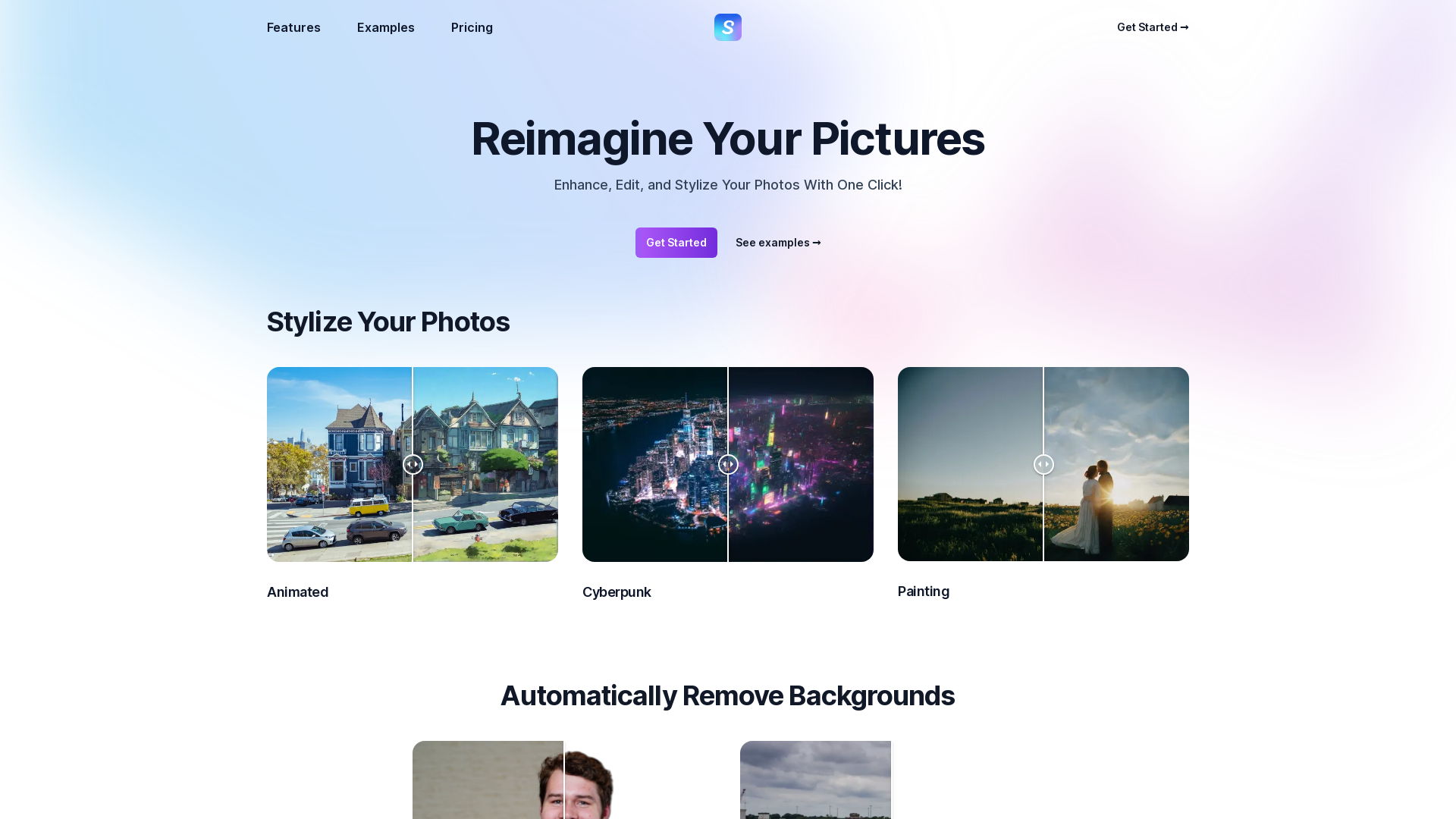
What is Stylize?
Stylize is an innovative AI-driven platform designed to enhance, edit, and stylize your photos with just one click. This tool employs sophisticated algorithms to help users transform ordinary images into stunning works of art, making it perfect for content creators, photographers, and anyone looking to elevate their visuals effortlessly.
What are the main features of Stylize?
- Automatic Background Removal
- Remove unwanted backgrounds from your images seamlessly and quickly.
- AI Colorization
- Bring your old, black-and-white photos to life by adding vibrant colors.
- Image Upscaling
- Enhance your photos up to four times their original size without losing quality.
- Custom Edits
- Utilize simple prompts such as "make it sunset" to modify the mood and atmosphere of your images.
- User-Friendly Interface
- Designed with ease of use in mind, making sophisticated photo editing accessible to everyone.
How to use Stylize?
Getting started with Stylize is easy. Simply upload a photo on the platform, choose the editing option you desire (such as background removal, colorization, or upscaling), and watch the magic happen. The intuitive prompts guide you through the editing process, allowing you to get creative with minimal effort.
Pricing
Stylize offers a variety of pricing plans to cater to different needs—find the right fit for your editing lifestyle. Whether you are a casual user or a professional, there's a plan designed for you. The platform often features special promotions for new users, providing an opportunity to experience its capabilities at a discounted rate.
Helpful Tips
- Experiment
- Don’t hesitate to try out different features to see how they affect your images. You may be surprised at the remarkable transformations you can achieve!
- Utilize Prompts
- Using descriptive prompts can yield unique results. Play around with different adjectives and scenarios to enhance your creativity.
- Save Originals
- Always keep a backup of your original photos before editing, just in case you want to revert.
Frequently Asked Questions
Can I remove backgrounds from images using Stylize?
Yes, Stylize offers an automatic background removal feature that allows you to easily eliminate unwanted backgrounds from your photos.
Is it possible to colorize black-and-white photos?
Absolutely! Stylize includes a powerful AI colorization tool specifically designed to bring old black-and-white photos back to life.
How much can I upscale my images?
You can upscale your photos up to four times their original size using Stylize, ensuring you maintain high quality in the process.
Do I need to subscribe to use Stylize?
Stylize offers both free and subscription options. Depending on your editing needs, you can choose a plan that suits you best. Free trials are often available to get you started!
Can I share my edited photos directly from Stylize?
Yes, once your photos are edited, you can easily share them across various platforms such as Instagram, TikTok, and YouTube directly from the platform.
What if I encounter a problem while using Stylize?
Stylize provides excellent user support; if you run into any issues or have questions, don't hesitate to reach out for assistance.
Stylize
Use Stylize to create incredible edits to your photos using AI.
 Vercel
Free AI anime and manga generator. Turn text into anime episodes, manga, comics, webtoons and comic shorts in any art style — no drawing or animation skills needed.
Translate image text across 70+ languages with our advanced AI Image Translator to help you better expand your products globally to various countries
Advertised Here
Reach thousands of visitors daily. Get your spot now!
Tools similar to Stylize
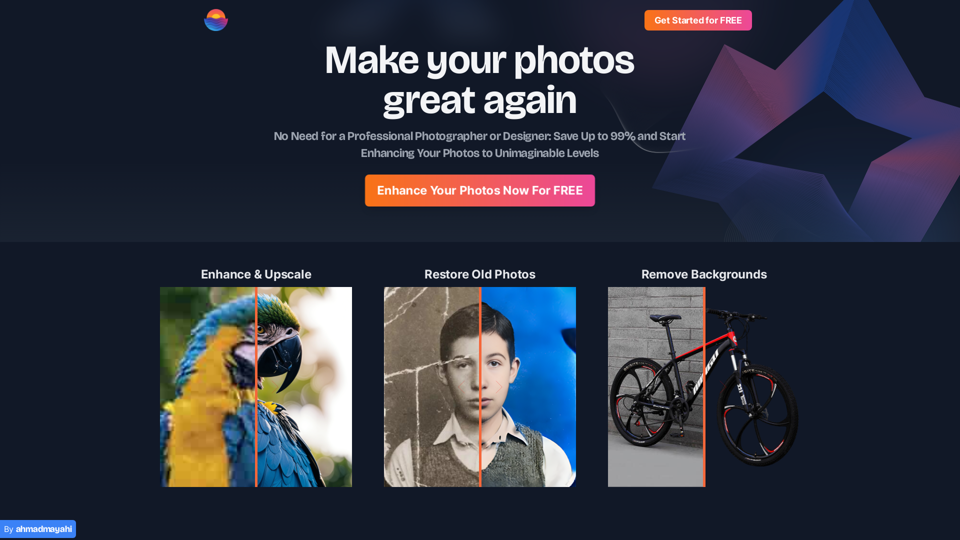
Photo Enhance AI: Transform Your Images with AI Brilliance - Elevate your photos to new heights with our AI-powered enhancement, making your images truly stunning.
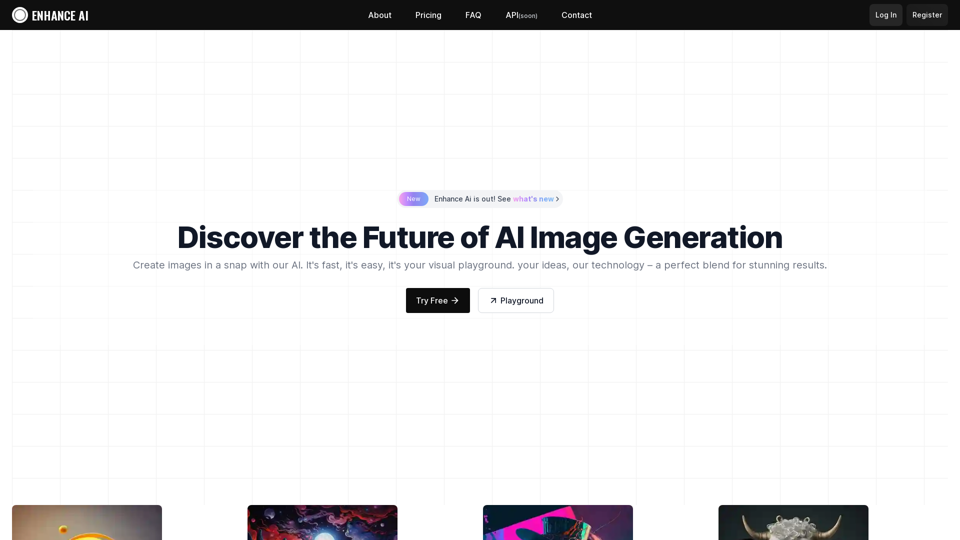
Experience cutting-edge AI image technology with Enhance AI. Photo enhancement, upscaling, deepfake creation, face generation, and background removal - all in one powerful platform.
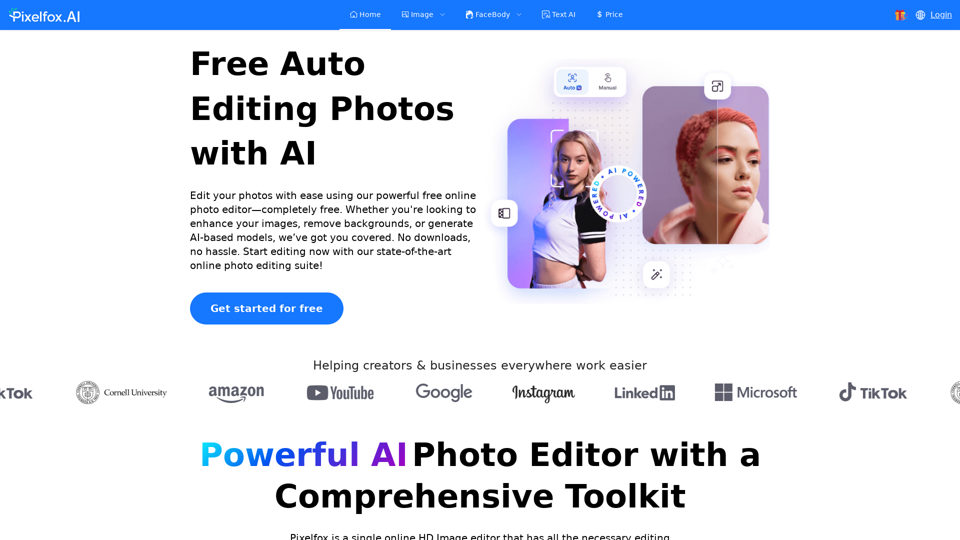
Pixelfox AI is one of the best free AI image editor tool, which is designed to auto edit images and photos. Start editing photos Now.
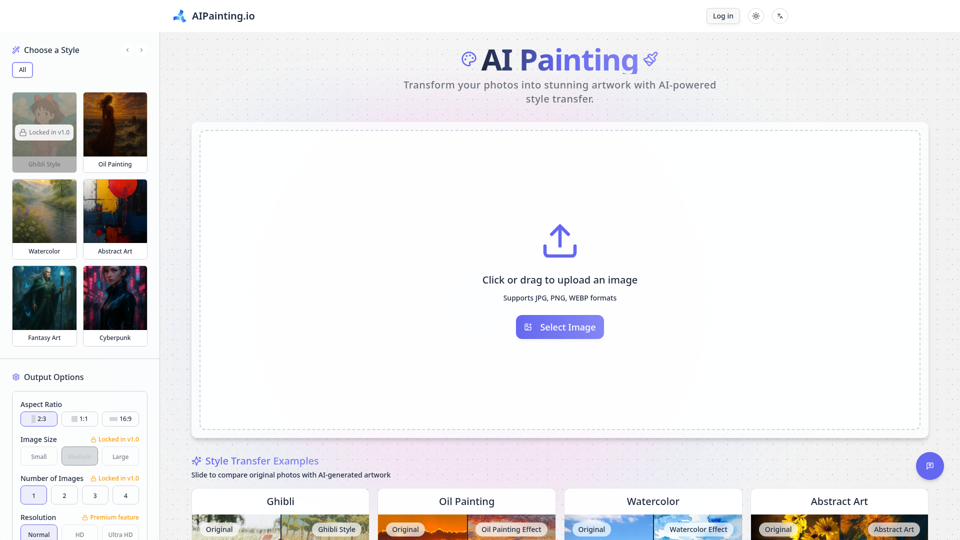
Transform your photos into stunning ai painting masterpieces with AIPainting.io. Explore diverse artistic styles and generate unique digital art from your images effortlessly. Start your ai painting journey now!
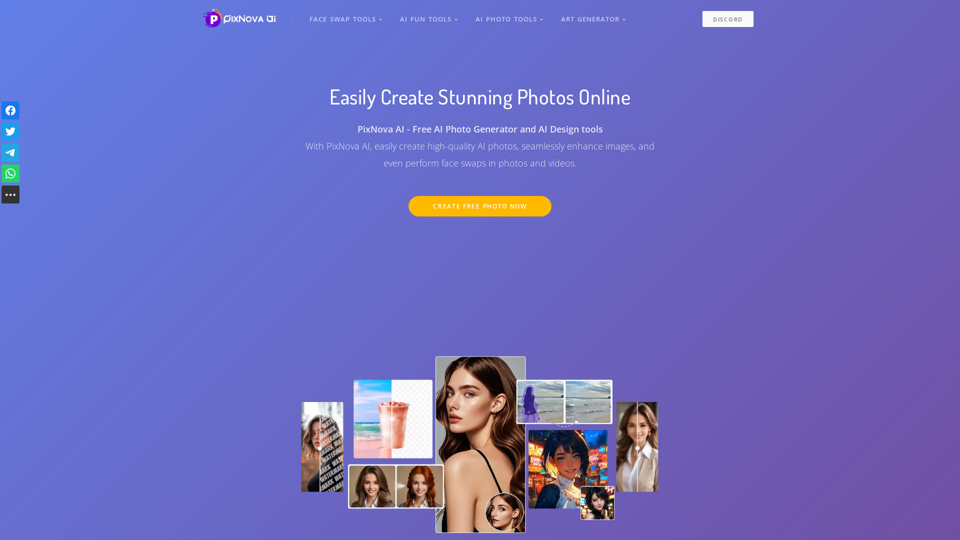
PixNova offers the best AI tools to easily generate stunning photos, edit images, and swap faces. Start creating your desired photos with PixNova AI now!
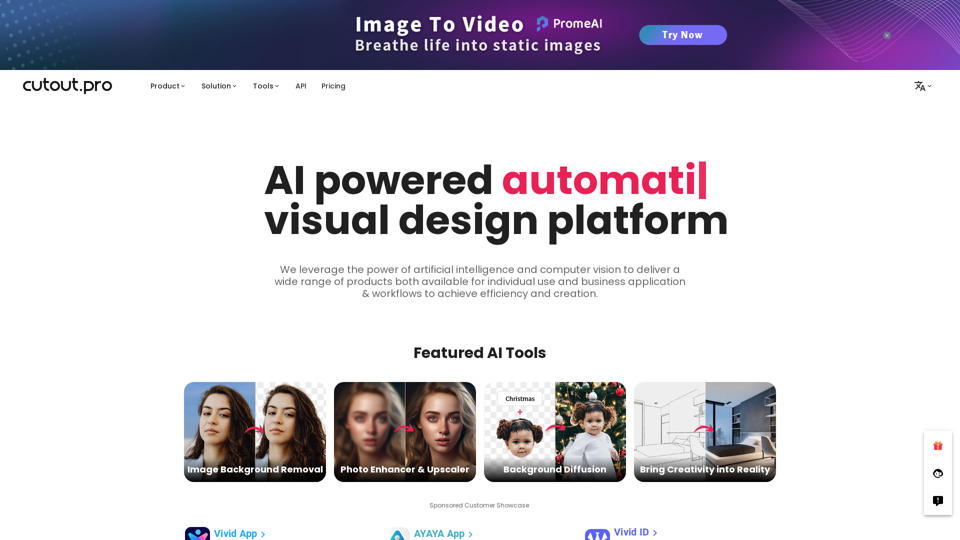
All-in-one visual design platform containing AI photo and video editing tools. Automatic process for background remove, image restoration, graphic design, and content generation. With Cutout.Pro, it is one click away to optimize your content and transform your design ideas into special asset effectively.
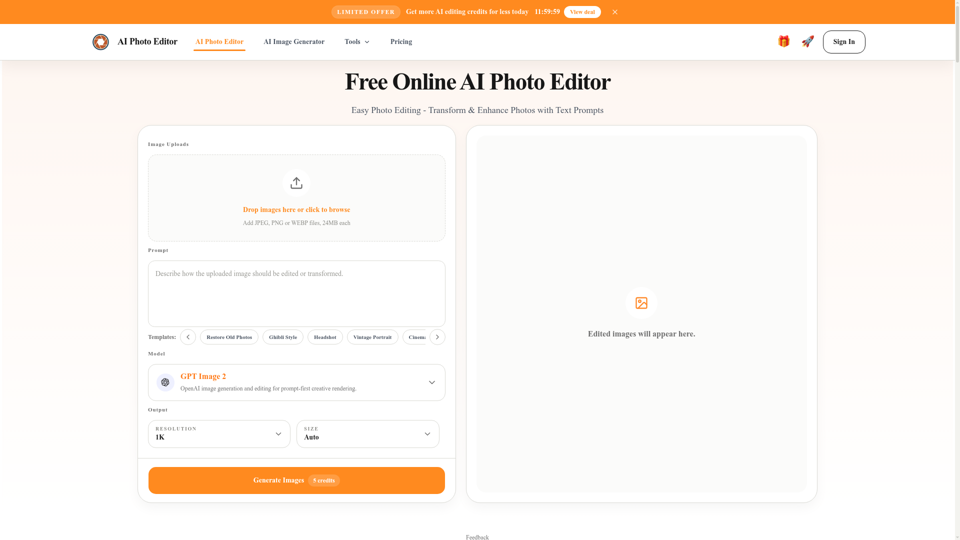
Free AI photo editor online for fast, simple photo edits. Remove, replace, enhance, and restyle images in seconds with an easy AI editor.
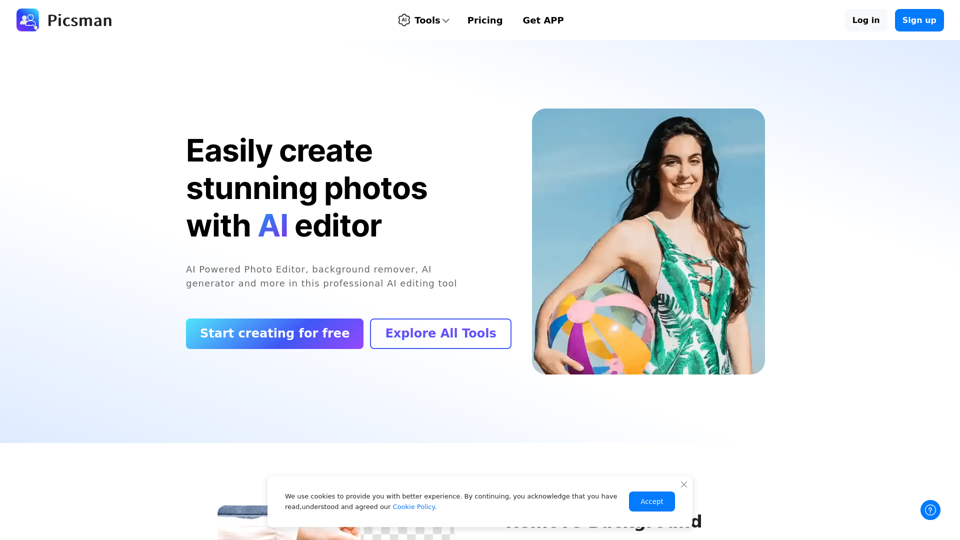
Easily enhance and create product photos with our AI editing tools. Remove background, AI image generator, remove objects, photo enhancer and batch edit.