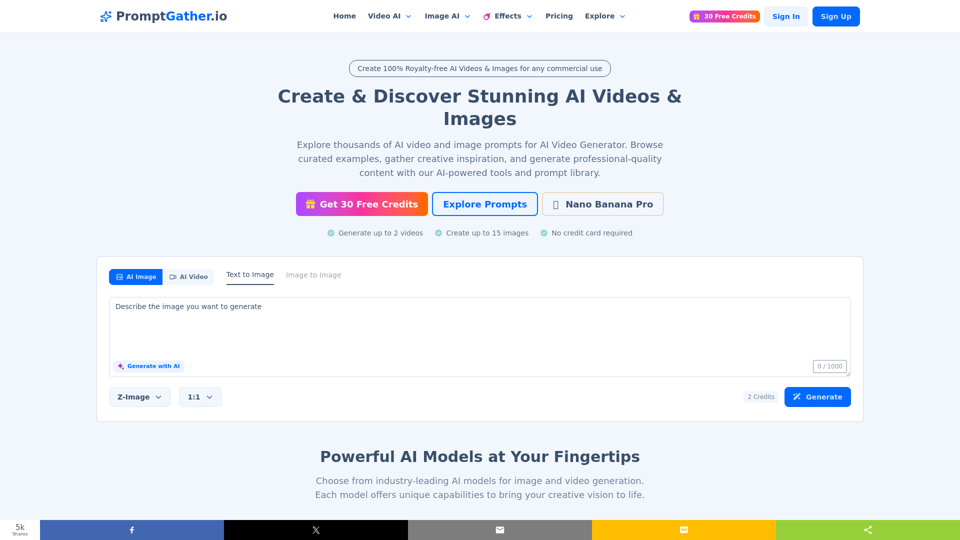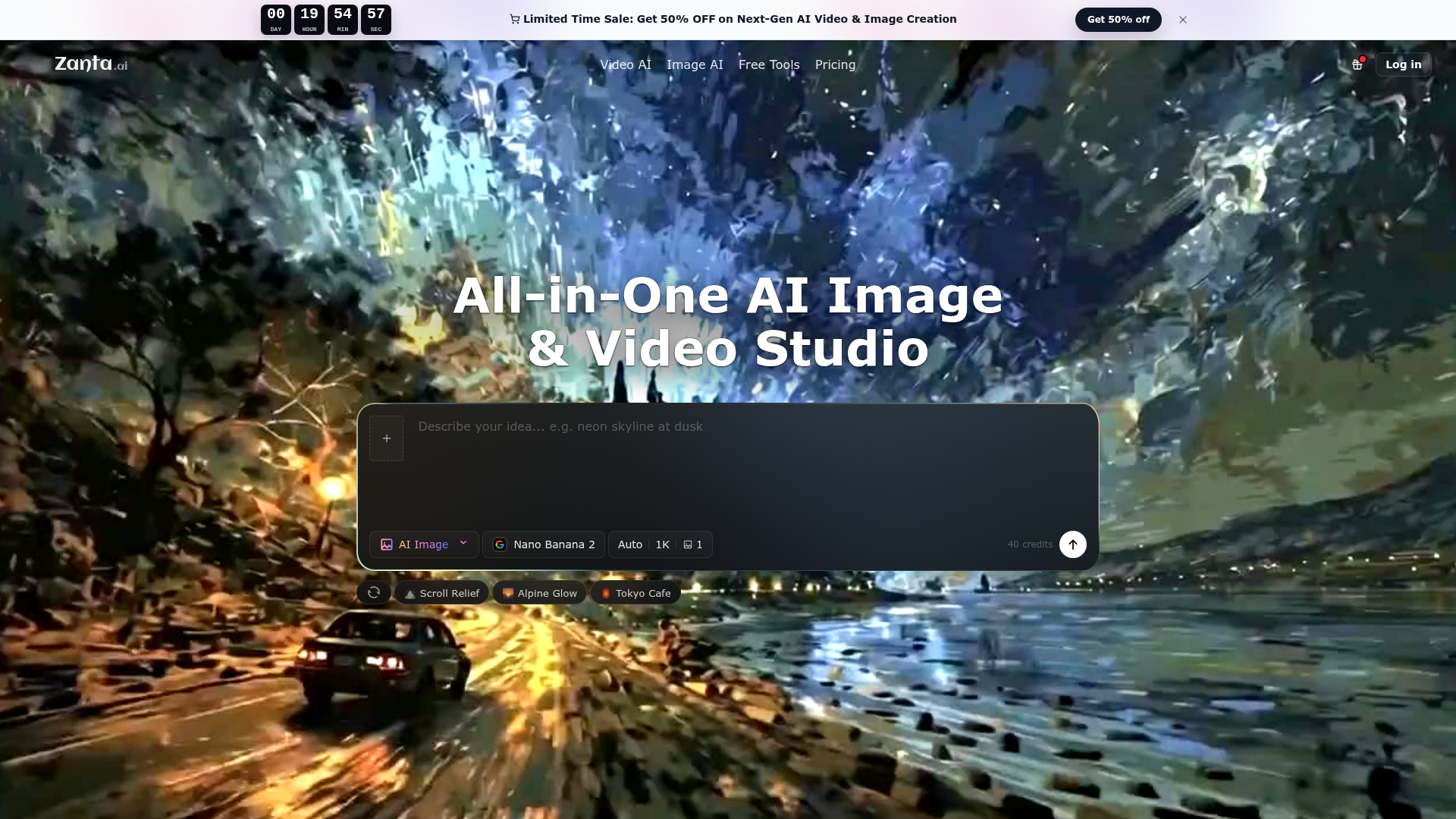
What Is Zanta AI?
Zanta AI is an all-in-one, browser-based AI video and image studio designed for creators, marketing teams, e-commerce professionals, and product marketers. It consolidates access to a wide range of state-of-the-art AI models for generating and editing both still images and video content. From creating polished campaign visuals and product mockups to producing cinematic video clips and social media content, Zanta AI serves as a unified platform to bring creative ideas to life efficiently and professionally without needing multiple separate tools or software.
Key Features of Zanta AI
- Unified AI Studio for Video & Image
- Generate, edit, and compare both AI images and AI videos within a single, seamless browser interface. Eliminate the need to switch between different applications for different media types.
- Access to Top-Tier AI Models
- Directly utilize leading models like Google's Veo 3.1 and Nano Banana series, OpenAI's GPT Image 2, Kling, Seedance, Runway, and more. This provides unparalleled flexibility to choose the perfect tool for any specific creative task, from hyper-realistic video to text-rich imagery.
- Intelligent Workflow Guidance
- The platform helps you choose the right starting point—whether from a text prompt or an uploaded source image—and recommends the most suitable AI model based on your desired output, such as motion quality, text rendering, or scene consistency.
- Campaign-Ready Asset Creation
- Specifically designed for professional use cases, including paid media ads, e-commerce product visuals, launch marketing kits, and creator content. Features like prompt libraries and model comparisons help you produce high-quality, usable assets quickly.
- Credit-Based Flexible Usage
- Operates on a credit system that scales with your needs. Different models and output qualities consume different amounts of credits, allowing for cost-effective experimentation and production.
How to Use Zanta AI
The workflow in Zanta AI is streamlined into three intuitive steps:
- Start Your Creation: Begin with either a text prompt (for conceptual ideas) or upload a source image (when you have an approved frame or product shot you want to animate or edit). This foundational choice determines the best path forward.
- Choose Your Model & Settings: Select from the suite of AI models. For videos requiring realistic motion, choose Veo 3.1 or Seedance. For detailed still images, opt for Nano Banana Pro or GPT Image 2. Then, configure the output format, aspect ratio, and other settings to match your project requirements.
- Generate, Compare, and Export: Generate multiple variants, compare the results side-by-side based on composition and finish, select the best one, and export it directly for use in your projects, all within the browser.
Pricing and Plans
Zanta AI operates on a credit-based subscription model. Users typically start with a free tier that includes a limited number of credits to test the platform. For ongoing professional use, various paid plans are available, offering larger credit packages and access to premium features and higher-resolution outputs. The current page highlights a ### Limited Time Sale offering 50% OFF on plans, making it an opportune time to subscribe for extended access to next-generation AI video and image creation capabilities.
Helpful Tips for Maximizing Zanta AI
- Match the Model to the Task
- Use the model comparison guides. For example, use ### Nano Banana Pro for posters with legible text, ### Veo 3.1 for cinematic video clips, and ### Kling 3.0 for videos requiring strong character or scene continuity.
- Leverage the Prompt Library
- Start with the provided AI image prompts (like "Wanderer Design Board" or "Landscape Scroll Relief") as templates. They are engineered to produce high-quality results and can be easily copied and modified for your own concepts.
- Narrow Your Scope for Better Results
- If outputs appear generic, refine your prompt to focus on a single, clear scene or subject. For video, providing a strong, high-quality source image often yields more controlled and impressive motion.
- Use for the Entire Creative Pipeline
- From initial concept exploration with fast image batches (Nano Banana 2) to final, polished launch assets (Nano Banana Pro) and accompanying social video clips (Seedance 2.0), Zanta AI can support multiple stages of a project.
Frequently Asked Questions (FAQ)
Which workflow should I start with?
Start with a text prompt if you are inventing a scene from scratch. Start by uploading an image if you already have a strong first frame (like a product photo or approved still) that you want to animate or enhance.
Can I use my own images as a starting point?
Yes. You can upload your own images (PNG, JPG, WEBP, GIF, up to 64MB) to use as source material for AI video generation or for image-to-image edits and transformations, keeping your brand assets recognizable.
What affects how many credits I use?
Credit consumption depends on the AI model selected and the output settings. Generating a video with a high-end model like Veo 3.1 or creating a high-resolution 4K image will typically use more credits than generating a standard-resolution still image.
What should I do if my results don't look right?
This often means your prompt is too broad. Try to be more specific about the scene, composition, and style. Alternatively, switch from a text-based workflow to an image-based one if the visual foundation is more important than pure invention.
Can I use Zanta AI outputs for commercial work?
Yes. The platform is built for professional use, and outputs can be used for commercial purposes like advertising, product marketing, social media content, and website assets, subject to the terms of your specific subscription plan.
Do I need other software like Photoshop or Premiere Pro to use Zanta AI?
No. Zanta AI is a fully functional studio that runs in your web browser. You can go from an idea or uploaded image to a final, downloadable asset without needing any separate editing software.
All
Create AI videos and images in Zanta AI. Use Veo 3.1 for text to video and image to video, plus Nano Banana or GPT Image as an AI image generator and editor.
 Cloudflare
 HTTP/3
 Next.js
 Node.js
 React
React Webpack
Free AI anime and manga generator. Turn text into anime episodes, manga, comics, webtoons and comic shorts in any art style — no drawing or animation skills needed.
Translate image text across 70+ languages with our advanced AI Image Translator to help you better expand your products globally to various countries
Advertised Here
Reach thousands of visitors daily. Get your spot now!
Tools similar to All
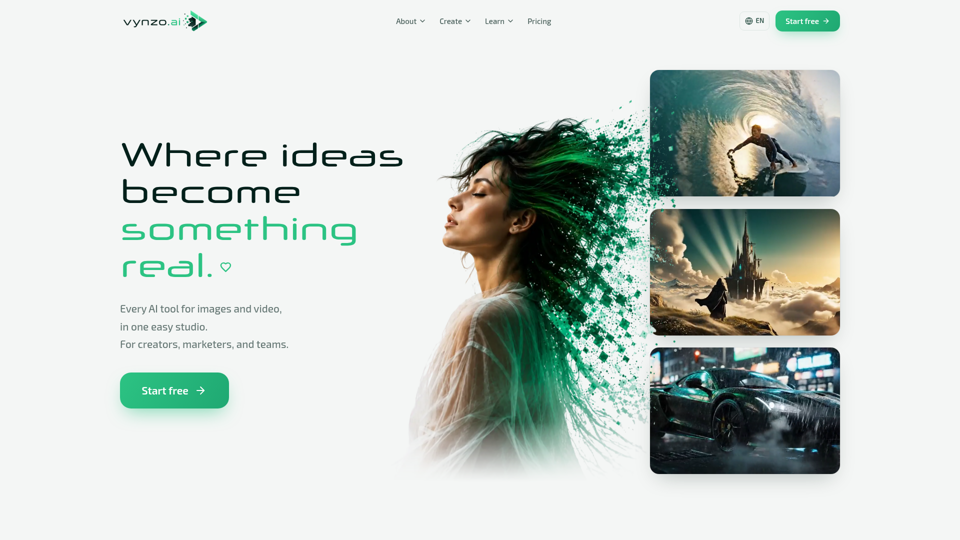
Create AI images and video from a prompt — text-to-image, AI video, face swap, and an AI image editor in one creative studio. Free starter credits to try.
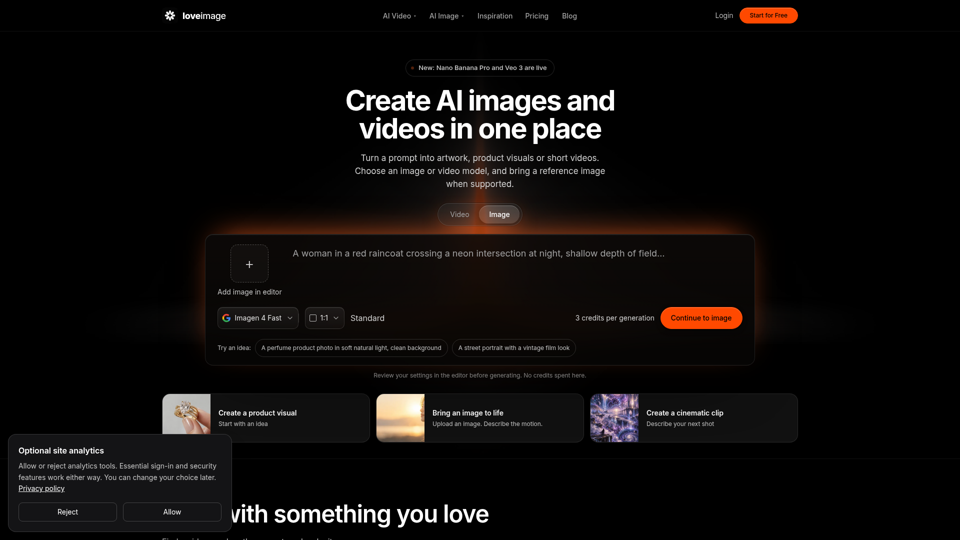
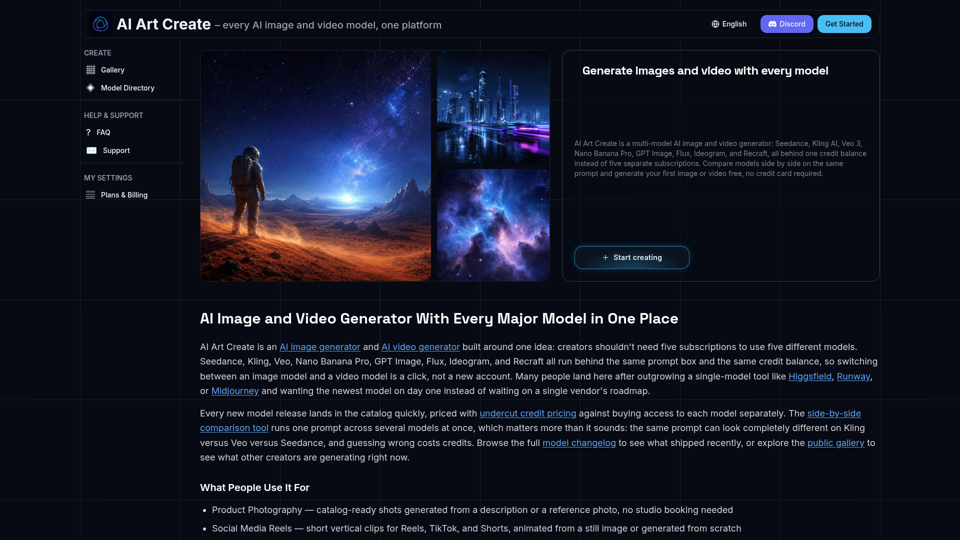
AI Art Create is a multi-model AI image and video generator built for creators tired of juggling five separate subscriptions. Generate with Seedance, Kling AI, Veo 3, Nano Banana Pro, GPT Image, Flux, Ideogram, and Recraft, all on one credit balance. Compare models side by side on the same prompt, browse the public gallery, and try your first generation free, no credit card required.
Turn text into images for free — Imgfree 1.0 is free and unlimited, no credits. Also use GPT-Image, Midjourney, Nano Banana and Flux, plus AI video, all in one place.
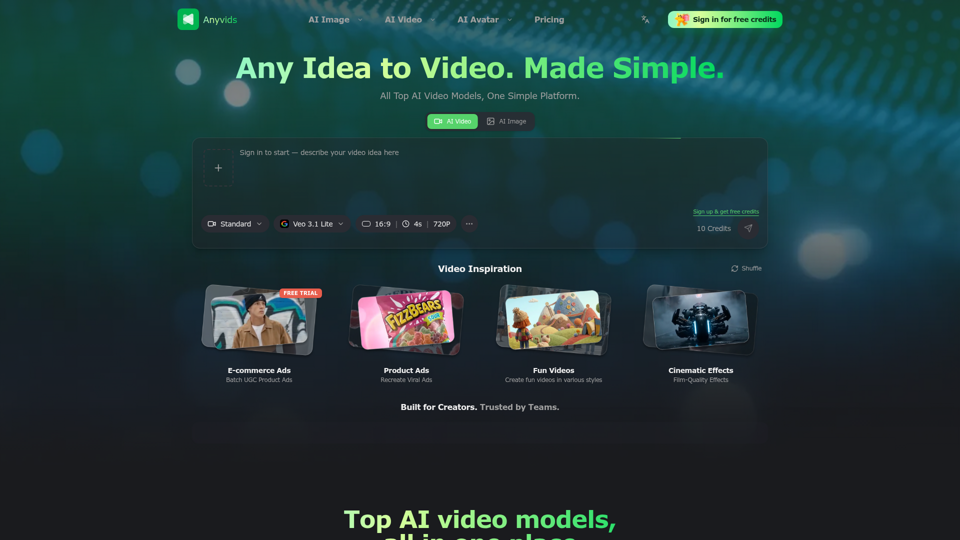
The free all‑in‑one AI image & video generator using top AI models in one place. Pricing you can trust—clear billing, credit usage & refunds. | Anyvids.ai