GenMix
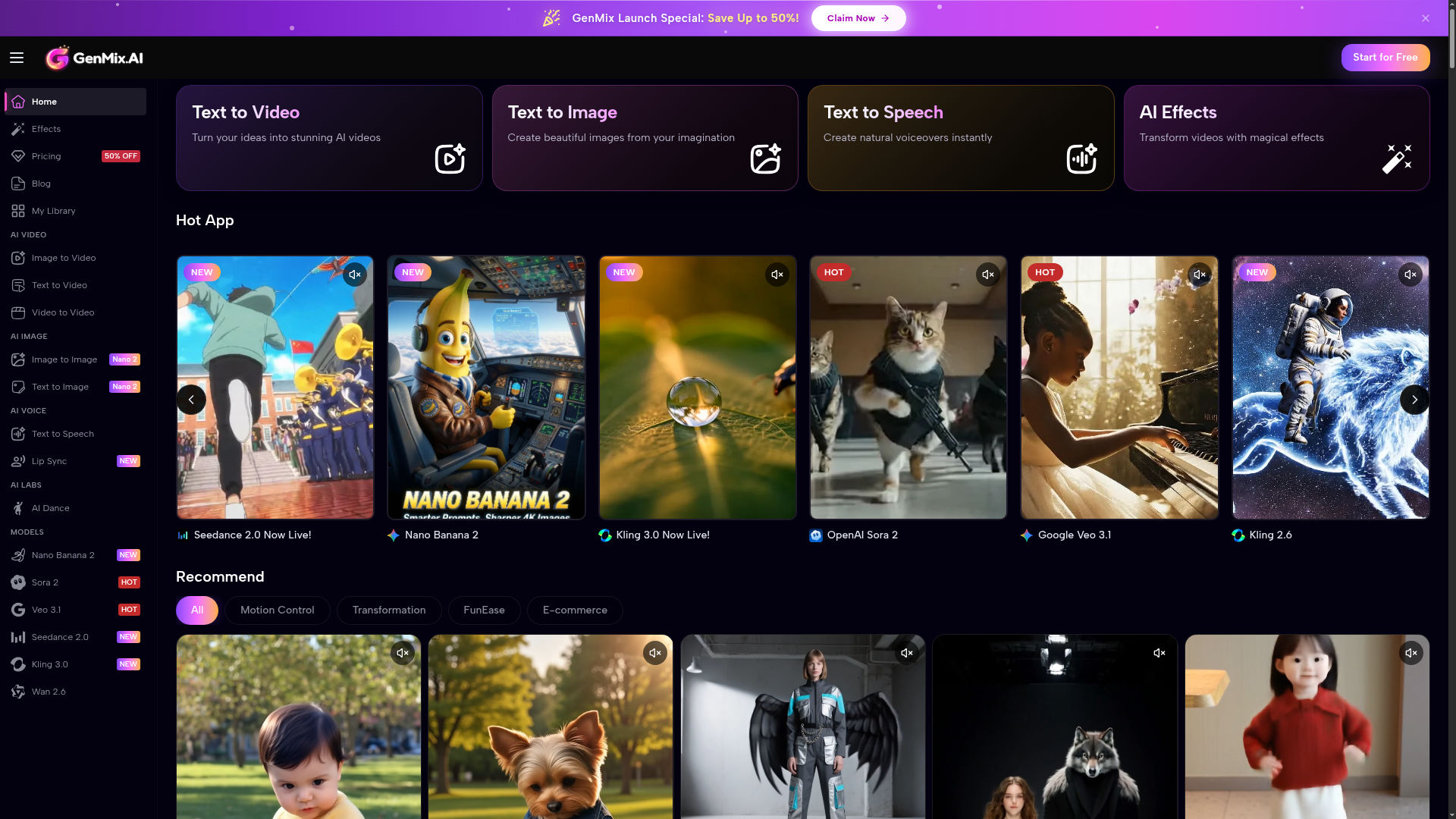
All-in-one AI platform with 30+ models including Sora 2, Kling 2.6, Veo 3.1 & Flux. Create videos, images & voiceovers easily. One platform, all models.
What is GenMix?
GenMix is a comprehensive AI-powered content creation platform that transforms text descriptions, images, or video inputs into professional-quality videos, images, and voiceovers. It acts as a unified hub, integrating cutting-edge AI models like OpenAI's Sora 2, Google's Veo 3.1, Kuaishou's Kling, and Flux for text-to-image, enabling users to generate cinematic videos, stunning visuals, and natural-sounding speech without any technical expertise. Designed for creators, marketers, educators, and businesses, GenMix simplifies the entire content production workflow, from ideation to final export, making high-end creative tools accessible to everyone.
Features of GenMix
GenMix stands out with its robust suite of AI tools and user-centric design:
- Unified AI Model Access
- Gain instant access to over 30 leading AI models in one platform, including Sora 2 for imaginative storytelling, Veo 3.1 for multi-shot videos, Kling 2.6 for audio-synchronized content, Flux Kontext Pro for precise image generation, and GPT-4o for complex visual concepts.
- All-in-One Creative Suite
- The platform consolidates multiple creation modalities:
- AI Video Generator: Create videos from text or images with support for various aspect ratios (9:16, 16:9, 1:1) and durations.
- AI Image Generator: Generate high-resolution images or edit existing ones using advanced text-to-image and image-to-image models.
- Text-to-Speech: Produce natural, emotive voiceovers in multiple languages and accents.
- AI Dance Generator: Animate portraits into dancing videos.
- AI Video Effects: Apply trending filters and use ready-made templates for quick content.
- Professional-Grade Output
- Generate content suitable for commercial use, including marketing materials, social media ads, and educational videos, with high-quality resolutions and formats.
- Intuitive & Fast Workflow
- The three-step process (Sign Up, Describe, Generate/Download) allows anyone to create content in minutes. Features like prompt enhancement and example galleries aid ideation.
- Commercial Licensing
- All generated content comes with full commercial usage rights, allowing users to monetize their creations freely.
How to Use GenMix
Using GenMix is designed to be straightforward, enabling you to create AI content in minutes:
- Sign Up & Get Free Credits: Visit the GenMix website and create an account. New users receive free credits to explore all tools—no credit card is required to start.
- Choose Your Creation Tool: Navigate to the tool that matches your need: ### Text to Video, ### Image to Video, ### Text to Image, ### Text to Speech, ### AI Dance, or ### AI Effects.
- Input Your Description or Media: For text-based tools, write a detailed prompt describing your vision. For media-based tools, upload your image or video. You can select a specific AI model (e.g., Sora 2, Veo 3.1) and customize settings like aspect ratio or voice style.
- Generate and Refine: Click "Generate." AI video generation typically takes 1-5 minutes, while images and voiceovers are faster. Preview the result instantly. If needed, refine your prompt and regenerate until satisfied.
- Download and Use: Once happy with the creation, download it in high-quality formats. Use your video, image, or audio commercially across social media, websites, presentations, or ad campaigns.
GenMix Pricing
GenMix operates on a credit-based system, offering flexibility and value:
- Free Tier
- New users receive free credits upon sign-up to test the platform's core capabilities without any payment.
- Subscription Plans
- After using free credits, users can choose from affordable subscription plans that provide regular credit top-ups. These plans are designed to offer significant savings compared to using individual AI model services separately.
- Launch Special
- Currently, GenMix is offering a launch promotion with ### up to 50% off on its pricing plans, making advanced AI content creation even more accessible.
- Transparent System
- One credit system works across all tools (video, image, voice), providing clear cost calculation. There are no hidden fees, and users can cancel their subscription at any time.
Helpful Tips for Using GenMix
Maximize your results on GenMix with these practical tips:
- Craft Detailed Prompts
- The more descriptive your text input, the better the AI can match your vision. Include details about style, mood, lighting, composition, and action.
- Explore Different Models
- Experiment with various AI models for the same task. For example, try Sora 2 for creative scenes and Veo 3.1 for realistic multi-shot sequences to see which best suits your project.
- Use Templates for Inspiration
- If you're unsure where to start, browse the "Recommend" section and use provided templates (like "AI Dance" or "Oscar Gala") as a foundation, then customize them.
- Leverage Aspect Ratios
- Choose the correct aspect ratio for your target platform—use 9:16 for TikTok/Reels, 16:9 for YouTube, and 1:1 for Instagram posts.
- Iterate and Refine
- Treat the first generation as a draft. Use the preview feature to assess results and make small tweaks to your prompt for improved outcomes.
- Combine Tools
- Create a comprehensive project by generating a video with GenMix, creating a cover image with the AI Image Generator, and adding a voiceover with Text-to-Speech—all within the same platform.
Frequently Asked Questions about GenMix
What is GenMix and how does it work?
GenMix is an all-in-one AI content creation platform. It works by using advanced artificial intelligence models to interpret your text prompts or input media (images/video) and generates new, high-quality videos, images, or voiceovers based on your description.
Is GenMix free to use?
Yes, you can start using GenMix for free. New users receive free credits to explore the platform's features without providing credit card information.
What AI models does GenMix support?
GenMix supports a wide array of top models, including OpenAI's Sora 2 & Sora 2 Pro, Google's Veo 3.1, Kuaishou's Kling 2.6 & 3.0, ByteDance's Seedance, Flux Kontext Pro, GPT-4o Image, and many more for various creative tasks.
How long does it take to generate content?
Generation time varies: AI images and voiceovers typically take seconds, while AI videos can take between 1 to 5 minutes, depending on the selected model, duration, and complexity.
Can I use the generated content commercially?
Yes. All content created on GenMix includes commercial usage rights, meaning you can use it for business, marketing, monetized social media, and other commercial purposes without restriction.
What video resolutions and formats are supported?
GenMix supports high-quality output formats suitable for professional use, including common video formats and resolutions optimized for web and social media platforms.
Do I need video editing or design skills to use GenMix?
No prior skills are needed. GenMix is designed to be intuitive. You describe what you want, and the AI handles the complex creation process.
How does the credit system work?
Tasks like generating a video, image, or voiceover consume a certain number of credits. You purchase credits via subscription plans. One unified credit system applies across all tools on the platform.
What makes GenMix different from other AI generators?
GenMix's key differentiator is providing unified access to numerous state-of-the-art AI models (Sora, Veo, Kling, etc.) in a single, easy-to-use platform, eliminating the need for multiple subscriptions and fragmented workflows.
Is my content and data secure?
GenMix values user privacy. According to its policy, your data and generated content are not used for training AI models, and you can delete your account and data at any time.
Can I generate content in languages other than English?
Yes, particularly for Text-to-Speech, GenMix supports multiple languages and accents. For text-to-video and image, descriptive prompts in various major languages are also effectively processed.
What if I'm not satisfied with the generated content?
You can simply refine your text prompt or input settings and regenerate the content. The iterative process allows you to hone in on the perfect result.
GenMix
All-in-one AI platform with 30+ models including Sora 2, Kling 2.6, Veo 3.1 & Flux. Create videos, images & voiceovers easily. One platform, all models.
 C3.js
C3.js Cloudflare
 HTTP/3
Free AI anime and manga generator. Turn text into anime episodes, manga, comics, webtoons and comic shorts in any art style — no drawing or animation skills needed.
Translate image text across 70+ languages with our advanced AI Image Translator to help you better expand your products globally to various countries
Advertised Here
Reach thousands of visitors daily. Get your spot now!
Tools similar to GenMix
Getty Images Swedish. Hitta högupplösta, royaltyfria bilder, redaktionella bildbanksfoton, vektorgrafik, videoklipp och musikbankslicensiering på det mest innehållsrika bildsökningsbiblioteket online.


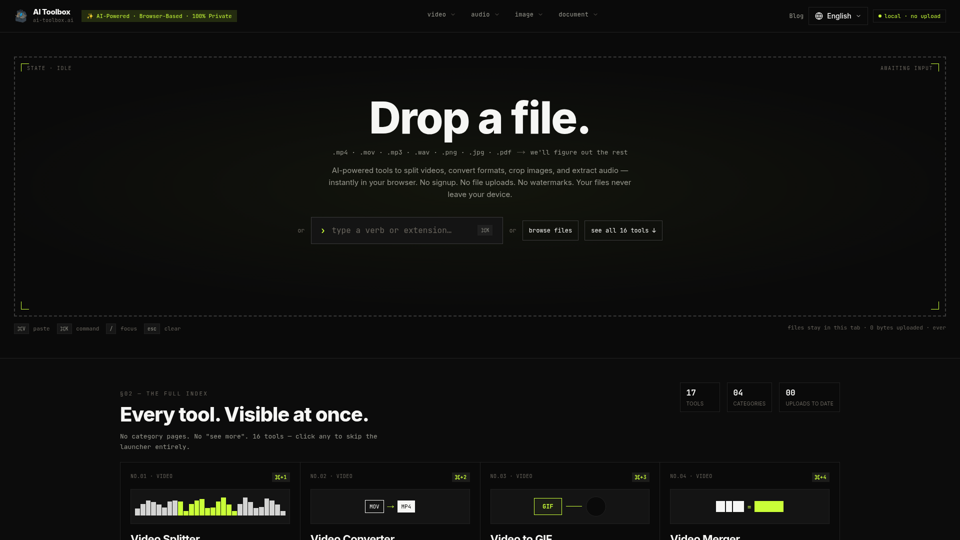
Free browser tools to split video, convert formats, crop images, and extract audio. No signup, no upload, no watermark. Files never leave your device.
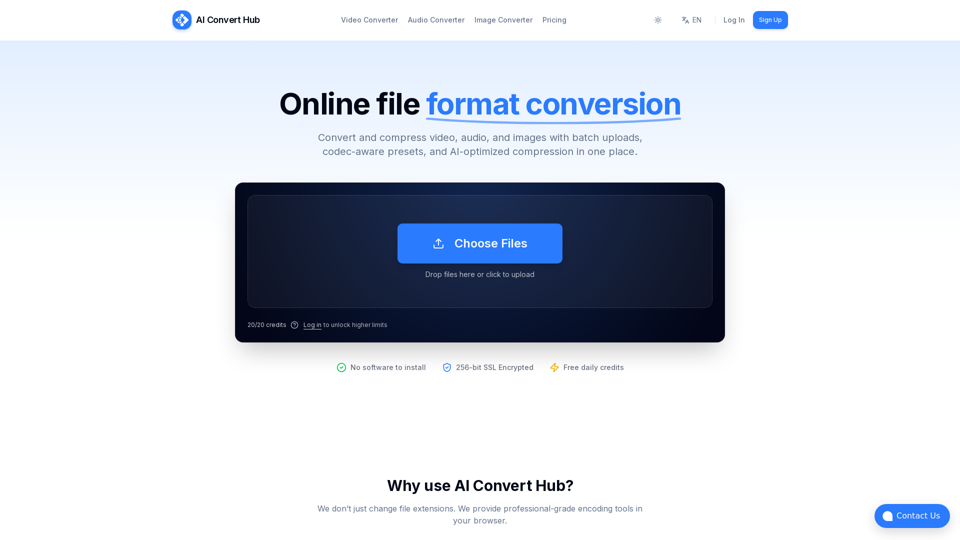
Batch convert and compress MP4/MOV, MP3/WAV, JPG/PNG/WEBP and 200+ formats with codec-aware presets, AI compression, and secure routing.