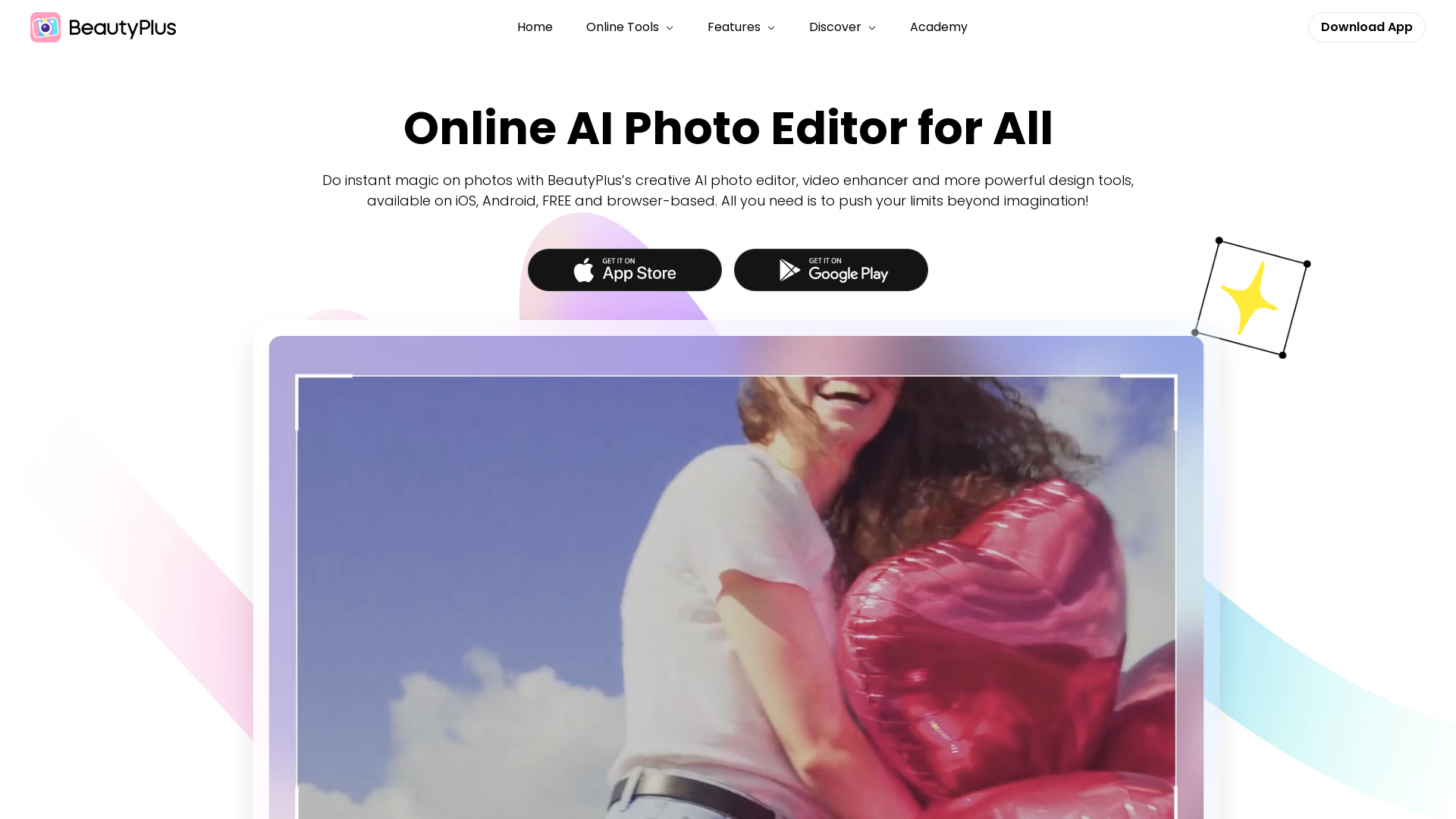
What is BeautyPlus?
BeautyPlus is an all-in-one AI-powered photo and video editing platform that offers a variety of tools to enhance digital creations effortlessly. Available for free on iOS, Android, and through web browsers, it allows users to unleash their creativity and transform their photos and videos instantaneously.
What are the main features of BeautyPlus?
- AI Video Enhancer
- Improve the quality of your videos effortlessly, bringing new life and clarity.
- AI Image Enhancer
- Instantly adjust colors, lighting, and sharpness to create professional-quality images.
- Photo Collage Templates
- Design unique collages for friends, K-Pop idols, or personal projects using a variety of templates.
- AI Avatar Generator
- Create avatars and profile pictures in over 20 artistic styles to celebrate individuality.
- AI Face Editor
- Reshape facial features and experiment with different makeup looks for flawless selfies.
- Intuitive Editing Tools
- Remove unwanted objects and backgrounds with user-friendly tools designed for quick results.
How to use BeautyPlus?
Using BeautyPlus is simple and intuitive. Users can select the desired function, whether it's editing a photo or video, and follow the on-screen guided instructions to enhance their media. The platform's AI capabilities allow even novice users to achieve stunning results with minimal effort.
What’s the price of BeautyPlus?
BeautyPlus is available for free, offering numerous features at no cost. For users seeking premium options, a subscription unlocks additional features including over 7,000 stickers, 100 unique fonts, and 1,000 filters, enhancing creative possibilities further.
Helpful Tips for Using BeautyPlus:
- Experiment with Templates
- Utilize the collage templates to create visually appealing layouts effortlessly.
- Maximize the AI Tools
- Take advantage of the AI video and image enhancers to elevate the quality of your media.
- Engage with the Community
- Connect with other users and share your creations to gain inspiration and feedback.
- Stay Updated
- Regularly check for app updates to access new features and enhancements.
Frequently Asked Questions
Can I use BeautyPlus on my computer?
Yes, BeautyPlus is browser-based, making it accessible on computers as well as mobile devices.
Is BeautyPlus suitable for professional use?
Absolutely! BeautyPlus offers professional-grade features that can meet the needs of content creators, influencers, and businesses.
How do I create an avatar with BeautyPlus?
Simply navigate to the AI Avatar Generator section, choose a style, and follow the prompts to customize your avatar.
Do I need to make a subscription to use all features?
While many features are free, a subscription provides access to premium content, making it ideal for frequent users seeking more extensive editing capabilities.
What makes BeautyPlus stand out from other editing apps?
The integration of AI tools for both video and image editing, alongside user-friendly features and extensive template options, sets BeautyPlus apart from many alternatives.
BeautyPlus
Official site of BeautyPlus - AI photo editor featuring the best photo editing apps and design assets for photos and videos, like filter, sticker, collage, etc.
 Cloudflare
 Google Analytics
 Next.js
 Node.js
 React
 Webpack
Free AI anime and manga generator. Turn text into anime episodes, manga, comics, webtoons and comic shorts in any art style — no drawing or animation skills needed.
Translate image text across 70+ languages with our advanced AI Image Translator to help you better expand your products globally to various countries
Advertised Here
Reach thousands of visitors daily. Get your spot now!
Tools similar to BeautyPlus
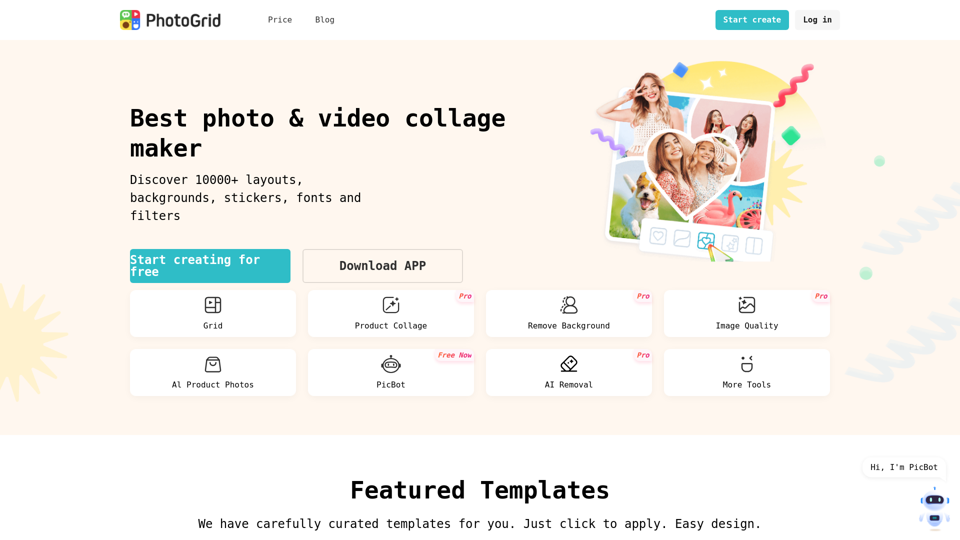
PhotoGrid Collage Maker gives you the online editing tools to easily create photo collages. With tons of layouts, graphics, background, text, and templates, our online photo editor has all your photo collage needs!
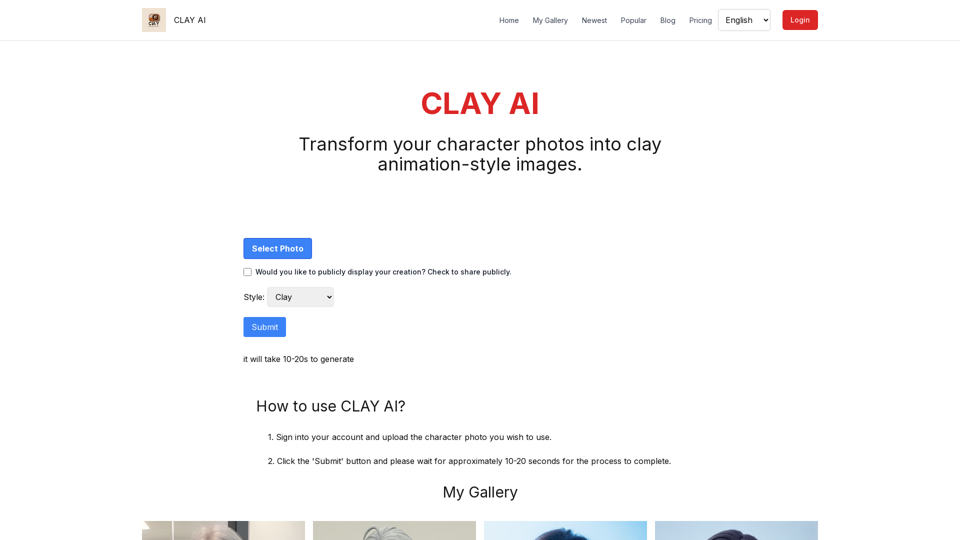
Easily convert your photos into unique clay, 3D, emoji,video game, and pixel filters with Clay AI. Perfect for creating personalized avatars. Share directly on social media
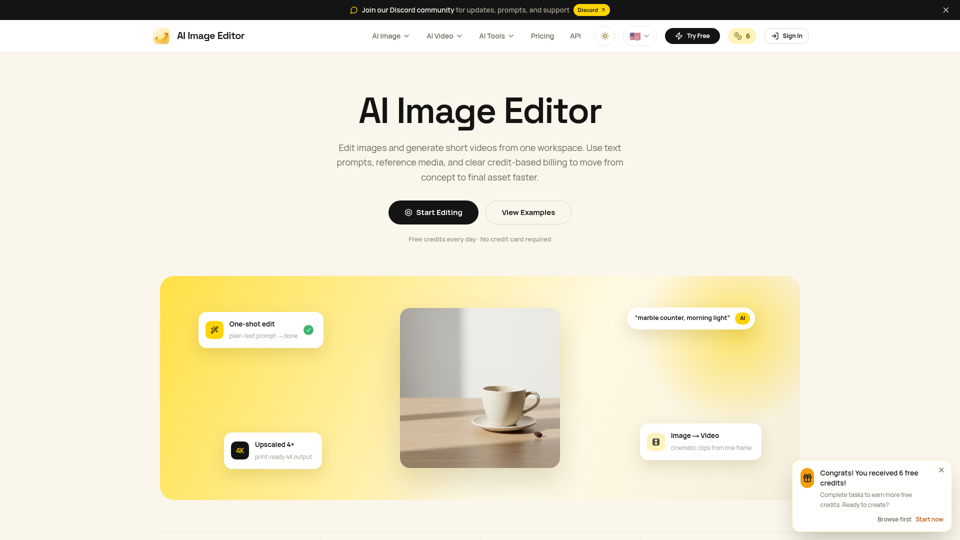
Edit photos with natural language using our free AI image editor. Transform, retouch, and enhance any photo with simple text prompts—fast and easy.
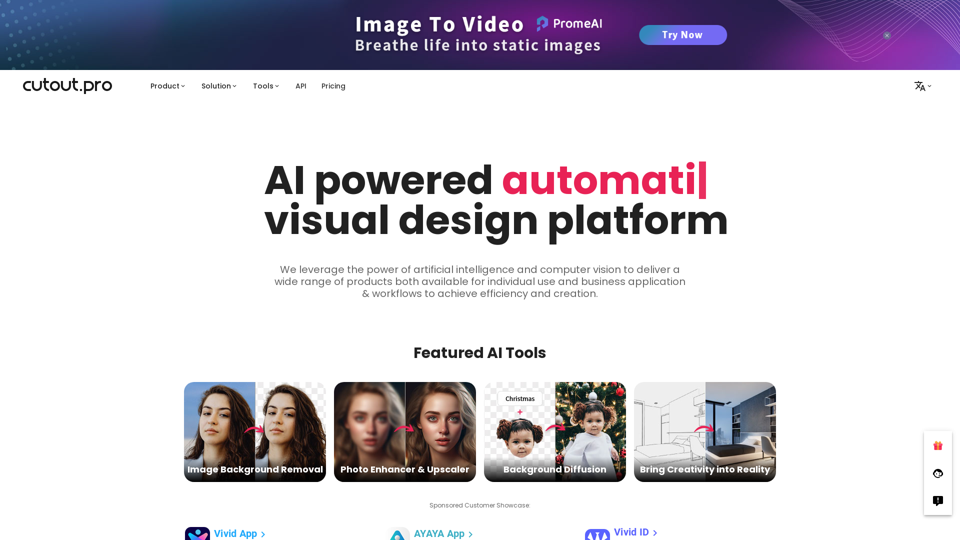
All-in-one visual design platform containing AI photo and video editing tools. Automatic process for background remove, image restoration, graphic design, and content generation. With Cutout.Pro, it is one click away to optimize your content and transform your design ideas into special asset effectively.
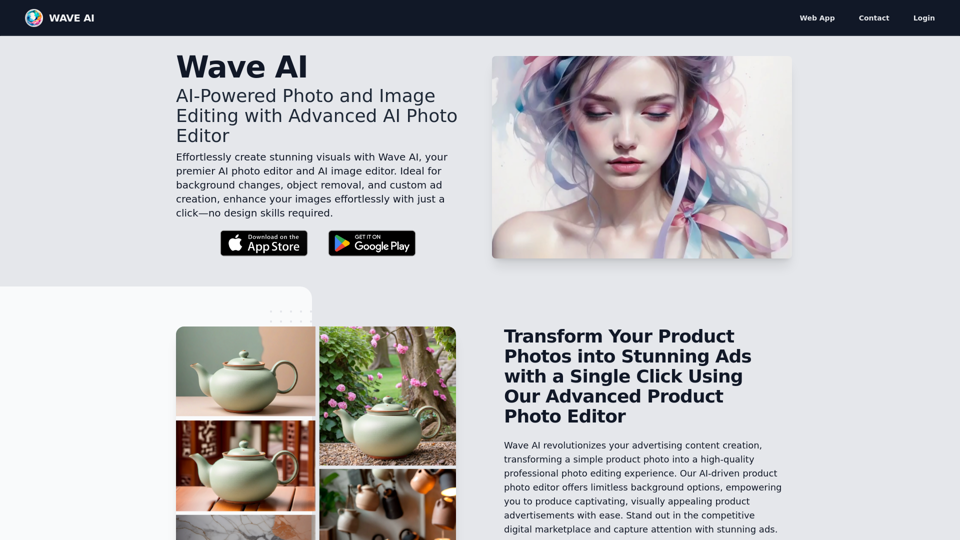
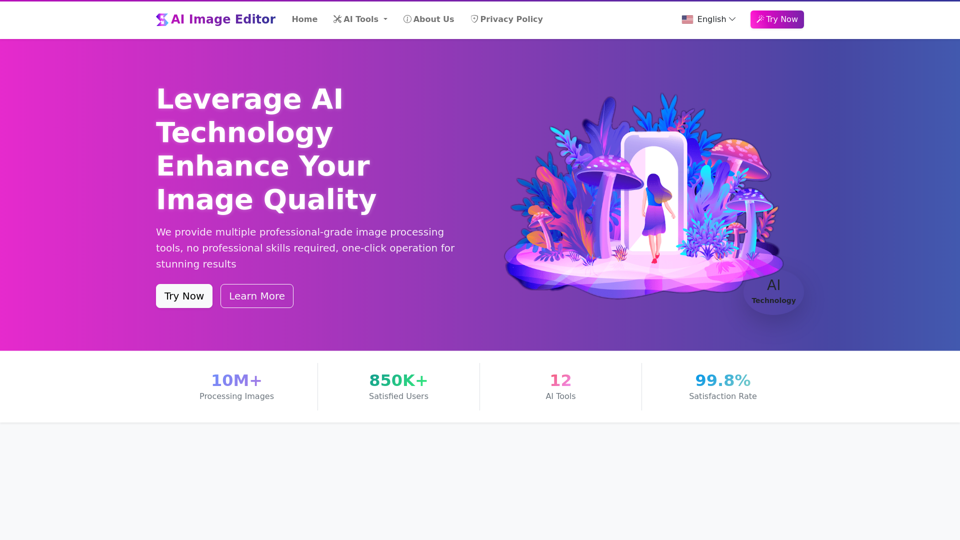
AIImageEditor.me offers 12 Free AI image tools—from image enhancement and watermark removal to style transfer and background editing—to simplify image editing.
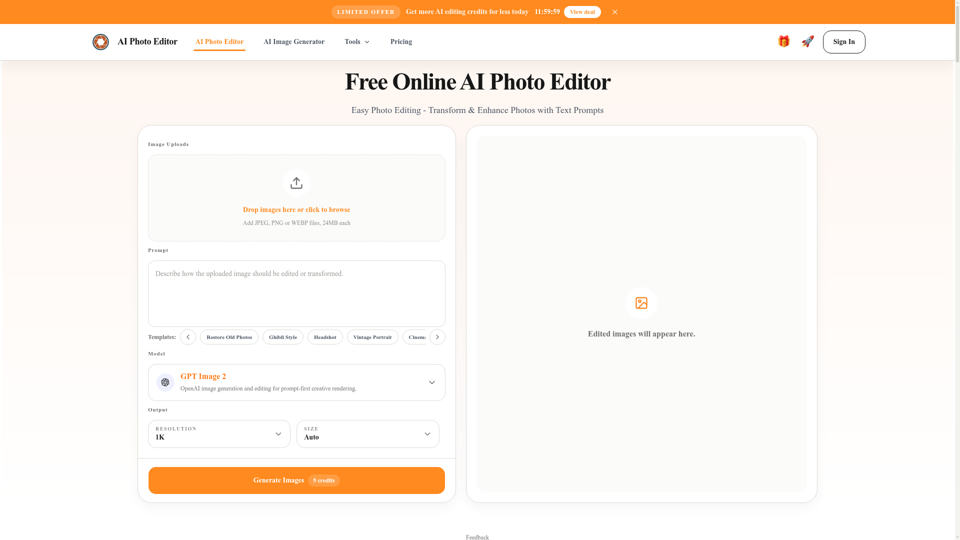
Free AI photo editor online for fast, simple photo edits. Remove, replace, enhance, and restyle images in seconds with an easy AI editor.