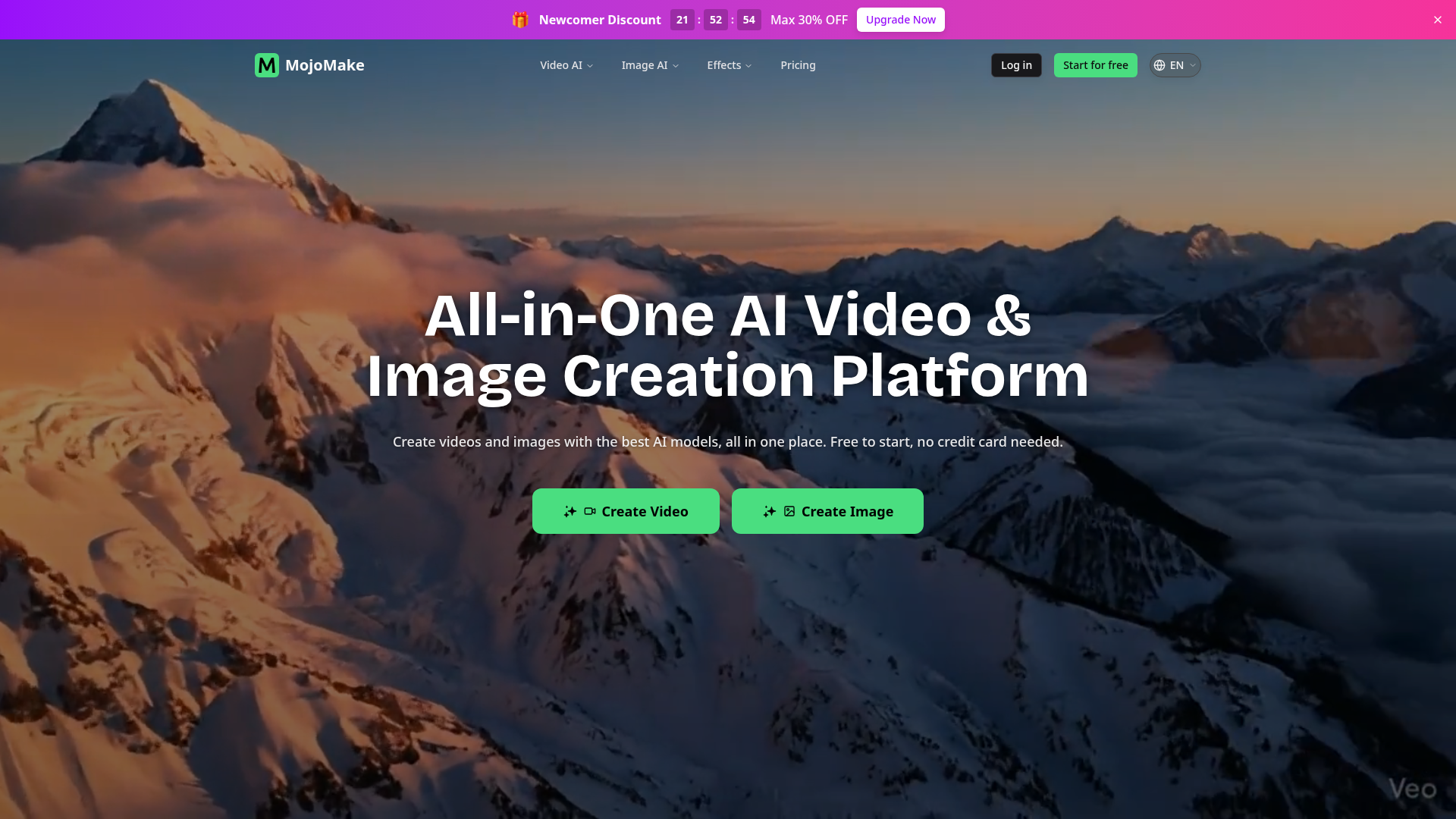
What is MojoMake?
MojoMake is an all-in-one, AI-driven creative platform designed to democratize video and image generation. It serves as a unified dashboard for accessing and utilizing the world's most advanced AI models—including Veo, Sora, Kling, Runway, Flux, Nano Banana (Gemini), and many others—without requiring multiple subscriptions or technical expertise. Whether you're a social media creator, marketer, business owner, or hobbyist, MojoMake allows you to transform text descriptions or upload images into high-quality, professional-grade videos and images in minutes. The platform is free to start, with no credit card required, and offers both free tiers and affordable subscription plans for users who need more advanced features and higher usage limits.
Features of MojoMake
MojoMake stands out by consolidating powerful features into a single, user-friendly interface. Its core functionalities are built around accessibility, quality, and cost-efficiency for creators of all skill levels.
- Unified Access to Top AI Models
- Stop juggling between different platforms. MojoMake integrates leading AI video generators (like Sora, Veo, Kling) and image generators (like Flux, Nano Banana) into one seamless dashboard, allowing you to switch models with a single click for different creative needs.
- Multiple Generation Modes
- The platform is not limited to one type of creation. It offers specialized tools including ### AI Image-to-Video (animating static photos), ### AI Text-to-Video (creating cinematic scenes from prompts), ### AI Reference-to-Video (maintaining character consistency), ### AI Text-to-Image, and ### AI Image-to-Image (restyling photos).
- Commercial Rights & High-Quality Output
- You retain 100% ownership of all content you generate, meaning you can freely use videos and images for ads, YouTube, social media, and business purposes. Export options support professional 4K images and 1080P HD videos.
- Significant Cost Savings
- By providing access to multiple premium AI models under one subscription, MojoMake can save users up to 80% compared to paying for individual pro accounts on separate platforms.
- Zero-Skill User Experience
- Designed for everyone, the platform requires no prior design or video editing skills. You simply type a text prompt or upload an image to start creating.
- Enterprise-Grade Security
- User privacy and data protection are paramount. MojoMake employs industry-standard encryption to ensure your uploads, prompts, and generated creations are secure.
How to Use MojoMake
Using MojoMake is a straightforward process designed for maximum ease and efficiency. Here’s a step-by-step guide:
- Sign Up for Free: Visit the MojoMake website and create a free account. No credit card is required to start exploring the platform's basic features.
- Choose Your Creation Tool: Navigate to the tool that matches your need. For example, click "Create Video" for video generation or select a specific tool like "Text to Video" or "Image to Video" from the platform's dashboard.
- Input Your Creative Prompt:
- For ### Text-to-Video/Image: Type a detailed description of the scene or image you want to create.
- For ### Image-to-Video/Image: Upload a reference photo or the image you want to animate or restyle.
- Select Your AI Model & Adjust Settings: Choose from the available top-tier AI models (e.g., Veo for cinematic videos, Flux for images). You can often adjust parameters like aspect ratio, style, or motion intensity.
- Generate and Review: Click the "Generate" button. The AI will process your request, typically within minutes. You can then review the output.
- Export and Use: Once satisfied, download your creation in high-resolution (1080P for videos, up to 4K for images) directly to your device for use in your projects.
- Explore Subscriptions (Optional): If you reach the limits of the free tier or need features like watermark removal and higher generation priority, you can upgrade to an affordable subscription plan directly within your account settings.
Pricing of MojoMake
MojoMake operates on a ### freemium model, allowing users to start creating at no cost, with the option to upgrade for more capacity and advanced features.
- Free Plan
- Offers a generous number of free credits to try core features like image and video generation. This is perfect for testing the platform, creating occasional content, or for hobbyists. Free users have access to basic models and standard output quality, often with a platform watermark.
- Subscription Plans
- For power users, creators, and businesses, MojoMake offers tiered monthly or annual subscriptions. These plans provide:
- Increased Credit Allowances: Significantly more generations per day/month.
- Access to Premium Models: Unlock the latest and most powerful AI models like the highest-tier video generators.
- Higher Quality Exports: Ability to download videos in full 1080P HD and images in 4K resolution.
- Watermark Removal: Professional plans allow for downloads without the MojoMake watermark.
- Commercial Licensing: All plans include 100% commercial rights to generated content.
- Faster Processing: Priority queue for generation, reducing wait times.
The subscription is designed to be cost-effective, often replacing the need for multiple separate AI tool subscriptions.
Helpful Tips for Using MojoMake
To get the best results from MojoMake and streamline your creative workflow, consider these expert tips:
- Craft Detailed Prompts
- The quality of AI generation heavily depends on your input. For videos or images, use descriptive language detailing the subject, action, setting, mood, lighting (e.g., "cinematic," "bright studio lighting"), and style (e.g., "photorealistic," "anime style").
- Experiment with Different Models
- Each AI model has its own strengths. Try generating the same prompt with Veo, Kling, and Sora to see which style best fits your vision. For images, compare outputs from Flux and Nano Banana.
- Use the Reference Tools Effectively
- The ### Reference-to-Video tool is incredibly powerful for creating consistent characters. Use a clear, well-lit photo of a character's face as a reference to maintain their appearance across multiple video scenes.
- Start with the Free Tier
- Fully explore the free credits to understand the platform's capabilities and identify which tools you use most before committing to a subscription.
- Leverage Image-to-Video for Static Content
- Bring life to product photos, logos, or illustrations. This is a quick way to create engaging social media ads or website banners without filming.
- Batch Create for Projects
- If you're working on a larger project (like a series of social media posts), plan your prompts and generate multiple items in one session to maintain a cohesive style.
Frequently Asked Questions about MojoMake
What is MojoMake AI Video Generator?
MojoMake's AI Video Generator is a suite of tools within the platform that uses advanced AI models to create videos from text prompts, static images, or reference photos. It encompasses Text-to-Video, Image-to-Video, and Reference-to-Video functionalities.
Is MojoMake free to use?
Yes, MojoMake offers a free tier that allows users to generate a limited number of videos and images per day without any payment. This is an excellent way to test and experience the platform's core features.
How do I create AI videos with MojoMake?
Simply sign up, choose a video tool (Text-to-Video, Image-to-Video, or Reference-to-Video), input your text prompt or upload your image, select your preferred AI model, and click "Generate." Your video will be ready to preview and download shortly.
Which AI models are supported?
MojoMake supports a wide array of top models including ### Veo, ### Sora, ### Kling, ### Runway, ### Seedance, ### Hailuo, ### Seedream, ### Flux, ### Nano Banana (Gemini), ### Grok, ### Qwen, and ### Ideogram, among others. The available models may vary by subscription plan.
Do I need design skills to use MojoMake?
No, MojoMake is specifically designed for users with zero design or video editing experience. The interface is intuitive, requiring only a text idea or an image to begin creation.
Can I use the videos & images for commercial purposes?
Absolutely. MojoMake grants users 100% commercial rights to all content generated on the platform. You can freely use the outputs in advertisements, on social media, for client work, and in any other commercial venture.
How long does video generation take?
Generation time varies based on the length and complexity of the video, as well as the selected model and server load. It can range from a few seconds to several minutes. Subscribers often receive priority processing for faster results.
What content is prohibited?
Users must adhere to MojoMake's acceptable use policy, which prohibits generating content that is illegal, infringing, pornographic, violently graphic, or intended for harassment, misinformation, or fraud. The platform employs filters to block such requests.
MojoMake
Generate text and images into stunning videos instantly. Access world's top AI models in one platform. No design skills needed. Start creating for free.
 Cloudflare
 HTTP/3
 Next.js
 Node.js
 React
React Webpack
Free AI anime and manga generator. Turn text into anime episodes, manga, comics, webtoons and comic shorts in any art style — no drawing or animation skills needed.
Translate image text across 70+ languages with our advanced AI Image Translator to help you better expand your products globally to various countries
Advertised Here
Reach thousands of visitors daily. Get your spot now!
Tools similar to MojoMake
Generate AI images and videos with top models — Kling 3, Veo 3.1, Flux 2, Seedance & more. One workspace, 10+ models, starting from $9.9/mo.
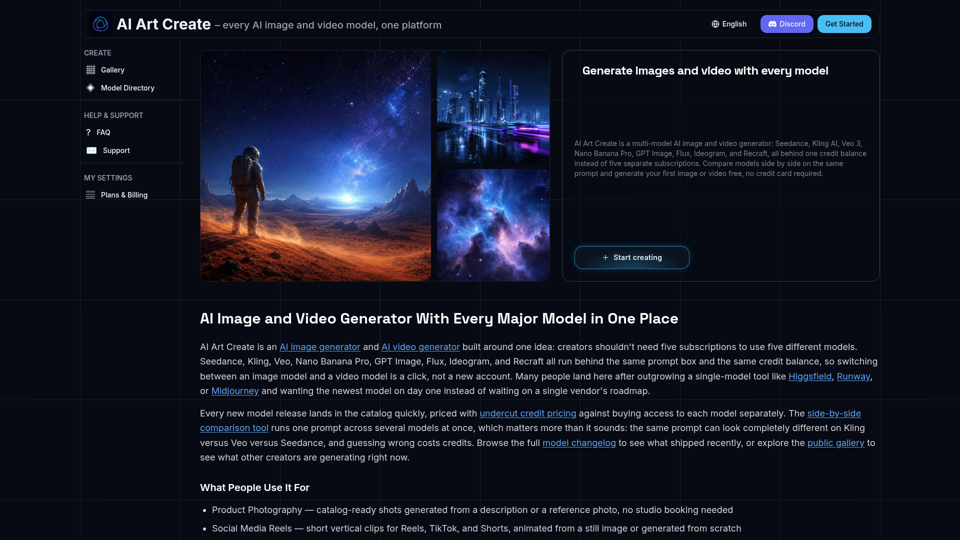
AI Art Create is a multi-model AI image and video generator built for creators tired of juggling five separate subscriptions. Generate with Seedance, Kling AI, Veo 3, Nano Banana Pro, GPT Image, Flux, Ideogram, and Recraft, all on one credit balance. Compare models side by side on the same prompt, browse the public gallery, and try your first generation free, no credit card required.
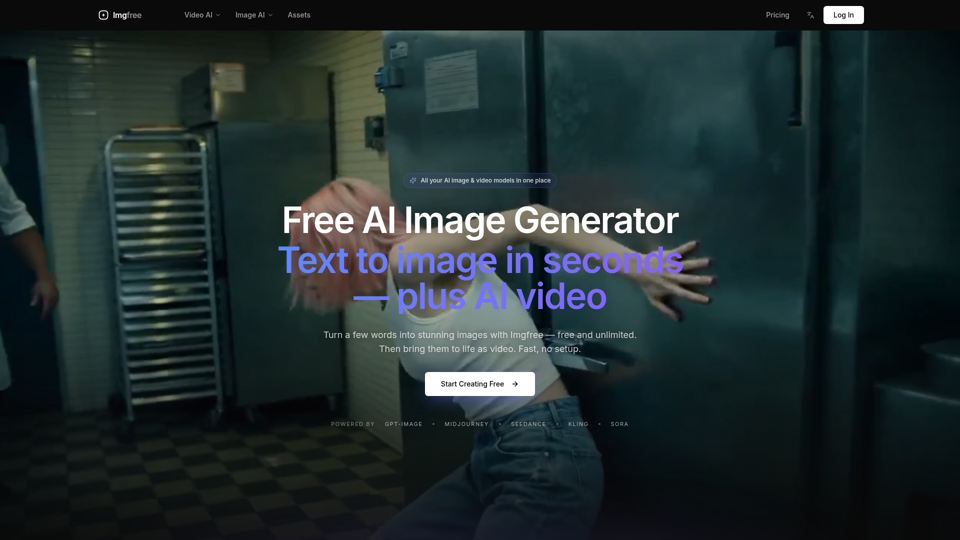
Turn text into images for free — Imgfree 1.0 is free and unlimited, no credits. Also use GPT-Image, Midjourney, Nano Banana and Flux, plus AI video, all in one place.
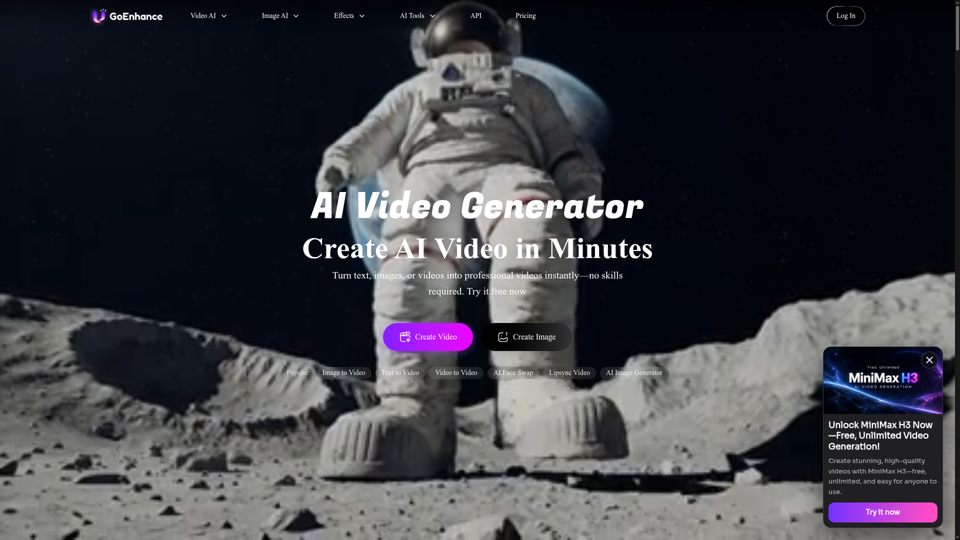
GoEnhance AI – All-in-One AI Video Generator. Create videos from text, images, or existing clips with advanced models like Runway, Kling, and Veo 3.
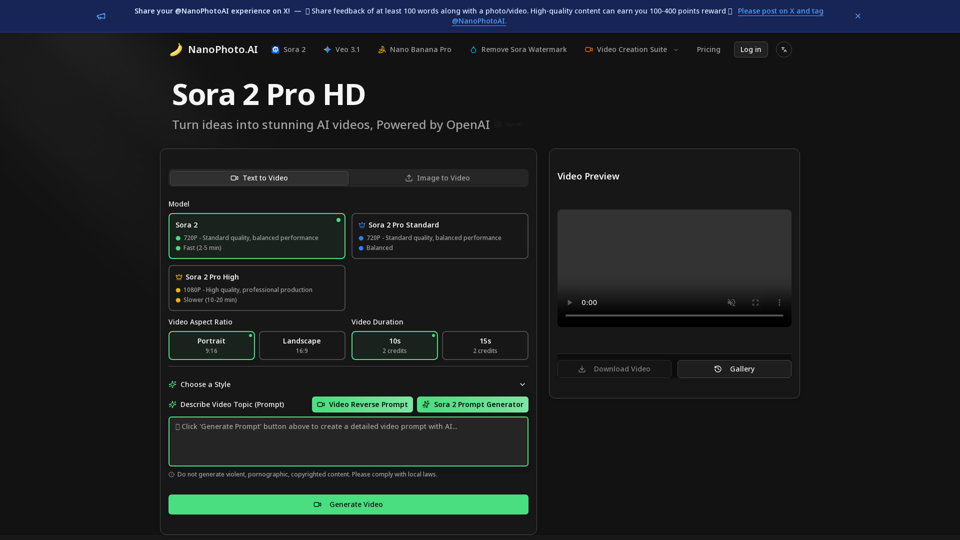
NanoPhoto.AI is a professional AI video and photo editor platform offering AI video editing (Sora 2 Pro, Sora Storyboard) and AI photo editing (Nano Banana)