AI Video, Image & Audio Generator Online
Create AI videos, images, and audio with Seedance, Kling, Veo, GPT Image, and practical creative tools. See exact costs upfront; failed runs cost no credits.
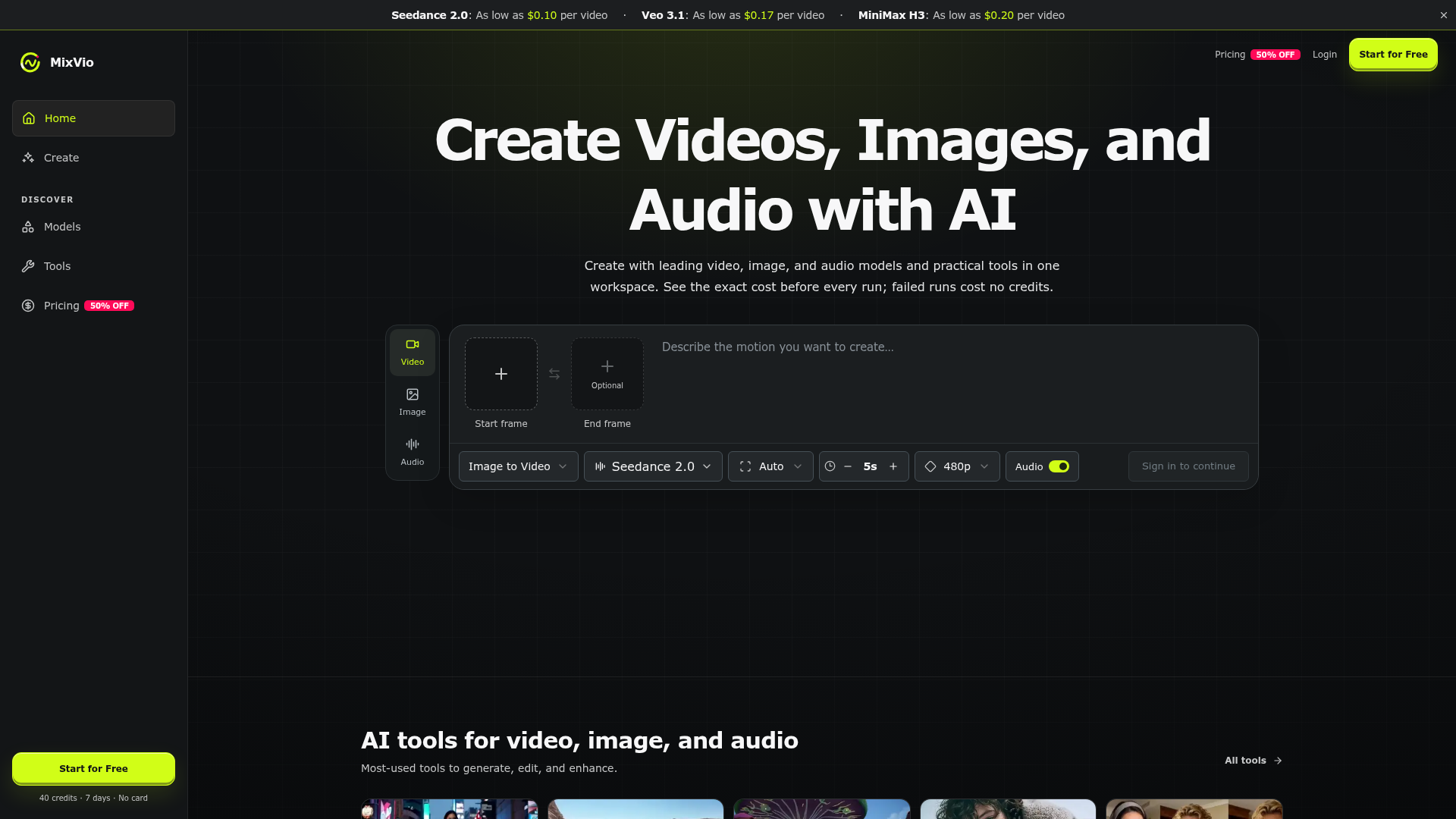
What is MixVio?
MixVio is an all-in-one AI-powered creative workspace designed for generating, editing, and enhancing video, image, and audio content. It consolidates access to leading AI models and practical creative tools into a single platform. Users can transform text prompts or reference images into videos, create high-quality images, generate voiceovers, and produce music. The platform emphasizes transparency, showing the exact cost in credits for each generation before it runs, and ensuring failed attempts don't consume credits.
What are the key features of MixVio?
Consolidated Creative Suite: MixVio provides a unified workspace that eliminates the need to switch between multiple applications. You can move seamlessly from generating a video to editing an image or adding a voiceover, all within the same interface.
Leading AI Model Catalog: The platform offers a curated and growing selection of state-of-the-art models for various media types. This includes video models like Seedance 2.0, Kling 3.0, Veo 3.1, and MiniMax H3; image models such as GPT Image 2.5 and Seedream 5.0 Pro; and audio models like Seed Audio 1.0 and Eleven v3.
Practical Creative Tools: Beyond core generation, MixVio includes a toolkit for practical editing and enhancement. This features tools for Background Removal, Image Upscaling, Motion Control (copying motion from a video to a photo), AI Photo Editing, and more.
Transparent & Fair Credit System: Every generation task displays an exact credit quote upfront. Credits are only deducted for successful runs; if a generation fails, the reserved credits are automatically released. This pay-on-success model provides cost certainty and fairness.
Commercial Licensing for Paid Plans: Outputs created on paid subscription plans can be used for commercial purposes, giving creators full rights to leverage their AI-generated content in projects, campaigns, and commercial work.
Persistent Access to Creations: Paid creations remain accessible in your workspace even after you cancel your subscription, as long as your account is active. This ensures you retain long-term access to your paid work.
How to use MixVio?
Using MixVio is a streamlined process centered on its intuitive workspace:
- Start a Project: Navigate to the generation interface. You can start with Text-to-Video, Image-to-Video, AI Image Generator, or other tools.
- Input Your Creative Brief: Enter a text description (prompt) of what you want to create. For video or image edits, you can upload your own reference file.
- Configure Settings: Adjust parameters like video duration (e.g., 5s, 30s), resolution (480p to 4K), aspect ratio, and select the specific AI model you want to use (e.g., Seedance 2.0 for cinematic video, GPT Image 2.5 for images).
- Review Cost & Generate: The interface will show you the exact credit cost for the job. Once you confirm, submit the task for generation.
- Edit & Enhance: After generation, use other tools within MixVio to edit the output—for example, remove a background, upscale an image, or apply motion control.
- Download & Use: Download your final creation. Outputs from paid plans are free of watermarks and are cleared for commercial use.
New users receive 40 welcome credits to explore the platform without requiring a credit card.
MixVio Pricing and Credits
MixVio operates on a credit-based system. Different tasks (video, image, audio) using different models have specific credit costs, which are quoted before every generation.
- Free Tier
- Offers 40 one-time welcome credits for new users, valid for 7 days. Free plan outputs for images and voiceovers include a MixVio watermark/audio disclosure.
- Paid Subscription Plans
- Include Lite, Starter, Pro, and Ultra tiers, which provide recurring monthly credits. Subscription credits expire at the end of each billing cycle.
- Credit Packs
- Users can also purchase additional credit packs that have their own expiry dates and remain usable until depleted.
- Cost Examples
- Video: Seedance 2.0 starts at ~$0.43 per video (26 credits), Veo 3.1 Lite from ~$0.17 (10 credits), and MiniMax H3 from ~$0.20 (12 credits).
- The exact cost depends on chosen model, duration, and resolution.
A core principle is that you only pay for successful generations; failed runs do not cost credits.
Helpful Tips for Using MixVio
- Leverage Welcome Credits
- Use your initial 40 free credits to test different models (like Seedance 2.0 for video and GPT Image 2.5 for images) and tools (like Background Remover) to understand their strengths.
- Start with Defaults
- The platform intelligently selects a good starting model and settings (e.g., MiniMax H3 for video, GPT Image 2 for images). Use these defaults for your first attempts to see results quickly.
- Experiment with Prompts
- Detailed, descriptive prompts yield better results. For video, include details about mood, lighting, camera motion, and atmosphere (e.g., "cinematic push-in on a pianist in a concert hall with dramatic stage light").
- Use Reference Images
- For Image-to-Video or style consistency, upload a high-quality reference image to guide the AI's output.
- Check Credit Quotes Always
- Always review the credit cost displayed on the "Generate" button before submitting to manage your budget effectively.
- Chain Tools for Polished Results
- Create a workflow. For example, generate an image with Seedream 5.0 Pro, then use the Background Remover to isolate the subject, and finally use Image to Video to animate it.
- Explore Commercial Use
- If you intend to use outputs commercially, ensure you are on a paid plan to access the commercial license and watermark-free exports.
Frequently Asked Questions (FAQ)
What kind of content can I create with MixVio?
You can create short AI-generated videos from text or images, product-ready photos and edits, voiceovers in multiple languages and styles, and original music. Browse the Models page to see all currently available options and their specific credit costs.
Is there a free trial?
Yes. Every new account receives 40 welcome credits valid for 7 days to try the platform at no cost and without a credit card.
How much does it cost to generate one video?
Cost varies by model and settings. For example, Veo 3.1 Lite starts at ~$0.17, MiniMax H3 from ~$0.20, and Seedance 2.0 Standard from ~$0.43 per video. The exact credit cost is always shown before you generate.
Do free plan outputs have watermarks?
Yes. Images and voiceovers generated on the Free plan include a visible MixVio watermark and an audible disclosure, respectively. Videos on the Free plan do not have a plan-specific watermark. All outputs from paid plans are watermark-free.
Can I use my own images or videos?
Absolutely. On routes like Image to Video, AI Photo Editor, or Motion Control, you can upload your own source files (images, videos, or audio). Uploads remain private to your workspace.
What happens if my AI generation fails?
If a generation task fails, it will remain in your workspace with an error message for review. Crucially, any credits that were reserved for that task are automatically released back to your balance, so you can retry or choose a different approach.
What happens to my credits and creations if I cancel my subscription?
Paid creations remain accessible in your account after cancellation, subject to storage limits and account activity. Subscription credits (from Lite, Starter, etc.) expire at the end of the billing period and do not roll over. Any purchased credit packs remain usable until their own expiry date.
Are my uploads and generated results kept private?
Yes. All your source uploads and generated outputs are stored in your private workspace and are not publicly listed. They are only processed to complete your requested tasks. Download links are secure and short-lived.
Can I use the outputs for commercial projects?
Outputs created on any paid MixVio plan come with a license for commercial use, as per the Terms of Service. You are responsible for ensuring you have rights to all inputs (references, prompts, etc.). Free plan outputs are for evaluation only and are not licensed for commercial publishing.
AI Video, Image & Audio Generator Online
Create AI videos, images, and audio with Seedance, Kling, Veo, GPT Image, and practical creative tools. See exact costs upfront; failed runs cost no credits.
 Cloudflare
 HTTP/3
Free AI anime and manga generator. Turn text into anime episodes, manga, comics, webtoons and comic shorts in any art style — no drawing or animation skills needed.
Translate image text across 70+ languages with our advanced AI Image Translator to help you better expand your products globally to various countries
Advertised Here
Reach thousands of visitors daily. Get your spot now!
Tools similar to AI Video, Image & Audio Generator Online
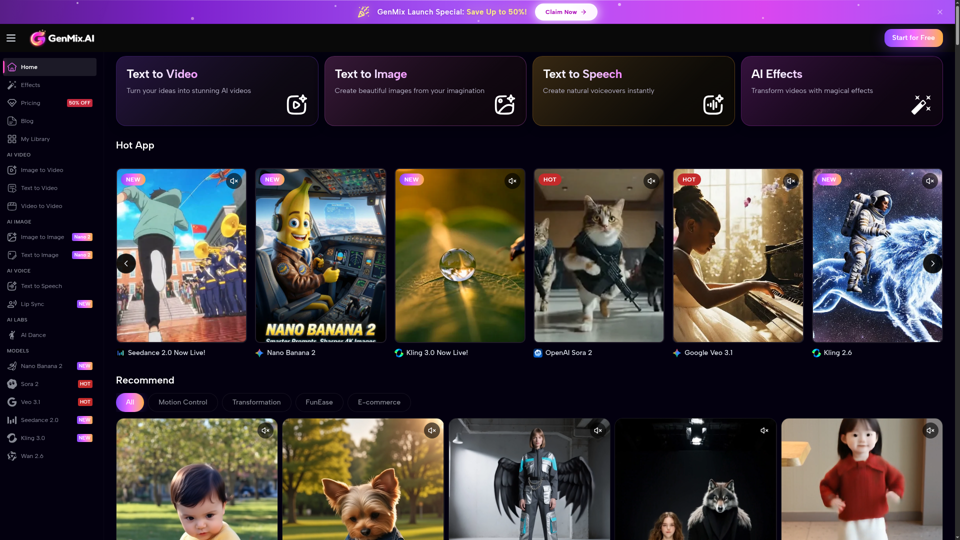
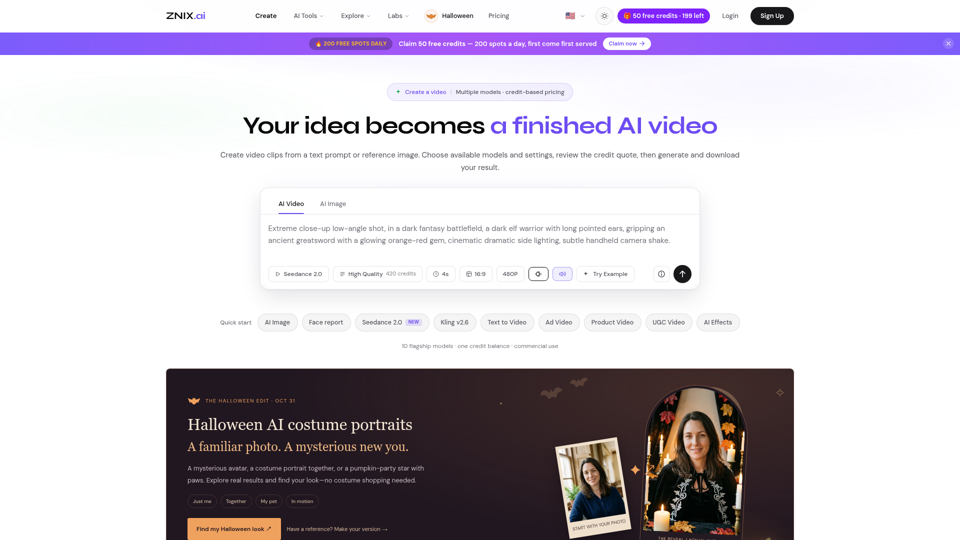
Turn text and reference images into AI videos and images with ZNIX. Compare available models, check credit costs, and download results from one creative workspace.
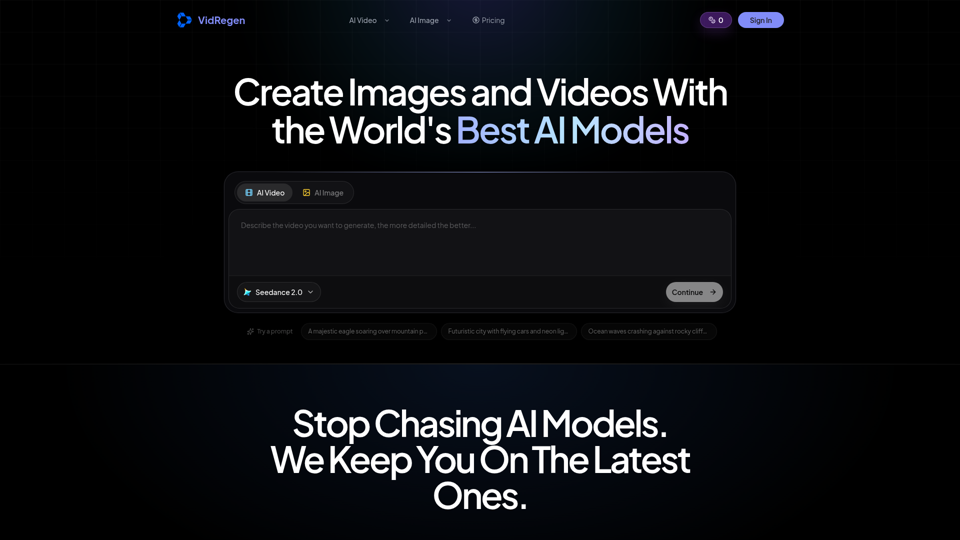
Generate AI images and videos with top models — Kling 3, Veo 3.1, Flux 2, Seedance & more. One workspace, 10+ models, starting from $9.9/mo.
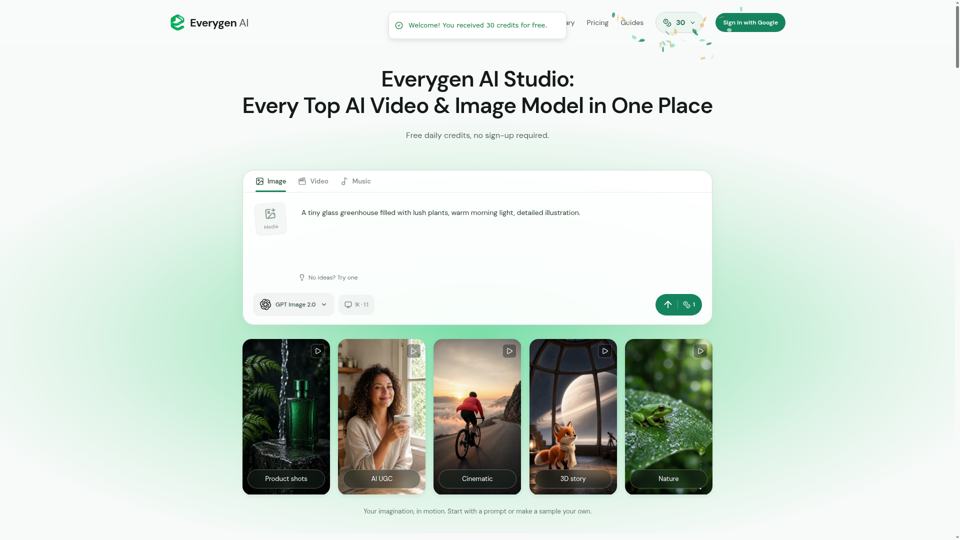
Create AI videos, images, music, UGC scenes and product shots. Get free daily credits for images, videos and music. Explore Everygen AI models, Viewmax and MCP resources.
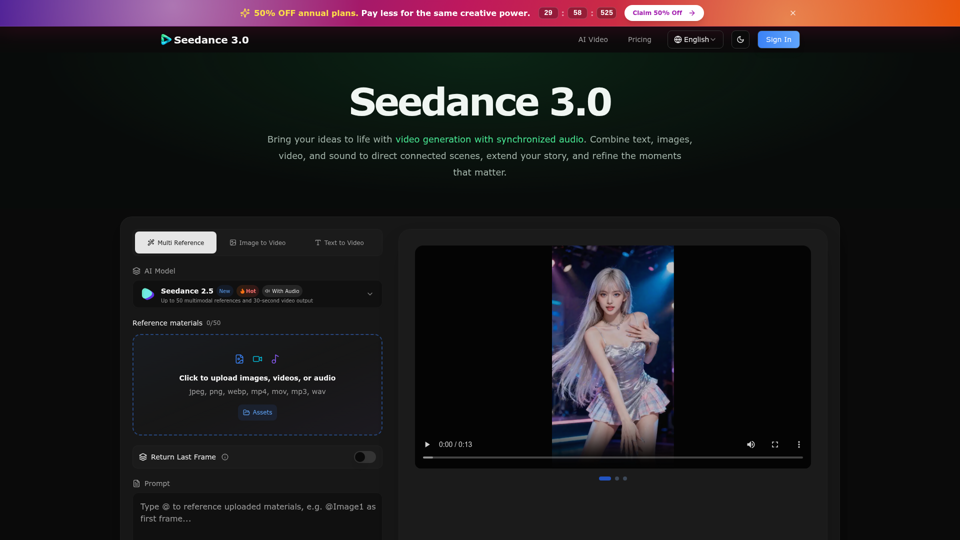
Create cinematic stories with Seedance 3.0. Turn text, images, video, and audio references into videos with synchronized sound and precise creative control.
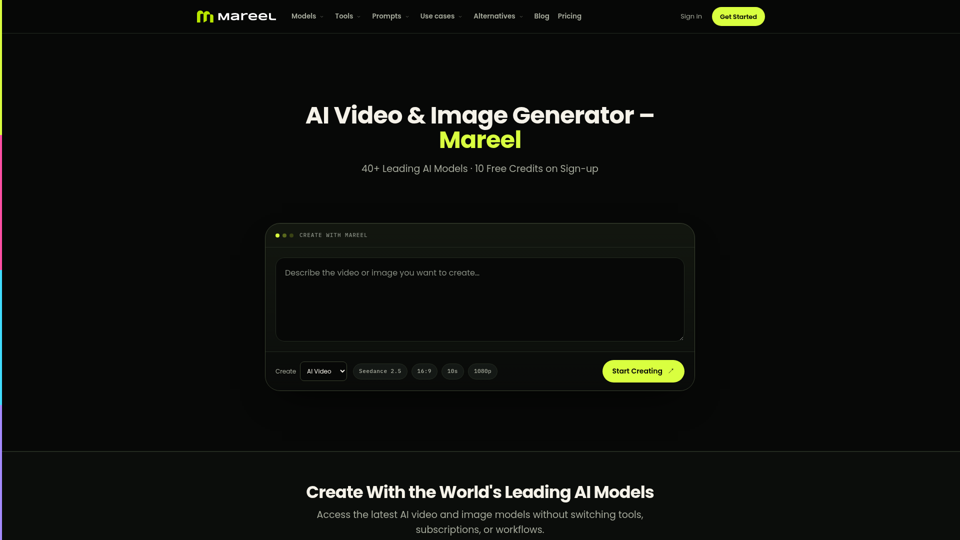
Create AI videos and images with 40+ leading AI models in one workspace. Compare models, choose a subscription, and manage generation credits in one place.
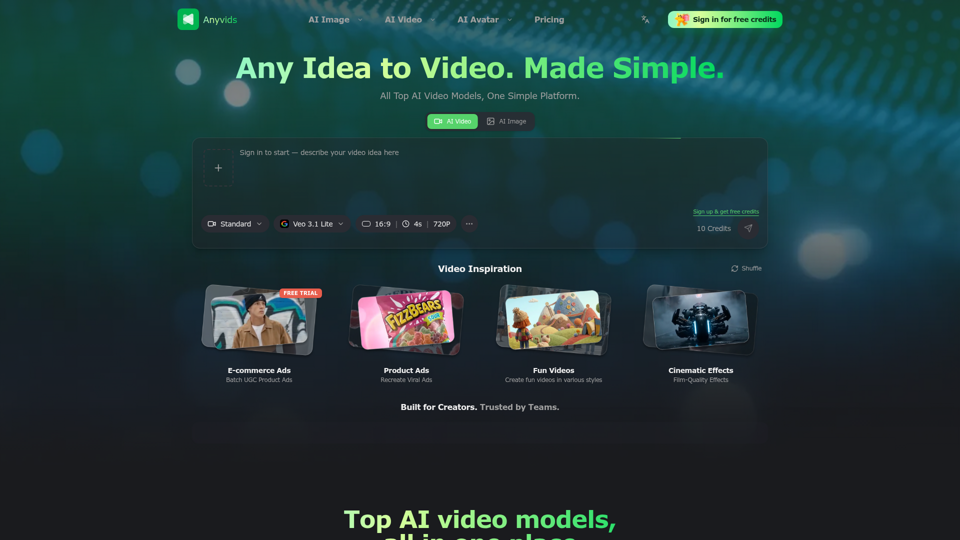
The free all‑in‑one AI image & video generator using top AI models in one place. Pricing you can trust—clear billing, credit usage & refunds. | Anyvids.ai
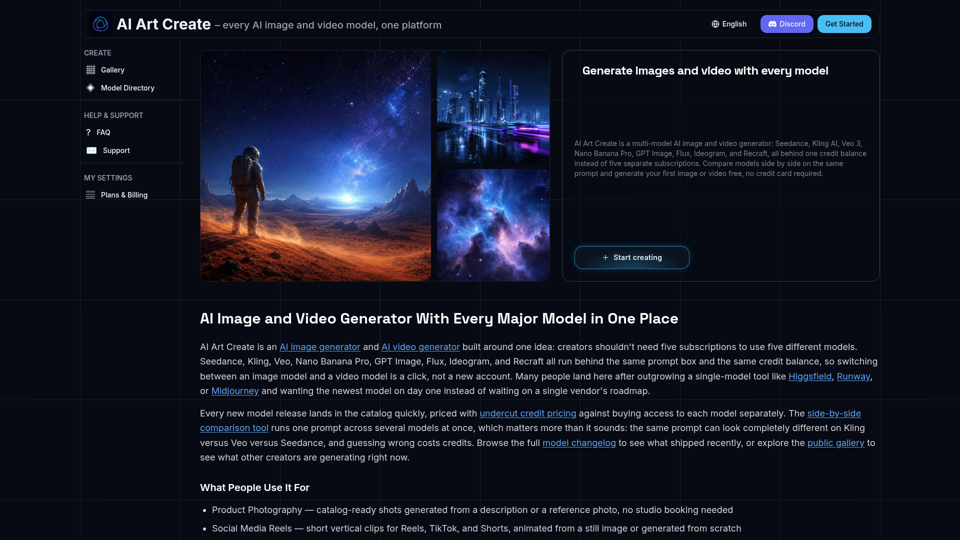
AI Art Create is a multi-model AI image and video generator built for creators tired of juggling five separate subscriptions. Generate with Seedance, Kling AI, Veo 3, Nano Banana Pro, GPT Image, Flux, Ideogram, and Recraft, all on one credit balance. Compare models side by side on the same prompt, browse the public gallery, and try your first generation free, no credit card required.