AI Video Generator & Video to Video AI
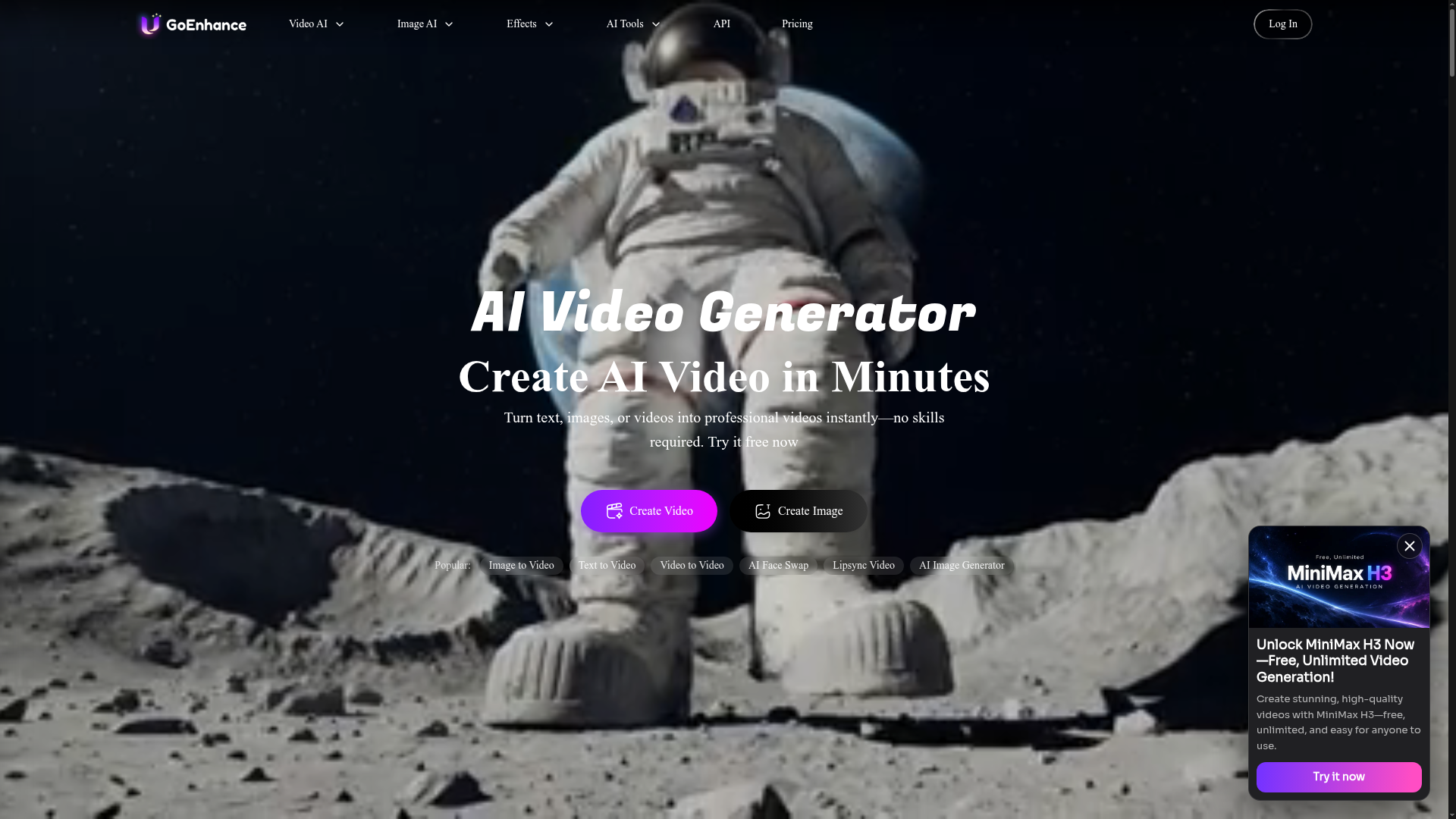
GoEnhance AI – All-in-One AI Video Generator. Create videos from text, images, or existing clips with advanced models like Runway, Kling, and Veo 3.
What is GoEnhance AI?
GoEnhance AI is an all-in-one AI video platform that turns text, images or existing clips into videos, and also generates and edits images, music and speech. It is built for creators of all skill levels, from beginners to professionals, and runs on both PC and mobile. What sets it apart is that it brings many leading third-party models, including Veo 3.1, Kling 3.0, Sora 2, Seedance 2.0, Wan 3.0, GPT Image 2.5 and Nano Banana Pro, together in one place.
Key features
- Multi-model access
- Generate with Veo 3.1, Kling 3.0, Sora 2, Seedance 2.0, Wan 3.0, MiniMax H3, Vidu Q3, Hailuo 2.3, Runway, Luma Ray2, Hunyuan Video and more from a single platform.
- Text-to-video and image-to-video
- Turn a written prompt, a still image or an existing video into a finished clip without editing skills.
- Video to video and style transfer
- Convert footage into anime, cartoon or other styles, with video-to-anime conversion offered at up to 4K and 60fps.
- HD and 4K output
- The AI video generator produces HD and 4K video.
- Face swap and lip sync
- Swap faces in videos or photos, including multiple-face and GIF face swap, and sync lips from video to audio.
- Avatars and character animation
- Create lifelike talking avatars from a single photo and keep a consistent character across a video.
- 100+ video and photo effects
- Apply one-click effects such as Earth Zoom In, AI hug, Ghibli AI Generator and AI Aging Filter to make TikTok-, Reels- and Shorts-ready content.
- Image, music and voice tools
- Enhance and upscale images, edit photos, generate images from text, and create music or text-to-speech audio.
How to use GoEnhance AI
- Open GoEnhance AI and choose a starting point, such as text-to-video, image-to-video, video-to-video or text-to-image.
- Upload your source image or video, or type the text prompt that describes what you want.
- Pick the AI model you want to run the job with, for example Veo 3.1, Kling 3.0, Sora 2 or Wan 3.0.
- Choose Fast Mode for instant GPU access at a token cost, or Relax Mode, which costs no tokens and is available to Standard, Pro and Mega subscribers.
- Generate the result and download it, in HD or 4K where the tool supports it.
Use cases
- Social media creators producing TikTok, Reels and Shorts content with one-click video and photo effects.
- Marketers and small businesses turning text prompts or product images into promotional videos.
- Anime and cartoon fans converting existing footage into animated styles with video-to-video.
- Creators building talking avatars or lip-sync videos from a single photo.
- Anyone restoring, animating or enhancing old photos and low-quality images.
Pricing
The official website does not list specific prices or plan amounts. It states that GoEnhance AI has a free tier that includes some tokens usable across all features, and that paid subscriptions add a larger token allowance, faster generation, more concurrent jobs and access to premium features. Plan names mentioned on the site are Basic, Standard, Pro and Mega, and commercial use of your creations is limited to Standard, Pro and Mega subscribers. Payments are collected through Stripe with cards such as Mastercard and Visa, as well as AliPay, and the site states that refunds are not offered because of the GPU processing costs involved. Check the official site for current prices.
FAQ
Is GoEnhance AI free to use?
GoEnhance AI has a free tier that includes some tokens, which can be used for all features on the platform. Paid subscriptions add a larger token allowance, faster generation, more concurrent jobs and premium features.
Which AI video models can I use with GoEnhance AI?
GoEnhance AI gives access to models including Veo 3.1, Kling 3.0, Sora 2, Seedance 2.0, Wan 3.0, MiniMax H3, Vidu Q3, Hailuo 2.3, Runway, Luma Ray2 and Hunyuan Video, along with image models such as GPT Image 2.5, Nano Banana Pro, Midjourney V7 and FLUX.2.
Can I use videos made with GoEnhance AI commercially?
Commercial use is only permitted for subscribers of the Standard, Pro and Mega plans. Free users and Basic plan subscribers are limited to personal use, and the site asks users to avoid copyrighted or trademarked material such as celebrities and cartoon characters.
Does GoEnhance AI work on mobile?
Yes. GoEnhance AI is available on both PC and mobile devices, so you can create and enhance content from either.
What is the difference between Fast Mode and Relax Mode in GoEnhance AI?
Fast Mode tries to give you instant GPU access but costs tokens, and suits tasks that need fast output. Relax Mode costs no tokens and allows unlimited image and video creation each month for the features that support it, but jobs may be queued and run more slowly; it is available to Standard, Pro and Mega subscribers.
How do I cancel my GoEnhance AI subscription?
Log in to the billing settings page and click "Manage Subscription", which redirects you to Stripe's billing portal. There you can manage your plan, download invoices, switch plans or cancel.
AI Video Generator & Video to Video AI
GoEnhance AI – All-in-One AI Video Generator. Create videos from text, images, or existing clips with advanced models like Runway, Kling, and Veo 3.
 Cloudflare
 Next.js
 Node.js
 React
 Webpack
Free AI anime and manga generator. Turn text into anime episodes, manga, comics, webtoons and comic shorts in any art style — no drawing or animation skills needed.
Translate image text across 70+ languages with our advanced AI Image Translator to help you better expand your products globally to various countries
Advertised Here
Reach thousands of visitors daily. Get your spot now!
Tools similar to AI Video Generator & Video to Video AI
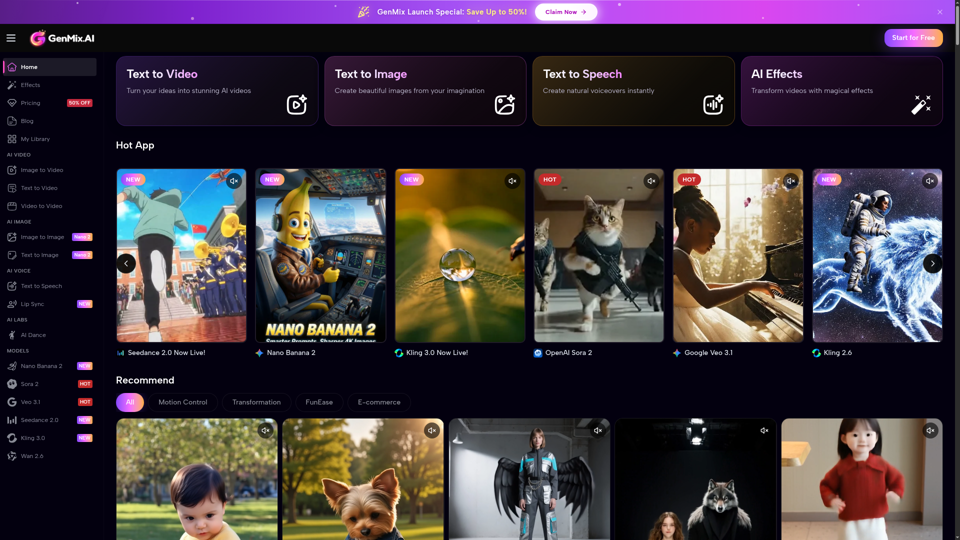
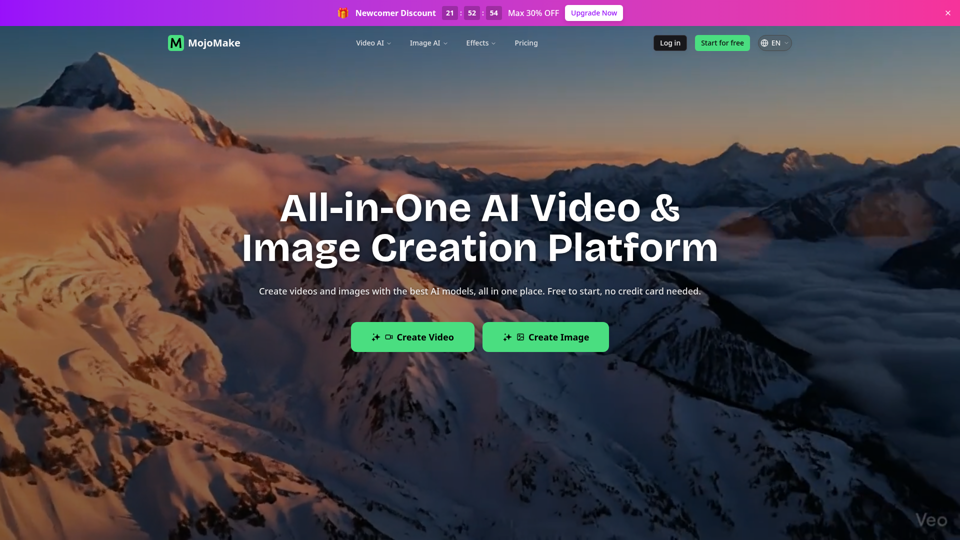
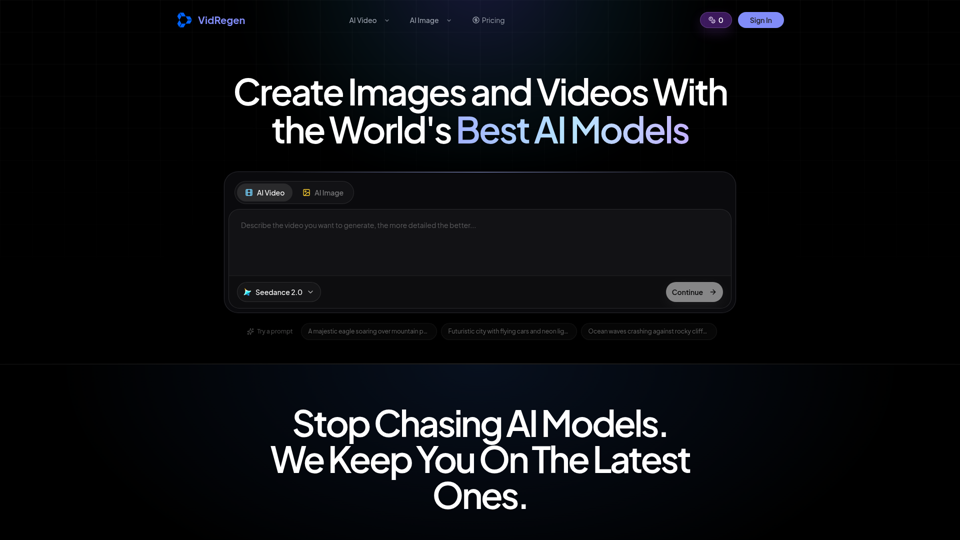
Generate AI images and videos with top models — Kling 3, Veo 3.1, Flux 2, Seedance & more. One workspace, 10+ models, starting from $9.9/mo.
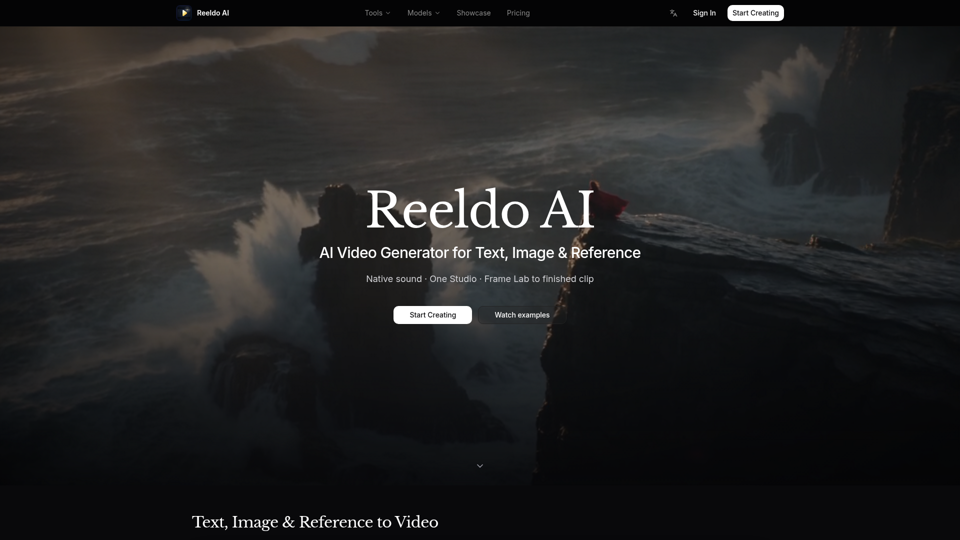
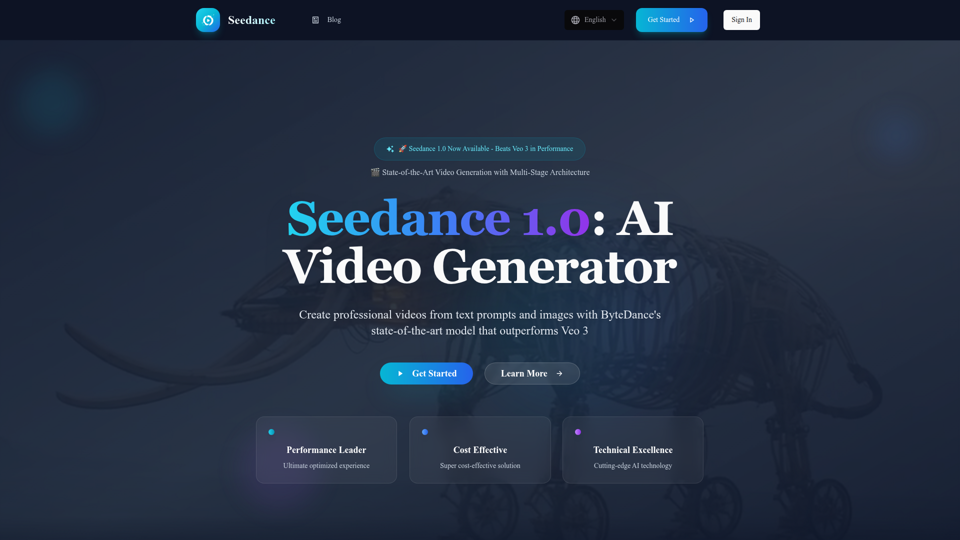
Experience Seedance 1.0, ByteDance's groundbreaking AI video generation model that outperforms Veo 3 and Kling 2.1. Create professional videos from text prompts and images with multi-stage architecture, superior quality, and exceptional cost efficiency at $0.48 per 5 seconds.