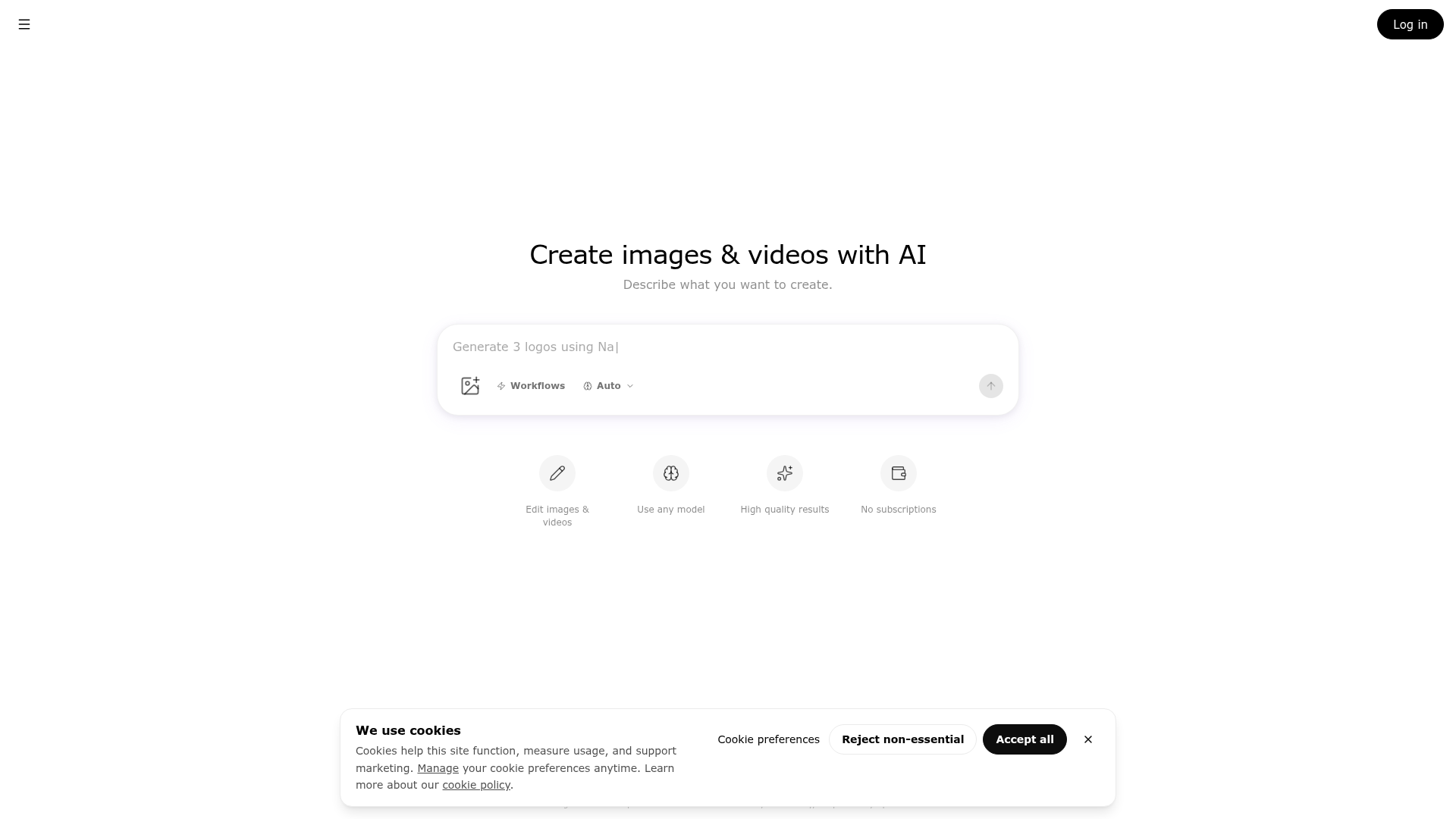
What is ImageGPT?
ImageGPT is a powerful, independent AI platform dedicated to editing and generating visual content. It is not affiliated with OpenAI and offers a suite of tools for creating images and videos from simple text descriptions. Whether you need to generate logos, edit photos, or produce videos, ImageGPT leverages advanced AI models to turn your creative ideas into reality.
Key Features of ImageGPT
ImageGPT distinguishes itself with a range of powerful features designed for both ease of use and professional-grade results:
- Versatile AI Models
- Access a wide selection of specialized models, such as "Nano" for logo creation, to tailor the output to your specific project needs.
- All-in-One Creative Suite
- It integrates multiple tools into a single platform, including an ### AI image generator, ### AI photo editor, ### AI video generator, and ### AI video editor.
- High-Quality Results
- The platform is engineered to deliver high-quality visual outputs suitable for professional and personal projects.
- No Subscription Required
- Operates on a flexible, pay-as-you-go credit system, freeing users from mandatory monthly subscriptions.
- Extensive Template Library
- Jumpstart your projects with ready-to-use templates for various use cases, streamlining the creation process.
- Workflow Automation
- Utilize "Workflows" to automate complex creative processes, saving time and ensuring consistency.
How to Use ImageGPT?
Using ImageGPT is designed to be intuitive. Start by logging into the platform. From the main interface, you can describe what you want to create in the text box. For example, typing "Generate 3 logos using Nano" will prompt the AI to produce three logo concepts using the Nano model. You can then use the integrated tools to edit these generated images or videos, apply templates, or explore different AI models from the "Models" section to achieve varied artistic styles and effects.
Pricing Model
ImageGPT adopts a transparent, credit-based pricing system with no forced subscriptions. Users purchase credits which are then spent on generating images, videos, or using editing tools. This model provides flexibility, allowing you to pay only for what you use. Detailed pricing and credit packages are available on their dedicated pricing page.
Helpful Tips for Maximizing ImageGPT
- Be Specific in Prompts
- The more detailed your text description, the better the AI can match your vision. Include style, colors, composition, and mood.
- Explore Different Models
- Don't just stick to one model. Experiment with various AI models listed to discover unique artistic styles for your project.
- Leverage Templates and Workflows
- For common tasks like social media posts or ads, use pre-built templates and automated workflows to speed up production.
- Utilize the Editing Tools
- Generation is just the first step. Use the robust AI-powered photo and video editors to refine, adjust colors, remove backgrounds, or add effects.
- Check the Gallery for Inspiration
- Browse the public gallery to see what others are creating and gather ideas for effective prompts.
Frequently Asked Questions (FAQ)
Can I use ImageGPT for free?
ImageGPT typically operates on a credit-based system. While there might be initial free trials or credits, ongoing use requires purchasing credits. There are no free unlimited subscriptions.
Do I need a ChatGPT Plus subscription to use ImageGPT?
No. ImageGPT is an independent service and does not require any subscription to ChatGPT or OpenAI services. It functions as a standalone platform.
What kind of content can I create?
You can create a wide array of visual content, including marketing logos, social media graphics, artwork, product photos, promotional videos, and edited photographs. The "Use Cases" section provides concrete examples.
Are the generated images copyright-free?
You must review ImageGPT's ### Terms of Service for specific licensing details. Generally, content you create using your credits is intended for your use, but the platform's terms will define the exact copyright and usage rights.
How does ImageGPT ensure the quality of outputs?
The platform uses advanced, curated AI models and provides tools for high-resolution rendering and professional editing, ensuring outputs meet quality standards for various applications. The "High quality results" section showcases its capabilities.
Where can I get help if I encounter issues?
Comprehensive documentation ("Docs") is available for technical guidance. For further support, you can contact the team through the provided "Contact" link.
ImageGPT
Edit and generate images and video with AI. Upload a photo to change it, or describe what you want — in one chat.
 Fly.io
 Next.js
 Node.js
 React
React Webpack
 dc.js
dc.jsFree AI anime and manga generator. Turn text into anime episodes, manga, comics, webtoons and comic shorts in any art style — no drawing or animation skills needed.
Translate image text across 70+ languages with our advanced AI Image Translator to help you better expand your products globally to various countries
Advertised Here
Reach thousands of visitors daily. Get your spot now!
Tools similar to ImageGPT
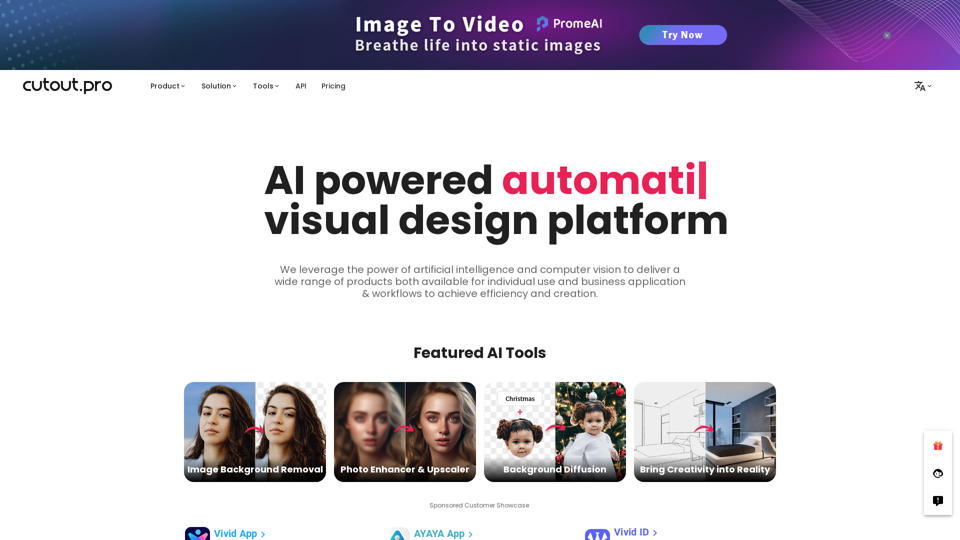
All-in-one visual design platform containing AI photo and video editing tools. Automatic process for background remove, image restoration, graphic design, and content generation. With Cutout.Pro, it is one click away to optimize your content and transform your design ideas into special asset effectively.
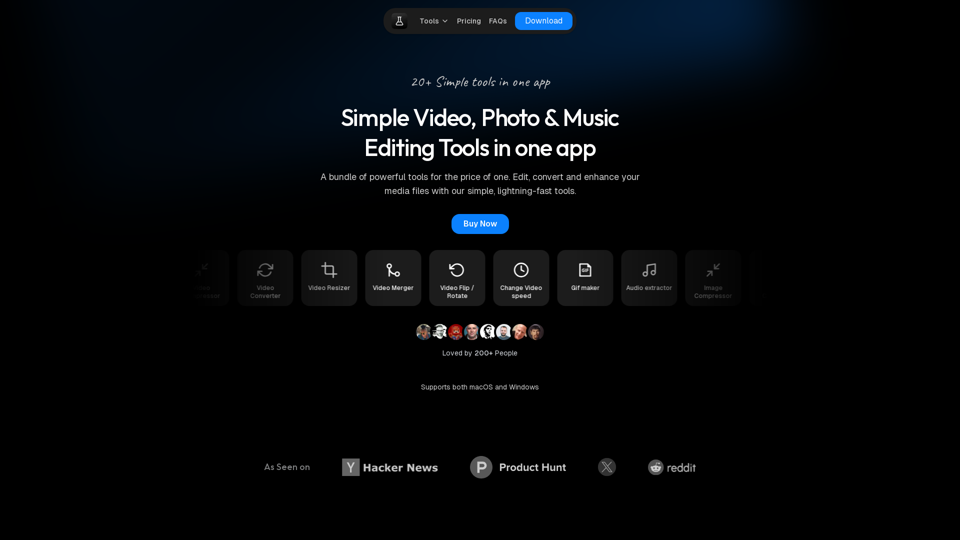
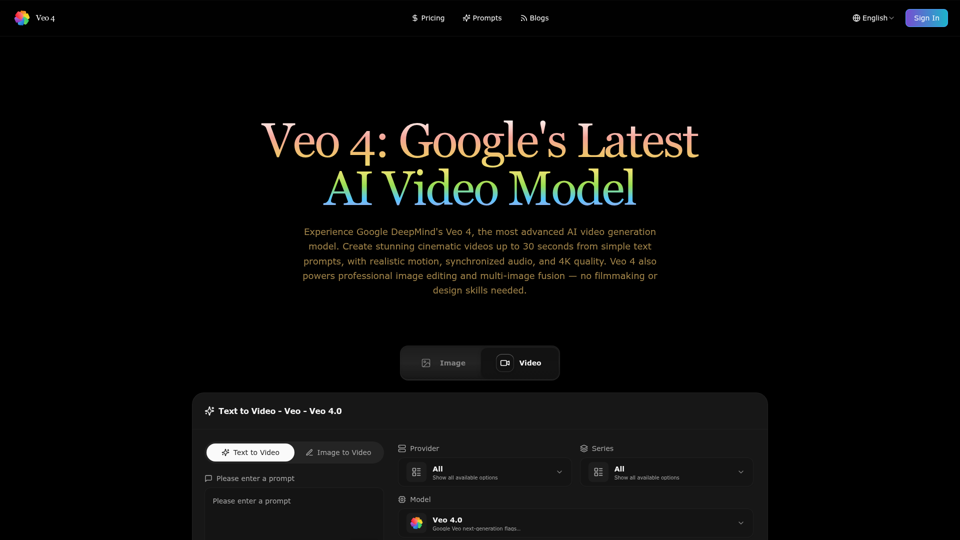
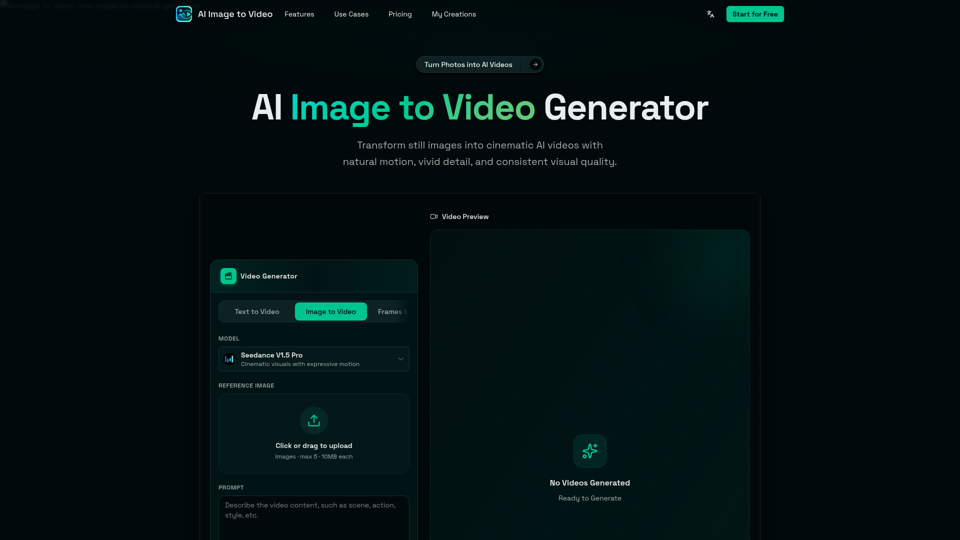
AI Image to Video is a free online image to video AI generator. Turn photos into AI videos for social media, products, portraits, anime, and pets.
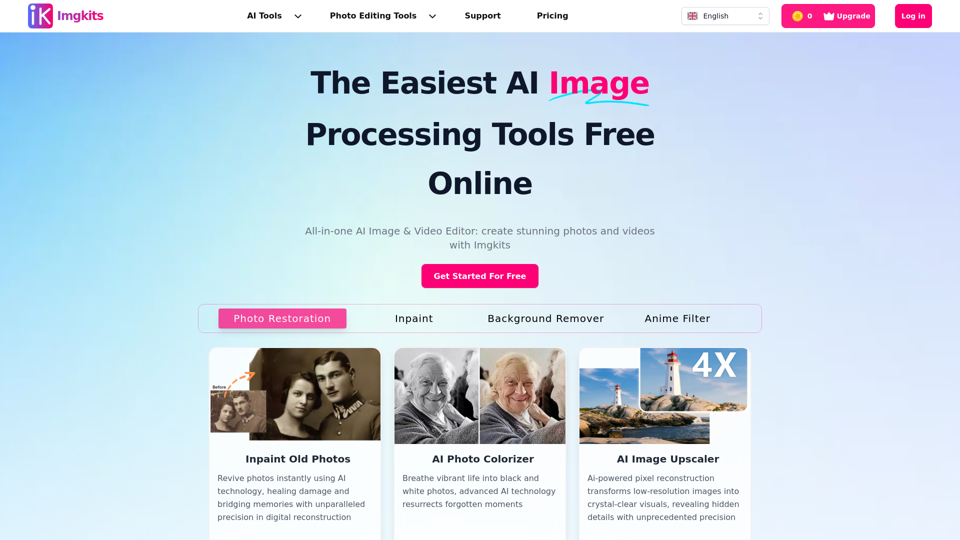
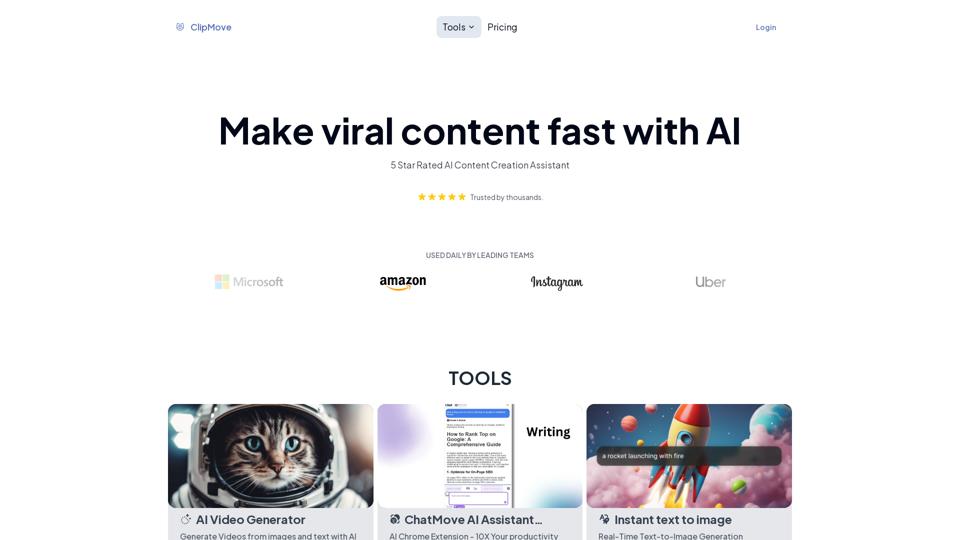
Explore our suite of cutting-edge AI video + audio + image tools and more to enhance your content creation process. The future of content creation.
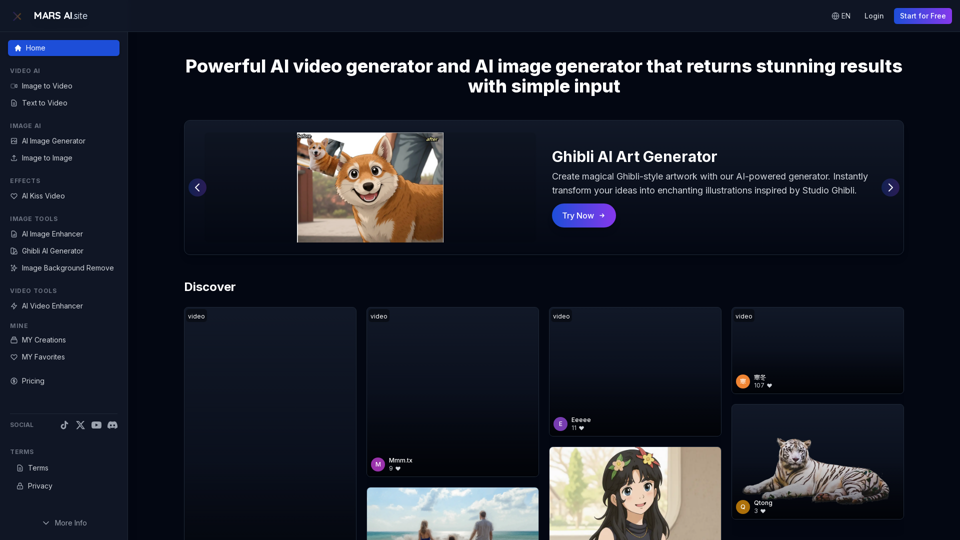
Free AI video generator and image generator tools by MARS AI. Create professional videos and images from text or images. Transform your ideas into stunning visual content. No technical skills required
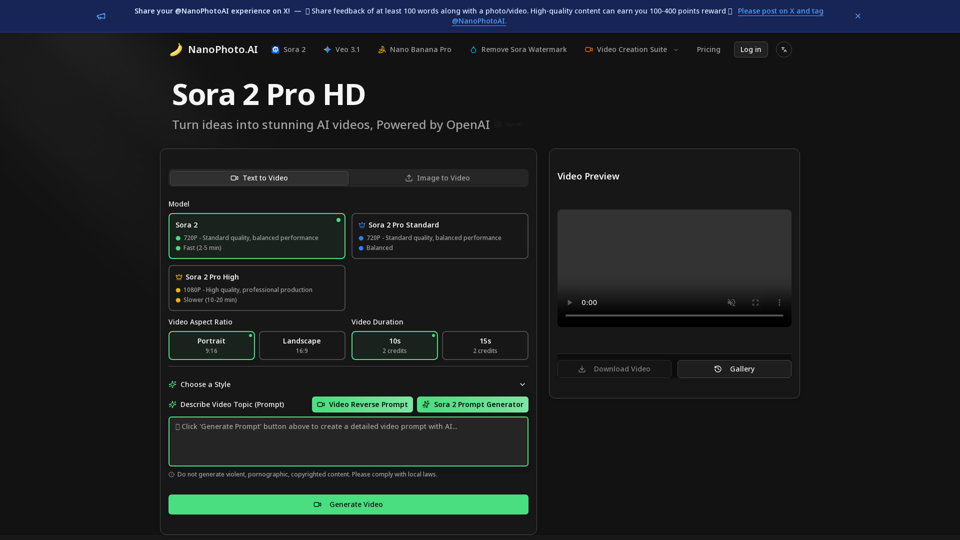
NanoPhoto.AI is a professional AI video and photo editor platform offering AI video editing (Sora 2 Pro, Sora Storyboard) and AI photo editing (Nano Banana)