Meta Muse Image
Use Muse Image on Meta Image — Meta's agentic image model for text-to-image, photo editing, and multi-reference compose. Independent browser studio. 25 free credits, no Meta account required.
What is Meta Image?
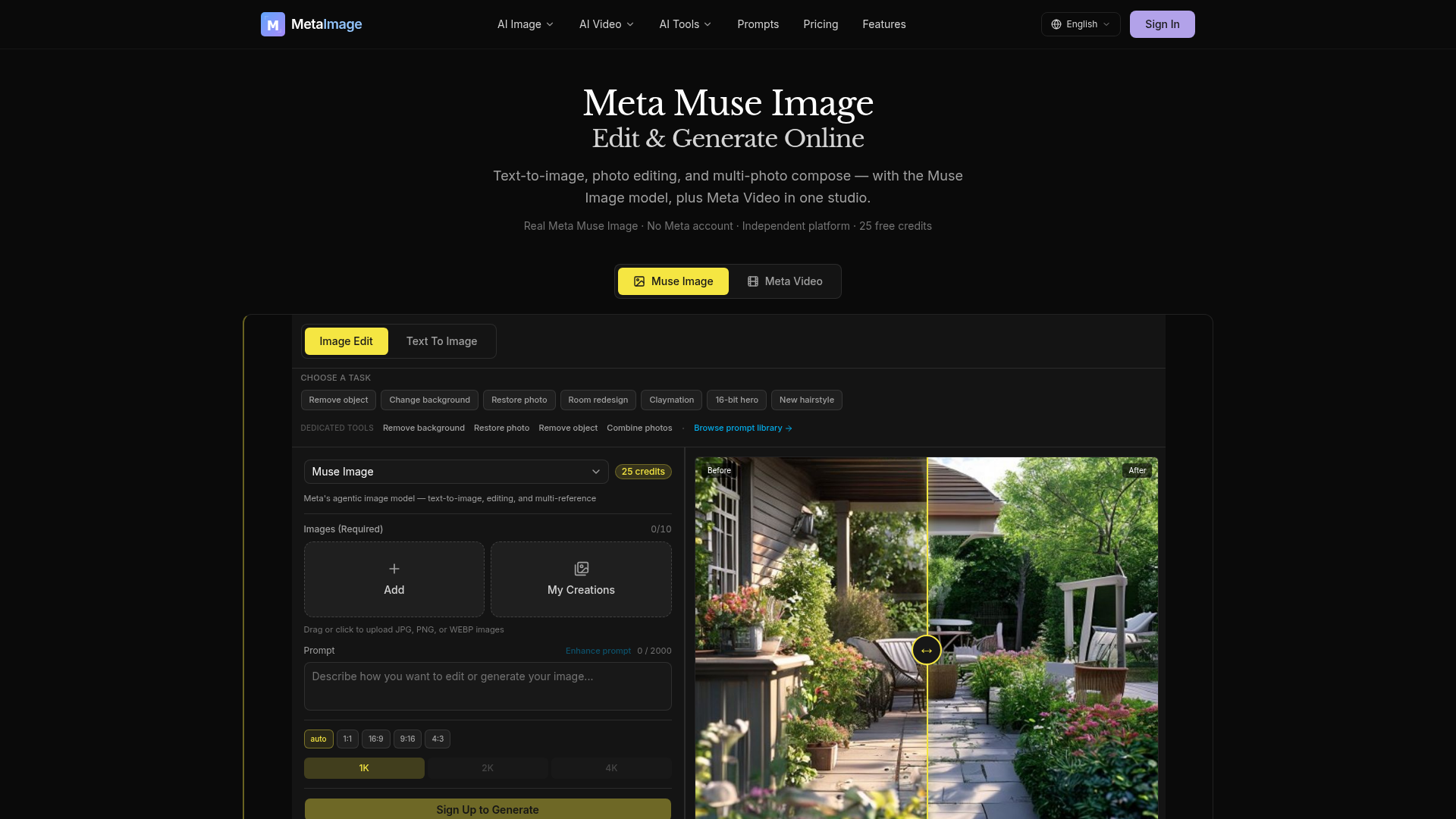
Meta Image is an independent online platform that provides direct access to Meta's powerful Muse Image AI model for professional-grade image generation and editing. Unlike the official Meta AI app, Meta Image operates as a dedicated web studio, allowing users to perform text-to-image creation, complex photo edits, and multi-photo composition tasks directly from their browser without needing a Meta (Facebook) account. It's designed for creators, marketers, and professionals who need advanced AI image tools with greater control, a full history log, and download capabilities.
What is the main feature of Meta Image?
Meta Image's core feature is providing seamless, no-fuss access to the ### Meta Muse Image model. Key features include:
- Direct Access to Muse Image
- Utilize Meta's state-of-the-art "agentic" image model for text-to-image generation, natural-language photo editing, and complex multi-reference composition.
- Independent Web Studio
- A browser-based platform that requires no Meta account, works worldwide, and offers features like credit-based usage, full generation history, and instant downloads—functionalities not available in the official Meta AI apps.
- Multi-Task Workflow
- An all-in-one studio supporting a wide range of tasks from removing objects and changing backgrounds to restoring old photos, redesigning rooms, and creating images from scratch.
- Free Starting Credits
- New users receive 25 free credits to immediately start experimenting and creating without any initial payment or credit card requirement.
How to use Meta Image?
Using Meta Image is a straightforward, four-step process in your web browser:
- Choose Your Task: On the main generator, select between ### "Image Edit" (if you have an existing photo to modify) or ### "Text To Image" (to generate a completely new scene from a description).
- Select Muse Image: Ensure the ### "Muse Image" model is selected. It is the default and most powerful option for editing and complex instructions.
- Upload Your Images: For edits, upload the photo you want to change. For advanced "multi-reference compose" tasks, you can upload up to 10 different images to blend into one coherent scene.
- Describe and Generate: Type your instructions into the prompt box (e.g., "remove the trash can," "change the background to a beach," or "a futuristic cityscape"). Click "Sign Up to Generate," create your free account, and your image will be created. You can then download the result, and all failed jobs are automatically refunded.
How much does Meta Image cost? (Pricing & Credits)
Meta Image operates on a credit system. Every user starts with ### 25 free credits upon sign-up (no credit card needed). Once free credits are used, you can purchase additional credits via subscription plans. Credits are consumed per image or video generation, with more complex tasks (like high-resolution outputs or video generation) costing more credits. This model provides flexibility and cost control, especially for users who need capabilities beyond the free tiers of official apps. Detailed pricing plans are available on the Meta Image website.
Helpful Tips for Using Meta Image
- Leverage the Prompt Library
- Explore the browseable library of 70+ ready-made prompts for different scenarios (product shots, social posts, portraits). You can copy and tweak these for your own projects.
- Use Dedicated Tools for Common Tasks
- For quick actions like background removal or photo restoration, use the dedicated tool links provided (e.g., AI Background Remover) for a streamlined workflow.
- Master Multi-Reference Composition
- This is a unique strength of Muse Image. Upload multiple reference photos (up to 10) to guide the AI in creating a single, coherent composite image, perfect for conceptual art or combining elements.
- Start with Free Credits
- Experiment with different prompt styles and tasks using your initial 25 free credits to understand the model's capabilities before committing to a paid plan.
- Understand the Difference
- Meta Image is ### not the official Meta AI app found in Instagram or WhatsApp. It is an independent platform offering a studio-like experience with history, downloads, and a credit system, which is ideal for deliberate creative work rather than casual in-app use.
Frequently Asked Questions (FAQ)
What is Muse Image on Meta Image?
Muse Image is Meta's advanced AI model for image generation and editing. On Meta Image, it powers all core functionalities, allowing for natural-language edits, multi-photo composition, and text-to-image generation.
Is this the official Meta Muse Image?
Meta Image is an ### independent platform that provides access to the Muse Image model. It is ### not affiliated with Meta Platforms Inc. It is a separate service offering a web-based studio experience.
Why use credits if Meta AI is free?
Meta Image offers capabilities not available for free in official apps, such as full-resolution downloads, a complete history log, multi-reference composition, and a dedicated workspace. The credit system supports this independent, enhanced platform.
Which tasks work best on Meta Image?
Meta Image excels at complex, intentional creative tasks: professional photo editing (object removal, background swap), restoring old photographs, designing room interiors from a photo, and creating composite images from multiple references.
How do credits work?
Each image or video generation consumes a certain number of credits. You receive 25 free credits to start. If you run out, you can purchase more. Failed generation jobs are automatically refunded to your credit balance.
Meta Muse Image
Use Muse Image on Meta Image — Meta's agentic image model for text-to-image, photo editing, and multi-reference compose. Independent browser studio. 25 free credits, no Meta account required.
 Google Analytics
 Next.js
 Node.js
 React
React Vercel
 Webpack
Free AI anime and manga generator. Turn text into anime episodes, manga, comics, webtoons and comic shorts in any art style — no drawing or animation skills needed.
Translate image text across 70+ languages with our advanced AI Image Translator to help you better expand your products globally to various countries
Advertised Here
Reach thousands of visitors daily. Get your spot now!
Tools similar to Meta Muse Image
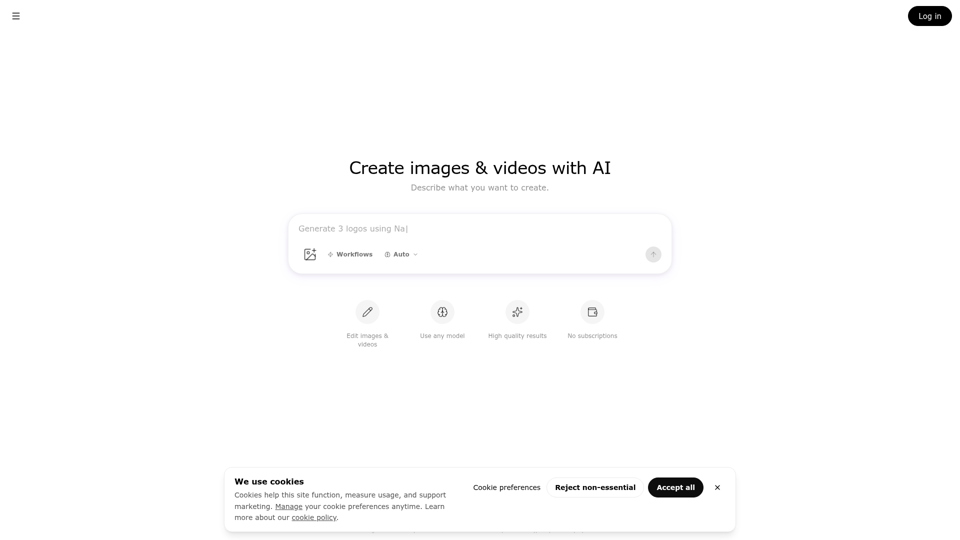
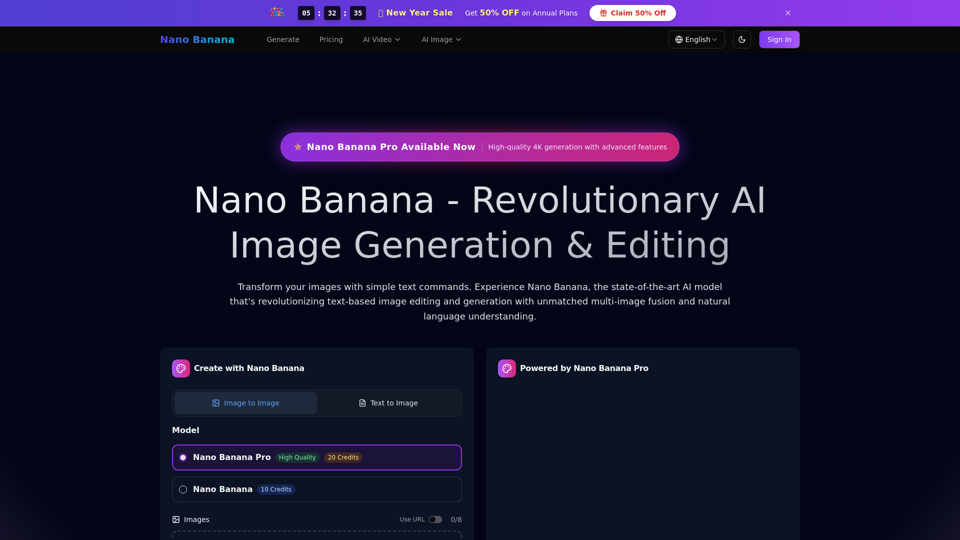
Transform your images with simple text commands. Experience the mysterious AI model that's outperforming industry leaders in text-based image editing and generation.
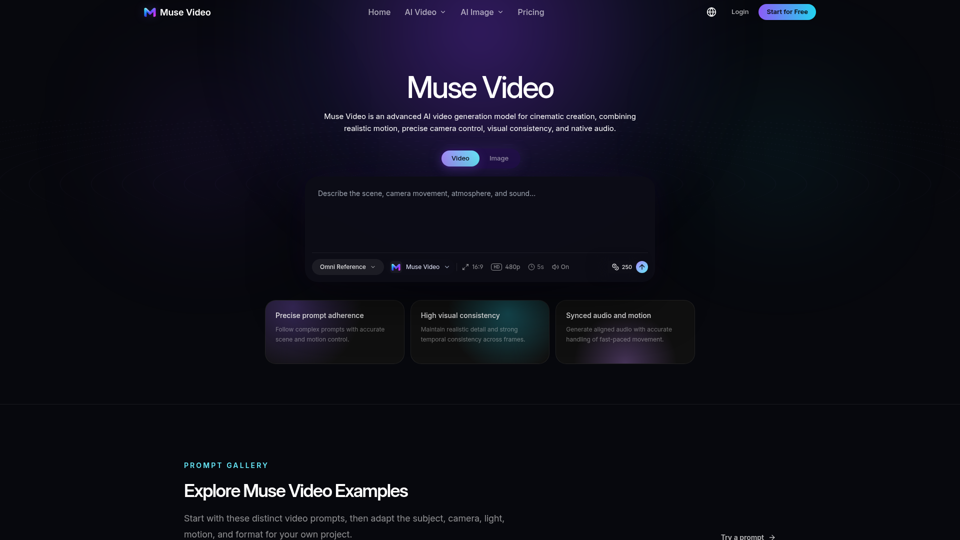
Create cinematic AI videos with Muse Video from text or images. Explore realistic motion, native audio, flexible models, and start generating online.
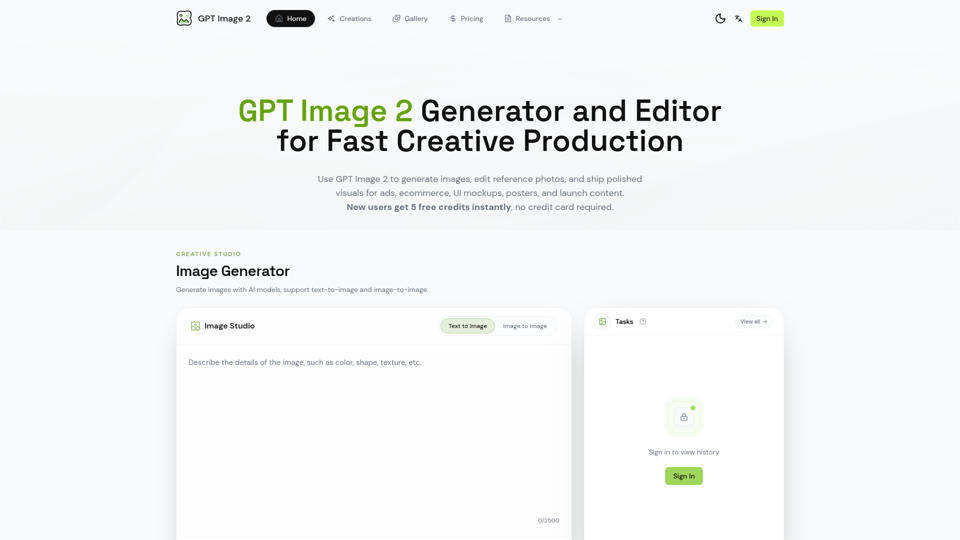

Generate and edit images with GPT Image 2 — AI image generation, reference-image editing, and asset creation for ads, ecommerce, UI mockups, posters, and production-ready visuals. Try free.
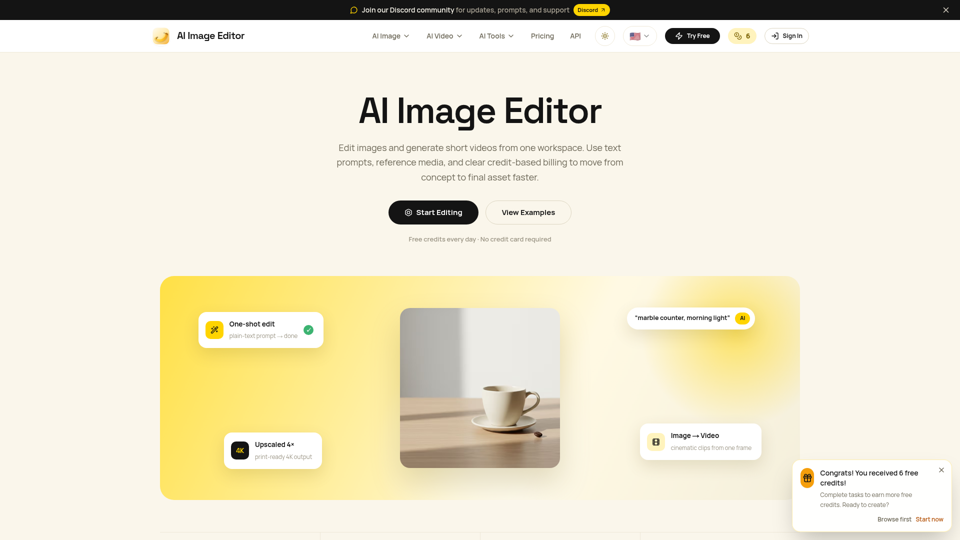
Edit photos with natural language using our free AI image editor. Transform, retouch, and enhance any photo with simple text prompts—fast and easy.
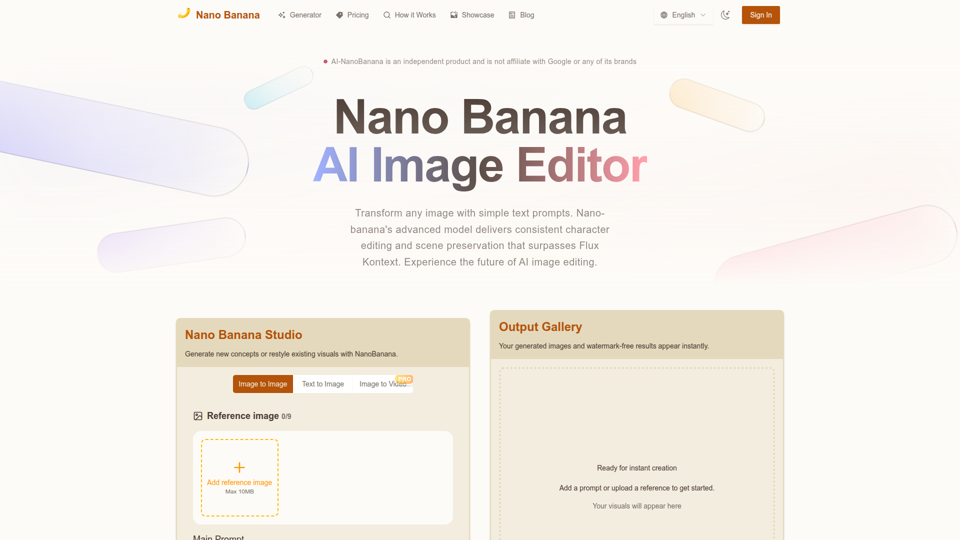
Nano Banana combines image-to-image and text-to-image so teams can ship polished visuals in seconds. Generate, edit, and clean assets in one intuitive workspace.
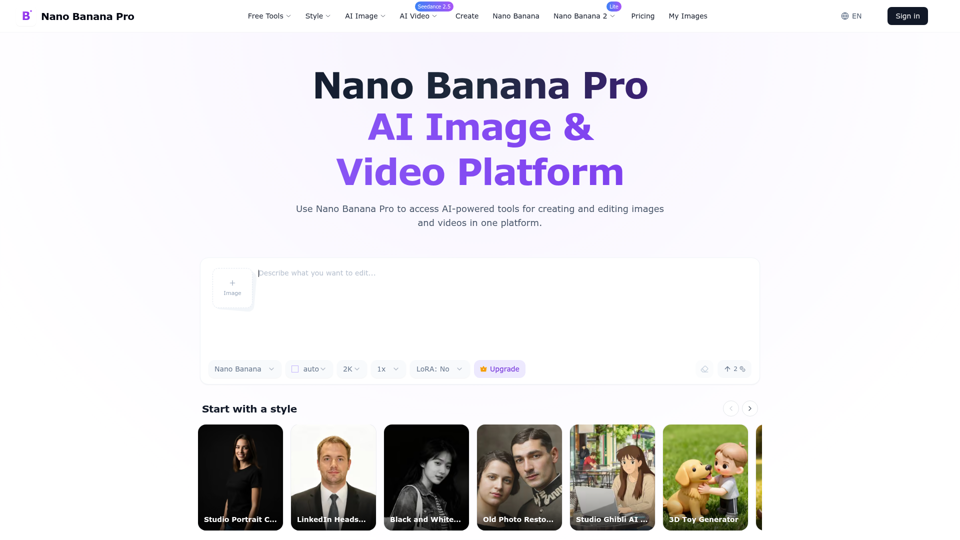
Create and edit high-quality AI images with Nano Banana Pro. Start with free credits, generate up to 4K, and refine text, style, and lighting online.