Veo 4
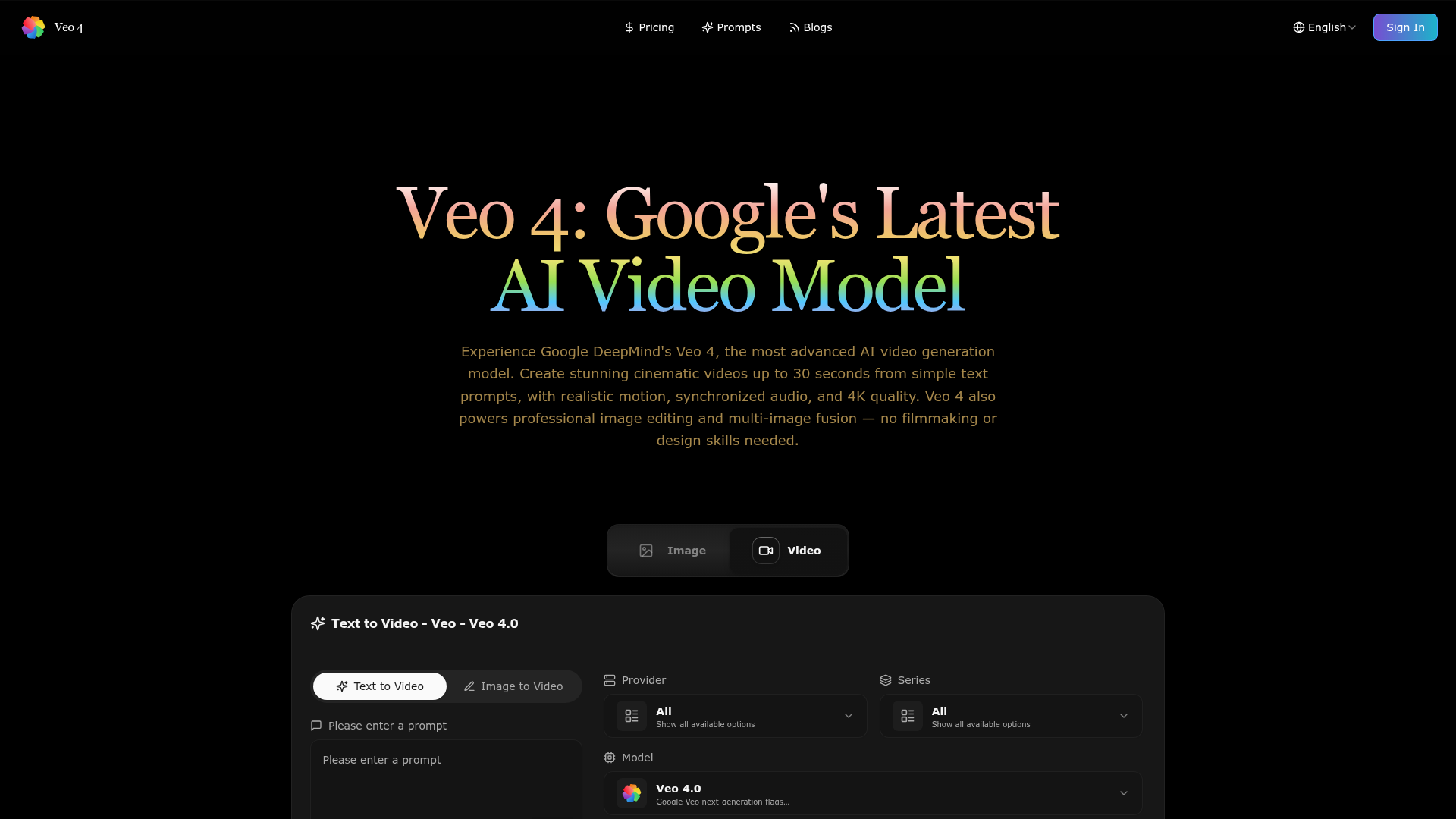
Veo 4 is Google DeepMind's AI video generation and image editing platform. Create cinematic videos up to 30s from text, edit images with AI, and fuse multiple photos. No skills needed.
What is Veo 4?
Veo 4 is Google DeepMind's latest and most advanced AI-powered video generation platform. It allows users to create cinematic-quality videos up to 30 seconds in length from simple text descriptions. Beyond video, Veo 4 also integrates powerful AI-driven image editing and multi-image fusion capabilities, enabling professional-level visual content creation without requiring specialized filmmaking or design skills. The platform supports synchronized audio generation, realistic motion, and output up to 4K resolution, making it a comprehensive tool for creators, marketers, and businesses.
What is the main feature of Veo 4?
Veo 4’s core feature is its high-quality ### AI video generation. It transforms text prompts into realistic, cinematic videos. Key capabilities include:
- Text-to-Video
- Generate videos up to 30 seconds with complex motion and synchronized audio from a written prompt.
- Image-to-Video
- Create dynamic video scenes from a static reference image.
- Advanced Image Editing
- Perform context-aware edits like colorization, object addition/removal, and style changes using AI models like Flux Kontext.
- Multi-Image Fusion
- Intelligently blend multiple images into a coherent new visual.
- High-Quality Output
- Produce videos in resolutions up to 4K with natural lighting, spatial understanding, and no common AI artifacts.
How to use Veo 4?
Using Veo 4 is designed to be straightforward:
- Access the Platform: Visit the Veo 4 website or app.
- Choose Your Task: Select between ### Text-to-Video, ### Image-to-Video, or an ### Image Editing tool like Nano Banana (for colorization) or Flux Kontext (for complex edits).
- Input Your Prompt or Image: For video, enter a descriptive text prompt (up to 5000 characters). For image editing, upload your source image(s).
- Configure Settings: Adjust parameters like Aspect Ratio (16:9, 9:16), Resolution (720p, 1080p, 4K), and Model Version (Quality, Fast, or Lite for speed/quality trade-offs).
- Generate: Click the "Generate" button. The process consumes credits. Each generation (e.g., a video, an image edit) uses a set number of credits from your account balance.
- Review and Use: Your generated video or edited image will be available for download or further use, complete with commercial rights.
You can start with a free trial offering 30 credits.
Price
Veo 4 operates on a credit-based system. You can purchase credits via one-time packs or subscribe to a recurring plan for ongoing access.
Subscription Plans (Best for Regular Users):
- Starter
- $5.00/month or $59.99/year (Save 50%). Includes 1,200 credits/year, Veo 3.1 video generation, standard speed, no watermark.
- Pro
- $10.00/month or $119.99/year (Save 50%). Includes 3,600 credits/year, priority speed, expanded model access, and a ### Commercial Use License.
- Ultimate
- $20.00/month or $239.99/year (Save 50%). Includes 9,600 credits/year, fastest speed, full model access, and a Commercial Use License.
Credit Packs (One-Time Purchase, Credits Never Expire):
- Starter Pack
- $4.99 for 50 credits.
- Growth Pack
- $14.99 for 200 credits (Best Seller).
- Professional Pack
- $29.99 for 500 credits, includes a Commercial Use License.
Video generation typically costs 80 credits per creation. Single image edits cost around 10 credits, and multi-image fusion also costs 10 credits.
Helpful Tips
- Prompt Crafting
- For the best videos, use detailed, cinematic language. Describe scenes, actions, lighting, and mood. Utilize the "Auto Translate Prompt" feature if English is not your first language.
- Start Free
- Use the 30 free credits to experiment with different prompts and features before committing to a purchase.
- Choose the Right Model Version
- Use "Quality" for final, high-fidelity projects; "Fast" for quicker iterations; "Lite" for cost-effective experimentation.
- Explore the Gallery
- Look at the "Creative Inspiration Gallery" on the platform to see successful prompts and outputs from the community.
- Use for Commercial Projects
- All generated content comes with commercial usage rights, making it ideal for marketing, social media content, and client presentations.
- Combine Features
- Leverage both the video generation and the image editing tools (like Flux Kontext) to create a fully polished visual project from scratch.
Frequently Asked Questions
What makes Veo 4 different from other AI creation tools?
Veo 4 is built on Google DeepMind's state-of-the-art models, specializing in ### cinematic video generation with a deep understanding of motion, timing, and spatial relationships. Its integrated suite for ### AI image editing (like context-aware edits and multi-image fusion) sets it apart as a unified professional creative platform.
How long does Veo 4 take to generate content?
Image edits are very fast, typically completing in 10-30 seconds. Video generation time depends on length and complexity, but Veo 4's optimized pipeline is significantly faster (up to 8x) than many competing platforms while maintaining higher quality.
What file formats does Veo 4 support?
For input, Veo 4 supports JPG, PNG, and WEBP image formats, with a maximum file size of 5MB per image. Outputs can be exported as PNG or JPG for images, and in common video formats for videos.
Is there a limit to how many creations I can make with Veo 4?
You can create unlimited content as long as you have credits in your account. Each operation consumes credits: video generation (80 credits), single image edit (10 credits), multi-image fusion (10 credits).
Can I use Veo 4 creations for commercial purposes?
Yes. All content created on Veo 4 includes full commercial usage rights. The ### Pro and ### Ultimate subscription plans and the ### Professional Pack explicitly include a Commercial Use License.
How secure is my content on Veo 4?
Veo 4 employs enterprise-grade security. Your uploaded content is processed securely and is accessible only to you. The platform prioritizes user privacy and data protection.
Veo 4
Veo 4 is Google DeepMind's AI video generation and image editing platform. Create cinematic videos up to 30s from text, edit images with AI, and fuse multiple photos. No skills needed.
 Next.js
 Node.js
 React
React Snowplow Analytics
 Vercel
 Webpack
Free AI anime and manga generator. Turn text into anime episodes, manga, comics, webtoons and comic shorts in any art style — no drawing or animation skills needed.
Translate image text across 70+ languages with our advanced AI Image Translator to help you better expand your products globally to various countries
Advertised Here
Reach thousands of visitors daily. Get your spot now!
Tools similar to Veo 4
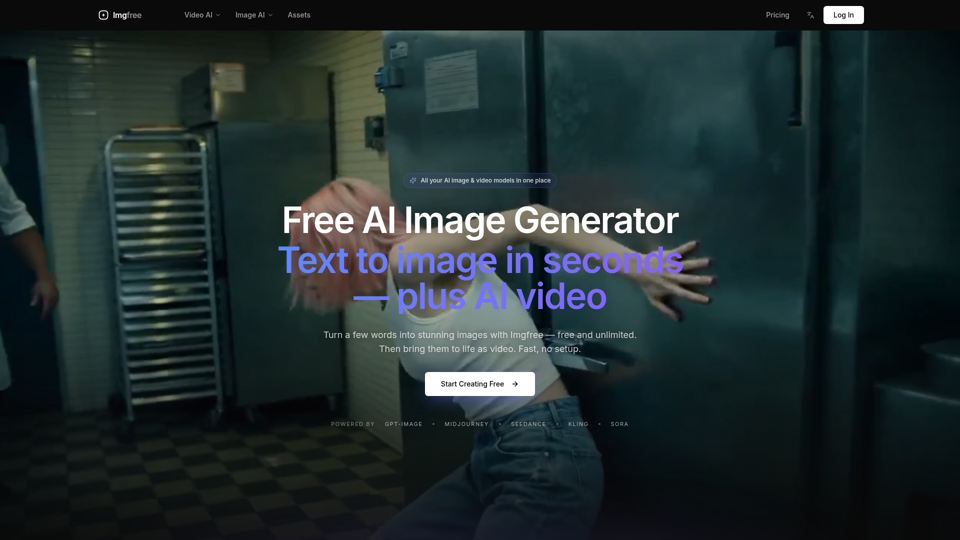
Turn text into images for free — Imgfree 1.0 is free and unlimited, no credits. Also use GPT-Image, Midjourney, Nano Banana and Flux, plus AI video, all in one place.
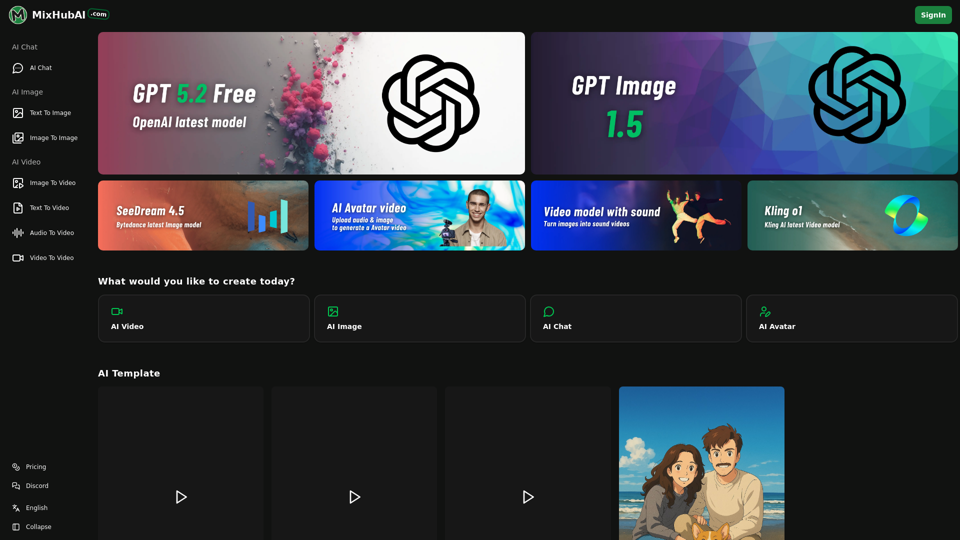
MixHub AI is an all-in-one platform featuring GPT-5, Flux, Claude, Qwen Image, Kling, Hailuo, and more. Always the latest AI models, updated regularly
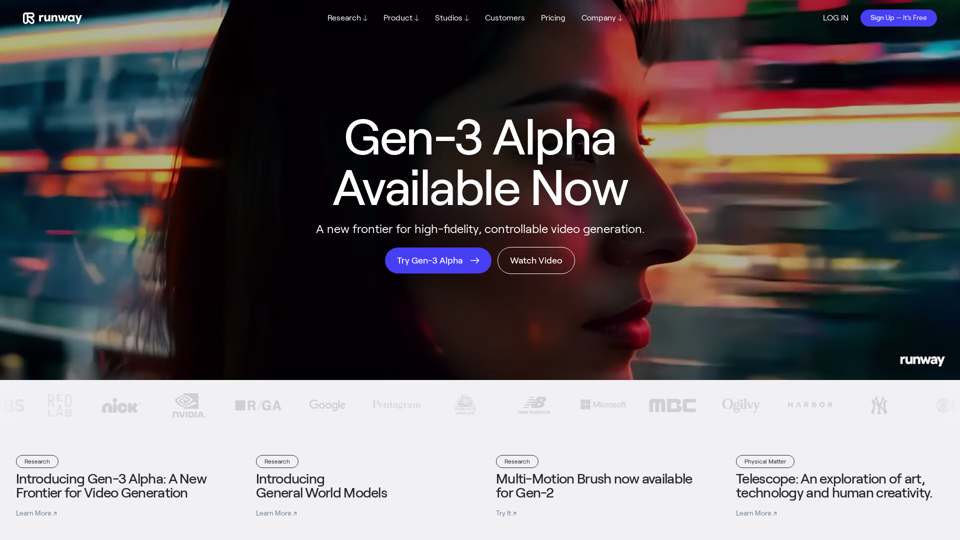
Runway is an applied AI research company shaping the next era of art, entertainment and human creativity.
Instantly build powerful computer vision models without code or training data.
Generate cinematic videos with synchronized audio using Veo 3 AI, Google’s cutting-edge video generation model. Try it free on TryVeo3.ai—no sign-up needed.
Explore AI Video Generator with User-Generated Videos of MiniMax, Prompt Tips and Insightful Blogs in this Vibrant Community about MiniMax AI
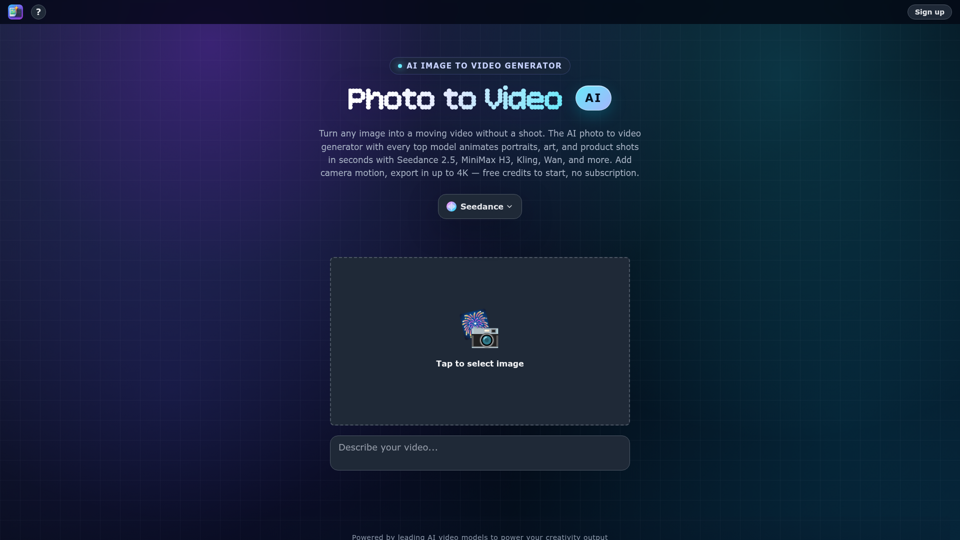
Turn any photo into video with AI. Photo to video AI generator with Seedance 2.5, MiniMax H3, Kling, Wan, up to 4K. Free credits, no subscription.