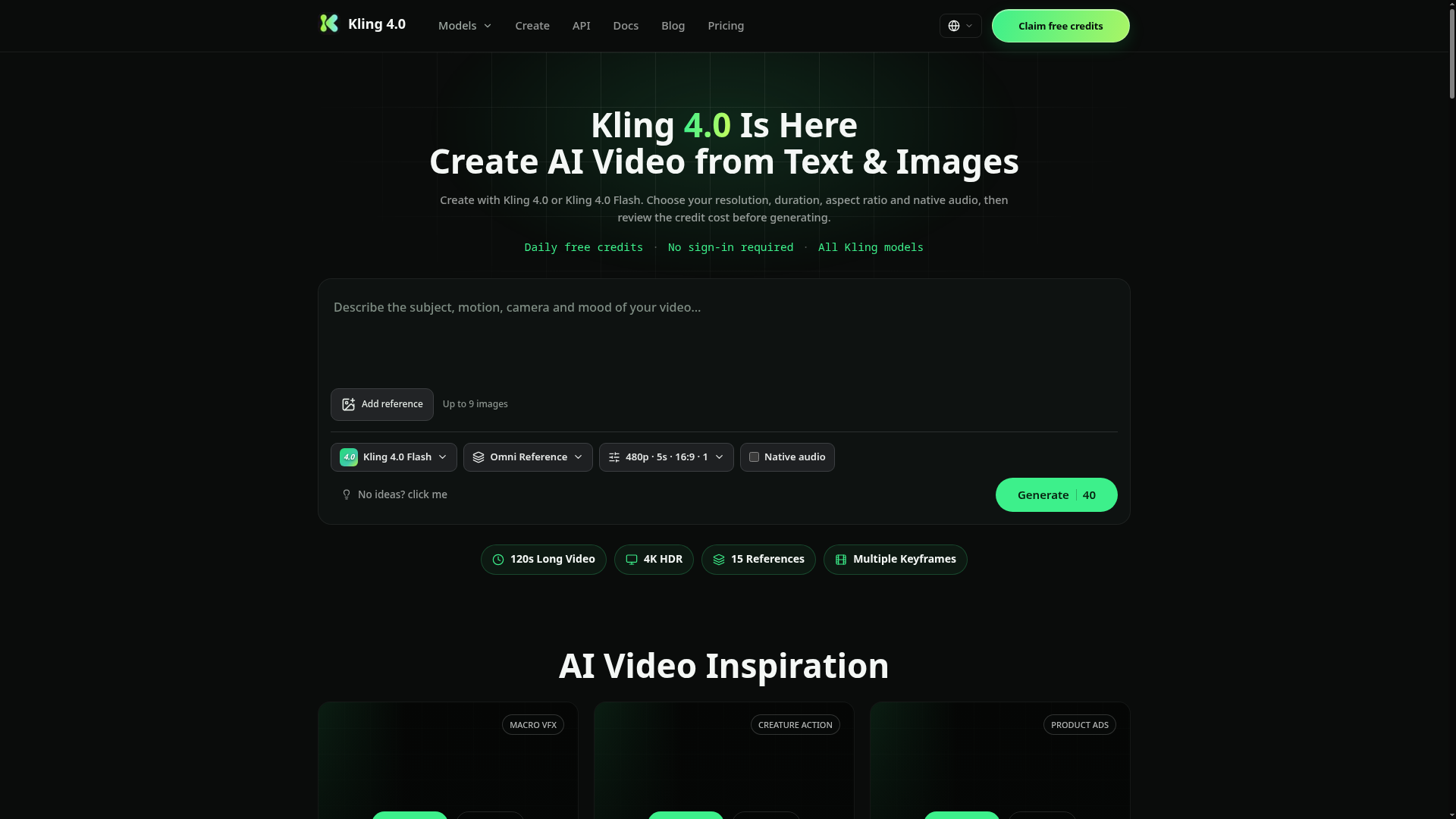
What is Kling 4.0?
Kling 4.0 is the cutting-edge, next-generation AI video generation model developed by Kling AI. Building upon the foundation of its predecessor, Kling 3.0, this powerful AI video generator pushes the boundaries of what's possible in automated video creation. It is engineered for creators who demand cinematic quality, offering features like 120-second single-take narratives, an 80-reference multimodal input system, and native 4K resolution at 60 frames per second. Unlike basic video tools, Kling 4.0 incorporates a sophisticated world-model physics engine to ensure realistic motion for fabrics, fluids, and character movement, making it a premier choice for professional-grade AI video production, from short films and advertisements to social media content.
Key Features of Kling 4.0
Kling 4.0 is packed with advanced features that set a new standard for AI video generators.
120s Single-Take Narrative Generation
Generate one continuous, coherent video clip up to 120 seconds long. The AI maintains "scene memory," ensuring consistent lighting, character wardrobe, and props throughout the entire sequence. You can even extend any generated clip forward or backward seamlessly.
80-Reference Multimodal Control System
Go beyond simple text prompts. Kling 4.0 allows you to feed up to 80 reference inputs—including images, videos, audio clips, and 3D models—into a single project. Use layered weight control to lock in specific details for characters, products, or styles, achieving zero face or brand drift across every shot.
4K 60fps Cinema-Grade Output
Experience native 4K resolution at 60 frames per second without any upscaling or interpolation. The output is cinema-ready, with the AI's world-model physics ensuring that movements of fabric, fluids, and other elements are believable and stable, even across long takes.
Native Multi-Language Audio Engine
The model features phoneme-accurate lip-sync for over 10 languages. You can upload a voice reference to create custom dialogue for characters, and the AI automatically generates scene-matched sound effects and background music in a single pass.
Flawless Character and Brand Consistency
The core of Kling 4.0's technology is its ability to maintain perfect consistency. Characters' faces, clothing, and specific brand elements like logos remain locked and identical from shot to shot, which is crucial for professional storytelling and advertising.
Transparent Credit-Based Pricing
Before generating any video, the platform clearly shows the credit cost based on your selected settings (resolution, duration, model). This allows creators to manage their budget effectively and choose configurations that best fit their project needs and balance.
How to Use the Kling 4.0 AI Video Generator
Creating stunning AI videos with Kling 4.0 is a straightforward, three-step process designed for both beginners and professionals.
Step 1: Craft Your Prompt and Add Visual References Start by writing a detailed text prompt. Describe your scene, subject, desired action, camera angles (e.g., "close-up," "drone shot"), and mood. For precise visual control, you can upload up to three reference images to guide the AI's style, composition, or character appearance.
Step 2: Configure Settings and Initiate Generation Select your preferred model (Kling 4.0 or the faster Kling 4.0 Flash). Then, adjust key settings like output resolution (from 720p up to 4K) and video duration. The interface will display the exact credit cost for your chosen configuration. Once reviewed, submit your project for generation.
Step 3: Preview, Download, and Refine Monitor your video's progress in the "Create" dashboard. Once complete, you can preview the result, download it in high quality, and use the built-in editing tools—like frame-level region redraw—to make minor adjustments without regenerating the entire clip, allowing for efficient iteration.
Kling 4.0 Pricing and Credit System
Kling 4.0 operates on a flexible credit-based system rather than a rigid subscription-only model. This provides great control over spending.
- Free Tier
- Eligible new users can often claim daily free credits to test the platform and create their first videos.
- Pay-As-You-Go
- You purchase credit packs which are then consumed per video generation. The cost per video is transparently shown before generation and varies based on:
- Model Choice: Kling 4.0 (full features) vs. Kling 4.0 Flash (faster, for shorter clips).
- Output Resolution: Higher resolutions like 4K cost more credits than 720p or 1080p.
- Video Duration: Longer videos require more computational resources and thus more credits.
- Membership Plans
- For high-volume creators, monthly or yearly membership plans are available. These plans typically offer a bundle of credits per period, reduced credit costs per video, and bonus features like the ability to generate multiple video variations (2, 3, or 4 outputs) simultaneously from a single prompt.
Helpful Tips for Mastering Kling 4.0
To get the most out of this powerful AI video generator, consider these expert tips:
- Leverage Reference Images
- Don't rely solely on text. Using high-quality reference images is the single best way to control style, character appearance, and composition, ensuring the output matches your vision.
- Be Specific in Your Prompts
- Use descriptive language for camera work (e.g., "slow pan," "Dutch angle"), lighting ("golden hour," "neon-lit"), and emotion. Detailed prompts yield more precise and cinematic results.
- Start with Shorter Clips
- If you're new to AI video generation, begin with 5-10 second clips at 1080p to understand how the AI interprets your prompts and references before investing credits in longer, 4K projects.
- Utilize the 120s Mode for Stories
- For narrative projects, use the 120-second single-take mode. Plan your "shot list" within the prompt to create a mini-scene with a beginning, middle, and end, taking advantage of the consistent scene memory.
- Experiment with the Audio Features
- For talking-head or dialogue-heavy videos, use the custom voice upload and lip-sync feature to create highly realistic and engaging content suitable for social media or presentations.
- Check Credit Costs First
- Always review the credit quote on the generation page before submitting. Adjust duration or resolution to fit your budget if needed.
Frequently Asked Questions (FAQs)
Can I try Kling 4.0 for free?
Yes, eligible visitors to the platform can often claim daily free credits. You can use these to generate videos and test the AI video generator's capabilities at no cost.
What's the difference between Kling 4.0 and Kling 4.0 Flash?
Kling 4.0 is the full-featured model supporting higher resolutions (up to 4K) and longer durations. Kling 4.0 Flash is a streamlined, faster version optimized for quick generation of shorter clips (e.g., 5-15 seconds) at 720p resolution, ideal for rapid prototyping or social media snippets.
How many videos can I generate at once?
A standard generation creates one video. However, active monthly or yearly members have the option to select 2, 3, or 4 outputs per generation. Each output is a separate render with its own result, allowing you to explore multiple variations of your idea simultaneously.
Is my data private? Will it be used for training?
kling-4.ai operates as an independent creation platform. For specific details on data usage and privacy policies, it is recommended to consult the platform's terms of service. Official Kling AI product information should be sought from the publisher directly.
What are the best use cases for Kling 4.0?
Kling 4.0 excels in numerous professional and creative applications:
- AI Short Films & Drama: Create 120-second narrative scenes with consistent characters.
- Cinematic Advertisements (TVC): Produce high-end product commercials with locked-in brand assets.
- E-commerce & Product Videos: Generate multiple angled shots of a product with zero visual drift.
- Social Media Content: Make vertical videos with perfect lip-sync for platforms like TikTok and Instagram Reels.
Kling 4.0 AI Video Generator
Create AI videos with Kling 4.0 and Kling 4.0 Flash from text or reference images. Choose supported resolution, duration, aspect ratio and audio settings before generating.
 Next.js
 Node.js
 React
React Vercel
 Webpack
 dc.js
dc.jsFree AI anime and manga generator. Turn text into anime episodes, manga, comics, webtoons and comic shorts in any art style — no drawing or animation skills needed.
Translate image text across 70+ languages with our advanced AI Image Translator to help you better expand your products globally to various countries
Advertised Here
Reach thousands of visitors daily. Get your spot now!
Tools similar to Kling 4.0 AI Video Generator
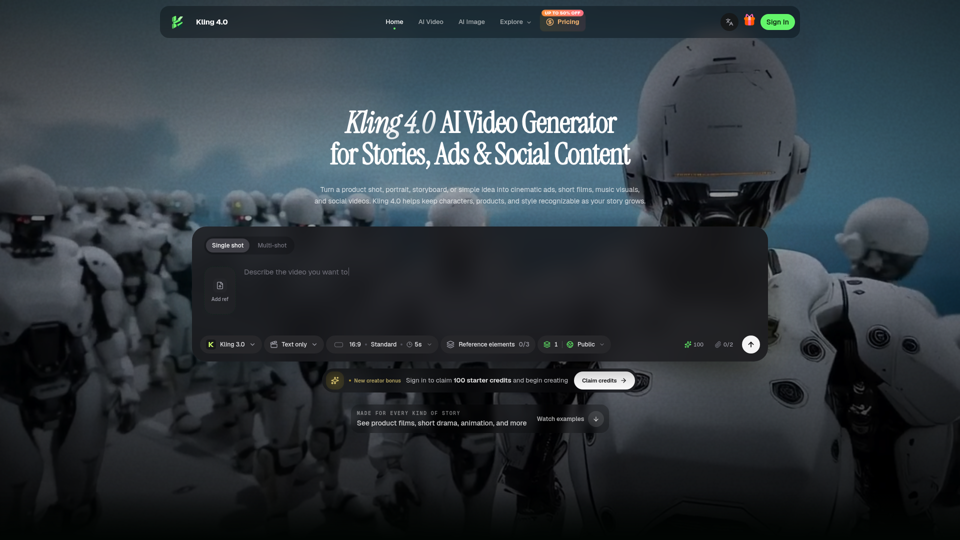
Create cinematic ads, character stories, animation, and social videos with Kling 4.0. Explore real examples and shape every scene with visual references.
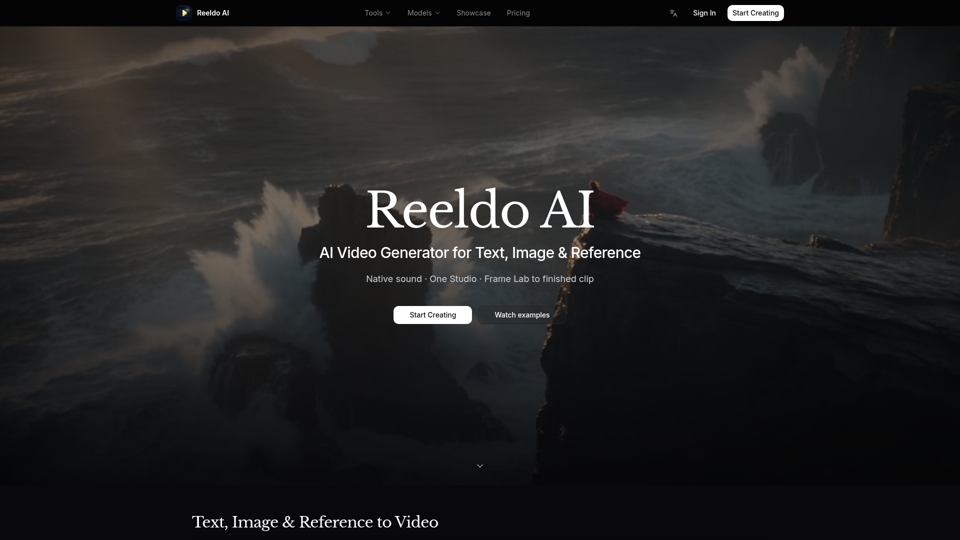
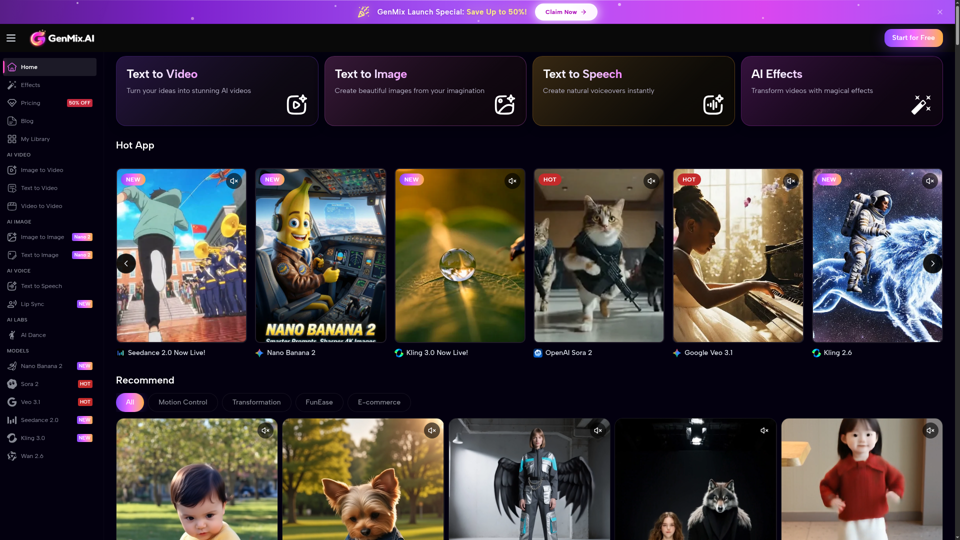
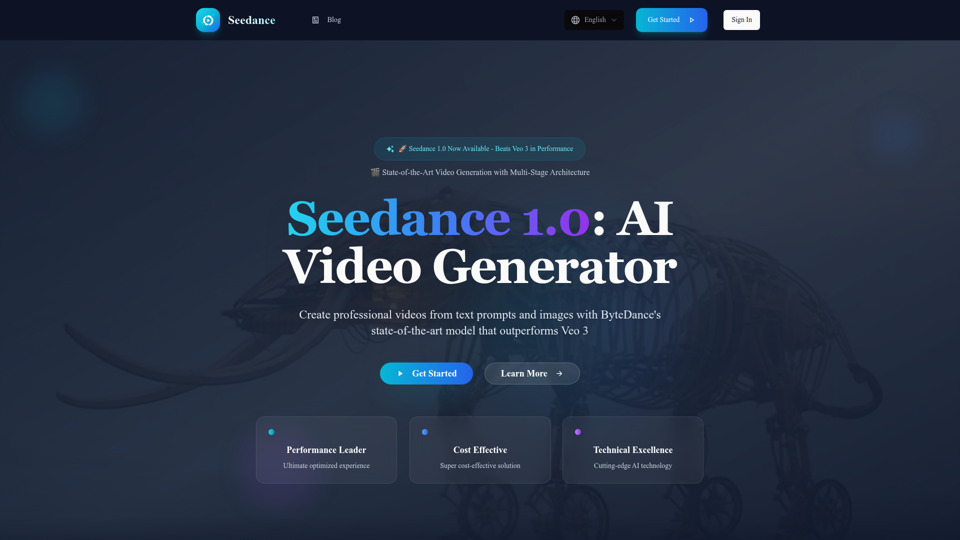
Experience Seedance 1.0, ByteDance's groundbreaking AI video generation model that outperforms Veo 3 and Kling 2.1. Create professional videos from text prompts and images with multi-stage architecture, superior quality, and exceptional cost efficiency at $0.48 per 5 seconds.
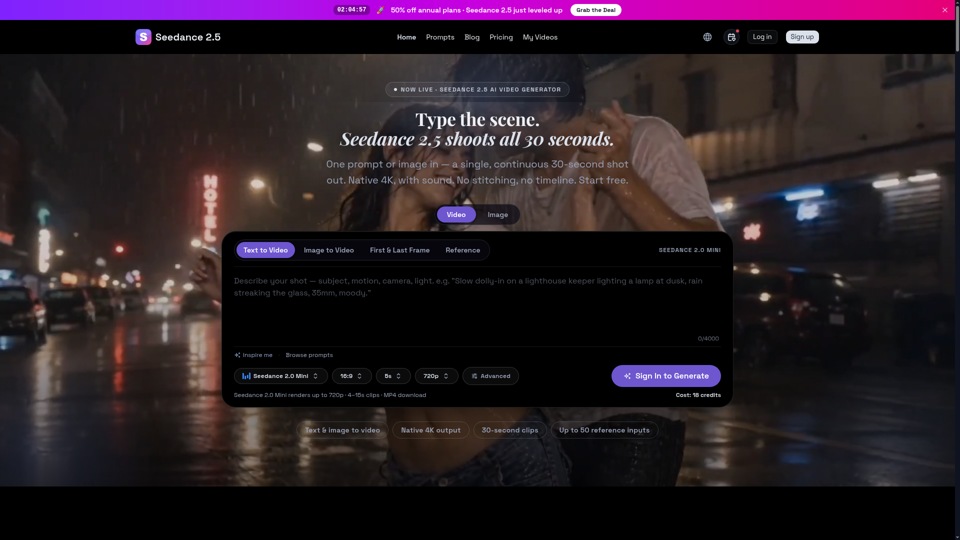
Seedance 2.5 is ByteDance’s next-gen AI video generator — turn one prompt into a single 30-second clip at native 4K, with up to 50 reference inputs. Start free.
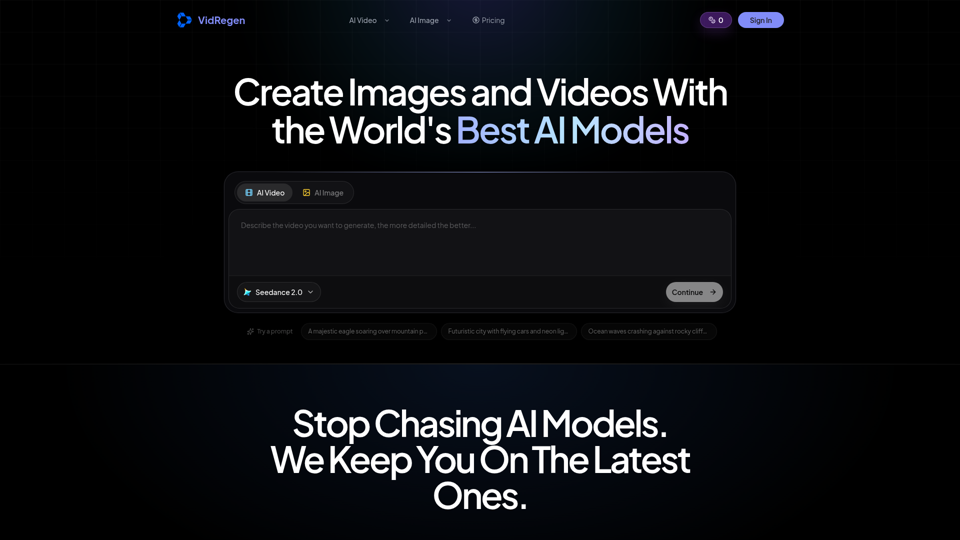
Generate AI images and videos with top models — Kling 3, Veo 3.1, Flux 2, Seedance & more. One workspace, 10+ models, starting from $9.9/mo.
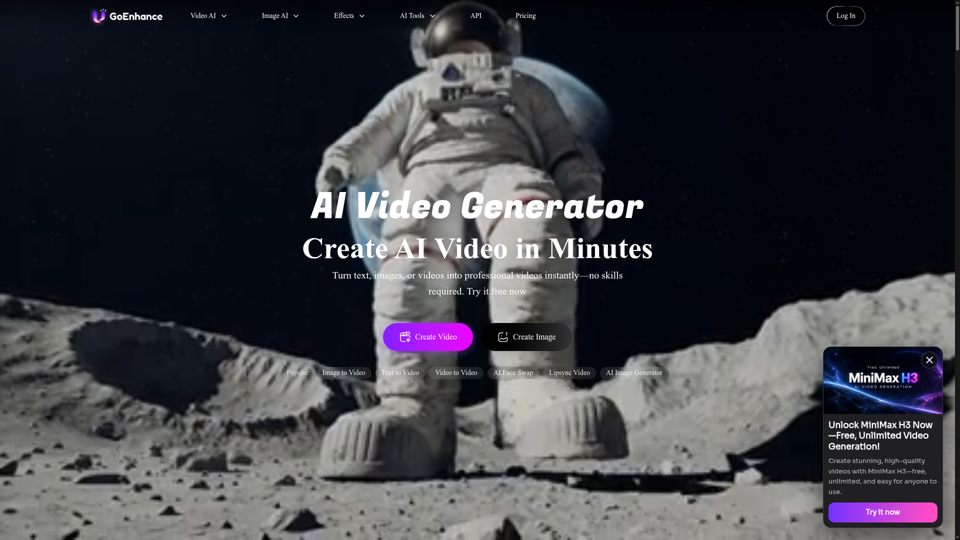
GoEnhance AI – All-in-One AI Video Generator. Create videos from text, images, or existing clips with advanced models like Runway, Kling, and Veo 3.
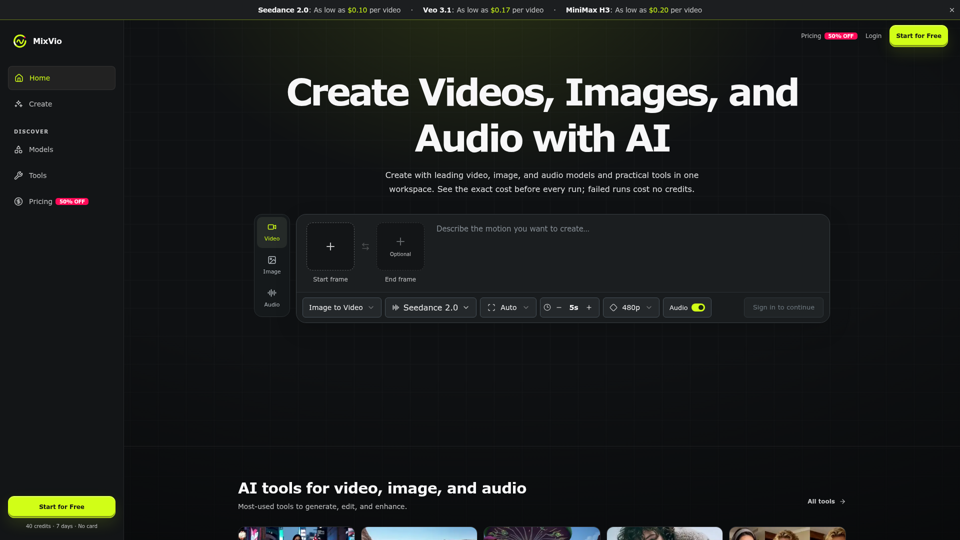
Create AI videos, images, and audio with Seedance, Kling, Veo, GPT Image, and practical creative tools. See exact costs upfront; failed runs cost no credits.