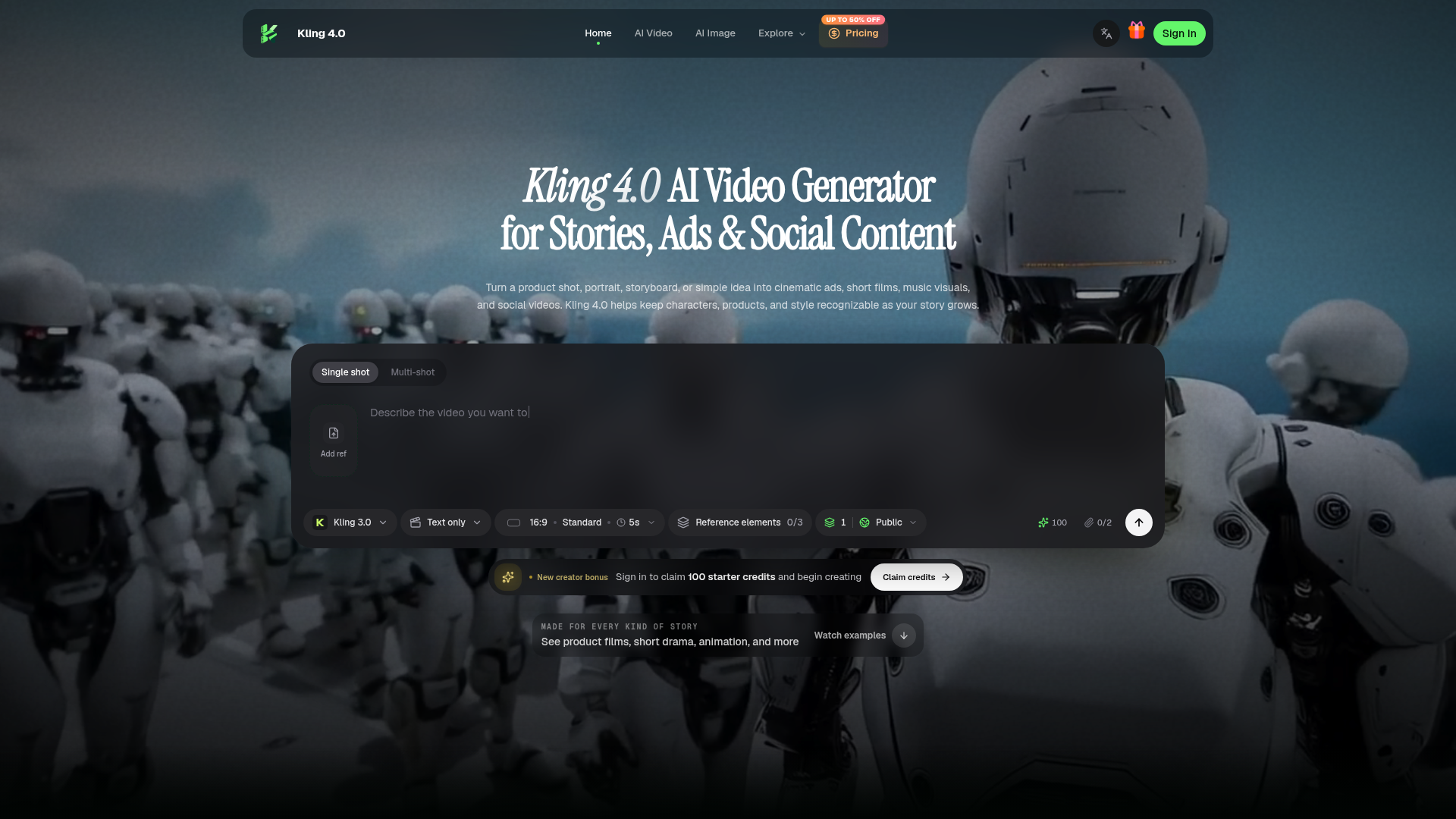
What is Kling 4.0 AI Video Generator?
Kling 4.0 is an advanced AI-driven video generation platform designed to transform simple ideas, single images, or storyboards into high-quality cinematic content. It specializes in creating ads, short films, social media videos, music visuals, character-driven stories, and game trailers. A core strength of Kling 4.0 is its ability to maintain consistency in characters, products, and visual style throughout a generated video, allowing stories to grow and evolve while keeping key elements recognizable.
What are the Key Features of Kling 4.0?
Kling 4.0 is packed with powerful features tailored for professional and creative video production:
- Extended Video Length
- Generate videos from 3 seconds up to 30 seconds in a single creation. By extending multiple videos, you can build cohesive sequences up to two minutes long.
- Omni Reference System
- Combine up to 15 different reference inputs—including images, videos, voice samples, and specific subject elements—to guide the AI. This allows precise control over character appearance, product design, camera motion, and overall visual mood.
- Multi-Shot Consistency & Keyframe Control
- Create multi-shot scenes where characters and elements remain consistent across different angles and frames. Utilize up to 10 keyframe images to define crucial narrative beats, scene transitions, and visual turning points, giving you directorial control over the story's flow.
- Advanced Production Quality
- Output videos in various aspect ratios (21:9, 16:9, 1:1, 9:16) and resolutions, including 720p, 1080p, and 4K with 10-bit HDR support. It also features improved lip synchronization and two-channel stereo audio.
- Focused Video Editing
- Refine generated videos by editing specific parts. You can adjust expressions, body motion, camera movement, backgrounds, or style while preserving the rest of the scene.
- Multilingual & Localization Support
- Generate videos with speech in multiple languages, accents, and dialects. It also supports adding readable on-screen text, stable logos, and emojis for localized content creation.
How to Use Kling 4.0 AI Video Generator?
Using Kling 4.0 involves a simple, creative process:
- Define Your Core Idea: Start with a text prompt describing your video. This can be a simple sentence or a detailed description up to 8,000 tokens covering action, dialogue, and camera direction.
- Anchor with References: Upload the essential references that define your scene. This could be product photos, character images, concept art, or video clips for motion guidance. The Omni Reference system uses these to maintain consistency.
- Direct the Story Beats: Set your keyframes to mark important moments in the narrative. Describe the action in order, using first and last frames or keyframes to establish the visual progression.
- Generate and Refine: Submit your creation. Once generated, you can review the video and use the editing tools to make focused adjustments to motion, sound, or visual details, polishing the final output.
What is the Pricing for Kling 4.0?
Kling 4.0 offers tiered subscription plans based on monthly credits, which are used for video generation:
- Starter Plan ($14.99/month)
- Includes 350 credits per month. Ideal for experimentation and small-scale production tests.
- Pro Plan ($39.99/month)
- Includes 1,600 credits per month. Designed for creators, producers, and growing workflows. It adds features like batch output, a priority generation queue, and includes a commercial license.
- Premium Plan ($119/month)
- Includes 5,500 credits per month. Tailored for teams, studios, and high-volume commercial production. It offers the lowest cost per generation, a high-priority queue, and is built for extensive creative testing and asset production.
All plans provide access to generation history, result downloads, and the use of reference inputs. Yearly subscriptions offer significant savings. There is also an option to purchase credit packs.
Helpful Tips for Maximizing Kling 4.0
- Leverage References Strategically
- Use high-quality, clear reference images for characters and products. Use short video clips to guide specific camera movements or action sequences.
- Utilize Keyframes for Narrative
- Don't just describe the video; direct it. Use keyframes to plan your story's climax, reveals, and emotional beats.
- Start Simple, Then Detail
- Begin with a concise prompt and a few references to see the AI's interpretation. Then, iterate by adding more detailed descriptions and references to refine the output.
- Explore "Kling 4.0 Flash"
- For faster ideation and less demanding projects, use the "Flash" model. It's optimized for speed, supporting 3-20 second clips, and is perfect for rapid social content creation.
- Use the Editing Tools
- The platform's ability to edit specific parts of a generated video is powerful. If a scene is 90% perfect, use editing to tweak the remaining 10% (like a character's expression or the background) instead of regenerating the entire clip.
Frequently Asked Questions (FAQs)
Can I generate videos for commercial use?
Yes, both the Pro and Premium subscription plans include a commercial license, allowing you to use the generated videos in client work, advertisements, and other commercial projects.
How does the credit system work?
Credits are consumed each time you generate a video. The cost varies based on video length, resolution, and the AI model used (e.g., Standard vs. Flash). Your monthly subscription replenishes your credit pool.
What is the difference between Kling 4.0 and Kling 3.0?
Kling 4.0 represents a significant upgrade, offering longer video generation (up to 30 seconds), the Omni Reference system, keyframe control, higher resolution outputs (4K HDR), advanced editing features, and improved multimodal understanding compared to the previous version.
Can I generate a video from just text?
Absolutely. Kling 4.0 excels at text-to-video generation. You can start with only a descriptive prompt, and the AI will create a video based on your text description.
What kind of videos is Kling 4.0 best suited for?
It is exceptionally versatile, ideal for product launch films, short dramatic sequences, UGC-style social content, animated stories, game trailers, action sequences, and localized marketing videos with multi-language support.
Is there a free trial or any free credits?
New creators can sign in to claim 100 starter credits to begin exploring the platform and testing its capabilities before committing to a subscription plan.
Kling 4.0 AI Video Generator for Stories, Ads & Social
Create cinematic ads, character stories, animation, and social videos with Kling 4.0. Explore real examples and shape every scene with visual references.
 Next.js
 Node.js
 React
React Vercel
 Webpack
Free AI anime and manga generator. Turn text into anime episodes, manga, comics, webtoons and comic shorts in any art style — no drawing or animation skills needed.
Translate image text across 70+ languages with our advanced AI Image Translator to help you better expand your products globally to various countries
Advertised Here
Reach thousands of visitors daily. Get your spot now!
Tools similar to Kling 4.0 AI Video Generator for Stories, Ads & Social
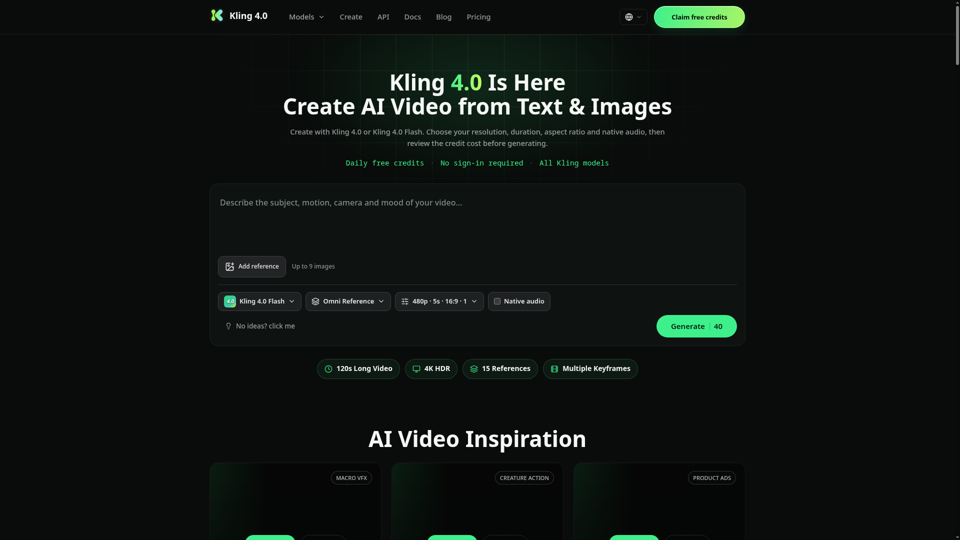
Create AI videos with Kling 4.0 and Kling 4.0 Flash from text or reference images. Choose supported resolution, duration, aspect ratio and audio settings before generating.
Ultimate AI video generation platform. Create cinematic films, viral short videos, and professional business content. Transform any idea into stunning 2K videos with Veo 3 AI technology.
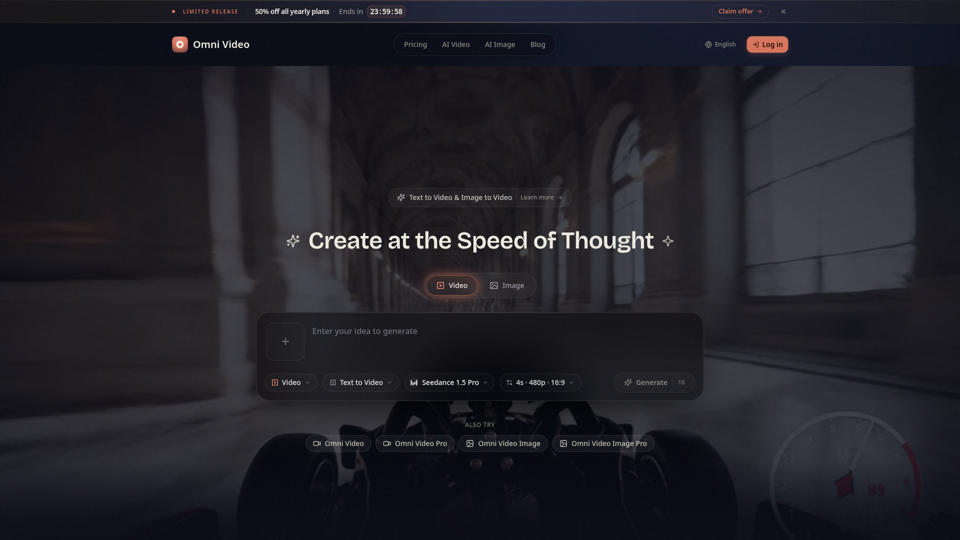
Create cinematic AI videos with Omni Video from text prompts or reference images. Use text-to-video and image-to-video workflows for social clips, ads, education, product stories, and visual ideas.
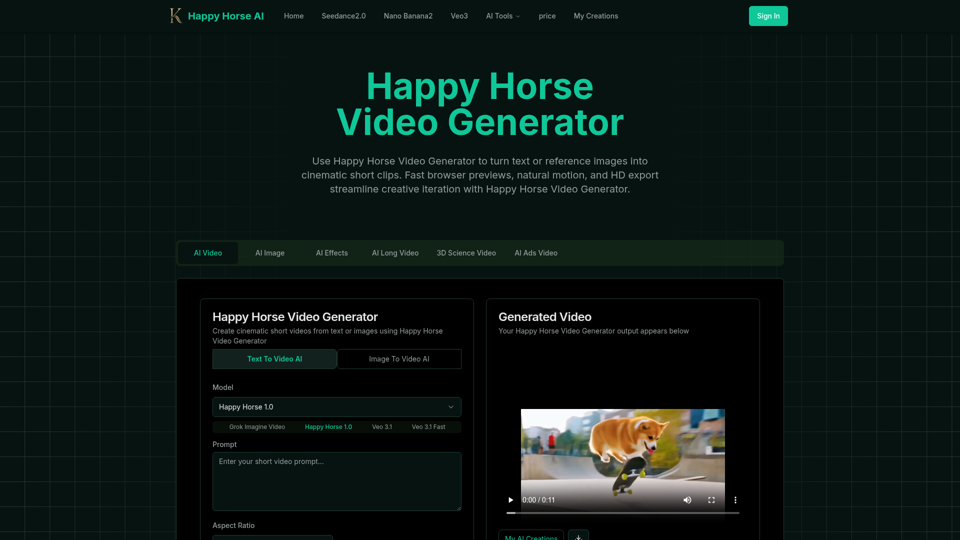
Happy Horse Video Generator transforms short prompts and reference images into cinematic short videos with reliable subject follow, natural camera motion, fast browser previews, and HD export options. Quickly produce marketing clips, social shorts, and product animations with in‑browser iteration and flexible download settings.
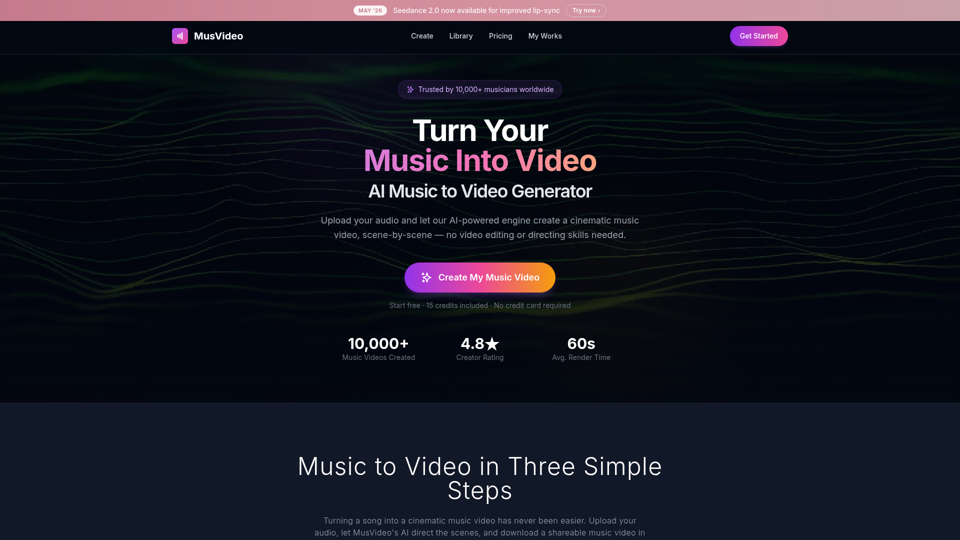
MusVideo is the AI music to video generator that turns your audio tracks into cinematic music videos. Upload your music and let AI create stunning, scene-by-scene visuals. The fastest way to convert music to video online.
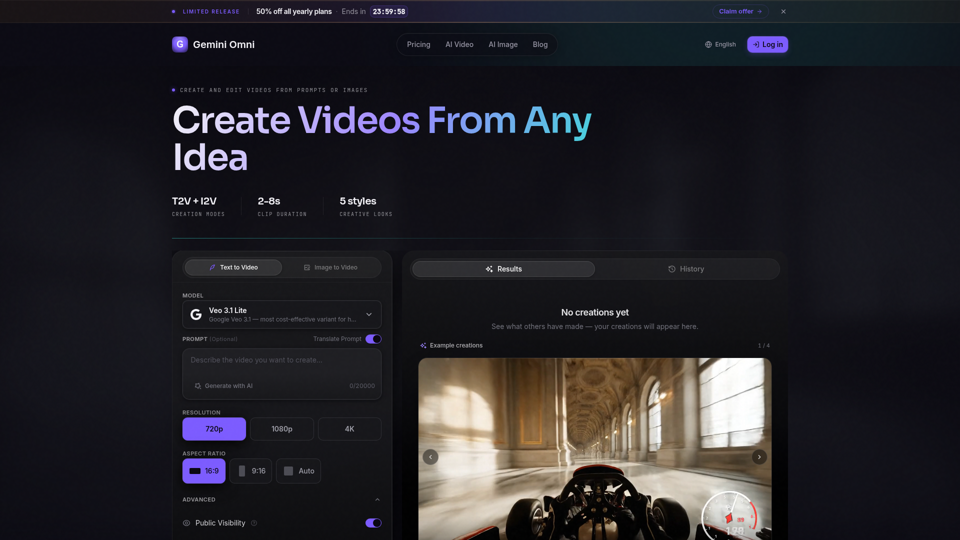
Create AI videos with Gemini Omni from text prompts, images, and reference frames. Generate short clips for social content, ads, product stories, explainers, and visual concepts.
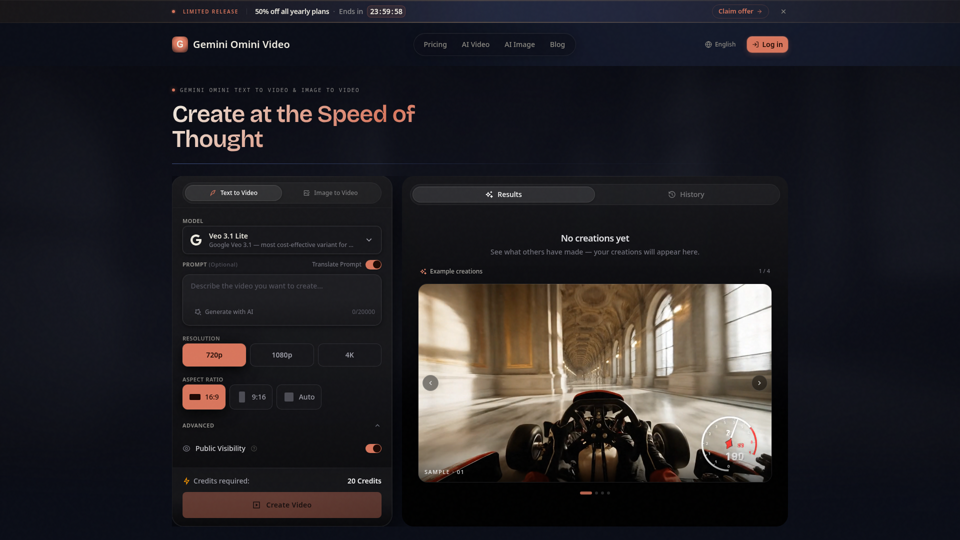
Create Gemini Omini Video clips from text prompts or reference images. Build Gemini Omni-style text-to-video and image-to-video scenes for social clips, ads, education, product stories, and visual ideas.