AI Instruction Manual & Assembly Illustration Generator
Turn product photos into clean line drawings, numbered assembly instructions, IFU panels, work instructions, and quick-start figures for manuals, inserts, and support pages. Export PNG or SVG. Free to start, no credit card.
What is ManualFig.ai?
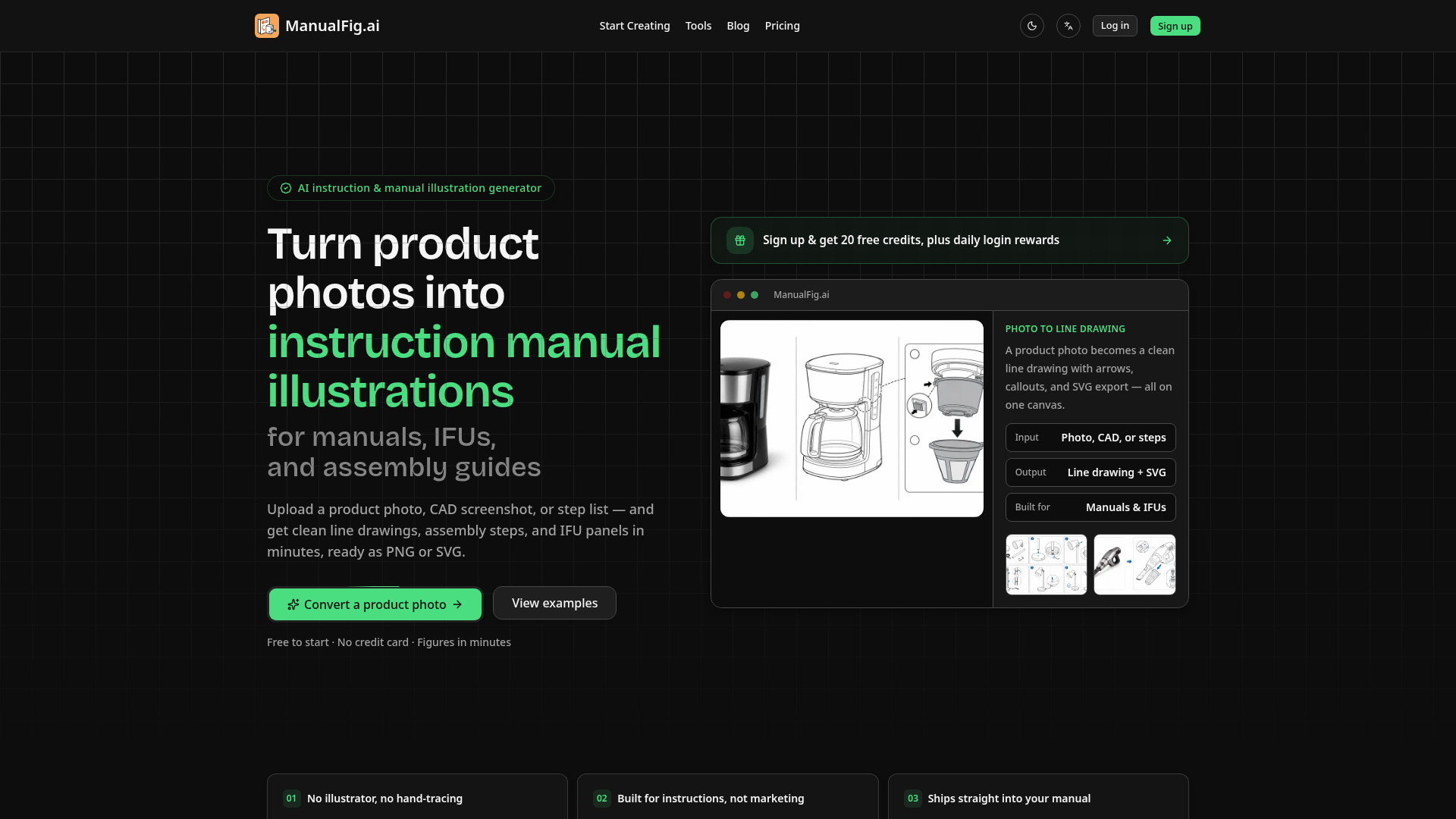
ManualFig.ai is an AI-powered platform specifically designed to transform product photos, CAD screenshots, or written step lists into clear, professional instruction manual illustrations. It automates the creation of technical line drawings, assembly step guides, and IFU (Instructions For Use) panels for manuals, assembly guides, and work instructions, saving significant time and cost compared to traditional manual illustration methods.
What is the main feature of ManualFig.ai?
The core feature of ManualFig.ai is its specialized AI engine that generates instruction-ready technical illustrations from simple inputs. Key features include:
- Automated Line Drawing Generation
- Converts product photos into clean, simplified line art with annotations like arrows, callouts, and part numbers, removing unnecessary details like reflections and shadows.
- Step-by-Step Instruction Builder
- Automatically generates numbered, sequential panels for assembly, setup, or maintenance procedures from a step list or a single image.
- Compliance-Ready Elements
- Built-in tools to add warnings, correct/incorrect comparison panels, hazard symbols, and other elements required for medical device IFUs and safety manuals.
- Flexible Export Options
- Exports final illustrations as PNG or vector SVG files, making them ready for insertion into documentation systems, packaging inserts, and help centers.
- Project & Version Management
- Keeps all prompts, reference images, and generated figure versions organized in one project for easy editing, comparison, and handoff.
How to use ManualFig.ai?
Using ManualFig.ai is a straightforward three-step process designed for users without design skills:
- Upload Your Input: Start by uploading a product photograph, a CAD file screenshot, a supplier image, a sketch, or simply pasting a written list of procedure steps.
- Generate the Illustration: The AI analyzes the input and generates the requested output. You can request a simple product line drawing, a sequence of assembly steps with arrows, or a detailed panel with warnings and callouts.
- Tweak and Export: Review the generated figure. You can edit any part by simply describing the change in plain text. Once satisfied, export the final illustration as a high-quality PNG or scalable SVG file directly into your manual or documentation.
How much does ManualFig.ai cost?
ManualFig.ai operates on a credit-based system with a free tier to get started:
- Free Plan ($0)
- Includes 10 credits upon sign-up plus 10 daily credits for login. It allows for testing core features like generating figures from photos, keeping project history, and exporting PNGs. Daily credits expire after 24 hours.
- Starter Plan ($10/month or $30 billed yearly)
- Provides 200 monthly generation credits for consistent use, along with reference uploads and PNG export.
- Pro Plan ($20/month or $60 billed yearly)
- Popular for active teams, offering 600 monthly credits, advanced features like reference-guided editing and SVG conversion, and priority support.
- Business Plan ($40/month or $120 billed yearly)
- Designed for larger teams, providing 1,500 monthly credits and support for high-volume instruction set production.
Helpful Tips for Using ManualFig.ai
- Start with a Clear Photo
- For the best line art results, use a well-lit, high-contrast product photo taken against a plain background.
- Use Specific Prompts
- When generating steps or requesting edits, be descriptive. Instead of "add an arrow," try "add a red curved arrow showing the rotation direction to tighten part A."
- Leverage the Free Credits
- Use the daily free credits to experiment with different input types (photo vs. CAD vs. text) and figure styles to see what works best for your product.
- Utilize Project History
- Keep all related figures for one product in a single project. This maintains style consistency and makes it easy to create updated versions when the product changes.
- Export as SVG for Print
- If your manuals will be printed or require scaling, always choose the SVG export option for crisp, resolution-independent vector graphics.
Frequently Asked Questions
Can ManualFig turn product photos into line art?
Yes, this is a primary function. You can upload a product photo, and the AI will generate a clean, simplified line drawing suitable for technical manuals, complete with optional callouts and labels.
Can I create product manual pictures from step lists?
Absolutely. You can input a written list of steps (e.g., "1. Attach bracket A to panel B using two screws"), and ManualFig.ai will generate corresponding numbered illustration panels depicting each action.
Is ManualFig only for medical device IFU illustrations?
No. While it excels at creating compliant medical IFU panels, it is built for all types of instructional documentation, including furniture assembly guides, consumer electronics quick-start guides, appliance maintenance manuals, and e-commerce product inserts.
Can I ask for product line art instead of shaded images?
Yes. The platform is specifically optimized to produce clear line art and technical illustration styles, not photorealistic or marketing-style renders, ensuring focus on clarity and instruction.
Does the app support editing an existing result?
Yes. You can edit any generated figure by describing the change you want in a text prompt (e.g., "make arrow 2 larger," "remove the shadow," "add a warning symbol here").
How does SVG export work?
SVG export converts the AI-generated illustration into a vector graphic file. This format is essential for professional printing and allows the image to be scaled to any size without losing quality, ensuring perfect integration into various documentation layouts.
AI Instruction Manual & Assembly Illustration Generator
Turn product photos into clean line drawings, numbered assembly instructions, IFU panels, work instructions, and quick-start figures for manuals, inserts, and support pages. Export PNG or SVG. Free to start, no credit card.
 Google Analytics
 Next.js
 Node.js
 React
React Vercel
 Webpack
Free AI anime and manga generator. Turn text into anime episodes, manga, comics, webtoons and comic shorts in any art style — no drawing or animation skills needed.
Translate image text across 70+ languages with our advanced AI Image Translator to help you better expand your products globally to various countries
Advertised Here
Reach thousands of visitors daily. Get your spot now!
Tools similar to AI Instruction Manual & Assembly Illustration Generator
Free line art and line drawing and coloring pages resources download. Powerful AI line art generator to convert text, pictures, photos to line drawing.
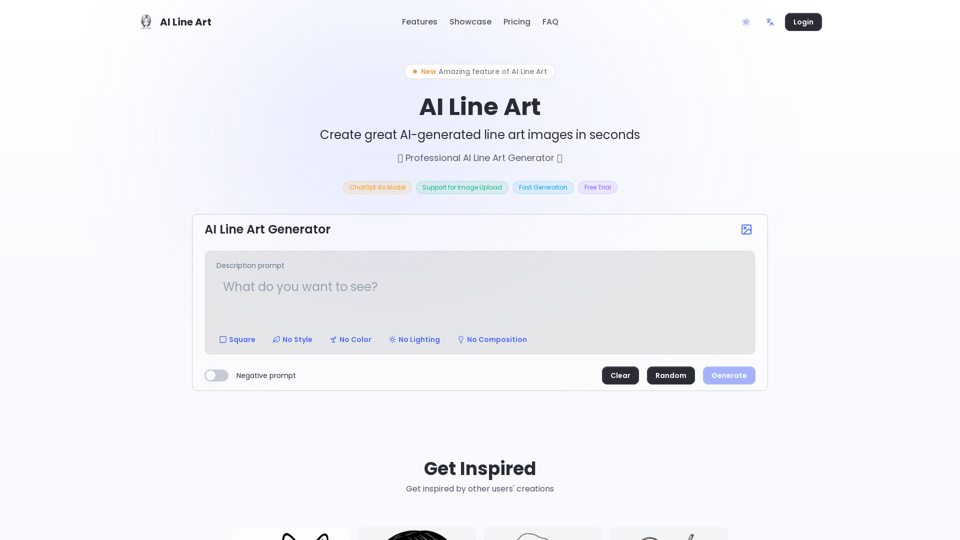
Create professional line art illustrations in seconds with AI Line Art Generator. Multiple styles, image upload support, fast generation. Free trial available.
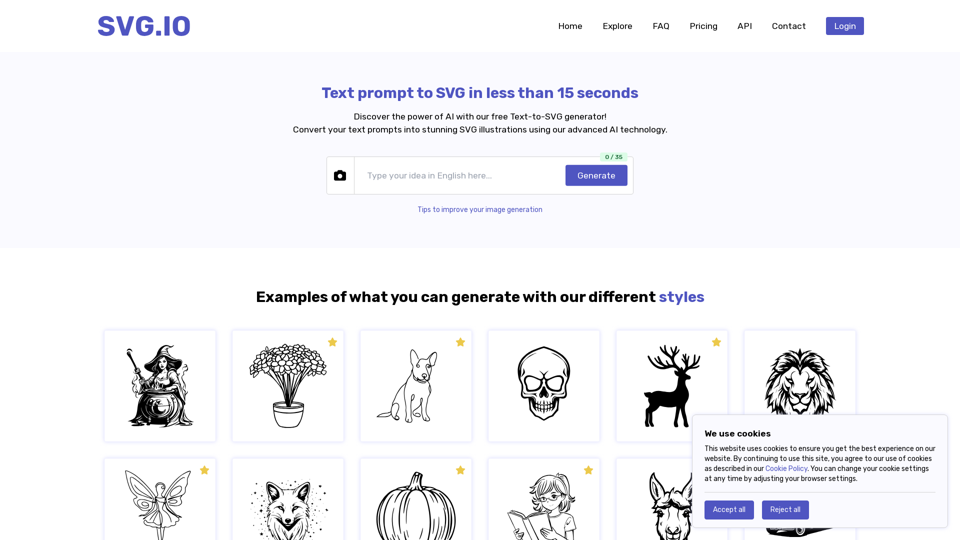
Create unique SVG illustration from text prompts using our innovative AI generator tool.
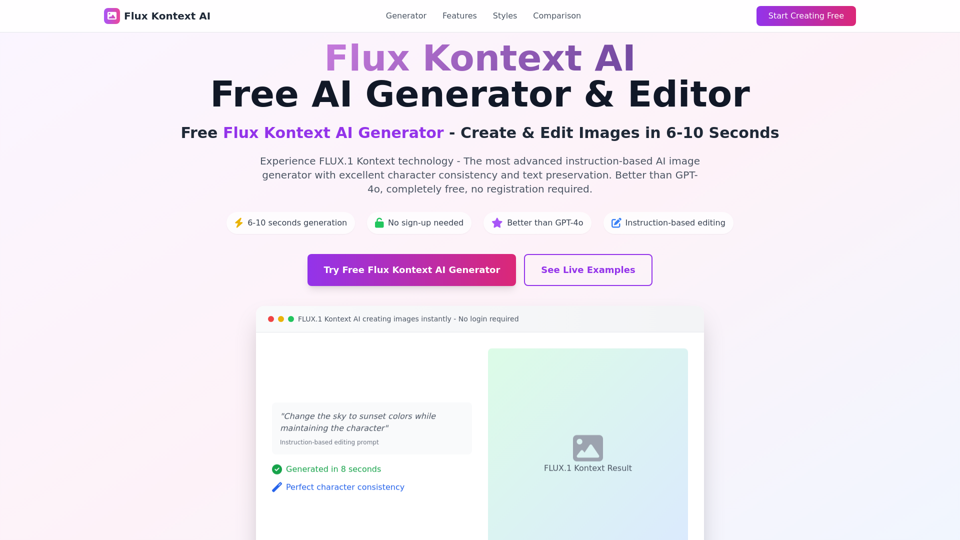
Free FLUX.1 Kontext AI Generator - Create stunning images in 6-10 seconds. Better than GPT-4o, no yellow tint. Instruction-based editing with excellent character consistency. Try Ghibli, Disney styles now!
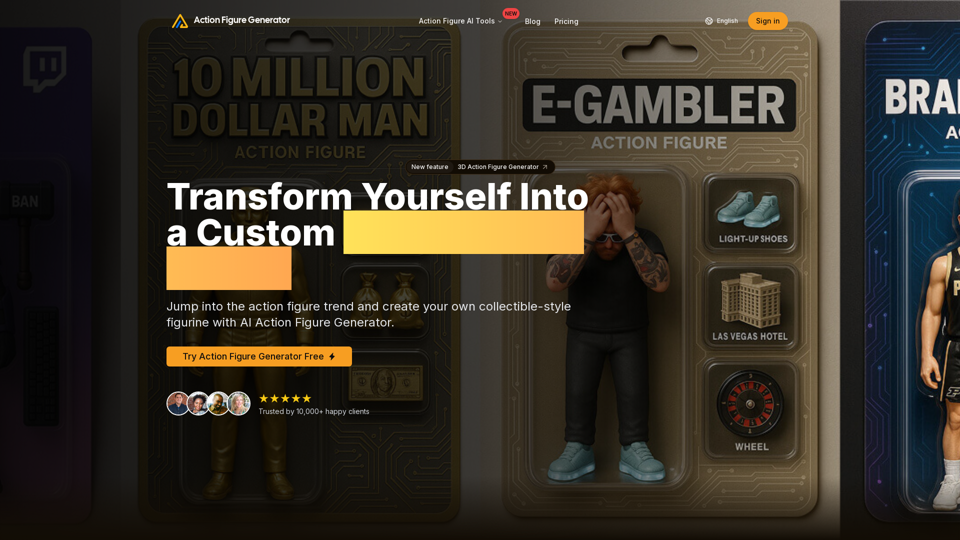
Create personalized action figures with our AI-powered Action Figure Generator. Turn your photos into collectible figurines.
Cool pencil drawings made with AI. Easily convert your photos into stunning images in various artistic styles.