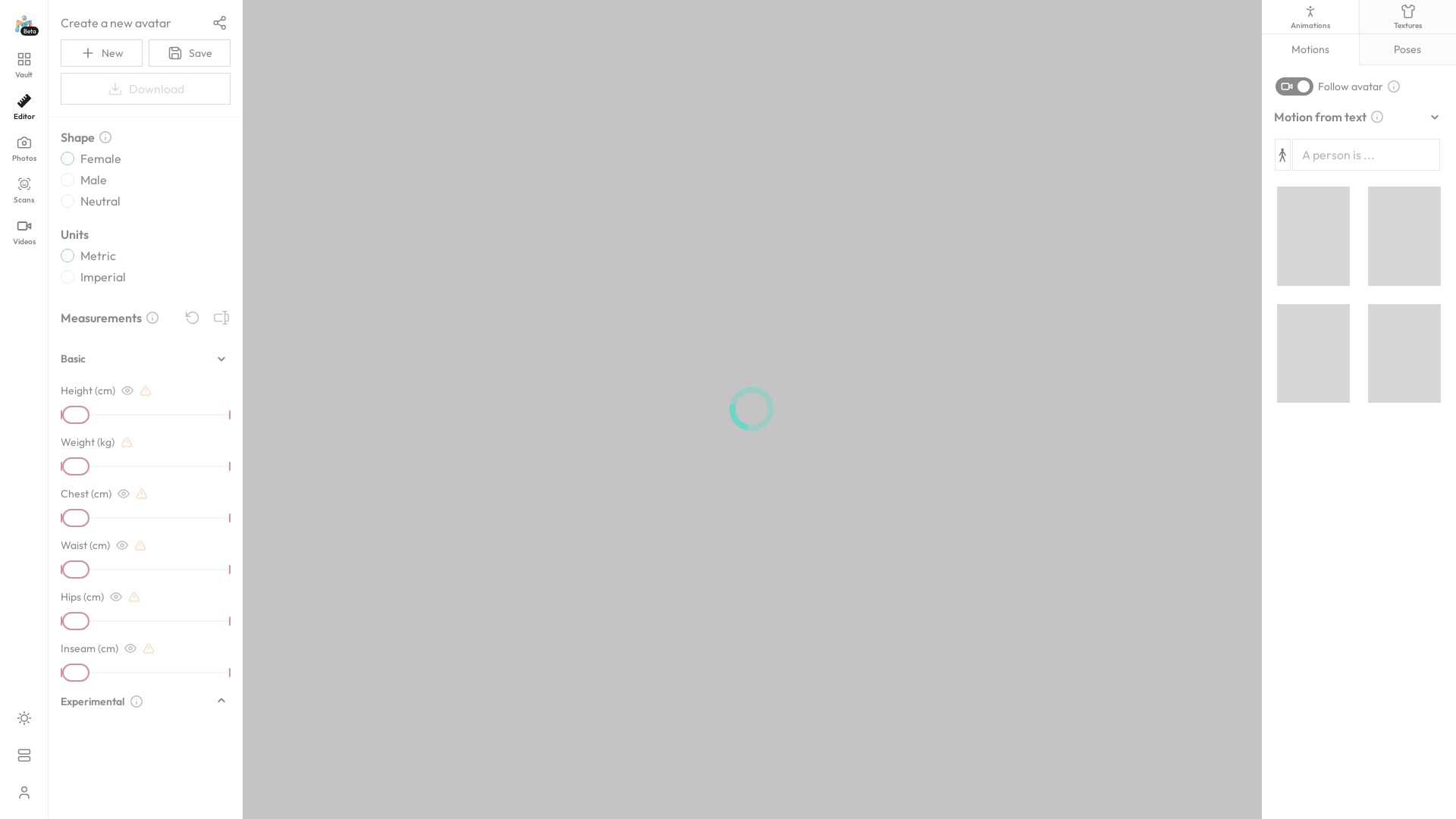
What is Meshcapade Me?
Meshcapade Me is an innovative platform powered by the Meshcapade API, designed to facilitate seamless interactions through advanced mesh and volumetric data processing. It serves as a comprehensive toolkit for creators and developers looking to enhance their projects using state-of-the-art volumetric technologies.
What are the main features of Meshcapade Me?
- User-Friendly Editor
- Offers a seamless editing experience for handling images, scans, and videos with ease.
- Advanced Scanning Capabilities
- Capable of converting real-world objects into high-quality 3D meshes for various applications.
- Collaboration Tools
- Features powerful sharing capabilities that allow for easy collaboration between team members.
- Comprehensive API Documentation
- Provides in-depth resources to assist developers in integrating and utilizing the API effectively.
How to use Meshcapade Me?
To start using Meshcapade Me, simply sign in to your account, navigate through the various features available in the editor, and utilize the tools provided for editing photos, videos, and scans. Familiarize yourself with the API documentation to maximize the potential for your projects.
What is the pricing for Meshcapade Me?
Meshcapade Me offers flexible subscription plans to cater to different user needs, allowing access to advanced features and increased processing capabilities. Specific pricing details can be retrieved from the official website.
Helpful Tips for Using Meshcapade Me
- Explore the Knowledge Base
- Utilize the comprehensive knowledge base available to understand various features and troubleshooting tips.
- Check for Updates
- Stay informed about the latest updates or new features by frequently checking the "What's New" section.
- Experiment with Plugins
- Enhance your workflow by integrating additional plugins specifically designed for the platform.
Frequently Asked Questions
Can I use Meshcapade Me for free?
While Meshcapade Me offers various features for free, premium functionalities may require a subscription.
Is there support available for Meshcapade Me?
Yes, there is dedicated support available, as well as a robust documentation resource to help resolve any issues or questions you may have.
What types of media can I process using Meshcapade Me?
Users can process a variety of media types including images, 3D scans, and videos, allowing for a wide range of creative projects.
Can I report bugs or issues with Meshcapade Me?
Absolutely! Users can report bugs or technical issues through the support section for prompt assistance.
Editor
Create and edit your own 3D virtual human. Enter a text or upload a video to see it come to life.
 Amazon CloudFront
 Amazon S3
 Amazon Web Services
Free AI anime and manga generator. Turn text into anime episodes, manga, comics, webtoons and comic shorts in any art style — no drawing or animation skills needed.
Translate image text across 70+ languages with our advanced AI Image Translator to help you better expand your products globally to various countries
Advertised Here
Reach thousands of visitors daily. Get your spot now!
Tools similar to Editor
Unleash your alter Ego! Generate stunning images based on your selfies with cutting-edge AI technology. Our platform seamlessly combines fun with innovation, enabling you to discover a whole new dimension of self-expression. The user-friendly interface ensures that anyone can effortlessly create stunning images from their selfies with just a few clicks. Express you state of mind or create an awesome profile photo!
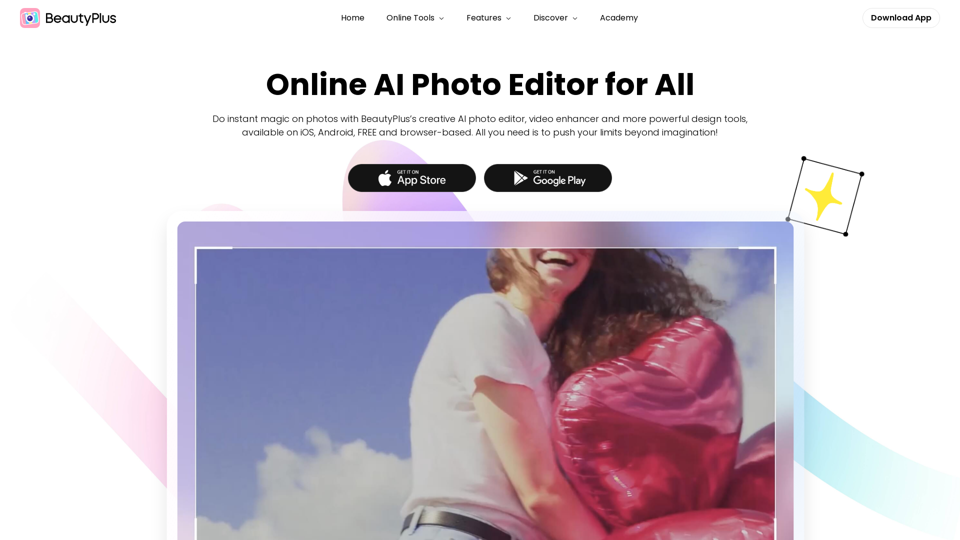
Official site of BeautyPlus - AI photo editor featuring the best photo editing apps and design assets for photos and videos, like filter, sticker, collage, etc.
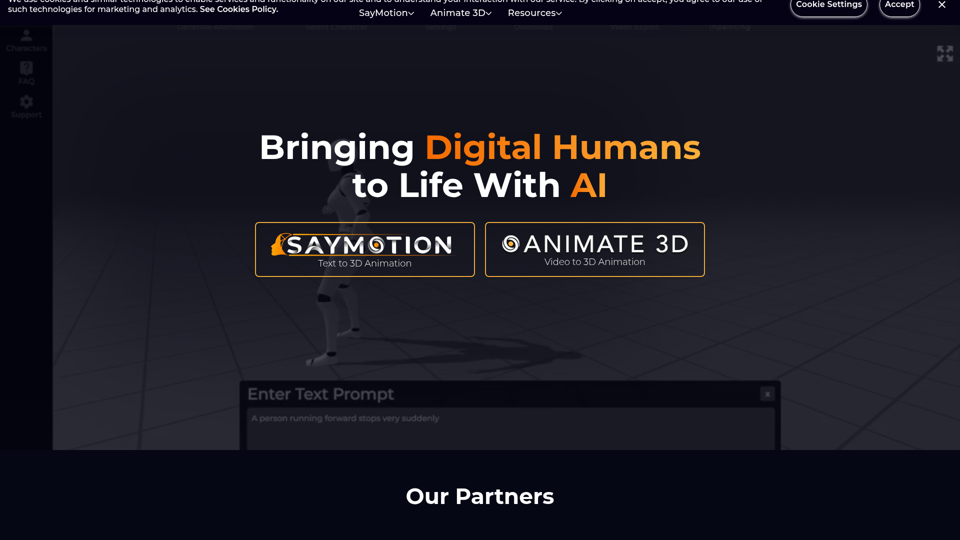
Generate 3D animations from video in seconds through any web browser. AI powered motion capture and real time body tracking that's easy to use., Check out this Instagram Post designed by Diana Bronakowska., Check out this Instagram Post designed by Diana Bronakowska., Check out this design designed by Diana Bronakowska., Check out this Instagram Post designed by Diana Bronakowska., Check out this design designed by Diana Bronakowska., Check out this Instagram Post designed by Diana Bronakowska., Check out this Your Story designed by Diana Bronakowska., Check out this Your Story designed by Diana Bronakowska., Check out this design designed by Diana Bronakowska., Check out this Instagram Post designed by Diana Bronakowska., Check out this Instagram Post designed by Diana Bronakowska.
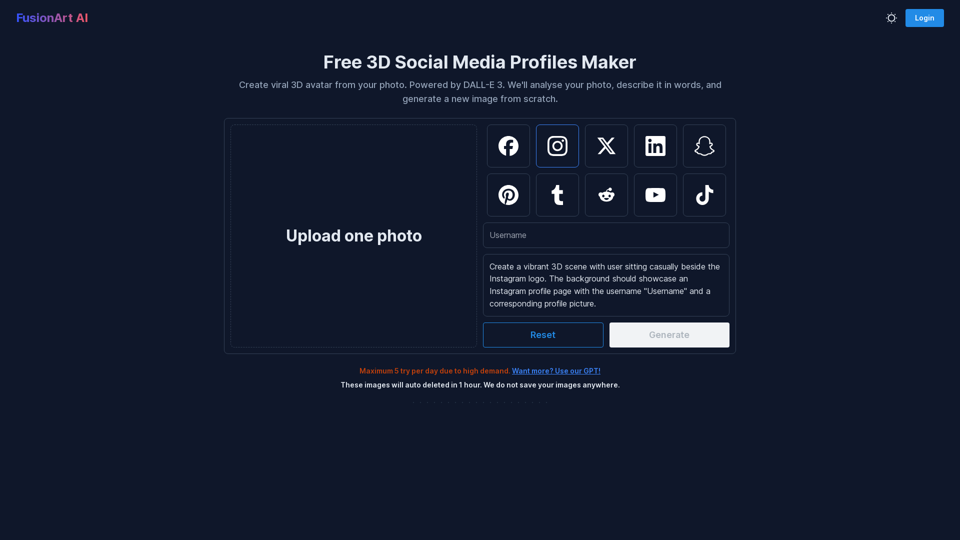
Create viral 3D avatar from your photo. Powered by DALL-E 3. We'll analyse your photo, describe it in words, and generate a new image from scratch.
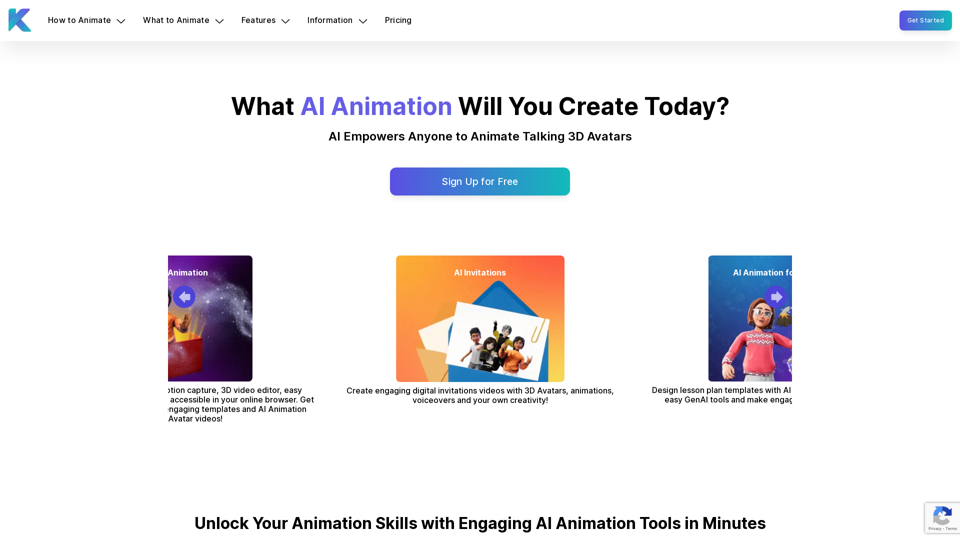
Krikey AI Animation Maker empowers anyone to create engaging AI-powered animated avatar videos in minutes. Get started with GenAI 3D Animation tools for free!

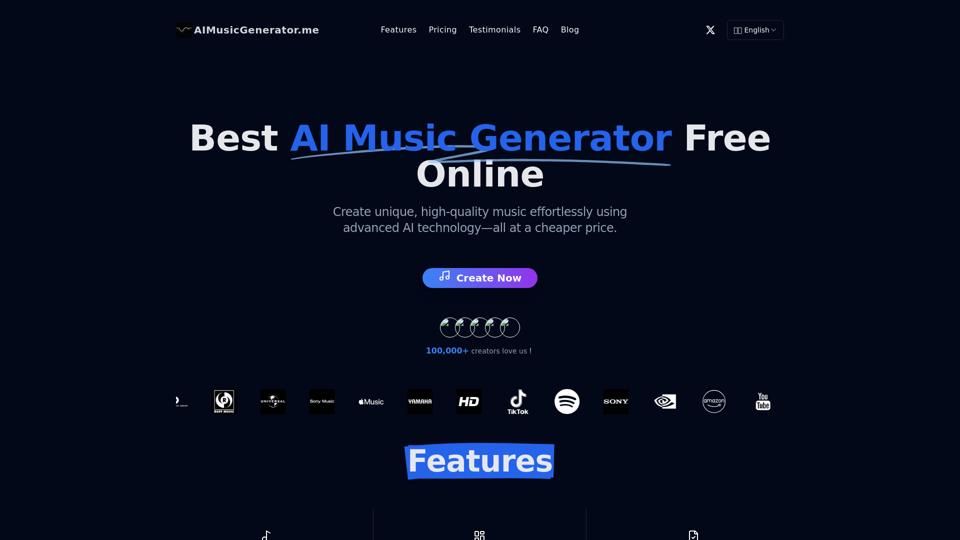
Discover the best AI Music Generator at aimusicgenerator.me - Free Online. Create unique, high-quality music effortlessly using advanced AI technology—all at a cheaper price.