Free Online Microphone Test
Test your microphone online for free! Check mic functionality, audio quality, and device compatibility on PC and mobile. No downloads required - works in your browser instantly.
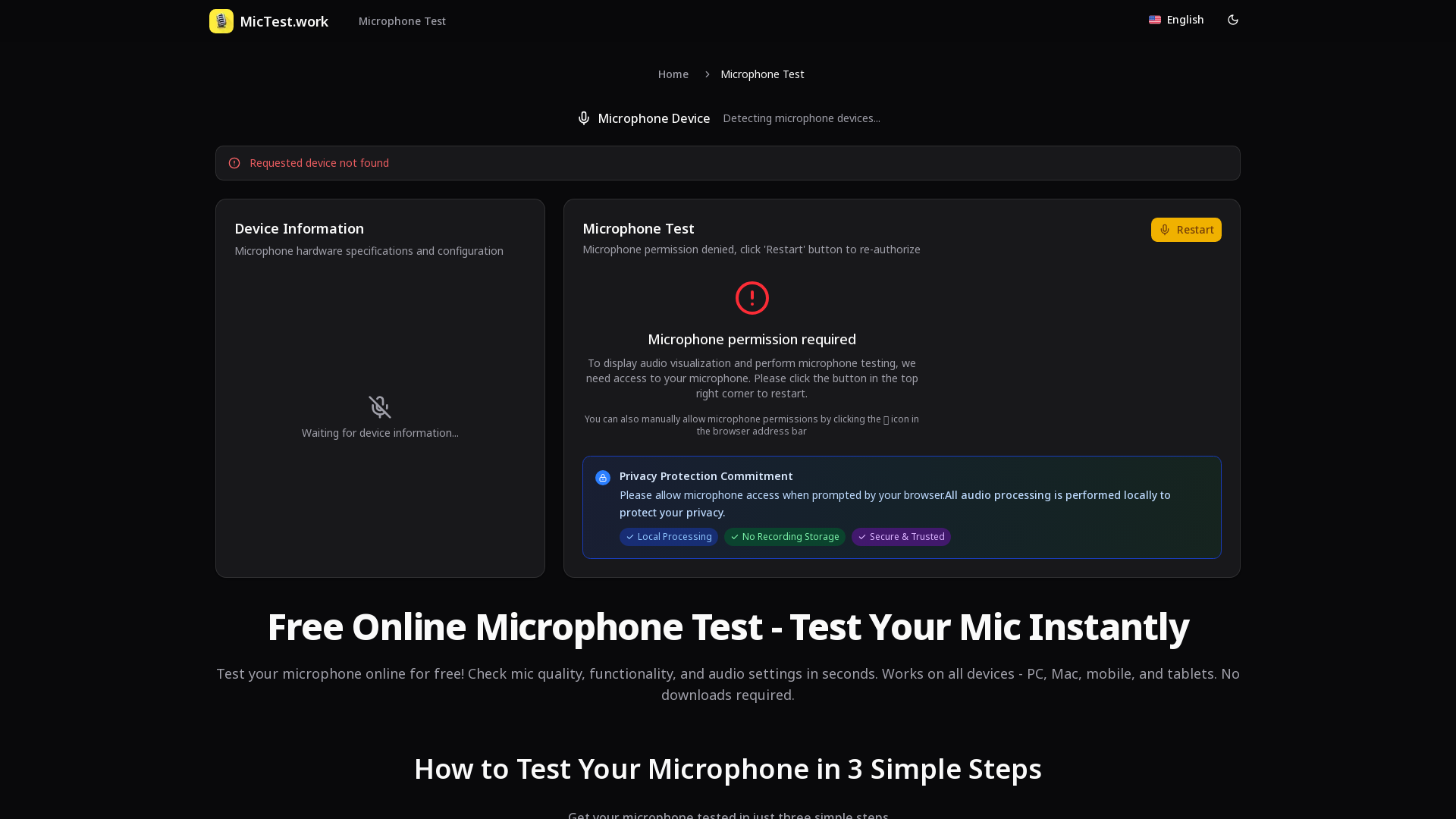
What is MicTest.work?
MicTest.work is a leading online platform designed to allow users to test their microphones quickly and effortlessly. With the capability to check mic quality, functionality, and audio settings in seconds, this tool is accessible on all device types, including PCs, Macs, mobile phones, and tablets – all without the need for downloads.
What are the main features of MicTest.work?
- Instant Microphone Testing
- Test your microphone online in just a few clicks.
- Real-time Audio Visualization
- Monitor audio levels and quality as you speak with waveform and spectrum displays.
- Comprehensive Device Information
- Get detailed specifications including sample rates, channel counts, and any potential active noise cancellation features.
- Privacy Protection
- All processing occurs locally, ensuring that no recordings are stored or accessed online.
How to use MicTest.work?
Testing your microphone is simple and can be done in three straightforward steps:
- Authorize and Start Listening: Hit the 'Start Test' button and grant microphone access when prompted. You can choose your microphone from the available dropdown menu.
- Real-time Monitoring: Speak into your microphone and watch the visual feedback on the audio waveform and spectrum. Assess your microphone's quality and performance levels.
- Recording Test and Result Analysis: Click 'Start Recording', speak for a few seconds, and analyze the recording's quality with detailed feedback to help refine your audio setup.
Pricing
MicTest.work is completely free to use, allowing anyone to test their microphone capabilities without the need for any subscriptions or hidden fees. It operates through your browser with no additional software to install.
Helpful Tips
- Always ensure your microphone permissions are enabled for the best testing experience.
- Use the latest versions of supported browsers such as Chrome, Firefox, or Safari for optimal performance.
- Check the connection of your microphone and close other applications using audio resources to avoid conflicts.
- Test microphones individually for more precise results when comparing multiple devices.
Frequently Asked Questions
1. Is it safe to test my microphone online?
Yes, your privacy is our priority. Testing occurs locally on your device without storing your audio data or personal information.
2. What types of microphones can I test?
You can test built-in laptop and desktop microphones, USB and wireless headsets, professional mics with audio interfaces, and more, ensuring compatibility across devices.
3. How does the recording test work?
Simply initiate the recording, speak a few words, then stop it to view detailed analysis including volume levels and quality metrics.
4. What should I do if my microphone isn’t working?
Check your microphone permissions, system settings, ensure no other application is using your mic, and confirm it’s properly connected.
5. Can I test multiple microphones?
Absolutely! Select from the dropdown menu any connected microphone you wish to test for an accurate comparison of performance.
6. What kind of information will I receive about my microphone?
Expect to see detailed specifications such as microphone type, sample rates, latency, noise suppression, and echo cancellation capabilities.
7. Which browsers support microphone testing?
The test works with modern browsers, including Chrome, Firefox, Safari, Edge, and Opera.
8. Do I need any software downloads?
No downloadable software is required! MicTest.work operates entirely within your web browser for immediate accessibility.
Conclusion
MicTest.work stands out as a valuable tool for anyone needing to ensure their microphone is working correctly. Its user-friendly interface and real-time feedback make it the go-to solution for effective microphone testing across various environments including professional settings, content creation, gaming, and remote work scenarios. Start your free microphone test today!
Free Online Microphone Test
Test your microphone online for free! Check mic functionality, audio quality, and device compatibility on PC and mobile. No downloads required - works in your browser instantly.
 Next.js
 Node.js
 React
React Vercel
 Webpack
Free AI anime and manga generator. Turn text into anime episodes, manga, comics, webtoons and comic shorts in any art style — no drawing or animation skills needed.
Translate image text across 70+ languages with our advanced AI Image Translator to help you better expand your products globally to various countries
Advertised Here
Reach thousands of visitors daily. Get your spot now!
Tools similar to Free Online Microphone Test
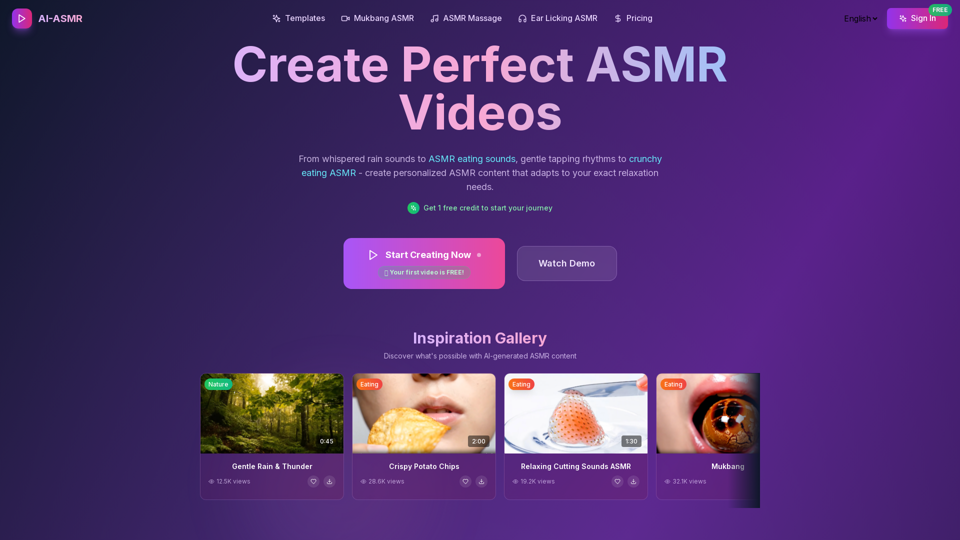
AI-powered ASMR video generation platform using Veo 3. Create 4K ASMR videos with immersive spatial audio in seconds.Asmr eating, mukbang.
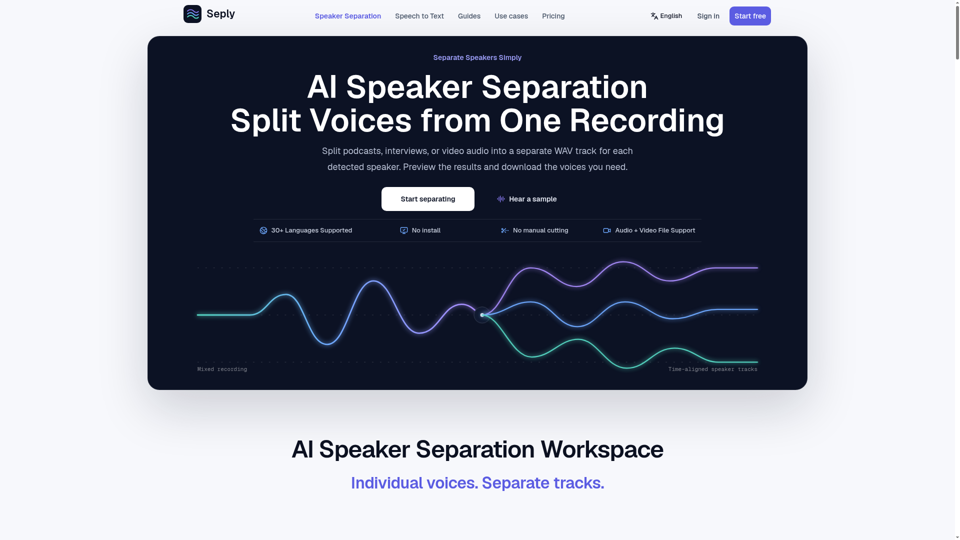
Use AI speaker separation to split podcast, interview, meeting, or video audio by speaker into individual tracks. Preview and download WAV files. Free to try.
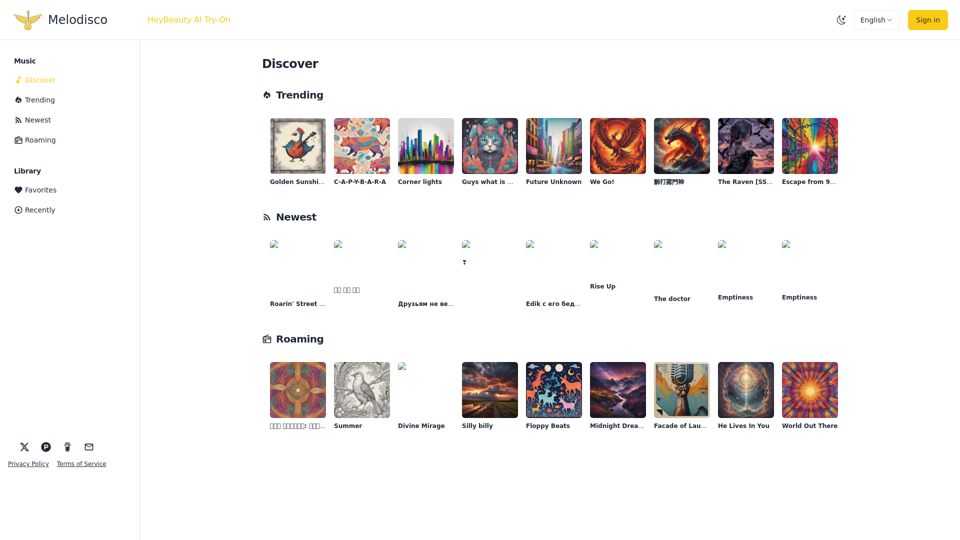
Discover Trending, Newest and Random AI Songs in Melodisco - AI Music Player
MyVocal.ai_a quick and easy way to clone your voice for sing or speak
Free to use! AI Music Generator|Audio Enhancer|Audio Editor|Song Key and BPM Finder|Audio Convert|Noise Reduction
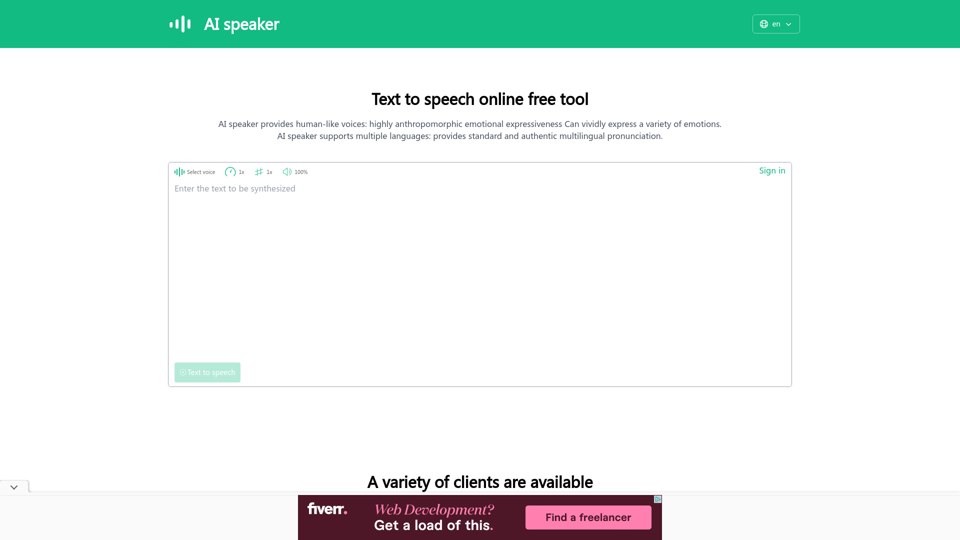
AI speaker is a text to speech online free tool and AI voice generator that converts text to speech, supporting more than 100 languages and more than 600 AI voices. It can be used as a text reader to read aloud or to download audio files in MP3 format.