OpenCut
Free and unlimited AI image generation, editing, and enhancement tools, including Flux AI, Recraft AI, Ideogram, Stable Diffusion, DALL-E, Imagen, and more.

What is OpenCut.ai?
OpenCut.ai is an all-in-one platform that offers a comprehensive suite of AI-powered image and video editing tools. With a focus on simplifying the editing process, it caters to users seeking efficient solutions for image enhancement, background adjustments, and video editing.
What are the main features of OpenCut.ai?
- Extensive AI Tool Collection
- OpenCut offers a variety of tools including background removers, image upscalers, and object removers among others, ensuring users have access to over 20 different AI models designed for specific editing tasks.
- User-Friendly Interface
- Each AI tool is designed to enable easy usage, allowing even novices to achieve professional-quality results quickly.
- Generative AI Capabilities
- Tools like Inpainting and Outpainting utilize advanced algorithms to fill missing areas or extend image borders with coherent content.
How to use OpenCut.ai?
Getting started with OpenCut.ai is straightforward. Users can simply sign up for an account to access the free tools available. Each tool is accompanied by easy-to-follow instructions, enabling users to manipulate images and videos with minimal effort. For more advanced features, subscriptions are available that unlock additional capabilities and tools.
Can I create new images using OpenCut.ai?
Absolutely! OpenCut provides several image generation tools such as the AI Product Photo Generator for creating studio-quality images, and an AI Face Generator for realistic human portrait generation. You can seamlessly create new visuals tailored to your needs.
How many tools are available on OpenCut.ai?
OpenCut.ai boasts over 20 specialized AI tools catered to various editing needs, including background changers, avatar creators, and even a text remover. This extensive selection empowers users to handle virtually any editing task efficiently.
How can I maximize my use of OpenCut.ai's AI services?
To fully leverage OpenCut.ai, users should explore the diverse tools available. Utilize background removal for e-commerce images, upscale lower-resolution visuals with the image upscaler, and experiment with the AI generator tools to enhance the creative possibilities for your projects.
Will my information be used for training data?
OpenCut.ai prioritizes user privacy and does not utilize your data for any training purposes. Users have the option to delete their accounts at any time, ensuring all personal information is removed from the platform.
When would I need an OpenCut.ai subscription?
If you find yourself frequently utilizing the advanced feature sets or the limits of the free tools are not adequate for your projects, a subscription would be beneficial. This will unlock unlimited access to all tools, ensuring that you can edit images and videos as much as you desire without restrictions.
Helpful Tips
- Take advantage of the limited-time 50% discount on your first purchase with code OC50 to explore the premium features without breaking the bank.
- Experiment with multiple tools on a single project to see how different features can enhance the final output.
- Regularly check for updates or new tool releases to stay ahead in the game of AI-driven editing.
Frequently Asked Questions
-
What types of images can I edit with OpenCut.ai? You can edit a wide range of images, including personal photos, product images for e-commerce, and any visuals requiring enhancement or background adjustments.
-
Is there a free trial available? OpenCut.ai offers various free tools for users to try out the platform before deciding to invest in a subscription.
-
Are there any limitations to the free tools? While many features are available for free, certain advanced editing tools and functionalities are exclusive to subscribers.
OpenCut
Free and unlimited AI image generation, editing, and enhancement tools, including Flux AI, Recraft AI, Ideogram, Stable Diffusion, DALL-E, Imagen, and more.
 Chatway
 Cloudflare
 HTTP/3
 Next.js
 Node.js
 React
 Webpack
Free AI anime and manga generator. Turn text into anime episodes, manga, comics, webtoons and comic shorts in any art style — no drawing or animation skills needed.
Translate image text across 70+ languages with our advanced AI Image Translator to help you better expand your products globally to various countries
Advertised Here
Reach thousands of visitors daily. Get your spot now!
Tools similar to OpenCut
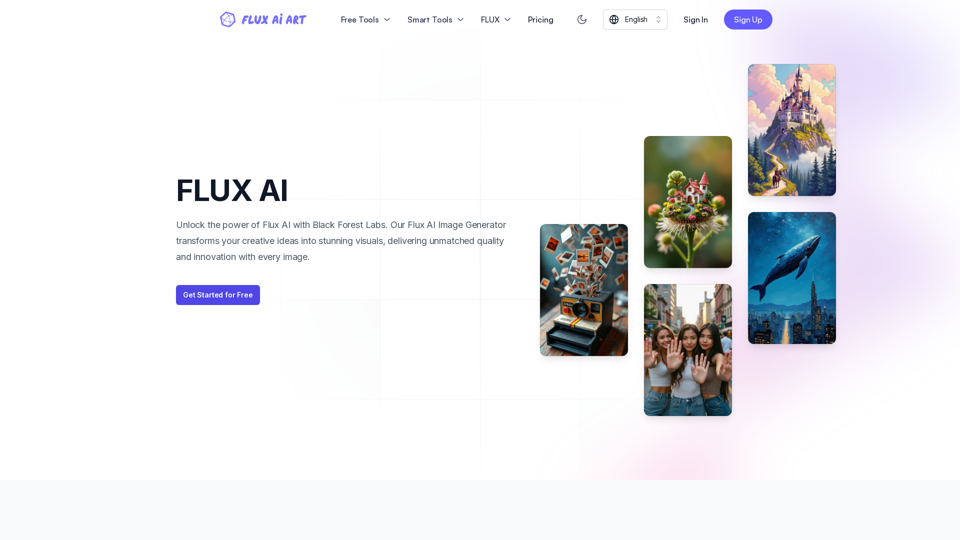
FLUX AI offers professional AI-powered image generation and editing services. Our image generator includes all FLUX models, such as FLUX.1 schnell, FLUX.1 dev, FLUX.1 pro, FLUX1.1 pro, and FLUX1.1 pro ultra. We also provide a comprehensive suite of image editing tools, including Image to Prompt, Background Remover, Image Enhancer, Image Restore, etc., covering a wide range of creative and enhancement needs.
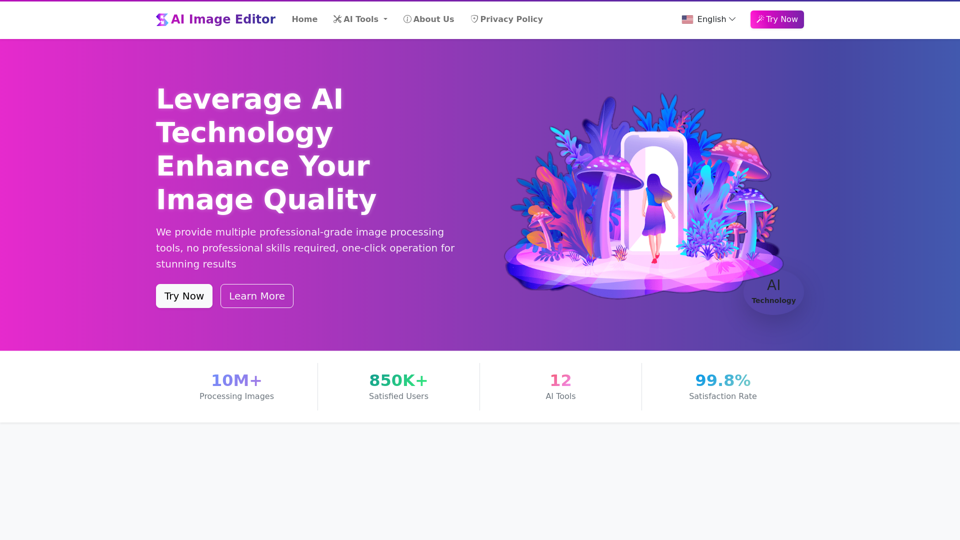
AIImageEditor.me offers 12 Free AI image tools—from image enhancement and watermark removal to style transfer and background editing—to simplify image editing.
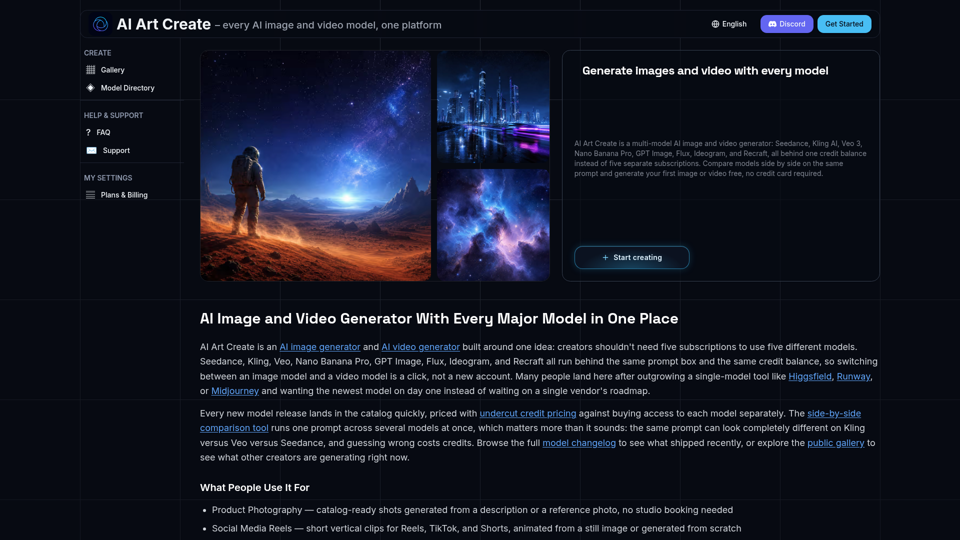
AI Art Create is a multi-model AI image and video generator built for creators tired of juggling five separate subscriptions. Generate with Seedance, Kling AI, Veo 3, Nano Banana Pro, GPT Image, Flux, Ideogram, and Recraft, all on one credit balance. Compare models side by side on the same prompt, browse the public gallery, and try your first generation free, no credit card required.
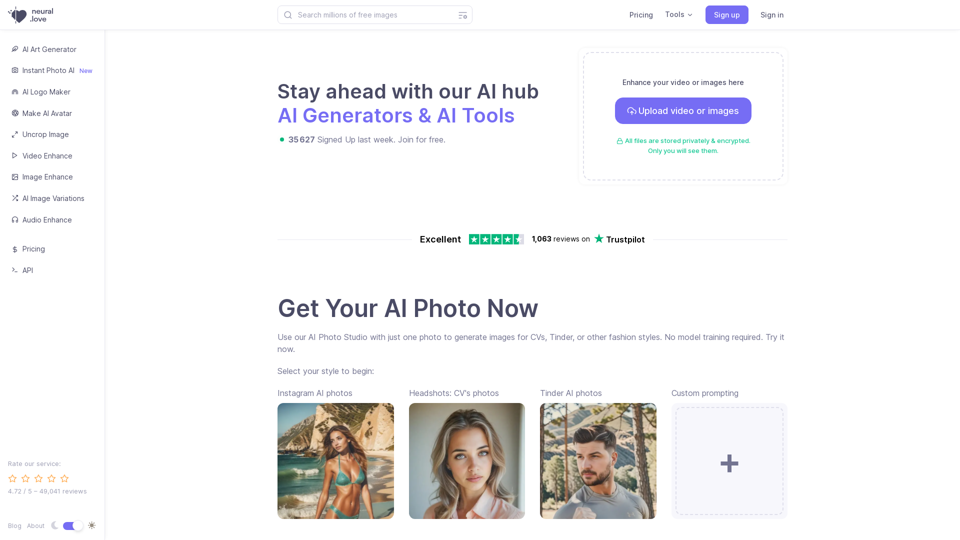
Use AI Image Generator for free or AI enhance, or access Millions Of Public Domain images | AI Enhance & Easy-to-use Online AI tools
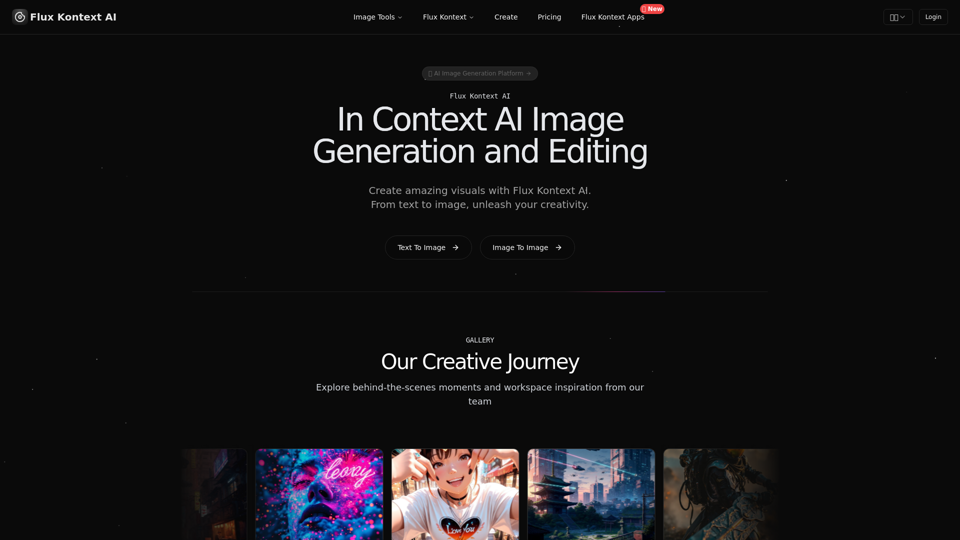
Advanced Flux.1 models for image generation and editing. Character consistency, local editing, style reference capabilities with Flux Kontext AI.
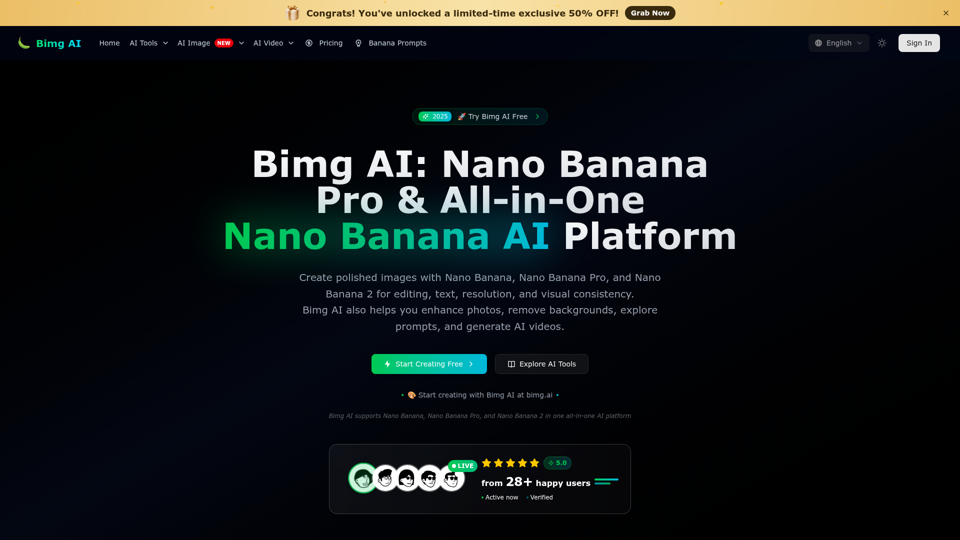
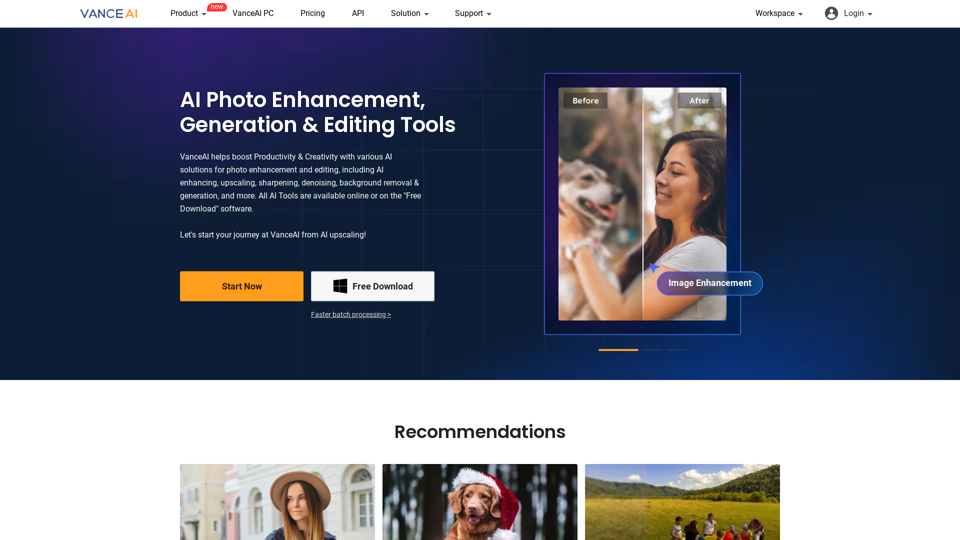
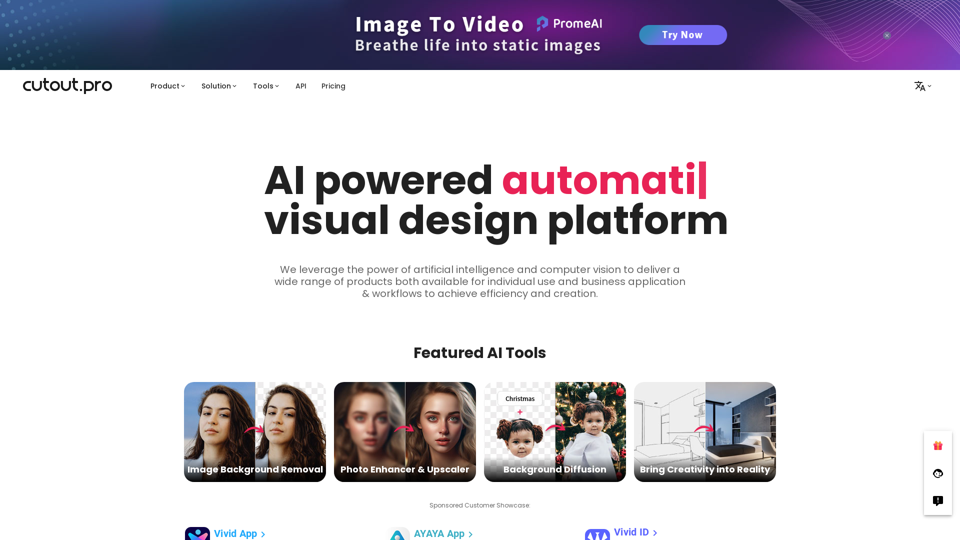
All-in-one visual design platform containing AI photo and video editing tools. Automatic process for background remove, image restoration, graphic design, and content generation. With Cutout.Pro, it is one click away to optimize your content and transform your design ideas into special asset effectively.