Free AI Image & Video Generator With Every Major Model
AI Art Create is a multi-model AI image and video generator built for creators tired of juggling five separate subscriptions. Generate with Seedance, Kling AI, Veo 3, Nano Banana Pro, GPT Image, Flux, Ideogram, and Recraft, all on one credit balance. Compare models side by side on the same prompt, browse the public gallery, and try your first generation free, no credit card required.
What is AI Art Create?
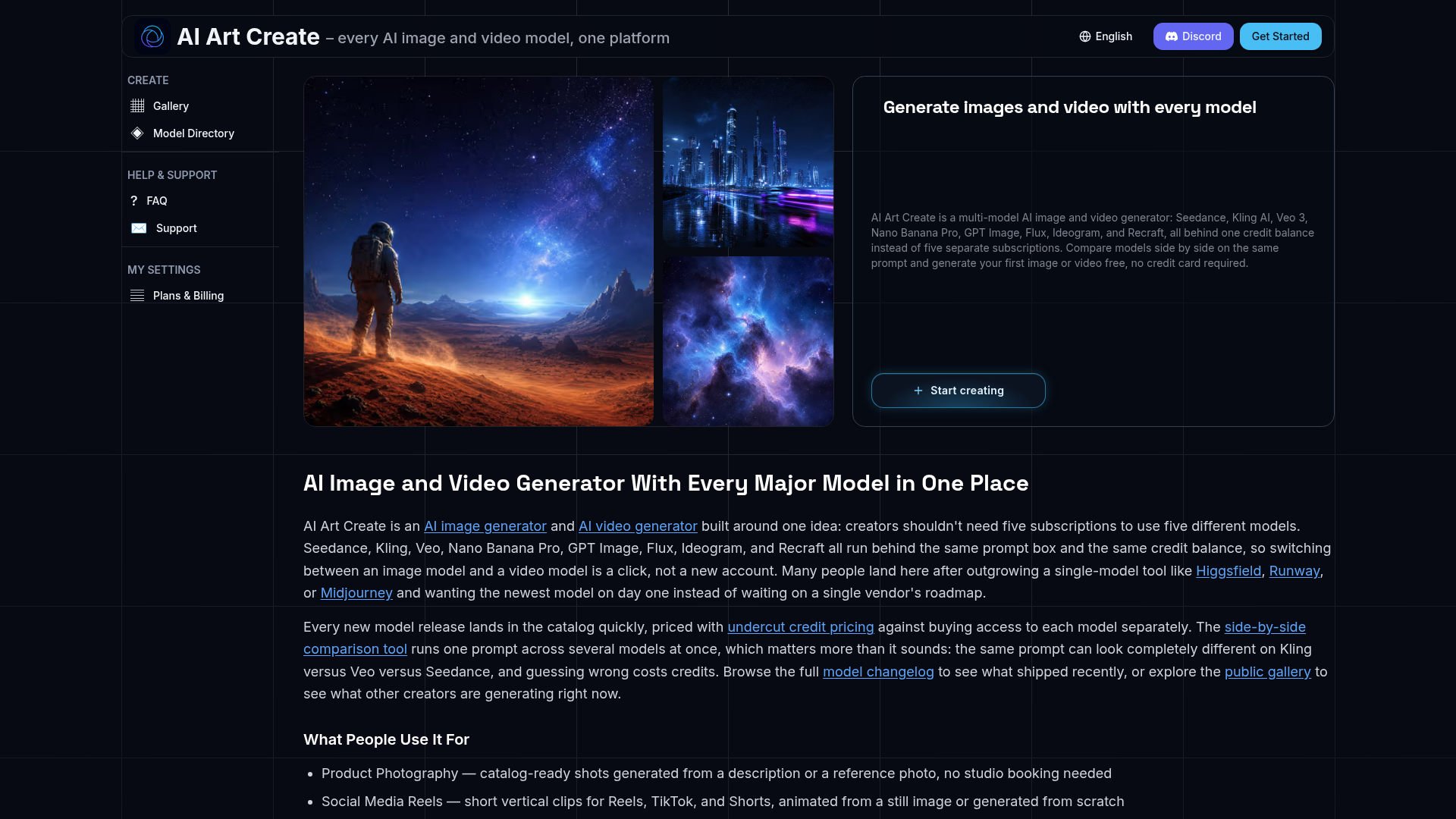
AI Art Create is a comprehensive, multi-model AI image and video generation platform. It consolidates access to every major AI art model—including Seedance, Kling AI, Veo 3, Nano Banana Pro, GPT Image, Flux, Ideogram, and Recraft—into a single, unified service. Instead of managing multiple separate subscriptions for different AI tools, users can generate both images and videos using a diverse array of cutting-edge models from one dashboard, powered by a single credit balance.
What are the main features of AI Art Create?
1. Unified Multi-Model Platform: Access top-tier AI models like Seedance, Kling AI, Veo, GPT Image, and Flux in one place. This eliminates the need for separate subscriptions to tools like Runway, Higgsfield, or Midjourney. 2. Side-by-Side Model Comparison: A unique comparison tool allows you to run a single prompt across multiple AI models simultaneously. This is crucial for creative projects, as the same prompt can yield vastly different results from models like Kling versus Veo, helping you choose the best output without wasting credits. 3. Rapid Access to New Models: The platform's catalog is frequently updated with the latest AI model releases. You gain access to new technologies on day one, rather than waiting for a single vendor's update roadmap. 4. Credit-Based System with Undercut Pricing: All models operate on a unified credit system. The pricing is structured to undercut the cost of purchasing access to each model individually, offering significant savings, especially for users who need both image and video generation. 5. Free Trial Generation: Both the text-to-image and text-to-video tools allow you to generate your first creation completely free, with no credit card required.
How to use AI Art Create?
- Start Creating: Navigate to the generation tool. You can begin with a free trial without needing to enter payment details.
- Enter Your Prompt: Input your creative description into the unified prompt box.
- Select Your Model(s): Choose one specific AI model (e.g., Flux for images, Veo 3 for video) or use the comparison tool to select multiple models to run your prompt against simultaneously.
- Generate & Compare: Review the generated images or videos. The comparison feature is invaluable for understanding each model's artistic style and strengths before committing more credits.
- Manage with One Credit Balance: All generation costs are deducted from a single pool of credits. Whether you're switching from GPT Image to Seedance or from creating a still image to generating a video with Kling AI, you do not need separate accounts or subscriptions.
- Explore and Iterate: Browse the public gallery for inspiration and check the model changelog to stay updated on the latest capabilities added to the platform.
What is the pricing for AI Art Create?
AI Art Create operates on a credit-based system designed to be more cost-effective than maintaining multiple individual AI tool subscriptions. Specific pricing tiers and credit packs are detailed on the platform's pricing page. The core value proposition is financial efficiency: instead of paying separate monthly fees for access to Kling AI, Runway, and a dedicated image tool like Midjourney, one plan or credit purchase on AI Art Create provides access to all integrated models. This consolidated approach often results in substantial savings for creators who regularly use multiple types of AI generation.
Helpful Tips for Maximizing AI Art Create
- Leverage the Free Trial
- Use your initial free generation to test the platform's workflow and output quality.
- Master the Comparison Tool
- Before spending large amounts of credits on a single model for an important project, always use the side-by-side comparison. It visually demonstrates how different models interpret your vision, ensuring you pick the right tool for the job.
- Follow the Model Changelog
- New models and significant updates to existing ones are added regularly. Keeping an eye on the changelog ensures you're using the most advanced and capable technology available.
- Use the Public Gallery for Inspiration
- If you're experiencing prompt block, browse what other creators are making. It's an excellent way to discover new techniques and see practical examples of each model's output style.
- Plan Your Credits
- Since all models draw from the same credit balance, budget your usage across both image and video generation tasks. The platform's efficiency comes from this unified resource pool.
Frequently Asked Questions
What is the best AI tool for generating both images and video?
For creators seeking versatility and convenience, a multi-model platform like AI Art Create is superior to single-model applications. It provides one account and one credit balance for a wide range of top models (Seedance, Kling, Veo, Flux, etc.), freeing you from dependence on any single vendor's offerings.
Is AI Art Create cheaper than using Higgsfield, Runway, or Kling directly?
Yes, typically. The credit pricing is structured to be competitive against individual provider plans. The most significant saving, however, comes from consolidation. You avoid the cumulative cost of multiple subscriptions (e.g., Kling + Runway + a separate image generator), as one plan on AI Art Create covers all these needs.
Can I try AI generation before paying?
Absolutely. The platform offers a free trial that allows you to generate one image or video without submitting any credit card information.
Which AI model should I use for my project?
This is the perfect use case for the built-in comparison tool. Instead of guessing, input your prompt and run it on two or three promising models simultaneously. Evaluate the side-by-side results to make an informed, credit-efficient decision.
What are common use cases for AI Art Create?
The platform is used for a wide variety of professional and creative tasks, including generating product photography for e-commerce, creating social media reels and short-form video content, producing batches of ad creative for A/B testing, designing anime art, generating professional headshots, and brainstorming logo concepts.
Free AI Image & Video Generator With Every Major Model
AI Art Create is a multi-model AI image and video generator built for creators tired of juggling five separate subscriptions. Generate with Seedance, Kling AI, Veo 3, Nano Banana Pro, GPT Image, Flux, Ideogram, and Recraft, all on one credit balance. Compare models side by side on the same prompt, browse the public gallery, and try your first generation free, no credit card required.
 Vercel
Free AI anime and manga generator. Turn text into anime episodes, manga, comics, webtoons and comic shorts in any art style — no drawing or animation skills needed.
Translate image text across 70+ languages with our advanced AI Image Translator to help you better expand your products globally to various countries
Advertised Here
Reach thousands of visitors daily. Get your spot now!
Tools similar to Free AI Image & Video Generator With Every Major Model
Generate AI images and videos with top models — Kling 3, Veo 3.1, Flux 2, Seedance & more. One workspace, 10+ models, starting from $9.9/mo.
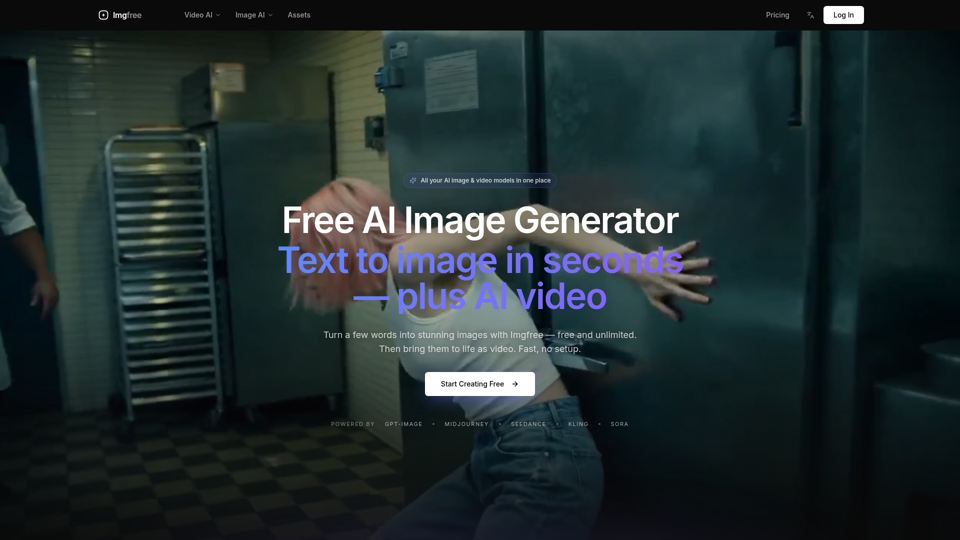
Turn text into images for free — Imgfree 1.0 is free and unlimited, no credits. Also use GPT-Image, Midjourney, Nano Banana and Flux, plus AI video, all in one place.
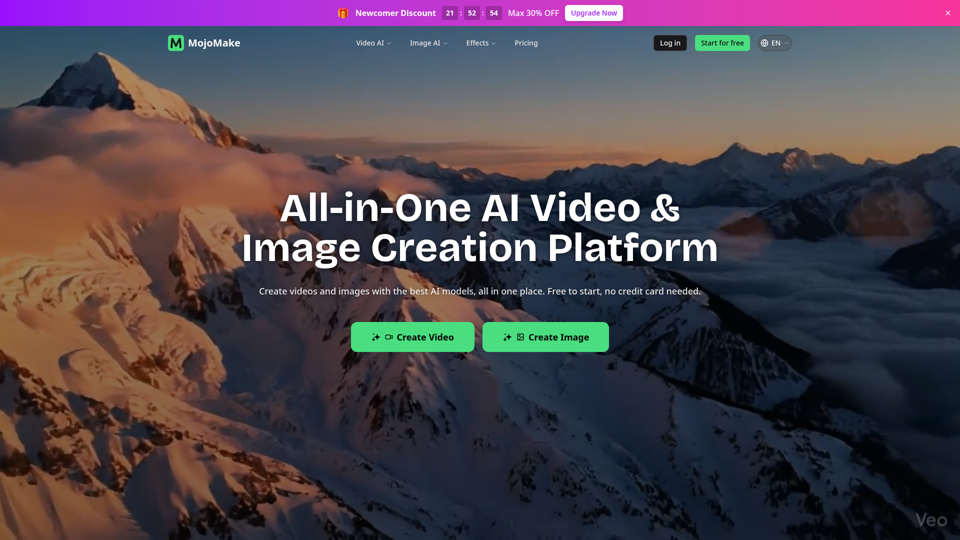
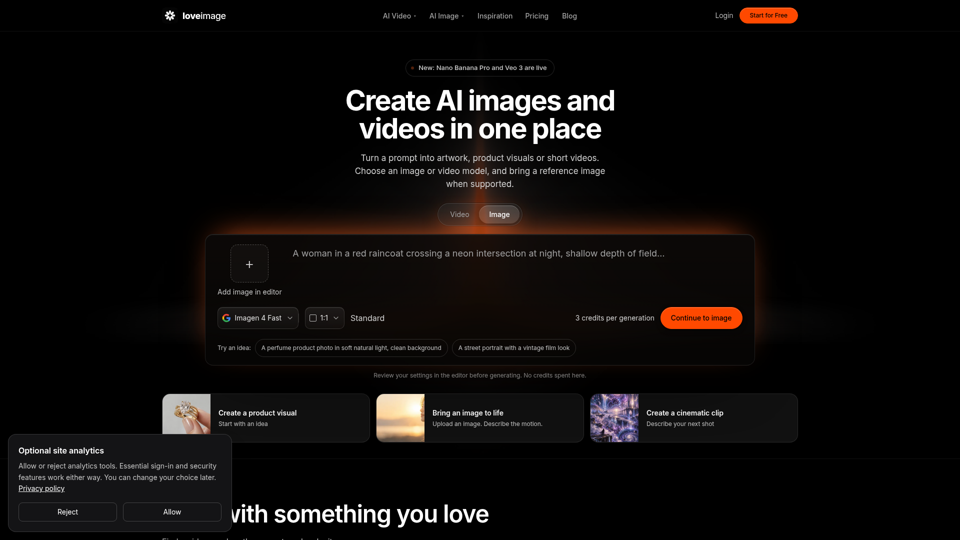
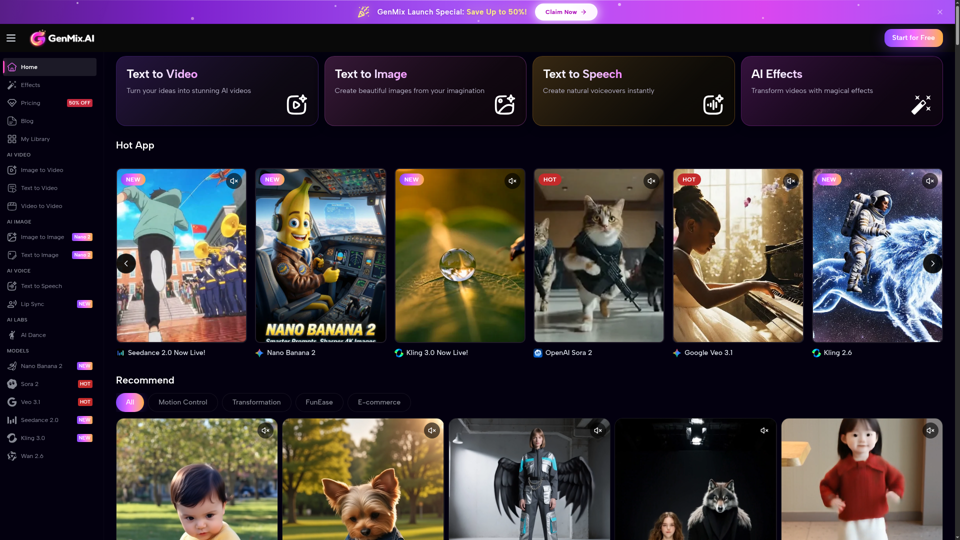
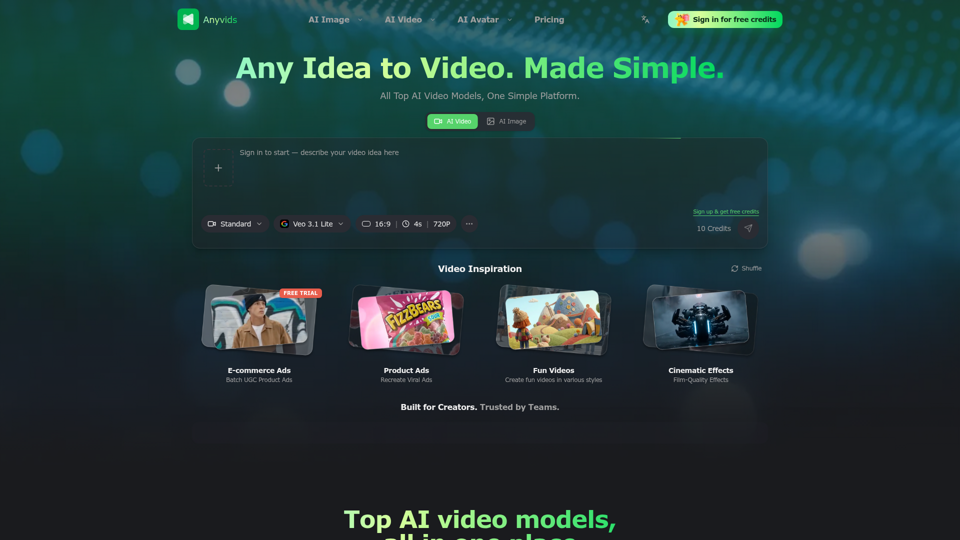
The free all‑in‑one AI image & video generator using top AI models in one place. Pricing you can trust—clear billing, credit usage & refunds. | Anyvids.ai